
Artiphoria AI is an advanced AI tool that enables users to quickly generate stunning images using artificial intelligence. It simplifies the process of creating unique digital art with just a few clicks, perfect for creators looking for fast and beautiful visuals.
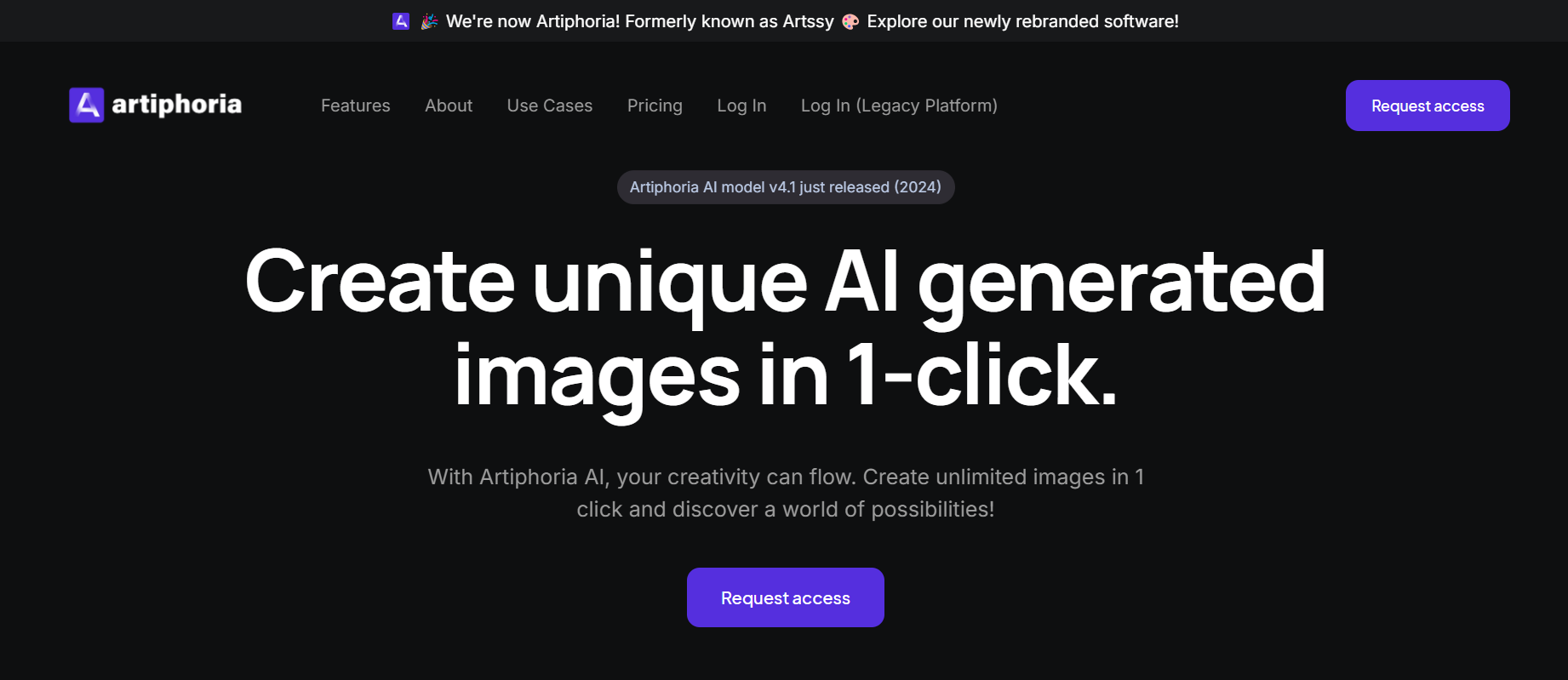
What is Artiphoria AI?
Artiphoria AI is a creative AI image generator designed to make digital artwork accessible to everyone. This AI tool allows users to create unique images in seconds by leveraging cutting-edge AI algorithms. Whether you're a designer, artist, or just someone with an idea, Artiphoria AI helps you bring your imagination to life without needing any artistic skills. With an array of art styles and customization options, it's designed for anyone looking to create visually captivating content quickly and easily.
What Can You Do With Artiphoria AI?
Artiphoria AI is highly versatile, offering users a range of creative options. You can generate art in various styles, apply artistic effects, and experiment with different moods and mediums. This AI tool caters to various needs, from graphic design and photography to advertising and print-on-demand services. You can create everything from simple visuals to complex pieces, making it ideal for both personal and commercial use.
Key Features of Artiphoria AI
- Wide Variety of Art Styles: Artiphoria AI supports over 30 art mediums, allowing users to create images that range from photorealistic to abstract.
- Customization Options: With more than 20 moods and multiple effects, you can tailor each piece to your specific vision.
- High-Resolution Outputs: The tool offers outputs up to 4K resolution, perfect for high-quality prints or digital displays.
- Quick and Easy: Designed for efficiency, Artiphoria AI lets users generate images in a single click, saving time and effort.
- Flexible Plans: With different pricing tiers, Artiphoria AI accommodates a range of needs, from hobbyists to professionals requiring unlimited image generation.
Benefits of Using Artiphoria AI
Artiphoria AI makes it easy to bring creative ideas to life without the need for professional design skills. It saves time by simplifying the image creation process, making it accessible to anyone who needs quality visuals quickly. For businesses, it’s a great way to produce advertising content and custom designs at a fraction of the cost of traditional methods. The tool’s versatility also means it can be adapted to various projects, whether you’re designing for a personal project or creating content for a brand.
Artiphoria AI Pricing
Artiphoria AI offers three pricing tiers:
Starter Plan - $49 per month (or $480 annually)
- 2,000 AI image credits per month
- 30+ Art Mediums, 10+ Art Styles, and 20+ Moods
- Includes options like 3D Renders, Photorealistic, Volumetric Lighting, and Digital Art at 4K resolution
Pro Plan - $179 per month (or $1,500 annually)
- 10,000 AI image credits per month
- All features included in the Starter Plan with the same customization and quality options
Enterprise Plan - $399 per month (or $3,350 annually)
- 30,000 AI image credits per month
- Additional credits can be added at $100 per 10,000 credits
- Full feature access with advanced customization options
Tips and Best Practices for Artiphoria AI
- Experiment with Styles: Try different styles and moods to find the perfect match for your project.
- Use the Trial Period: Explore all the features during the seven-day trial to understand which plan suits your needs.
- Leverage High-Resolution Outputs: Use the 4K output option if you’re planning to print or display your images on large screens.
- Maximize Image Credits: If you reach your image credit limit, consider upgrading to a plan with more credits to ensure you have ample resources.
FAQs
- How does Artiphoria AI work?
Artiphoria AI uses AI algorithms to generate unique images based on your preferences and input. - Can I use Artiphoria AI for commercial projects?
Yes, Artiphoria AI allows you to create content suitable for commercial use, like advertising and print-on-demand. - What happens if I exceed my image credits?
If you reach your credit limit, you can either upgrade to a higher plan or wait until your credits renew. - Is the generated art unique?
Yes, Artiphoria AI ensures that each image is unique, making it ideal for projects that require originality. - Can I cancel my subscription anytime?
Yes, Artiphoria AI offers flexible subscription options that you can cancel or modify at any time.
Key Platforms
Core Service Areas:

Instant Image Generation
User-Friendly Interface
Unique Art Styles
Customizable Parameters
High-Resolution Outputs
Creative Inspiration Tools
Frequently Asked Questions About Artiphoria
01
What types of images can I create using Artiphoria?
Artiphoria allows you to create a wide range of images, including abstract art, illustrations, landscapes, and more, all tailored to your creative vision.
02
Do I need any prior design experience to use Artiphoria?
No prior design experience is necessary! Artiphoria is designed to be user-friendly, making it accessible for everyone, from beginners to experienced artists.
03
How does Artiphoria generate images?
Artiphoria uses advanced artificial intelligence algorithms that analyze user inputs and generate unique images based on those specifications, allowing for a high degree of customization.
04
Can I download and use the images created with Artiphoria for commercial purposes?
Yes, images created with Artiphoria can be downloaded and used for commercial purposes, but please review our terms of service for specific guidelines.
05
Is there a limit to how many images I can create with Artiphoria?
There may be limits based on the subscription plan you choose. Check our pricing page for detailed information on the number of images you can create.
Promote Artiphoria
Get Artiphoria in front of thousands of buyers actively searching for AI tools. Feature your listing on the homepage and category pages, or add the verified badge to your site.
Copy Embed Code

Share on

Related AI Tools
Explore related AI tools for diverse applications and enhanced productivity

Unlock the best AI Tools for you!
Login or Approve this tool to continue exploring features and analytics.

