

iLikeIMG is a free AI-powered platform with 60+ online tools for editing, enhancing, and generating images and videos directly from your browser.
What is iLikeIMG?
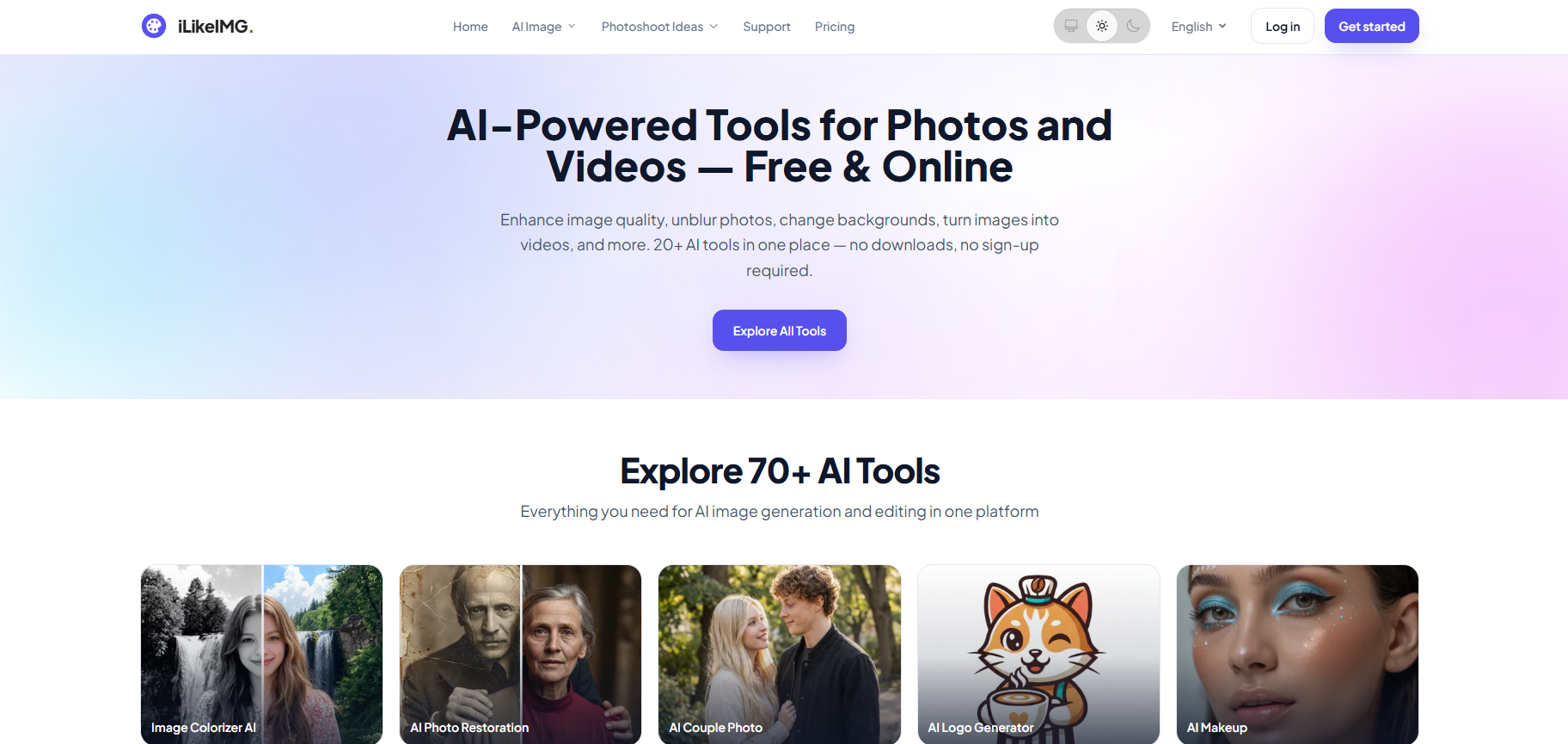
iLikeIMG is a free, browser-based AI platform that provides more than 60 tools for image and video editing, enhancement, and content creation. It enables users to edit, restore, and transform visual content without downloading software or requiring advanced design skills. From removing backgrounds and enhancing image quality to generating AI images and converting images into videos, iLikeIMG offers a complete set of creative tools in one place.
The platform is designed for content creators, marketers, designers, e-commerce businesses, students, and everyday users who need fast and reliable image and video editing. With AI-powered automation, users can complete complex editing tasks in just a few clicks, making it easy to create professional-quality visuals directly from a web browser.
What Can You Do with iLikeIMG?
With iLikeIMG, you can:
- Enhance image quality using AI.
- Remove and replace image backgrounds.
- Unblur low-quality photos.
- Restore old and damaged images.
- Generate images from text prompts.
- Swap faces in photos with AI.
- Convert images into AI-generated videos.
- Resize, crop, and compress images.
- Edit photos and videos directly from your browser.
- Access more than 60 AI-powered creative tools without installing software.
Key Benefits
AI-Powered Editing
Edit and enhance photos and videos using advanced AI technology that automates complex editing tasks. Improve image quality, remove unwanted elements, restore old photos, and create professional-looking visuals in just a few clicks.
All-in-One Platform
Access more than 60 AI-powered tools for image and video editing from a single browser-based platform. Manage enhancement, restoration, background removal, AI generation, and other creative tasks without switching between multiple applications.
No Installation Required
Use every tool directly from your web browser without downloading or installing software. Simply upload your files, edit them online, and download the results from any compatible device.
Beginner-Friendly
The intuitive interface makes it easy for beginners and professionals to edit images and videos without technical knowledge. AI automates the editing process while providing fast and reliable results.
Fast Processing
Complete editing tasks within seconds using AI-powered automation. Quickly enhance images, remove backgrounds, restore photos, and generate creative content while saving time compared to manual editing.
Multiple Creative Tools
Create high-quality visual content using AI image generation, background removal, photo restoration, face swapping, image enhancement, image-to-video conversion, and many other creative tools available on one platform.
Cross-Device Access
Access iLikeIMG from desktops, laptops, tablets, and smartphones using any modern web browser. Your editing workflow remains simple and accessible without requiring dedicated software.
Free to Get Started
Most AI-powered tools are available for free, allowing users to edit and enhance visual content without upfront costs. Premium plans provide higher usage limits, faster processing, and access to additional advanced features.
Key Platforms
Core Service Areas:

60+ AI Editing Tools
AI Image Enhancer
Background Remover
AI Photo Restoration
AI Image Generator
Face Swap Tool
Pros
- Offers 60+ AI-powered tools for image and video editing in one platform.
- Free to use with no software installation required.
- Browser-based platform that works across desktop and mobile devices.
- Includes AI image enhancement, background removal, and photo restoration.
- Supports AI image generation from text prompts.
- Simple and user-friendly interface for beginners and professionals.
- Fast AI processing for quick editing and content creation.
- No sign-up required for basic features.
- Suitable for content creators, marketers, designers, and businesses.
- Regularly updated with new AI-powered editing tools.
Cons
- Free plan includes daily usage limits.
- Some advanced features require a premium subscription.
- Processing speed may vary depending on file size and server load.
- AI-generated results may require manual adjustments for the best quality.
- An internet connection is required since the platform is fully web-based.
- Limited advanced manual editing compared to professional desktop software.
- Output quality depends on the uploaded image or video.
- Some premium AI tools and higher processing limits are available only with paid plans.
Frequently Asked Questions About iLikeIMG
01
What is iLikeIMG?
iLikeIMG is a browser-based AI platform that offers more than 60 tools for image and video editing, enhancement, restoration, and content creation. Users can edit visuals online without installing any software.
02
Is iLikeIMG free to use?
Yes. iLikeIMG offers free access to many of its AI-powered tools. Some advanced features and higher usage limits are available through premium subscription plans.
03
Do I need to install any software?
No. iLikeIMG is completely web-based, allowing users to access all tools directly from a browser on desktop, tablet, or mobile devices.
04
What file formats does iLikeIMG support?
iLikeIMG supports popular image formats such as JPG, JPEG, PNG, and WebP. Supported output formats may vary depending on the selected tool.
05
Can iLikeIMG remove image backgrounds?
Yes. iLikeIMG includes an AI Background Remover that automatically removes or replaces backgrounds with just a few clicks.
06
Does iLikeIMG enhance image quality?
Yes. The platform offers AI-powered image enhancement tools that improve image resolution, sharpen details, reduce blur, and restore older photos.
07
Can iLikeIMG generate images using AI?
Yes. iLikeIMG includes AI image generation tools that create images from text prompts in various artistic and creative styles.
08
Who should use iLikeIMG?
iLikeIMG is suitable for content creators, marketers, designers, e-commerce businesses, students, and anyone who needs fast and easy image or video editing.
09
Is my uploaded data secure?
Yes. iLikeIMG processes uploaded files securely and follows privacy practices to protect user data during image and video editing.
10
Can beginners use iLikeIMG?
Yes. iLikeIMG features a simple and intuitive interface, making it easy for both beginners and professionals to edit images and videos without technical expertise.
Promote iLikeIMG
Get iLikeIMG in front of thousands of buyers actively searching for AI tools. Feature your listing on the homepage and category pages, or add the verified badge to your site.
Copy Embed Code

Share on

Related AI Tools
Explore related AI tools for diverse applications and enhanced productivity

Unlock the best AI Tools for you!
Login or Approve this tool to continue exploring features and analytics.

