

Wondershare Repairit is an AI-driven data repair solution that fixes corrupted videos, photos, files, and audio across 1,000+ devices.
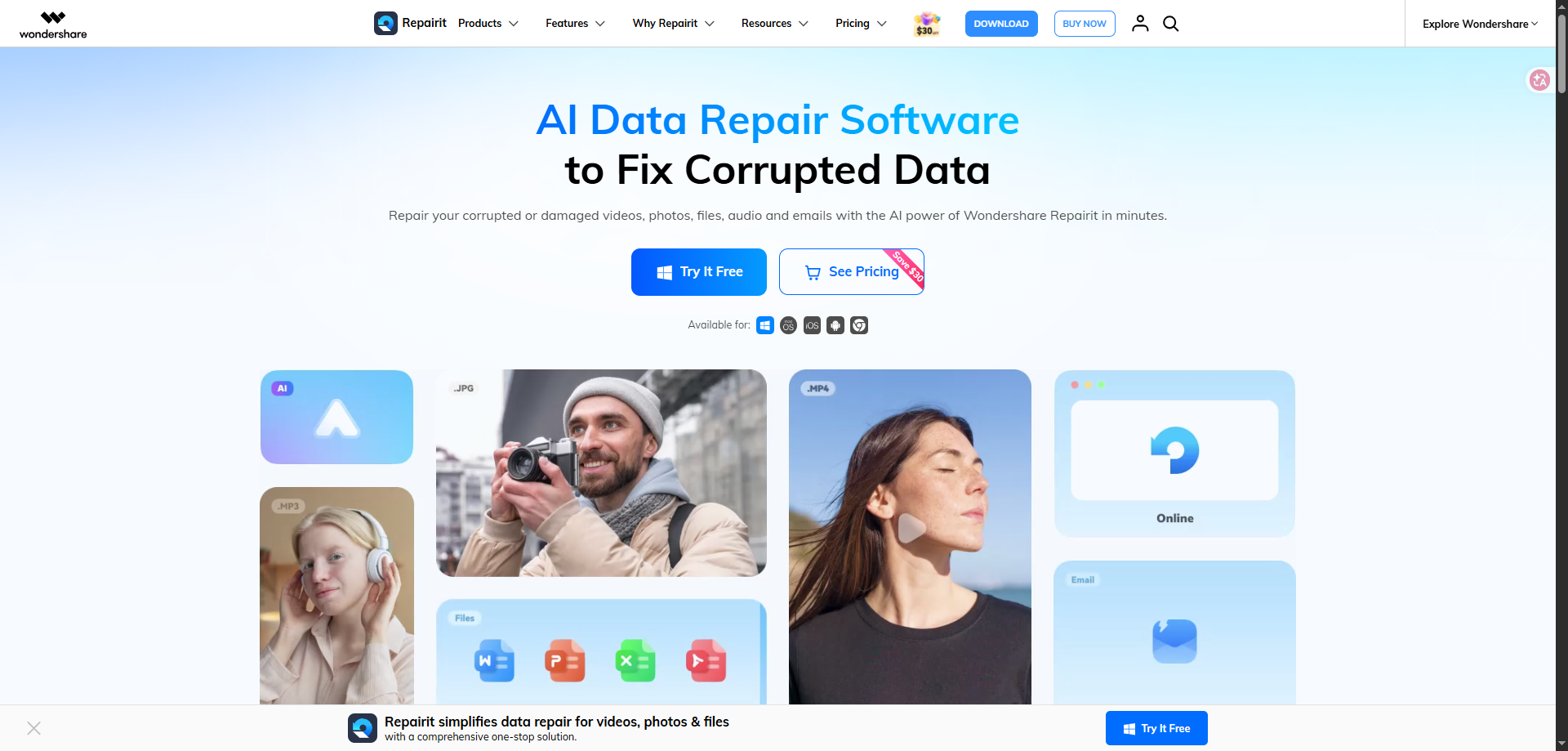
Wondershare Repairit is a cross-platform AI data repair solution built for users who need to fix corrupted, damaged, unopenable, or broken media and document files. It supports video repair, photo repair, audio repair, document repair, ZIP repair, and AI enhancement features.
The tool is useful for creators, photographers, students, businesses, video editors, office users, and anyone dealing with damaged files caused by recording errors, file transfer failures, system crashes, storage issues, or virus attacks. Repairit works on Windows and macOS and also provides online repair options for users who prefer browser-based processing. The official site says Repairit can repair videos, photos, documents, and audio files, while the guide mentions AI video and photo enhancement features.
Key Platforms
Core Service Areas:

AI Video Repair
Advanced Repair with Blueprints
AI Photo Restoration & Colorization
Multi-Format Document Recovery
Cross-Platform Device Compatibility
Batch File Repair
Pros
- Advanced AI repair models for videos, photos, audio, documents, and ZIP files.
- Supports corrupted 4K and 8K video repair.
- Useful for fixing black screen, flickering, stuttering, sync errors, and unplayable videos.
- Advanced Repair mode helps rebuild severely damaged files using a healthy sample file.
- AI photo restoration features support old photo repair, face enhancement, noise removal, and colorization.
- Supports multiple document formats like Word, Excel, PowerPoint, PDF, and ZIP.
- Free scan and preview available before purchase.
- Works on Windows, macOS, and online.
- Batch processing helps repair multiple files together.
- Beginner-friendly interface with simple repair workflow.
- Good for creators, photographers, businesses, students, and office users.
Cons
- Free version allows preview only; exporting repaired files requires a paid plan.
- Advanced Repair mode needs a healthy sample file from the same device for best results.
- Pricing may feel high for users who need only one-time file repair.
- Online repair may not be ideal for users with very private or confidential files.
- Very severely damaged files may not always be fully recoverable.
- Some advanced AI enhancement features may require a separate plan or higher-tier subscription.
- Large video files may take more processing time.
Frequently Asked Questions About Wondershare Repairit
01
What is the difference between standard Repair and Advanced Repair mode?
Standard Repair quickly fixes common file headers and meta-data corruption. Advanced Repair is designed for severely broken files; by uploading a working sample file from the same device, Repairit uses its structure as a blueprint to rebuild the damaged data.
02
Can I verify if my corrupted file can be fixed before paying?
Yes, absolutely. Wondershare Repairit provides a completely free scan and live rendering preview. This allows you to check the exact repair quality of your videos, photos, or documents before buying a subscription.
03
Is my data safe and private when using Wondershare Repairit?
Yes, 100%. The desktop version of Wondershare Repairit processes all files locally on your operating system. Your private media and confidential business documents remain entirely secure on your local machine without cloud uploads.
04
Does Repairit support online repair?
Yes. Repairit provides online repair plans for video, photo, file repair, AI photo enhancement, and AI video enhancement. The online monthly plan is listed from US$9.99/month.
05
Is Wondershare Repairit safe?
Yes, Repairit is developed by Wondershare, a well-known software company. The desktop version repairs files locally, which is useful for users who want to keep sensitive files on their own computer.
06
What is Advanced Repair mode?
Advanced Repair is used for severely damaged files. Users upload a healthy sample file from the same device, and Repairit uses it as a reference to rebuild the corrupted file.
Promote Wondershare Repairit
Get Wondershare Repairit in front of thousands of buyers actively searching for AI tools. Feature your listing on the homepage and category pages, or add the verified badge to your site.
Copy Embed Code

Share on

Related AI Tools
Explore related AI tools for diverse applications and enhanced productivity

Unlock the best AI Tools for you!
Login or Approve this tool to continue exploring features and analytics.

