
Table Of Contents
Best AI Coding Assistant Tools in 2026
Published on : Nov 14 2025

The landscape of software development has undergone a remarkable transformation with the emergence of AI coding assistants. These intelligent tools harness the power of large language models (LLMs) to revolutionize how developers write, debug, and maintain code. From generating complete functions based on natural language prompts to automating tedious tasks like documentation and testing, AI assistants have become indispensable companions in modern development workflows.
The benefits are tangible and measurable. Development teams report significant productivity gains, with some developers completing tasks up to 55% faster when using AI assistance. Error rates decrease as these tools catch potential bugs before they reach production. Code quality improves through intelligent refactoring suggestions and adherence to best practices. Perhaps most impressively, these assistants support dozens of programming languages and integrate seamlessly with popular IDEs, making them accessible to developers regardless of their tech stack.
However, the rapid evolution of this space presents challenges. With new tools launching monthly and existing ones constantly adding features, selecting the right assistant can feel overwhelming. Integration complexities arise when connecting AI tools to existing workflows, CI/CD pipelines, and team processes. Developers must also navigate the free-versus-paid landscape, weighing whether premium features justify subscription costs or if free alternatives meet their needs.
How We Selected the Best AI Coding Tools
Evaluation Criteria
Our selection process employed rigorous criteria to ensure we recommend only the most capable and reliable tools:
Syntax and Language Support: We prioritized tools offering robust support for major languages including Python, JavaScript, Java, and Rust, while rewarding those with broader multi-language compatibility. The best assistants understand language-specific idioms and conventions rather than applying generic patterns.
Core Functionalities: Beyond basic autocompletion, we evaluated sophisticated capabilities like intelligent code generation from natural language, proactive error detection with suggested fixes, automated test generation, context-aware refactoring, code explanations for learning, and real-time collaboration features for teams.
Integration and Usability: Seamless integration determines whether a tool becomes part of your daily workflow or sits unused. We tested integration with popular IDEs (VS Code, JetBrains suite, Vim), terminal environments, CI/CD pipelines like GitHub Actions and Jenkins, and Git workflows including PR reviews and commit assistance.
Performance Metrics: The most impressive AI assistants demonstrate strong context awareness, understanding entire codebases rather than isolated files. We measured speed and accuracy across various tasks, evaluated scalability for both individual developers and enterprise teams, and assessed how well tools maintain performance as projects grow.
Security and Privacy: With code representing valuable intellectual property, we scrutinized data handling practices, distinguishing between tools processing code locally versus those sending it to cloud servers. We verified compliance with standards like SOC 2 and GDPR, and tested mechanisms for reducing AI hallucinations that could introduce vulnerabilities.
Pricing and Accessibility: We evaluated free tiers to determine if they provide genuine value or merely serve as limited demos. For paid options, we assessed whether subscription models offer fair value for individuals versus teams, considering factors like seat limits, feature restrictions, and total cost of ownership.
Testing Methodology
Our hands-on evaluation involved real-world testing across diverse projects. We built Jekyll static sites, developed full-stack applications with React frontends and Node.js backends, conducted code reviews on pull requests, and refactored legacy codebases. This practical approach revealed how tools perform under actual development conditions rather than in controlled demonstrations.
We supplemented our testing with community insights, analyzing feedback from experienced developers on platforms like Reddit, GitHub discussions, and professional forums. We compared tools head-to-head on identical tasks to identify performance differences that matter in daily use.
Importantly, we emphasized tools that transcend basic autocompletion, focusing on those offering agentic workflows where the AI can plan and execute multi-step tasks, multi-agent systems that combine specialized models for different aspects of development, and advanced features that genuinely accelerate development rather than simply predicting the next line of code.
Top 12 AI Coding Assistant Tools
From an initial pool of AI coding tools, we've curated the 12 that truly stand out. This selection balances proven favorites like GitHub Copilot with innovative newcomers like Cursor and Bolt.new. We've organized them loosely by type-IDE extensions for native integration, browser-based platforms for accessibility, terminal and CLI agents for workflow automation, and specialized platforms for enterprise needs-to help you navigate directly to tools matching your preferred development environment.
1. GitHub Copilot
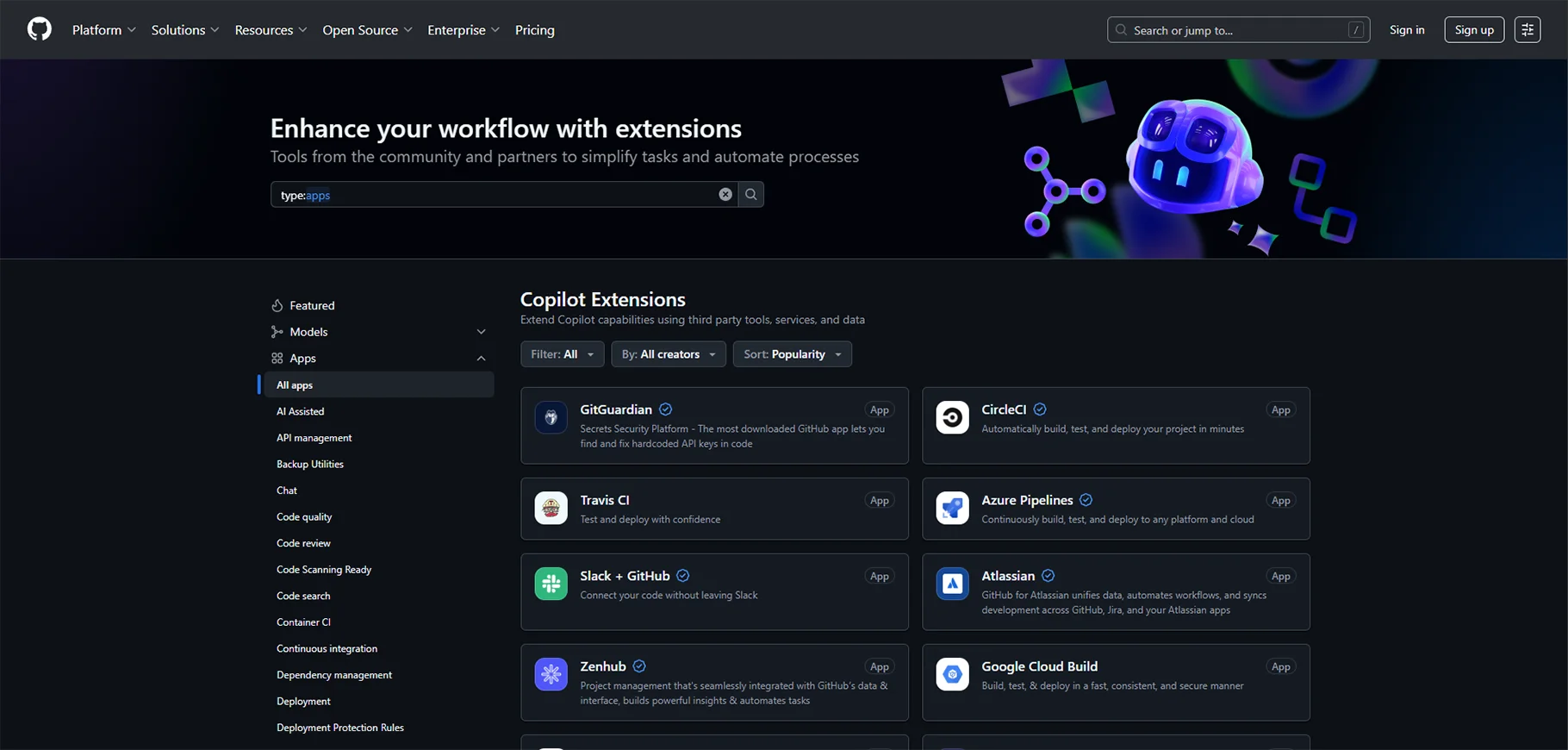
As one of the pioneering AI coding assistants, GitHub Copilot has matured into a sophisticated development partner. Built on OpenAI's technology and deeply integrated with the GitHub ecosystem, it transforms how developers interact with their codebases.
Key Features:
- Inline autocompletion that suggests entire functions, not just lines
- Conversational chat interface for debugging assistance and PR reviews
- Multi-model support including GPT-4o and Claude for enhanced flexibility
- Contextual awareness spanning multiple files in your project
- Voice coding capabilities for hands-free development
Pros:
- Unmatched integration with GitHub workflows and repositories
- Strong contextual understanding of project structure and dependencies
- Regular updates incorporating latest AI advancements
- Extensive language support covering 20+ programming languages
Cons:
- Subscription required for full feature access beyond limited free tier
- Occasional suggestions require careful review for accuracy
- Privacy concerns for developers working with sensitive codebases
Pricing: $10/month for individuals; $19/month for business teams; free for verified students and open-source maintainers
Best Use Cases: Ideal for developers heavily invested in the GitHub ecosystem, teams conducting frequent code reviews, and projects requiring multi-language support.
2. Tabnine
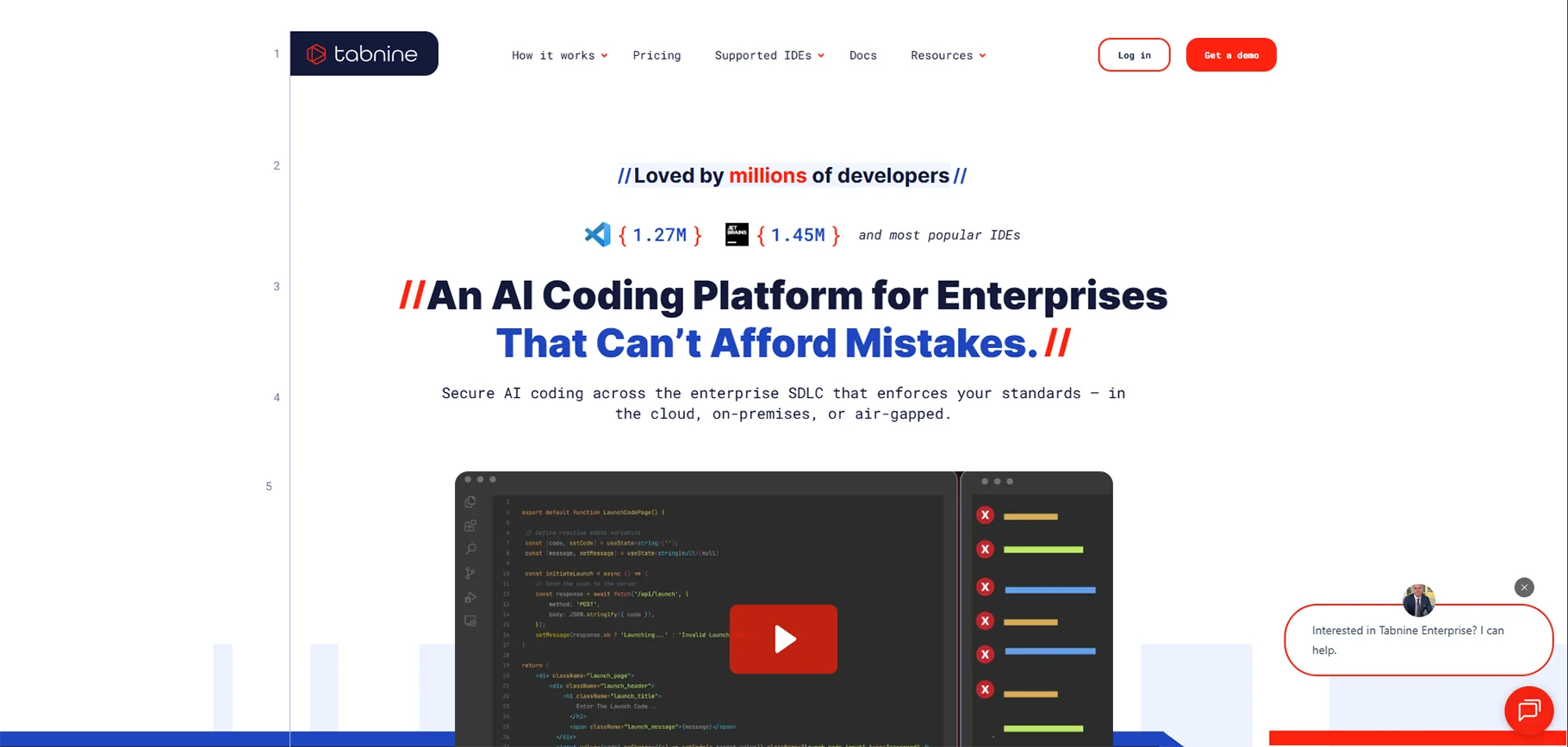
Tabnine distinguishes itself through adaptability and privacy-consciousness. It learns your coding style over time, providing increasingly personalized suggestions while offering options for completely local processing.
Key Features:
- Style-adaptive completions that match your team's conventions
- Intelligent error detection with contextual fixes
- Local privacy mode keeping code entirely on your machine
- Custom model training on your proprietary codebase
- Real-time collaboration features for pair programming
Pros:
- Lightning-fast suggestion speed with minimal latency
- Highly customizable to team standards and preferences
- Supports over 30 programming languages and frameworks
- Strong privacy options appealing to enterprise security requirements
Cons:
- Free tier offers limited functionality
- Advanced features require paid subscription
- Custom model training has a learning curve
Pricing: Free basic tier; Pro at $12/month per user; Enterprise with custom pricing
Best Use Cases: Perfect for privacy-focused teams, organizations requiring on-premise deployment, and companies wanting AI trained on their specific codebase patterns.
3. Cursor
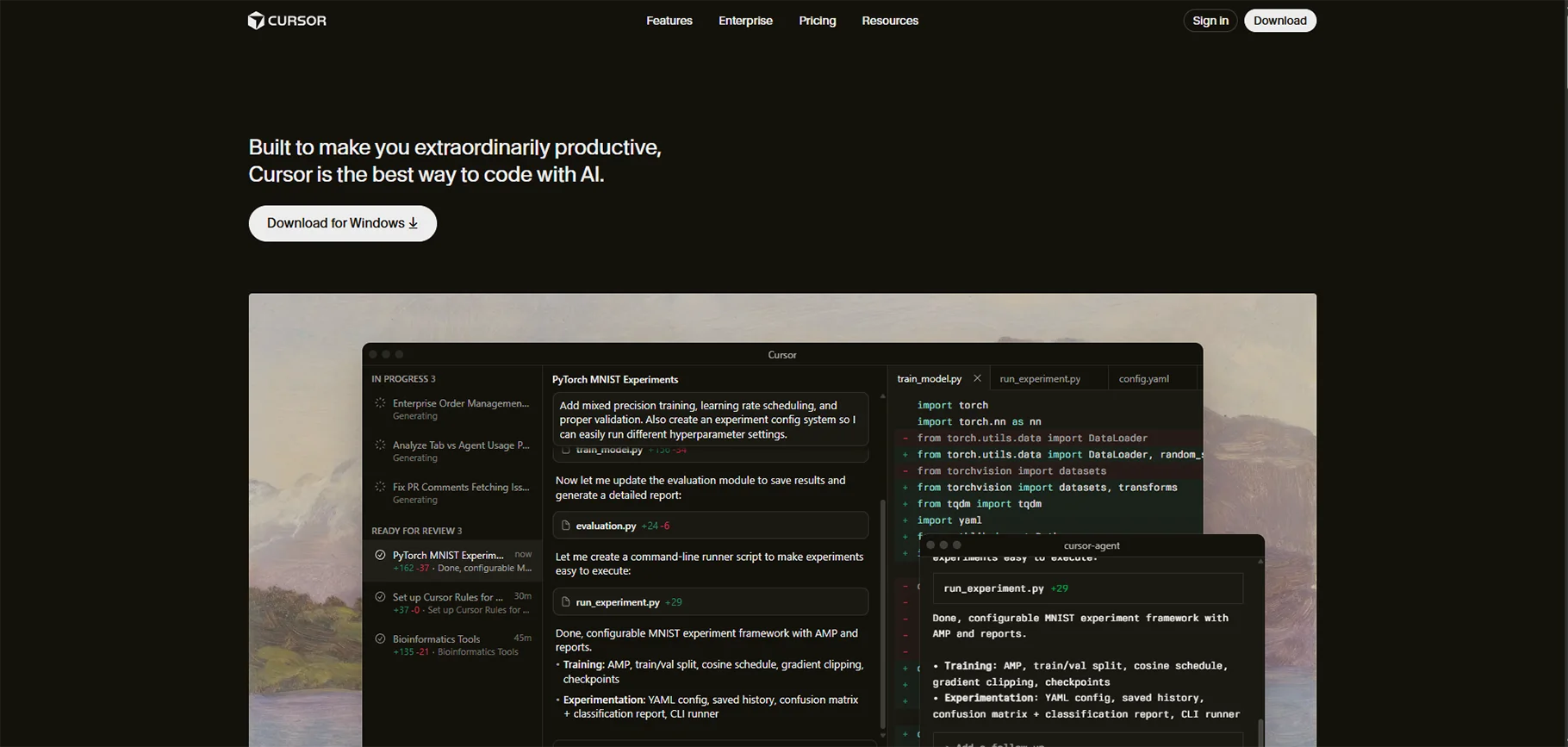
Cursor reimagines the code editor by forking VS Code and infusing AI capabilities throughout the entire interface. It's not just an extension but a complete development environment designed from the ground up for AI-assisted coding.
Key Features:
- Agent mode that can autonomously complete complex multi-step tasks
- Multi-file editing with changes coordinated across your project
- Inline chat embedded directly in your code
- Codebase-wide search and reasoning capabilities
- Terminal integration for command execution
Pros:
- Familiar VS Code interface reducing learning curve
- Advanced refactoring capabilities beyond simple find-and-replace
- Composer feature for natural language project generation
- Strong community and rapid feature development
Cons:
- Can be resource-intensive, particularly on Linux systems
- Some VS Code extensions may have compatibility issues
- Learning curve for leveraging full agent capabilities
Pricing: Free tier with limited requests; Pro at $20/month; Business at $40/month per user
Best Use Cases: Developers seeking a complete AI-native editor experience, teams wanting advanced refactoring tools, and projects benefiting from agentic task automation.
4. Amazon Q Developer
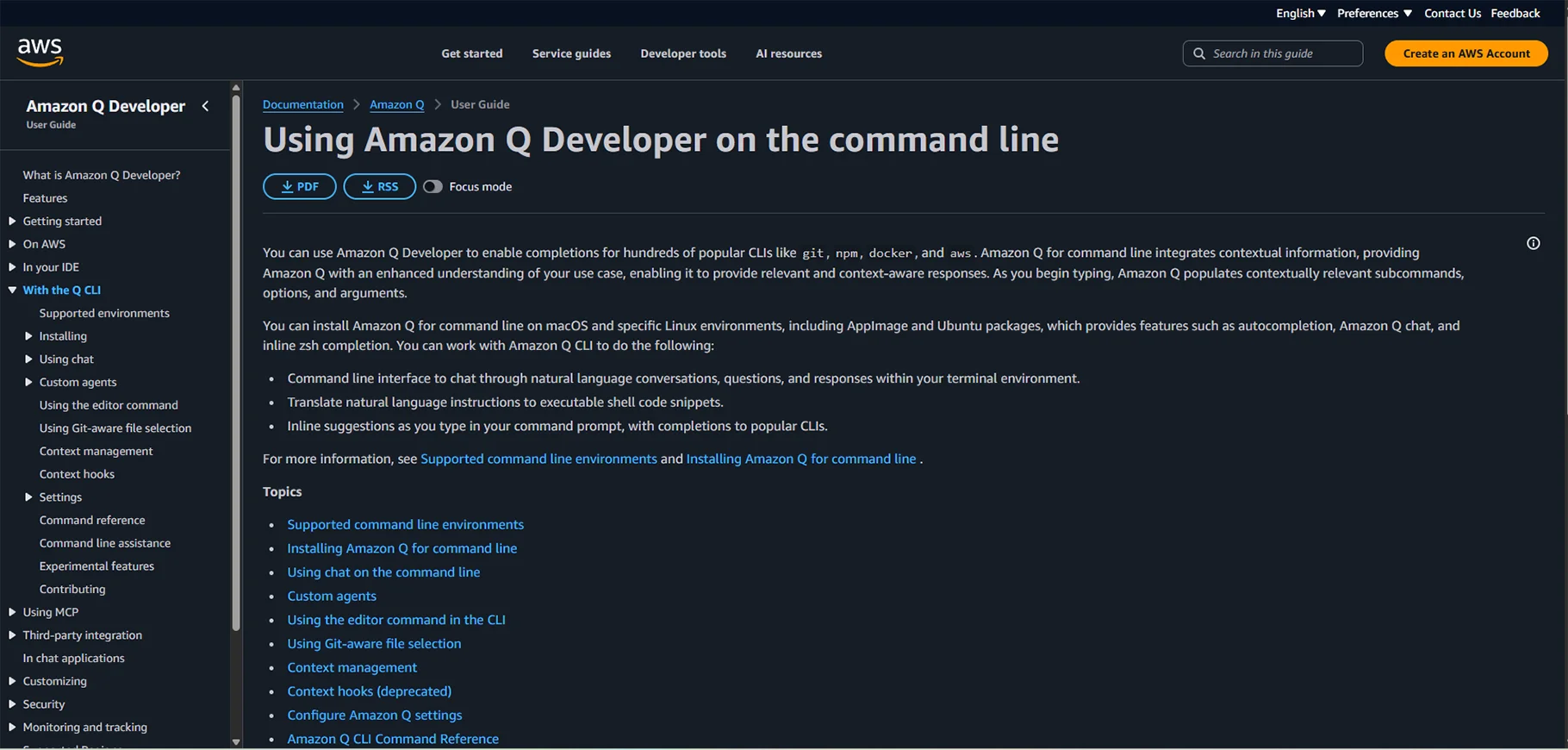
Amazon Q Developer brings AWS's cloud expertise to the coding assistant space. It excels at generating cloud-native code and understanding AWS service architectures, making it invaluable for cloud-focused development.
Key Features:
- AWS-optimized code generation for services like Lambda, S3, and DynamoDB
- Built-in security scans identifying vulnerabilities and compliance issues
- Natural language task automation for AWS operations
- Multi-IDE support including VS Code, JetBrains, and Visual Studio
- Command-line interface for terminal-based workflows
Pros:
- IAM-secured integration with AWS accounts
- Deep understanding of AWS best practices and patterns
- Automatic documentation generation for cloud resources
- Free tier generous enough for most individual developers
Cons:
- Heavily AWS-centric, less useful for other cloud platforms
- Steeper learning curve for developers new to AWS
- Some features require AWS account connection
Pricing: Free tier with substantial limits; Pro at $19/month per user
Best Use Cases: AWS-focused development teams, serverless application builders, and organizations requiring AWS security compliance.
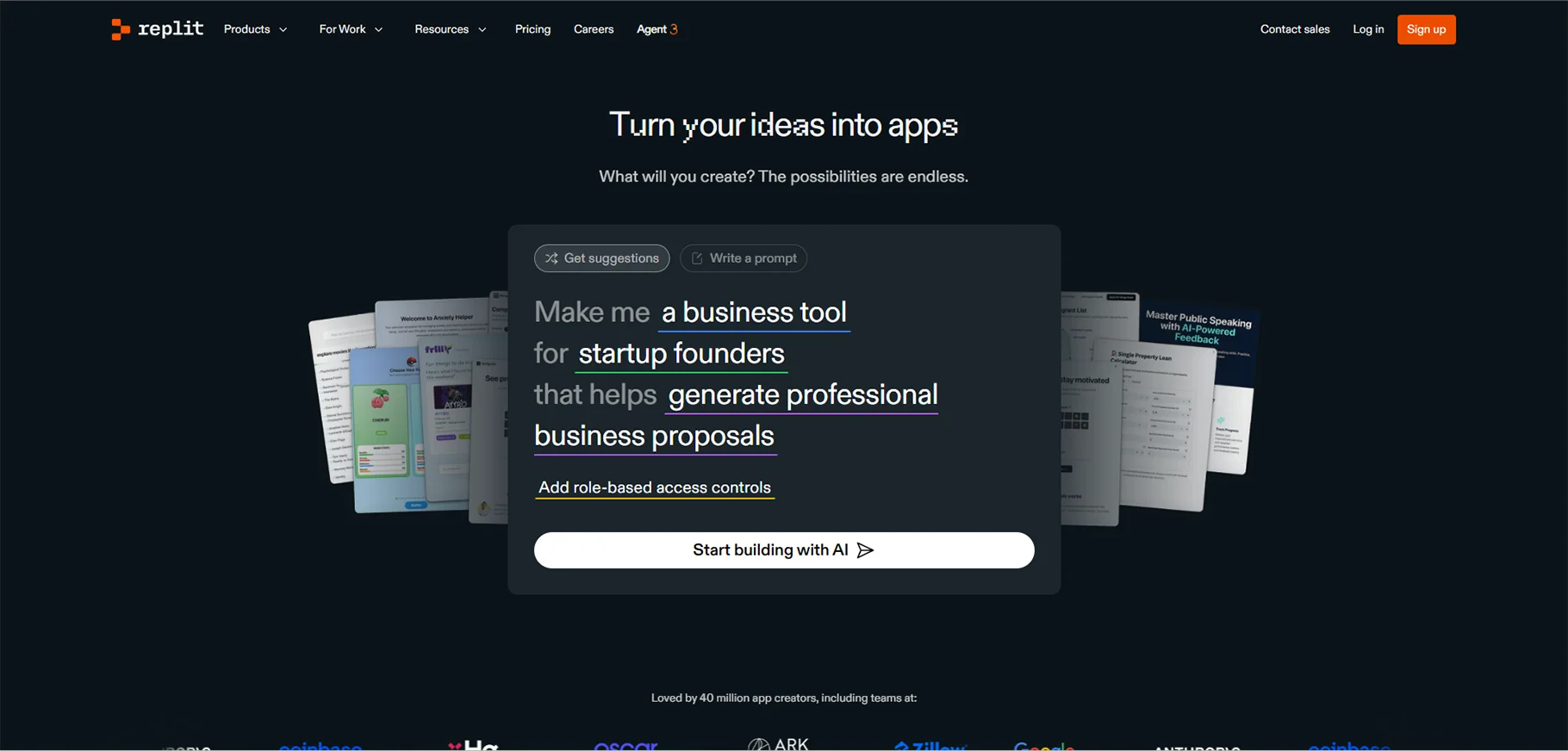
5. Replit
Replit eliminates setup friction by providing a complete development environment accessible through your browser. Its AI features integrate seamlessly with collaborative coding capabilities, making it excellent for learning and rapid prototyping.
Key Features:
- Zero-configuration interactive development environment
- Intelligent bug detection highlighting issues as you code
- Code explanations helping developers understand complex logic
- Real-time multiplayer collaboration for pair programming
- Instant deployment capabilities for web applications
Pros:
- Completely browser-based requiring no local setup
- Excellent for teaching and learning programming
- Strong community with shareable project templates
- Built-in version control and hosting
Cons:
- Internet dependency can limit productivity offline
- Performance constraints compared to native development
- Limited control over development environment configuration
Pricing: Free starter tier; Core at $20/month; Teams with custom pricing
Best Use Cases: Educational environments, rapid prototyping sessions, collaborative coding interviews, and developers working across multiple devices.
6. Bolt.new
Bolt.new represents the cutting edge of prompt-to-application development. Describe your desired application in natural language, and watch as Bolt generates a complete, functional prototype within minutes.

Key Features:
- Prompt-to-app generation creating full-stack applications
- Live preview windows showing real-time updates
- One-click deployment to production environments
- Support for popular frameworks like React, Vue, and Next.js
- Integrated terminal and file system access
Pros:
- Incredibly fast prototyping from concept to working demo
- Full-stack capabilities handling both frontend and backend
- No local development environment required
- Excellent for client demonstrations and MVPs
Cons:
- Beta-stage product with occasional quirks
- Generated code sometimes requires manual refinement
- Limited to web application development
Pricing: Free tier with limited token allocation; Pro at $20/month
Best Use Cases: Rapid prototyping for stakeholder demonstrations, MVPs for startup validation, and learning full-stack development patterns.
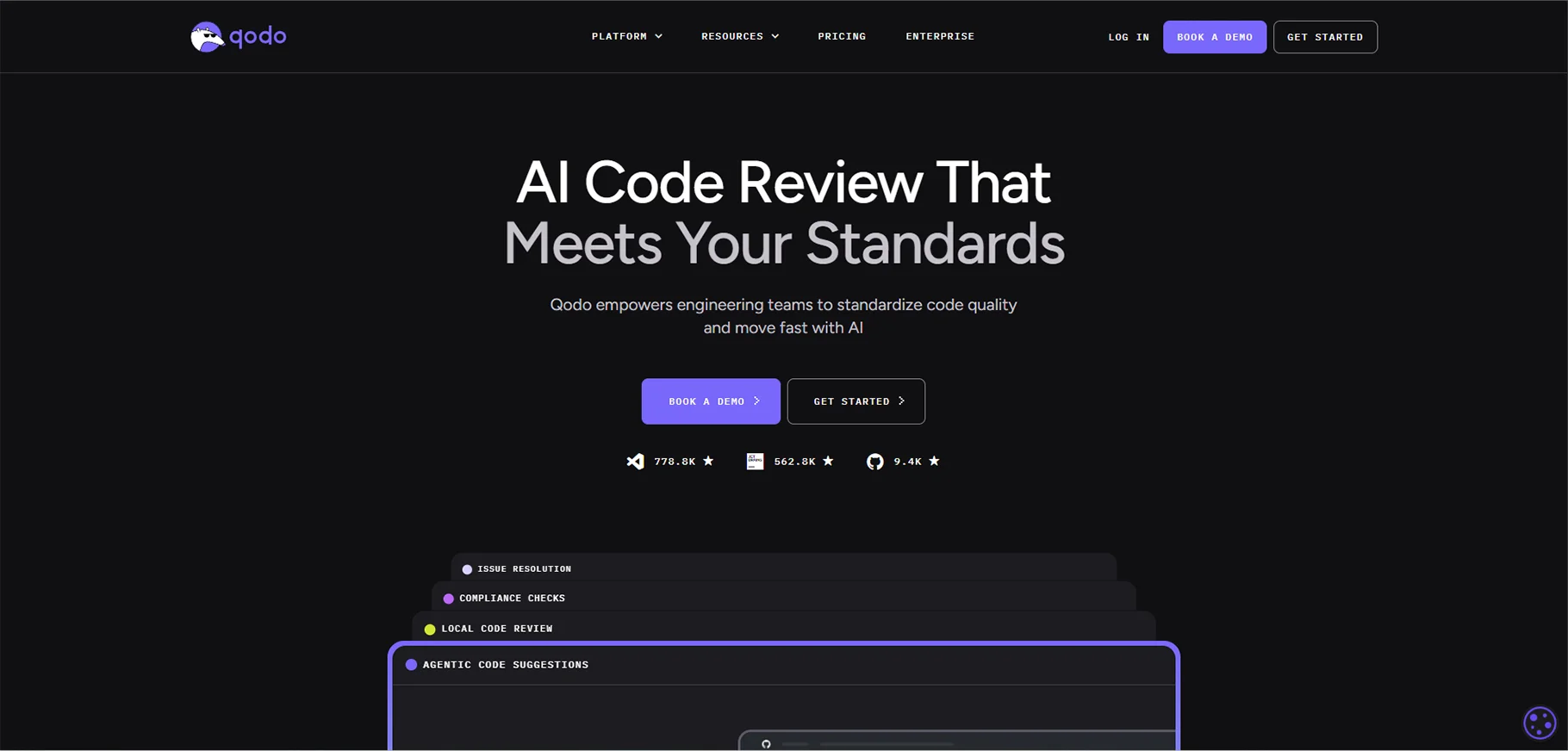
7. Qodo
Qodo takes an enterprise-first approach, offering sophisticated multi-agent systems that cover the entire software development lifecycle. It's designed for teams prioritizing code quality, security, and comprehensive testing.
Key Features:
- Multi-agent code reviews analyzing quality from multiple perspectives
- Automated test coverage analysis and generation
- Pull request risk assessment scoring changes by potential impact
- Integration with popular CI/CD platforms
- SOC 2 Type II compliance for enterprise security
Pros:
- Comprehensive SDLC coverage beyond just coding
- Enterprise-grade security and compliance features
- Detailed analytics on code quality trends
- Customizable review standards matching team policies
Cons:
- Advanced features require paid team plans
- May be overkill for small teams or solo developers
- Setup complexity for full feature utilization
Pricing: Free for individual developers; Teams starting at $30/user/month
Best Use Cases: Enterprise development teams, organizations prioritizing code quality metrics, and companies requiring compliance documentation.
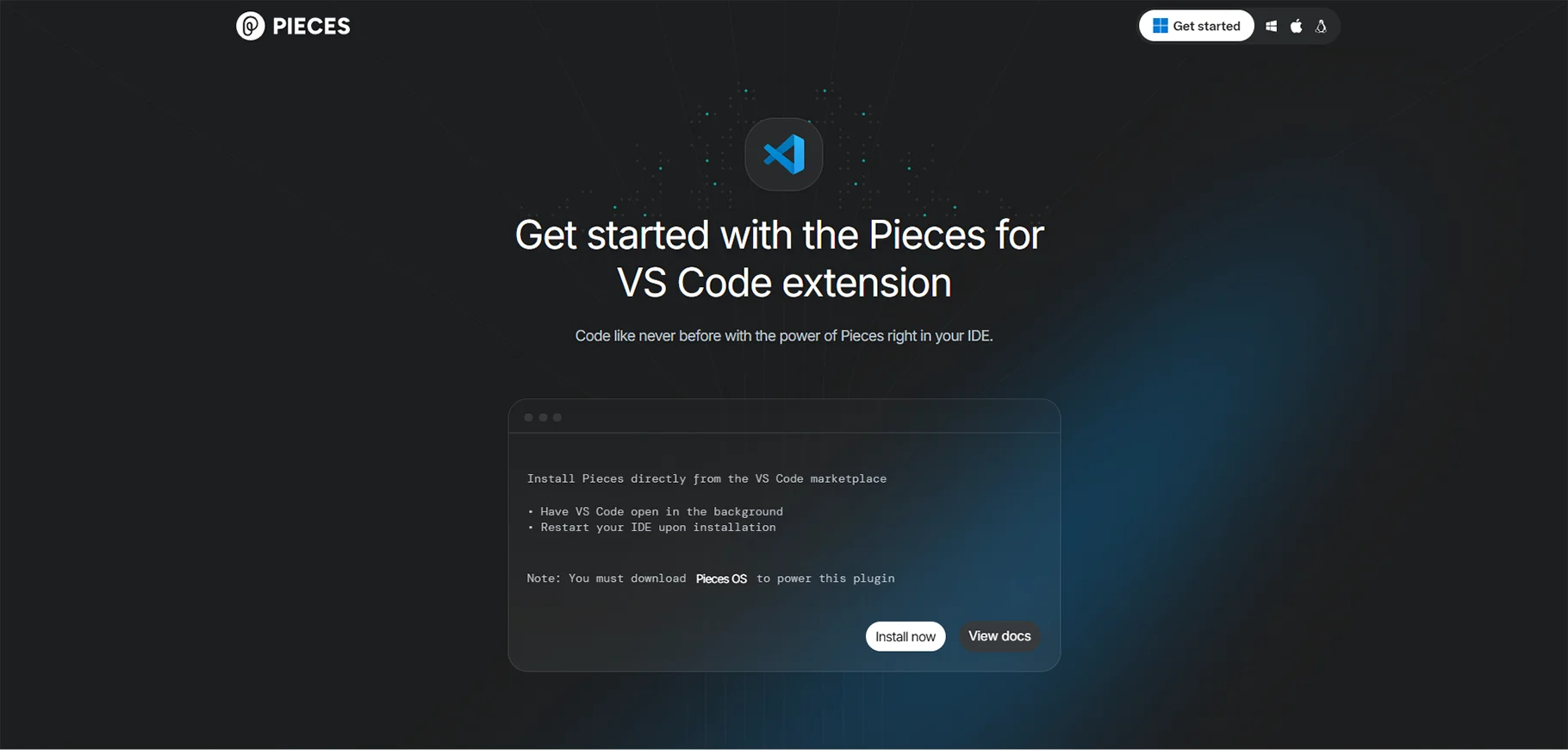
8. Pieces for Developers
Pieces approaches AI assistance through the lens of developer workflow management. It combines code generation with powerful snippet management, creating a personal knowledge base that grows smarter over time.
Key Features:
- Local LLM support keeping sensitive code on your machine
- Intelligent snippet management with contextual organization
- Proactive error detection and suggested fixes
- Long-term memory of your coding patterns and preferences
- Cross-IDE synchronization of saved snippets
Pros:
- Strong privacy focus with offline capabilities
- Unique workflow-centric approach to AI assistance
- Completely free with no feature limitations
- Growing ecosystem of integrations
Cons:
- Can be resource-intensive on older hardware
- Learning curve for maximizing workflow features
- Less mature than some competitors
Pricing: Completely free
Best Use Cases: Privacy-conscious developers, teams building internal snippet libraries, and developers wanting AI without subscription costs.
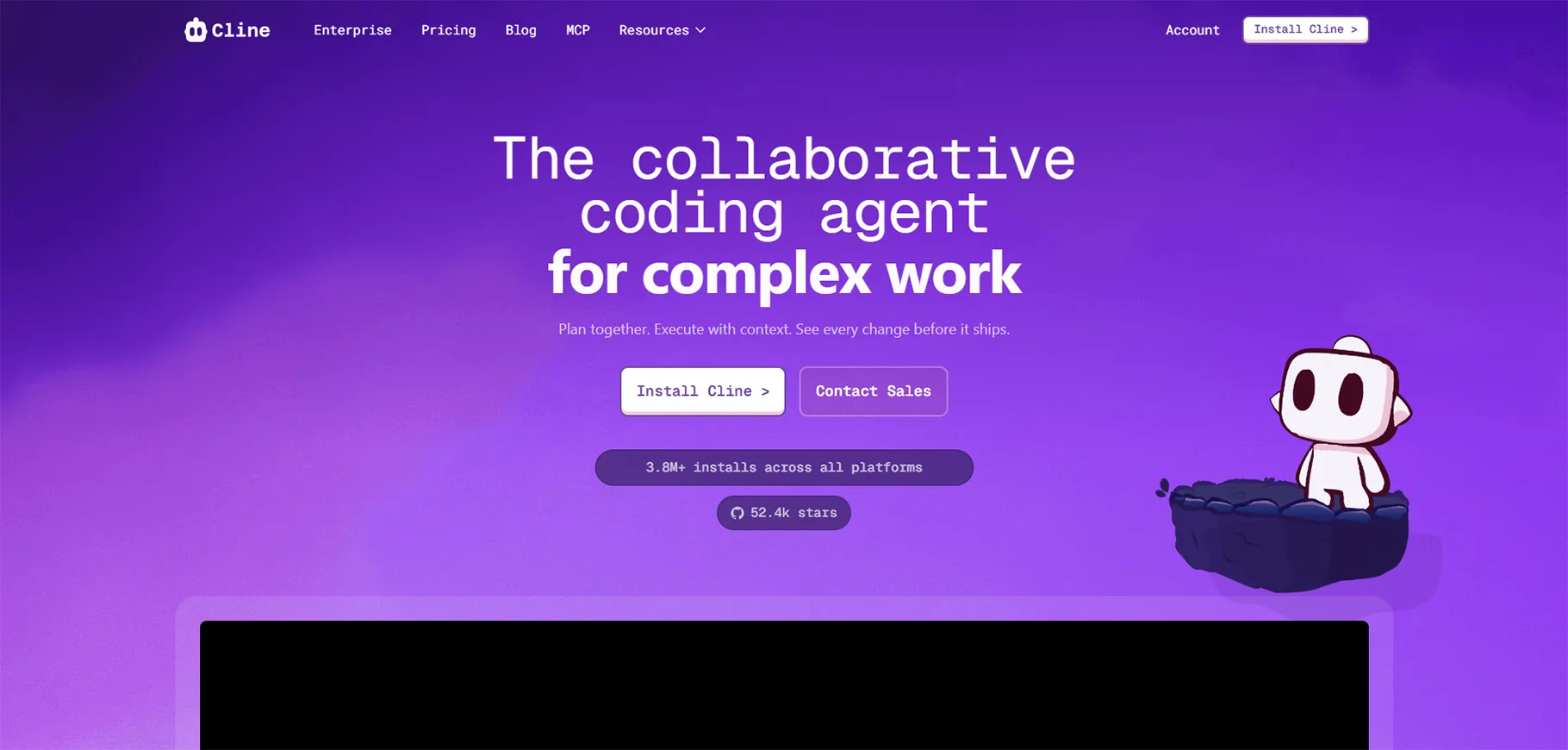
9. Cline
Formerly known as Claude Dev, Cline brings anthropic Claude's capabilities to VS Code through an open-source extension. It emphasizes a plan-then-act workflow, showing its reasoning before making changes.
Key Features:
- Transparent plan/act workflow showing AI reasoning
- Direct terminal control for running commands and scripts
- Support for open-source models beyond commercial APIs
- File system access for comprehensive project modifications
- Customizable prompts and behavior
Pros:
- Local-first architecture prioritizing privacy
- Flexible integration with various LLM providers
- Open-source transparency and community contributions
- No per-seat licensing costs
Cons:
- Requires manual API key setup
- Less polished UX compared to commercial alternatives
- Documentation could be more comprehensive
Pricing: Free extension; requires separate API costs for LLM access
Best Use Cases: Developers wanting maximum control and transparency, teams with existing LLM API subscriptions, and privacy-focused organizations.
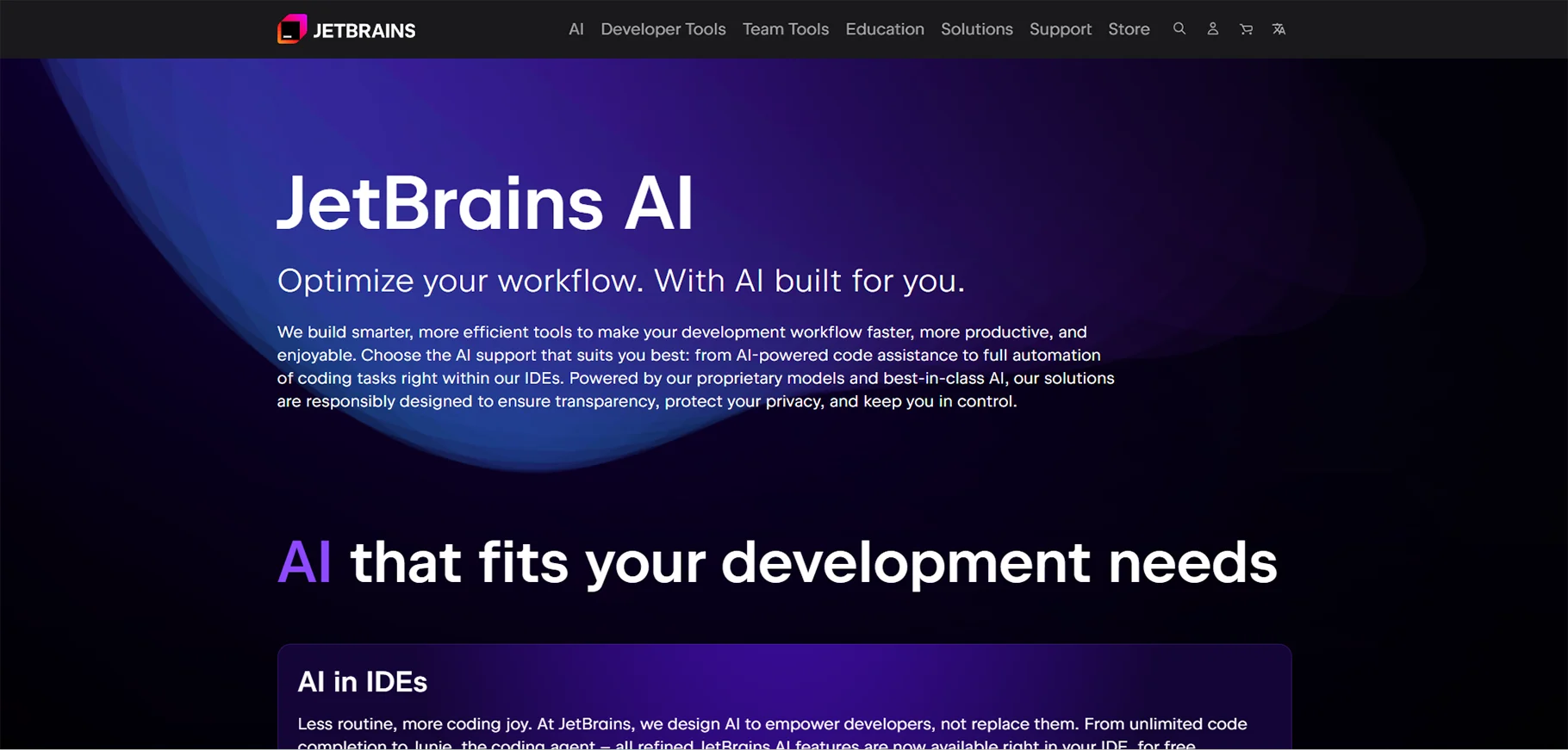
10. JetBrains AI Assistant
For developers committed to the JetBrains ecosystem (IntelliJ IDEA, PyCharm, WebStorm, etc.), the native AI Assistant provides deeply integrated capabilities that understand each IDE's unique features.
Key Features:
- Automated test generation matching JetBrains testing frameworks
- Intelligent commit message generation from code changes
- Cross-language code conversion (e.g., Java to Kotlin)
- Refactoring suggestions leveraging JetBrains' powerful refactoring engine
- Documentation generation in appropriate formats
Pros:
- Seamless integration with JetBrains IDEs
- Understands IDE-specific features and workflows
- Consistent experience across different language IDEs
- Regular updates alongside IDE releases
Cons:
- Requires JetBrains IDE subscription
- Not available outside JetBrains ecosystem
- Feature set smaller than standalone AI tools
Pricing: $10/month (bundled with JetBrains IDE subscription)
Best Use Cases: Committed JetBrains users, polyglot developers using multiple JetBrains IDEs, and teams standardized on JetBrains tools.
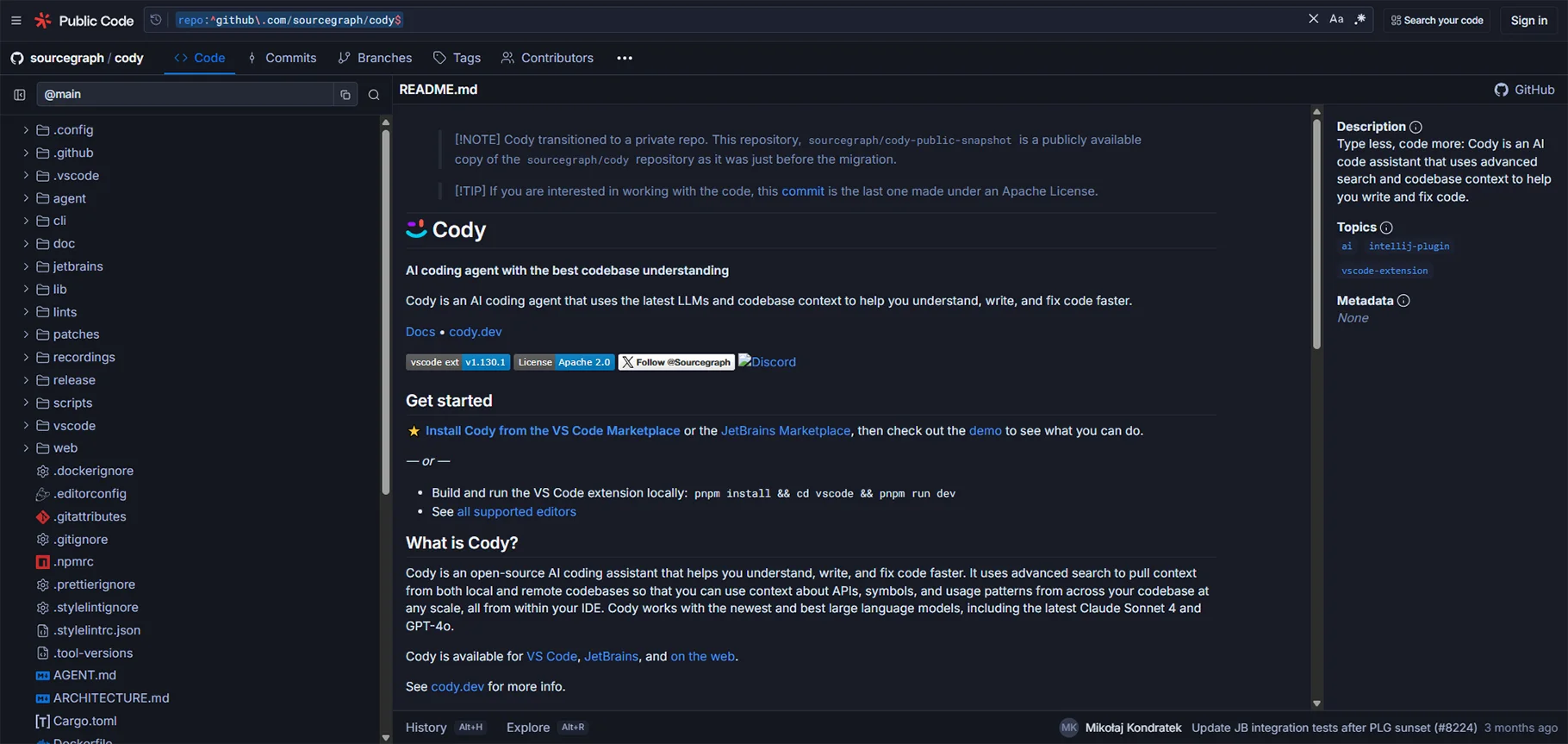
11. Sourcegraph Cody
Cody excels at understanding large, complex codebases through Sourcegraph powerful code search capabilities. It's designed for enterprises managing millions of lines of code across hundreds of repositories.
Key Features:
- Contextual codebase queries understanding project architecture
- Automated unit test generation with repository awareness
- Multi-LLM support choosing optimal models for tasks
- Integration with enterprise code search platforms
- Advanced code navigation and reference finding
Pros:
- Enterprise-scale codebase understanding
- Strong context awareness across large projects
- Flexible LLM backend selection
- Excellent documentation and support
Cons:
- Language support more limited than some competitors
- Pricing can be significant for large teams
- Best features require Sourcegraph platform
Pricing: Starting at $19/user/month; Enterprise with custom pricing
Best Use Cases: Large enterprises with extensive codebases, teams managing microservices architectures, and organizations requiring comprehensive code search.
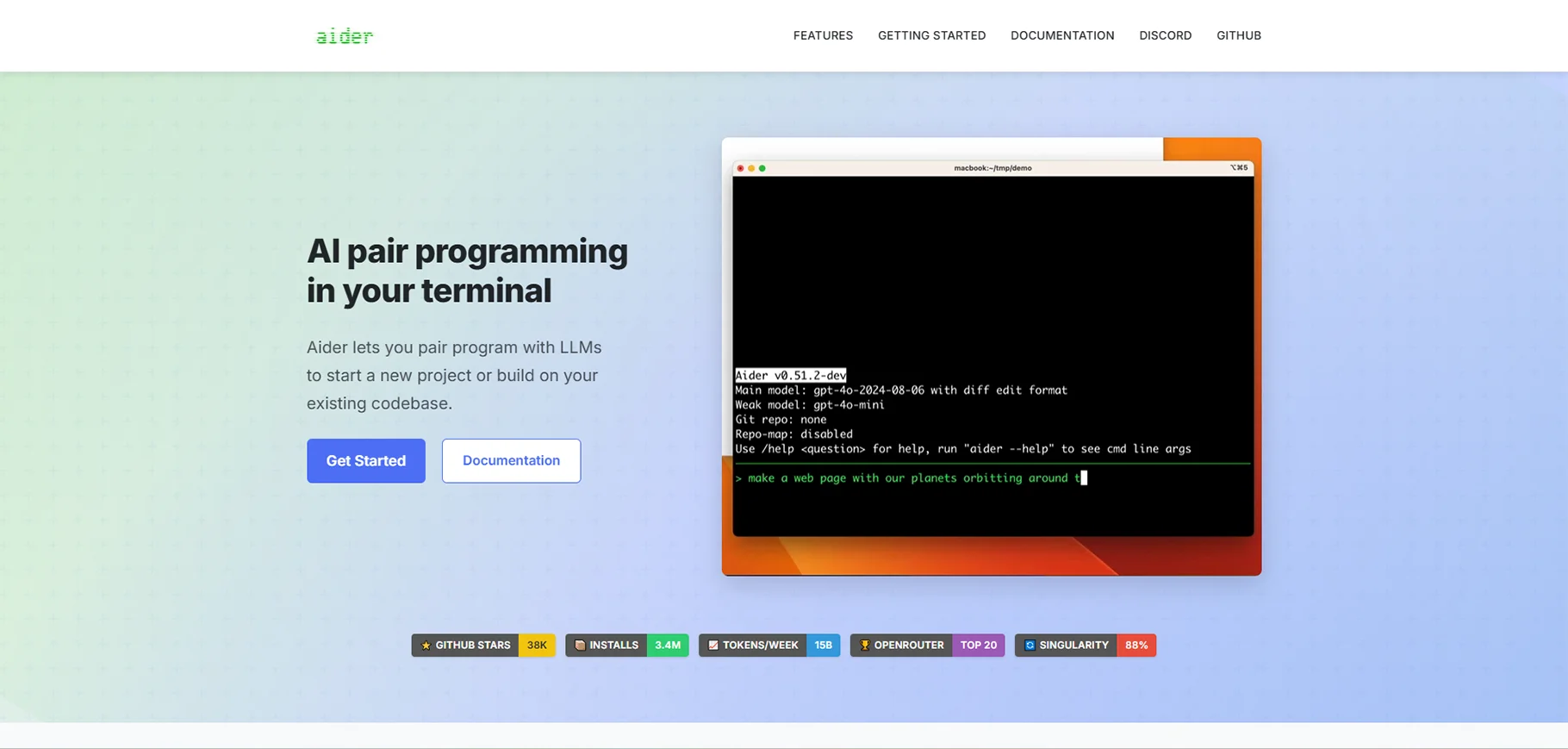
12. aider
aider brings AI assistance to terminal-focused developers who prefer command-line workflows. It's Git-native, treating every AI change as a proper commit, and supports voice and image inputs for unique interaction modes.
Key Features:
- Git-native edits with automatic commit creation
- Voice input for hands-free coding sessions
- Image support for mockup-to-code conversion
- Local LLM compatibility for complete privacy
- Scriptable for workflow automation
Pros:
- Open-source with active community development
- Powerful workflow automation capabilities
- Works offline with local models
- Minimal resource overhead
Cons:
- CLI-only interface not suitable for all developers
- Steeper learning curve for GUI-accustomed users
- Requires comfort with terminal workflows
Pricing: Free and open-source; requires separate API costs if using commercial LLMs
Best Use Cases: Terminal-focused developers, automation engineers, and teams building custom AI-assisted workflows.
Comparison of Top Tools
| Tool | Best For | Key Strength | Starting Price | Languages Supported | Primary IDE |
|:----------------:|:-------------------:|:-----------------------:|:--------------:|:-------------------:|:-----------------------:|
| GitHub Copilot | Git workflows | Deep integration | $10/mo | 20+ languages | VS Code, JetBrains, Vim |
| Tabnine | Privacy teams | Customization | Free tier | 30+ languages | Multi-IDE support |
| Cursor | Full editor | Advanced refactoring | Free tier | Multi-language | Standalone editor |
| Amazon Q | AWS development | Cloud-native code | Free tier | Major languages | VS Code, JetBrains, CLI |
| Replit | Learning/teaching | Zero setup | Free tier | 50+ languages | Browser-based |
| Bolt.new | Rapid prototyping | Full-stack generation | Free tier | Web frameworks | Browser-based |
| Qodo | Enterprise quality | Multi-agent review | Free (limited) | Major languages | Multi-IDE support |
| Pieces | Workflow management | Privacy-focused | Free | Popular languages | VS Code, JetBrains |
| Cline | Transparency | Open-source flexibility | Free | Multi-language | VS Code only |
| JetBrains AI | JetBrains users | Native integration | $10/mo | Per IDE focus | JetBrains suite |
| Sourcegraph Cody | Enterprise search | Codebase context | $19/user/mo | Major languages | VS Code, JetBrains |
| aider | Terminal workflows | Git-native automation | Free | Multi-language | Command-line |
Head-to-Head Analysis
Free vs. Paid Showdown
For solo developers and hobbyists, Pieces stands out as the best completely free option, offering sophisticated features without any subscription requirements. Tabnine's basic tier provides solid autocompletion for developers not needing advanced customization. However, for professional teams where productivity directly translates to revenue, paid options like GitHub Copilot and Qodo justify their costs through time savings and reduced error rates. Enterprise organizations benefit most from Sourcegraph Cody or Qodo's comprehensive features designed for scale.
Use Case Champions
Different scenarios demand different tools. For rapid prototyping and stakeholder demonstrations, Bolt.new's ability to generate working applications from descriptions is unmatched. Enterprise teams prioritizing code quality and compliance should evaluate Qodo's multi-agent review systems and Sourcegraph Cody's codebase intelligence. Beginners and educators find Replit's zero-setup, browser-based environment ideal for learning without configuration overhead. Privacy-conscious organizations requiring on-premise deployment should focus on Tabnine's local processing or Cline's local LLM support.
Emerging Trends
The AI coding assistant landscape is shifting rapidly toward more sophisticated architectures. Multi-agent systems like those in Qodo demonstrate improved results by having specialized models handle different aspects of development-one analyzing security, another optimizing performance, a third ensuring code style consistency. Support for multiple LLM backends gives teams flexibility to choose models excelling at specific languages or tasks. Local LLM deployment addresses privacy and compliance concerns while reducing API costs for high-volume users. These trends point toward a future where AI assistants become genuinely agentic, handling entire features rather than just suggesting next lines.
Conclusion
requires thoughtful selection and integration. No single tool excels at everything, so understanding your specific needs-whether rapid prototyping, enterprise-scale quality assurance, or privacy-focused development-guides you toward the right choice.
Testing remains crucial. Free tiers and trial periods let you evaluate tools with your actual codebase and workflows before committing to subscriptions. Many developers find success combining multiple tools: GitHub Copilot for day-to-day coding supplemented by Pieces for snippet management, or Cursor for primary development with Qodo for PR reviews.
Multi-agent systems delivering better context awareness and more accurate suggestions, local LLM deployment addressing privacy and cost concerns, and increasingly sophisticated agentic capabilities handling complex multi-file refactors. The tools that survive and thrive will be those balancing power with usability, innovation with reliability.
FAQs
1. What's the best free AI coding tool?
Pieces offers the most comprehensive feature set with zero cost, making it ideal for budget-conscious developers wanting advanced capabilities. For basic autocompletion without privacy concerns, Tabnine's free tier provides solid functionality. Cline and aider excel for developers comfortable with manual setup and bringing their own API keys.
2. How do AI coding tools handle security and privacy?
Approaches vary significantly. Tools like Tabnine and Cline offer local processing modes keeping code entirely on your machine. GitHub Copilot and similar services process code through cloud APIs but implement encryption and access controls. Enterprise-focused tools like Qodo maintain SOC 2 Type II compliance and offer on-premise deployment. Always review each tool's privacy policy and consider whether your code's sensitivity aligns with cloud processing.
3. What's the difference between autocompletion and full AI agents?
Traditional autocompletion tools like early Copilot versions predict the next line based on immediate context. Full AI agents like those in Cursor or Qodo understand entire projects, can plan multi-step changes, and autonomously execute complex refactors across multiple files. Agents represent the next generation, moving from suggestion to execution with appropriate human oversight.
4. Can AI coding tools replace human developers?
Not meaningfully, at least not yet. Current AI assistants excel at accelerating skilled developers, handling boilerplate code, catching common errors, and explaining complex logic. However, they lack the architectural judgment, business context understanding, and creative problem-solving that define effective software engineering. Think of them as incredibly capable junior developers requiring supervision rather than autonomous replacements.
5. How accurate are AI-generated code suggestions?
Accuracy varies by language, task complexity, and tool sophistication. For common patterns in popular languages like Python or JavaScript, modern tools achieve 80-95% usability, though suggestions typically require review and refinement. For specialized domains, newer languages, or complex architectural decisions, accuracy drops significantly. Always review AI-generated code-it's a first draft, not production-ready output.

