
Table Of Contents
Top 10 AI Tools Every Designer Should Know in 2026
Published on : Feb 04 2026

The design landscape of 2026 has experienced a complete design overhaul. Designers now consider artificial intelligence as a fundamental tool that they need for their work. Recent industry surveys show that 77% of designers view AI as an essential partner for their work, while 85% of designers think that learning to use AI will determine their future success.
The truth is that designers receive power through AI because it does not replace their work. The tools execute dull tasks while they speed up idea generation and create new creative opportunities, which would require several hours to develop through traditional methods.
The guide presents 10 AI tools with exceptional design capabilities that will transform design workflows in 2026. The design selection process involved choosing each tool because of its actual usage, available features, and its ability to solve design problems.
What Are AI Design Tools?
The software applications designated as AI tools use machine learning algorithms to perform automated tasks while they conduct data analysis and simulate human cognitive processes.
Designers depend on these essential tools because they help them work more efficiently while they create innovative designs and build customized user experiences.
The system enables users to transform simple text into design layouts, while it allows users to change mockups into functional code, and it handles background removal and color palette generation tasks through automated processes.
Why Designers Need AI Tools in 2026
Here are the key benefits of including AI in your design process..
- Faster Ideation: You can generate multiple concepts within minutes after beginning with an empty screen.
- Rapid Prototyping: You can test user interactions because the system eliminates the need to connect all screens through physical connections.
- More Iteration: You can test multiple design options without losing your previous design work
- Consistent Quality: Your brand requirements will remain intact through all produced materials.
- Time Savings: You can dedicate more time to your preferred creative activities because the system handles other tasks.
Recent data shows that designers and developers now consider AI tools as essential resources that help them improve their work processes while boosting their creative abilities and creating custom user experiences.
Top 10 AI Tools for Designers in 2026
1. Canva AI
Overview:
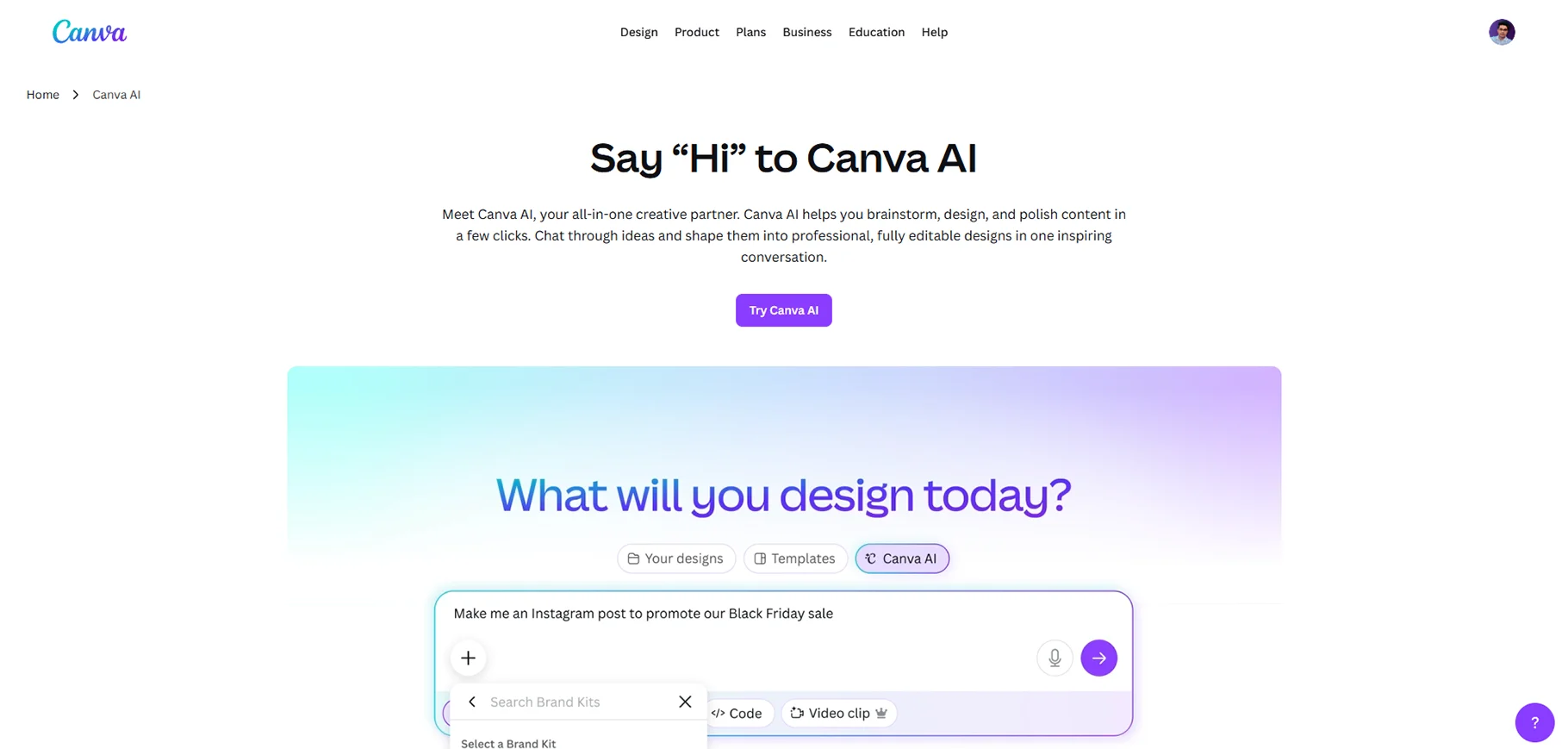
The complete AI design platform of Canva AI provides users with all the necessary tools for their design needs, which include writing, image and video creation, and code development. What sets Canva apart is its accessibility to professional-quality results without the steep learning curve.
Key Features:
- Magic Design: Generate fully editable designs with a simple prompt
- Dream Lab/Magic Media: AI-powered image generation
- Magic Write: Content creation and copywriting assistance
- Background Generator: Creates picture-perfect backgrounds from text prompts
- Brand Kit Integration: All designs maintain brand identity through this feature
- Video Editing: AI technology enables both video creation and video editing processes
- Canva Design Model: The world's first AI model trained to understand the full complexity of design
Use Cases:
- Social media content creation needs to be combined with the scheduling of content distribution.
- Marketing campaigns require advertising creatives for their execution.
- The creation of professional presentations needs to include the development of pitch decks.
- The process of creating interactive forms requires developers to create forms that will collect data through spreadsheet connections.
Best For:
Marketing professionals, social media managers, small business owners, and content creators need to produce high-quality visuals quickly across multiple platforms. The Canva AI tool functions as an integrated part of your workflow because it offers user-friendly design capabilities.
Pricing:
- There is a free plan available.
- Pro: $12.99 per month
- Business: $20 per month per user
- Enterprise: Customized offer
2. Midjourney
Overview:
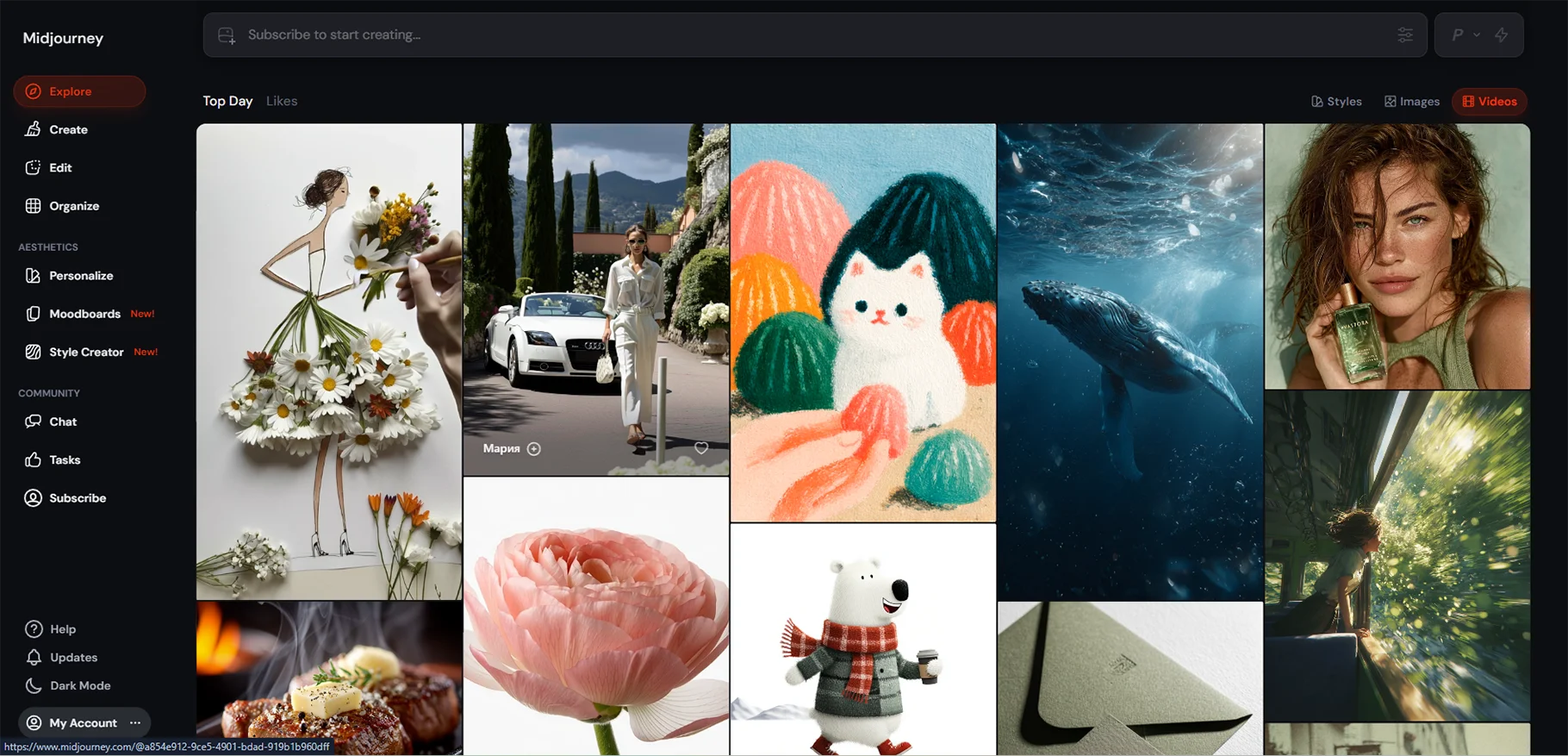
Midjourney functions as the benchmark for AI-generated art because it has established itself as the best option available. The Midjourney V6 AI generator produces visually stunning artistic images that designers choose as their primary option for design work.
Key Features:
- The advanced model versions deliver enhanced image quality together with improved prompt responsiveness and decreased visual artifacts.
- The Photorealism Mode delivers image quality that approaches photographic standards.
- The system requires advanced prompt understanding for better adherence to detailed, longer prompts that extend up to 350 words.
- The visual web interface allows users to operate the system without requiring them to remember any coding commands.
Use Cases:
- Concept art and game design visualization
- Book covers and editorial illustrations
- Marketing visuals and brand imagery
- NFT art creation
- Product mockups and lifestyle photography
- Publishing, advertising, and gaming industry application
Best For:
The professional artists, graphic designers, illustrators, and creative professionals work to create artistic designs without focusing on their productivity speed.
Pricing:
Basic users must pay a monthly fee of $10. The Standard plan costs $30 per month. The Pro plan requires users to pay $60 each month. The Mega subscription service costs $120 every month.
All paid plans include commercial use rights.
3. Figma AI
Overview:
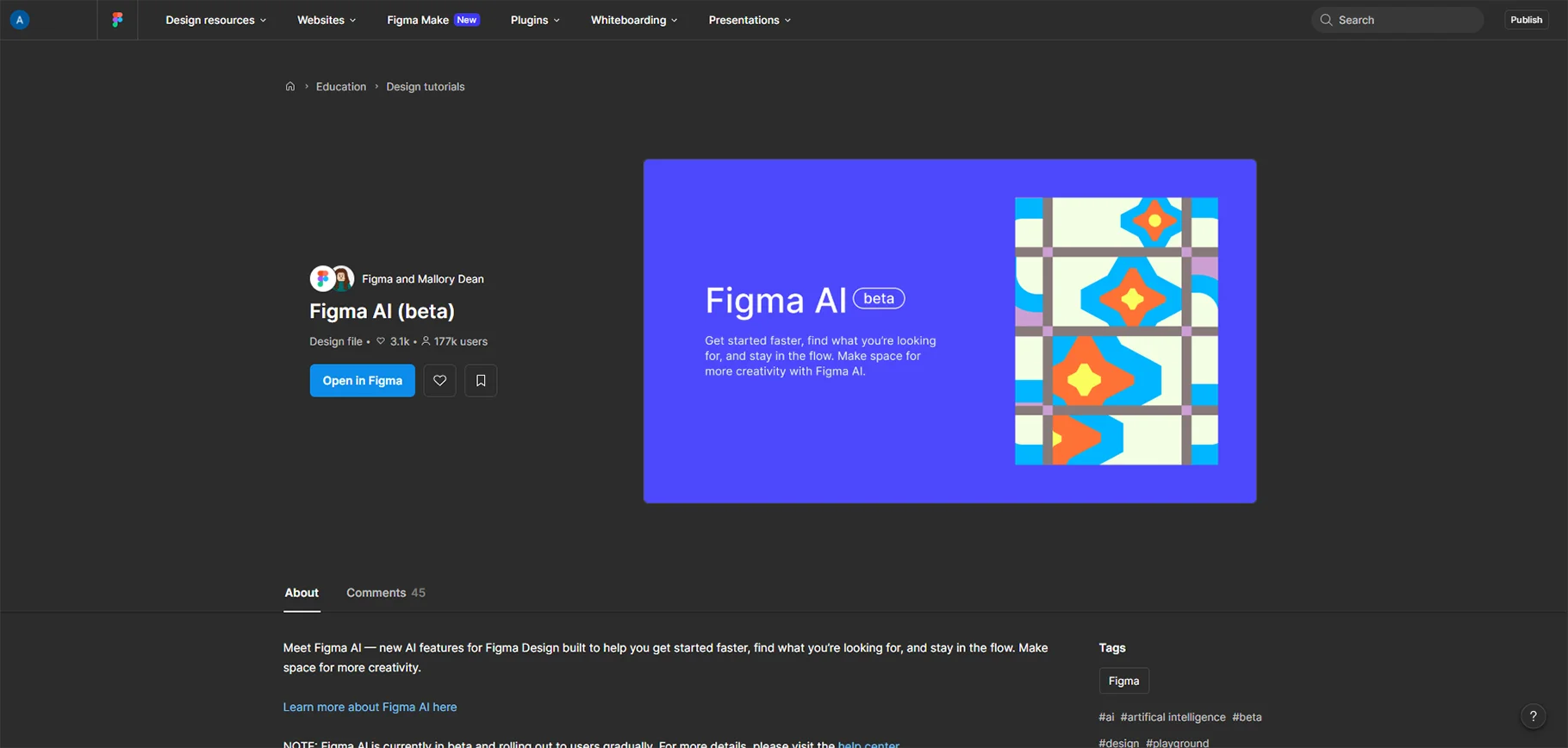
Figma AI supports teams through their design process by converting their best ideas into actual products through its prototype design and workflow efficiency tools. The design platform Figma establishes itself as an industry leader through its AI integration, which delivers advanced features to the tool used by millions of designers every day.
Key Features:
- First Draft: Transform an idea into editable designs in a couple of minutes
- Figma Make: Start with design and use prompts to create a working prototype, which you can test immediately
- Code Layers: Users can create interactive features, animated content, and textual effects through their commands
- Visual Search: Users can search through all their team designs and Community documents without delay
- Smart Editing: Users can remove objects from their work and keep one object visible while they increase their image area through AI-based editing tools
- Automated Consistency: Enforcement across design tokens throughout the system.
Use Cases:
- The process of creating interactive layouts from design ideas requires the use of rapid prototyping and wireframing techniques.
- The product design process develops across three platforms, which include web, mobile, and tablet design.
- The process involves creating user interfaces and user experience designs, together with designing user navigation paths.
Best For:
Design team, UX/UI experts, and agencies developing digital products. A recent report has it that 78 percent of designers and developers think AI can make their work more efficient if and as integrated.
Pricing:
Users can access AI features when they purchase the complete Figma software package. The service provides three different subscription options, which include Professional Organization and Enterprise packages.
4. Adobe Firefly
Overview:
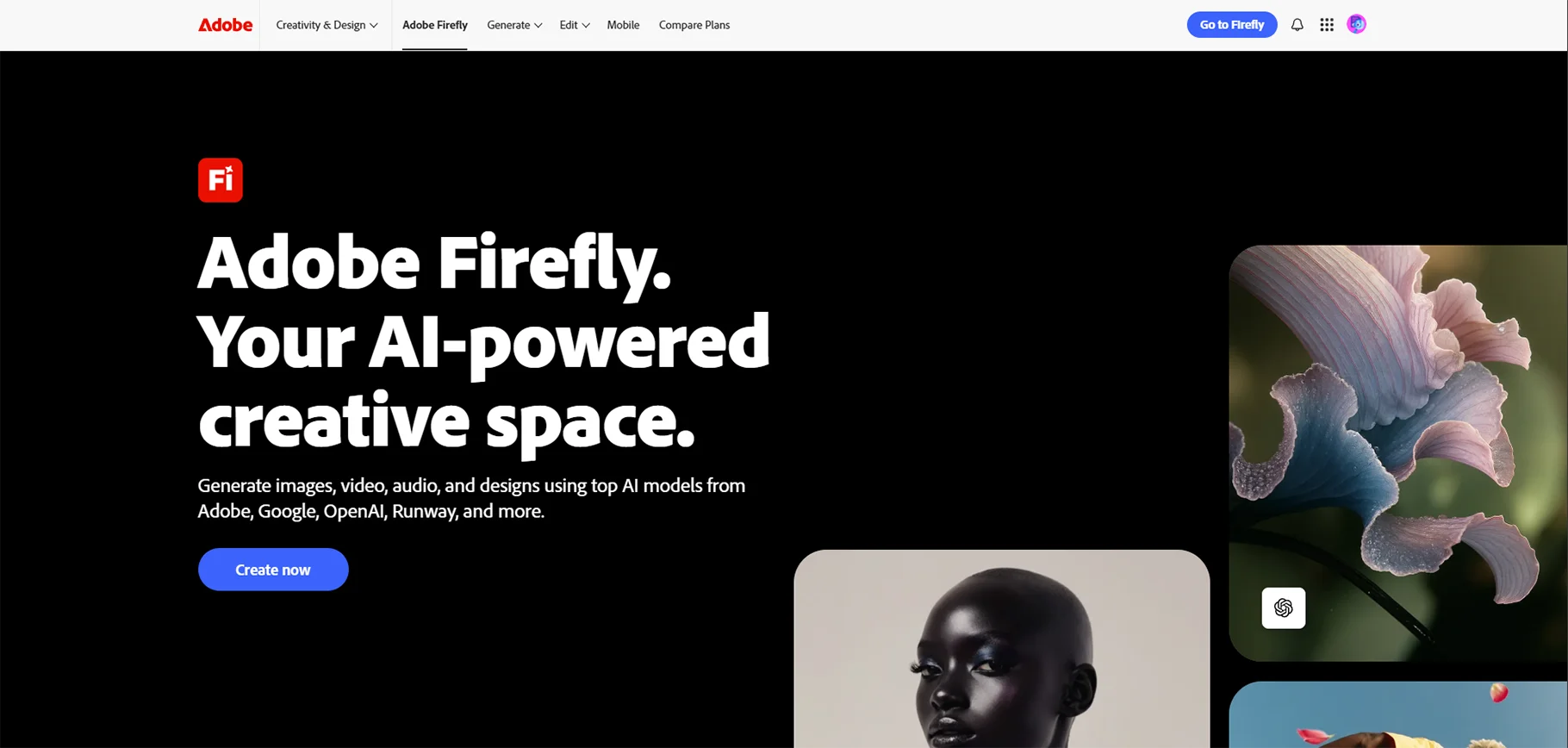
Adobe firefly creates its enterprise AI solution through which its generative AI technology operates across all Creative Cloud applications. Firefly distinguishes itself through its dedication to creating AI models that meet commercial safety standards while maintaining ethical training protocols.
Key Features:
- Text-to-image generation with commercial safety
- Generative Fill and Generative Expand
- Text effects and creative typography
- Vector recoloring and style transfer
Use Cases:
- Professional photo editing and retouching
- Brand visual creation with legal safety
- Texture and pattern generation
- Marketing materials and campaigns
Best For:
The solution provides AI-generated assets that meet commercial safety standards for Adobe Creative Cloud designers who work in professional design fields. The solution works best for organizations that require strict control over their licensing and legal compliance processes.
Pricing:
- Included with Creative Cloud subscriptions
- Standalone plans available
- Enterprise licensing options
5. DALL-E 3 (OpenAI)
Overview:
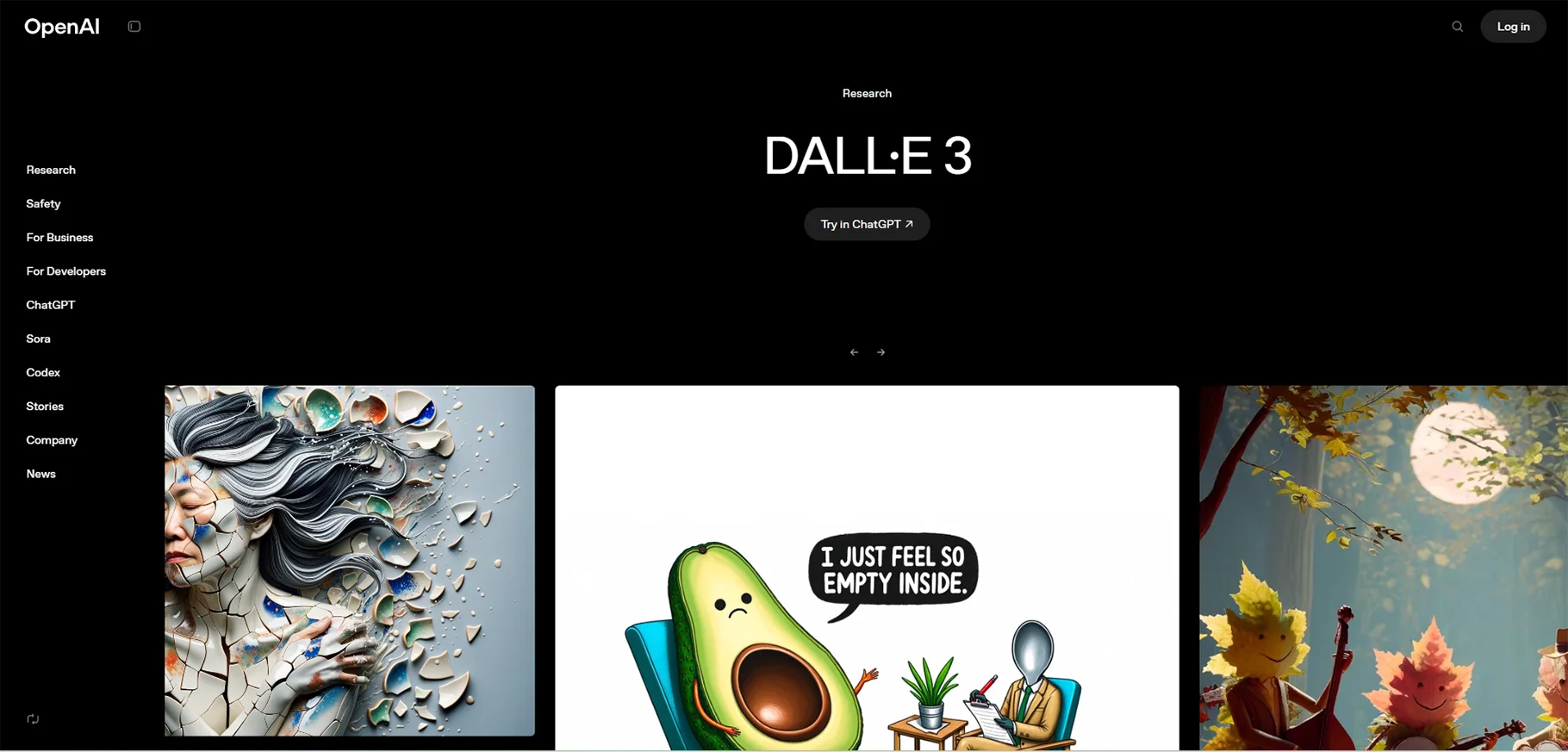
DALL-E 3 (OpenAI), as the latest image creation technology, integrates with ChatGPT through its direct application. Its exceptional ability to comprehend prompts serves as its primary strength since it frequently produces precise results based on your first description.
Key Features:
- Highly accurate prompt interpretation
- Seamless ChatGPT integration for conversational image creation
- Realistic and illustrated style options
- Developer API access
- Enhanced safety and bias mitigation
- Commercial use rights for Plus subscribers
Use Cases:
- Custom visual content without stock photos
- Product concept visualizations
- Blog and article imagery
- Educational content illustration
Best For:
Content creators, marketers, and businesses who require tailored visual content and currently use ChatGPT. The system functions best for users who seek both conversational AI capabilities and image creation features.
Pricing:
The ChatGPT Plus subscription, which costs $20 each month, includes these benefits. The service offers pay-per-use API access, which users can obtain through their subscription.
6. Runway ML
Overview:
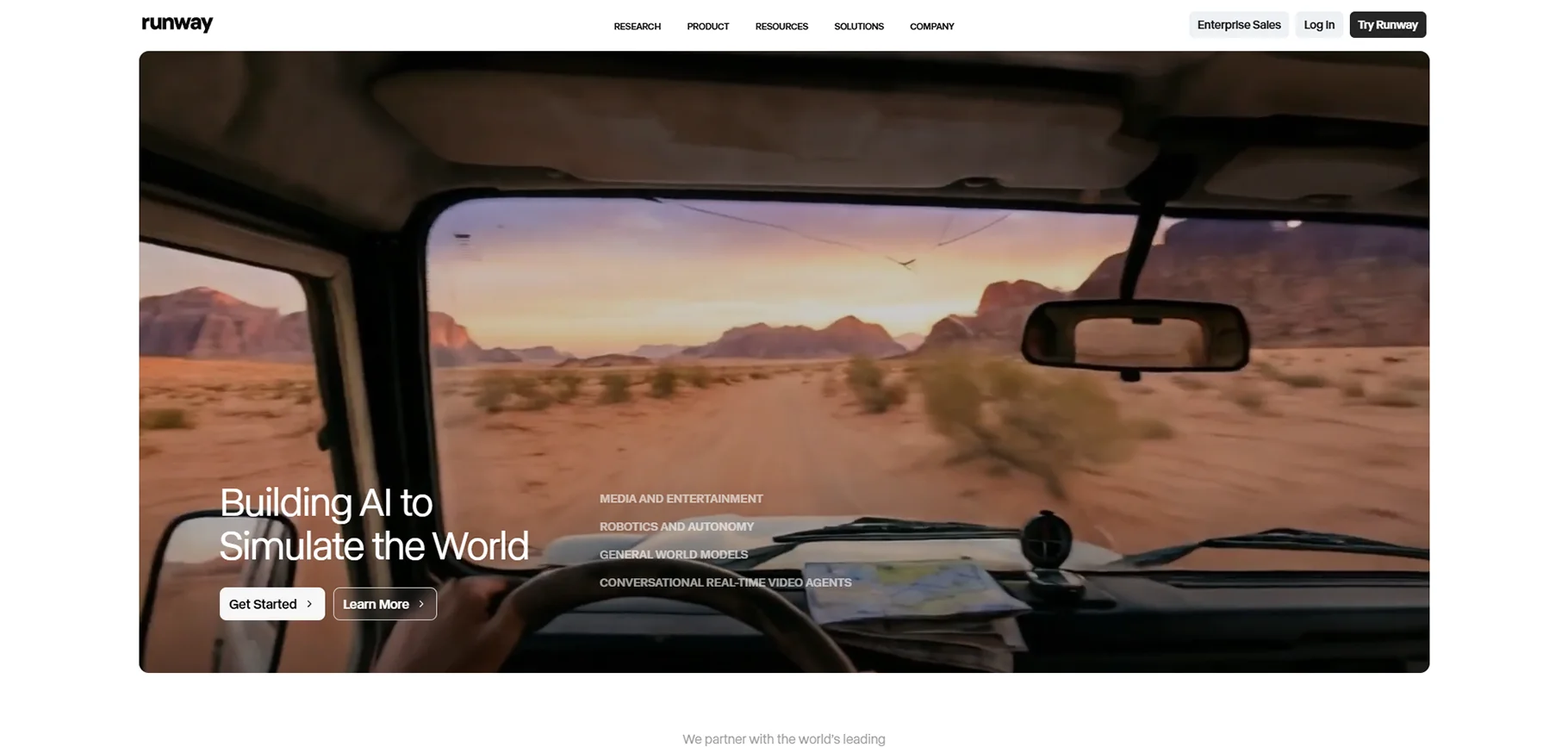
Runway ML has established itself as the top artificial intelligence system, which enables users to create and edit videos. The year 2026 sees video content as the primary medium, which Runway makes available to all users for producing professional-quality videos.
Key Features:
- Text-to-video generation
- AI-powered video editing suite
- Motion tracking and masking
- Automatic green screen removal
- Frame interpolation for smooth slow-motion
Use Cases:
- Social media video content
- Film and video production
- Animated marketing content
- Video effects and post-production
Best For:
The solution serves video creators and filmmakers, social media content producers, and marketing teams who require quick video content creation and editing to achieve professional outcomes.
Pricing:
- Free tier available with limited credits
- Standard: $12/month
- Pro: $28/month
- Unlimited: $76/month
7. Remove.bg
Overview:
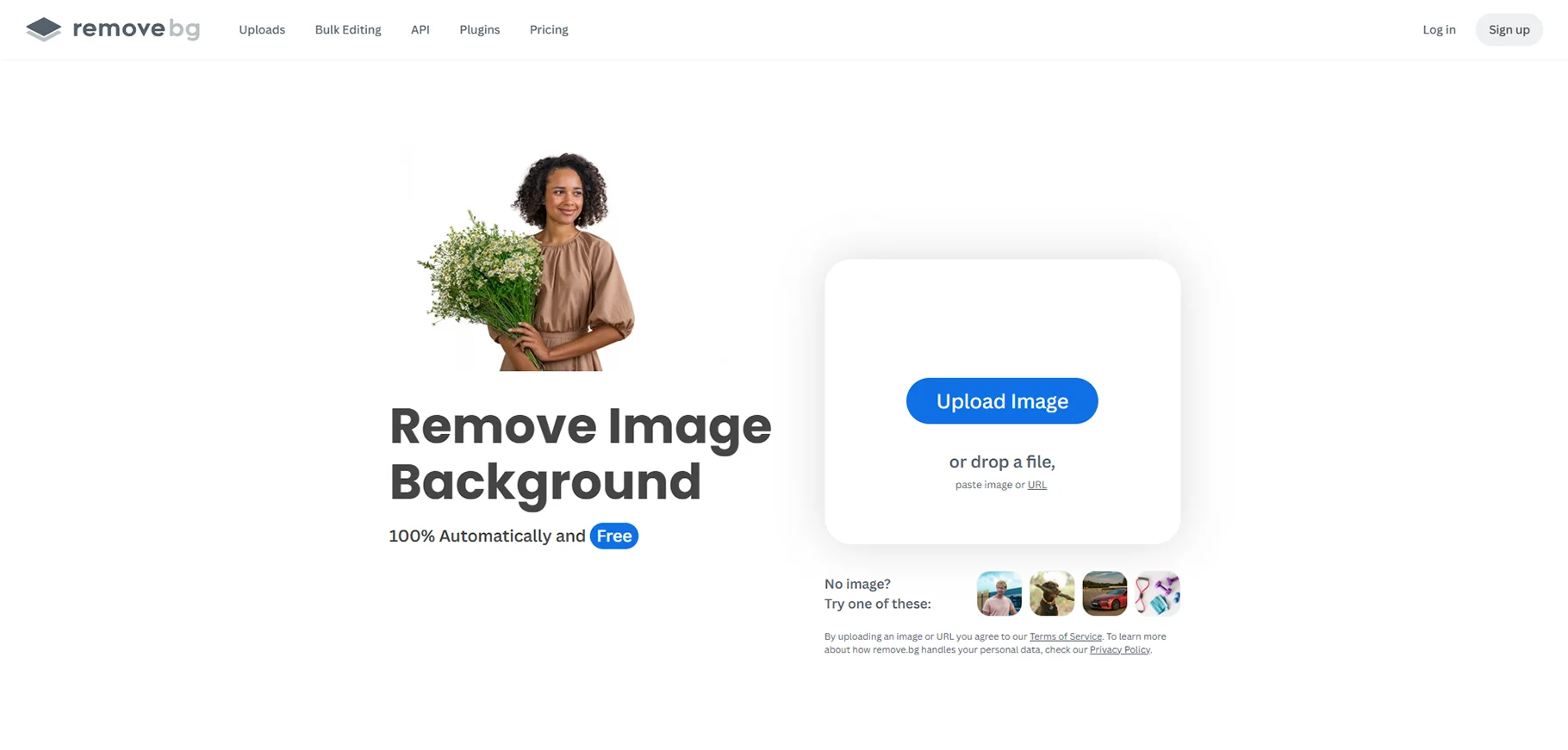
The best tools achieve their highest performance when they focus on one particular task. The AI technology of Remove.bg enables users to complete background removal tasks, which used to take 30 minutes in Photoshop, within 5 seconds.
Key Features:
- Instant automatic background removal
- High-quality edge detection
- Bulk processing capabilities
- API integration for automation
- Various output formation
Use Cases:
- Product photography for e-commerce
- Professional headshots and portraits
- Mockup creation
- Product images and mockups for online stores
- Social media content
- Presentation graphics
Best For:
E-commerce companies and designers who build mockups and all others who require high-quality product photographs need this service. The service works as a fundamental requirement for online merchants and digital marketing professionals.
Pricing:
- Free for low-resolution images
- Subscription plans starting at $9/month
- Pay-as-you-go credits available
- API pricing for developers
8. Limecube AI
Overview:
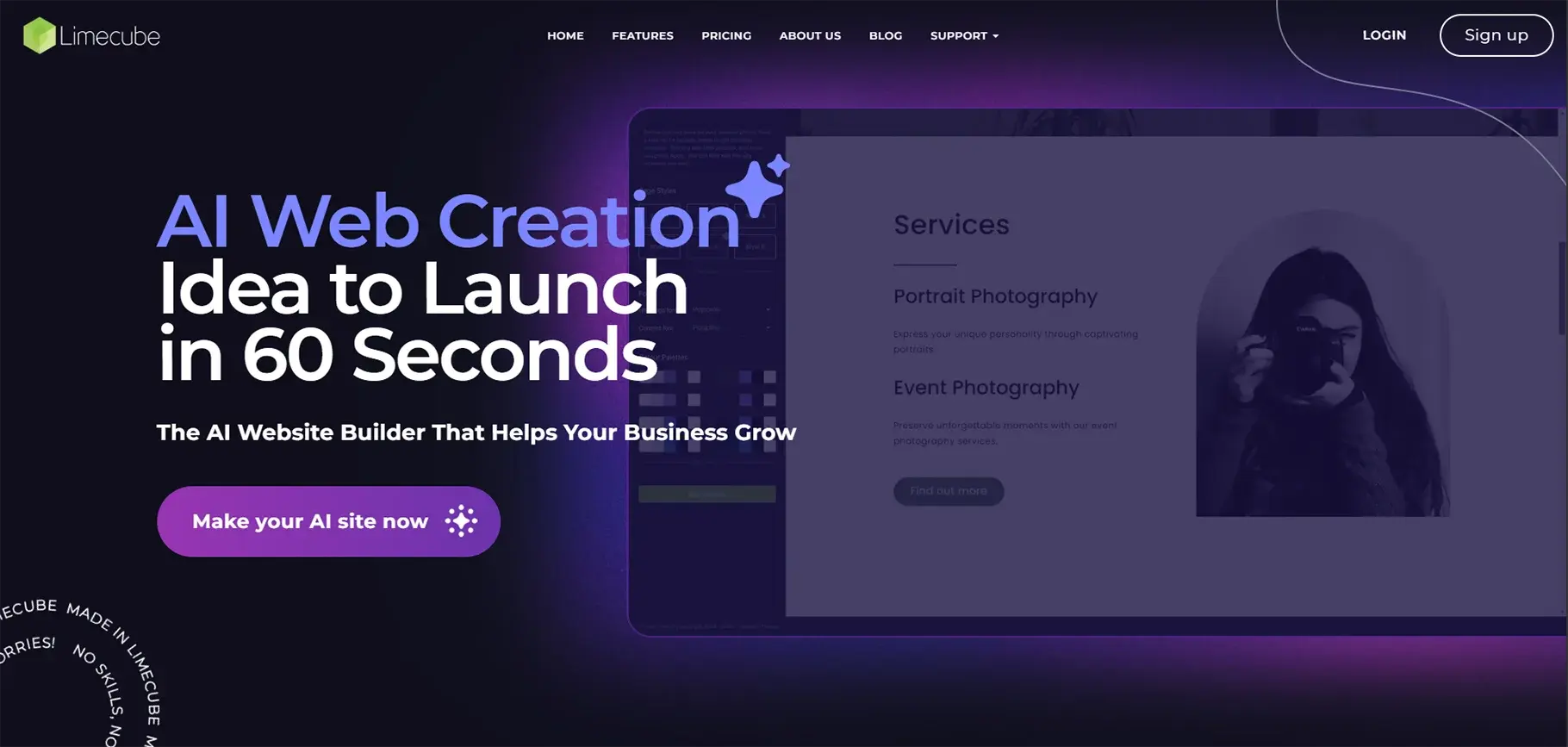
Limecube AI develops unique content for your website, which operates through advanced natural language processing technology to function as an all-inclusive AI website development solution that surpasses basic design capabilities.
Key Features:
- AI generates custom website design tailored to your needs
- AI Page Assistant: Create pages in only a minute
- Drag-and-drop website builder
- E-commerce Integration: AI writer built into shop for product descriptions
- SEO optimization with meta tag generation
- Smart Image Selection: AI selects images that match the theme of your website
Use Cases:
- Small business websites
- E-commerce stores
- Portfolio sites
- Landing pages and lead generation
- Professional websites for entrepreneurs who want a quick online presence
Best For:
Entrepreneurs and small businesses who need to create professional sites without coding knowledge. Users of all skill levels can use this system because it offers an intuitive drag-and-drop interface together with AI-powered assistance.
Pricing:
- Landing Page: $3.99/month
- Starter: $12.99/month
- Business: $21.99/month
- 14-day free trial available
9. AutoDraw (Google)
Overview:
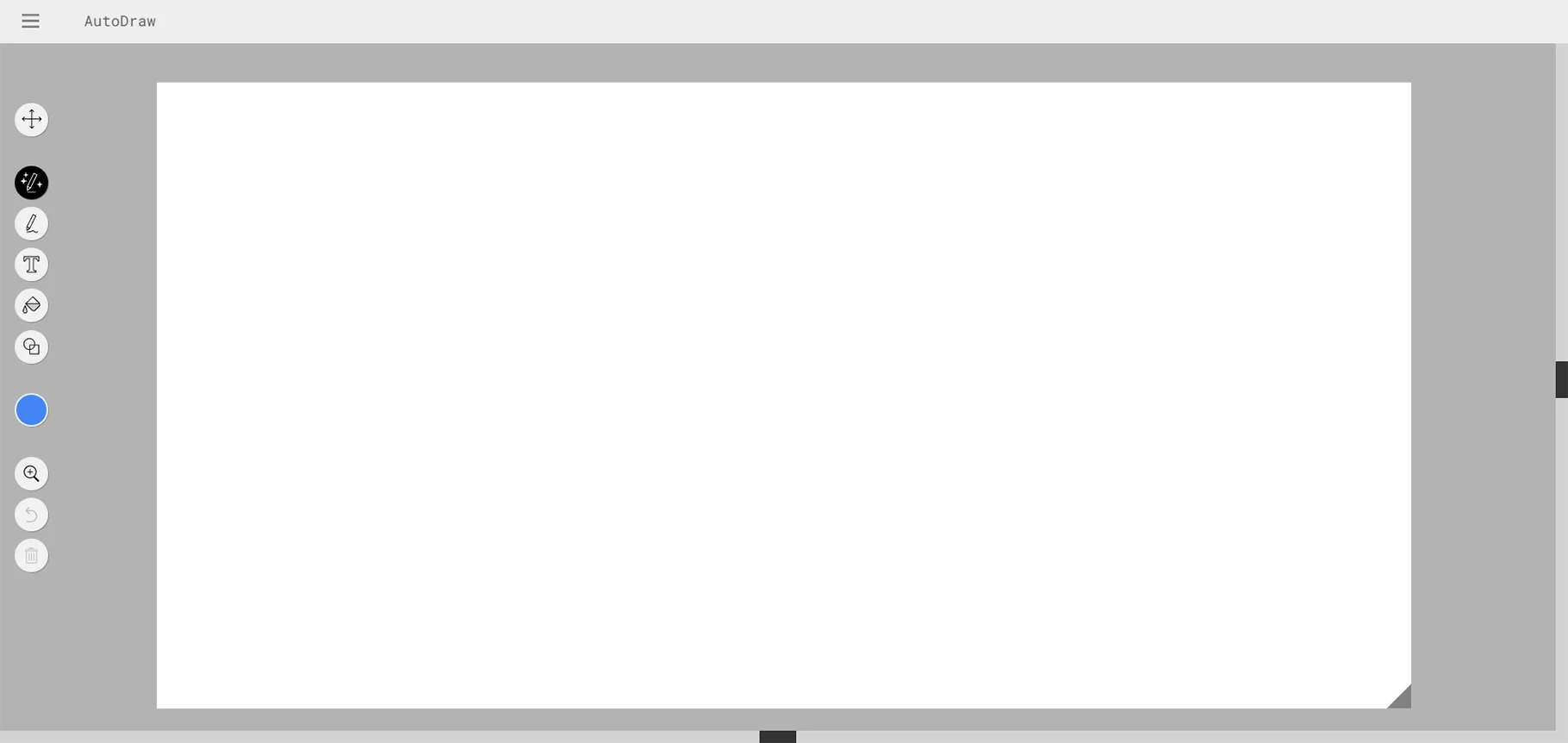
Google's AutoDraw is the most accessible AI design tool on this list. The platform enables users to create drawings by combining machine learning with artistic designs from skilled creators. Best of all? The service provides its entire content without any cost to users.
Key Features:
- AI-powered assistance that recognizes doodles and suggests refined versions created by professional artists
- User-friendly interface that works with a mouse, touchpad, or fingers on a touchscreen
- Completely free to use with no hidden costs or premium features
- Works on any device with a web browser
- Uses the same technology from QuickDraw to guess what you're trying to draw
Use Cases:
- Quick sketches and visual brainstorming
- Generating initial images for AI art models
- Presentations and diagrams
- Icons and simple illustrations
- Educational materials and worksheets
Best For:
The tool serves as a solution for people who need to create visual content quickly but lack artistic abilities. The tool functions effectively for three purposes, which include quick sketches, brainstorming sessions, and presentation visual creation.
Pricing
- Completely free forever
10. Pictorial AI
Overview:
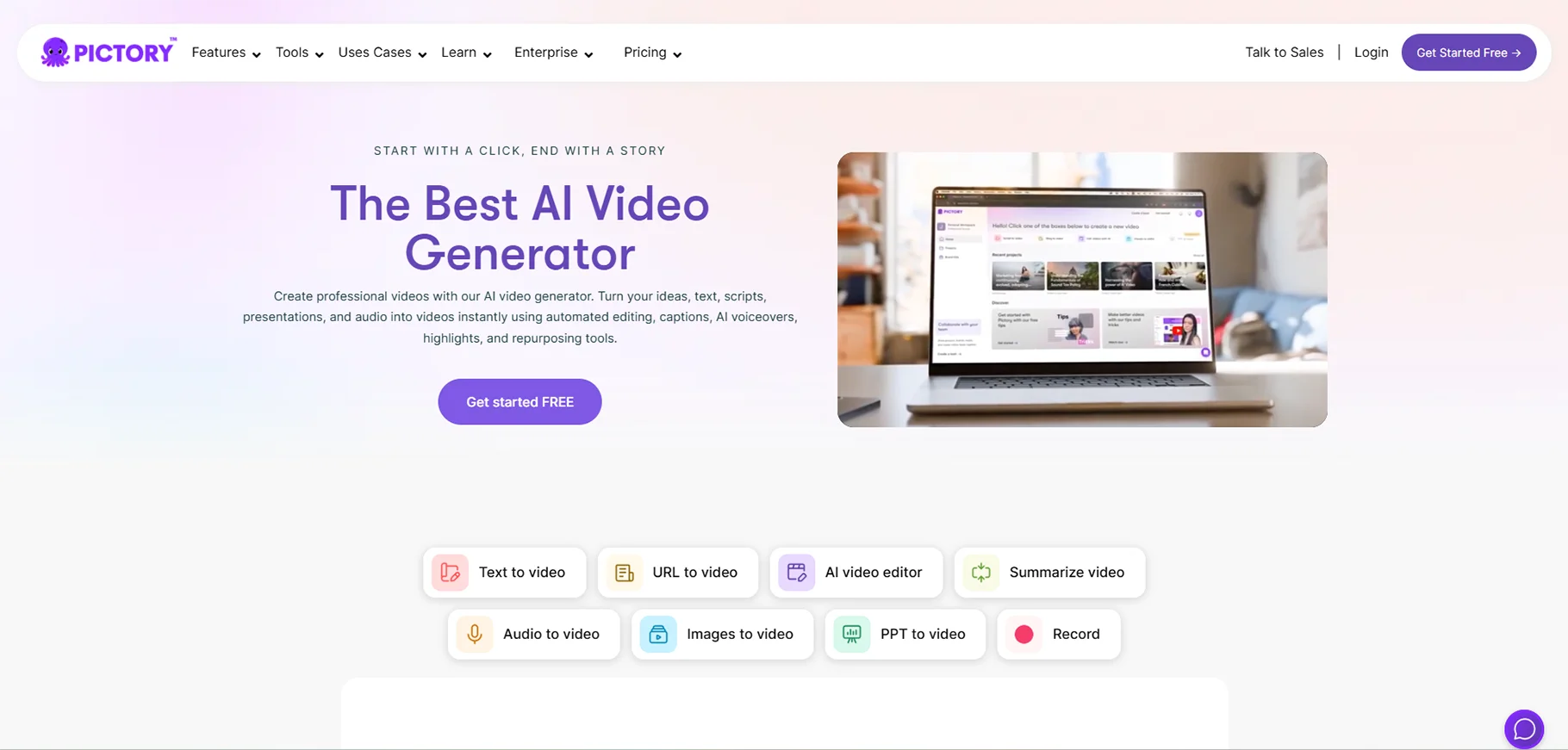
Pictory AI system creates dependable visual products that it has designed specifically for web applications and business requirements. Pictorial stands out by understanding your website's context and generating relevant visuals.
Key Features:
- URL-Based Generation: Generate powerful visuals directly from your site's URL, extracting core ideas and concepts
- Style Flexibility: Choose from a range of styles and aspects based on content prompts
- Iterative Refinement: Iterate and refine with AI to achieve perfect graphics aligned with brand identity
- Professional-grade outputs
- Content-aware generation
- Brand alignment tools
Use Cases:
- Website graphics and hero images
- Marketing materials and campaigns
- Content marketing efforts with tailored visuals
- Brand identity visuals
- Web application graphics
- Landing page design
Best For:
Web developers, designers, and marketers need to create visually appealing web application content that they can produce quickly. The solution works best for situations where users experience creative block and require continuous brand visual identity.
Pricing:
- Contact the vendor for pricing
- Enterprise plans available
How to Choose the Right AI Tool for Your Needs
With so many options available, selecting the right AI tool can feel overwhelming. You need to follow these steps to make your choice:
1. Define Your Primary Use Case
Are you primarily creating social media content? Building websites? Editing photos? Different tools excel at different tasks.
2. Consider Your Skill Level
AutoDraw and Canva function as beginner-friendly tools, whereas Figma AI and Midjourney provide advanced features to professional designers.
3. Evaluate Integration Needs
The best AI tools establish connections with your design system instead of operating as independent applications. Consider what tools you already use daily.
4. Calculate ROI
Multiple tools offer content generation capabilities that can create multiple types of content while assisting your marketing efforts to enhance your return on investment. You need to measure time savings against expenses.
5. Test Before Committing
Most tools provide users with either free trial periods or free access options. You should validate their performance through actual project testing before making a subscription commitment.
Conclusion
Designers remain in their profession because artificial intelligence transformed the design industry but failed to eliminate their work. The best results occur when people combine their creative abilities with artificial intelligence solutions. Each tool has its own strength, and choosing the right one depends on your goals and workflow.
Designers can fast-track their work while expanding their creative possibilities through AI research and testing. The future of design belongs to those who use AI as a helpful partner, not a replacement.
Frequently Asked Questions (FAQs)
1. Will AI tools replace human designers?
No. AI tools are designed to augment designers, not replace them. While AI can handle repetitive tasks and generate options quickly, it lacks the human judgment, emotional intelligence, and strategic thinking that make great design truly resonate with audiences. AI can augment designers, all right, but it can't fully replace them.
2. Are AI-generated designs copyright-free?
It depends on the tool. All paid plans include commercial use rights for platforms like Midjourney, while others may have restrictions. Adobe Firefly specifically trains on licensed content to ensure commercial safety.
3. Do I need coding skills to use AI design tools?
Most AI design tools in 2026 require zero coding knowledge. Tools like Canva AI, AutoDraw, and Remove.bg are designed for non-technical users.
4. How much do AI design tools typically cost?
Pricing varies dramatically. Some tools like AutoDraw are completely free, while comprehensive platforms like Canva offer freemium models starting at $12.99/month.
5. Can AI tools maintain brand consistency?
Yes, absolutely. Modern AI tools are designed with brand consistency in mind. AI tools that understand these tokens can produce designs that feel like they belong in your product right away.
6. What's the learning curve for AI design tools?
Most AI tools in 2026 are designed for immediate use. Built right into your workflow, Canva AI is simple, approachable, and easy to use. The key is learning effective prompting being clear and specific about what you want. Good prompting is just good communication.
7. Can I use AI tools for client work?
Yes, but verify licensing terms. Tools like Adobe Firefly are specifically designed for commercial work with enterprise-safe licensing.
8. How do AI design tools handle revisions and iterations?
Most modern AI tools excel at iteration. Exploring dozens of variations without starting over is a key benefit. Tools like Pictorial AI allow you to iterate and refine with AI to achieve perfect graphics aligned with brand identity
9. Are AI design tools accessible for people with disabilities?
Many AI tools in 2026 have improved accessibility features. A user-friendly interface that works with a mouse, touchpad, or fingers on a touchscreen is now standard. Voice-to-text prompting and keyboard shortcuts are becoming more common. However, accessibility varies by tool, so research specific platforms based on your needs.
10. What's the future of AI in design?
The integration of AI in design is accelerating, not slowing down. 80% of creators say 2026 is the year to regain creative control, embracing AI as a partner while prioritizing styles that feel human.

