
Table Of Contents
Best AI for Audio Editing and Repair: I am personally use in 2026
Published on : Dec 29 2025

AI is emerging very fast, this can change almost every industry, especially in audio editing.
Whether you want to edit audio for a personal project or business purpose, you don't need to spend money on expensive studios or several years of experience.
In 2026, AI tools have become powerful and easy enough that even beginners can create professional-quality audio directly from a laptop in just a couple of minutes.
I will not just provide a theory. In this guide, I will explain every step-by-step method using some powerful AI that every beginner can create professional-quality audio directly from a laptop in just a minute.
Why You Need AI Tools for Audio Editing and Repair
Let me explain to you,
In the past, afternoons were my time for the tedious task of removing background noises from podcast recordings or at least cleaning up some audio of interviews done in a bad situation.
AI has transformed everything completely. I will point out three reasons why these tools have become a must in my workflow:
Time Efficiency: What used to take hours has become extremely fast. The whole process of cleaning a podcast episode can now be done in the time it takes to drink a cup of coffee.
Professional Results Without Expertise: No longer is it necessary for you to possess the skills of an audio engineer. I have seen total novices create studio quality with the help of these tools.
Cost Savings: The cost of professional audio restoration services varies depending on the project and can be very high, sometimes reaching hundreds of dollars.
Consistency: Every audio recording receives the same diligent approach, regardless of whether it is the first robotically generated sound of the day or the twentieth.
Real-Time Processing: The variety of tools that I work with now includes an enhancement feature that works in real-time, which means that your voice calls, streams, and live recordings have a professional quality as they happen.
The 5 Best AI Tools for Audio Editing and Repair
After extensive testing, these five tools have earned permanent spots in my audio editing toolkit.
I’ve ranked them based on functionality, ease of use, and real-world performance not hype or marketing promises.
Vozard - AI
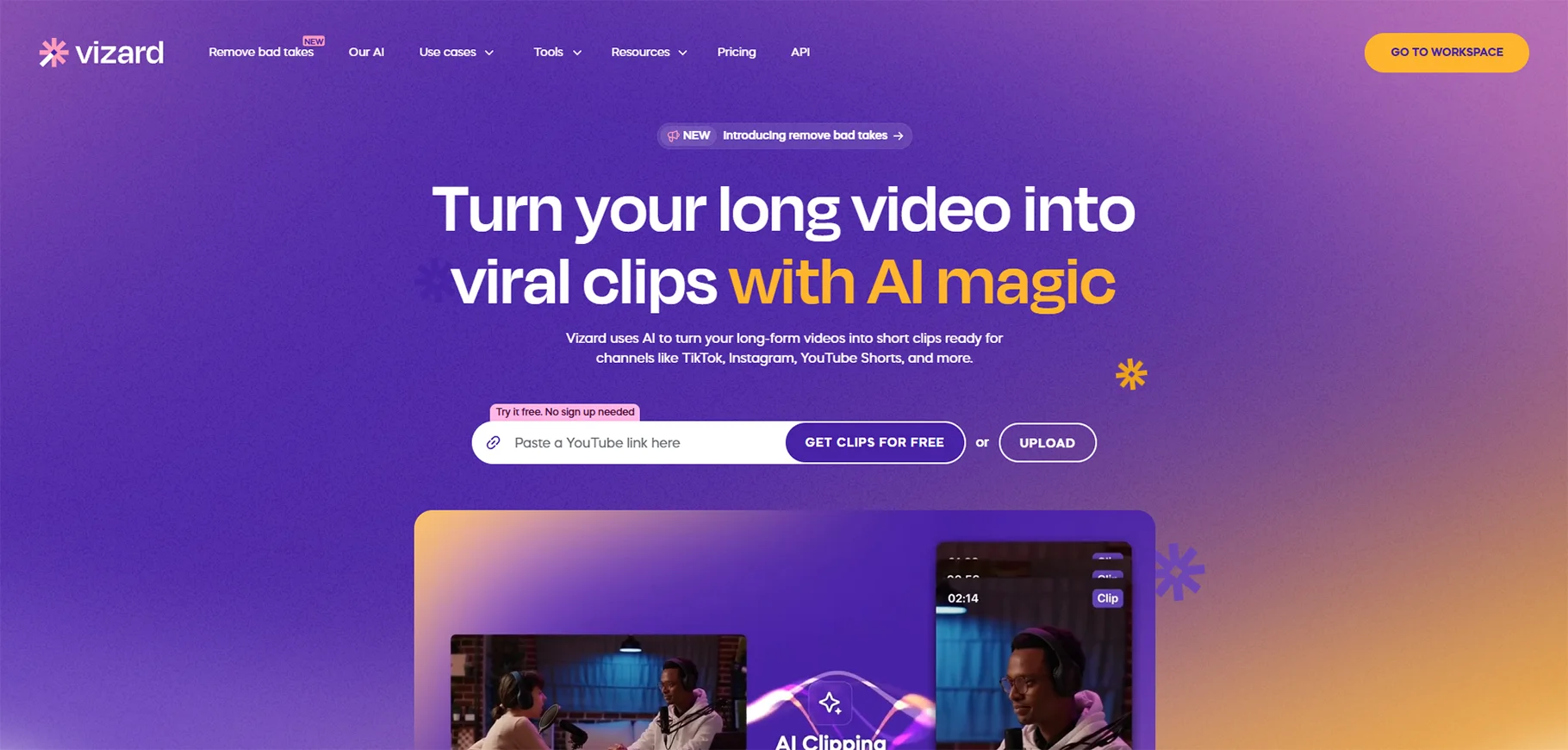
I was quite taken aback by Vozard. Even though the main focus of its marketing was that of a voice changer, I found it to be an amazing tool for performing and creating audio creatively.
What Makes It Special: Vozard provides voice transformation in real-time and more than 180 sound effects to choose from. I mostly use it to make character voices for my video projects and to bring in new elements for podcasts.
How I Use It: So, in my storytelling content, I often times create different
Not character voices using Vozard, or when I am just adding funny things to videos.
The software works without interruption with Discord, Zoom, OBS, and Twitch, which is the main reason it is excellent for live streaming and real-time content creation. It was also handy for dubbing work where I had to produce several different voices without employing extra voice actors.
Pricing: Vozard starts with monthly subscriptions and has different plans according to the needs of the users. It is suggested to try the free trial available before making a final decision.
Best For: Content creators, streamers, voice actors, or people in the creative audio field who require voice transformation functionality fall among them.
Kits.AI
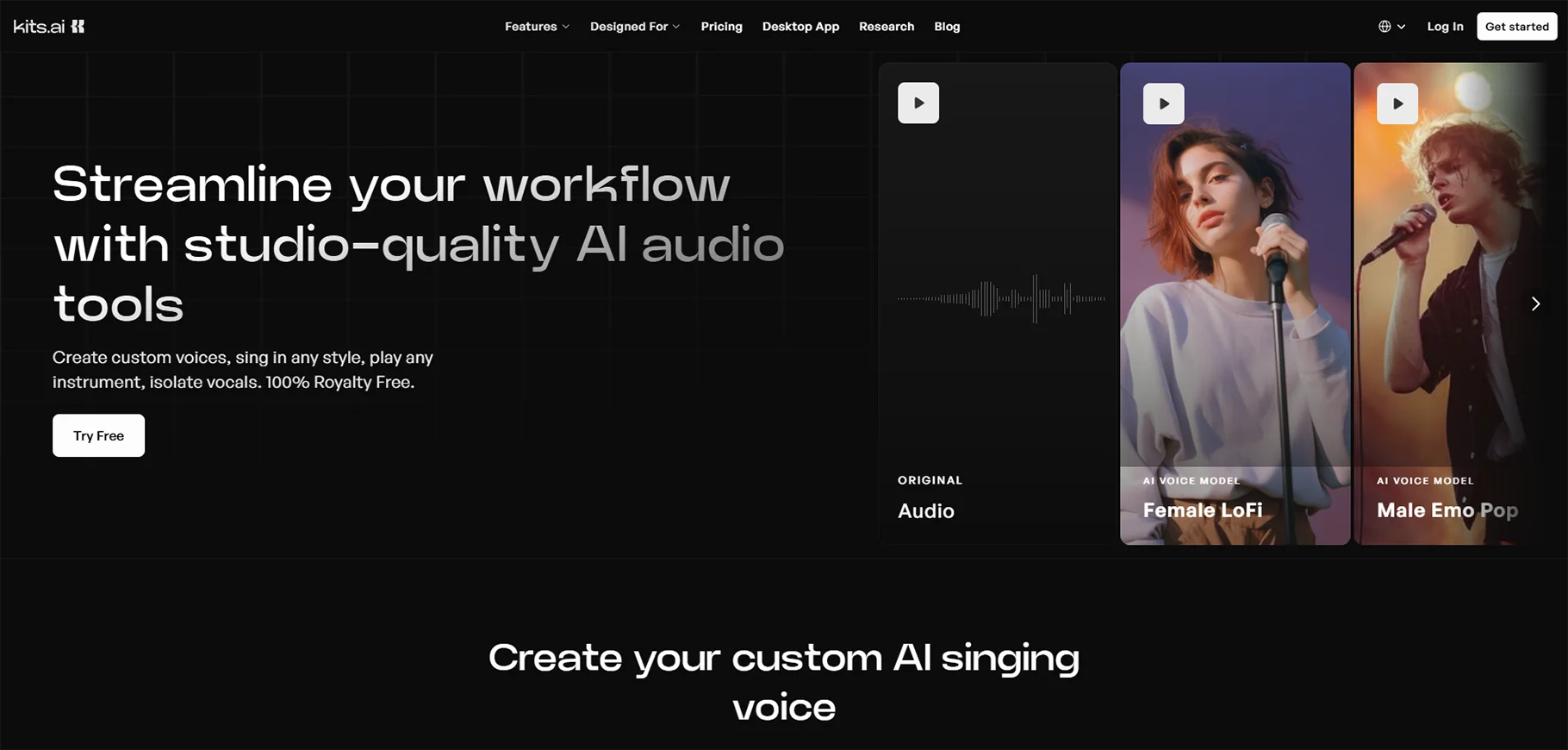
Kits.AI became known for AI voice cloning and transformation. Who works with voice-overs regularly, this tool saves countless hours.
What Makes It Special: The voice cloning tech is remarkably precise. I made personalized voice profiles that are hardly different from the original tapes.
How I Use It: I use Kits.AI almost exclusively when I want to have the same type of voiceovers throughout many different projects.
Kits.AI has always been a perfect fit in terms of essentially matching any type of voice that is required for a specific project or when I'm looking for continuity in the types of voices that I work with.
I appreciate the fact that the tool allows me to manipulate a musician's/artist's voice so that I can create the exact pitch, tone, and style that I want, very easily
I have used it for everything from the opening of a podcast or radio show to producing a complete music cover version.
Interface: The interface that is web-based is user-friendly. It is not necessary to have the technical knowledge to obtain professional results, which I value the most when I am under a time limit.
Best For: Musicians, podcasters, voice-over artists, and content creators who need access to massive voice generators and manipulators.
Stability AI
When I need an absolute top-tier quality, I use stability AI. This audio technology represents the advancement of AI audio generation.
What Makes It Special: Stability AI transfers the same innovative approach to audio that transformed the AI image generation world. The technology of the company is already being used by large music labels and cinema, which is a clear indicator of its top quality.
Their audio generation abilities have amazed me the most. The AI is capable of producing very original music, natural-sounding sound effects, and ambient noise.
How I Use It: Mainly, I utilize Stability AI to produce original background music and sound effects for my movie projects. Normal royalty-free music is usually very boring, but AI-generated soundtracks can be customized to fit your content's atmosphere and rhythm perfectly.
The quality is nothing less than that of a studio. I have worked with Stability AI-generated audio in client projects mixed with recordings done by professionals, and they unite perfectly.
Enterprise Features: Stability AI provides professional users with customization possibilities, and it can also be hosted on one's own infrastructure, which is very important for dealing with confidential material.
Best For: Pick anyone from a crowd of audio producers, video editors, musicians, and anyone who requires custom and high-quality audio generation.
1HappyBirthday
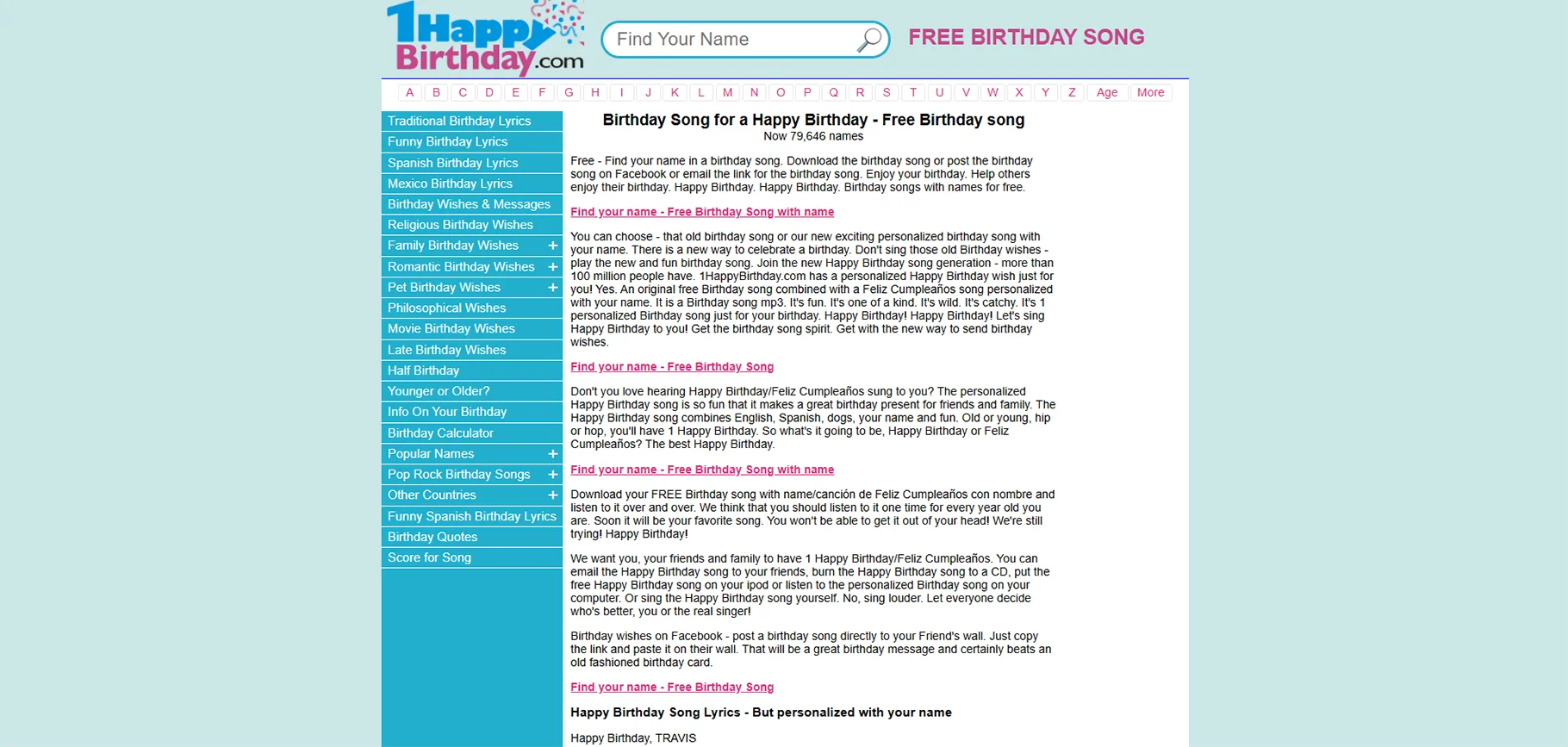
I want to share my experience with 1happyBirthday, this tool gives me an amazing experience that converts my audio sample into an enjoyable song.
My Experience: You might consider it a weird item in the list of professional audio tools, but just listen to me. I have utilised 1HappyBirthday for the purpose of making personalised audio messages and singing for client projects.
What Makes It Special: The platform is dedicated to providing custom birthday songs featuring the names of the people celebrating their birthday. This might seem easy, but the AI voice synthesis is remarkably good, and the alternatives for customisation are numerous.
How I Use It: This tool is mainly used by me to produce tailor-made audio greetings for corporate customers and personal assignments. The capability to create custom songs in a short time has turned out to be essential for advertising initiatives and social media posts.
The application has a database containing more than 64,000 names, and for each of them, a distinct song is created. One can either get the files in MP3 format or post them on social media right away.
Unique Application: I have come across innovative applications beyond birthday, welcome, and thank-you songs, as well as promotional audio with customer names. The inclusion of a personal touch renders the content more interesting.
Best For: Marketers, social media managers, event planners, and anyone creating voice content that personalizes it.
ai-coustics
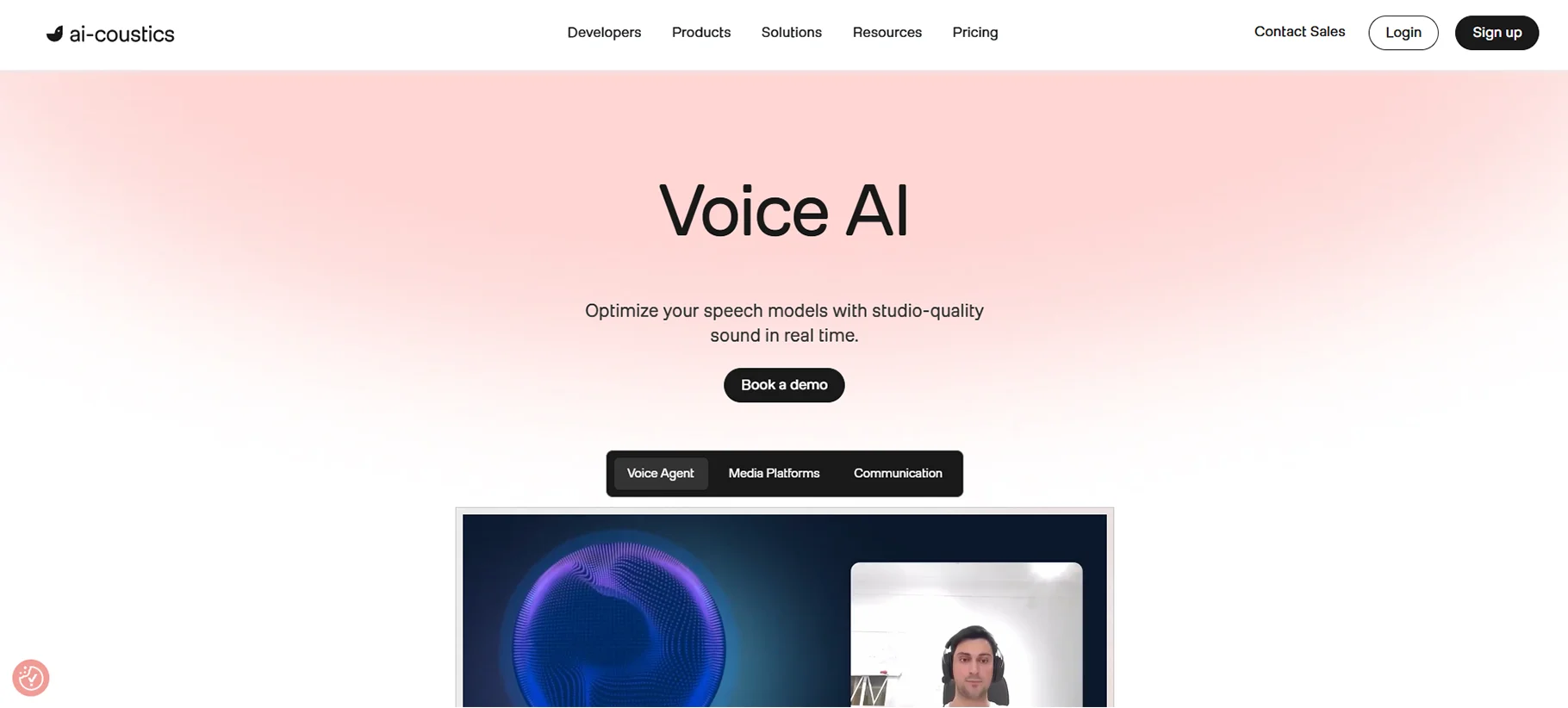
AI acoustics is my secret weapon in ameliorating problem soundtracks.
In the case of my acquiring recordings that bear extraneous noise, increasingly annoying echoes, or worse intelligibility, this is the main area where I promptly address the production problems in the hope that it yields some improvement.
What Makes It Special: The technology that powers ai-coustics is nothing short of amazing. The company’s AI models, which include Quail for real-time applications, Lark for studio quality, and Finch for voice isolation, each one has been trained on a huge collection of audio samples taken under various recording conditions.
I have put ai-coustics through a testing process with different audio repair tools, and it is still the one that is top in all situations.
How I Use It: My usual working process consists of sending any not-so-clear sound recordings to ai-coustics for cleaning up before moving on to meticulous editing.
- Echo and reverb reduction
- Voice isolation and enhancement
- Audio restoration and frequency reconstruction
- Real-time processing for live applications
The SDK for real-time processing is of immense worth. I apply it for video conferencing and audio capturing as a way of securing the highest possible quality at the origin, which in turn lessens the number of corrections that will be needed afterwards.
Technical Excellence: What I find most impressive is the way ai-coustics cleans the audio while still keeping it natural. A lot of noise reduction tools create artifacts or alter the voice to sound processed. ai-coustics keeps the voice's natural character intact while sorting out the unwanteds.
With API integration, the ai-coustics can be incorporated into the workflows that are automated. This automation will be a great time saver for projects with multiple audio files as it will take enormous time to process them manually.
Performance Metrics: As per their evaluations, ai-coustics minimizes detection errors by 40% and enhances speech quality by 48% when pitched against rival products. Personally, I can attest that these figures are true in practical applications.
Use Cases: I've used ai-coustics for:
- Podcast production (cleaning guest recordings)
- Video editing (fixing interview audio)
- Voice-over work (enhancing vocal clarity)
- Music production (isolating vocal tracks)
- Conference call recordings (improving intelligibility)
Pricing: API acoustics combines both API access and SDK integration. Free test developer accounts are offered and scalable pricing depending on whether the product is for commercial purposes.
Best For: Audio engineers, podcast editors, video editors, voice-over artists and anyone committed to quality audio.
My Personal Audio Editing Workflow
Let me walk you through how I actually use these tools together:
Let me understand how I use these tools together :
For Podcast Production: To begin with, I let raw sound pass through air-coustics to get rid of unwanted noise and make it better. In the case of having to compose music for intro/outro, I turn to Stability AI for generating bespoke tracks. For any narration or character voices, I switch between Vozard and Kits.AI based on the specifics.
For Video Content: ai-coustics is responsible for eliminating all dialogues and that makes it quite a task. On the other hand, Stability AI is the one who produces the background music and sound effects. In case I require different vocal elements, then I have to depend upon Kits.AI or Vozard.
For Client Projects:'I use AI-option acoustics to restore mine and AI stability to create it when quality is major'. Results that are of high proficiency warrant the investment made.
Conclusion
AI has totally transformed the process of audio editing, and in 2026, there is indeed no need to fight with costly studio arrangements or complicated software. What was previously a long task taking several hours of manual work is now accomplished within minutes using proper tools.
This guide lists not only the most popular tools but also the ones that I use in real-world projects because they save a lot of time, improve quality, and make the sound professional even for beginners.
FAQs
1. Can AI fix my audio?
Yes, AI can clean noise, enhance voice clarity, remove echo, and balance volume automatically. Many tools now fix poor-quality audio in just a few clicks.
2. Which software is best for audio editing?
Popular audio editing software includes Happy Birthday, Audacity, Logic Pro, and FL Studio. The best choice depends on your skill level and editing needs.
3. Which AI is best for editing music?
Top AI tools for music editing include Adobe Enhance, iZotope RX, Auphonic, and Lalal.ai. They help with cleanup, mastering, and stem separation.
4. How to edit audio professionally?
Professional audio editing involves noise reduction, cutting mistakes, leveling volume, EQ, compression, and final mastering using high-quality tools.
5. What software do professionals use for audio editing?
Professionals commonly use Pro Tools, Adobe Audition, Logic Pro, Cubase, and Ableton Live for studio-level audio production.
6. What are three types of audio editing techniques?
The three main techniques are destructive editing, non-destructive editing, and spectral editing, each used for different audio correction needs.
7. How to edit audio to avoid copyright?
You can avoid copyright issues by using royalty-free audio, adding transformations, remixing legally, or using licensed and original sound sources.
8. What is the best way to edit audio?
The best way is to start with clean recordings, use proper noise reduction, apply EQ and compression, and export in high-quality formats.
9. What is the best software for audio editing?
Adobe Audition and Audacity are among the best options, offering powerful tools for both beginners and professionals.
10. Which free app is best for audio editing?
Audacity is the best free audio editing app, known for its powerful features, plugins, and cross-platform support.

