
Table Of Contents
25 Best AI Coding Assistant Tools in 2026
Published on : May 05 2025

In the year 2026, AI has completely changed the way developers write code. Rather than spending a lot of time debugging or writing repetitive functions, the intelligent assistants now take care of code completion, catching the bugs early on, and automatically optimizing your code. Such tools cut down on the time required, errors made, and allow you to prioritize the solving of complicated problems over the everyday issue of coding.
To come up with this guide to the top 25 coding assistants already today, I tested more than 50 AI coding tools. No matter if you are a novice or a seasoned developer managing large codebases, there is a suitable tool for you.
Some are great at smart code completion, others at debugging, and some do it all. The prices vary from free options to enterprise plans, all assessed for real-world performance and developer feedback.
How I Selected the Best AI Coding Tools in this List
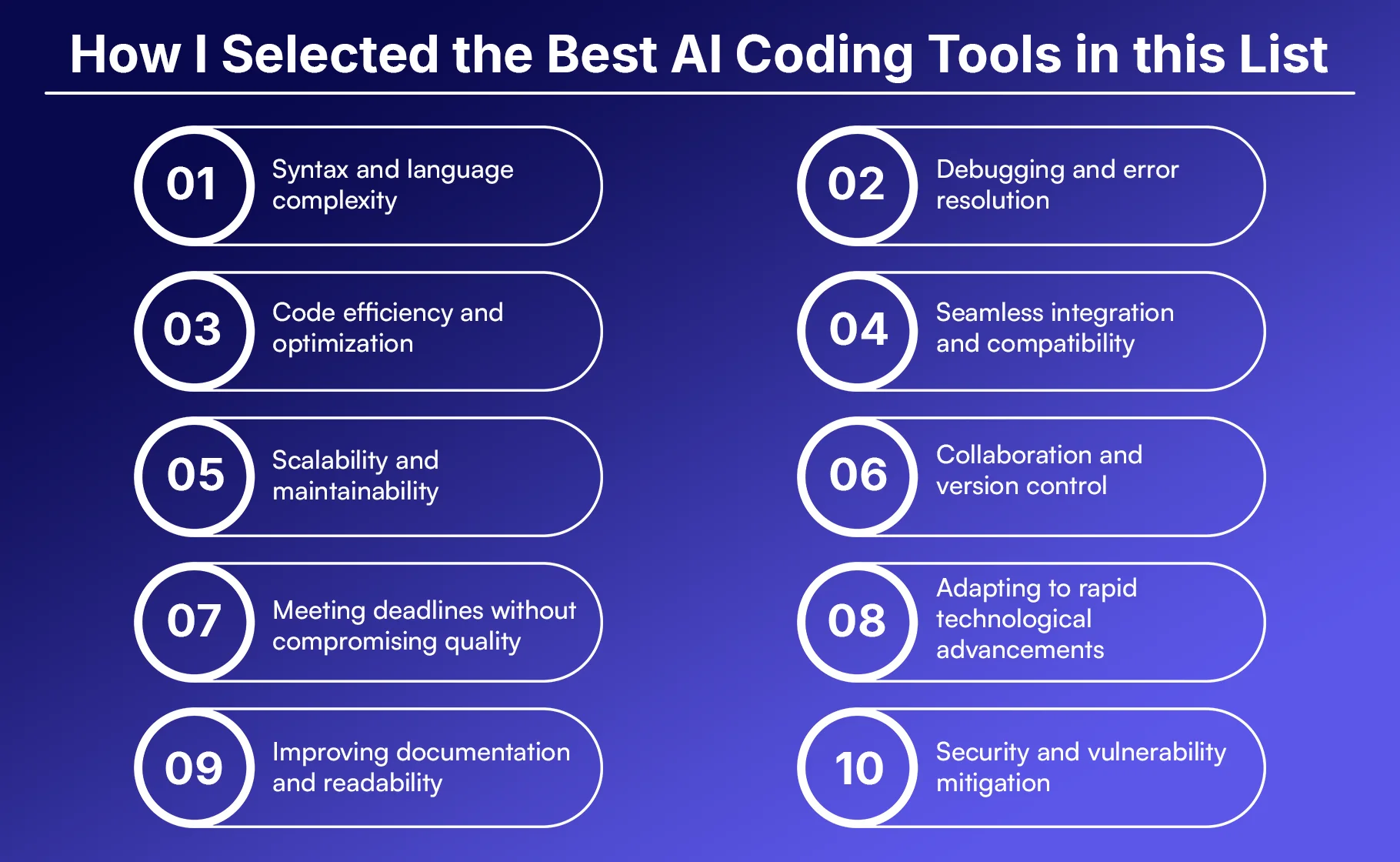
1. Syntax and language complexity
We tested how each tool handles different programming languages. The best tools can detect syntax in many languages. They understand complex code patterns and structures. They also give accurate suggestions for specific language features. A good AI assistant should match our coding style and project needs.
2. Debugging and error resolution
Finding and fixing bugs takes a lot of time. We chose tools that catch errors fast. The best AI assistants explain the problem in our code. They also offer clear fixes for bugs. Some tools even stop mistakes before they happen. This feature can save us hours of work.
3. Code efficiency and optimization
Fast, clean code performs better. We checked how well each tool makes code run faster. Good AI assistants show ways to boost performance. They find slow parts and repeated code. Some can even rewrite full functions for speed. This helps our apps run smoother and scale better.
4. Seamless integration and compatibility
Tools should fit into our current workflow. We tested how well each tool works with IDEs and coding setups. The best ones have plugins for tools like VS Code and JetBrains. They also work with version control systems. Easy setup and low effort were key in our picks.
5. Scalability and maintainability
Good tools help our code grow over time. We checked how well each tool works with big codebases. The best AI assistants understand code across files. They keep our style and structure consistent. They also help manage dependencies and tech debt. This makes it easier for us to scale projects.
6. Collaboration and version control
Teamwork is a big part of coding. We looked for tools that support team coding. The top choices connect with Git and other tools. They help solve merge conflicts and track edits. Some even suggest changes to match team rules. These features help us code better together.
7. Meeting deadlines without compromising quality
Deadlines are always tight in coding. We chose tools that speed up work without dropping quality. The best AI assistants handle boring tasks fast. They write boilerplate code in seconds. They also help test the code to avoid issues. This mix of speed and quality helps us meet deadlines.
8. Adapting to rapid technological advancements
Tech keeps changing fast. We picked tools that stay up to date. The best AI assistants get updates with new features. They learn the newest coding trends and tools. This keeps them useful for our projects as the tech world evolves.
9. Improving documentation and readability
Clear code is easy to maintain. We liked tools that improve how code looks and reads. The best ones add helpful comments and docs. They suggest better names and cleaner code layouts. Some even rewrite confusing code to make it clearer. This helps new members understand our projects faster.
10. Security and vulnerability mitigation
Security is very important now. We tested how each tool handles risky code. The best AI assistants spot and highlight security issues. They suggest safer ways to write code. Some scan for known attack types in real-time. This helps us protect our apps before deployment.
25 Best AI Coding Assistants
1. Qodo
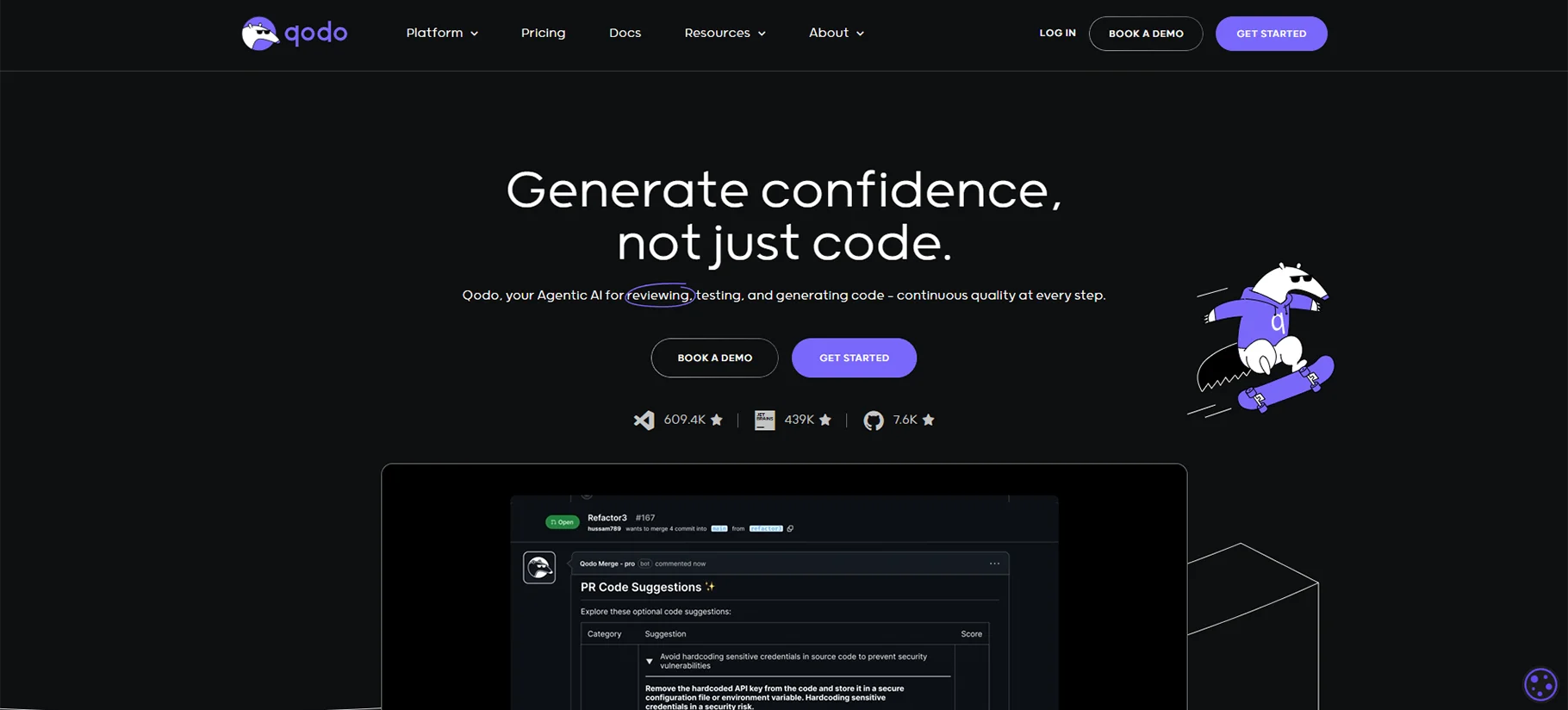
Qodo is an AI-powered coding assistant designed for full-stack development. It understands project context and provides relevant suggestions. Qodo works well with JavaScript, Python, and Java. It learns from your coding patterns to offer personalized help. The tool integrates smoothly with most popular IDEs.
Pros of Qodo
- Understands full project context, not just single files
- Excellent at suggesting complete functions based on comments
- Supports multiple programming languages equally well
- Learns from your coding style over time
Cons of Qodo
- Requires initial setup time to learn your codebase
- Premium features are expensive for individual developers
- Sometimes slow when processing large projects
Pricing: Free tier available; Pro plan starts at $19/month; Team plans from $49/month per user
2. GitHub Copilot
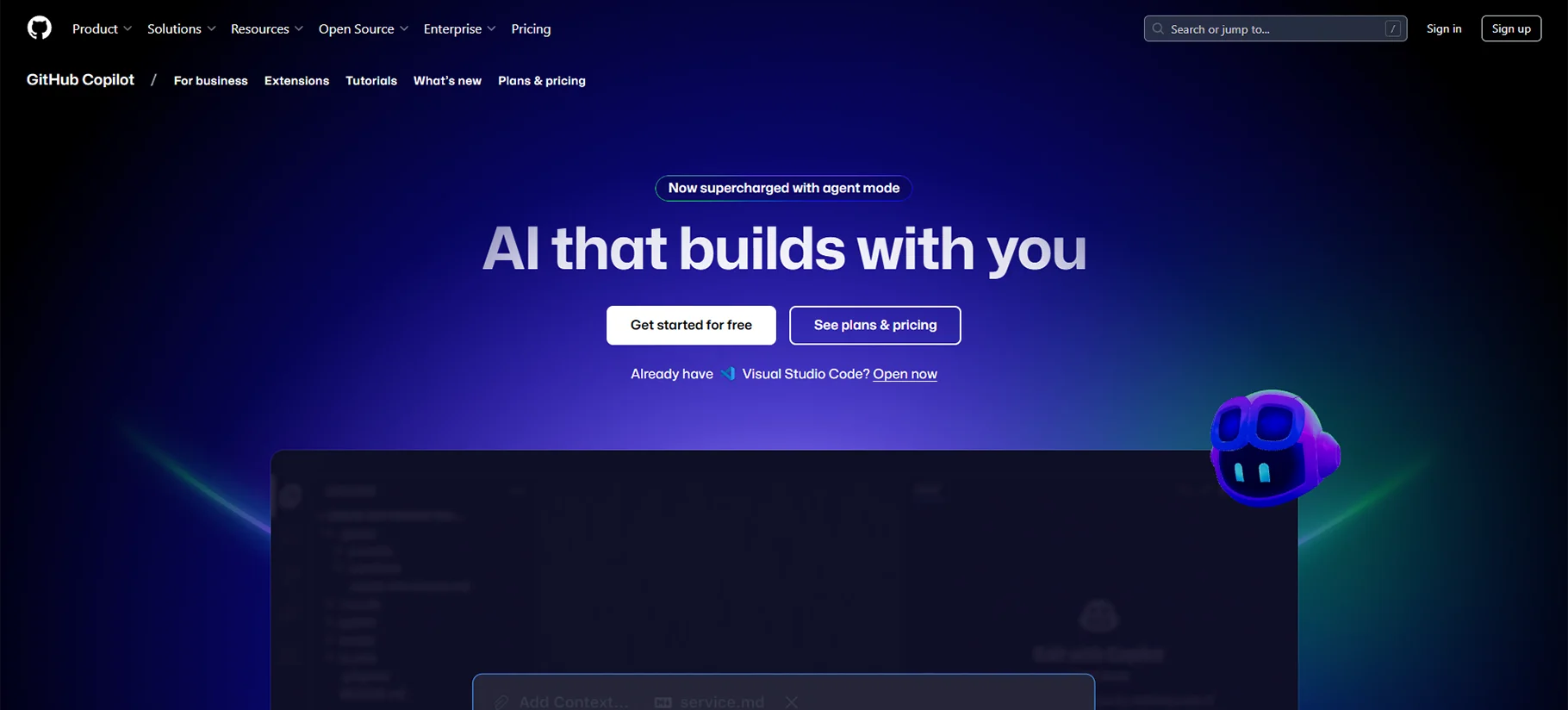
GitHub Copilot is one of the most popular AI coding assistants. It was developed by GitHub and OpenAI. The tool suggests code completions as you type. It works best with JavaScript, Python, TypeScript, Ruby, and Go. Copilot understands natural language comments and converts them to code.
Pros of GitHub Copilot
- Excellent code completion across many languages
- Deeply integrated with GitHub ecosystem
- Understands natural language instructions well
- Regularly updated with new capabilities
Cons of GitHub Copilot
- Occasionally suggests deprecated or insecure code
- Requires an active internet connection
- Can be overly verbose in some situations
Pricing: $10/month for individual developers; $19/user/month for business use; Free for students and open source maintainers
3. Tabnine
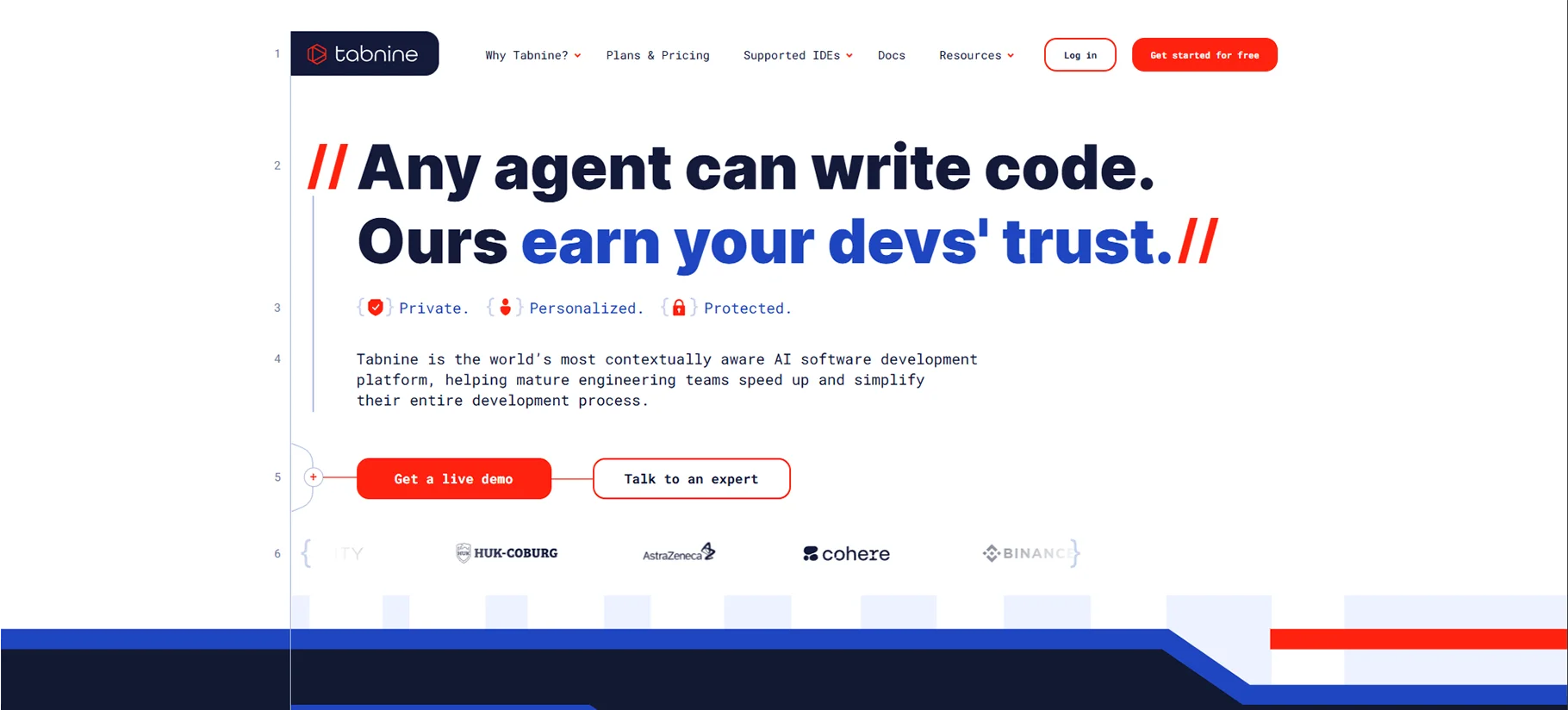
Tabnine uses deep learning to help developers code faster. It offers AI code completions in real-time. The tool supports over 30 programming languages and integrates with most IDEs. Tabnine can run locally for privacy or in the cloud for more power.
Pros of Tabnine
- Works offline with local AI model option
- Highly accurate code predictions
- Supports many programming languages and frameworks
- Privacy-focused with team and enterprise controls
Cons of Tabnine
- Local model has fewer features than cloud version
- Some users report higher resource usage
- Advanced features limited to paid tiers
Pricing: Free basic tier; Pro plan at $12/month; Enterprise pricing available on request
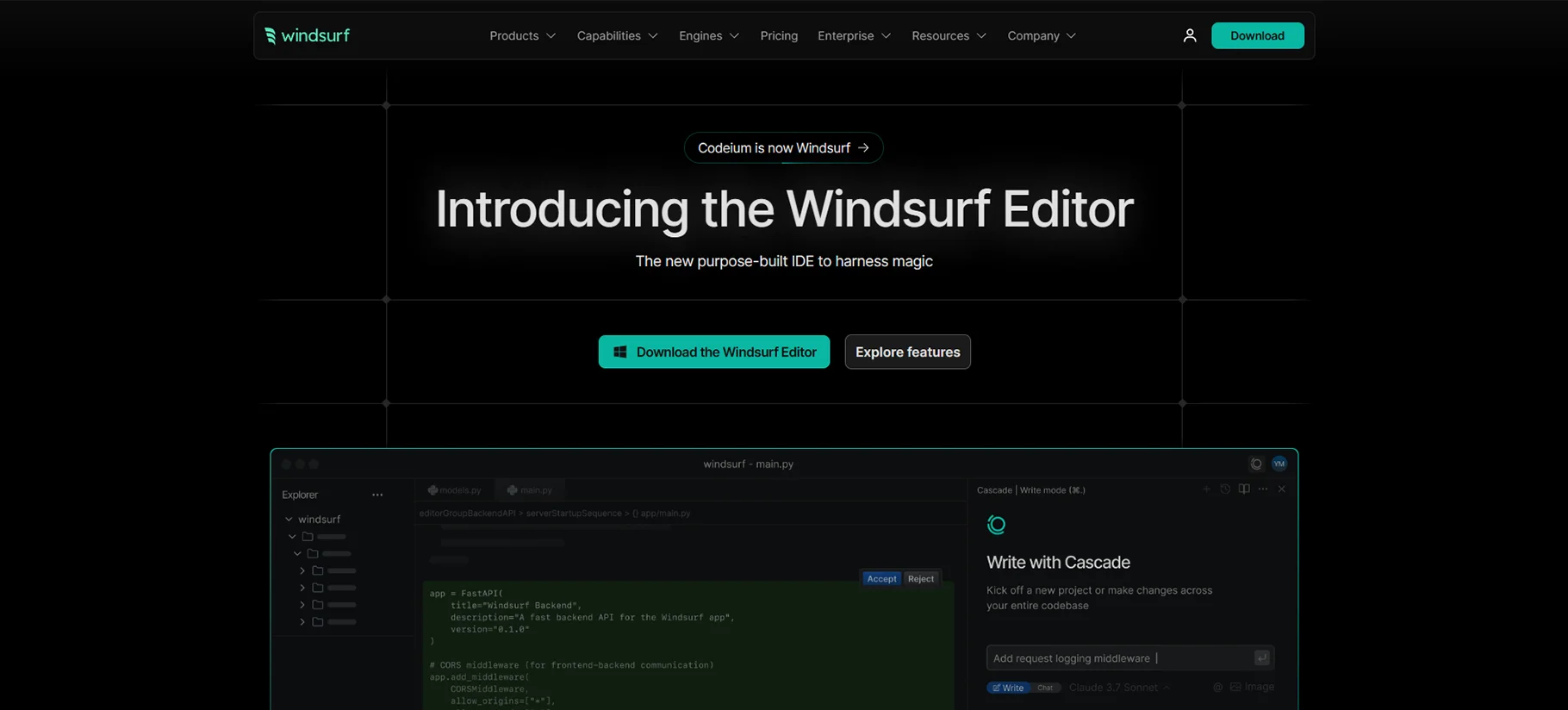
4. Codeium
Codeium focuses on speed and accuracy for code completion. It offers features like code generation and refactoring. The tool supports over 20 programming languages with IDE integrations. Codeium uses a unique approach to understanding code context.
Pros of Codeium
- Very fast response time compared to competitors
- Free for individual use with generous limits
- Strong support for multiple languages
- Clean, minimalist interface
Cons of Codeium
- Newer than some competitors with smaller user base
- Some advanced features still in development
- Limited enterprise controls and customization
Pricing: Free for individuals; Team plan at $12/user/month; Enterprise custom pricing
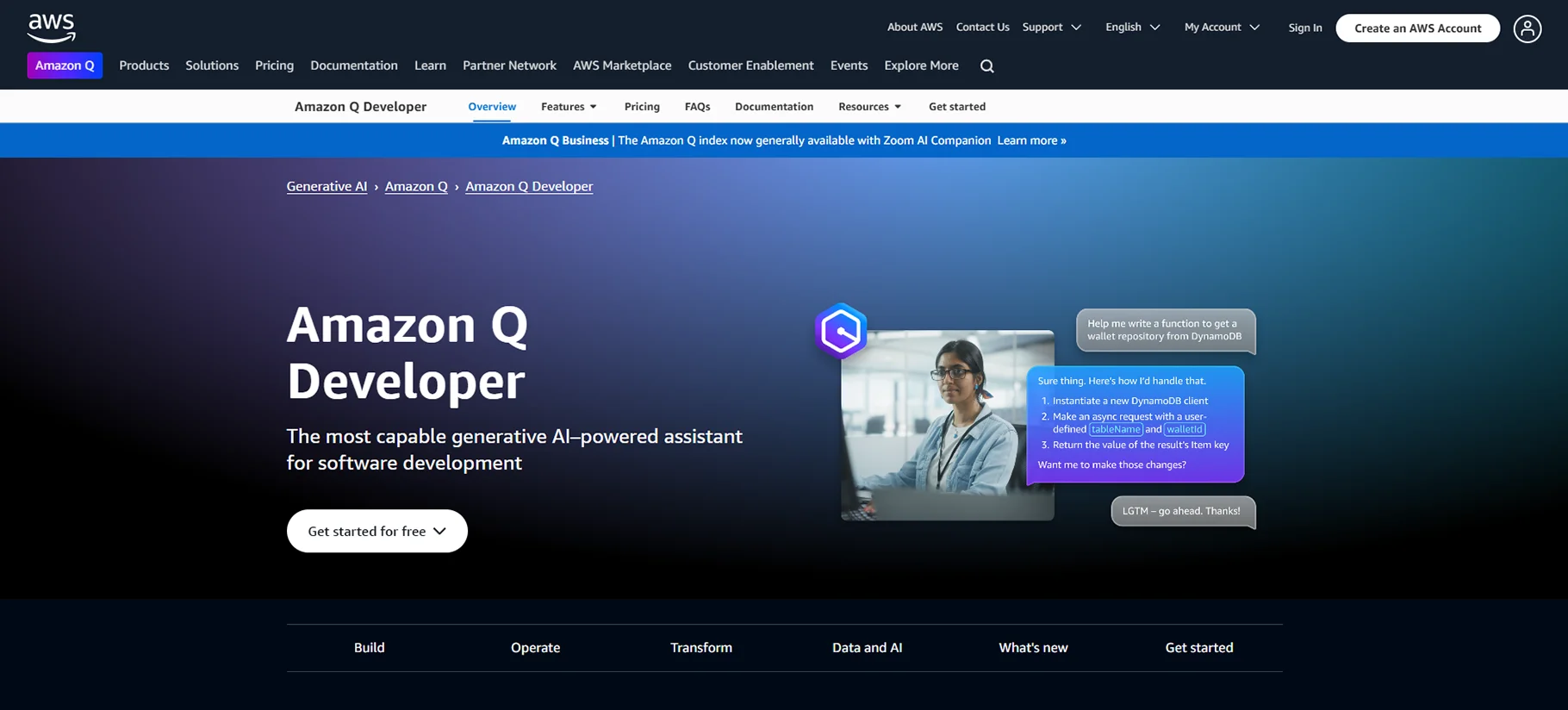
5. Amazon CodeWhisperer
Amazon CodeWhisperer is Amazon's entry into AI coding assistants. It offers code suggestions and security scanning. The tool integrates well with AWS services and resources. CodeWhisperer excels at cloud-related development tasks.
Pros of Amazon CodeWhisperer
- Excellent for AWS-related development
- Built-in security scanning
- Good at generating code from comments
- Free for individual developers
Cons of Amazon CodeWhisperer
- Works best within AWS ecosystem
- Not as strong for front-end development
- Fewer IDE integrations than competitors
Pricing: Free for individual use; Professional tier at $19/user/month; Enterprise pricing available
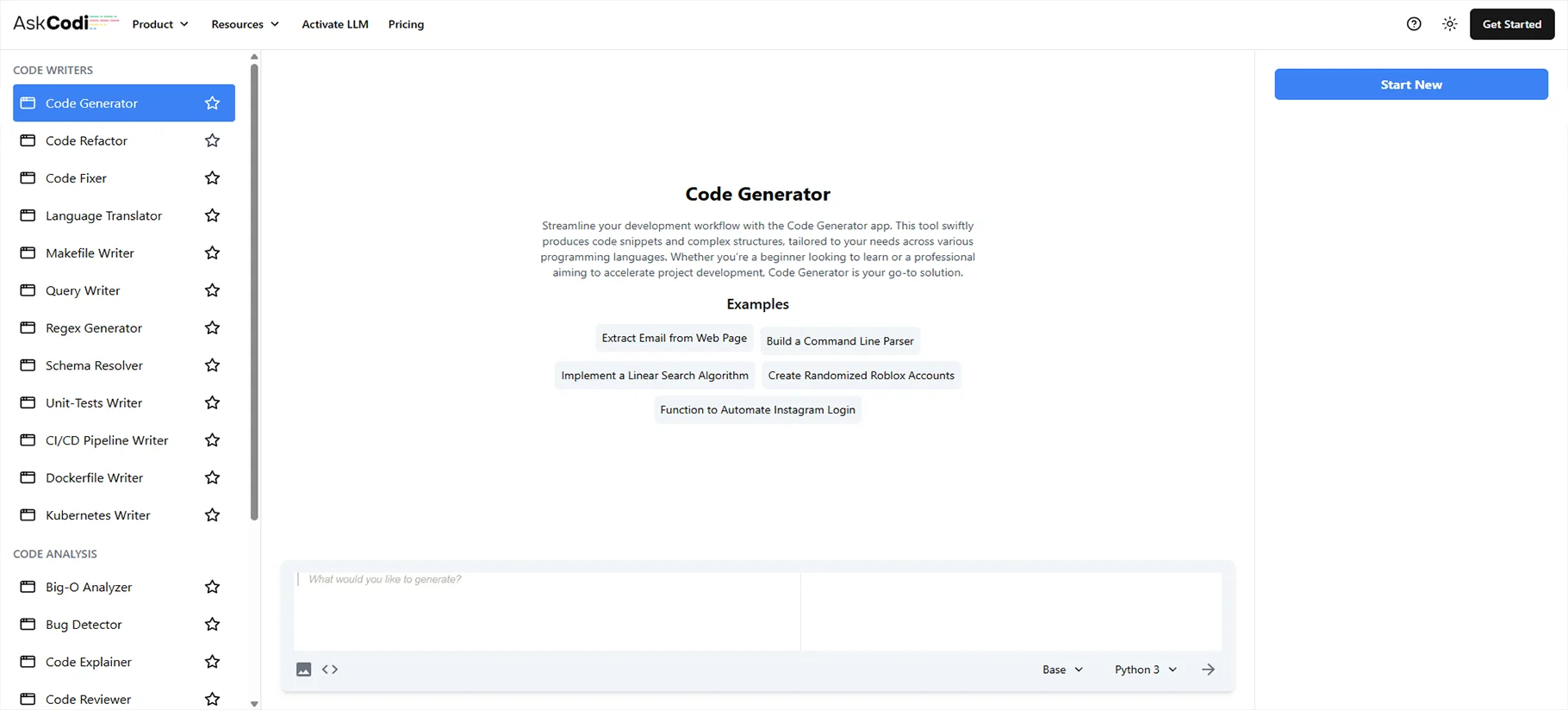
6. AskCodi
AskCodi is an AI pair programmer focused on code understanding. It helps developers write, fix, and optimize code. The tool supports multiple languages with IDE plugins. AskCodi also offers code explanation and documentation features.
Pros of AskCodi
- Good at explaining complex code sections
- Helpful for learning new frameworks
- Strong documentation generation features
- Clean user interface
Cons of AskCodi
- Smaller feature set than some competitors
- Limited community support and resources
- Not as strong with newer languages
Pricing: Free plan available; Pro starts at $15/month; Team plans from $39/month
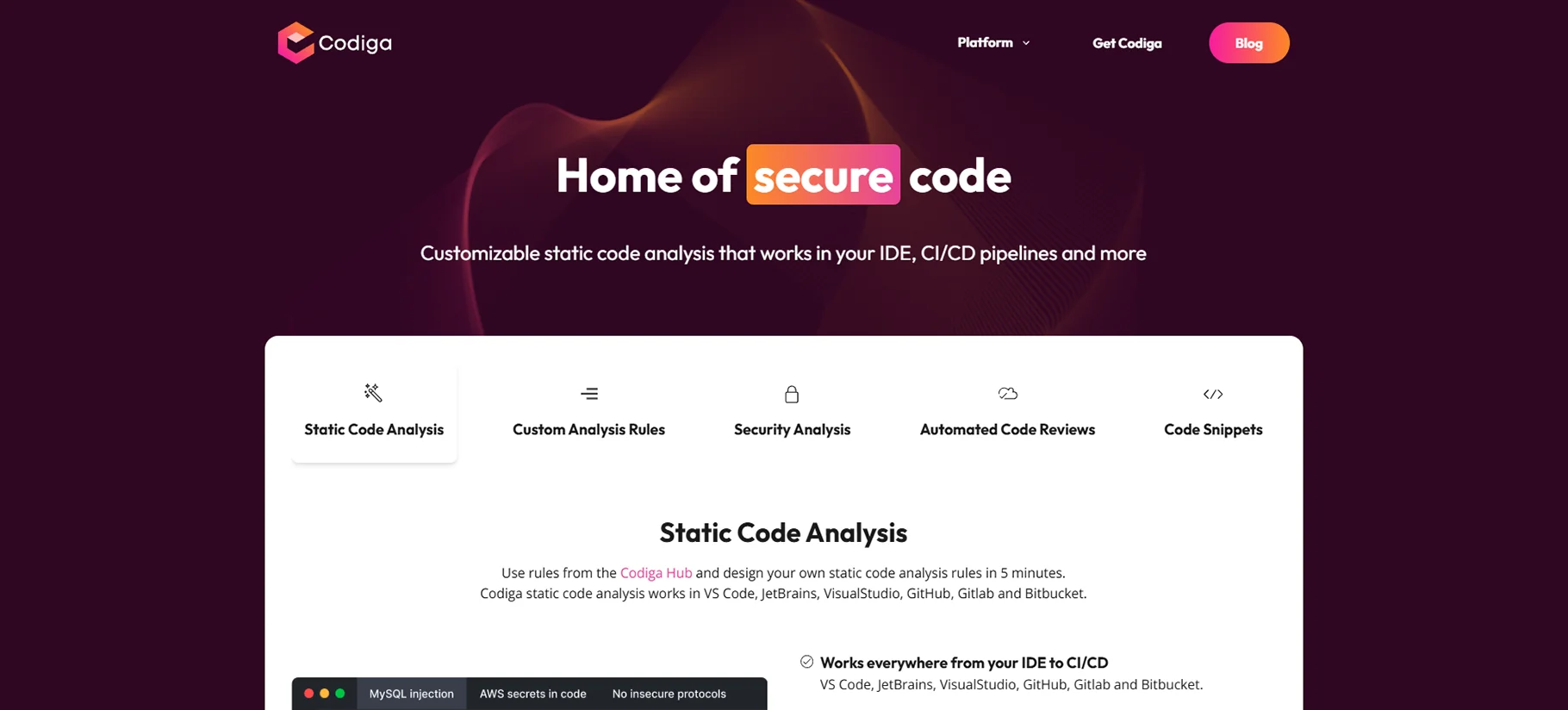
7. Codiga
Codiga combines code analysis with AI assistance. It offers automated code reviews and quality checks. The tool integrates with GitHub and GitLab workflows. Codiga also provides reusable code snippets called Smart Code Recipes.
Pros of Codiga
- Excellent for maintaining code quality
- Automated code reviews save time
- Repository of useful code patterns
- Good integration with CI/CD pipelines
Cons of Codiga
- Learning curve for full feature utilization
- More focused on quality than generation
- Limited IDE support compared to others
Pricing: Free tier available; Developer plan at $14/month; Team plans from $39/user/month
8. Replit
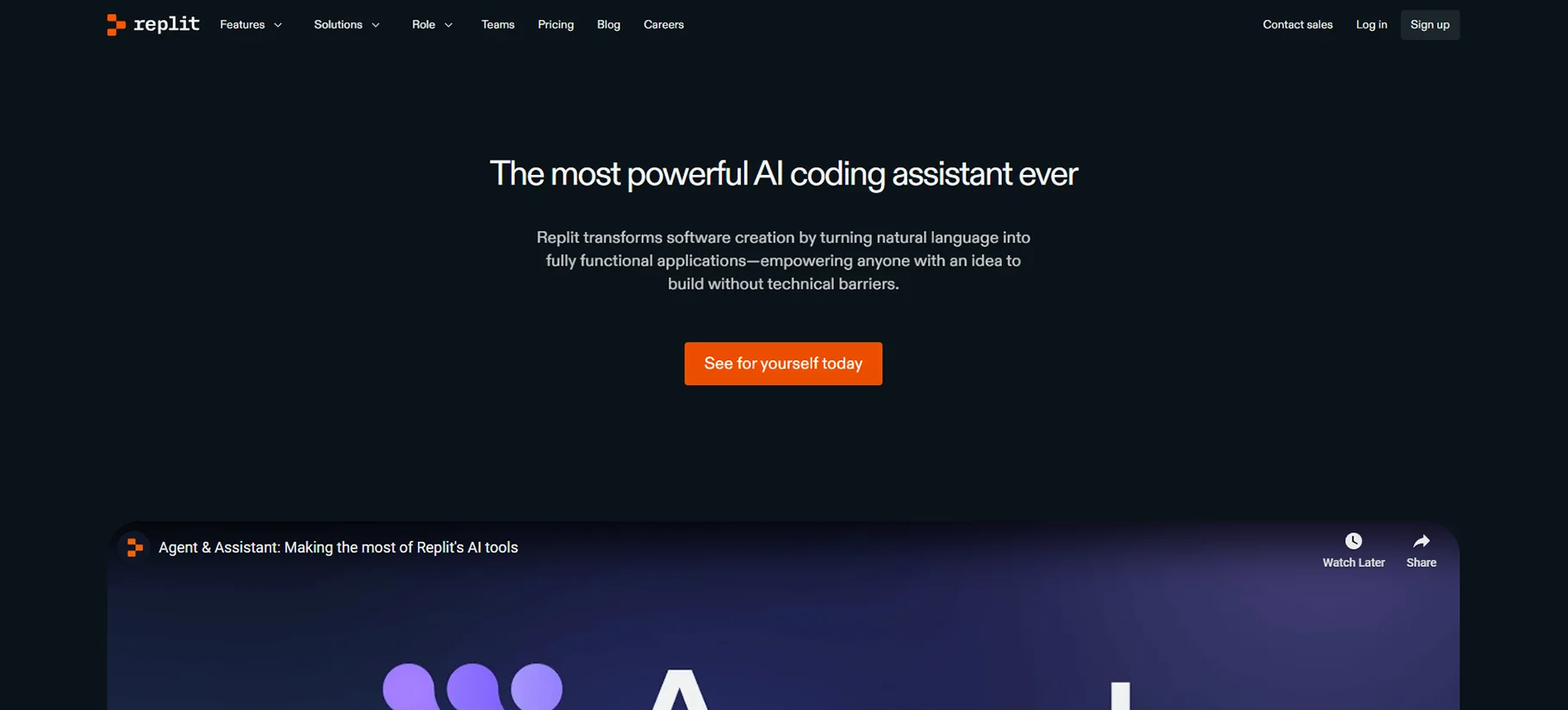
Replit offers a complete coding environment with AI assistance. It combines an IDE with collaborative features. The tool supports over 50 programming languages. Replit's AI features help with code completion and debugging.
Pros of Replit
- Complete development environment in the browser
- Strong collaboration features
- Excellent for education and learning
- Built-in hosting and deployment
Cons of Replit
- AI features not as advanced as dedicated tools
- Some performance limitations for larger projects
- Premium features can get expensive
Pricing: Free tier available; Pro plan at $10/month; Teams from $20/user/month
9. CodeT5
CodeT5 is an open-source code intelligence model. It powers various AI coding tools and plugins. The model understands both natural language and programming languages. CodeT5 excels at code generation and translation between languages.
Pros of CodeT5
- Open-source with customization options
- Good at translating between programming languages
- Strong understanding of code semantics
- Can be self-hosted for privacy
Cons of CodeT5
- Requires technical knowledge to implement
- Not as user-friendly as packaged solutions
- Limited direct support options
Pricing: Free and open-source; Hosted solutions and extensions vary in price
10. OpenAI Codex
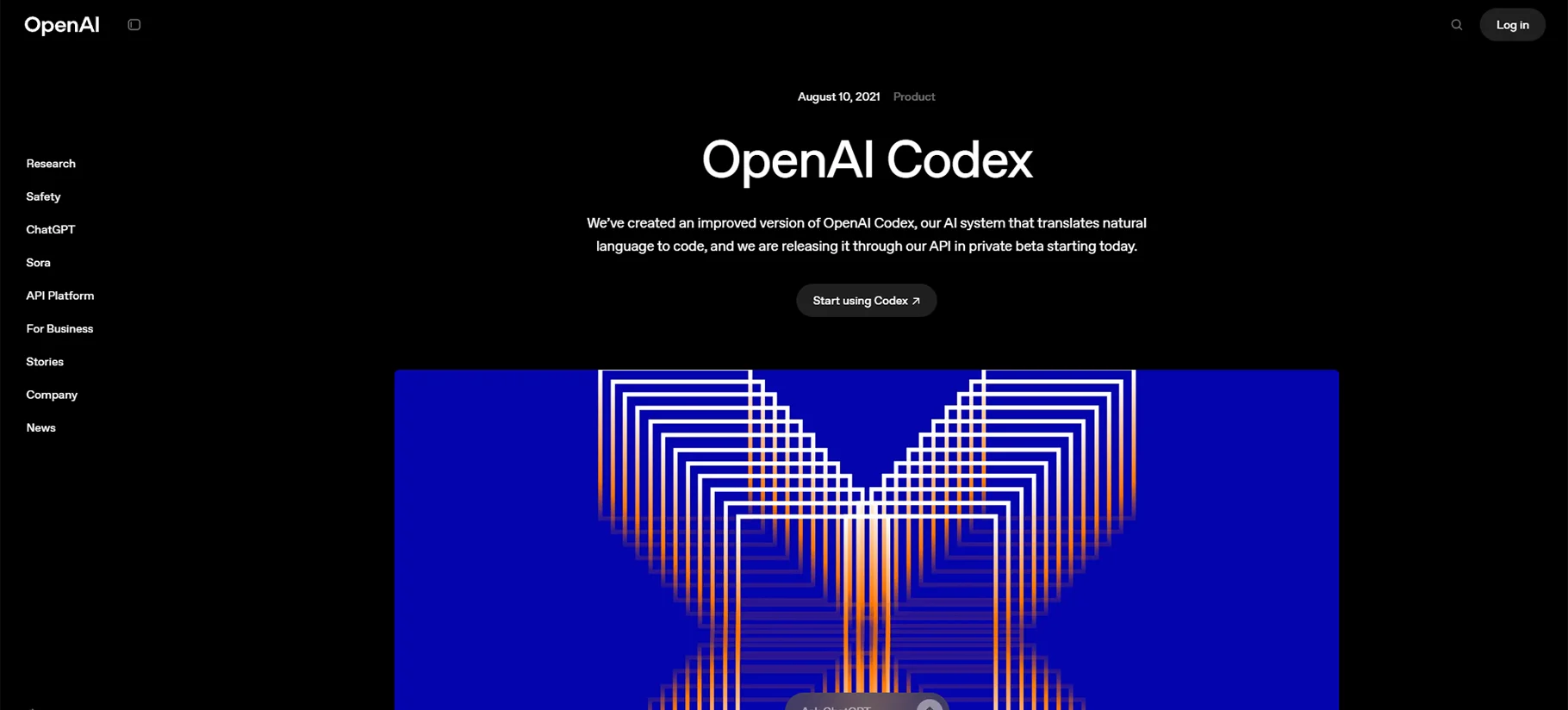
OpenAI Codex is the technology behind GitHub Copilot. It's available through OpenAI's API for custom applications. The model understands dozens of programming languages. Codex can translate natural language into functional code.
Pros of OpenAI Codex
- Powerful code generation capabilities
- Excellent natural language understanding
- Can be integrated into custom tools
- Regularly updated and improved
Cons of OpenAI Codex
- Requires API integration skills to use directly
- Usage costs can scale quickly with volume
- API access may be limited for some users
Pricing: Pay-per-use API pricing based on tokens; Enterprise options available
11. Sourcegraph Cody
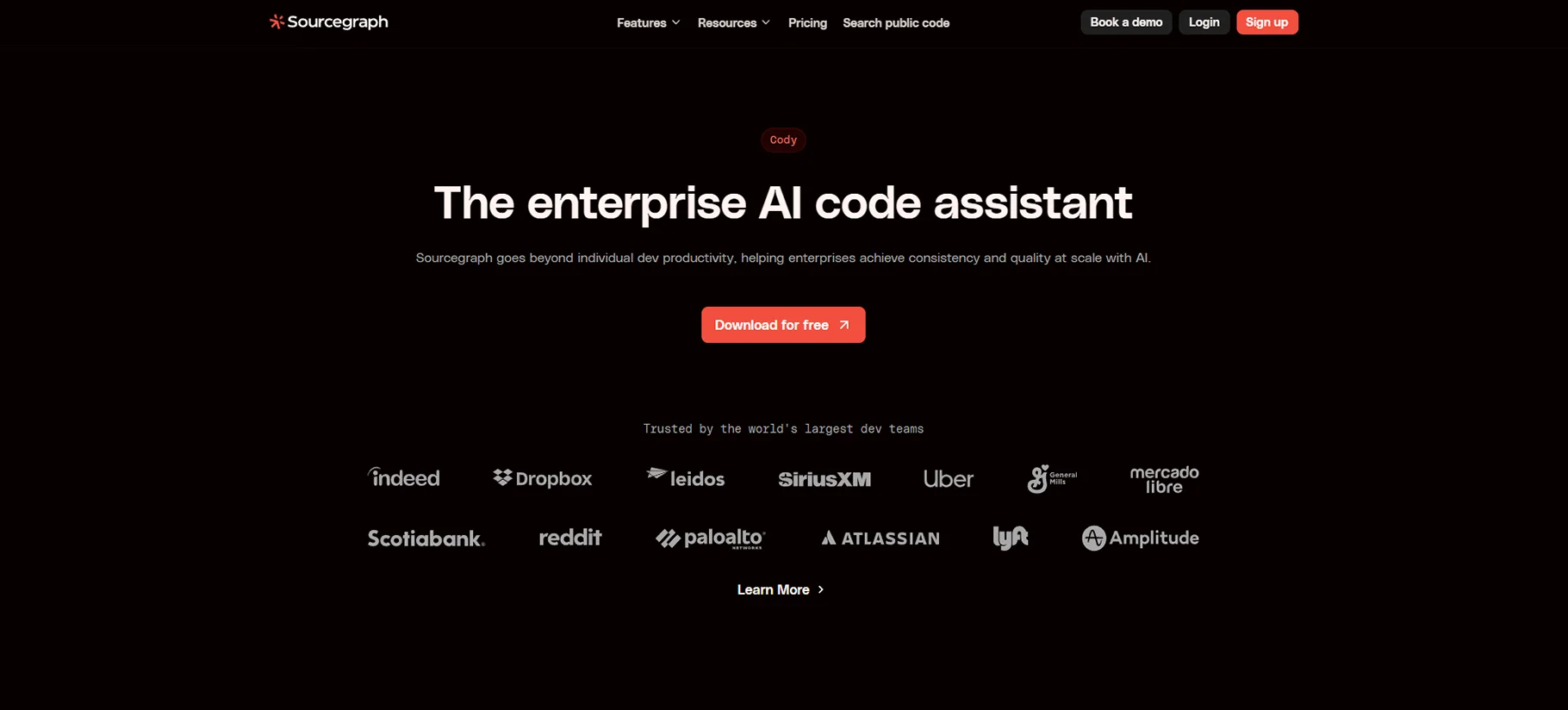
Sourcegraph Cody specializes in understanding large codebases. It helps developers navigate and modify complex projects. The tool offers code search, completion, and explanation features. Cody integrates with version control and code review systems.
Pros of Cody
- Excellent for large, complex codebases
- Strong code search capabilities
- Good at explaining unfamiliar code
- Integrates well with existing workflows
Cons of Cody
- Initial indexing takes time
- Higher resource requirements than some tools
- Enterprise focus may not suit individual developers
Pricing: Free tier for individuals; Team plans start at $19/user/month; Enterprise pricing available
12. DeepCode AI
DeepCode AI focuses on bug detection and code quality. It uses AI to find potential issues before they cause problems. The tool supports most major programming languages. DeepCode integrates with GitHub, GitLab, and Bitbucket.

Pros of DeepCode
- Exceptional at finding subtle bugs
- Provides detailed explanations of issues
- Learns from your feedback on suggestions
- Good security vulnerability detection
Cons of DeepCode
- More focused on analysis than generation
- Sometimes produces false positives
- Limited IDE integrations
Pricing: Free for open source; Pro plans from $15/month; Team pricing available
13. Figstack
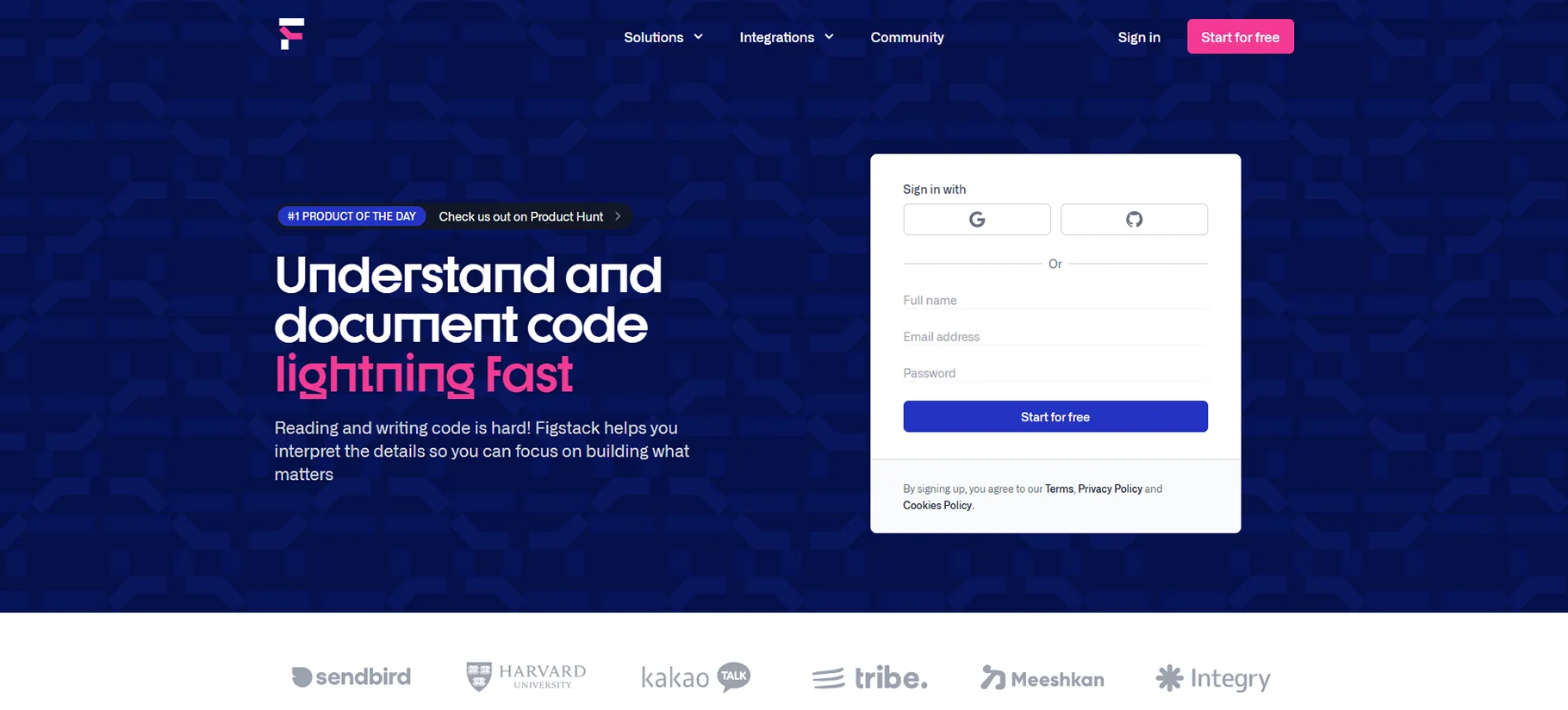
Figstack offers AI-powered code transformation tools. It helps with code refactoring and optimization. The tool can explain, document, and improve code. Figstack works through a web interface and API.
Pros of Figstack
- Excellent code explanation capabilities
- Good at translating between languages
- Simple, accessible interface
- API available for integration
Cons of Figstack
- Fewer IDE integrations than competitors
- Limited real-time completion features
- Smaller feature set overall
Pricing: Free tier available; Pro plan at $9/month; Team plans from $29/user/month
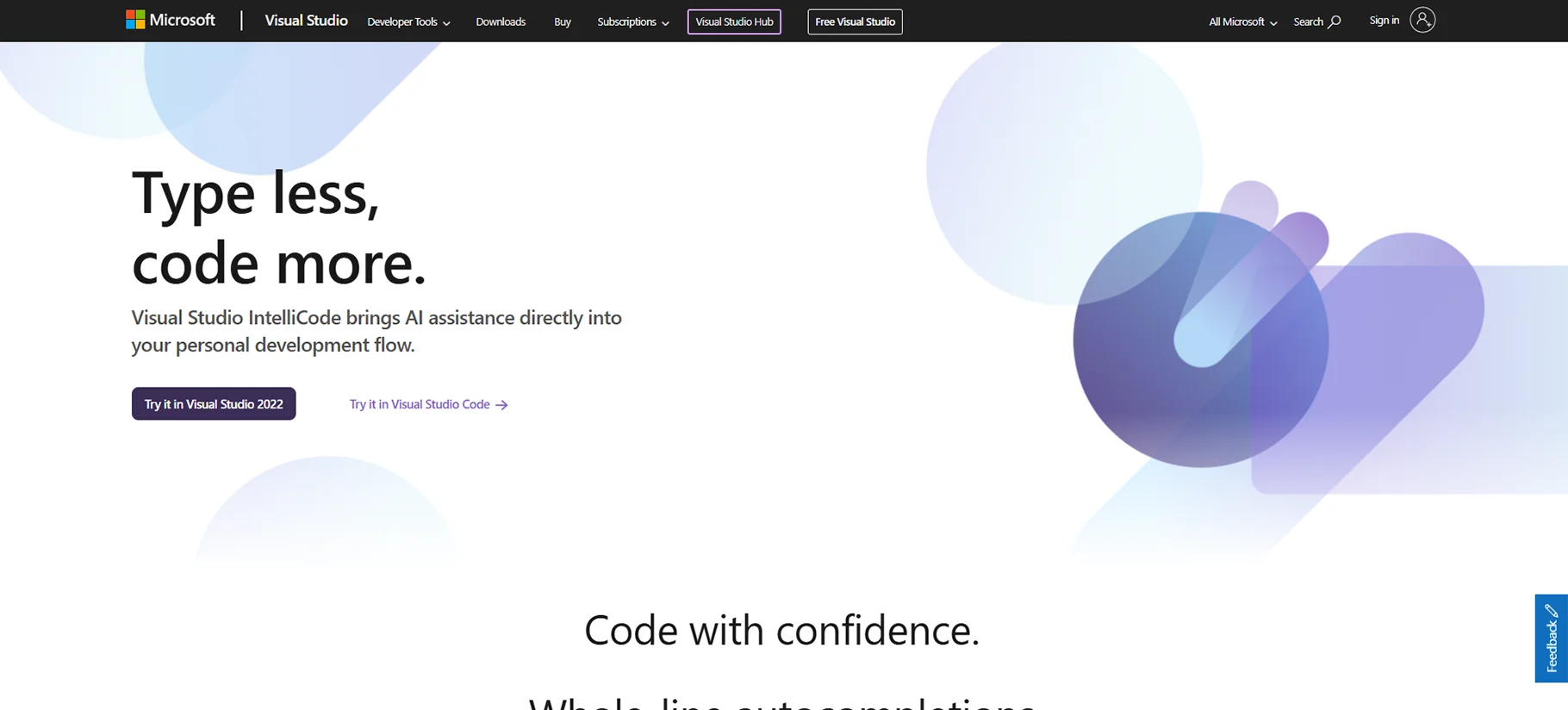
14. Intellicode
Microsoft's Intellicode enhances Visual Studio with AI assistance. It offers context-aware code completions and suggestions. The tool learns from thousands of open source projects. Intellicode works best with C#, C++, JavaScript, TypeScript, and Python.
Pros of IntelliCode
- Deep integration with Visual Studio ecosystem
- Excellent for Microsoft technology stacks
- Team completions feature learns from your codebase
- Low resource requirements
Cons of IntelliCode
- Limited to Microsoft development environments
- Not as powerful for non-Microsoft languages
- Fewer features than dedicated AI assistants
Pricing: Free with Visual Studio; Advanced features included in Visual Studio subscriptions
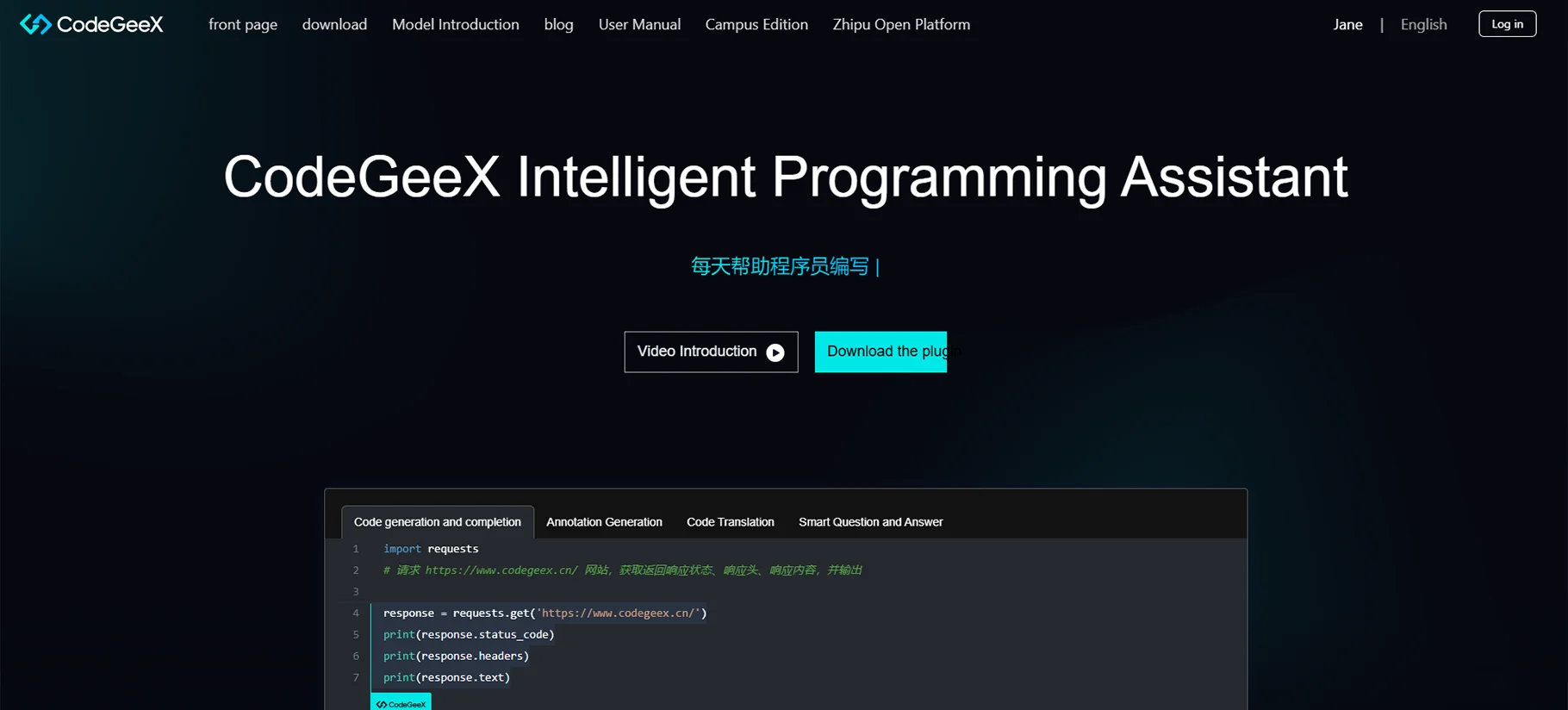
15. CodeGeeX
CodeGeeX is an open-source code generation model. It supports over 20 programming languages. The tool offers both cloud and local options for privacy. CodeGeeX focuses on multi-language coding assistance.
Pros of CodeGeeX
- Open-source with transparency
- Can run locally for privacy
- Good multi-language support
- Active development community
Cons of CodeGeeX
- Local version requires significant resources
- Less polished than commercial alternatives
- Fewer integrations available
Pricing: Free and open-source; Premium hosted options available from $10/month
16. ChatGPT Plus
ChatGPT Plus offers coding assistance through conversational AI. Developers can describe problems and receive code solutions. The tool works well for explaining and debugging code. ChatGPT Plus supports many programming languages and frameworks.
Pros of ChatGPT Plus
- Conversational interface is easy to use
- Good at explaining complex concepts
- Works with almost any programming task
- Constantly improving capabilities
Cons of ChatGPT Plus
- No direct IDE integration
- Sometimes generates incorrect code
- Less context-aware than dedicated coding tools
Pricing: $20/month subscription; Enterprise pricing available
17. Perplexity
Perplexity combines AI coding help with information retrieval. It answers coding questions with real-time data. The tool helps developers find solutions to problems quickly. Perplexity excels at research-heavy development tasks.
Pros of Perplexity
- Access to up-to-date information
- Good at complex problem-solving
- Useful for learning new technologies
- Clear citations and sources
Cons of Perplexity
- Not focused exclusively on coding
- No IDE integrations
- Sometimes information overload
Pricing: Free tier available; Pro plan at $20/month; Team pricing available
18. Grok
Grok offers AI coding assistance with a focus on understanding context. It provides suggestions based on the full project scope. The tool works well for refactoring and optimization. Grok supports most major programming languages.

Pros of Grok
- Excellent project-wide context understanding
- Good at complex refactoring tasks
- Helpful explanations with suggestions
- Regular improvements and updates
Cons of Grok
- Limited availability in some regions
- Higher subscription cost than alternatives
- Newer platform with some features still developing
Pricing: $20/month for basic access; Pro features at $40/month; Enterprise options available
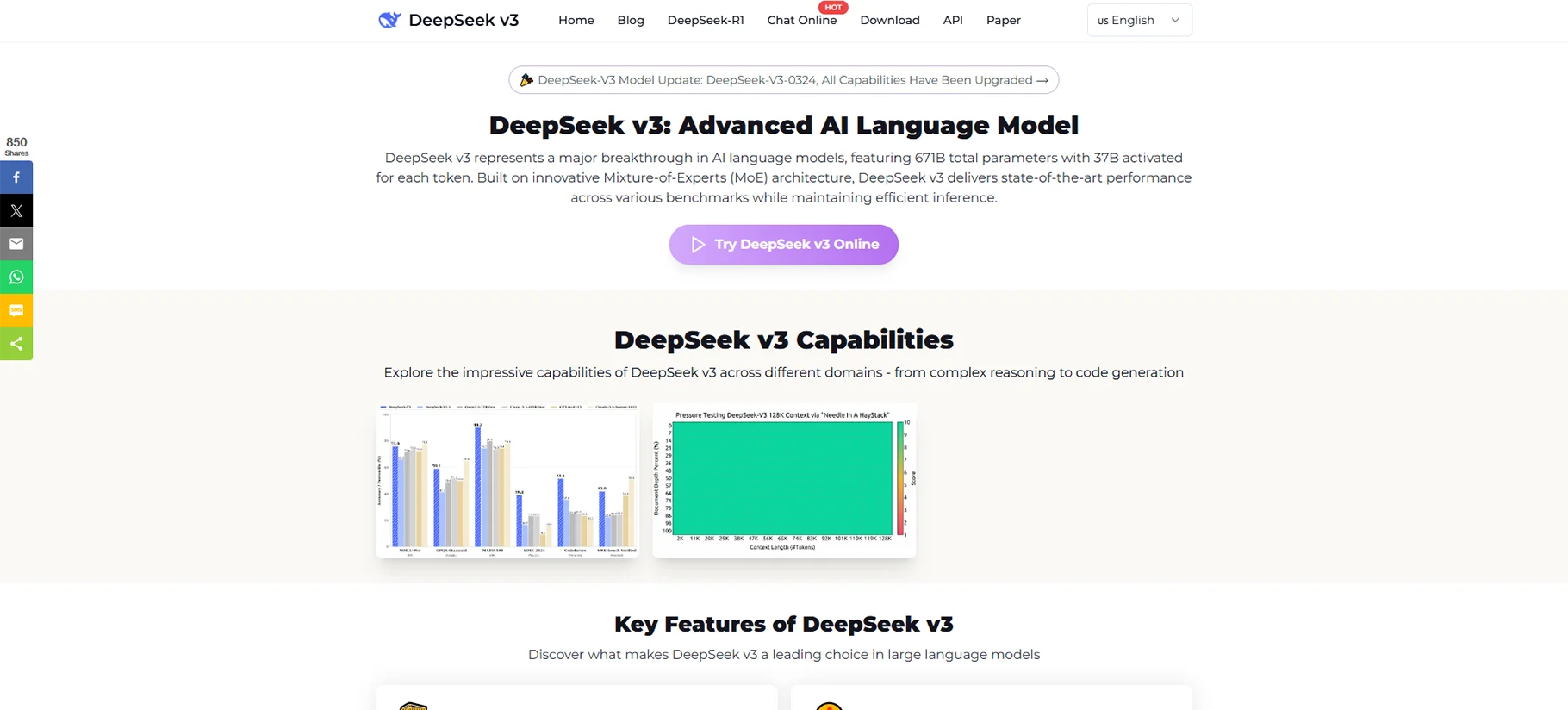
19. Deepseek V3
Deepseek V3 specializes in deep code understanding. It offers advanced completion and generation features. The tool supports dozens of programming languages. Deepseek V3 excels at complex algorithm implementation.
Pros of Deepseek V3
- Exceptional for algorithm development
- Strong mathematical code generation
- Good documentation capabilities
- Supports niche programming languages
Cons of Deepseek V3
- Steeper learning curve than some tools
- Limited integration options
- Higher resource requirements
Pricing: Free tier with limits; Professional plan at $15/month; Team pricing from $35/user/month
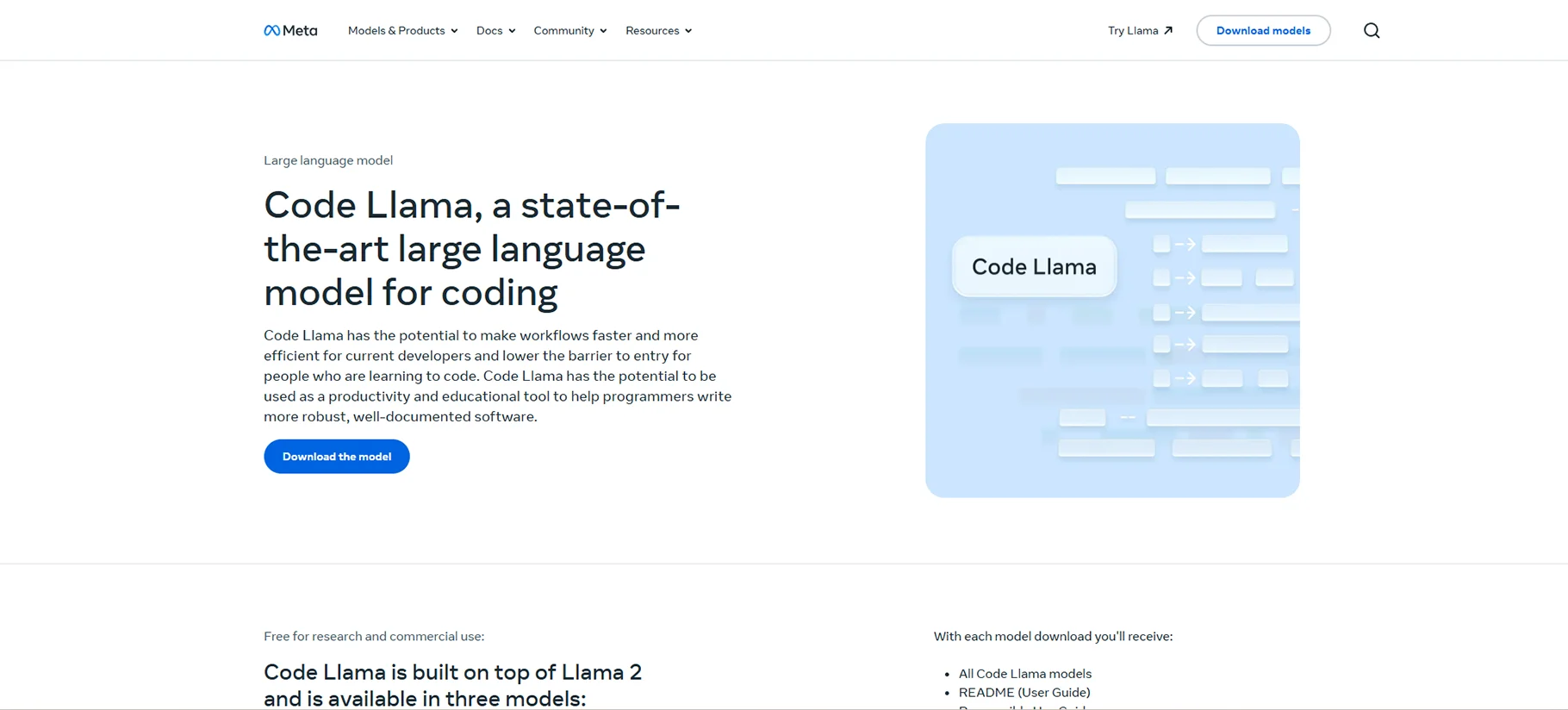
20. Meta Code Llama
Meta Code Llama is an open-source coding model from Meta. It powers various development tools and plugins. The model offers code completion and generation. Code Llama can be deployed locally or used through providers.
Pros of Meta Code Llama
- Open-source with permissive licensing
- Can run locally for privacy
- Strong performance across languages
- Active development community
Cons of Meta Code Llama
- Requires technical knowledge to implement
- Local version needs significant resources
- Less refined than some commercial options
Pricing: Free and open-source; Various commercial implementations available at different price points
21. Claude 3.5 Sonnet
Claude 3.5 Sonnet offers advanced coding assistance through natural conversation. It excels at understanding complex requirements. The tool can generate complete functions and modules. Claude works well for both writing and explaining code.

Pros of Claude 3.5 Sonnet
- Excellent natural language understanding
- Strong reasoning about code problems
- Good at implementing complex logic
- Clear explanations of solutions
Cons of Claude 3.5 Sonnet
- No direct IDE integration
- Conversational interface may slow workflow
- Premium pricing for full capabilities
Pricing: Access through Claude subscription at $20/month; API pricing available for integration
22. Microsoft Copilot
Microsoft Copilot integrates AI assistance across the development lifecycle. It works with Microsoft's suite of development tools. The platform offers code completion, explanation, and optimization. Copilot also assists with documentation and testing.
Pros of Microsoft Copilot
- Deep integration with Microsoft ecosystem
- Works across multiple development tools
- Good for enterprise environments
- Strong security and compliance features
Cons of Microsoft Copilot
- Works best within Microsoft environments
- Premium features require multiple subscriptions
- Some capabilities still maturing
Pricing: Basic features included in development tools; Pro capabilities from $30/month; Enterprise pricing available
23. Replicate
Replicate offers access to multiple coding AI models. It lets developers choose the right model for specific tasks. The platform provides both API and web interface access. Replicate works well for specialized coding needs.

Pros of Replicate
- Access to multiple AI models
- Good for specialized requirements
- Pay-per-use pricing option
- API-first approach for integration
Cons of Replicate
- No unified IDE integration
- Requires more technical knowledge
- Variable performance between models
Pricing: Pay-per-use starting at $0.0002/second; Monthly subscriptions available from $20
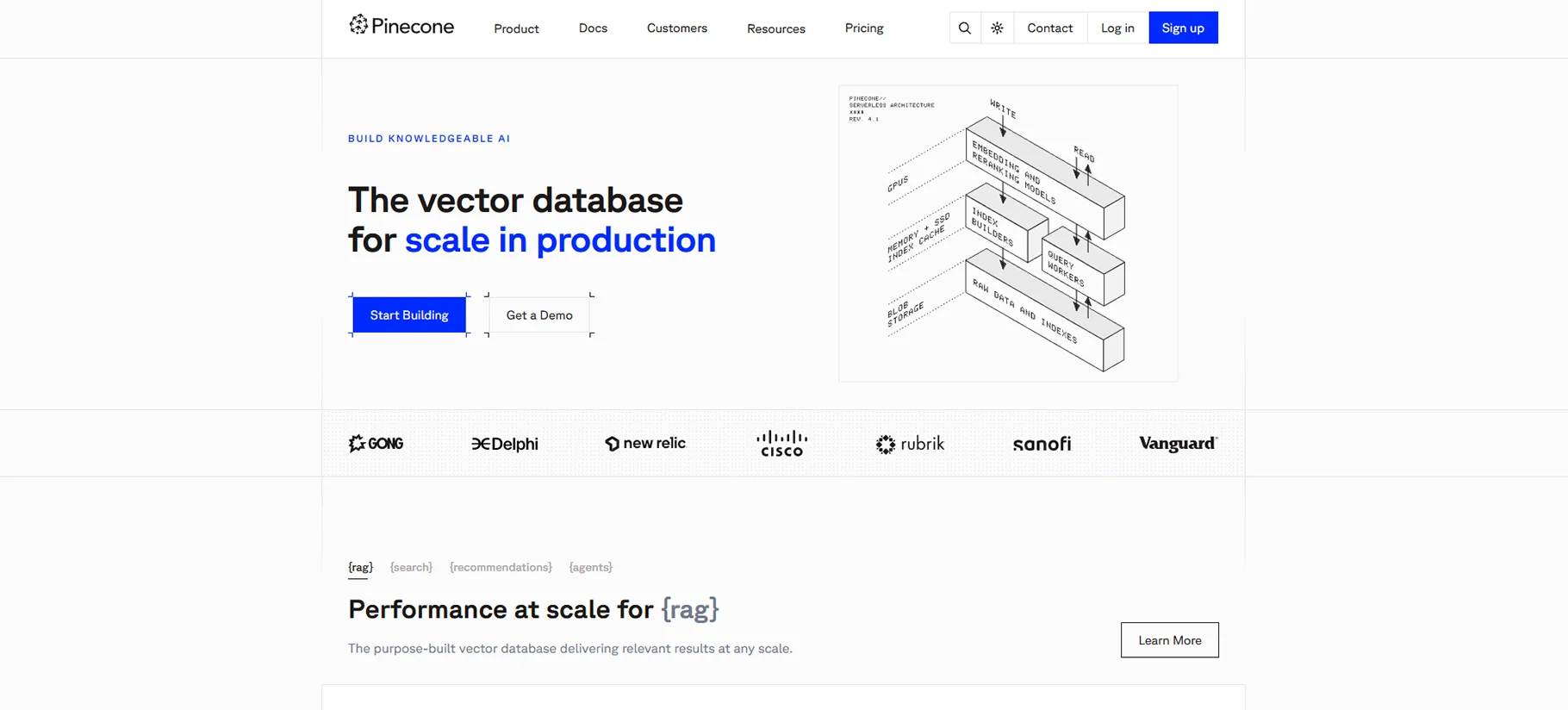
24. Pinecone
Pinecone enhances code search and retrieval for developers. It helps find relevant code examples and patterns. The tool works well with large codebases. Pinecone integrates with other development tools.
Pros of Pinecone
- Excellent code search capabilities
- Good for knowledge management
- Helps maintain consistency across projects
- API-first design for customization
Cons of Pinecone
- More specialized than general coding assistants
- Requires initial setup and indexing
- Less focus on code generation
Pricing: Free tier available; Standard plan from $0.096/hour; Enterprise pricing on request
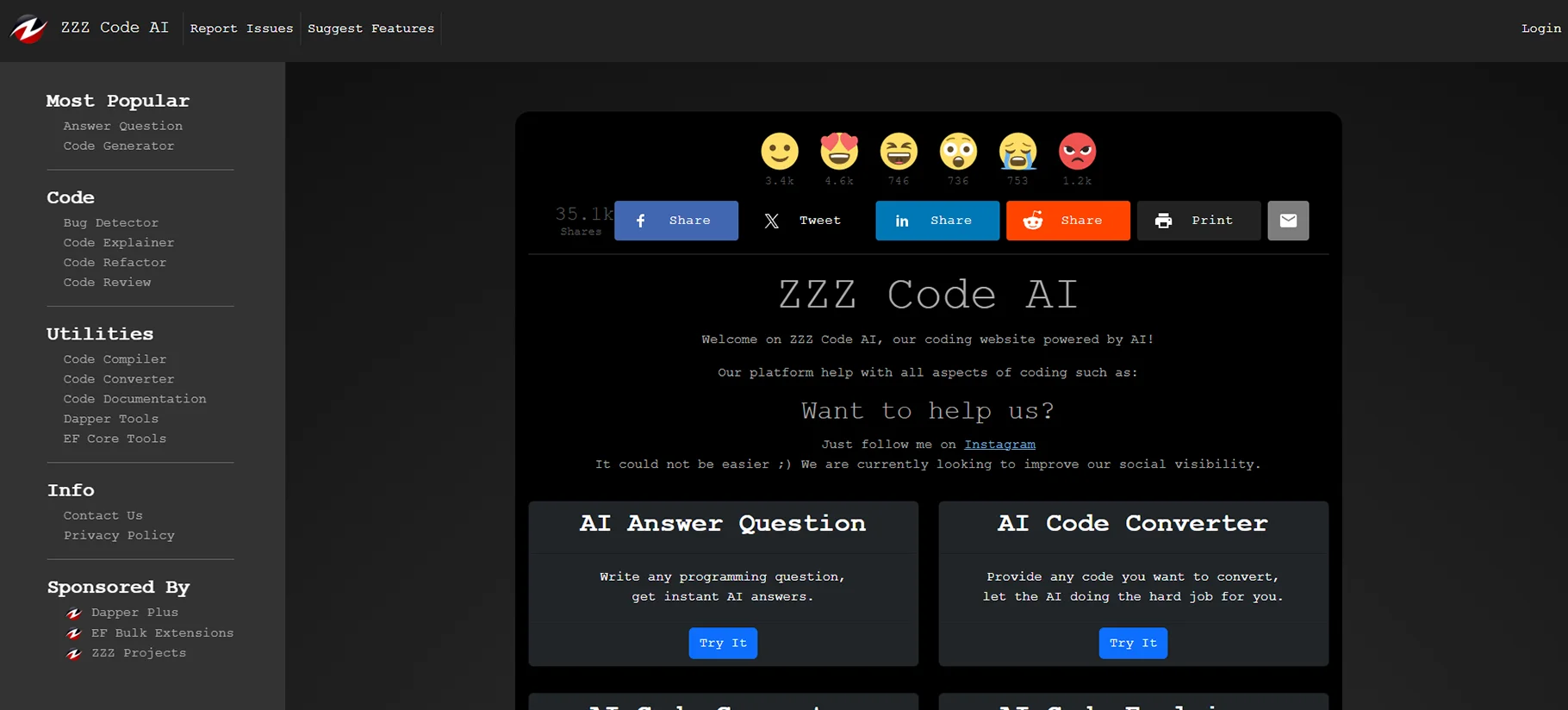
25. Zzzcode
Zzzcode focuses on making coding more accessible. It offers natural language to code translation. The tool supports beginners and experienced developers alike. Zzzcode works through a web interface with IDE plugins.
Pros of Zzzcode
- Very beginner-friendly
- Good at explaining generated code
- Helpful learning resources included
- Clean, minimalist interface
Cons of Zzzcode
- Not as powerful for advanced developers
- Limited language support compared to others
- Fewer enterprise features
Pricing: Free tier with basic features; Premium plan at $8/month; Team plans from $18/user/month
Conclusion
AI coding assistants have become key tools for developers in 2026. They help with tasks like code completion, debugging, and improving code quality. The best tool for you depends on your needs and how you work. Look at things like language support, IDE plugins, and price before choosing. Many tools have free versions so you can test them first. These assistants will keep getting better and help developers work faster and smarter.
FAQs
1. Which AI coding assistant is best for beginners?
Zzzcode and Replit are the easiest for beginners to use. They give helpful tips with each suggestion. Zzzcode is great at turning normal sentences into code. Replit comes with a full coding setup and learning tools. Both have free versions that are good for people new to coding.
2. Can AI coding assistants replace human developers?
No, AI coding assistants cannot take the place of human developers. They are tools that help improve work and results. Humans are still needed for design and solving hard problems. AI handles simple tasks so we can focus on the harder parts. The best way is for humans and AI tools to work together.
3. Are AI coding tools secure to use with proprietary code?
The safety of these tools depends on each one. Some let you run them on your own system for secure use. Business versions often include strong safety tools. Always read the tool's privacy rules before using it with private code. Tools like Tabnine and CodeGeeX let you run them locally to keep your code safe. Always check the safety options before using them for private work.
4. How much can AI coding assistants improve productivity?
Reports show that AI coding assistants can boost productivity by 30–50% for simple tasks. Developers say they spend less time on comments and basic code. How much they help depends on the tool and how you work. Most people save a few hours each week after getting used to the tool. As the tool learns how you code, it becomes more helpful.
5. Which AI coding assistant offers the best value for money?
Codeium gives great value with its free plan for solo developers. GitHub Copilot has strong features for $10 per month. For teams, Tabnine’s $12 per user plan has many business tools. The best value depends on how you plan to use the tool. Many tools let you try them for free, so test them before paying.

