
Table Of Contents
Best AI email assistants in 2026
Published on : Mar 04 2025

The AI industry keeps growing fast. Experts think it will be worth about $2 trillion by 2030 and could add $15.7 trillion to the world economy. AI is changing many industries, especially customer service and marketing.
Quick Summary
Email management has changed a lot because of AI assistants. These smart tools have transformed how we handle emails, making us more productive and efficient.
This article talks about email writing AI tools - what they're good at and what they can't do. We also look at the top 10 AI email assistants of 2026 that you might want to use for your personal and work emails.
The best AI email assistants
Some of the best AI email assistants:
Flowrite - This tool uses AI to make your workflows smoother and faster.
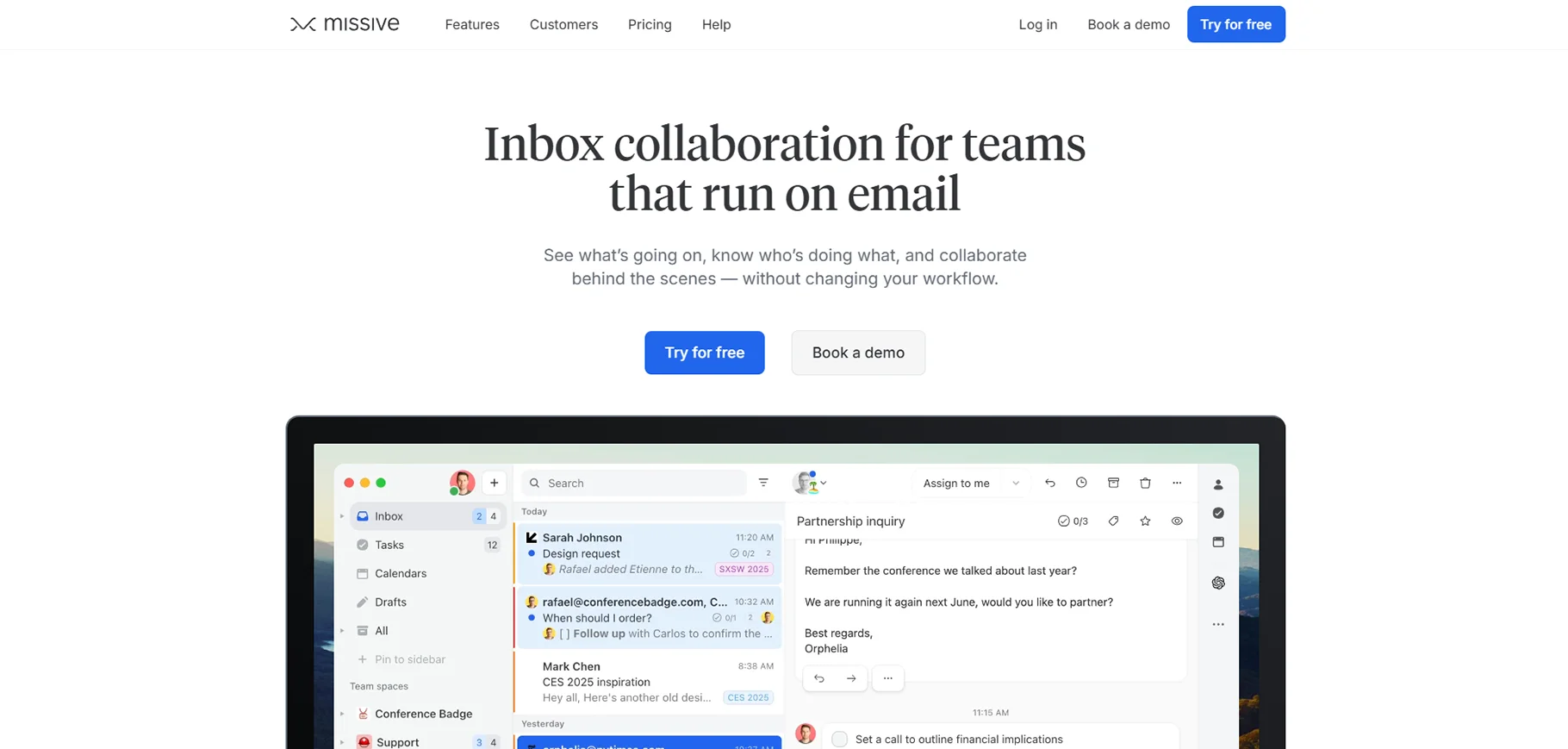
Missive - This assistant is excellent for teams who need to collaborate on emails.
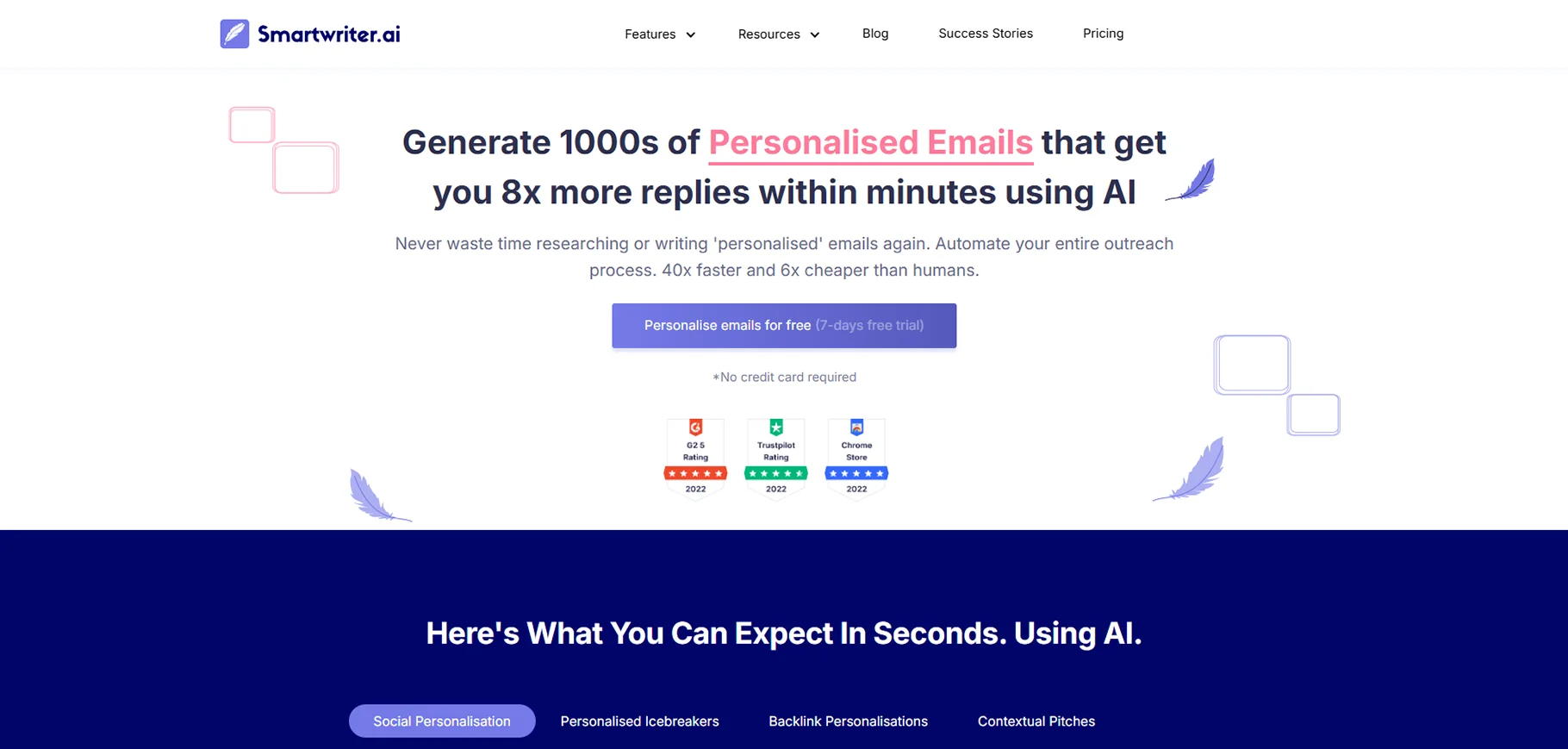
SmartWriter - This AI specializes in creating personalized messages for outreach campaigns.
SaneBox - This tool organizes your inbox and helps you focus on priority messages.
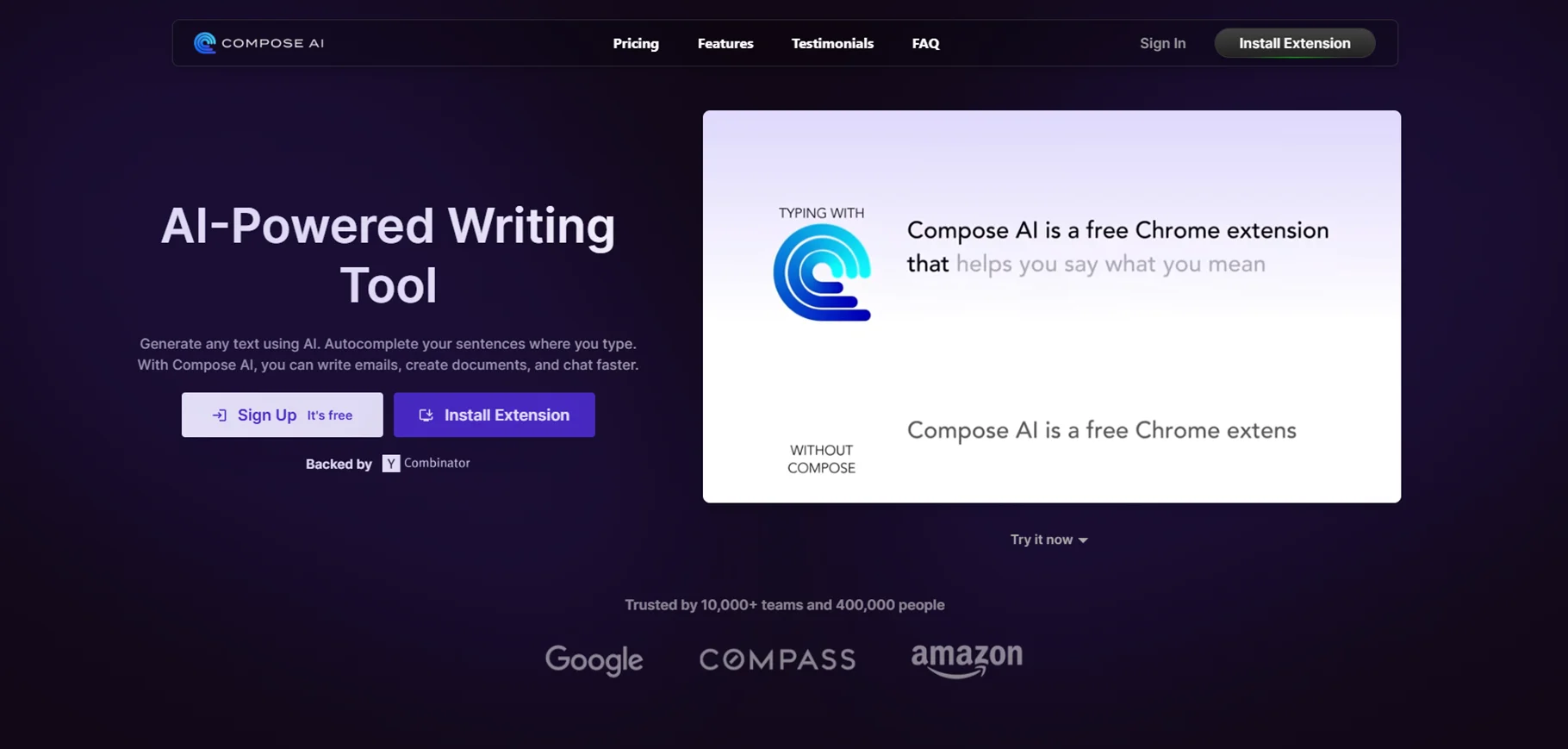
Compose AI - This is a free writing assistant that helps improve your email content.
What can AI bring to email?
AI email generator is good at understanding and creating human language. It can't work alone yet, but it can help make your current automation better because it understands what people say. AI can make some choices by itself, and you can decide whether to use those choices or change them.
What does this mean for AI email apps? Let's examine the main AI features that can help you automate your inbox.
Processing email content
AI reads and understands emails. It can tell if the sender is happy, angry, or upset. This helps you know if you should be careful in your reply or if they want to learn more.
AI figures out what emails are about. It can sort them using tags or folders. After sorting, you can make rules to send emails to the right people or put important ones at the top.
AI can make short summaries of emails or whole conversations. This makes it easy to save information for later or help new people understand what's going on.
Data extraction and enrichment
AI can find different types of information in your emails. It can save this information in databases. There are many ways to use this.
AI can collect contact details from emails and add them to your customer system. It can find invoice numbers and update your accounting records. It can also save attachments from emails, read what's in them, and store them with the right projects.
Data extraction takes information out of emails. Data enrichment does the opposite. It finds information from your old emails, your connected apps, and public sources to help with your current conversation. Think about a friend you've known for 10 years. Data enrichment could look at all your past emails and suggest where you might want to go on vacation next.
Train your own AI language model to reply for you
You can teach AI about you and your business. The AI can then answer emails for you. It can also write other content.
There are two ways to do this now. If you have extra money, you can pay someone to adjust an OpenAI model for you. They will use your information to train the GPT model. This helps the AI talk like you and know more about you or your company.
Combine them all
You can use all these features together. Here's how it might work:
First, set up AI to read all your emails. It can get important information, check the tone, and look for related data in your systems.
Next, have the AI write replies for each email. It uses the sender's message and your data. It puts urgent emails first. Your inbox holds the replies until you approve them.
At day's end, check your inbox. Start with the first email. Look at the background info and AI-written reply. If it's good, send it. Then move to the next email.
This is just the start of what's possible. The great thing about AI and email is how flexible it is. You can use different features in different orders. This gives you many possible results. AI can adapt to solve many problems. But it might take time to find the best setup for your needs.
What makes the best AI email assistant software?
Generative AI alone isn't enough. The best AI email tools need to do more. Here's what to look for when testing these apps.
Easy email integration - The app should connect quickly with popular email services. It shouldn't be complicated to set up.
Inbox management - Focus should be on apps that help manage personal inboxes. This doesn't include apps for sales teams or customer service. These tools show how AI can improve your own inbox at home or work.
AI feature - Look for more than just text generation. Good apps should have things like checking email tone, finding the sender's purpose, automatic sorting, or pulling out important data.
Productivity and automation - AI is just one tool. These apps should also have other features to save time and help clear your inbox faster.
Best AI Email Assistants in 2026
Looking for the best AI email assistants in 2026? These smart tools automate replies, sort emails, schedule meetings, and boost productivity with AI-powered efficiency. Stay organized, save time, and enhance communication with the top AI email assistants today!
1. Shortwave
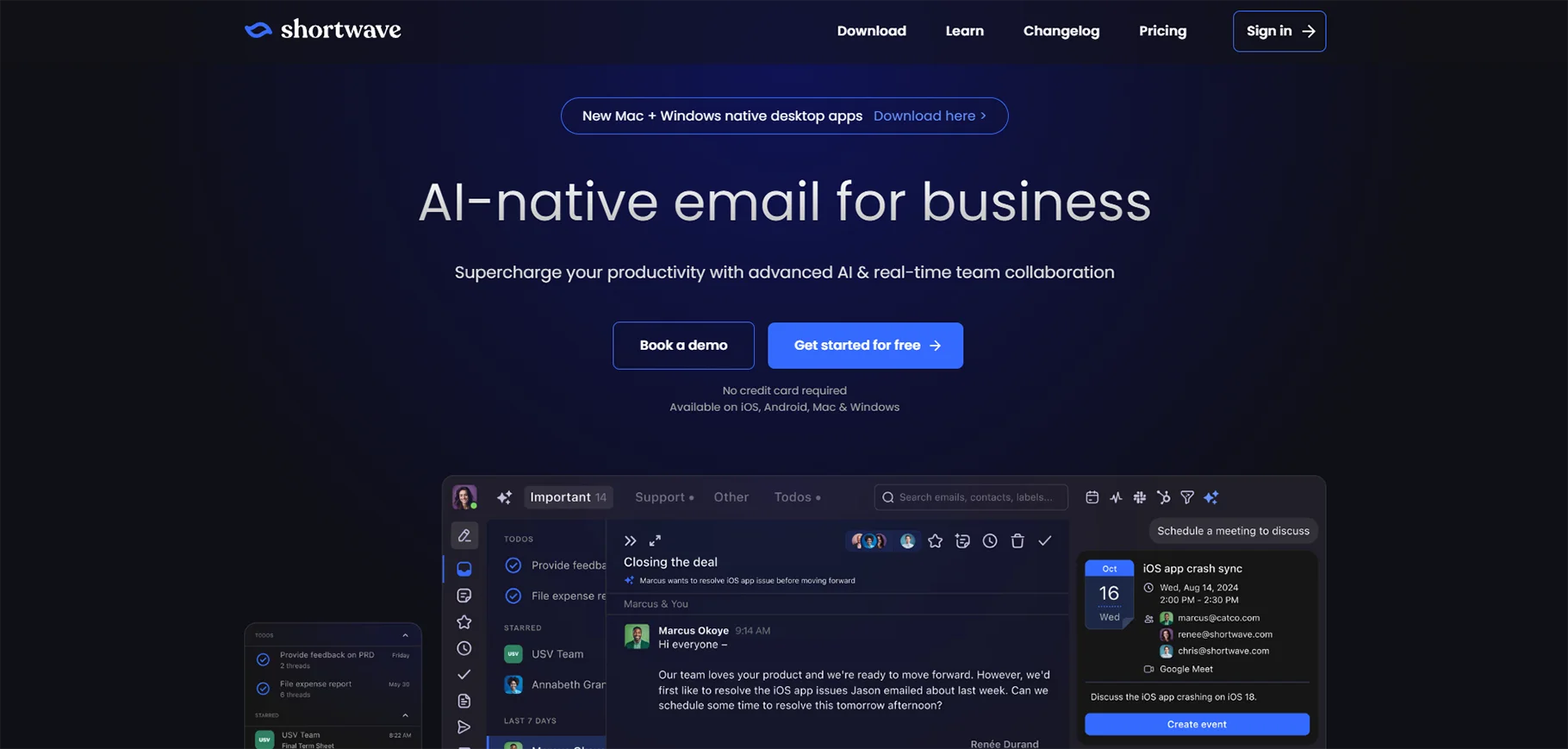
Shortwave is an intelligent email client that transforms how you search through your inbox history. It uses AI to understand natural language queries, helping you find old emails even when you can't remember exact details. The app also automatically bundles related messages together to keep conversations organized and easy to follow.
Pros:
- Smart search finds emails even with vague descriptions
- Groups related emails together automatically
- Clean, modern interface
Cons:
- Limited email service compatibility
- Learning curve for new users
- Some features need premium plan
Price: Free plan available. Premium starts at $9/month.
2. Microsoft Copilot Pro for Outlook
Microsoft Copilot Pro enhances your Outlook experience by adding powerful AI writing and management tools directly into your inbox. It can draft professional emails based on simple instructions, summarize lengthy threads to save you time, and suggest appropriate responses to messages. The assistant works seamlessly across all Microsoft 365 apps, making it especially valuable for users already in the Microsoft ecosystem.
Pros:
- Creates professional emails in seconds
- Summarizes long email threads
- Works across all Microsoft apps
Cons:
- Only works with Microsoft accounts
- Needs good prompt skills for best results
- Sometimes misses context in complex threads
Price: $20/month for all Microsoft 365 apps.
3. Gemini for Gmail
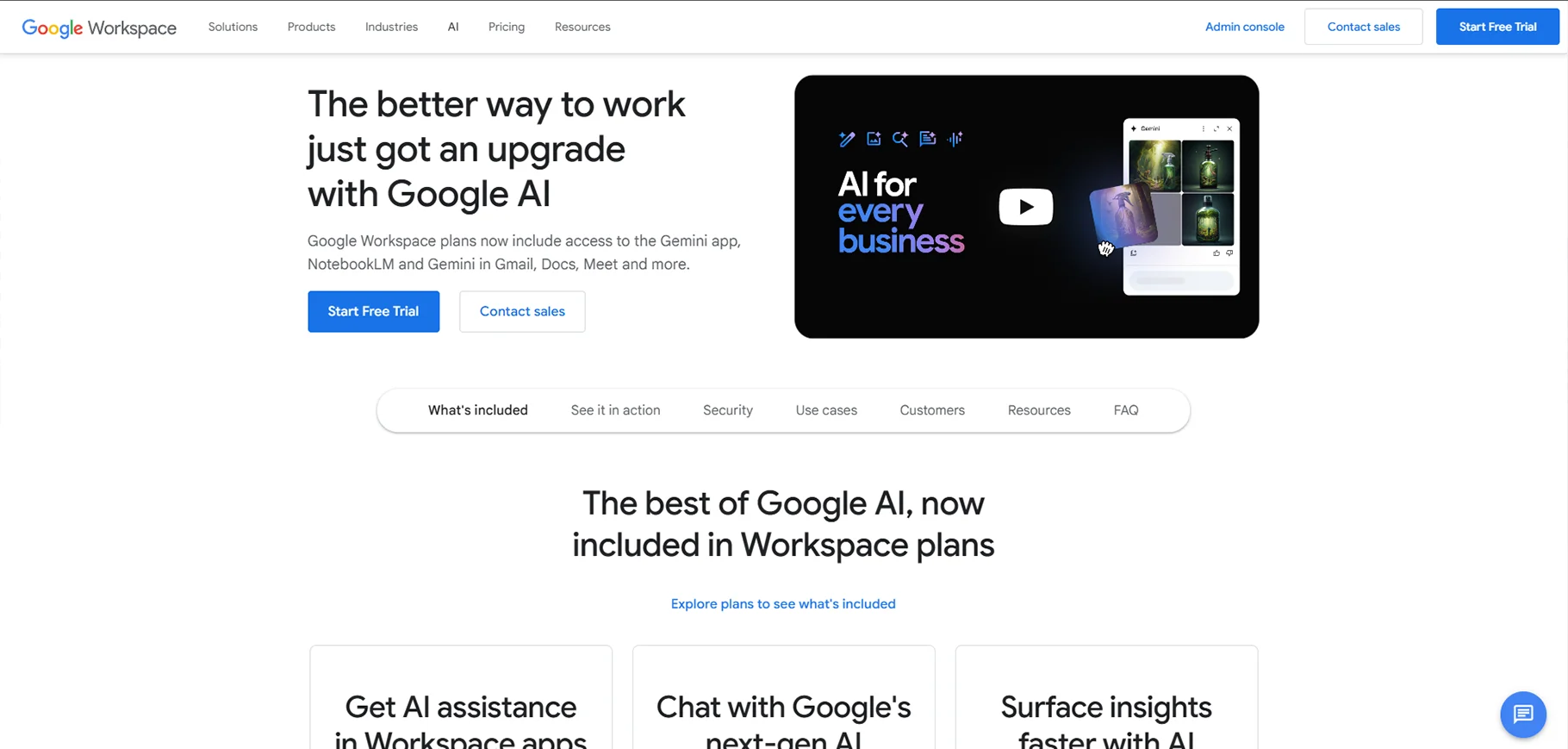
Gemini brings Google's advanced AI capabilities directly into your Gmail inbox. This native integration helps you compose emails in different tones and styles with just a few prompts. It can quickly summarize long email threads, draft responses based on previous conversations, and even help you organize your inbox with smart suggestions. For Google Workspace users, Gemini feels like a natural extension that enhances productivity without disrupting familiar workflows.
Pros:
- Seamless Gmail integration
- Writes emails in different tones
- Creates quick meeting summaries
Cons:
- Only works with Google accounts
- Sometimes generates generic responses
- Limited customization options
Price: Free basic features. Premium features with Google One AI Premium at $19.99/month.
4. Superhuman
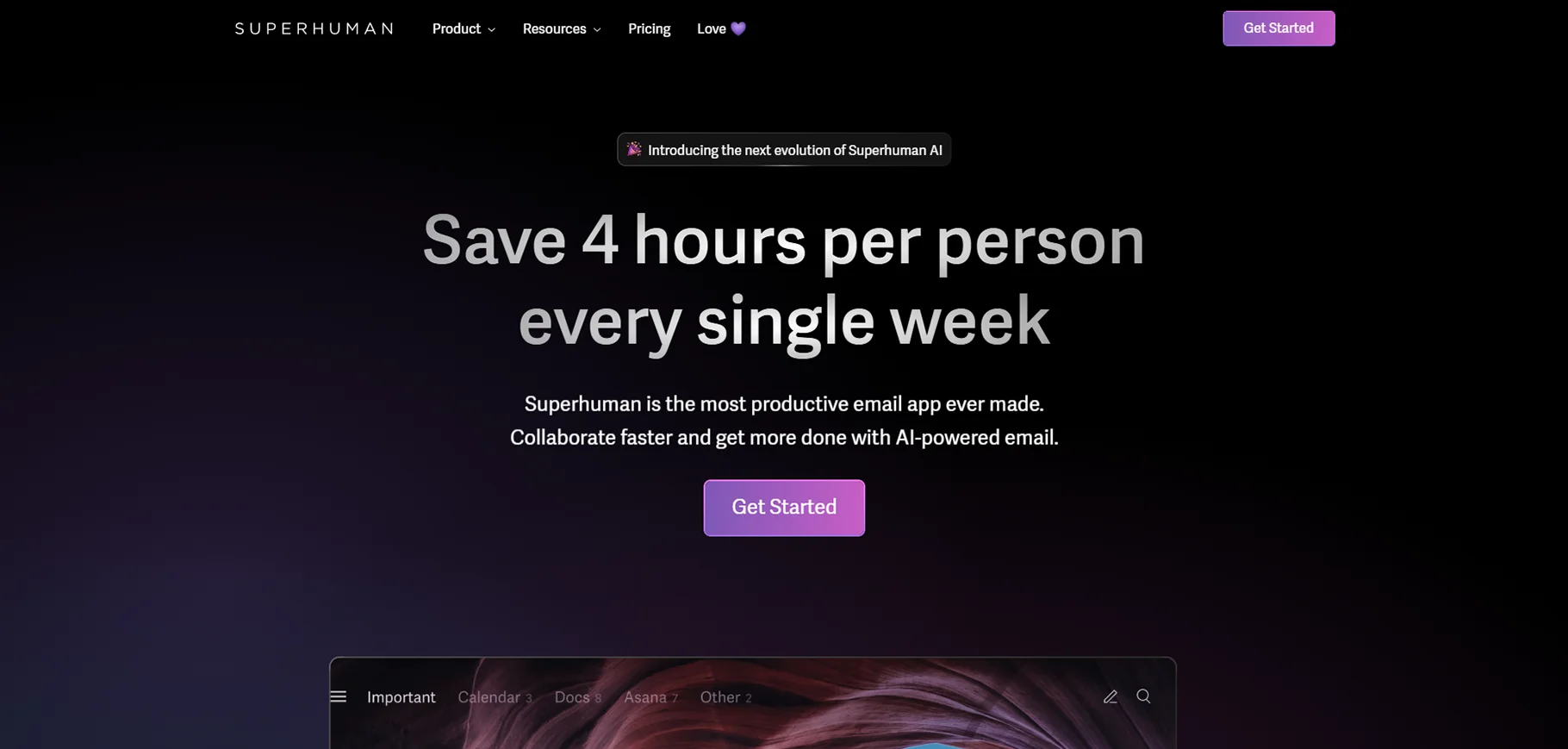
Superhuman is a premium email client designed for professionals who need to process high volumes of email quickly and efficiently. It combines blazing-fast performance with AI-powered writing assistance and templating. The app emphasizes keyboard shortcuts and minimalist design to help users achieve "inbox zero" with minimal effort. Its AI features can generate responses, follow-ups, and even complete emails based on context and your writing style.
Pros:
- Ultra-fast email processing
- Keyboard shortcuts save time
- Smart templates + AI writing
Cons:
- High price point
- Steep learning curve
- Overwhelming for casual users
Price: $30/month.
5. Proton Scribe
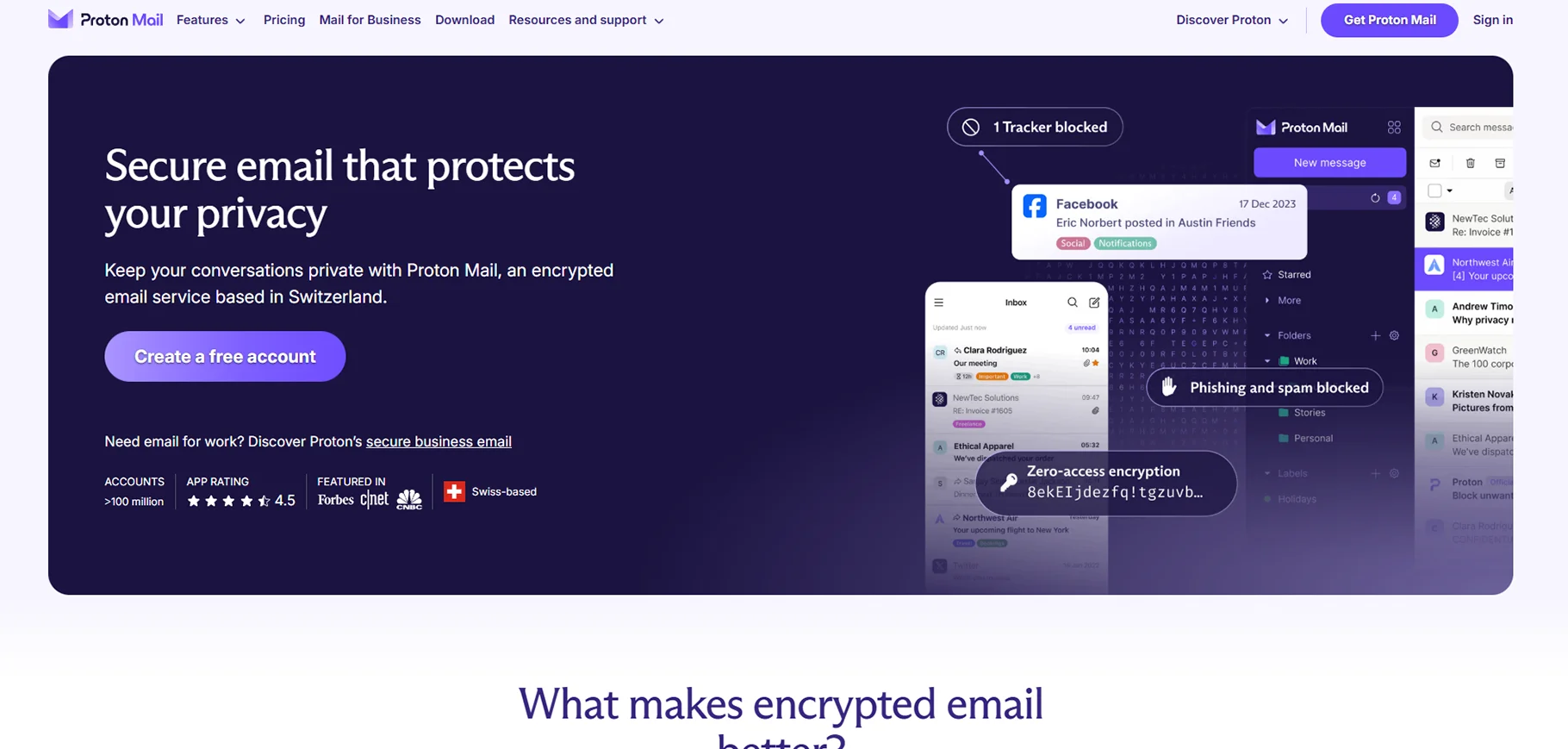
Proton Scribe combines the security of Proton Mail with AI capabilities that respect your privacy. Unlike many other AI assistants that process your data on remote servers, Proton Scribe uses encryption and on-device processing whenever possible. This means you can benefit from AI-powered writing suggestions, email categorization, and response generation without compromising sensitive information. It's ideal for professionals handling confidential data or anyone concerned about privacy in their digital communications.
Pros:
- End-to-end encryption
- No data sharing with third parties
- Works offline for sensitive content
Cons:
- Fewer AI features than competitors
- Slower email processing
- Limited integration options
Price: Free basic plan. Premium features from $3.99/month.
6. SaneBox
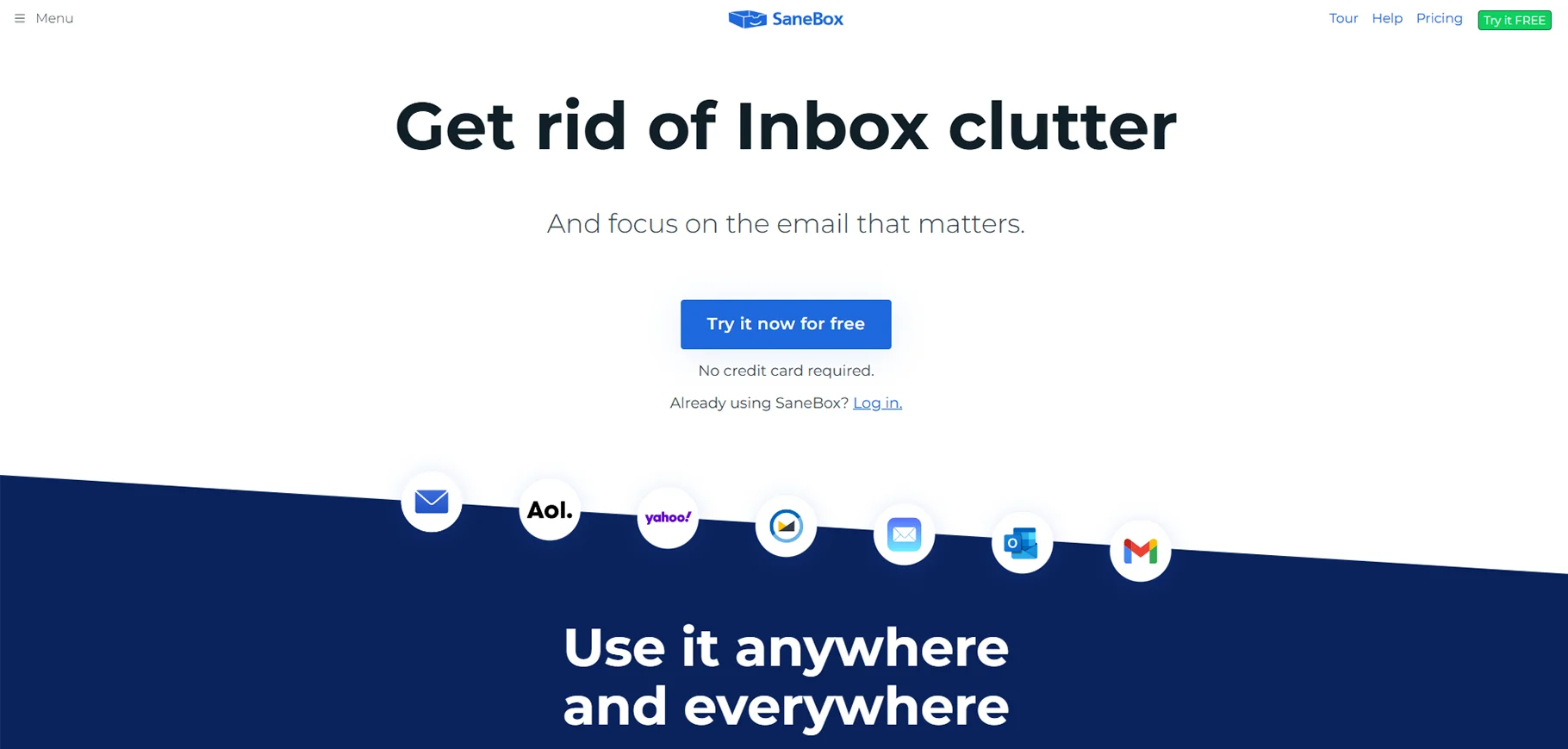
SaneBox is an intelligent email management tool that works behind the scenes to bring order to chaotic inboxes. It analyzes your email behavior patterns and automatically sorts incoming messages into appropriate folders based on their importance. The system learns your preferences over time, becoming more accurate at distinguishing between urgent communications and low-priority messages. SaneBox can also remind you to follow up on emails that haven't received responses and help you unsubscribe from unwanted newsletters.
Pros:
- Learns your priorities over time
- Creates smart folders automatically
- Snoozes less important emails
Cons:
- No built-in email client
- Setup takes time to get right
- Limited customization options
Price: Plans start at $7/month.
7. Mailbutler
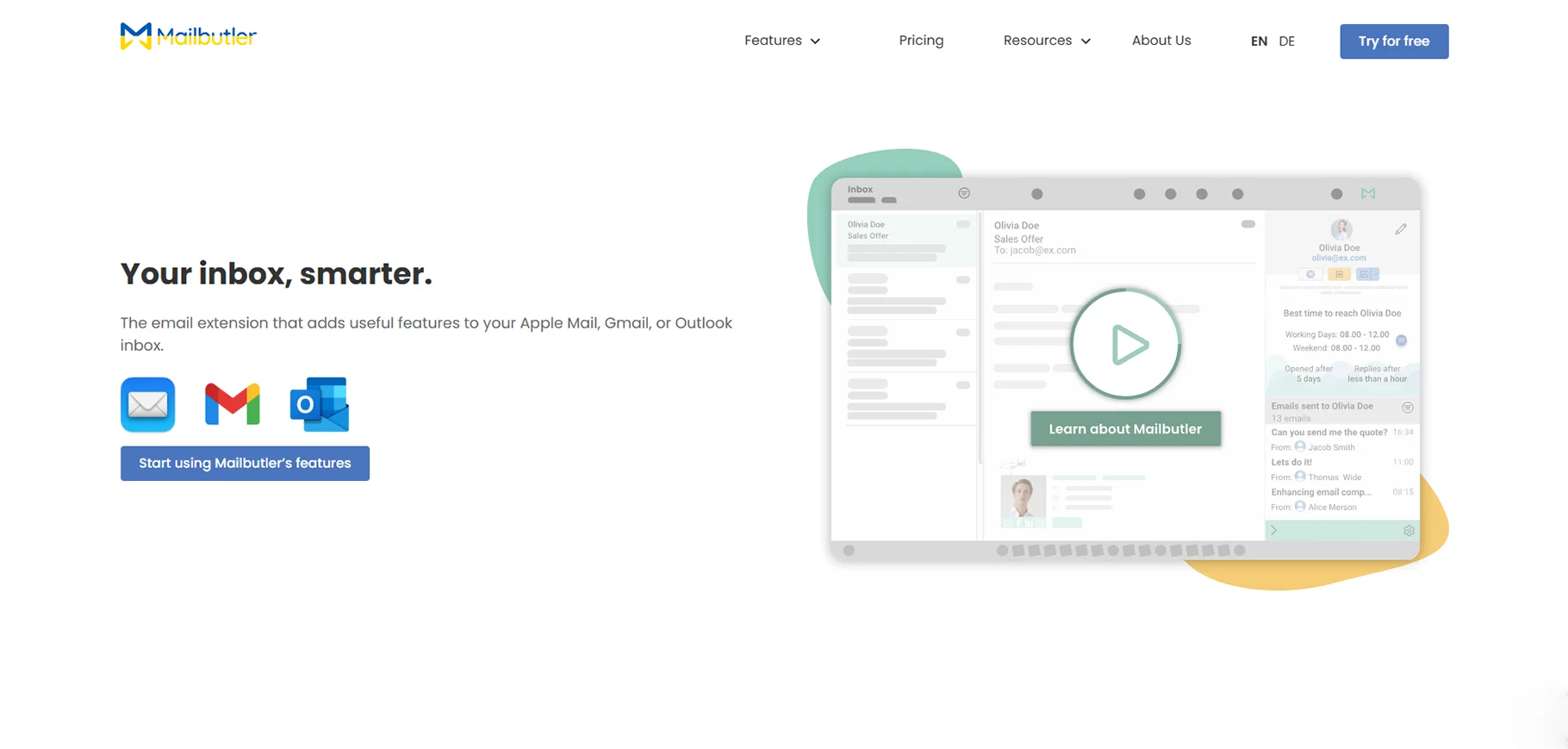
Mailbutler transforms your existing email client into a productivity powerhouse by adding smart features that help manage contacts and tasks. The tool automatically extracts contact information from email signatures and organizes it for easy reference. It also allows you to convert emails into actionable tasks, set follow-up reminders, and track when your messages are opened. Mailbutler's AI capabilities can suggest response templates and help you schedule emails for optimal delivery times.
Pros:
- Works with existing email apps
- Tracks when emails are opened
- Creates tasks from emails
Cons:
- Some features need multiple clicks
- Occasional sync issues
- Basic AI writing compared to others
Price: Free plan available. Premium from $7.95/month.
8. Flowrite
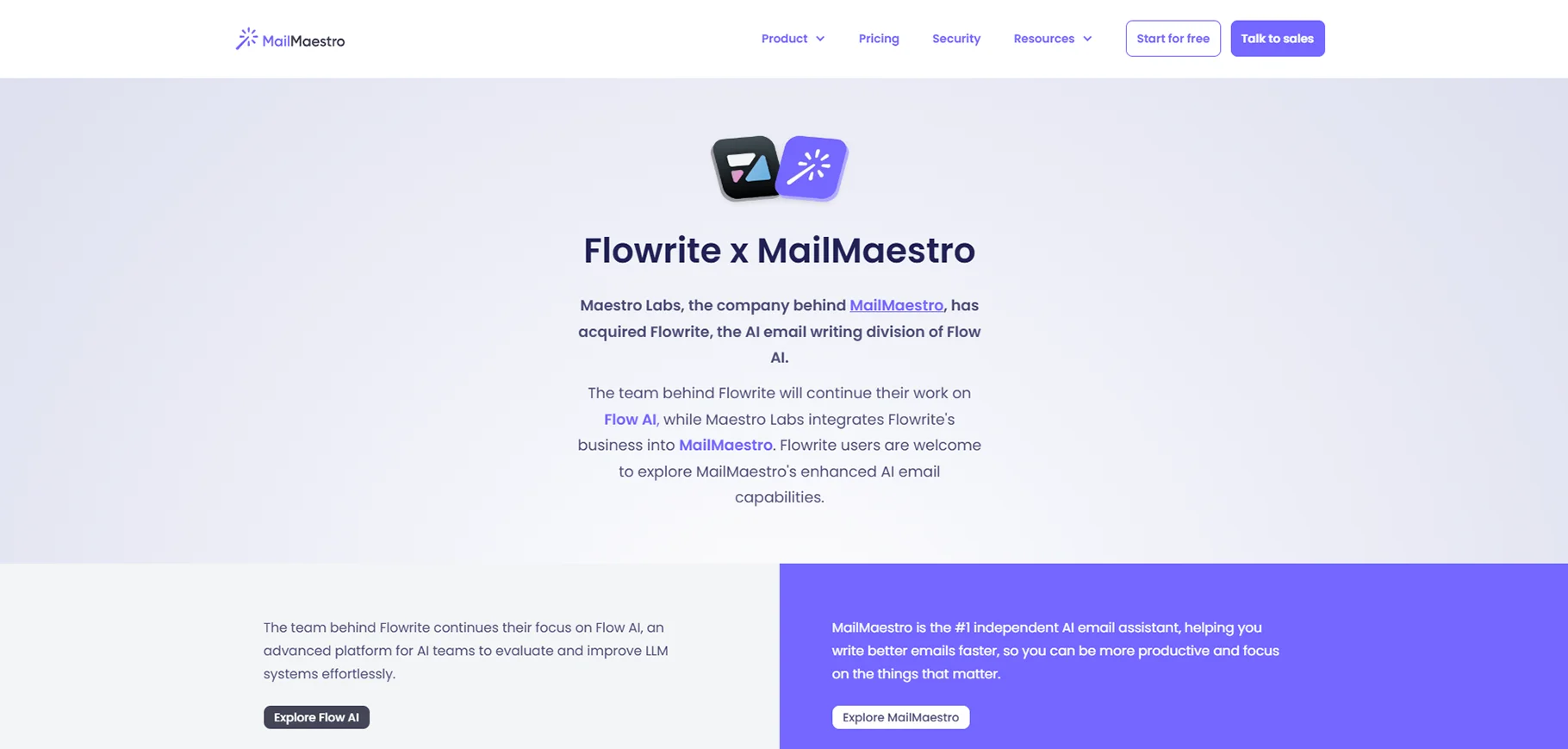
Flowrite specializes in transforming brief notes and bullet points into polished, professional emails. The platform offers a wide range of templates for different communication scenarios, from sales outreach to team updates. Its AI engine adapts to your writing style over time, making suggestions that sound authentic to your voice. Flowrite integrates with popular email platforms and workplace tools, allowing you to draft messages more quickly without sacrificing quality or personal touch.
Pros:
- Turns bullet points into complete emails
- Many professional templates
- Adapts to your writing style
Cons:
- Limited inbox management features
- No mobile apps yet
- Best features need premium plan
Price: Free trial. Plans from $8/month.
9. Missive
Missive is a collaborative email platform designed for teams who need to manage shared inboxes efficiently. It allows multiple team members to work on the same email conversations simultaneously, with features for assigning messages, adding internal notes, and tracking customer communication history. The AI capabilities help teams draft consistent responses, categorize incoming messages by priority, and automate routine tasks. Missive works well for customer support teams, sales departments, and any group that needs coordinated email management.
Pros:
- Real-time collaboration with team
- Shared drafts and assignments
- AI helps manage customer responses
Cons:
- Complex for individual users
- Takes time to set up properly
- Some AI features still developing
Price: Free plan for up to 3 users. Team plans from $10/user/month.
10. SmartWriter
SmartWriter is specialized AI software that creates highly personalized outreach emails for sales and marketing campaigns. The tool automatically researches recipients using publicly available information and generates customized messages that reference specific details about the person or their company. This approach significantly increases response rates compared to generic templates. SmartWriter can integrate with popular CRM systems to track campaigns and helps teams scale their personalized outreach efforts without sacrificing the human touch.
Pros:
- Researches recipients automatically
- Creates custom messages for each person
- Integrates with CRM systems
Cons:
- Mainly for sales teams
- Less useful for personal email
- Can be expensive for large campaigns
Price: Plans start at $49/month.
11. Compose AI
Compose AI functions as a smart writing assistant that works across email platforms and other writing environments. The tool uses predictive text technology to suggest completions as you type, helping you draft emails faster without disrupting your natural flow. It learns from your writing style to make increasingly relevant suggestions over time. Unlike some competitors, Compose AI focuses on enhancing your writing process rather than completely automating it, making it feel like a helpful companion rather than a replacement for your own voice.
Pros:
- Works with any email service
- Completes sentences as you type
- Free basic plan
Cons:
- Limited inbox organization features
- Sometimes suggests generic phrases
- No mobile support
Price: Free version available. Premium at $9.99/month.
12. Instantly
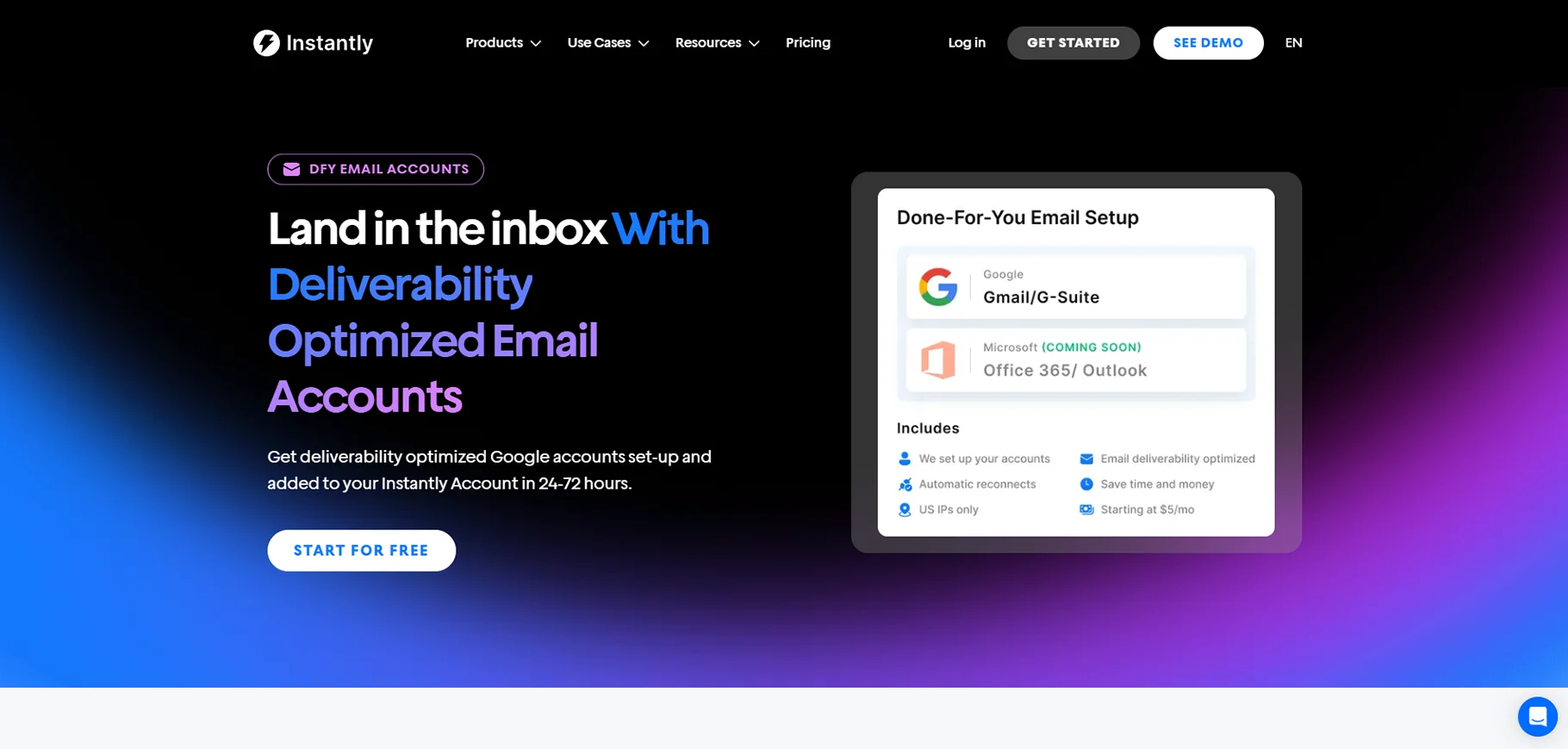
Instantly specializes in automating and optimizing cold email campaigns with AI-powered personalization. The platform helps sales teams create multiple variations of outreach messages and automatically tests which versions perform best. It manages follow-up sequences based on recipient behavior and provides detailed analytics on open rates, replies, and conversions. Instantly includes features to warm up email accounts and ensure deliverability, which is crucial for cold outreach campaigns that need to avoid spam filters.
Pros:
- Automates follow-up sequences
- Tests different message versions
- Detailed analytics on responses
Cons:
- Mainly for sales teams
- Steep learning curve
- Requires careful setup to avoid spam
Price: Plans start at $37/month.
13. Reply
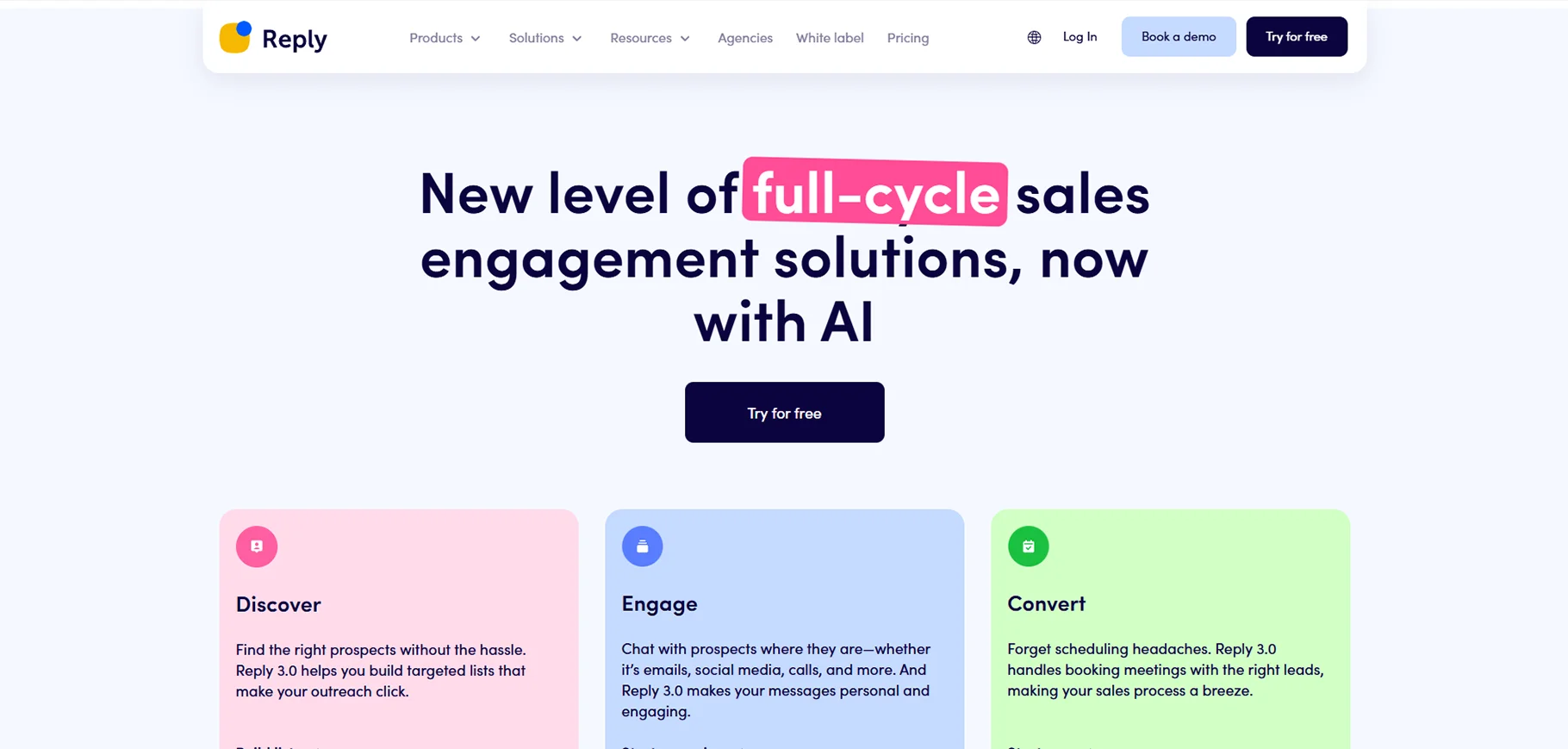
Reply is a comprehensive sales engagement platform with powerful email automation capabilities enhanced by AI. The system helps sales teams create multi-channel outreach campaigns that include personalized emails, follow-ups, and engagement tracking. Its AI engine analyzes prospect responses to determine interest levels and suggests appropriate follow-up actions. Reply integrates with major CRM platforms to keep all sales data synchronized and helps teams scale their outreach efforts while maintaining personalization and quality of communication.
Pros:
- Creates personalized sales sequences
- Analyzes prospect responses
- Integrates with major CRMs
Cons:
- Not for general email use
- Complex dashboard
- Requires sales experience
Price: Plans from $60/user/month.
14. Writer
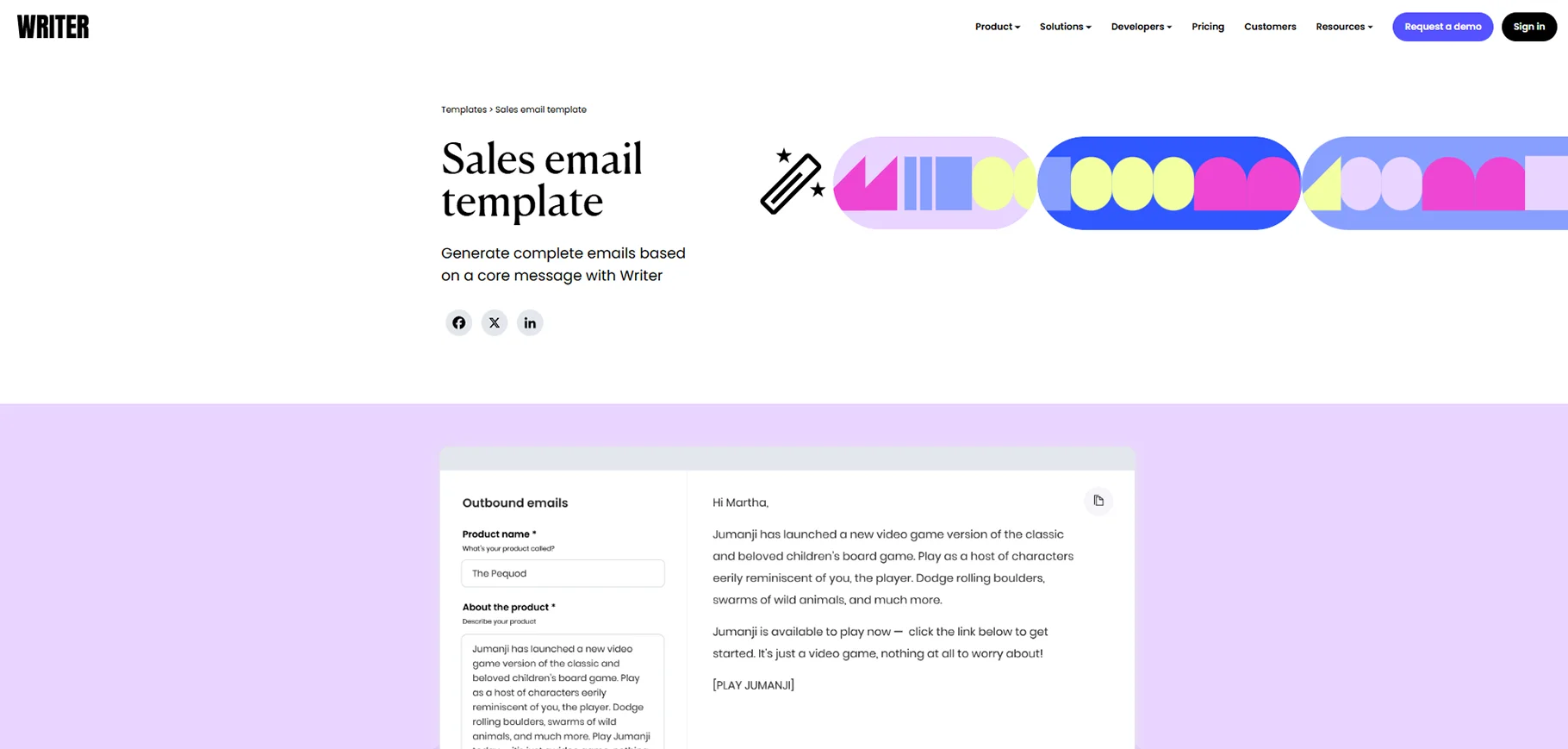
Writer is an AI platform designed to help companies maintain consistent brand voice and terminology across all communications, including emails. The tool enforces company style guides and terminology preferences while suggesting improvements to clarity and tone. Writer can help teams craft on-brand messages faster by providing AI writing assistance that aligns with company standards. It's particularly valuable for larger organizations where maintaining consistent external communication is crucial for brand identity and professional appearance.
Pros:
- Enforces company style guides
- Suggests better phrasing
- Works across multiple platforms
Cons:
- Designed for enterprise teams
- Overkill for personal use
- Higher price point
Price: Team plans from $18/user/month.
What about AI in Apple Mail?
Apple recently showed off Apple Intelligence during the iPhone 16 launch. They plan to add AI to all their products, including devices you already own. Apple Intelligence will sort your notifications, help with writing, and transcribe calls.
We don't know exactly what this means for Apple Mail yet. Apple says AI will organize your inbox based on what's important to you. It will make short summaries of long email threads. You can use Smart Reply to create quick responses when you're busy.
These features aren't available right now, but they might be by the time you read this. When everything is ready, Apple Mail could become one of the top AI email tools.
Conclusion
AI email assistants are changing how we manage our inboxes. From organizing messages to writing responses, these tools save time and reduce email stress. While each assistant has different strengths, the right one depends on your specific needs. Whether you want better search, enhanced privacy, team collaboration, or faster writing, there's an AI email tool for you. As these technologies continue to improve, they'll become even more helpful for handling our daily communication. The email tools listed here represent the best options available today, but this space is evolving quickly, so keep an eye out for new innovations.
FAQs
1. Are AI email assistants secure?
Most AI email assistants take security seriously, but their approaches differ. Some, like Proton Scribe, use end-to-end encryption and process data locally for maximum privacy. Others may analyze your emails on their servers. Before choosing a tool, check their privacy policy, data handling practices, and security certifications. For sensitive business or personal communication, prioritize assistants that emphasize security and give clear information about how they protect your data.
2. Can AI email tools really save me time?
Yes, most users find they save significant time with AI email tools. These assistants automate routine tasks like sorting messages, drafting responses, and following up on important emails. Many people report spending 30-50% less time on email management after adopting these tools. The biggest time savings come after the initial setup period when the AI learns your preferences and communication style.
3. Do I need technical skills to use these email assistants?
Most AI email assistants are designed for everyday users without technical backgrounds. The basic features typically work right out of the box, with simple interfaces anyone can navigate. Some advanced features might require more setup time, but good tools include clear instructions. If you can use regular email, you can use these AI-enhanced versions. Many also offer tutorials and customer support to help you get started.
4. Will AI email responses sound like me or too robotic?
The best AI email tools adapt to your writing style over time. Early responses might sound generic, but as you use the tool, it learns your tone, vocabulary, and typical responses. Many tools also let you edit suggestions before sending. Premium options like Flowrite and Superhuman focus specifically on maintaining your personal voice while saving you typing time. With a little guidance, today's AI can create natural-sounding emails that reflect your communication style.
5. What's the biggest limitation of AI email assistants right now?
The main limitation is handling complex, nuanced communication situations. AI tools excel at routine emails and standard responses but may struggle with delicate negotiations, emotionally sensitive topics, or highly technical discussions. They also sometimes miss cultural context or subtle humor. Most users find a hybrid approach works best—using AI for routine communication while handling complex or sensitive emails personally. As these tools improve, this limitation is gradually becoming less significant.

