
Table Of Contents
Top Online AI Teaching Tools for Teachers
Published on : Oct 13 2025

The environment in a classroom has changed radically over the last few years. Educators in today's world have to deal with situations that are beyond their experience in the past such as handling the different learning needs of students, coming up with attractive content, giving personalized feedback, and doing a big number of administrative tasks, which is all good but at the same time they try to make meaningful time with their students.
AI-powered teaching tools are changing the way that educators work, giving them the opportunity to regain their time, make learning experiences more suitable for students, and put their time into what is most important: socializing with students. Whether you're looking for AI for teachers to streamline lesson planning or AI for educators to enhance student engagement, the right tools can transform your teaching practice.
This comprehensive guide explores the most effective AI and tech tools available to educators in 2025. Whether you're a seasoned educator exploring AI for the first time or a tech-savvy teacher looking to expand your toolkit, you'll discover practical solutions that can transform your teaching practice starting today.
Quick Summary
This guide covers 16 essential teaching tools that leverage AI and modern technology to help educators work smarter, not harder. These are among the best AI tools for teachers currently available, tested and proven across various grade levels and subjects. You'll learn:
- Why understanding AI tools is critical for modern educators
- How AI improves personalized learning, productivity, and content creation
- Detailed reviews of top-rated tools including AudioPen, Canva Magic Write, Curipod, and more
- Practical applications for each tool in real classroom settings
- Answers to common questions about implementing AI in education
Key Takeaway: These tools can reduce preparation time by up to 60%, allowing teachers to focus on high-impact activities like one-on-one student interactions and creative lesson design.
Why Educators Need to Understand AI Tools
The role of educators continues to evolve with technology. While change can feel uncomfortable especially with something as powerful as artificial intelligence—ignoring these tools isn't an option. Understanding AI tools for teachers and how they can support your work is becoming as essential as mastering traditional teaching methods. Here's why:
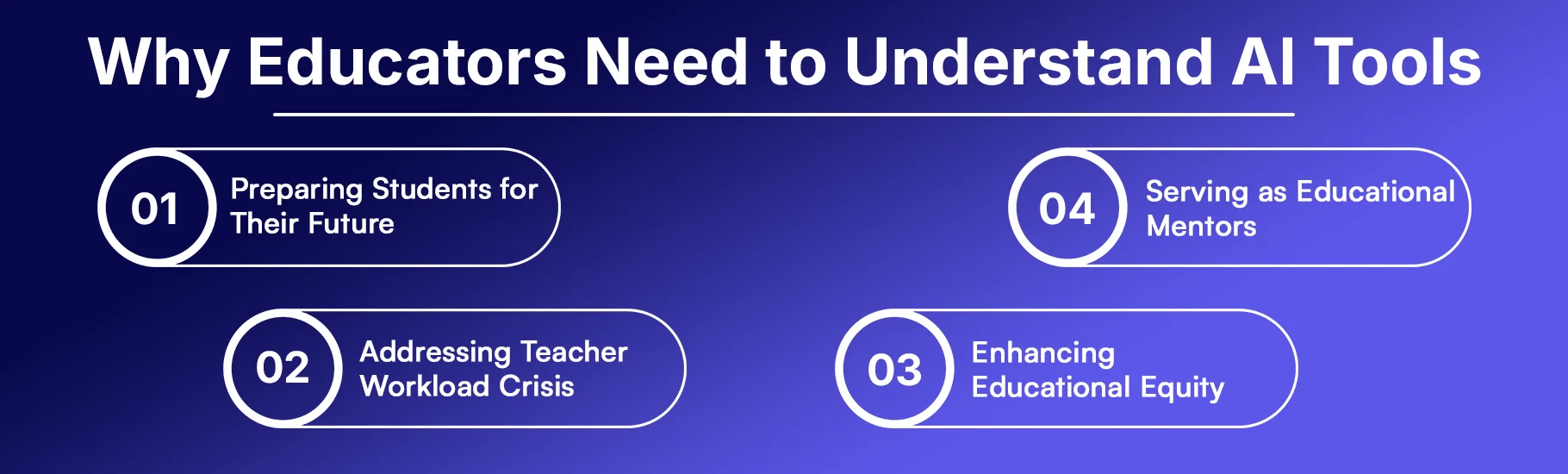
Preparing Students for Their Future
Our students will enter a workforce where AI literacy is as fundamental as computer skills are today. By understanding and using AI tools ourselves, we can:
- Model responsible AI usage for students
- Teach critical evaluation of AI-generated content
- Prepare students for AI-integrated workplaces
- Foster discussions about ethical technology use
Addressing Teacher Workload Crisis
On average, teachers use 12 hours each week to perform administrative tasks, which AI can automate or make faster. Such activities comprise:
- Grading assignments and providing feedback
- Creating lesson plans and activities
- Designing visual materials and presentations
- Communicating with students and families
- Differentiating instruction for diverse learners
Enhancing Educational Equity
AI tools are making personalized learning experiences equally accessible to all students. Previously, these were only available in rich schools or through costly tutoring. These powerful tools for teachers are capable of:
- Provide instant translation into 15+ languages
- Adapt content to different reading levels automatically
- Offer 24/7 learning support beyond classroom hours
- Generate differentiated materials for diverse learners
Serving as Educational Mentors
Teachers are not only content deliverers but also mentors, learning facilitators, and co-learners with students. While we integrate new technologies, it is necessary to instruct students not only in the use of these tools but also in the recognition of their advantages, limitations, and ethical considerations.
What are Online Teaching Tools?
Online teaching tools are web-based applications and technologies specifically designed to enhance teaching effectiveness and student engagement. These digital resources help educators accomplish tasks that would otherwise consume significant time and energy.
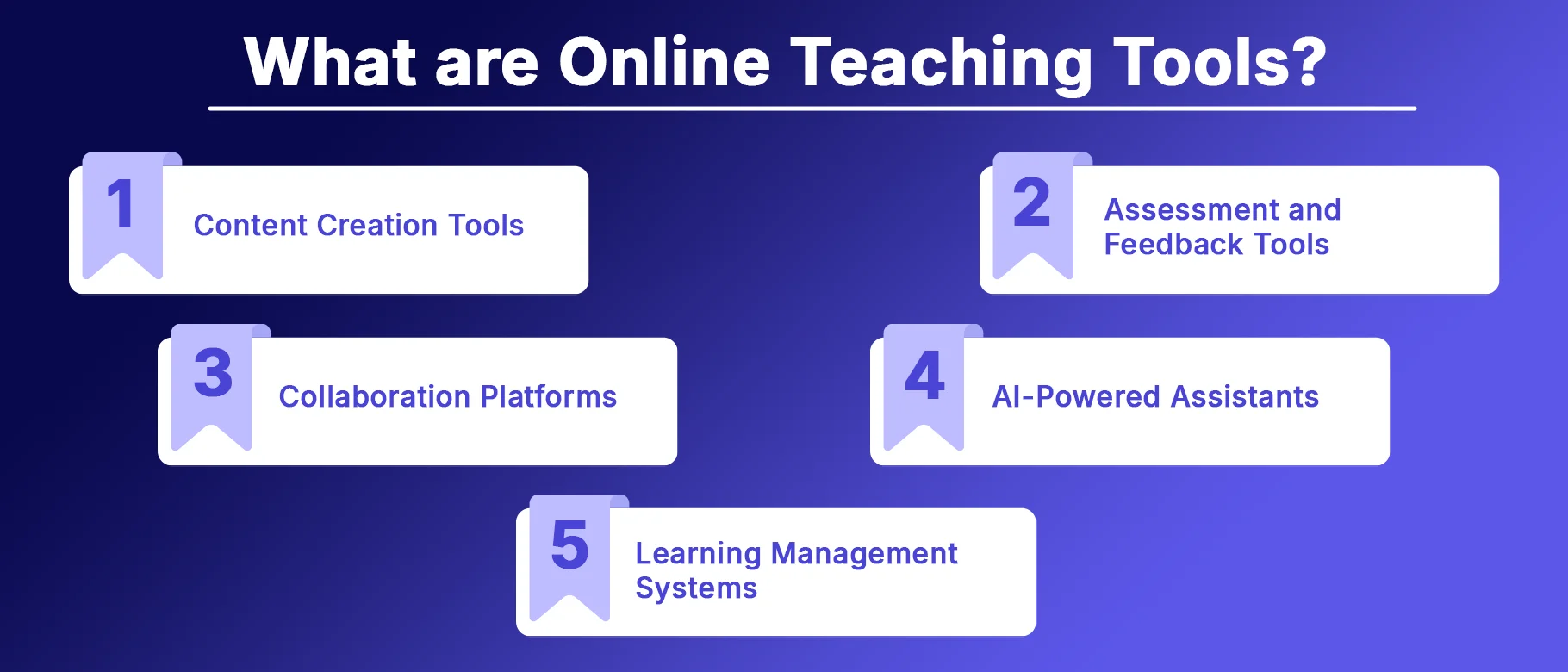 eaching Tools
1. Content Creation Tools
- Presentation software (Slidesgo, Prezi)
- Graphic design platforms (Canva)
- Video recording and editing tools (Screencastify)
2. Assessment and Feedback Tools
- Quiz and game-based learning platforms (Quizizz, Gimkit)
- Interactive video tools (Edpuzzle)
- Real-time feedback collectors (Mentimeter)
3. Collaboration Platforms
- Virtual whiteboards (Mural)
- Discussion facilitators (Parlay)
- Video response tools (Flip, Flipgrid)
4. AI-Powered Assistants
- Lesson planning tools (Eduaide.Ai)
- Interactive lesson generators (Curipod)
- Writing assistants (AudioPen, Canva Magic Write)
5. Learning Management Systems
- Comprehensive platforms that integrate multiple functions into one unified system
The Evolution from Traditional to AI-Enhanced Tools
Traditional online teaching tools required manual input and setup for every task. AI-enhanced tools, however, can:
- Generate complete lessons from simple prompts
- Automatically adjust difficulty based on student performance
- Create personalized learning paths for individual students
- Provide instant, detailed feedback on student work
- Translate and adapt content for different learners
This shift from manual to intelligent assistance represents a fundamental change in how teachers can approach their work.
How AI Can Improve A Teacher's Job
AI technology addresses three critical areas where teachers need the most support: personalization, productivity, and content creation. Understanding how AI for educators works in these domains is essential for maximizing its benefits in your classroom.
Personalized Learning
The Challenge: Each classroom is filled with students that have varying learning paces, styles, and background knowledge. It is virtually impossible to create individual learning experiences for 20-30 students by hand.
The AI Solution: AI-driven analytics provide valuable insights into student performance and learning trends. These tools can:
- Analyze student data in real-time: Track which concepts students grasp quickly and which require more attention
- Adapt learning materials instantly: Adjust reading levels, provide additional examples, or increase complexity based on student responses
- Identify learning patterns: Reveal trends across classes or individual students that inform instructional decisions
- Generate differentiated materials: Create multiple versions of assignments tailored to different ability levels
Real-World Example: A teacher is able to do this if he/she is using Quizizz which is AI-enhanced. The platform can be allowed to adjust question difficulty to each student automatically. That is, advanced learners get more difficult questions and struggling students receive more help without the teacher having to make different tests.
Productivity and Efficiency
The Challenge: Teachers are engaged in a lot of clerical work for hours and hours: they grade papers, reply to emails, make materials, keep track of student progress, and communicate with families. These necessary activities are frequently the ones that take up the most time, even more than the actual teaching.
The AI Solution: AI tools help to automate or make the less complicated the administrative works that are necessary so that teachers are free to do other high-value activities. Some of the major productivity benefits that come with this are:
- Automated grading and feedback: AI can grade objective assessments instantly and provide personalized feedback on open-ended responses
- Communication assistance: Generate professional emails, parent communications, and announcements in seconds
- Administrative support: Create IEP accommodations, syllabi, and progress reports with AI assistance
- Time multiplication: Tasks that took hours can be completed in minutes, effectively giving teachers more time in their day
Impact Data: As a result of utilizing AI-powered instructional aides, educators claim to save 3-5 hours weekly in performing administrative tasks, an amount of time which can be effectively redirected towards lesson planning, student support, or even personal wellbeing.
Creating and Supplementing Content
The Challenge: The process of inventing engaging, standards-aligned lessons, activities, and assessments is very demanding in terms of creative energy and time. Because of the high time cost of creating new content, teachers commonly resort to reusing the same materials year after year.
The AI Solution: Generative AI platforms allow teachers to produce complete educational resources with minimal input. Some of the functionalities are:
- Instant lesson generation: Type a topic and standards, receive a complete lesson with activities, discussion questions, and assessments
- Visual content creation: Generate presentations, infographics, and educational graphics without design expertise
- Assessment development: Create quizzes, rubrics, and performance tasks aligned to specific learning objectives
- Differentiation at scale: Produce multiple versions of materials for different learning levels simultaneously
- Creative inspiration: Overcome creative blocks with AI-generated ideas that teachers can refine and personalize
Important Note: AI-created matter ought to be considered as a point of departure rather than a final product. Educators should always check, polish, and infuse their own expertise and knowledge of their students into the materials generated by AI.
Top Tech Tools for Educators
The tools listed below are the top choices for teachers who want to use AI and new technology in their teaching. These best AI tools for teachers have been tried and tested by a great number of educators, and their effectiveness has been proven at various grade levels and in different subjects.
1. AudioPen
AudioPen is a tool that converts the spoken words of a person into a nice written text. In comparison to simple voice-to-text conversions, AudioPen employs AI to "beautify" your speech, thus if you speak a disorganized thought, it will take care of that by creating a neat paragraph with correct grammar and structure."
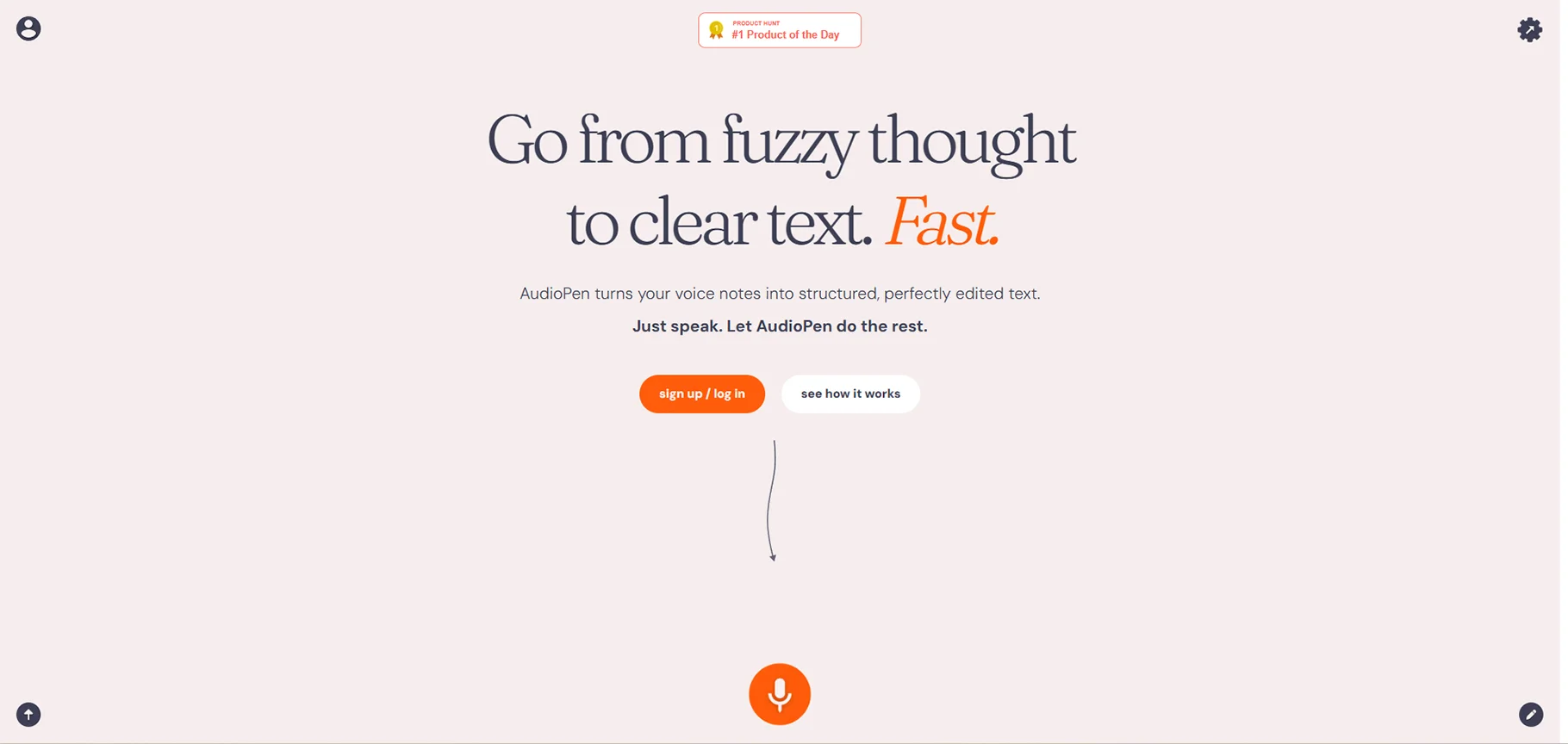
Category: Voice-to-Text AI Writing Assistant
Price: Free tier available, Premium from $10/month
Best For: Teachers who prefer speaking over typing
Key Features
- Enhanced transcription: Converts casual speech into professional writing
- Multiple output formats: Generate emails, lesson plans, blog posts, or notes
- Editing capabilities: Refine AI-generated text as needed
- Mobile and desktop compatibility: Use on any device
- Multi-language support: Speak in one language, transcribe in another
Practical Applications
- Lesson planning on the go: Dictate lesson ideas during your commute
- Quick email responses: Speak your message, get a professional email
- Reflective journaling: Record teaching reflections after class
- Student feedback: Verbally compose detailed feedback faster than typing
- Meeting notes: Record your thoughts after parent conferences or team meetings
2. Canva Magic Write
Canva's AI-driven Magic Write tool leverages text generation alongside the platform's vast design features. The tool supports teachers in coming up with ideas, making outlines, writing lessons, and creating attractive visuals for class. It's one of the most versatile AI tools for teachers seeking both design and content creation support.
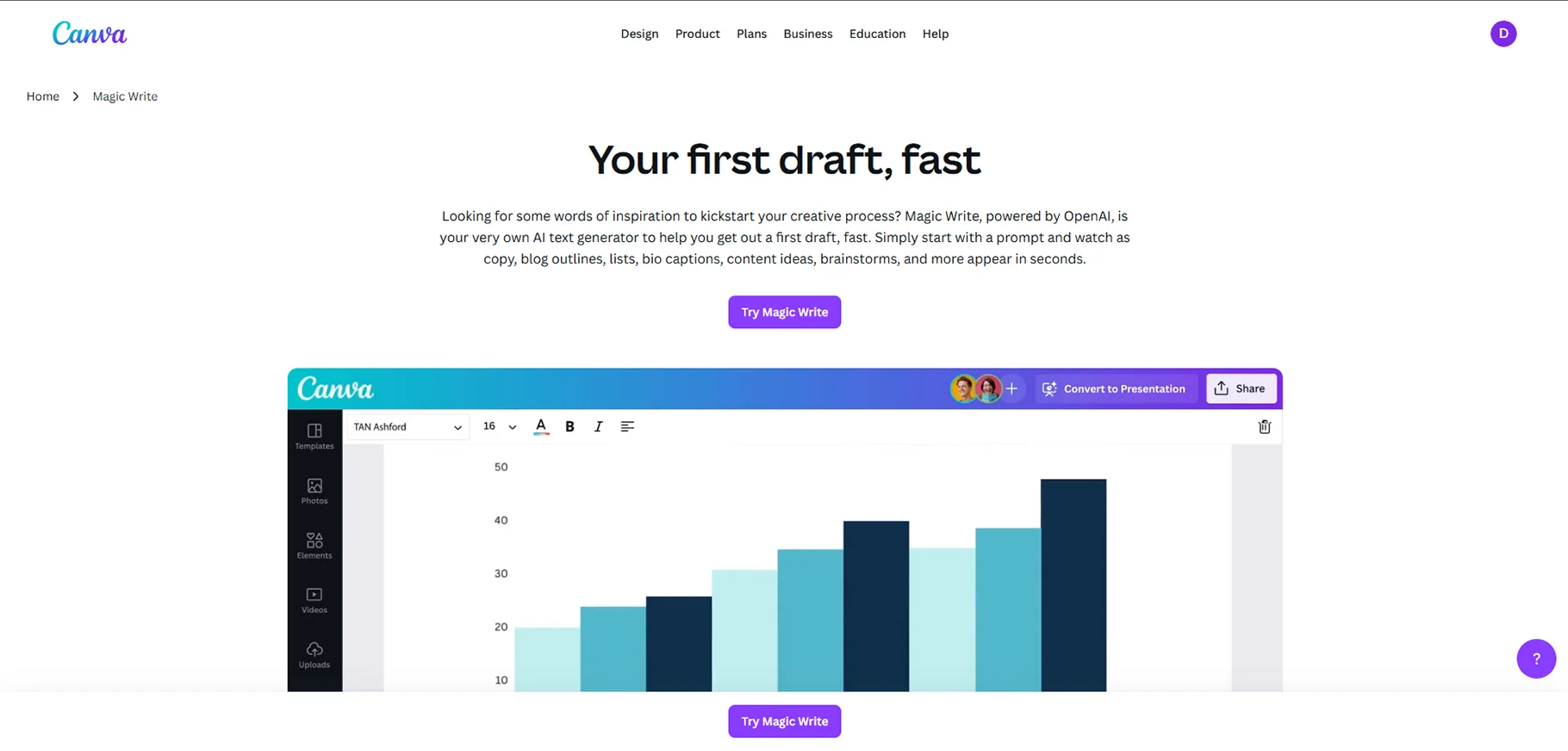
Category: AI-Powered Design and Writing Tool
Price: Free for educators through Canva for Education
Best For: Creating visual materials and brainstorming content
Key Features
- Text-to-image generation: Create custom graphics from descriptions
- Writing assistance: Generate content for presentations, worksheets, or classroom materials
- Template library: Access thousands of education-specific templates
- Brainstorming support: Overcome creative blocks with AI-generated ideas
- Integrated design: Seamlessly combine writing and visual creation
Practical Applications
- Presentation creation: Generate slide content and visuals simultaneously
- Worksheet design: Create attractive, professional-looking activity sheets
- Classroom posters: Design motivational or informational posters quickly
- Newsletter content: Draft parent communications with accompanying graphics
- Social media content: Create engaging posts for class accounts or professional profiles
Why Teachers Love It
The combination of writing assistance and design tools means teachers can create complete, polished materials without switching between multiple platforms. The education-specific templates understand classroom needs.
3. Curipod
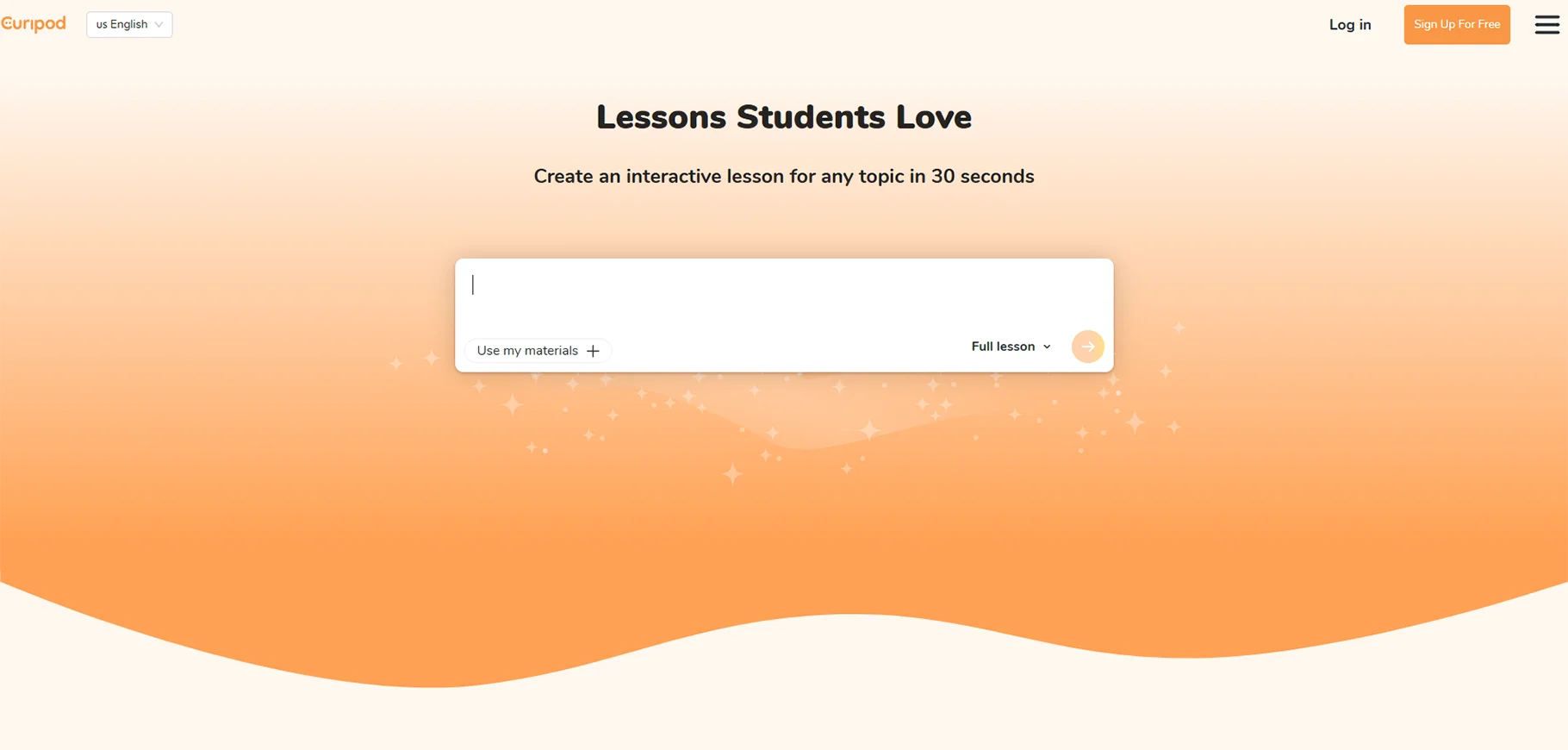
Curipod utilizes AI to create fully interactive lessons that can be executed in a matter of minutes. A teacher only needs to provide a single topic and the platform will design lessons that include texts, pictures, polls, open-ended questions, word clouds, and even SEL (Social-Emotional Learning) check-ins.
Category: AI Interactive Lesson Generator
Price: Free tier available, Premium features from $8/month
Best For: Creating engaging, interactive lessons quickly
Key Features
- One-click lesson generation: Complete lessons from a single prompt
- Interactive activities: Built-in polls, discussions, and collaborative activities
- Real-time participation: Students engage directly through the platform
- SEL integration: Include emotional check-ins and reflection activities
- Differentiation options: Adjust content difficulty automatically
- Data tracking: Monitor student responses and engagement
Practical Applications
- Emergency substitute plans: Generate quality lessons when you're unexpectedly absent
- Exploring new topics: Quickly create exploratory lessons for subjects outside your expertise
- Student-led learning: Students can generate lessons for peer teaching activities
- Flipped classroom content: Create engaging pre-lesson materials rapidly
- Review sessions: Build comprehensive review activities before assessments
Implementation Tip
First, produce a lesson on a topic that you are familiar with. This will help you to assess the quality of the AI-generated content and get an idea of how to adjust your prompts to get better outputs.
4. Eduaide.Ai
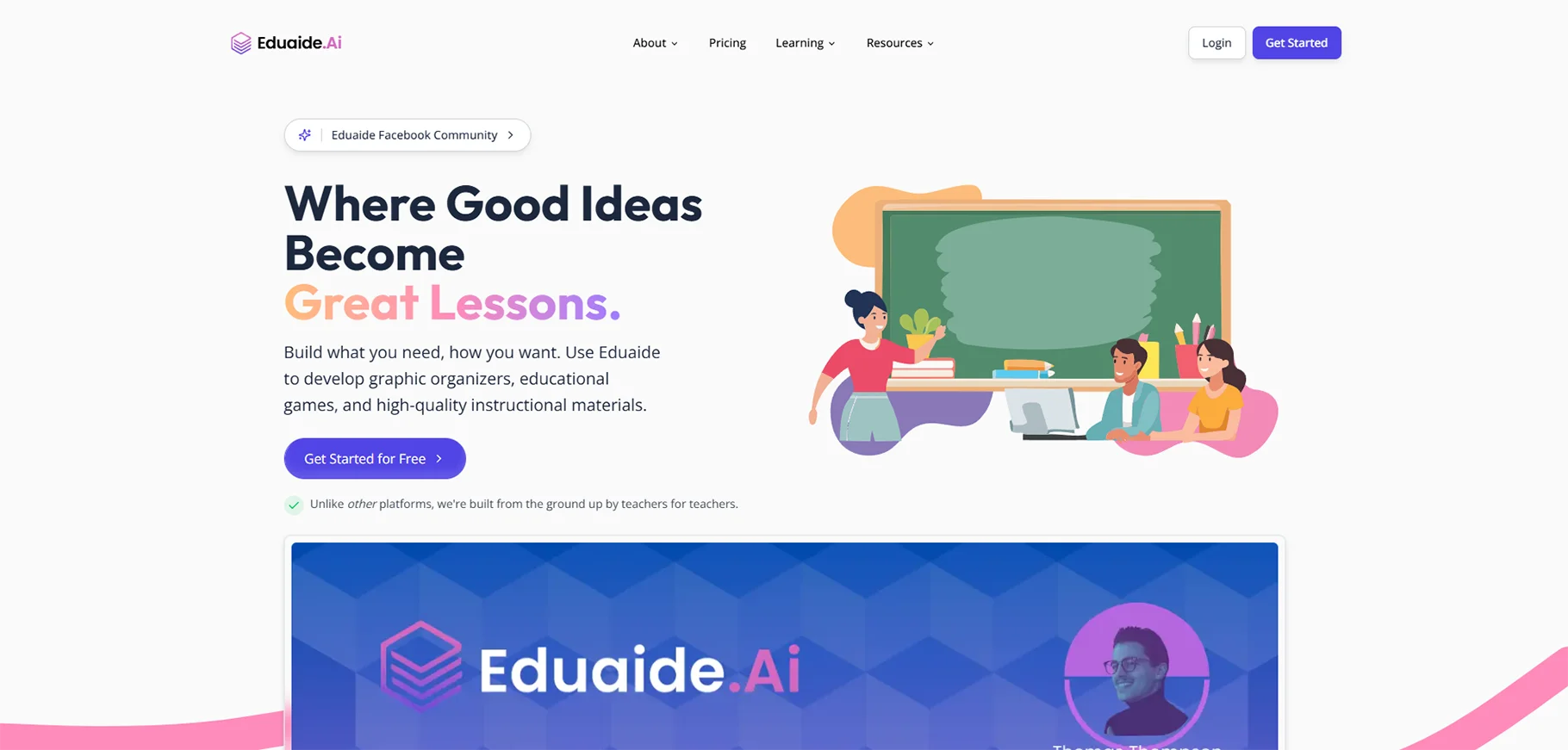
Eduaide.Ai provides more than 100 different types of resources to instructors to assist them in producing educational materials, communicating in an effective way, and managing administrative tasks. It is similar to a teaching assistant who is always available—making it one of the most comprehensive AI for educators solutions on the market.
Category: Comprehensive AI Teaching Assistant
Price: Free tier available, Premium from $10/month
Best For: Teachers needing support across multiple administrative tasks
Key Features
- 100+ resource generators: Lesson plans, discussion prompts, IEP accommodations, emails, rubrics, and more
- Multi-language translation: Instantly translate content into 15+ languages
- Teaching assistant chatbot: Ask questions and get teaching-specific advice
- Feedback bot: Generate personalized student feedback efficiently
- Assessment builder: Create tests, quizzes, and performance tasks
- Free-form chat: General teaching questions and brainstorming
Practical Applications
- IEP and 504 support: Generate appropriate accommodations and modifications
- Parent communication: Draft professional, empathetic emails to families
- Syllabus creation: Build comprehensive course syllabi quickly
- Discussion prompts: Create thought-provoking questions for any topic
- Differentiation: Generate varied materials for different learning levels
- Documentation: Create professional learning logs and reflection documents
Standout Feature
The large number of resource types means that teachers can perform almost any professional task through one platform, thus they do not need to use several different specialized tools.
5. OpenAI (ChatGPT)
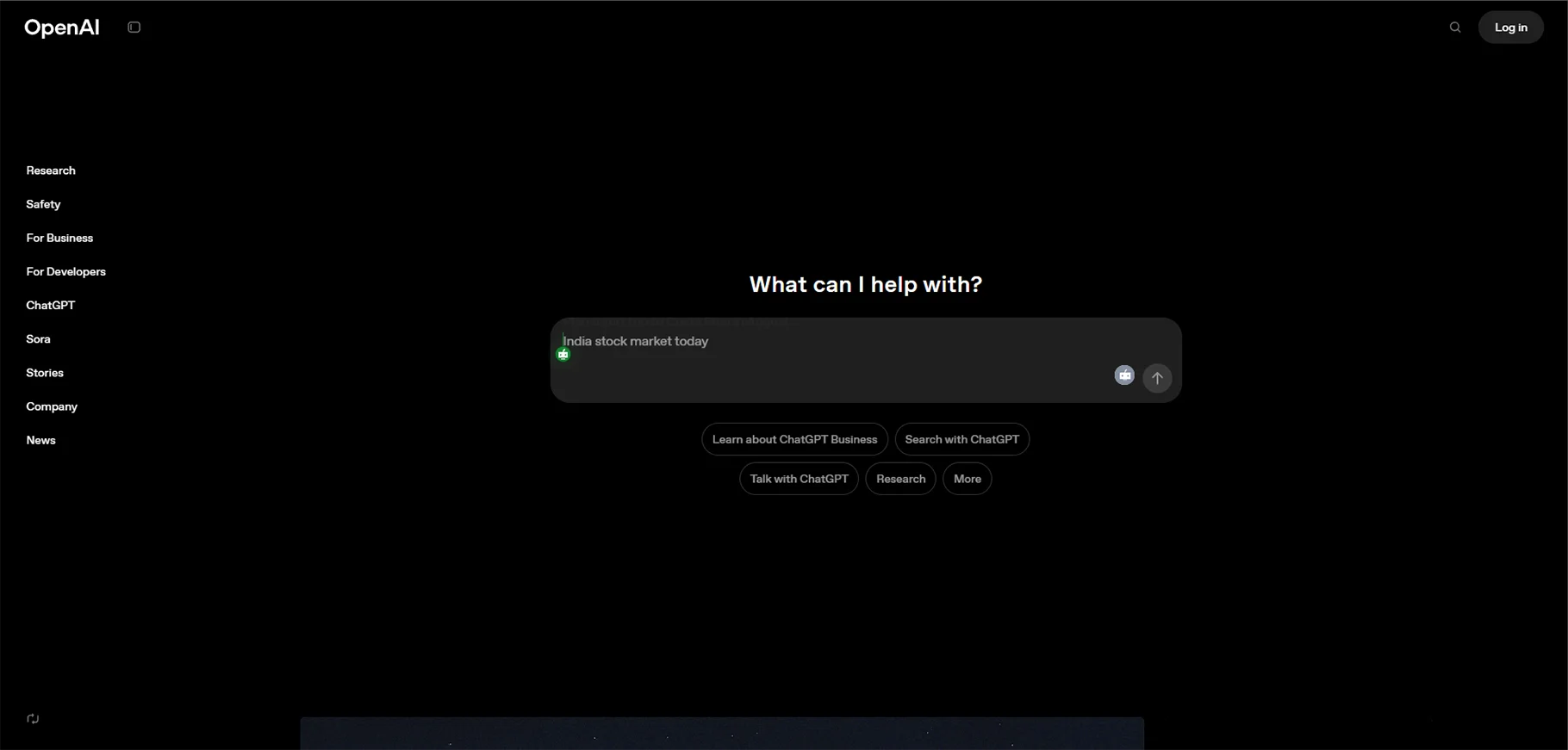
ChatGPT is an AI tool that is the most famous, it provides conversational AI which can be used to assist in virtually any teaching task. OpenAI has come up with a special "Teaching with AI" guide to show the way educators can use the tool effectively and responsibly. It's become one of the most widely adopted AI tools for teachers worldwide.
Category: General AI Assistant with Education Focus
Price: Free version available, ChatGPT Plus $20/month
Best For: Versatile teaching support and creative problem-solving
Key Features
- Conversational interface: Natural dialogue for complex questions
- Wide knowledge base: Covers virtually any subject or topic
- Creative problem-solving: Generate novel approaches to teaching challenges
- Explanation generation: Create clear explanations for complex concepts
- Code generation: Support for computer science and STEM teachers
- Teaching guide included: Official guidance on effective educational use
Practical Applications
- Differentiation support: "Rewrite this passage at a 5th-grade reading level"
- Extension activities: "Create three enrichment activities for advanced students on photosynthesis"
- Real-world connections: "Provide five real-world examples of quadratic equations"
- Socratic questioning: "Generate Socratic questions to guide students toward understanding plate tectonics"
- Cultural responsiveness: "Adapt this lesson to be more culturally relevant for diverse learners"
- Special education support: "Modify this assignment for students with ADHD"
Important Considerations
ChatGPT-4 (the version that is paid) is more precise and reliable than the free one. Factual information should always be verified; biases should be checked, and your professional expertise should be added to the content generated by AI.
6. Quizizz
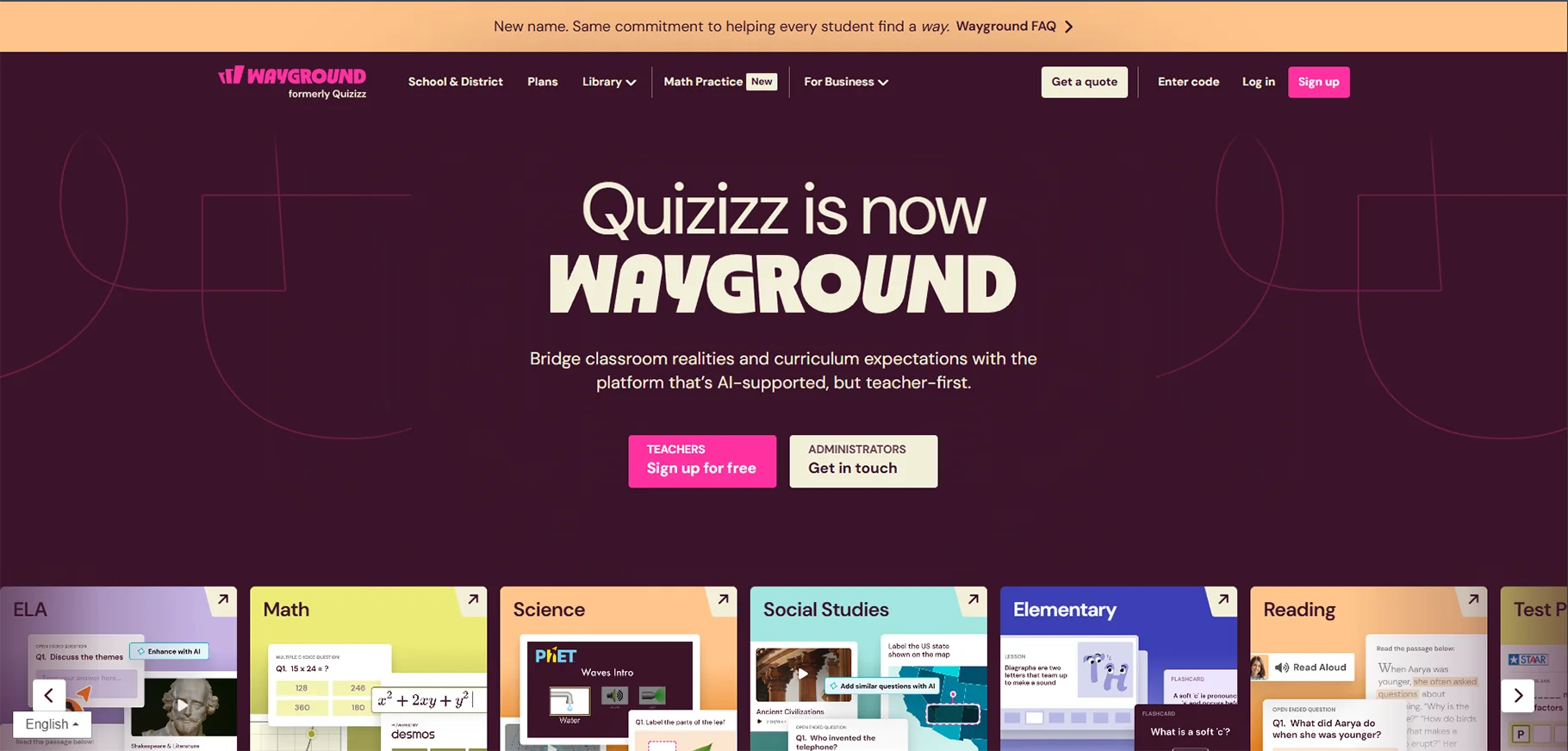
Quizizz makes dull and boring traditional quizzes into game-like experiences that students are crazy about. The platform's AI features continuously change the level of questions, check grammar, and redesign questions to be more like real-world scenarios.
Category: Gamified Assessment and Learning Platform
Price: Free tier available, Premium from $36/year
Best For: Making assessments engaging and generating data-driven insights
Key Features
- Gamified quizzes: Points, leaderboards, and competitive elements
- AI question enhancement: Automatically improve question quality
- Personalized learning paths: Adapt content based on student performance
- Self-paced or live modes: Flexible implementation options
- Instant feedback: Students see explanations for correct and incorrect answers
- Comprehensive analytics: Detailed data on student performance
Practical Applications
- Formative assessment: Check understanding throughout lessons
- Review games: Make test prep engaging and fun
- Homework assignments: Self-paced practice with instant feedback
- Team competitions: Foster collaborative learning through group challenges
- Data collection: Identify class-wide misconceptions quickly
Student Engagement Benefit
The game elements change the whole vibe of the assessment from something dreadful to something fun and that way the students who usually shy away from quizzes become more involved and even give a more honest effort.
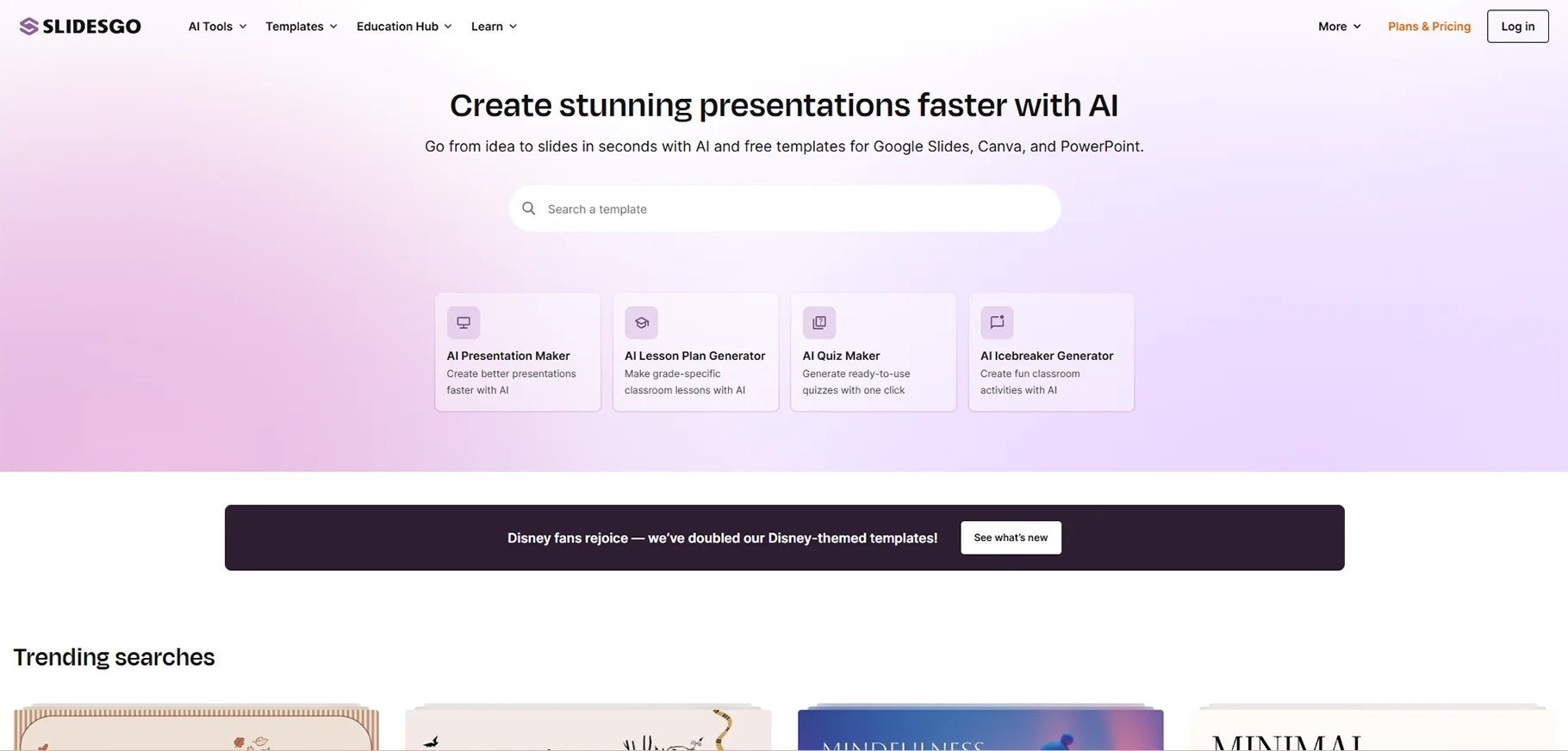
7. Slidesgo
Slidesgo templatesto thousands of presentations for free and just recently added an AI Presentation Maker that works from a simple prompt and produces a full slide deck in a matter of minutes.
Category: AI Presentation Creation
Price: Free with attribution, Premium from $9.99/month
Best For: Creating professional presentations quickly
Key Features
- AI presentation generation: Complete decks from topic descriptions
- Tone customization: Choose casual, creative, or professional styles
- Template library: Thousands of education-focused designs
- Easy customization: Simple editing for personalization
- Google Slides and PowerPoint compatibility: Works with familiar tools
Practical Applications
- Lecture creation: Generate comprehensive presentation frameworks
- Parent night materials: Create professional presentations for stakeholders
- Student templates: Provide presentation structures for student projects
- Professional development: Design training materials for colleagues
- Visual lesson content: Transform text-heavy lessons into visual experiences
Time-Saving Impact
Teachers say that they can come up with a presentation draft of the work in just 5-10 minutes that used to take them 1-2 hours, thus they have more time left for content refinement and rehearsal.
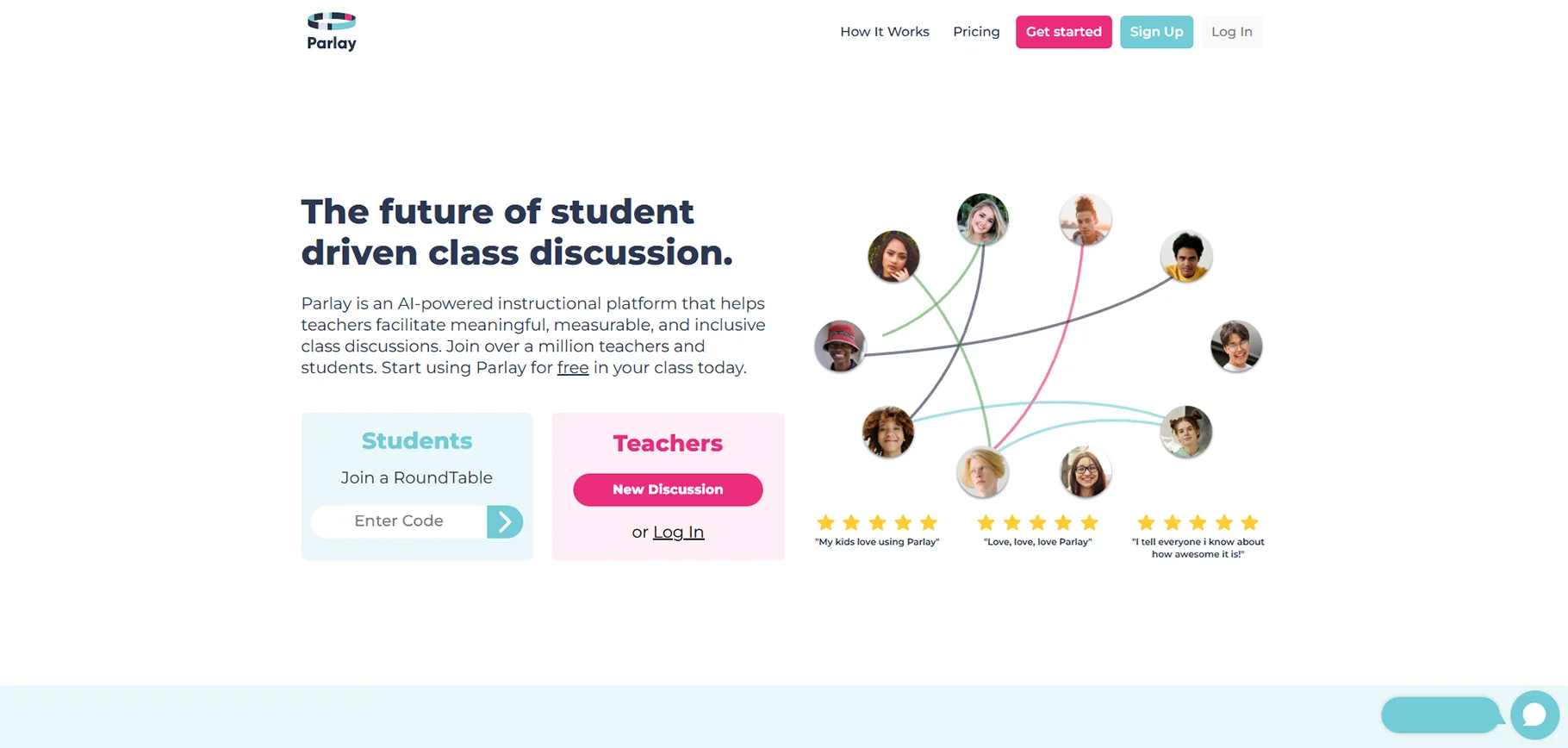
8. Parlay
Parlay helps teachers to have structured discussions with students who can be remote or in-person. Afterward, they can see how the talks develop and get more profound through the discussion web interface.
Category: Discussion Management Platform
Price: Free trial available, pricing varies by school/district
Best For: Facilitating rich text discussions and tracking participation
Key Features
- Visual discussion tracking: See who contributes and how ideas connect
- Built-in discussion protocols: Structured frameworks for productive dialogue
- Real-time monitoring: Track participation frequency during discussions
- Asynchronous discussions: Students contribute on their own time
- Evidence-based claims: Students support ideas with textual evidence
- Analytics dashboard: Assess discussion quality over time
Practical Applications
- Text-based discussions: Deep analysis of literature, primary sources, or articles
- Socratic seminars: Structured philosophical or thematic discussions
- Remote learning: Maintain discussion quality when students aren't physically together
- Equity in participation: Ensure quiet students have space to contribute
- Discussion assessment: Data-informed evaluation of discussion skills
Educational Impact
Instead of a teacher being busy looking for the students who participate in a discussion Parlay allows a teacher to focus on the depth and quality of students' thought which is actually the real measure of learning.
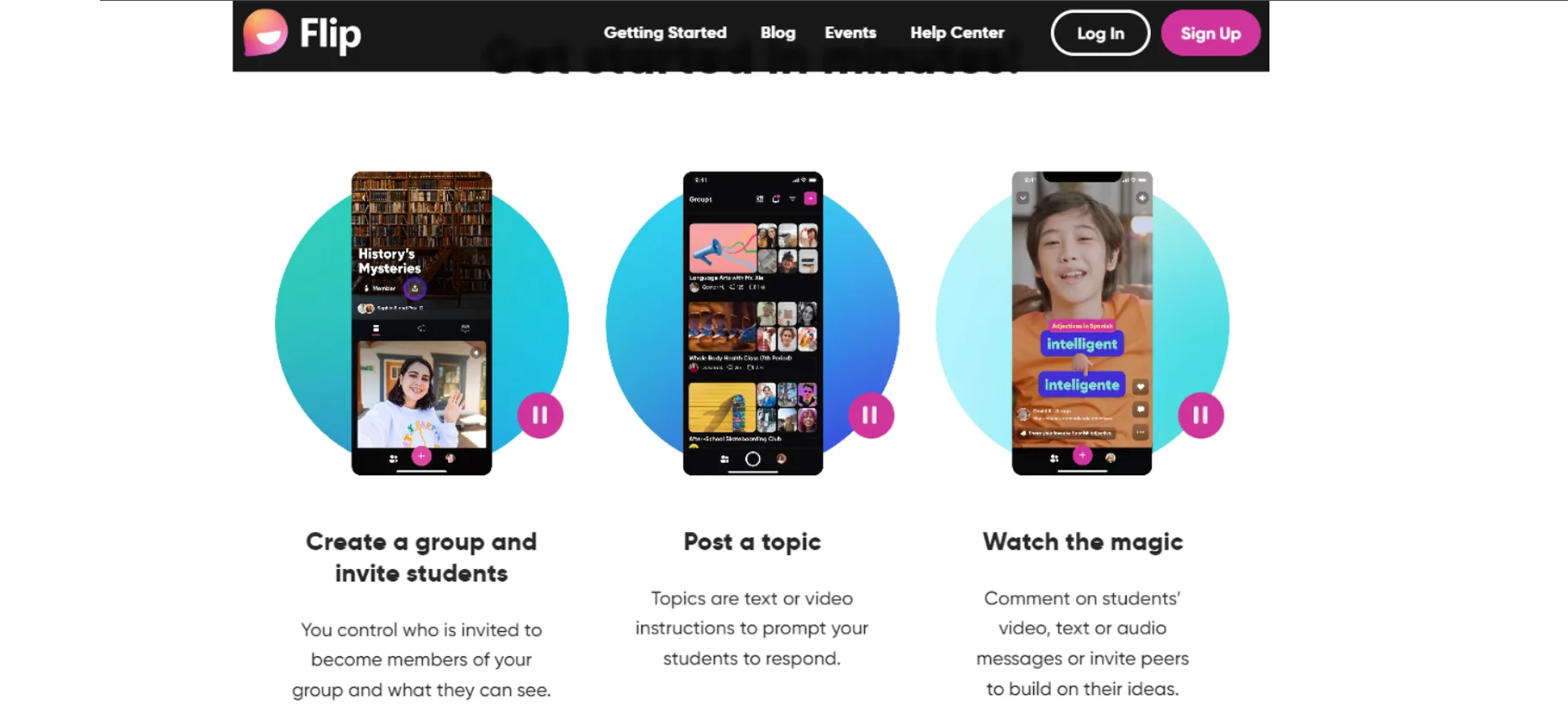
9. Flip (formerly Flipgrid)
Flip gave students a chance to creatively express themselves and build community through short videos as responses to prompts. The video format was a great tool for shy and hesitant students to come out as it helped them to do so in a way that they are not generally comfortable, i.e., live participation.
Category: Video Discussion Platform
Price: Free
Best For: Encouraging creative expression and building classroom community
Note: Microsoft has announced the closure of Flip. Alternative options include Padlet (video response features) or Loom for Education.
Recommended Alternative: Padlet
Padlet offers similar video response capabilities along with additional collaboration features:
- Multiple media types: Video, text, images, links, and audio
- Flexible layouts: Wall, stream, grid, or timeline formats
- Real-time collaboration: Students build on each other's ideas
- Privacy controls: Secure, classroom-only sharing
- Free educator accounts: Accessible for all teachers
Practical Applications (Padlet)
- Video reflections: Students share learning insights
- Peer feedback: Students respond to classmate presentations
- Showcase portfolios: Collect and display student work
- Collaborative brainstorming: Visual collection of ideas
- Parent communication: Share classroom highlights with families
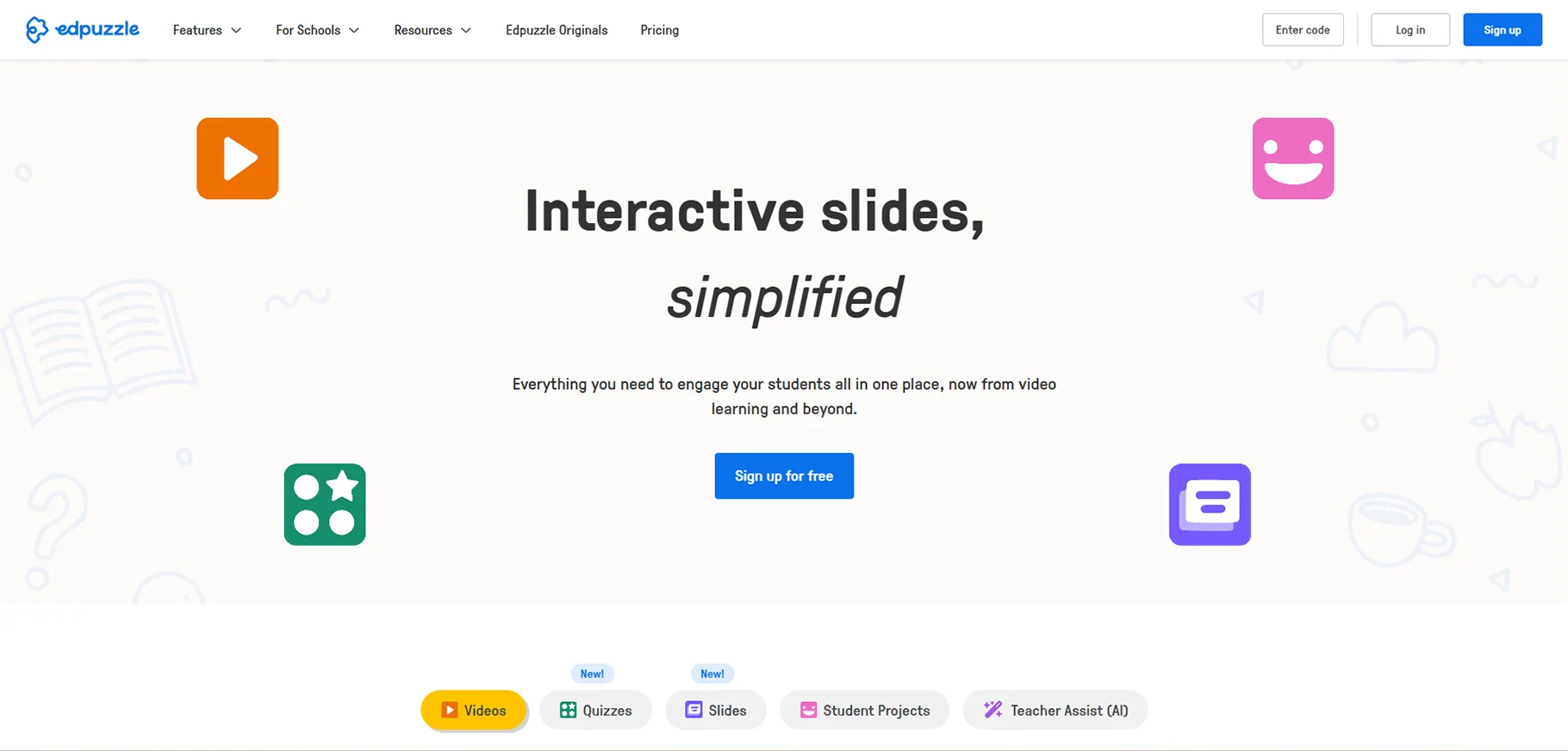
10. Edpuzzle
Edpuzzle makes watching videos more attractive to students and a way to actively learn by inserting questions, notes, and checks for understanding right into the video.
Category: Interactive Video Learning Platform
Price: Free tier available, Premium from $11.50/month
Best For: Making video content interactive and accountable
Key Features
- Question embedding: Insert multiple-choice or open-ended questions at any point
- Prevent skipping: Ensure students watch entire videos
- Auto-grading: Automatically grade embedded questions
- Analytics: See exactly where students pause, rewind, or struggle
- Video editing: Trim videos to focus on relevant content
- Integration: Works with YouTube, Khan Academy, and other video sources
Practical Applications
- Flipped classroom: Ensure students engage with pre-lesson videos
- Substitute plans: Provide quality instruction when you're absent
- Differentiation: Assign different videos to different groups
- Formative assessment: Check understanding throughout video content
- Independent learning: Students learn at their own pace with embedded support
Why It Works
Those inserted questions serve as a means of keeping students accountable and making them focus on what they are doing, thereby video being turned from a passive experience into an interactive learning activity with data that can be used.
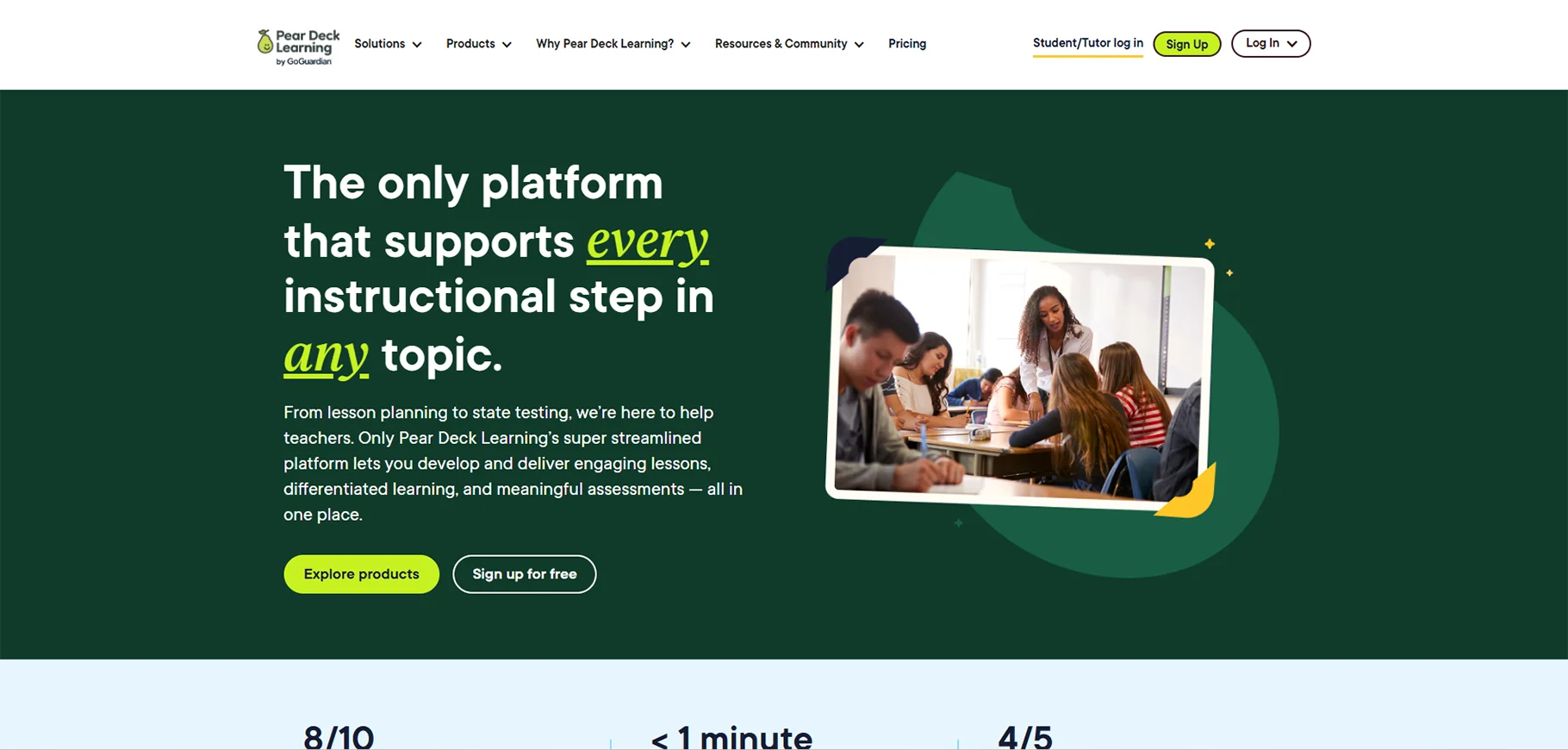
11. Pear Deck
Pear Deck for Google Slides is similar to Edpuzzle for videos in that it adds interactivity. Teachers can integrate questions, polls, and activities right into their presentations and at the same time, they may collect student responses.
Category: Interactive Presentation Platform
Price: Free tier available, Premium from $149.99/year
Best For: Making Google Slides interactive with real-time feedback
Key Features
- Interactive slides: Turn static presentations into two-way conversations
- Multiple question types: Multiple choice, text, number, drawing, and drag & drop
- Anonymity options: Students can respond privately or publicly
- Real-time feedback: See all student responses immediately
- Pacing control: Teacher or student-paced presentation modes
- Formative data: Identify misconceptions as they occur
Practical Applications
- Check for understanding: Quick pulse checks throughout lessons
- Exit tickets: Gather learning evidence at lesson end
- Bell ringers: Engage students immediately upon arrival
- Brainstorming: Collect and share class ideas visually
- Review sessions: Interactive test preparation
Teacher Time-Saver
As Pear Deck is a presenting tool, teachers will no longer have to prepare separate activities and presentations since Pear Deck merges both in one, thus saving time and technical difficulties during the lesson.
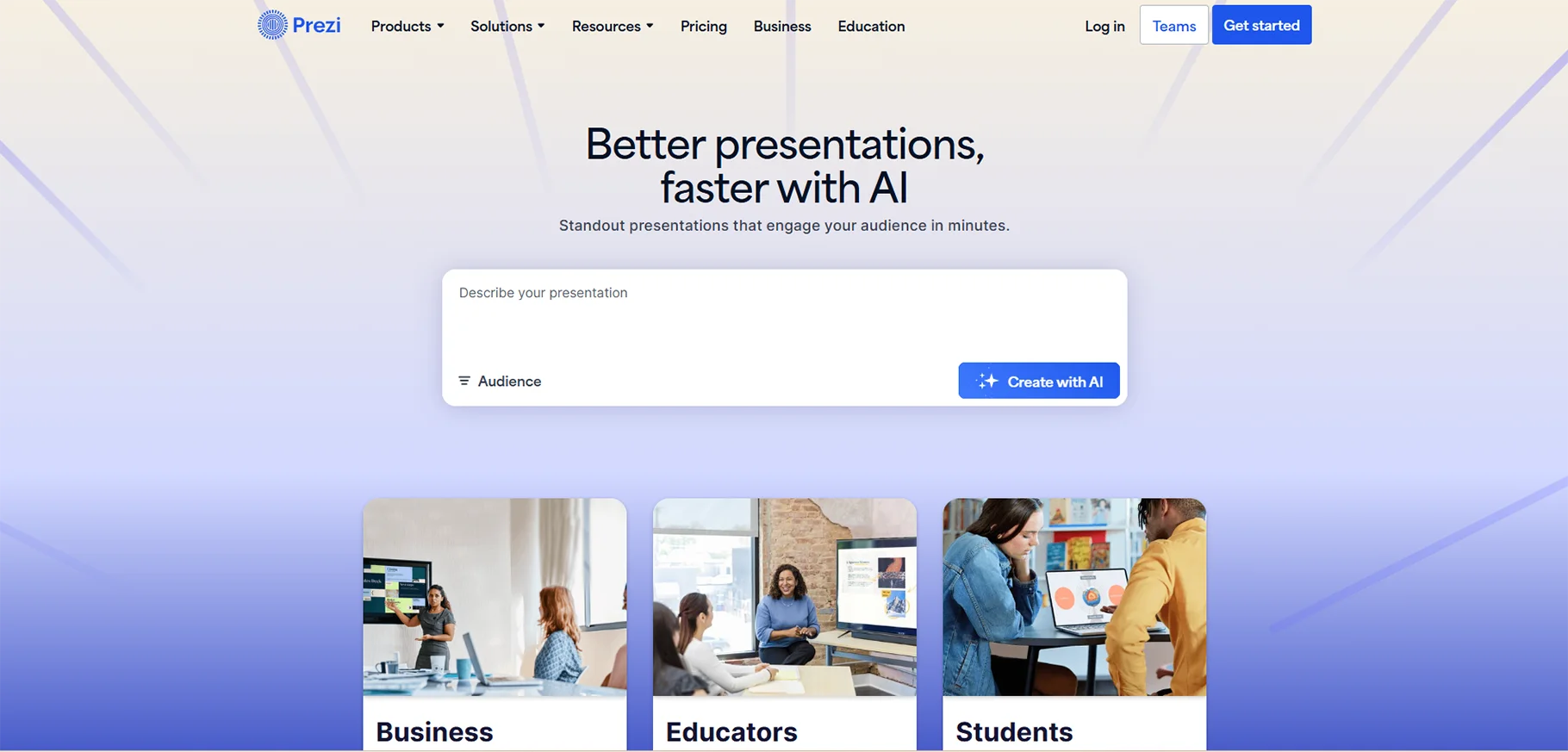
12. Prezi
Prezi provides a different way of presenting the content as compared with the regular slide-by-slide presentation, by the utilization of a zooming, spatial canvas that in turn results in more engaging and memorable visual experiences.
Category: Dynamic Presentation Software
Price: Free tier available, Premium from $5/month
Best For: Creating engaging, visually dynamic presentations
Key Features
- Zooming interface: Navigate through topics spatially rather than linearly
- Video presence: Appear on screen with your content for more personal delivery
- Animation and movement: Create dynamic visual interest
- Template library: Professional designs for various subjects
- Collaborative creation: Multiple users can edit simultaneously
- Analytics: See which parts of presentations engage viewers most
Practical Applications
- Concept mapping: Show relationships between ideas visually
- Storytelling: Create narrative presentations that flow naturally
- Recorded lessons: Combine your presence with content for asynchronous learning
- Student projects: Provide an alternative to traditional slide presentations
- Virtual instruction: More engaging than static slides during remote teaching
Educational Advantage
The non-linear navigation feature allows you to personalize presentations depending on students' questions, i.e., you can go to the relevant sections without following the predetermined slides.
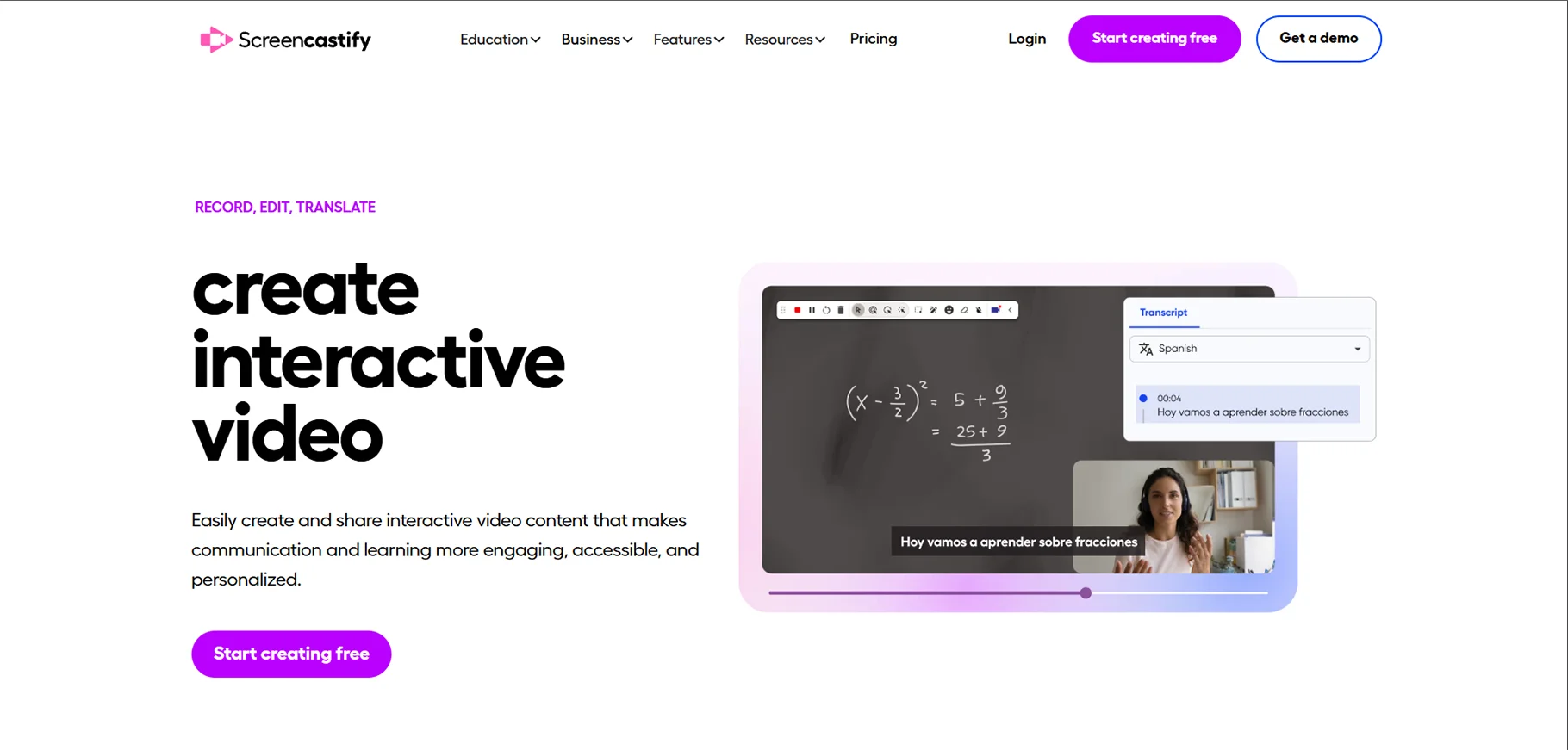
13. Screencastify
Screencastify is a simple tool that enables both teachers and students to record their screens, webcams, or both at the same time, thereby opening new powerful avenues for assessment and instruction.
Category: Screen Recording and Video Creation
Price: Free tier available (50 videos), Premium from $49/year
Best For: Creating instructional videos and alternative assessments
Key Features
- Easy recording: One-click screen and webcam capture
- Built-in editing: Trim, crop, and annotate videos
- Drawing tools: Highlight important information during recording
- Direct sharing: Upload to Google Drive, YouTube, or share links
- Submission tool: Students can submit video responses as assignments
- No software installation: Works directly in Chrome browser
Practical Applications
- Flipped instruction: Record lessons for students to watch at home
- Step-by-step tutorials: Demonstrate processes students can replay as needed
- Student explanations: Students explain their problem-solving process
- Assessment alternative: Students show understanding through video demonstrations
- Feedback videos: Provide personalized video feedback on student work
- Academic integrity: Watch students work through problems, reducing cheating
Recommended by Teachers Worldwide
One teacher in Kenya explained how Screencastify changed her math assessments. The students were now able to show their thinking process, not just give the final answer and that's how gaps in understanding were revealed which traditional tests failed to do.
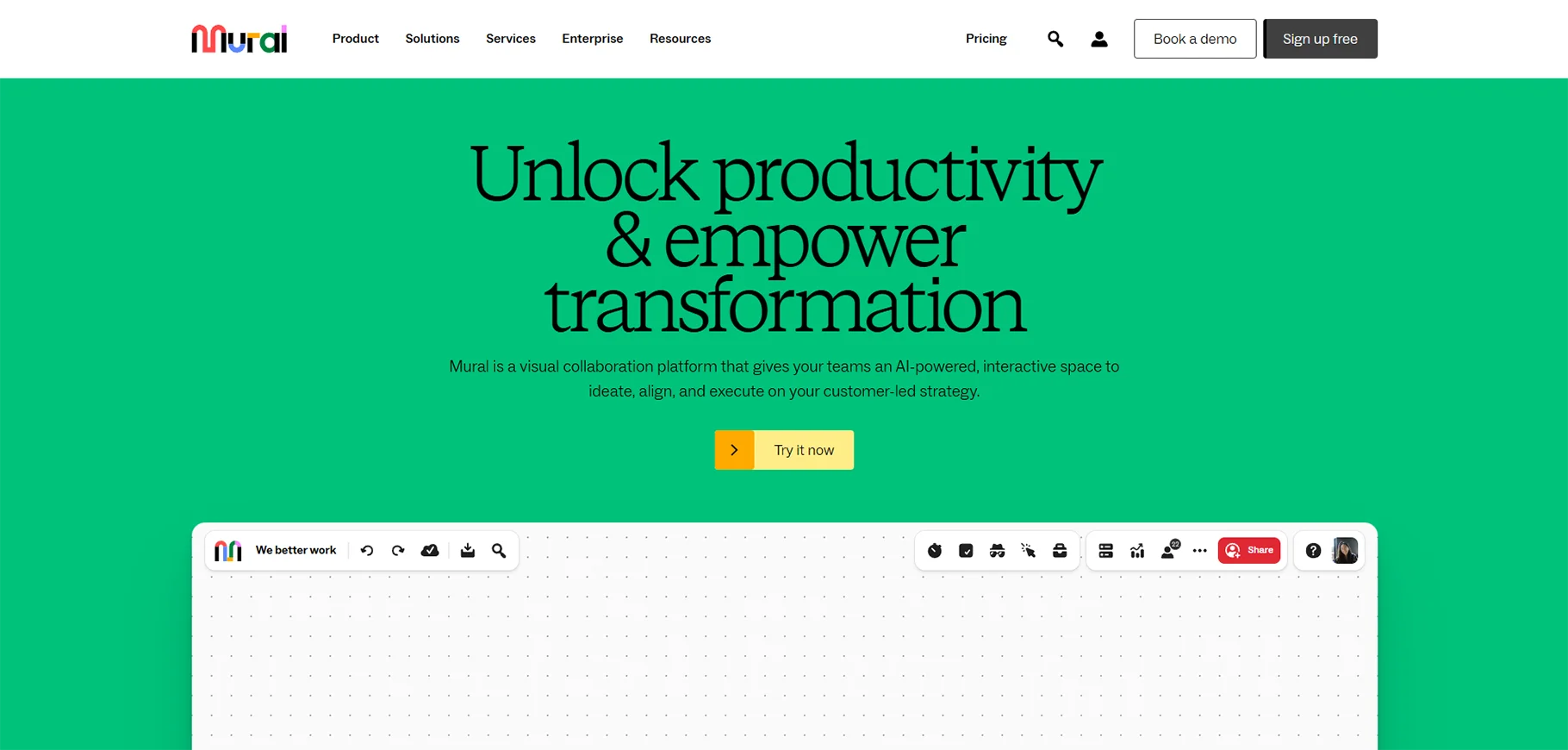
14. Mural
Mural produces virtual places where people like teachers, students, and other colleagues can work together at the same time and in the same place using digital sticky notes, drawings, and some other visual organization tools.
Category: Virtual Collaboration Whiteboard
Price: Free tier available, paid plans from $9.99/month
Best For: Visual collaboration and brainstorming
Key Features
- Infinite canvas: Unlimited space for ideas and organization
- Virtual sticky notes: Digital equivalent of physical brainstorming
- Templates: Pre-designed frameworks for common activities
- Real-time collaboration: Multiple users work simultaneously
- Voting and prioritization: Built-in tools for decision-making
- Permanent artifact: Mural boards serve as saved documentation
Practical Applications
- Brainstorming sessions: Capture and organize class ideas visually
- Project planning: Students collaborate on project organization
- Virtual meetings: Productive visual collaboration with colleagues
- Concept mapping: Build understanding of complex relationships
- Design thinking: Facilitate innovation and problem-solving processes
- Remote workshops: Conduct professional development sessions
Why It's Essential
What Mural aims at is to deliver the benefits of face-to-face collaboration, where everyone visually contributes to the shared understanding, without the need for transcription or cleanup-the Mural IS the permanent artifact.
Alternative: Google Jamboard provides almost the same features but with a simpler interface for teachers who have already integrated Google Workspace into their work of preparing lessons.
15. Gimkit
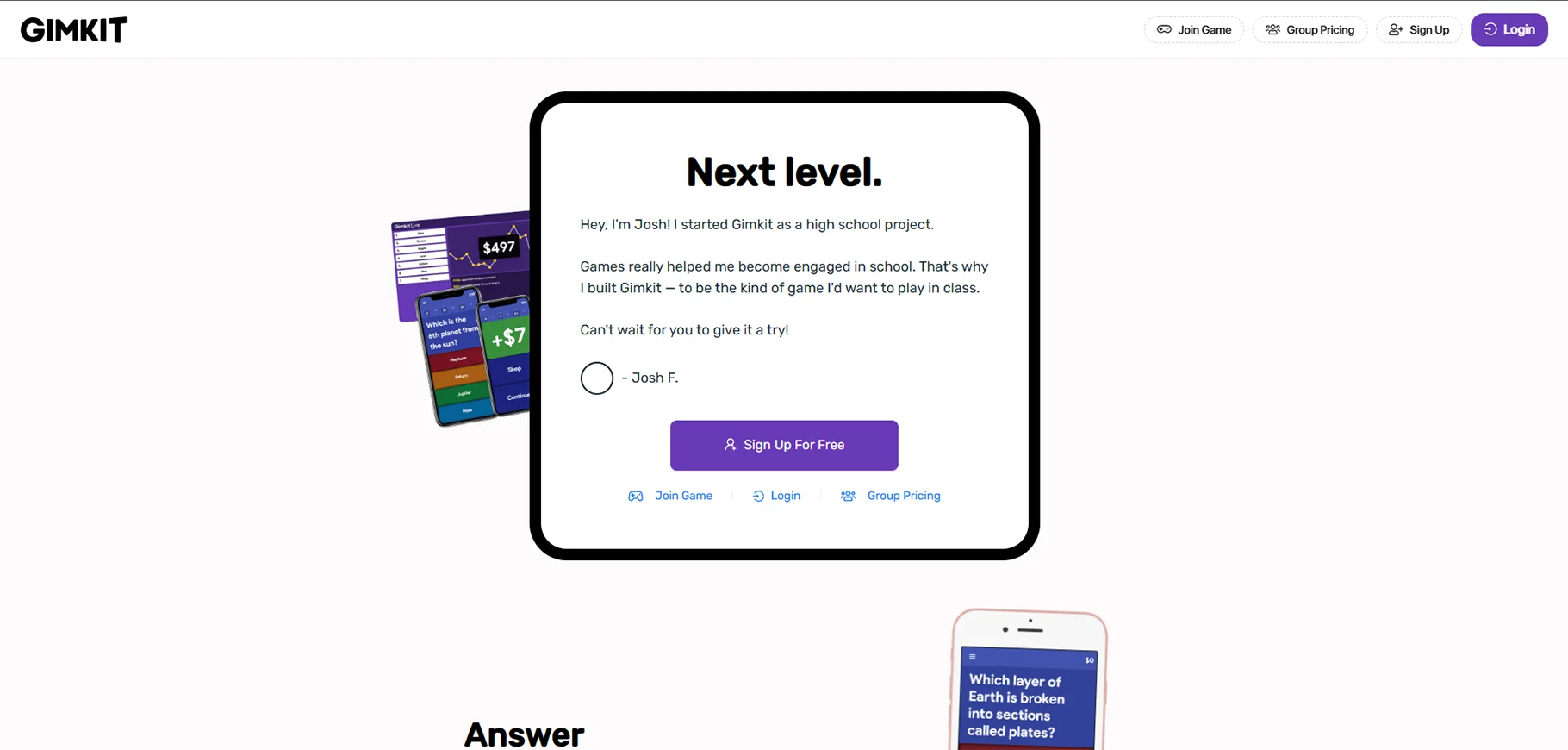
Gimkit was created by a high school student who, in trying to improve upon the limitations of Kahoot!, developed a platform that allows teachers to create question pools and students answer while competing, earning points through various strategic game modes.
Category: Game-Based Learning and Review
Price: Free tier available, Premium from $59.88/year
Best For: Engagement through competitive, repetitive practice
Key Features
- Repetitive practice: Students answer the same questions multiple times
- Multiple game modes: Different ways to earn and use points
- Student-paced: Work at individual speeds while competing
- Custom question sets: Teachers create or use shared questions
- Real-time data: See which questions cause difficulty
- Engagement mechanics: Game strategies keep students motivated
Practical Applications
- Vocabulary practice: Repetition aids memorization
- Math fact fluency: Build automaticity through repeated practice
- Test review: Make exam preparation engaging
- Retrieval practice: Strengthen long-term memory through spacing
- Bell ringers: High-energy class openers
The Engagement Secret
Unlike the case with gimkit, which is a single-answer quiz game, gimkit's repetition and strategic point-earning feature keeps students' attention even after all the questions have been presented thereby making it an ideal extended practice session.
16. Mentimeter
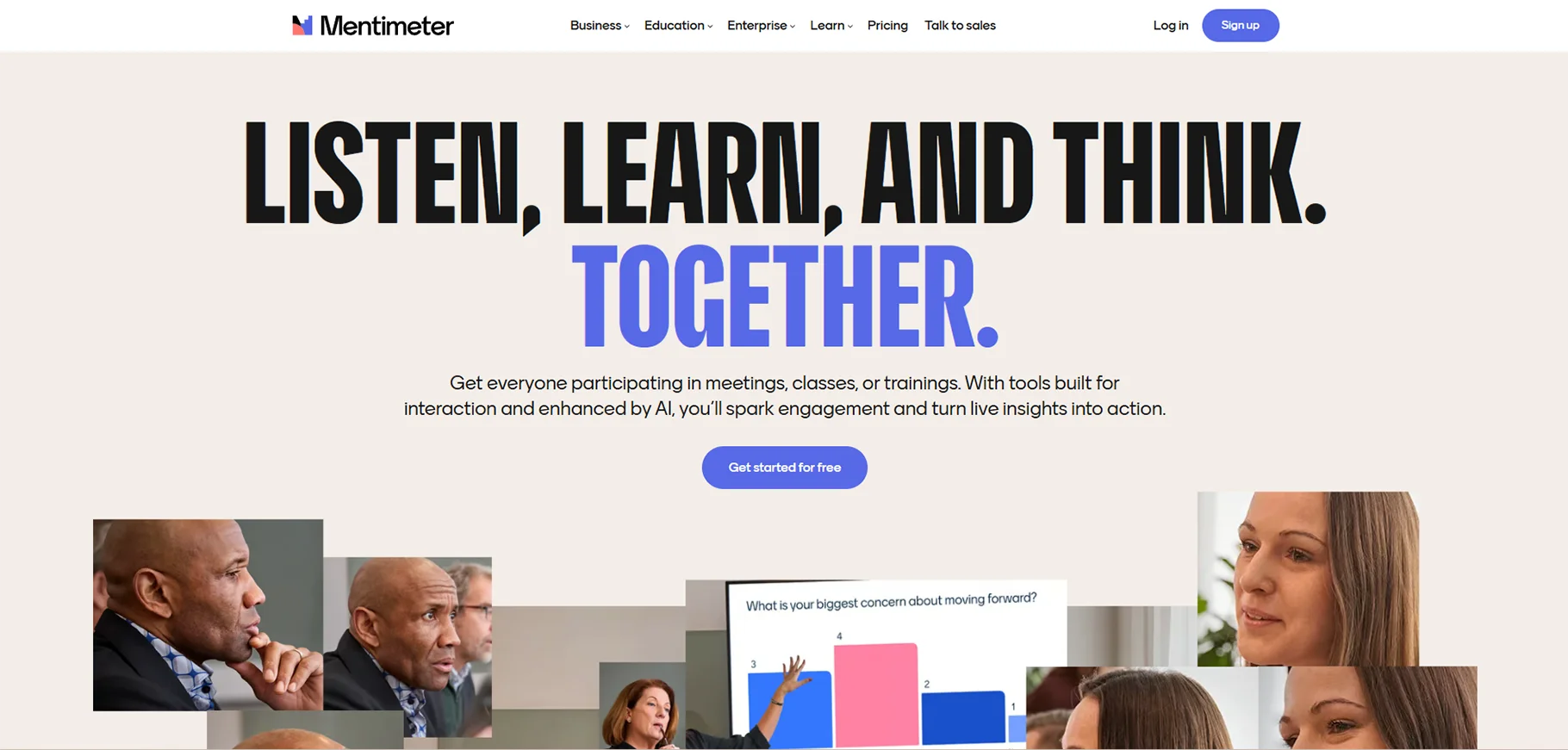
Mentimeter helps teachers to collect data from students in real time through word clouds, rankings, scales, multiple-choice questions, and open-ended responses thus giving every student a chance to voice their opinion.
Category: Real-Time Audience Response System
Price: Free tier available, Premium from $11.99/month
Best For: Collecting instant feedback and fostering participation
Key Features
- Multiple question types: Word clouds, scales, rankings, multiple choice, and open-ended
- Live results: Instant visual display of student responses
- Anonymous participation: Students can respond without public identification
- Presentation integration: Embed Mentimeter into existing presentations
- Export options: Save and analyze response data
- No student accounts needed: Simple access via web or phone
Practical Applications
- Discussion starters: Generate word clouds of student thinking
- Quick polls: Gauge class opinion or understanding instantly
- Exit tickets: Collect end-of-class reflections efficiently
- Professional learning: Facilitate engaging professional development
- Icebreakers: Build community through fun, low-stakes questions
- Prioritization: Have class vote on discussion topics or project ideas
Equity Advantage
An anonymous response option is an excellent way to ensure that every student's voice is heard, especially those students who hesitate to speak in public but might have valuable contributions.
Similar Tool: Slido provides similar functionality with a very efficient question upvoting feature, which is great for Q&A sessions.
Conclusion
The use of AI and tech tools in education is not the case of taking away the human elements of teaching which are the mentorship, empathy, inspiration, and the personal connection that only educators can provide. Rather, these tools are about amplification: amplifying your impact, your efficiency, and your capacity to meet each student's unique needs.
Through the automation of very time-consuming administrative tasks, these tools become a present good for teachers. The good is time, time to have that crucial conversation with the struggling student, time to create really innovative lessons, time to take care of your own self, and time to remember why you became a teacher in the first place.
The terrain of educational technology will keep changing very fast over time. What is staying is the need for thoughtful, dedicated educators who can use these tools while still having the human touch that makes learning meaningful.
FAQs
1. Are AI teaching tools reliable and accurate?
AI-powered tools may deliver quite different accuracy rates largely based on their training data and the kind of functionalities they have. For instance, ChatGPT-4 (the paid version) is generally more trustworthy than free versions, but still, none of the AI tools can be 100% accurate. A very important point to remember: Always check the quality of AI-generated content in terms of correctness, fairness, and appropriateness before you share it with students. Use AI as a point of departure which your knowledge will perfect, not as a final product.
2. Do I need to be tech-savvy to use these tools?
Definitely not. Most of the new teaching devices are created with very easy-to-use interfaces in mind, specially for teachers who might not regard themselves as technically skilled. In general, such tools as Curipod, Canva, and Quizizz are characterized by intuitive layouts and convenient tutorial sessions. Experiment with one simple tool, build up your skill, and slowly widen your toolbox.
3. How much do these tools cost?
There is a wide range of tools that provide strong free versions that are fully appropriate for use in the classroom, among them Google Classroom, Kahoot!, Canva for Education, and Mentimeter's basic plan. The price for the premium features is usually between $5 and $15 per month for one teacher. Most of the time, schools and districts are in a position to negotiate more attractive prices for site licenses. Get started with the free versions to figure out which tools are the best for you before making an investment.
4. Will using AI tools make me a worse teacher?
This concern is quite reasonable, but nevertheless, it is not true. AI-powered tools cannot substitute human skills; they can only empower them. To better understand the point, one can equate AI with a calculator in the educational realm which can be seen as a tool that accomplishes the computational part and leaves the conceptual understanding and application to the human. While the tools are dealing with the time-consuming logistics, you, on the other hand, are using the unbeatable human elements: establishing relationships, motivating curiosity, and developing critical thinking.

