
Table Of Contents
5 Best Paraphrasing Tools To Create Compelling Content
Published on : Dec 05 2025

Since I am a professional content writer, therefore, a human-like reading output should be the result of your paraphrasing tool. Be genuine with yourself; to make content sound new and original, I have rewritten it many times.
That was the time I got stuck on the paraphrase tools AI that could actually turn the whole thing around for me and make this process very smooth. Some produce content that sounds just like a robot, while others really help you to come up with an engaging and human-like text.
Now, I am revealing the top five tools that, over the course of my work, have saved me hours and also allowed me to produce text that is natural-sounding, passes plagiarism checks, and even draws the attention of readers.
Quick Summary
If you’re short on time, here’s the quick version: The best paraphrasing tools combine smart rewriting options with human-like output.
Walter Writes AI is the best AI tool for passing AI detection. EduWriter.ai is best suited for academic writing, StoryChief AI is best for marketing content creation, Grammarly is best as a general-use editing tool, and Spinbot is the fastest free paraphrasing AI tool.
Each tool has advantages and disadvantages, and I will discuss which one might work best for your specific needs in more detail.
What To Look for in a Paraphrasing Tool?
Just before going to the particular tools, I would like to tell you what I have learned regarding picking the right paraphrasing software. With the tools I have purchased, I have wasted my money because they have given very poor results.
Of course, the main factor is the naturalness of the language output. I do not want to put more pressure on this point, but simply your content to be paraphrased should be so natural that one cannot guess it has been done.
User interface is more important than you might believe. I have stopped using a very powerful tool because it was so confusing. You want something user-friendly that requires no training at all.
Pricing and value need to be in line with your requirements. The free tools may be enough for infrequent use, but if you are producing a lot of content, it is better to invest in a premium paraphrasing AI option, which will pay off in terms of time and quality of output.
When Paraphrasing Tools Shine
According to my experience, paraphrase tools AI are most efficient in certain cases. Recognizing when to put them into practice has really changed my workflow significantly.
Academic writing was the field where I first saw the benefits of these tools. When you handle research papers and have to point out several sources without using direct quotes for everything, a great paraphrasing tool is there to help you use your own words while keeping the academic standards.
Content creation for blogs and websites is yet another situation you could not find better than this one. As a content writer, it is quite common for me to have to deal with the same topics from different clients or platforms. Paraphrase tools AI come to my rescue here by enabling me to take the existing content frameworks and turn them into fresh and unique pieces that will serve the different audiences.
Plagiarism avoidance is the most common use for using these tools. Whether you are a student, a blogger, or a professional writer, these tools will help you in making your work original and also not being detected by the plagiarism detection software.
5 Best Paraphrase Tools
Now, let's simply understand the particular tools that I suggest. Each of these tools I have tried out and I will reveal the unique features of each one and to whom it should be used.
1. Walter Writes AI
What is Walter Writes AI?
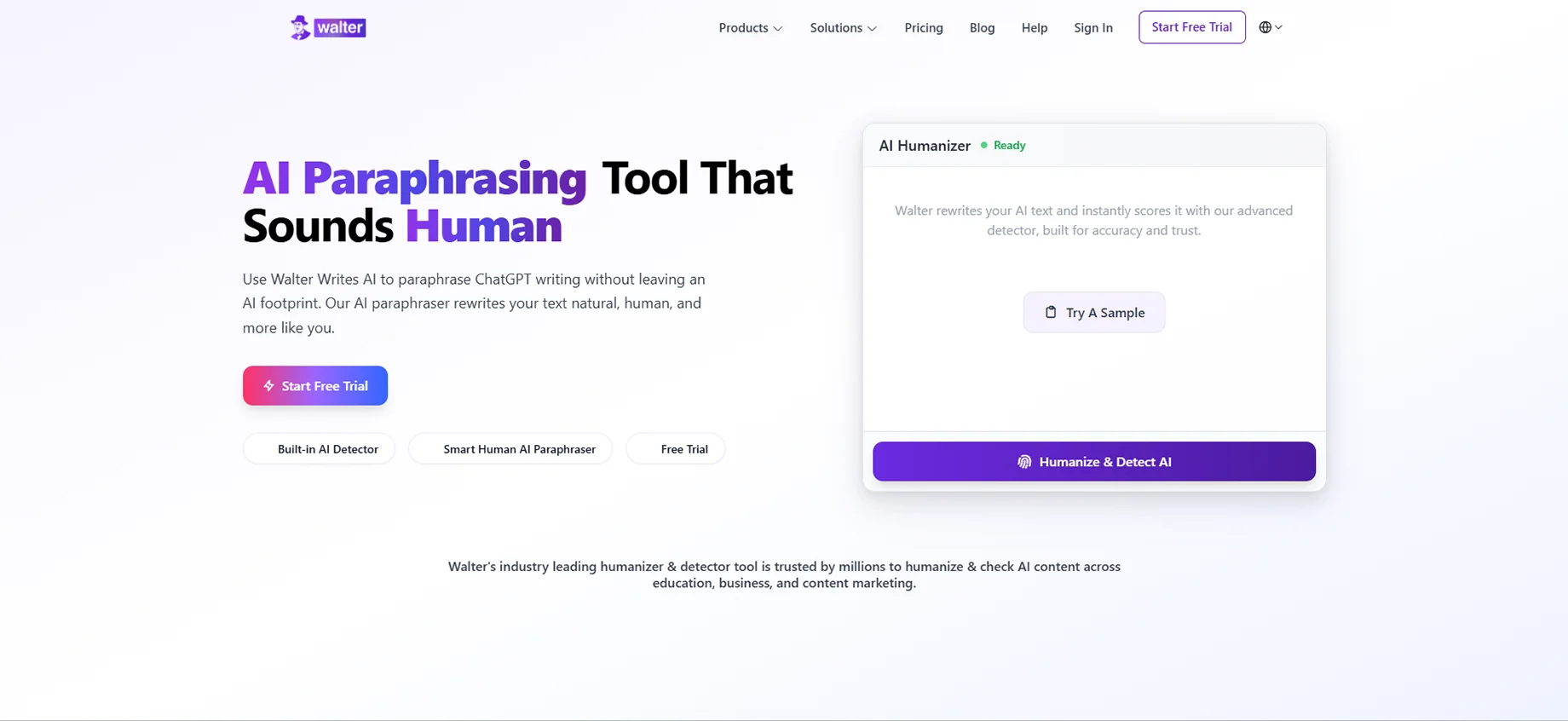
Walter Writes AI has now been my preferred choice when I am in need of content that cannot be classified as AI-generated in any manner. It is a site that focuses on the humanization of AI content and is one of the most natural-sounding paraphrase tools I have come across among all AI paraphrase tools.
The thing that impressed me the most is that, by understanding the context, Walter Writes AI manages to keep the original message intact and also completely changes the structure and the choice of words. It is not only replacing synonyms, but it is, in fact, paraphrasing material like a human being would do.
Use cases:
Walter Writes AI is mainly used by me to convert AI-generated text into human-like text. Using ChatGPT or other AI-based applications to write a piece, Walter Writes AI can assist me in polishing it to sound like something that has been written by a real person and is interesting to read.
Academic rewriting, refining blog posts, as well as production of several versions of market cop, you also do well in this tool. I have been finding it especially helpful when I have been required to post any content to websites that filter AI-generated text.
Best for:
Walter Writes AI is ideal for content creators, digital marketers, and students who require their rewritten work to pass through AI detectors. This is the thing: in case you have to work with AI-generated drafts, and you need to make them sound human.
AI detection bypass:
This is where Walter Writes AI really is. When using this tool, content sent to it will always avoid large AI detection sites. It introduces natural variations, imperfections of humans, and a style that makes the text appear as a human one.
Rewrite modes:
Walter Writes AI provides a number of modes, such as Standard, Formal, Creative, and Academic. I like that all modes do not simply superficially change the tone and style. Creative mode introduces the personality and interaction, and Academic mode is precise and scholarly.
2. EduWriter.ai
What is EduWriter.ai?
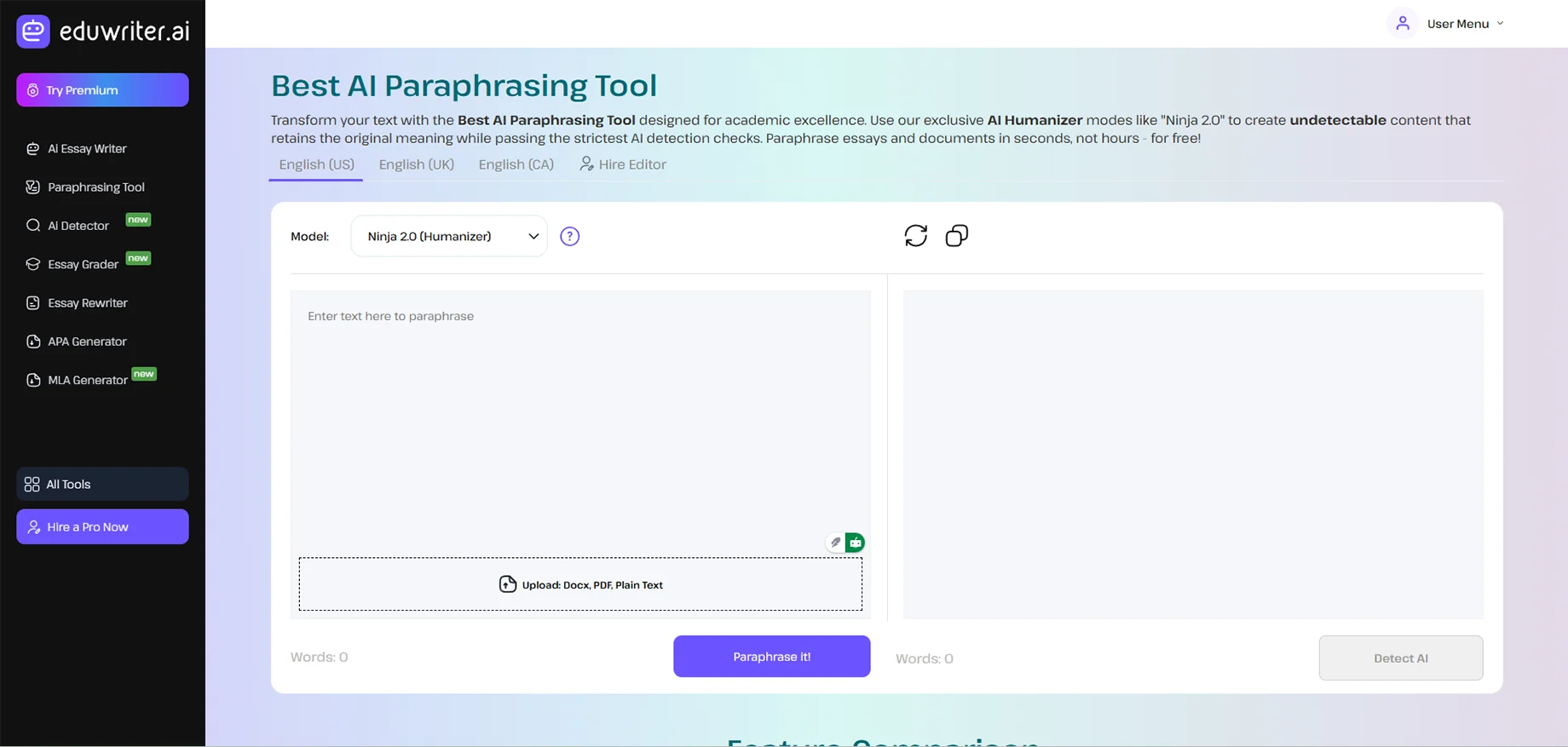
EduWriter.ai was built explicitly for scholarly and educational use, which right away attracted my notice when I was collaborating with pupils on essay composition. This particular tool, among AI-based paraphrasers aimed at education, is the one that comprehends most of the academic requirements and citation formats.
The site is averse to mere rewording; it also aids in keeping the morality of scholars intact, as well as in voicing ideas differently, thus being a mainstay of proper writing practices in universities. It impresses me how aptly it deals with even the most complex academic issues; something many a general paraphrasing tool would find hard to do.
Use cases:
My primary recommendation for EduWriter.ai usage would be academic papers, research summaries, thesis writing, and essay polishing. If you are preparing a literature review or citing many references, this tool is also perfect for paraphrasing academic sources.
Mentioning complex ideas in an easy way required by the professors will not be a problem anymore for students. Besides, I had done it to make difficult academic articles more accessible to wider audiences.
Best for:
College students, graduate students, academic writers, and educators are the primary target groups of this tool. If the content created in academia needs to comply with the academic standards while being fresh, EduWriter.ai is a good choice to consider.
AI detection bypass:
EduWriter.ai does a good job in AI detection bypass, but not very much at the level of Walter Writes AI. However, it produces content that sounds very natural and does not set off the plagiarism detectors, which is what is most needed in educational settings.
Rewrite modes:
The modes have been designed for academia: Formal Academic, Research-focused, Simplified Explanation, and Citation-friendly. The Citation-friendly mode, which is very helpful in keeping proper attribution, is the one I particularly like.
3. StoryChief AI
What is StoryChief AI?
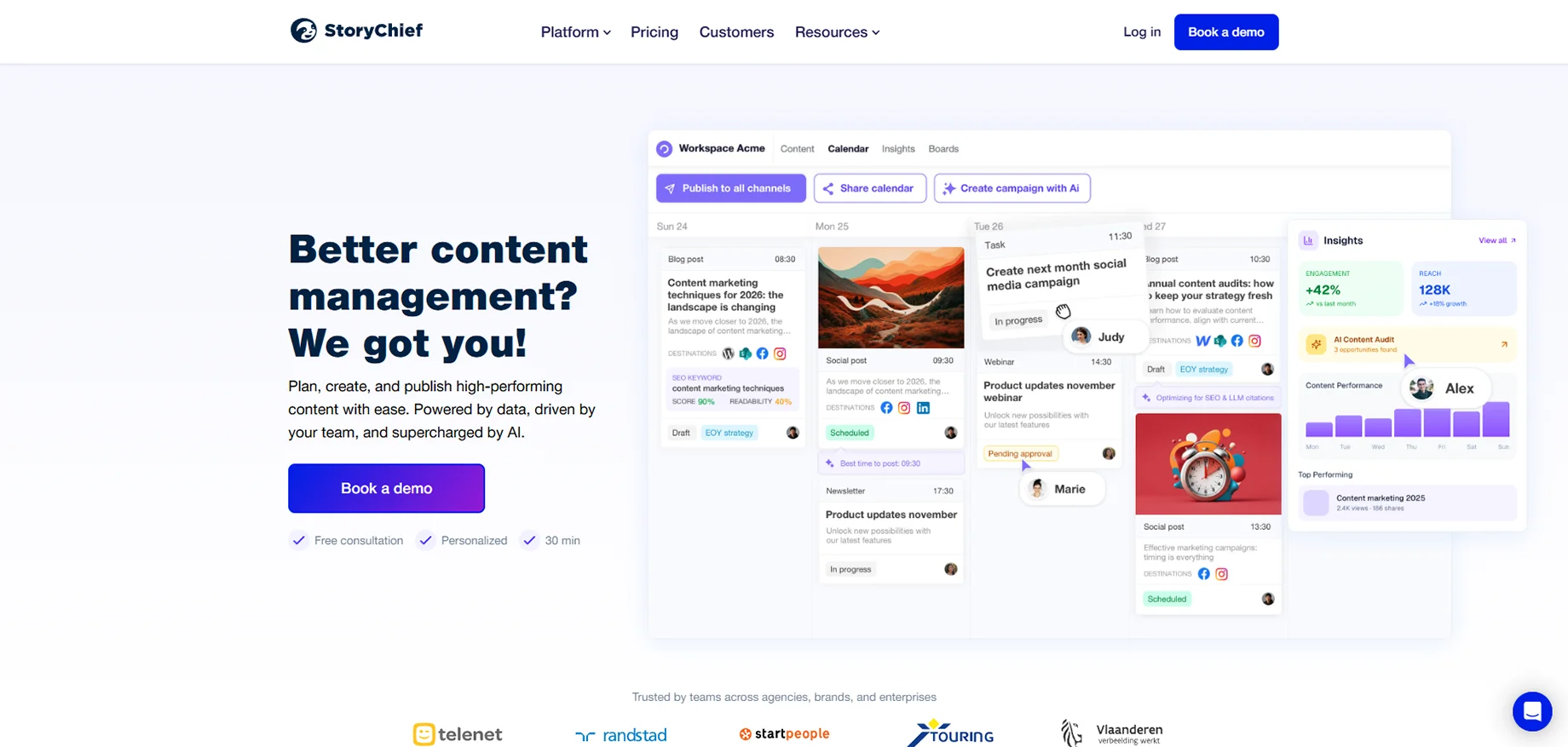
StoryChief AI originated as a content marketing platform, and its paraphrasing tool still has that marketing-oriented DNA. Whenever I need to create engaging marketing content or adapt brand messages for different channels, StoryChief AI, among paraphrase tools, really gets me excellent results.
What I like most about this tool is that it keeps the brand voice alive while creating variations. If you are managing content for several platforms or clients, this uniformity is vital beyond any doubt.
Use cases:
I have StoryChief AI for marketing copy variations, social media content adaptation, email campaign rewrites, and blog post optimization. It is a tool that is especially handy when I have to express the same idea differently for different audience segments.
The tool also does a great job of redoing old content, producing A/B testing variants, and turning long-form content into shorter versions for different platforms.
Best for:
StoryChief AI is an ideal choice for digital marketers, content marketing teams, social media managers, and agencies dealing with several client accounts. If your job requires making different types of content for various channels while keeping the messages consistent, this tool will greatly speed up the process.
AI detection bypass:
The AI detection bypass is moderate; it is enough for most marketing purposes, but not as advanced as specialized tools. It works perfectly fine for blog posts, social media, and marketing materials where AI detection is less of an issue.
Rewrite modes:
StoryChief AI provides the options of Professional, Casual, Persuasive, and Concise modes. The Persuasive mode makes it easier for me to create more captivating calls-to-action, while the Concise mode is awesome for compressing long content into social media posts or email subject lines.
Pricing:
The pricing of StoryChief AI is categorized according to the features. Their content marketing suite, which includes the paraphrasing tool, starts at around $30-40 per month. The paraphrasing tool, if you are already using their platform for content management, is a great value addition. For one-off paraphrasing requirements, you can find cheaper alternatives.
4. Grammarly
What is Grammarly?
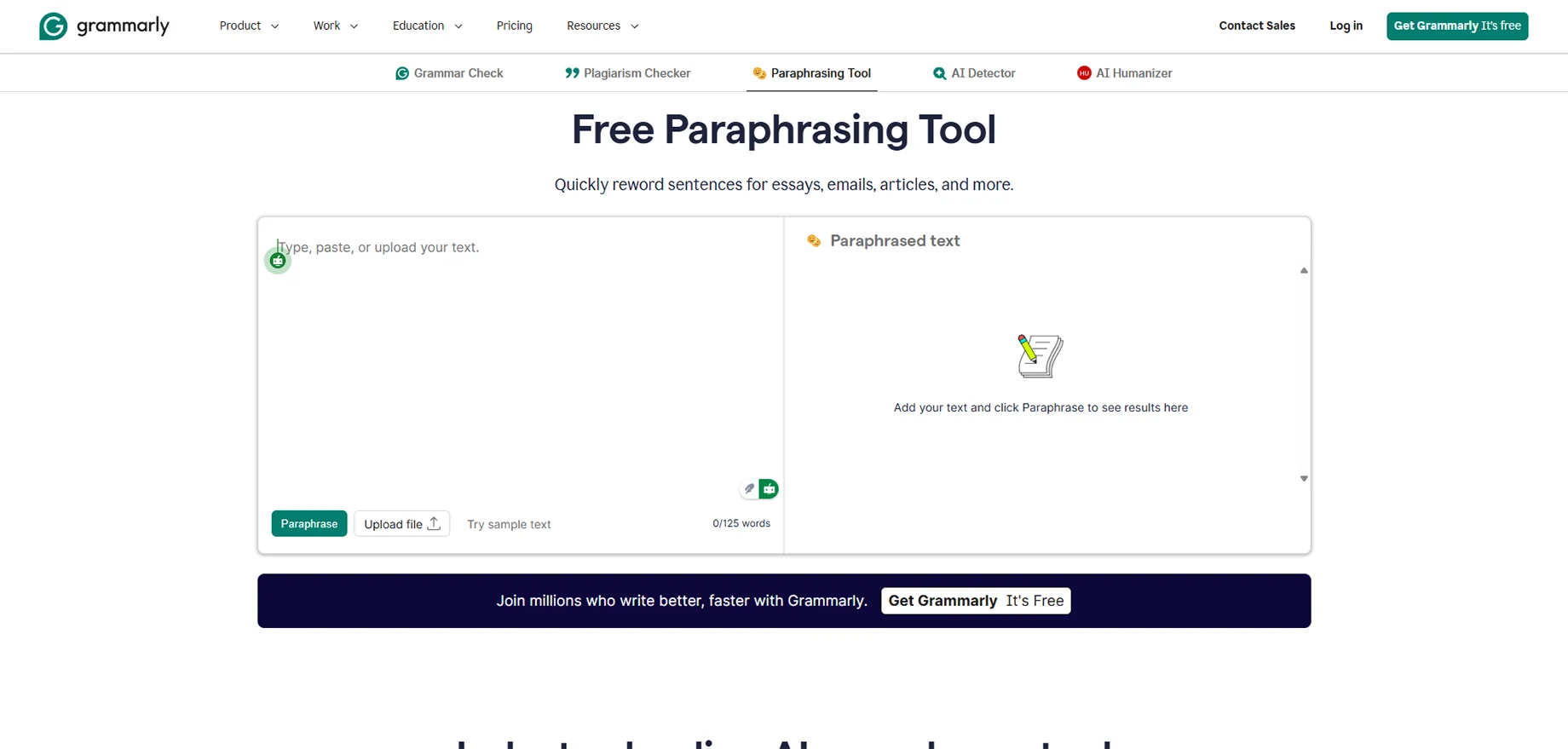
Grammarly is also a grammar checker, which you may be familiar with, but its paraphrasing option has been rising to shocking power. I have been using Grammarly over the years, and it has been impressive to see how their paraphrase tools are able to work with the AI capabilities.
The best part of Grammarly is the combination - you will be able to not only check grammar but also write with better clarity and paraphrase the text using the same tool. This factor of convenience is colossal in everyday writing enhancement.
Use cases:
My main reason for using Grammarly's paraphrasing by Grammarly is to improve the clarity of the sentences, change their format, and simplify the writing process. It works well with work emails, business papers, refining a blog post, and overall content.
The tool is especially useful in case you possess rather good content but only requires refining, not rewriting. It is not so much a transformation as an improvement.
Best for:
Grammarly is suitable for professionals who want a multi-purpose writing helper, business people who need to communicate better, bloggers who should optimize the available content, and a person with a regular writing routine who want a full-fledged writing assistant rather than a paraphrasing one.
AI detection bypass:
The paraphrasing Grammarly is not aimed at specific AI detection bypass. It is made to be more clarity and correctness enhancing. Although the output sounds natural, it is not the tool I would use in case it is necessary to avoid being detected by AI.
Rewrite modes:
Grammarly provides ideas of clarity, engagement, delivery, and formality instead of direct mode ideas. The tone slider may be moved between casual and formal, and it affects the paraphrasing suggestions. It does not involve full rewrites but rather specific improvements.
Pricing:
Grammarly provides the free version with the simplest paraphrasing features. The premium plan would cost approximately 12-30 a month based on the duration of subscription, and it has advanced paraphrasing capabilities. In case you are already using Grammarly to check grammar, the paraphrasing option will be a value addition at the Premium level without any extra expense.
5. Spinbot
What is Spinbot?
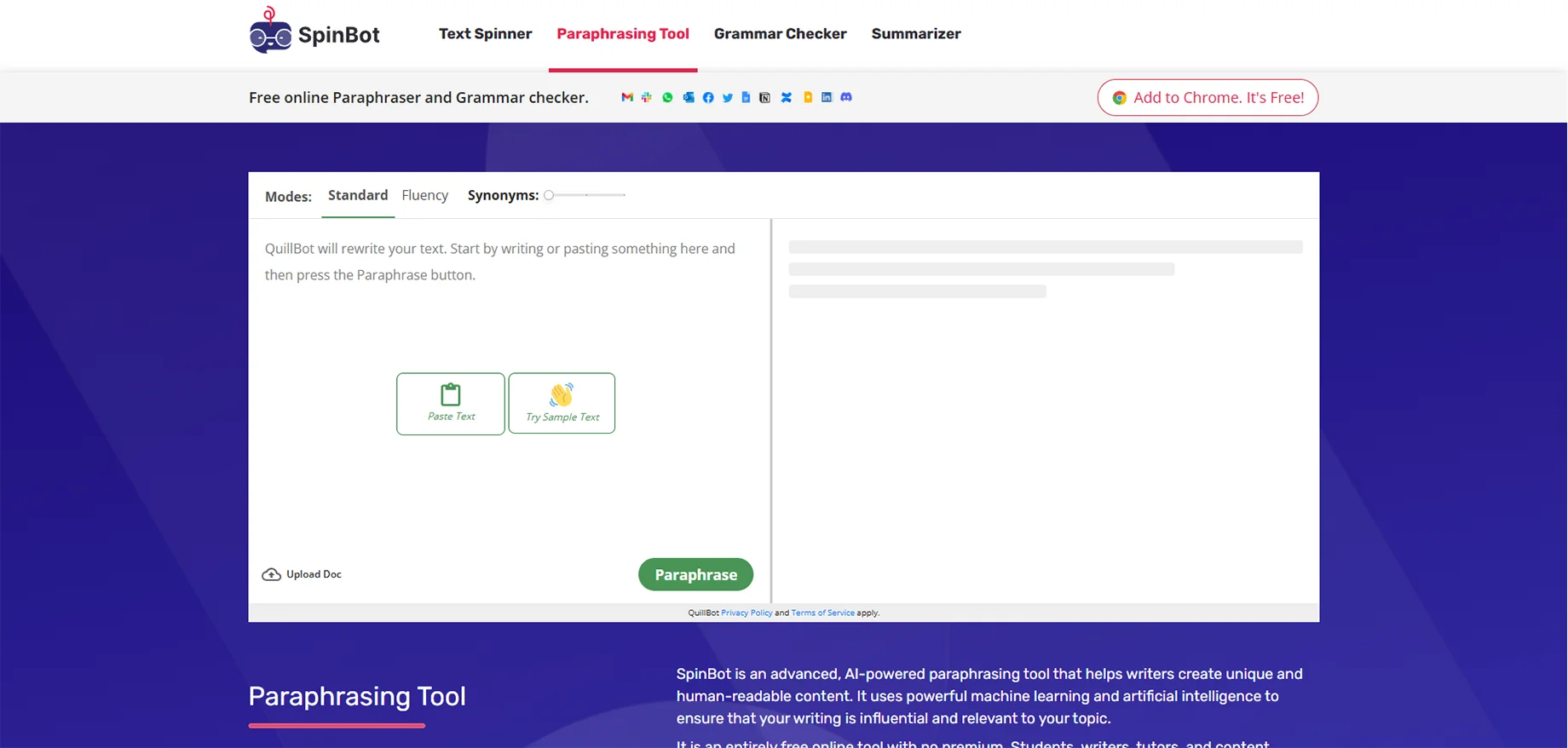
In the Domain of paraphrasing tools, Spinbot has established itself as a pioneer and a simple tool. It is here as one of the options because there are times when a basic paraphrasing tool is the only thing one needs that is fast and free. Although Spinbot has its limitations, it remains a popular choice among the free tools for paraphrasing.
The user interface is very simple it allows you to copy and paste your text, press the button, and receive the rephrased text. There are no complex features, and no need to learn how to use it. Only basic synonyms are replaced, and sometimes sentences are restructured.
Use cases:
For me, Spinbot is the go-to for informal and quick paraphrasing only. It helps in getting a different angle on one's writing, making a rough draft that will go through heavy editing, or quickly coming up with different ways of saying something when one is stuck.
On the other hand, I would never use Spinbot for the final content without very considerable editing. The tool is for the starting point, not for the finishing point.
Best for:
Spinbot is good for people who use it casually, have occasional paraphrasing needs, and are on a restricted budget and can't afford premium tools. It is also for those who require the quickest rewording of sentences and are prepared to refine the output manually.
AI detection bypass:
Spinbot has completely failed to handle AI detection bypass. The output produced is often very robotic and is easily identified as generated by a machine. If it is important to you to bypass AI detection, then it is better to overlook this tool and spend your money on one of the premium options quoted above.
Rewrite modes:
There are no different modes for Spinbot. It is a one-size-fits-all method. You receive only the bare minimum of synonym replacement and sentence restructuring without any say in the tone, style, or level of complexity.
Pricing:
The fact that Spinbot is free of charge makes it the most attractive proposition. You are not charged anything for using it, and there are no premium tiers, subscriptions, or hidden costs. You simply use it as much as you need without paying anything.
Conclusion
Ultimately, it is essential to choose a paraphrasing tool based on the type of work you will be doing. Each tool has unique advantages, and using multiple tools is generally the most effective way to achieve the best results of all types.
Premium paraphrasing tools tend to save significantly more time because they produce more natural-sounding outputs that require far less editing than cheaper tools. However, all tools have limitations and must always be evaluated by the user to ensure a final product matches their planned meaning and reads well.
By understanding what each tool does best, it becomes relatively easy to choose the appropriate tool for producing better results than would normally be achieved by using only one tool. This leads to faster completion times with significantly more reliability.
FAQs
1. Are paraphrasing tools better than manual rewriting?
Paraphrasing tools save a lot of time and give fresh wording, but the best results come when you edit the output to match your tone. For large or quick projects, tools are more efficient than rewriting everything manually.
2. Can teachers and professors detect paraphrased content?
Low-quality tools are easy to detect, but premium tools create more natural writing. However, even with paraphrasing, proper citation is still necessary in academic work.
3. Do paraphrasing tools work for non-English content?
Most tools support multiple languages, but English still delivers the best results. Non-English content often needs more manual editing unless you use a tool designed for that language.
4. How do I know if paraphrased content is plagiarism-free?
Always check with plagiarism tools like Copyscape or Grammarly. Good paraphrasing should show very low similarity, but you must still credit original ideas in academic or professional work.
5. Are free paraphrasing tools worth using?
Free tools work for basic or casual use but need heavy editing. For professional or academic content, premium tools are far better and save more time.
6. Can paraphrasing tools help with writer’s block?
Yes, they offer new versions of your sentences, which can spark fresh ideas. They act as inspiration, helping you express your thoughts more clearly.
7. Do paraphrasing tools work with technical content?
General tools often struggle with technical terms, so accuracy may suffer. Tools like EduWriter.ai handle academic content better, but expert review is still needed for complex subjects.
8. How many times can I paraphrase the same content?
You can paraphrase multiple times, but quality drops with each pass. It’s best to do 1–2 runs and then refine the content manually.
9. Will using paraphrasing tools improve my writing skills?
Yes, if you pay attention to how the tool rewrites your sentences. Studying these changes helps you learn new writing styles and improves your natural writing over time.

