
Table Of Contents
28 Best Web Analytics Tools in 2026
Published on : Sep 10 2025

It's not a choice anymore to know about your website's performance in the year 2026; it is a condition for business success. To make better decisions, to enhance the user experience, and to create actual growth, web analytics tools offer you the requisite data. No matter whether you are a small business tracking the first visitors, a campaign performance manager managing digital strategy at an enterprise level, the right analytics platform can make a huge difference.
This guide lists the top 32 web analytics tools, which include free ones such as Google Analytics and robust enterprise platforms like Adobe Analytics, that are easily available today.
What Are Web Analytics Tools?
Web analytics tools are applications that collect, measure, analyze, and report data about a website and its visitors to better understand website usage and effectiveness. Metrics are tracked with these tools, including:
- Website traffic and visitor demographic
- User engagement and user behavior
- Conversion rates and completion of goals
- Page performance and load times
- Traffic sources and effectiveness of marketing campaigns
- Revenue attribution and ROI
The insights gathered from these tools can help businesses optimize their website, improve user experience, and make informed digital marketing decisions.
How to Choose a Web Analytics Tool
Selecting the right web analytics tool involves a number of different factors:
1. Size of Organization and Specific Needs - Small businesses may want to keep things simple and affordable, while bigger enterprises need more complex features with options for customization.
2. Budget - There are free tools available, but also premium enterprise options that cost thousands a month.
3. Ease of use - Do you want easy-to-use interfaces, or are you comfortable with more complex platforms?
4. Integration - Some integration will be necessary, so will the tools integrate with your stack and your CMS?
5. Data Privacy Compliance - Think about whether the tool you have selected complies with data privacy regulations like GDPR, California privacy laws etc.
6. Reporting - This is very important if you want the tool to trend your metrics and allow for the proper type of visualizations etc.
Best Web Analytics Tools
1. Google Analytics
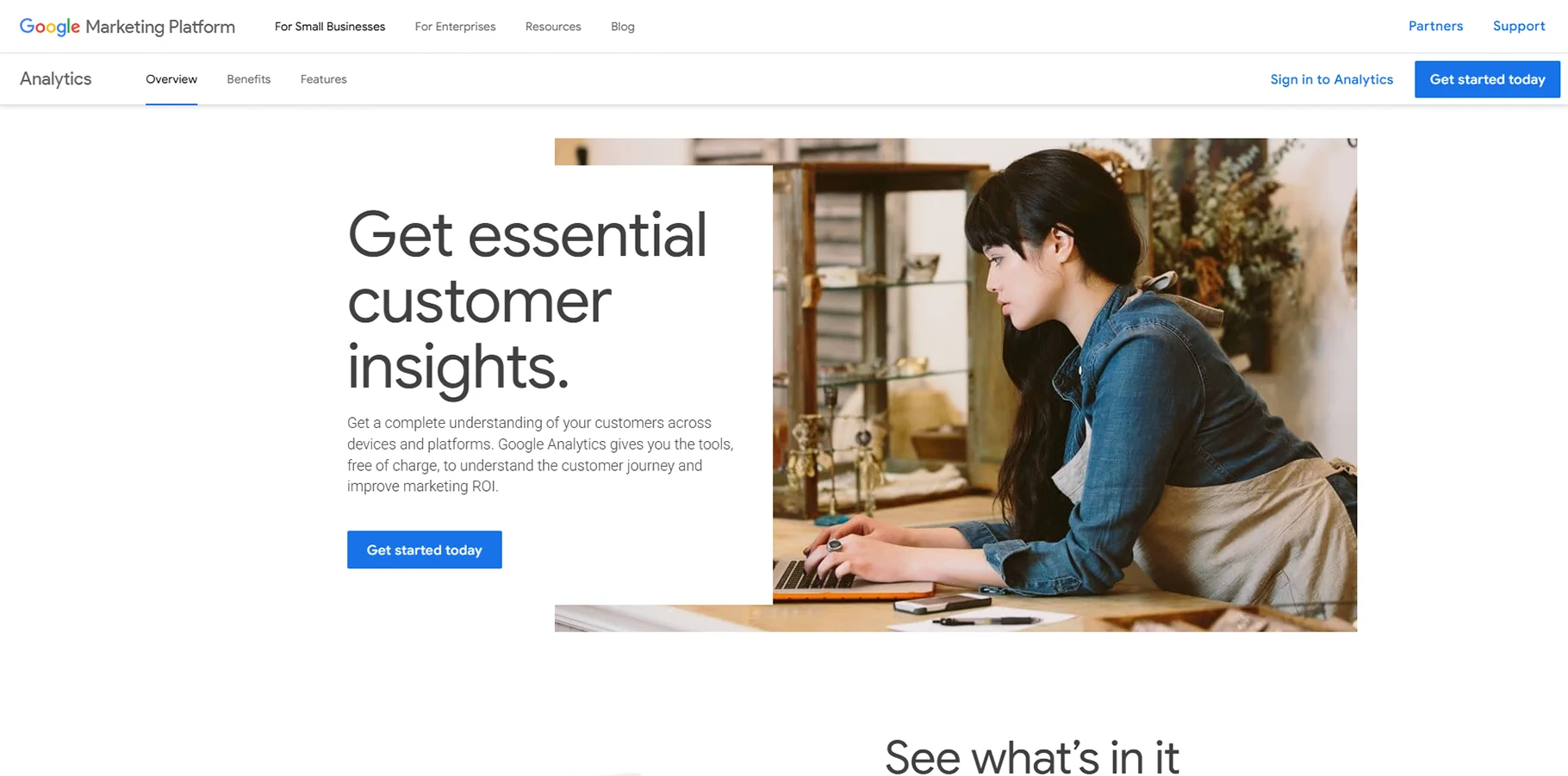
Of all the web analysis platforms available, Google Analytics is by far the largest. It includes tracking capabilities for all types of websites, no matter the type of organization or size. Google Analytics allows for deeper understanding of user behaviors, the sources driving traffic, goal conversion tracking, and more.
Features include:
- Real-time reporting and segmentation of audiences
- Goal tracking and e-commerce analytics
- Multi-channel funnel tracking
- Custom dashboards and automatically scheduled reports
- Integration with Google Ads and other Google services
2. OnePageGA
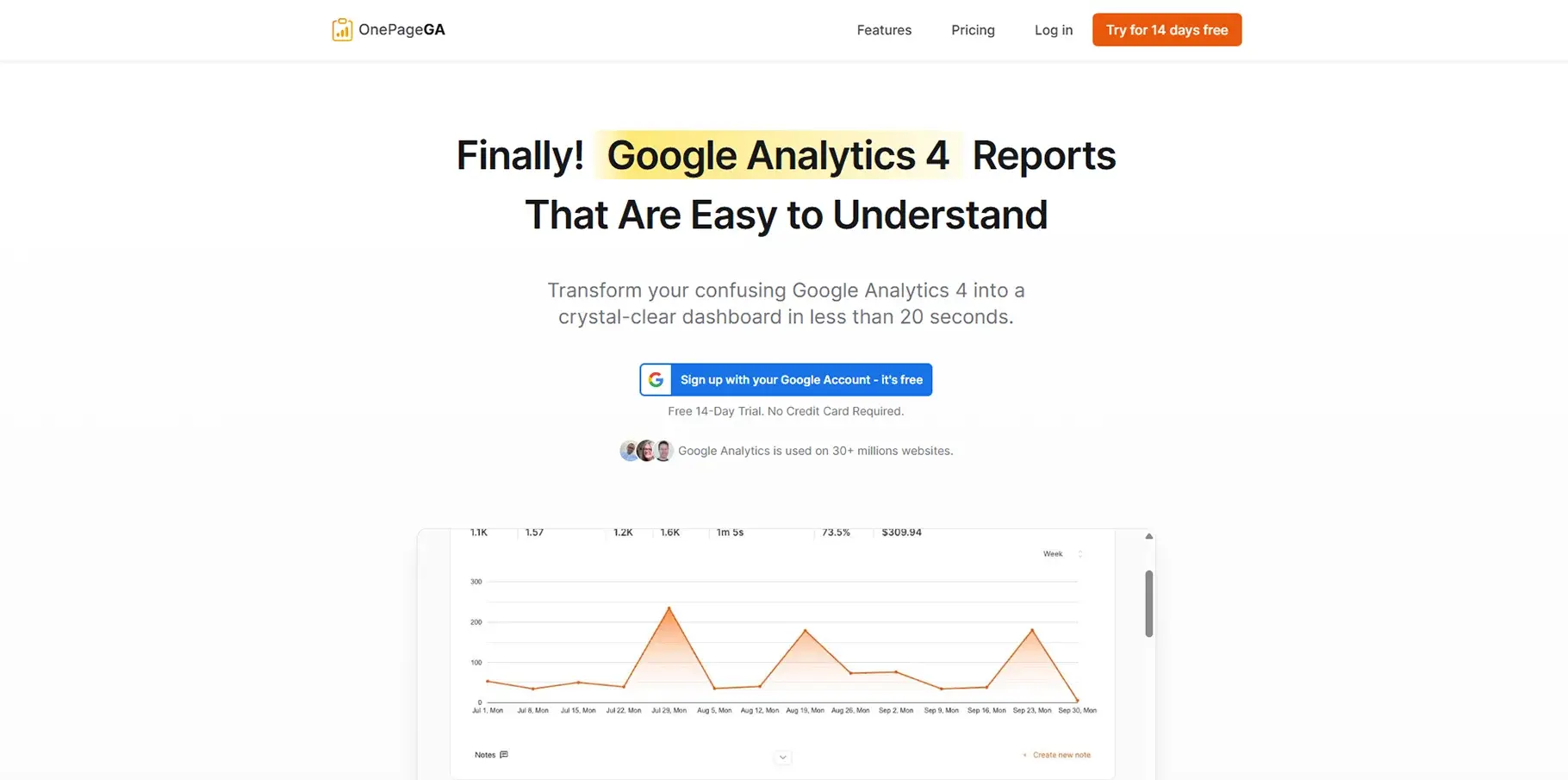
OnePageGA takes the difficulty out of Google Analytics reporting by providing a single dashboard of the most important metrics you need to know into one report. They tailor to individuals who find Google Analytics cumbersome.
Features:
- Simplistic one-page report
- KPIs all in one glance
- Mobile-friendly
- Fast setup and integration
- Report on the most necessary metrics without the complication!
3. Matomo (previously known as Piwik)
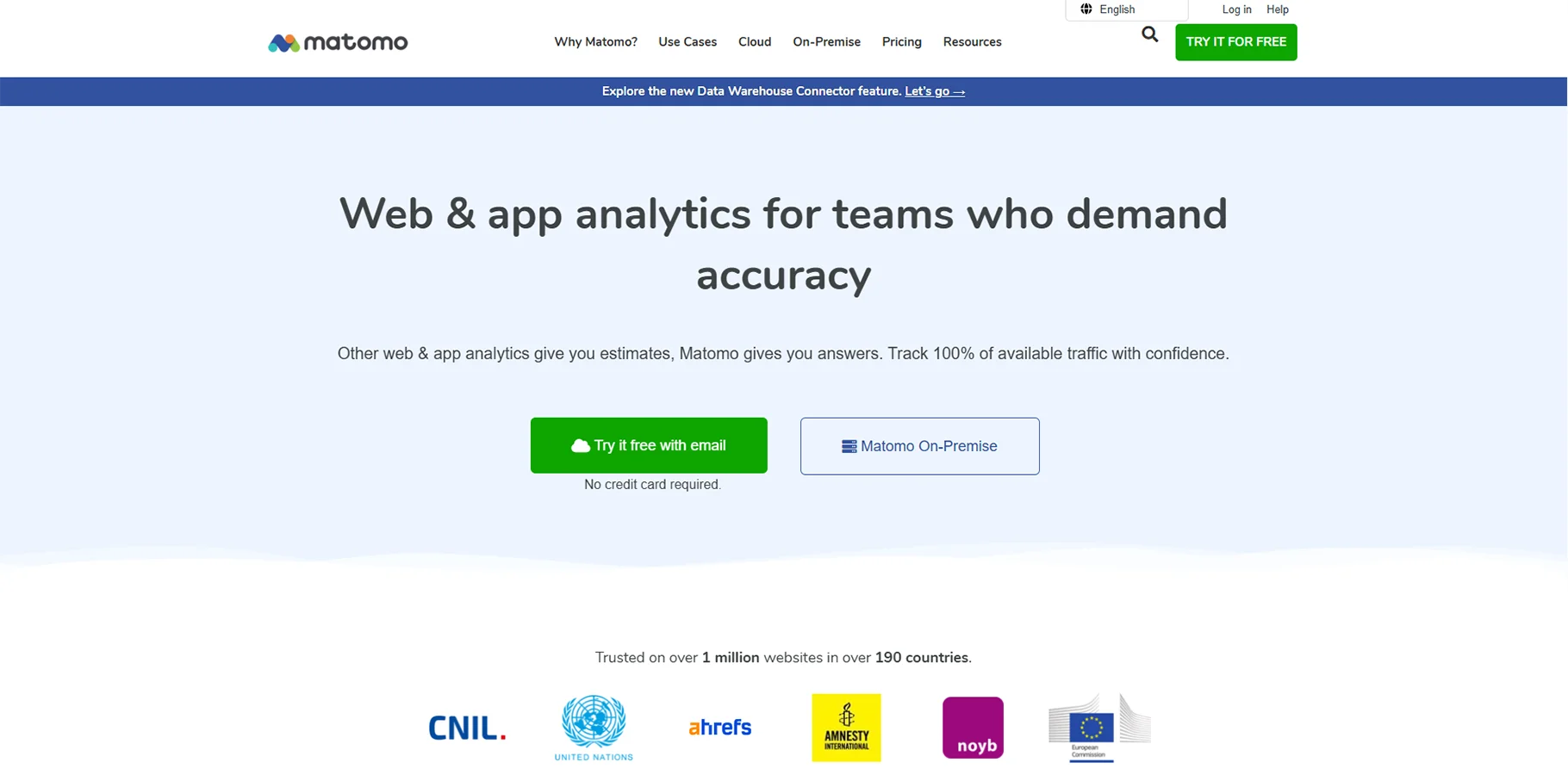
Matomo is an open-source analytics platform that prioritizes user privacy, ensuring you retain full control over your data. It serves as a great alternative for organizations that prioritize data protection and wish to avoid third-party tracking.
Features:
- Complete ownership of data with adherence to privacy standards
- Heatmaps along with session recording tools
- Functionality for A/B testing
- Customizable reports and API access
- Options for both on-premise and cloud hosting
4. MonsterInsights
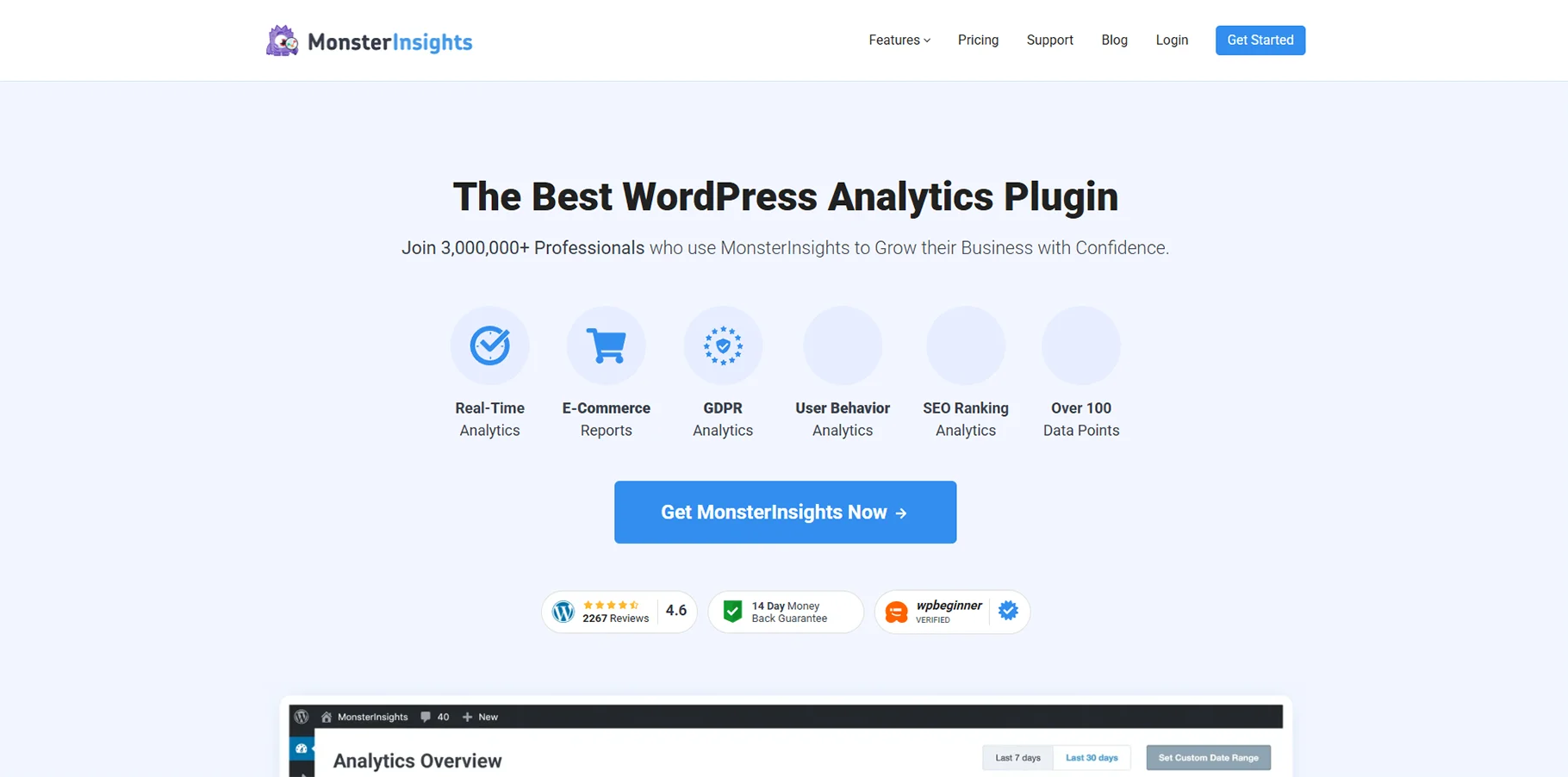
MonsterInsights stands out as the leading Google Analytics plugin for WordPress, simplifying the process of tracking and allowing users to access reports straight from their WordPress dashboard.
Features:
- Simple integration with WordPress
- Advanced e-commerce tracking capabilities
- Tracking for form conversions
- Monitoring of publisher and affiliate links
- Real-time Google Analytics reporting within WordPress
5. SimilarWeb
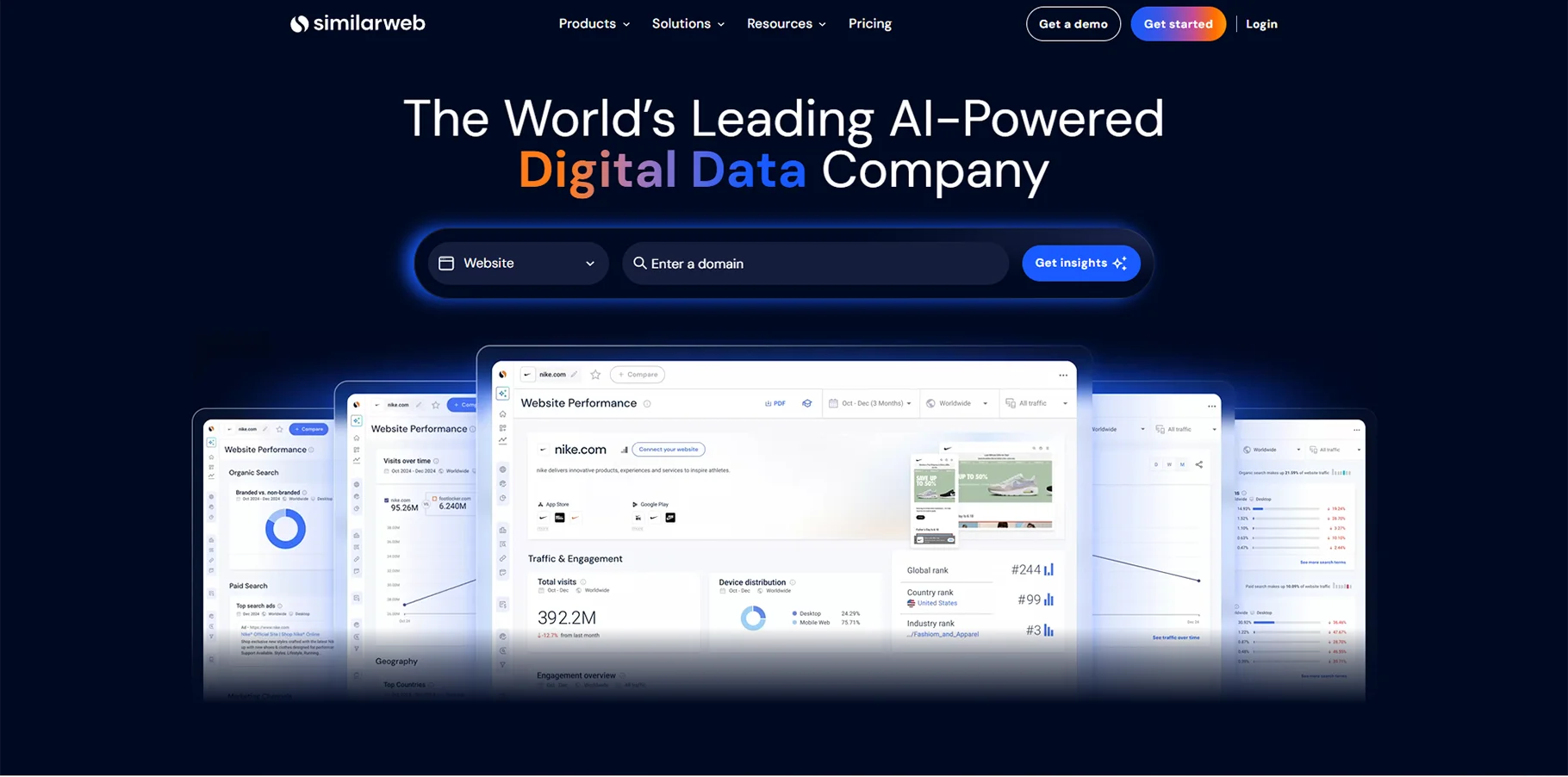
SimilarWeb offers tools for competitive intelligence and market analysis, enabling users to evaluate their competitors' web traffic and digital strategies in comparison to their own results.
Features:
- Competitive analysis and benchmarking
- Insights into industry trends and market dynamics
- Analysis of traffic sources and audience overlaps
- Analytics for mobile applications
- Keyword research along with SEO insights
6. Mixpanel
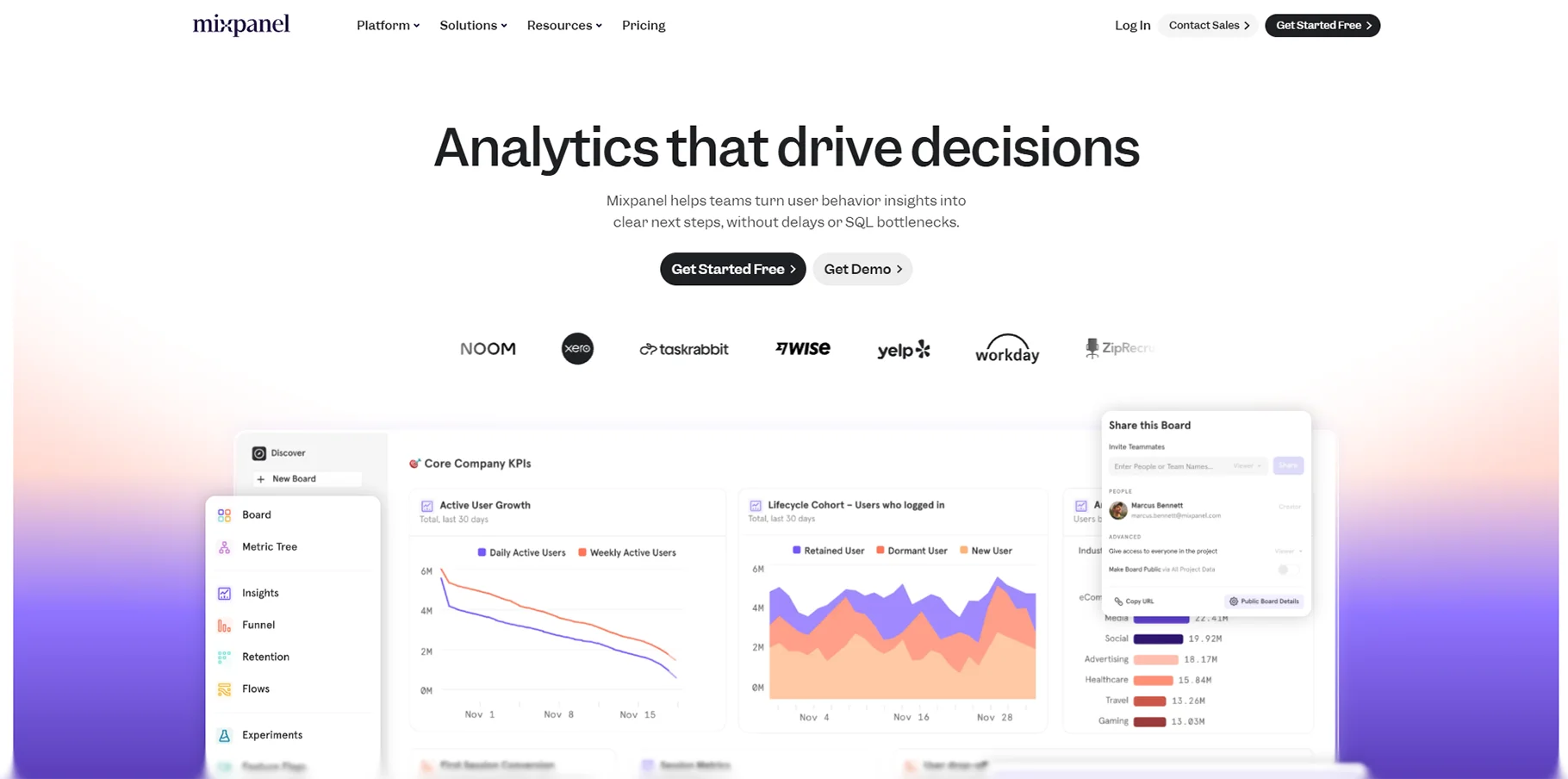
Mixpanel specializes in event-driven analytics, making it well-suited for monitoring user interactions and analyzing products. It is especially favored by software as a service (SaaS) businesses and developers of mobile applications.
Features:
- Tracking events and analyzing user journeys
- Cohort analysis along with retention tracking
- A/B testing and various experimentation techniques
- Campaigns focused on push notifications
- Detailed segmentation and funnel analysis
7. Hotjar
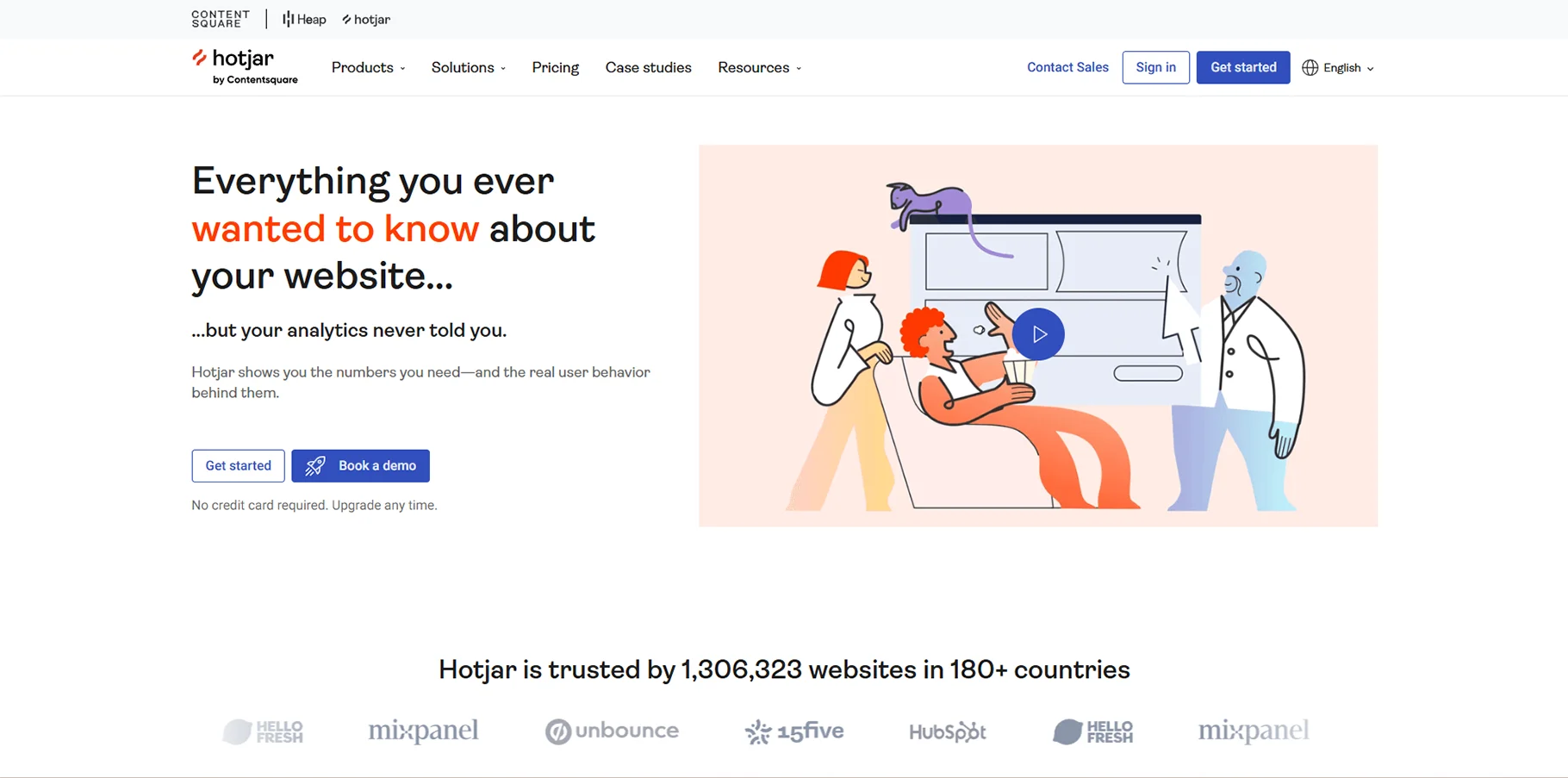
Hotjar pairs analytics and user experience information through heatmaps, session recordings, and even user feedback tools. Hotjar helps you understand not just what users do, but why they do it.
Features:
- Heatmaps and click tracking
- Session recordings and user behavior
- Conversion funnel
- Feedback and surveys
- Form analysis and optimization
8. Amplitude
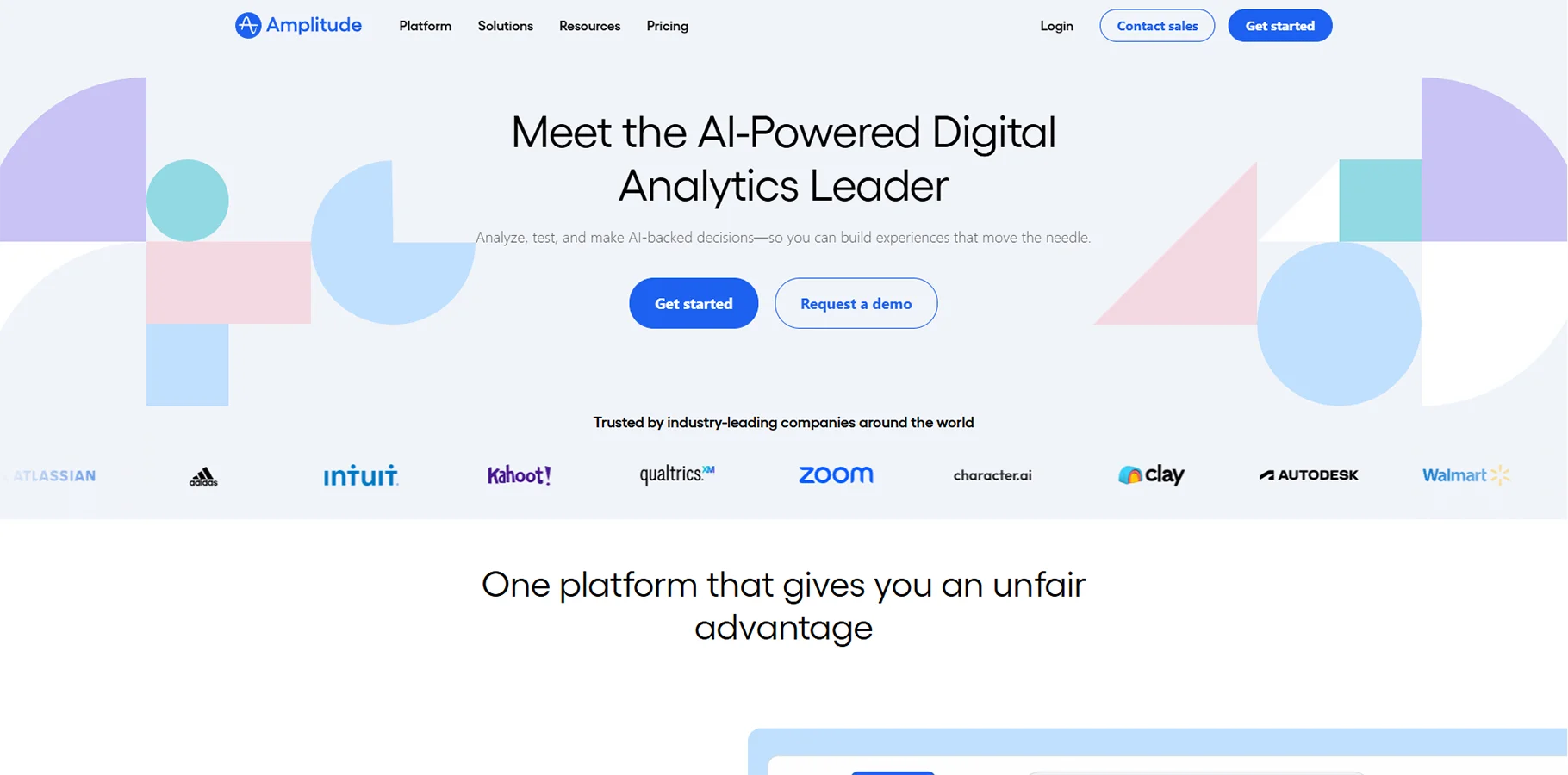
Amplitude is a product analytics platform for digital product teams that excels at user behavior analytics and behavioral analysis across web and mobile products.
Key Features:
- Behavioral cohort analysis
- User path tracking and retention
- Revenue analytics and LTV
- Advanced segmentation
- Actionable insights powered by machine learning
9. Adobe Analytics
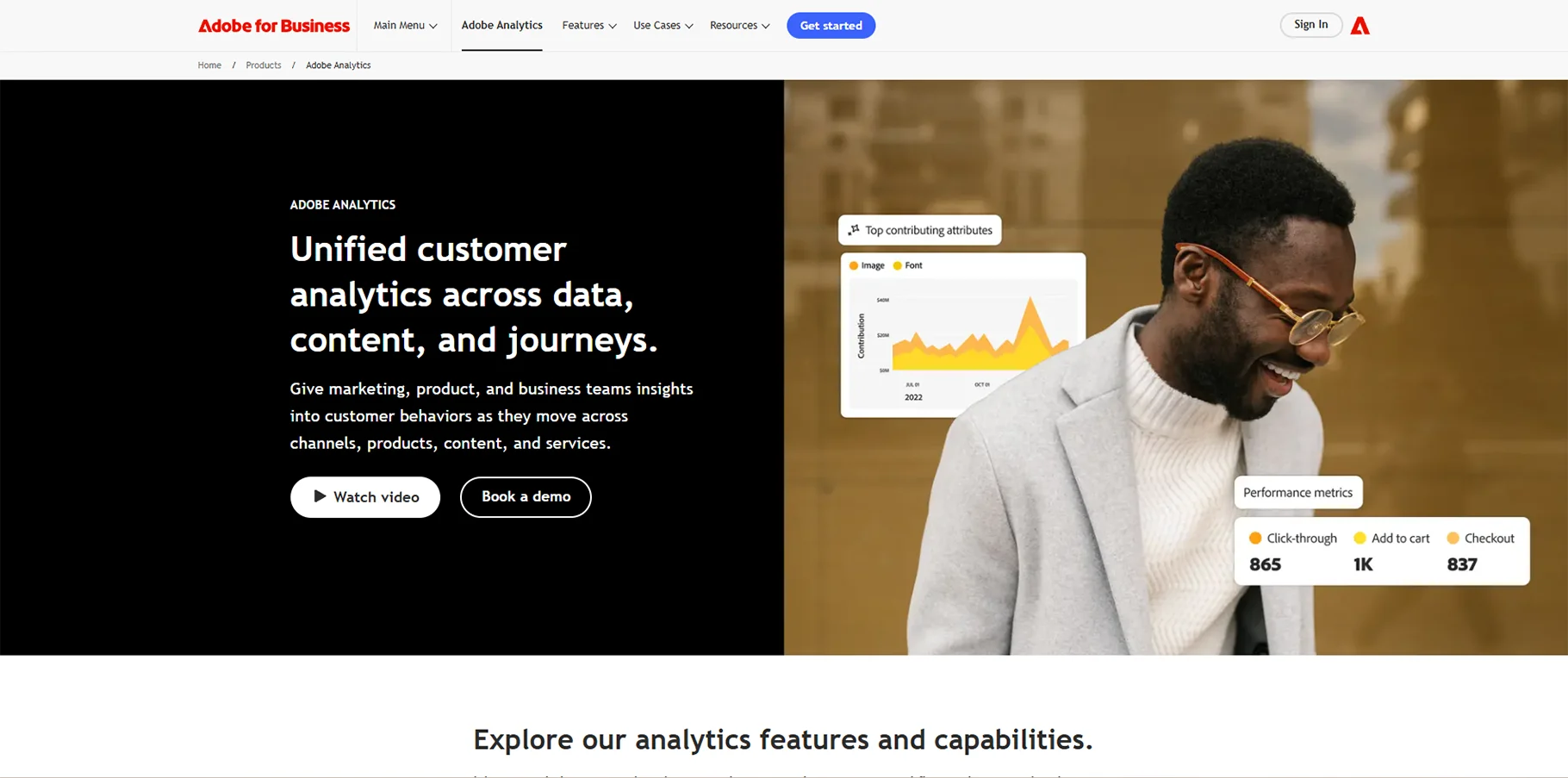
Adobe Analytics is an enterprise analytics solution that provides advanced analyzing capabilities and integrations with the Adobe Experience Cloud.
Key Features:
- Advanced segmentation and attribution modeling
- Real-time data ingestion
- Predictive analytics and machine learning
- Cross-channel customer journey pathing
- Enterprise-grade data governance
10. KissMetrics
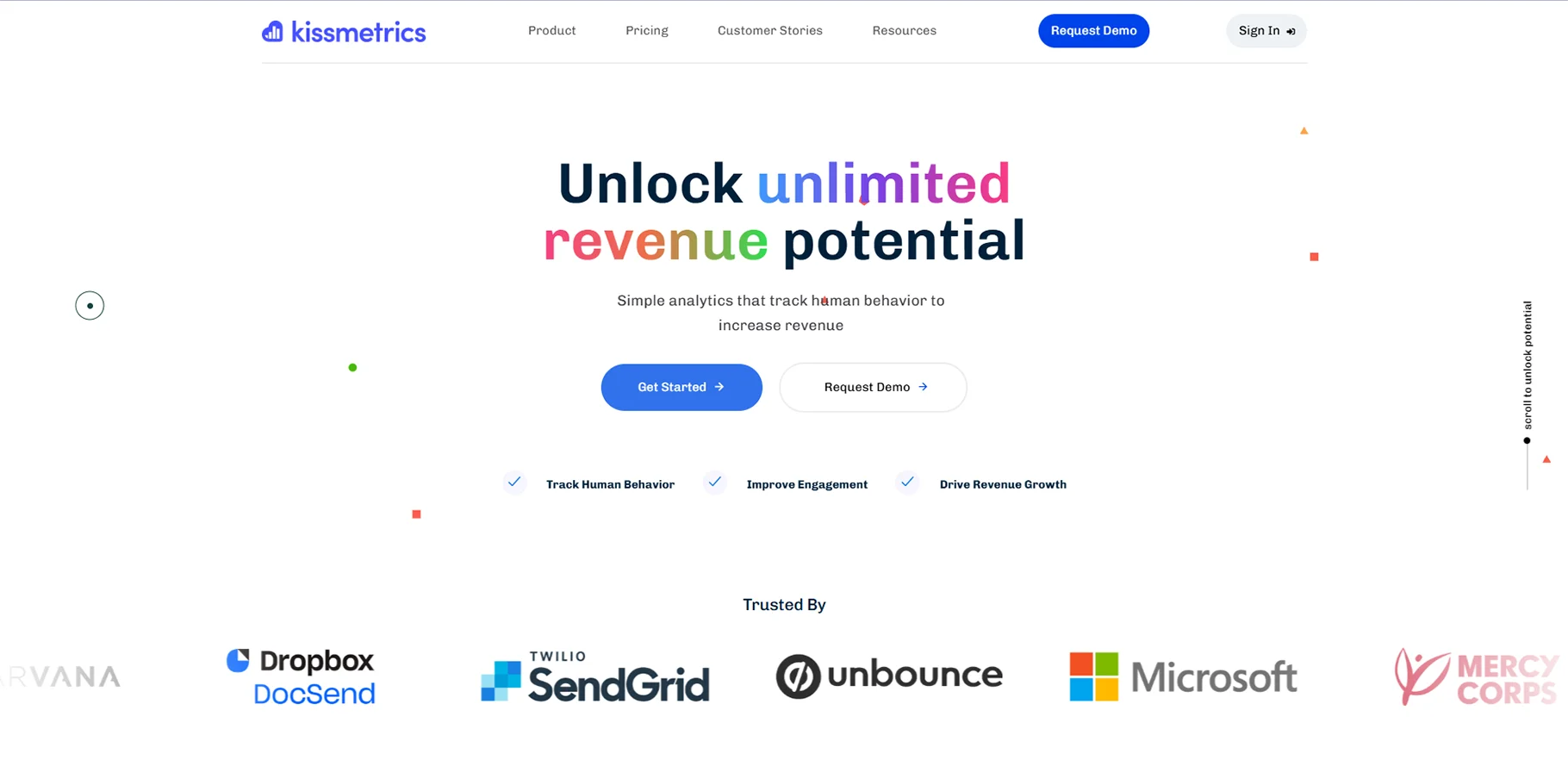
KissMetrics specializes in person-based analytics, which tracks the customer journey from the first visit to conversion and afterwards, making it ideal for e-commerce or SaaS firms.
Key Features:
- Tracks individual customers
- Has revenue attribution and cohort analysis
- Integrates with email campaigns
- Triggers behavioral automations
- Analyzes customer lifetime value
11. AgencyAnalytics
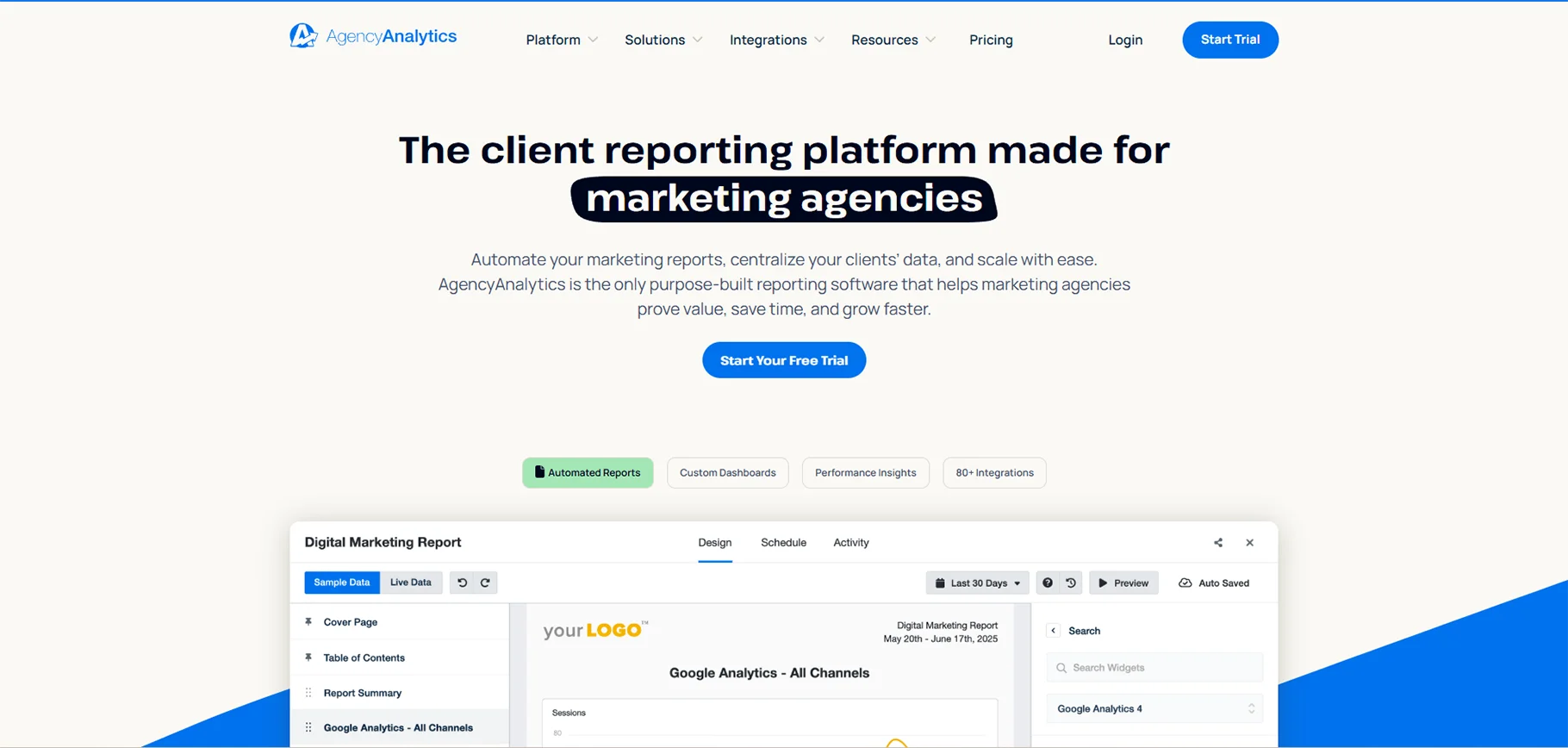
AgencyAnalytics is targeted toward agencies, offering white-label reporting and client management across multiple marketing channels.
Key Features:
- White-label reports & dashboards
- Multi-client campaign management
- 60+ marketing platform integrations
- Automated report scheduling
- Custom branding & client portals
12. Semrush
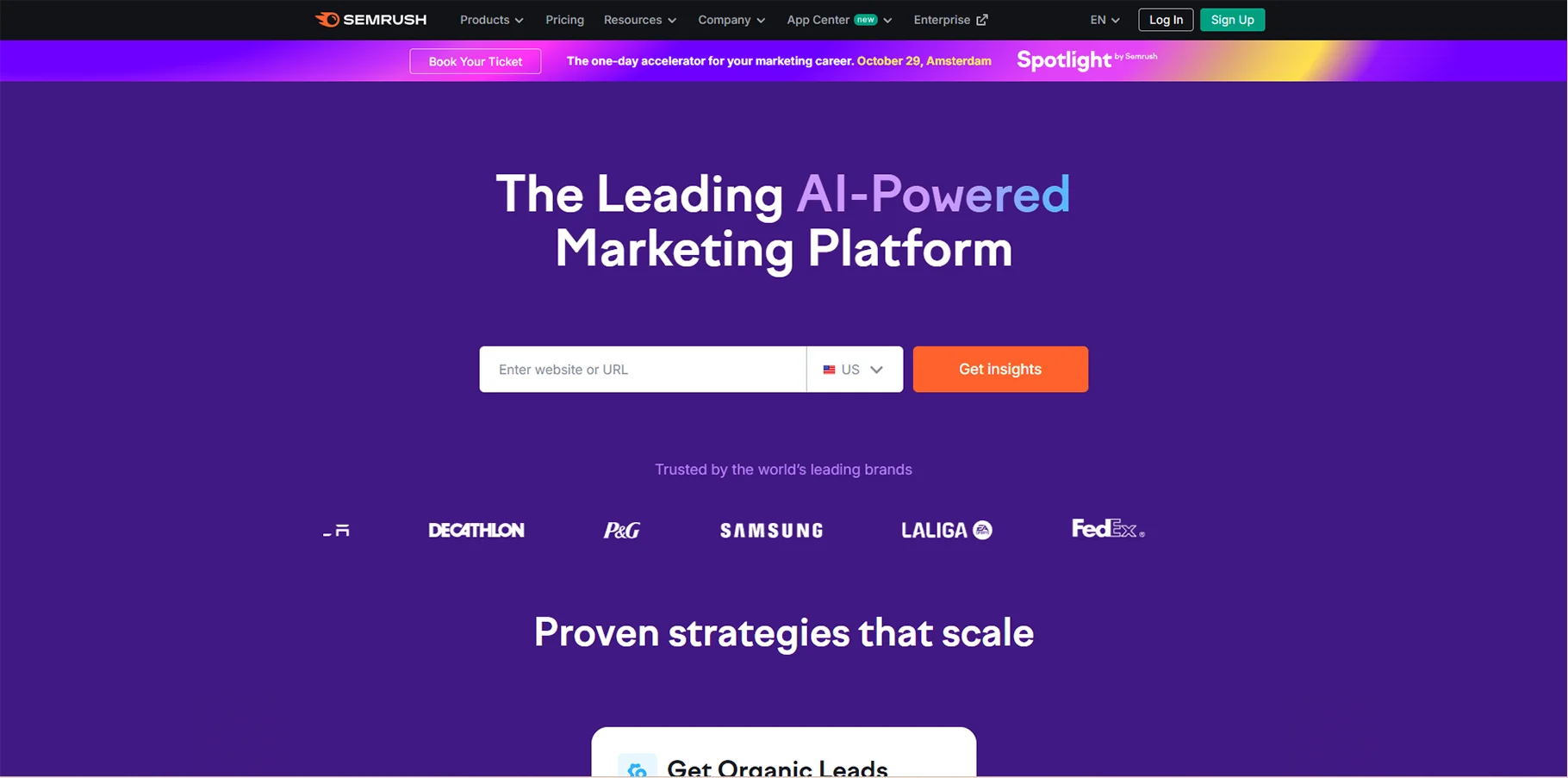
Though Semrush is known as an SEO tool, it also has a full web analysis suite that includes competitive research, keyword rank tracking, content analysis, and more.
Key Features:
- SEO and keyword research
- Competitor intelligence
- Content gap analysis
- Social media analytics
- PPC campaign optimization
13. Heap
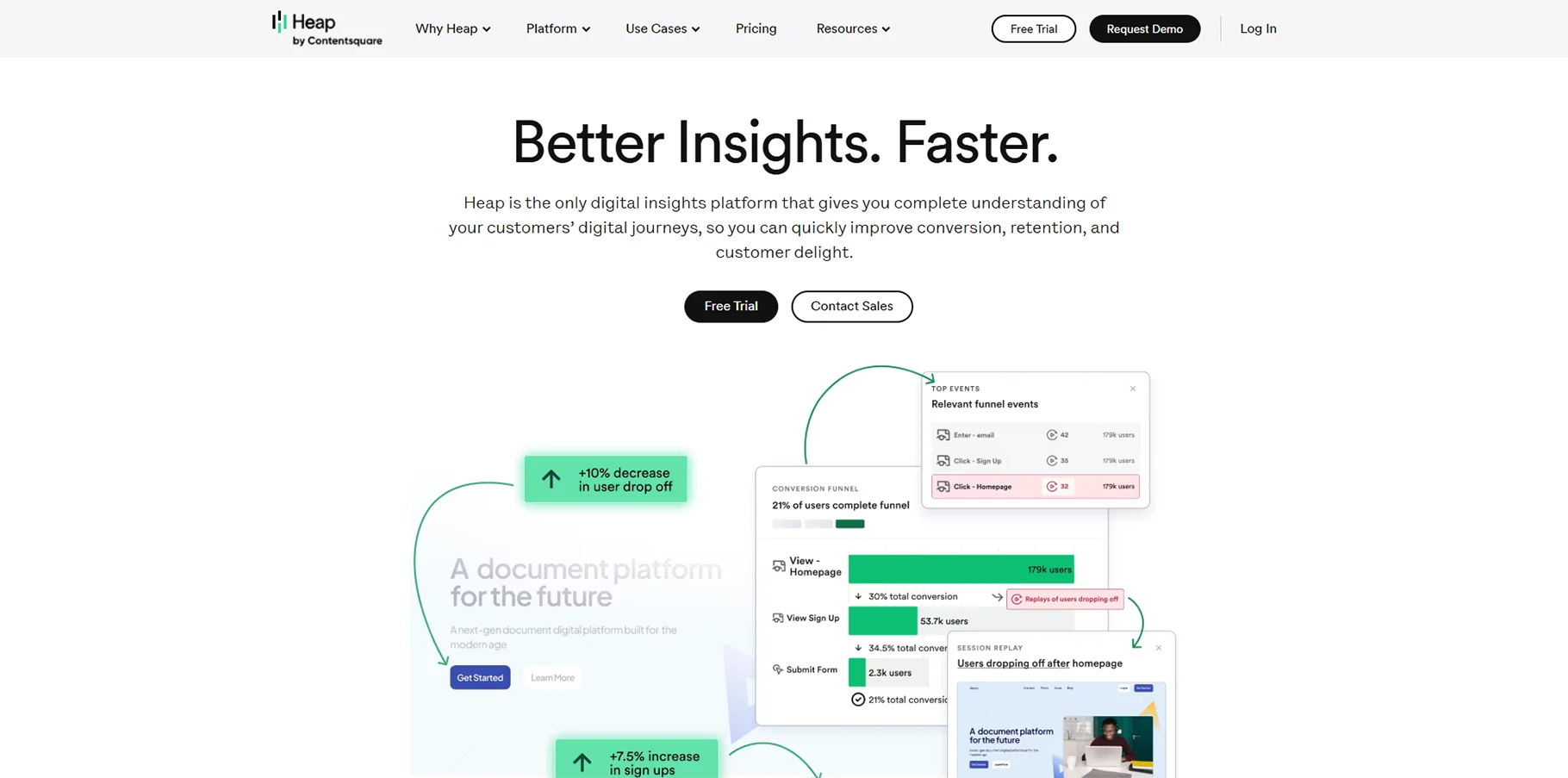
Heap records all of the user interactions on your website or app, so there is no manual event tracking set up. It’s useful for product analytics and conversion optimization.
Key Features:
- Automatic event tracking
- Ability to look back in time
- Visual editor for recording events
- User journeys and funnels
- Can integrate with popular marketing tools.
14. Woopra
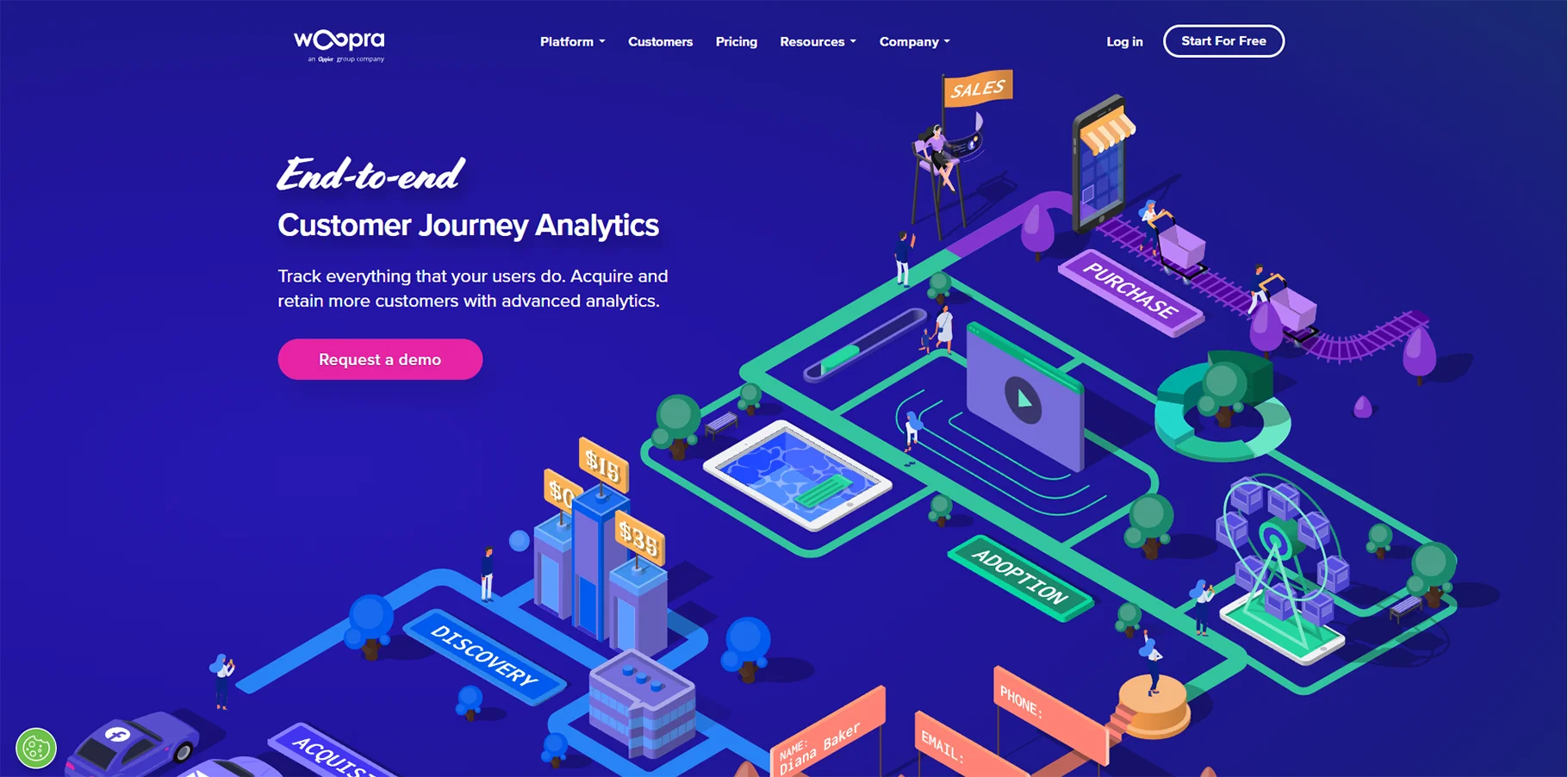
Woopra provides real-time customer analytics that revolve around customer profiles, and following the journey of a customer through different touch points.
Key Features:
- Real-time customer profiles
- Cross-platform tracking
- Behavioral triggers and automation
- Custom reports and dashboards
- Data connector API
15. HubSpot
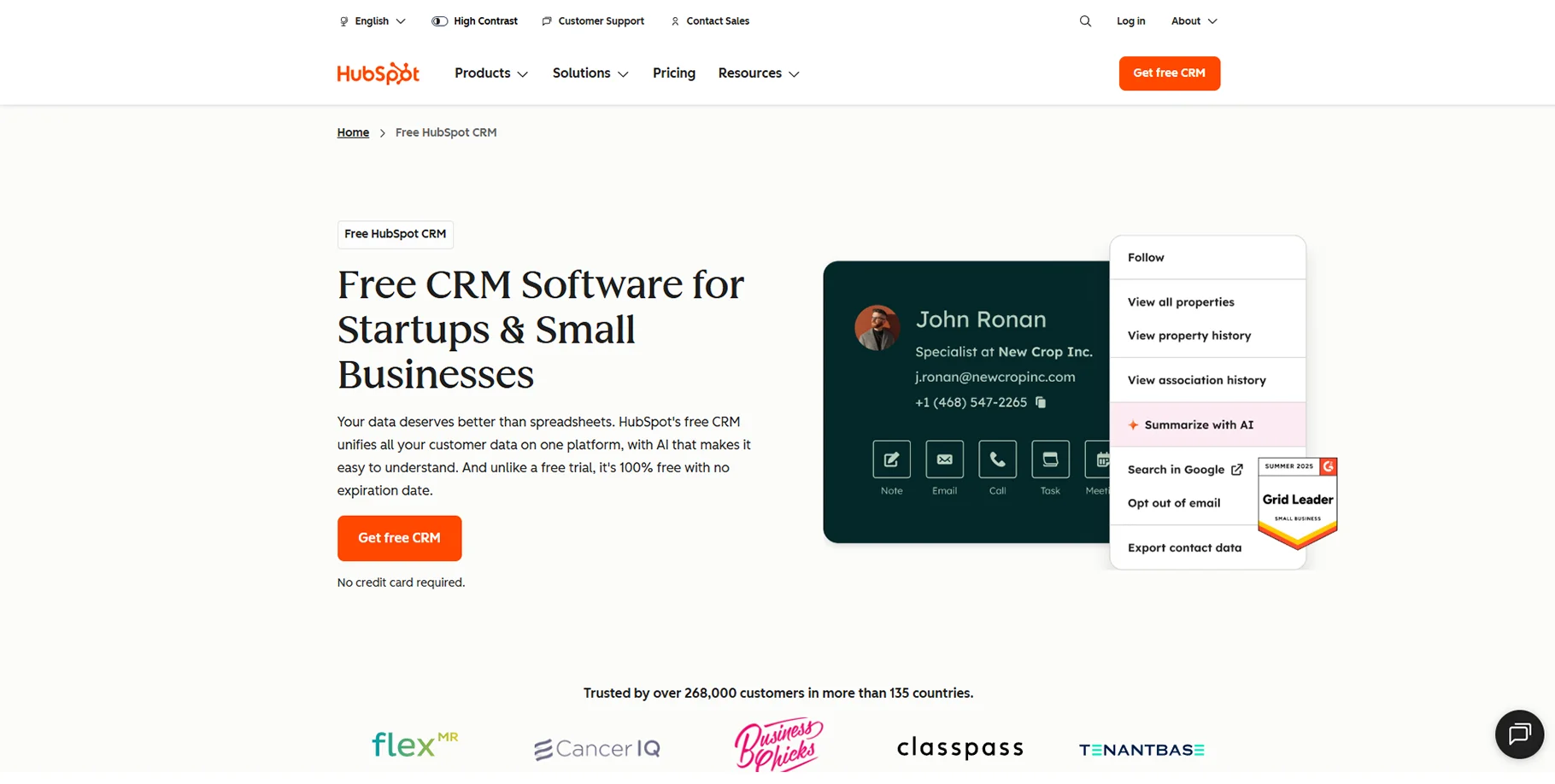
HubSpot analytics tools exist as part of their all-in-one platform for marketing, sales, and service and brings the customer interactions across the platform into one view.
Key Features:
- CRM analytics
- Marketing campaign performance tracking
- Sales pipeline analysis
- Customer service metrics
- Attribution reporting
16. Salesforce Analytics
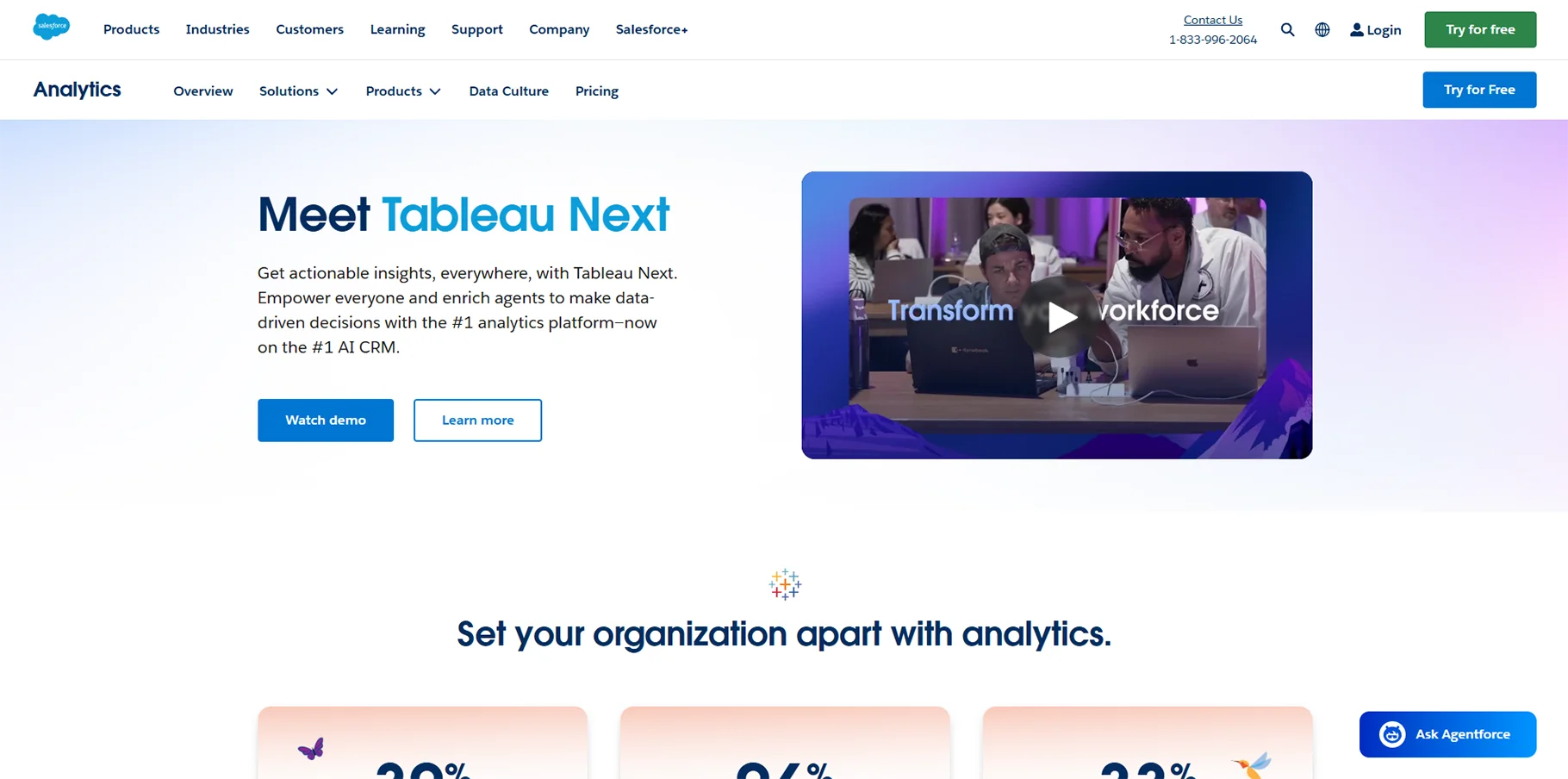
Salesforce Analytics Cloud offers enterprise-level business intelligence with advanced data visualization and predictive analytics.
Key Features:
- Advanced data visualizations
- Predictive analytics and AI insights
- Mobile analytics dashboard
- General ability to develop apps within the Salesforce ecosystem
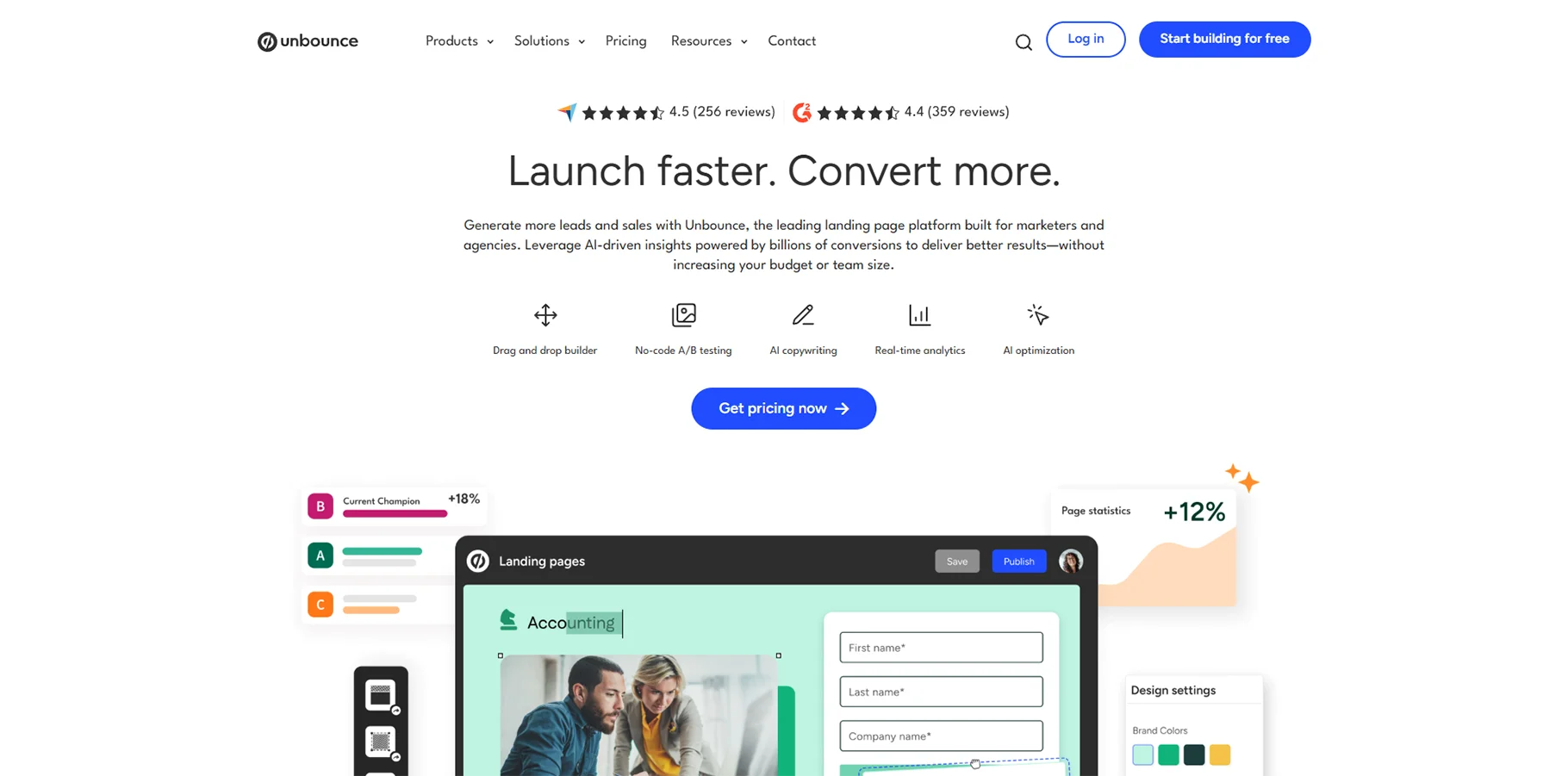
17. Unbounce
Unbounce focuses solely on landing page analytics and conversion optimization and offers insights that are geared specifically to landing pages.
Key Features:
- Landing page performance tracking
- A/B testing of page elements
- Conversion rate optimization capabilities
- Form analytics and optimizations
- Integration with any range of popular marketing tools
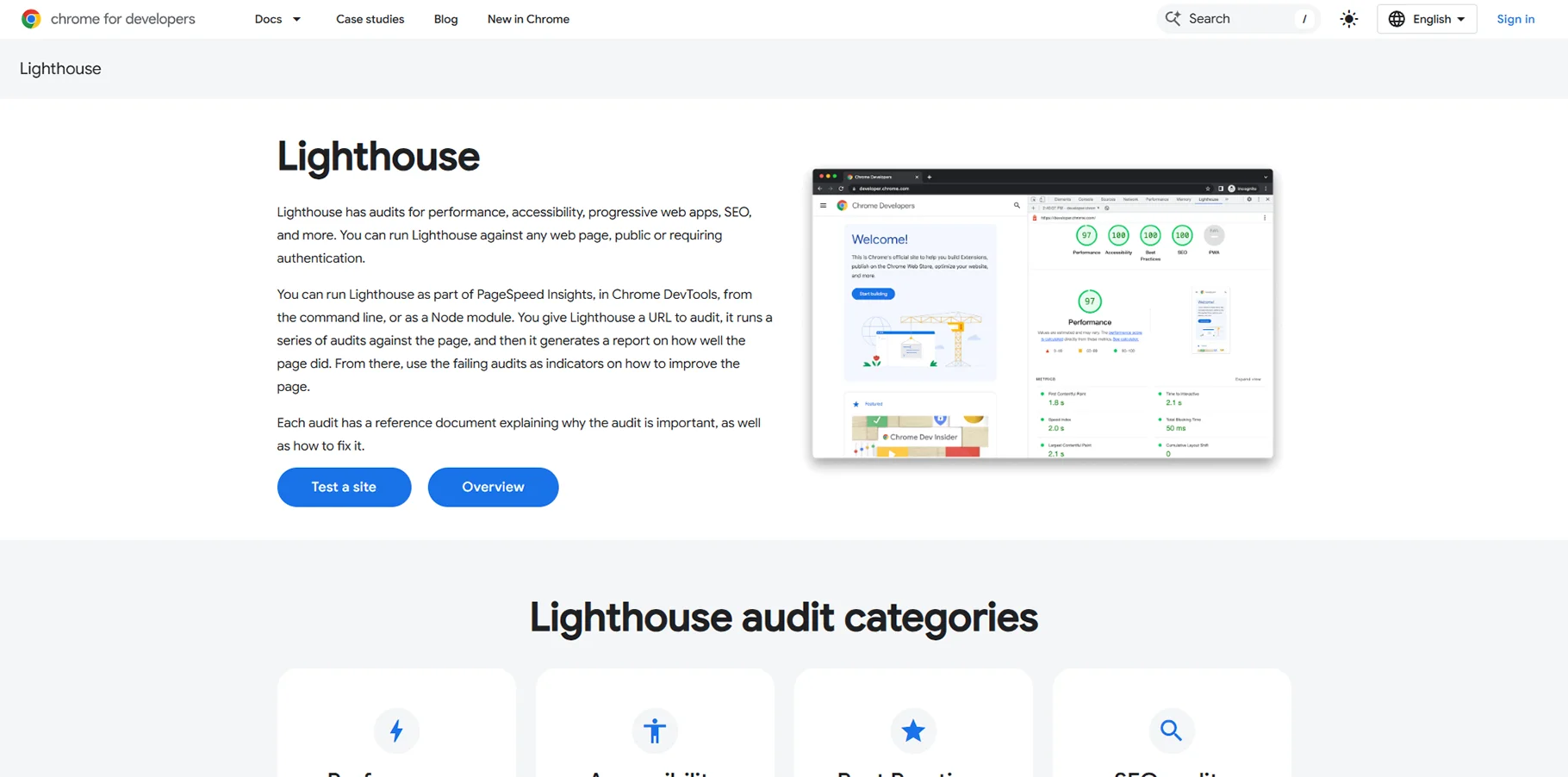
18. Google Lighthouse
Google Lighthouse is an open-source tool that audits web pages for performance, accessibility, search engine optimization (SEO), and web best practices, producing results by showing actionable ways to improve page performance, accessibility and SEO best practices.
Key Features:
- Auditing of website performance
- SEO analysis and auditing
- Accessibility auditing
- Progressive web app (PWA) auditing
- Recommended best practices for SEO and web accessibility
- Available in Chrome DevTools
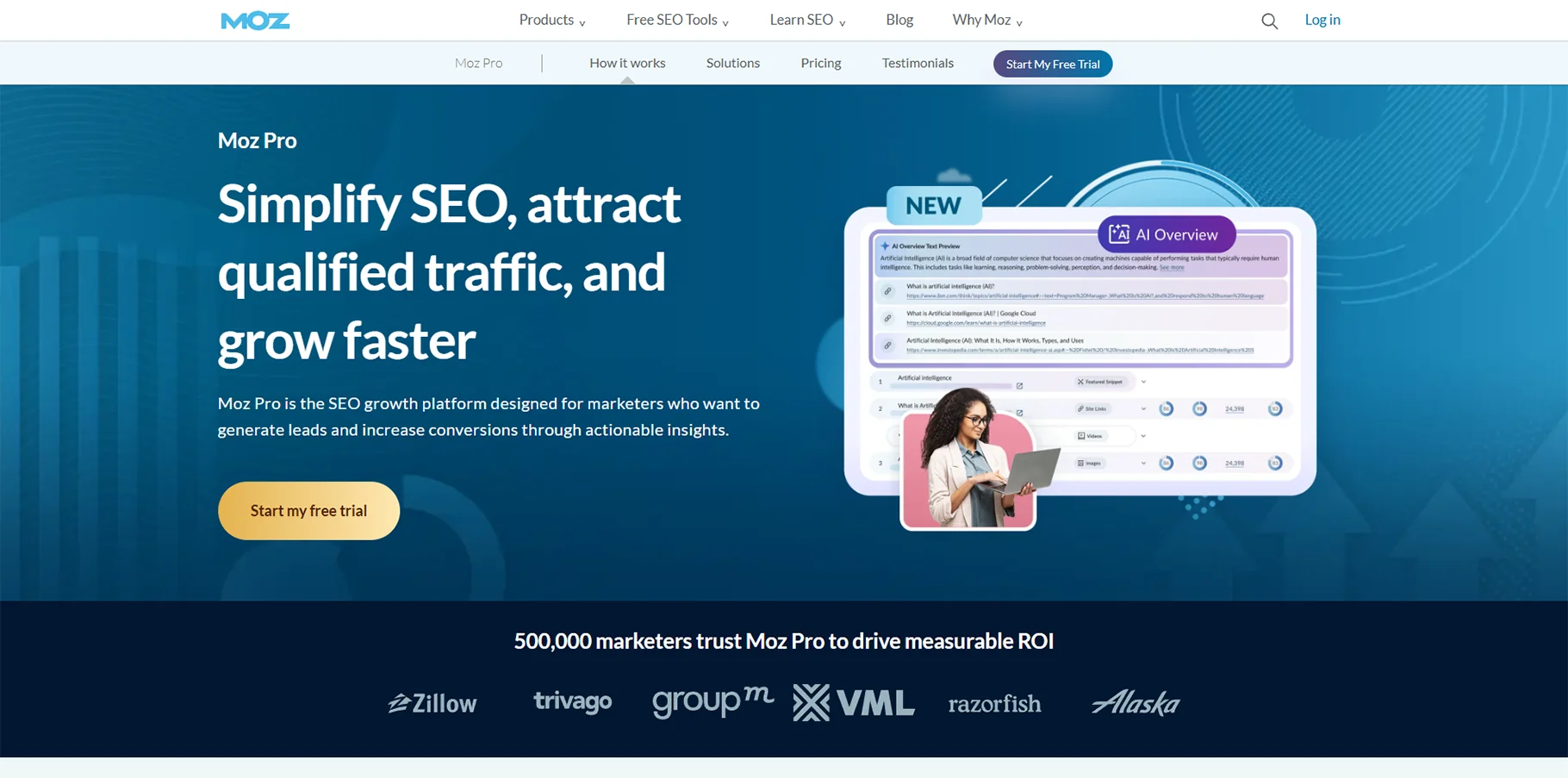
19. Moz Pro
Moz Pro contains a range of comprehensive tools for SEO analytics, including keyword research, site audits, and rank tracking. With Moz Pro, you can continually improve your presence within search engines.
Key Features:
- Keyword research and rank tracking
- Site audit tools and technical SEO
- Link building and link analysis tools
- Local SEO optimization
- SERP features tracking
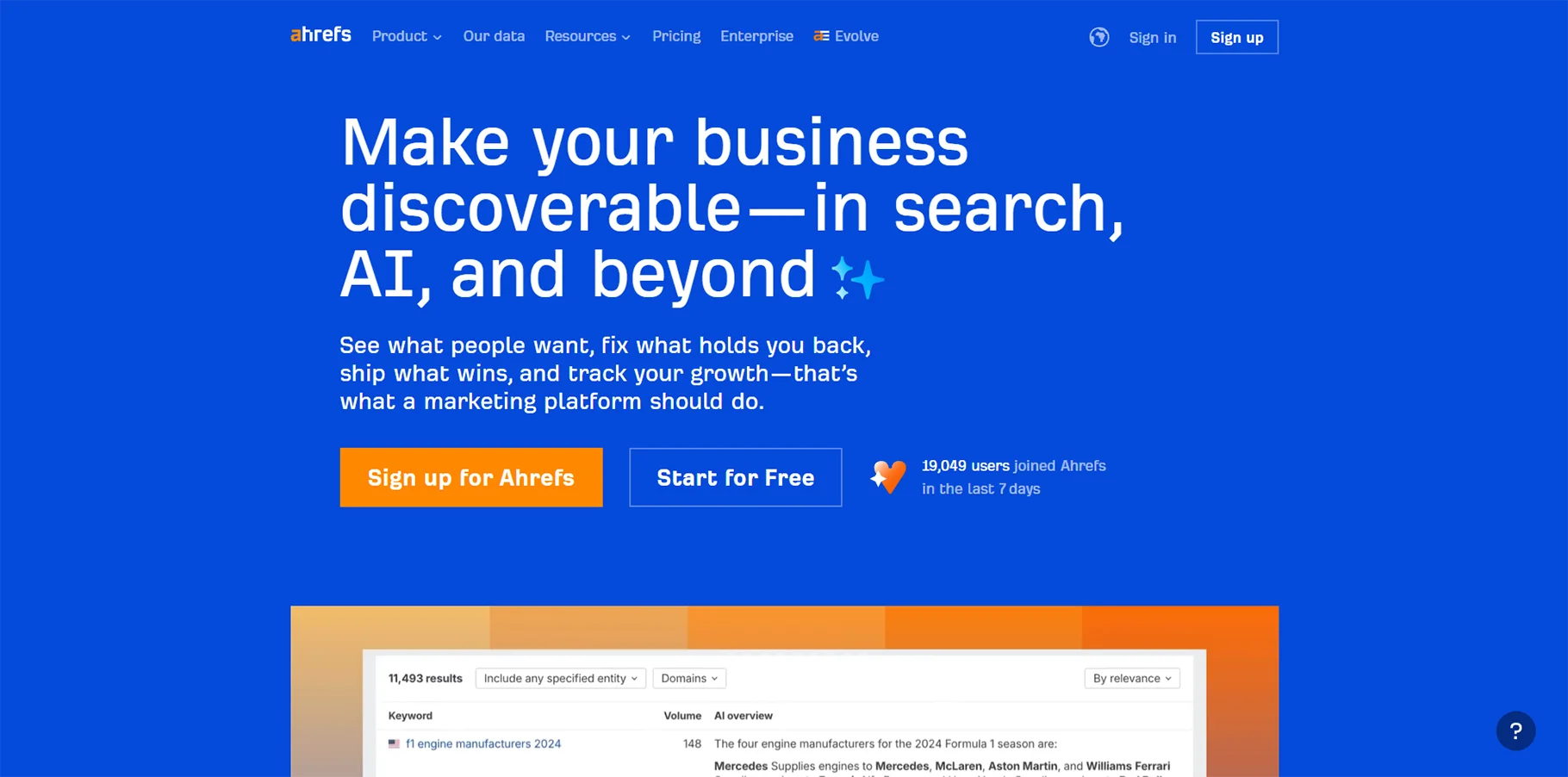
20. Ahrefs
Ahrefs is mainly an SEO toolset but also provides comprehensive website analytics through site audits, content analysis and competitive research.
Key Features:
- Thorough backlink analysis
- Keyword research and content gap analysis
- Site audit and technical SEO
- Competitive content analysis
- Rank tracking and monitoring
21. Google Search Console
Google Search Console is a free source to help you monitor, maintain, and troubleshoot your site's presence in Google Search results. Google Search Console provides a wealth of SEO insights.
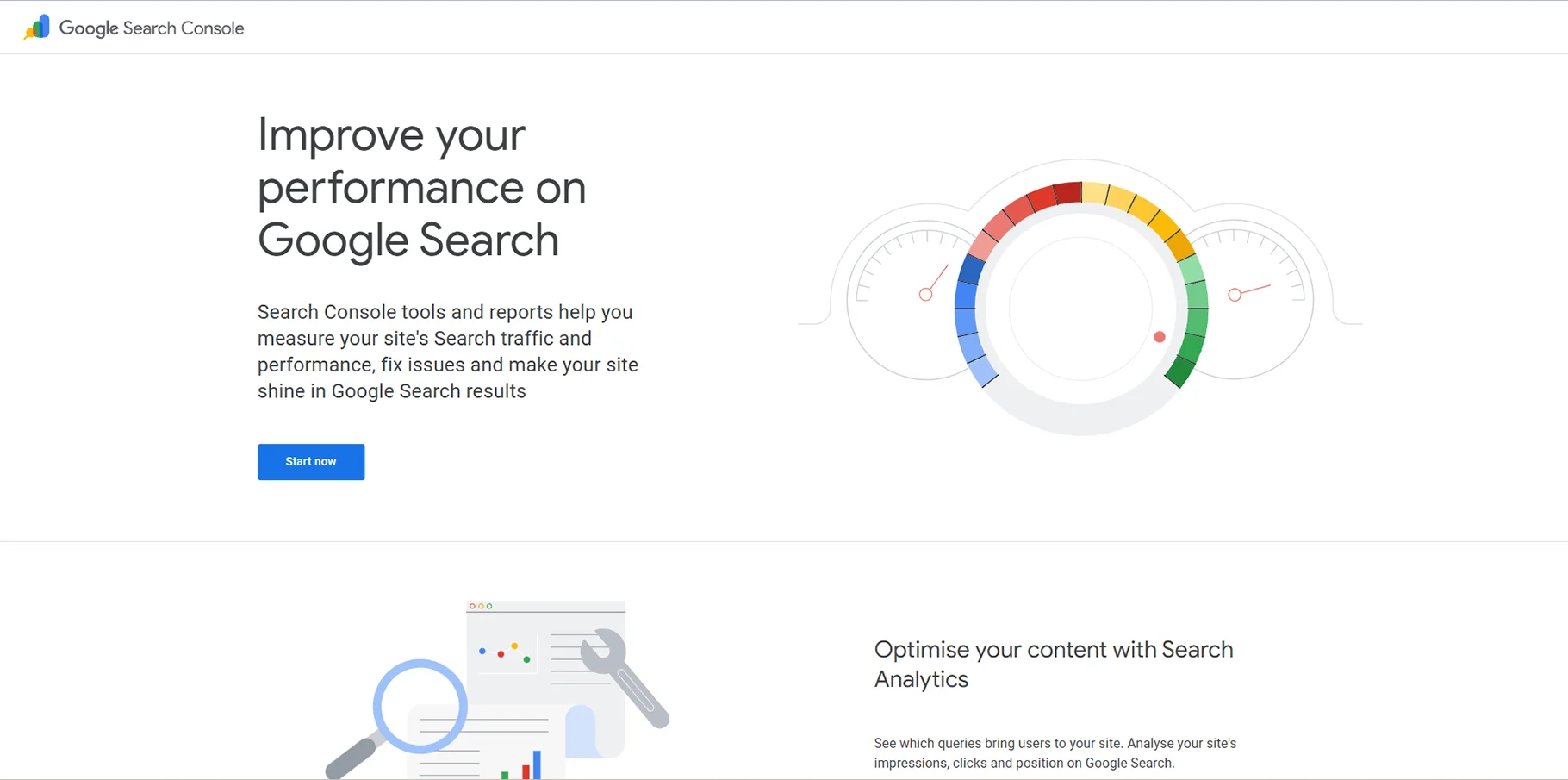
Key Features:
- Search performance metrics
- Index coverage reports
- Mobile usability checks
- Core Web Vitals performance
- Notification of security issues
22. Bing Webmaster Tools
Bing Webmaster Tools offers much of the same functionality as Google Search Console but is focused on Bing SEO and performance reporting.
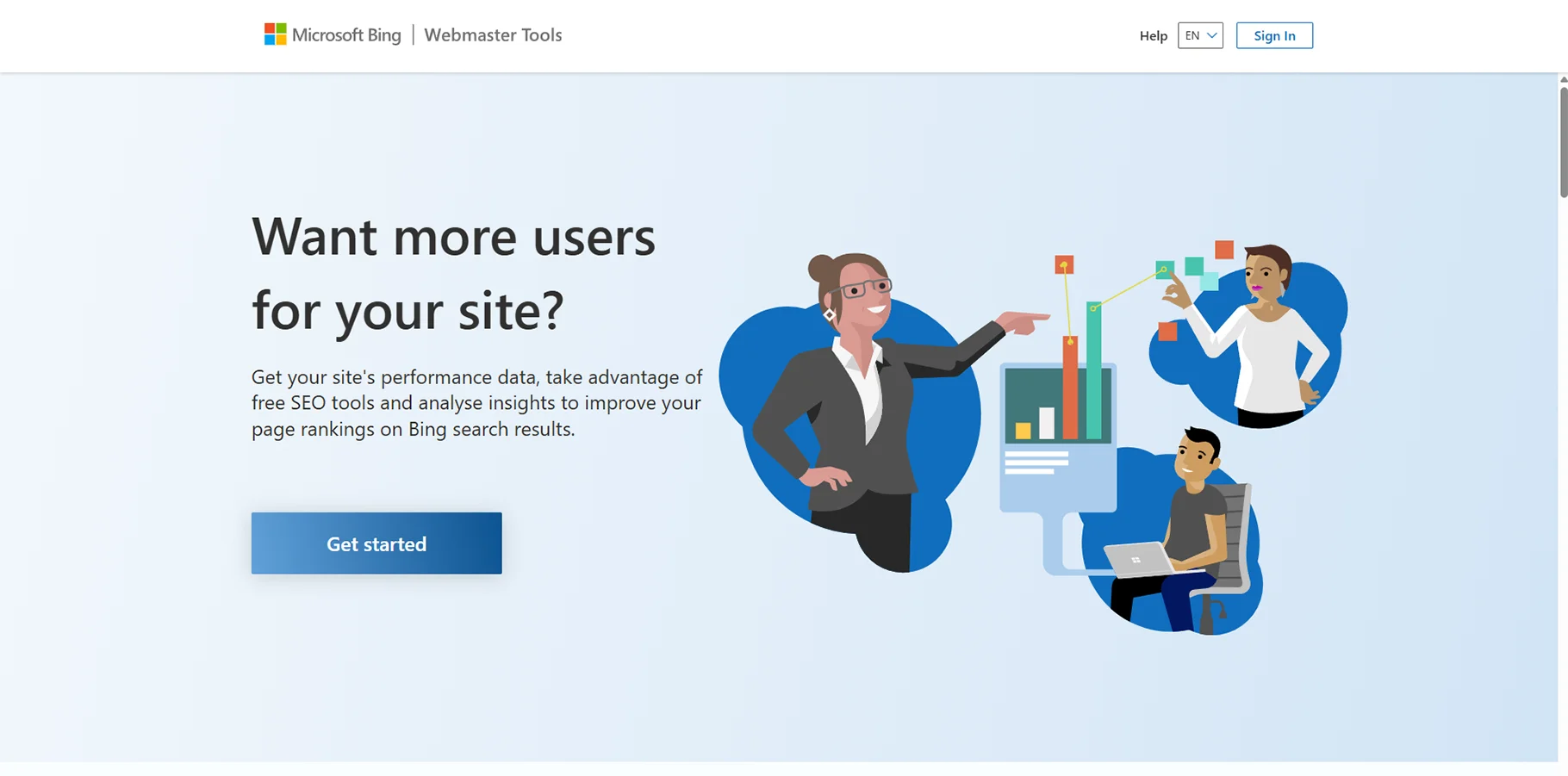
Key Features:
- Bing search performance data
- Crawl and indexing reports
- Keyword research tools
- Backlink analysis
- SEO recommendations
23. What Converts
What Converts is focused on call tracking and phone conversion analytics to understand how your online marketing generates phone calls for your business.
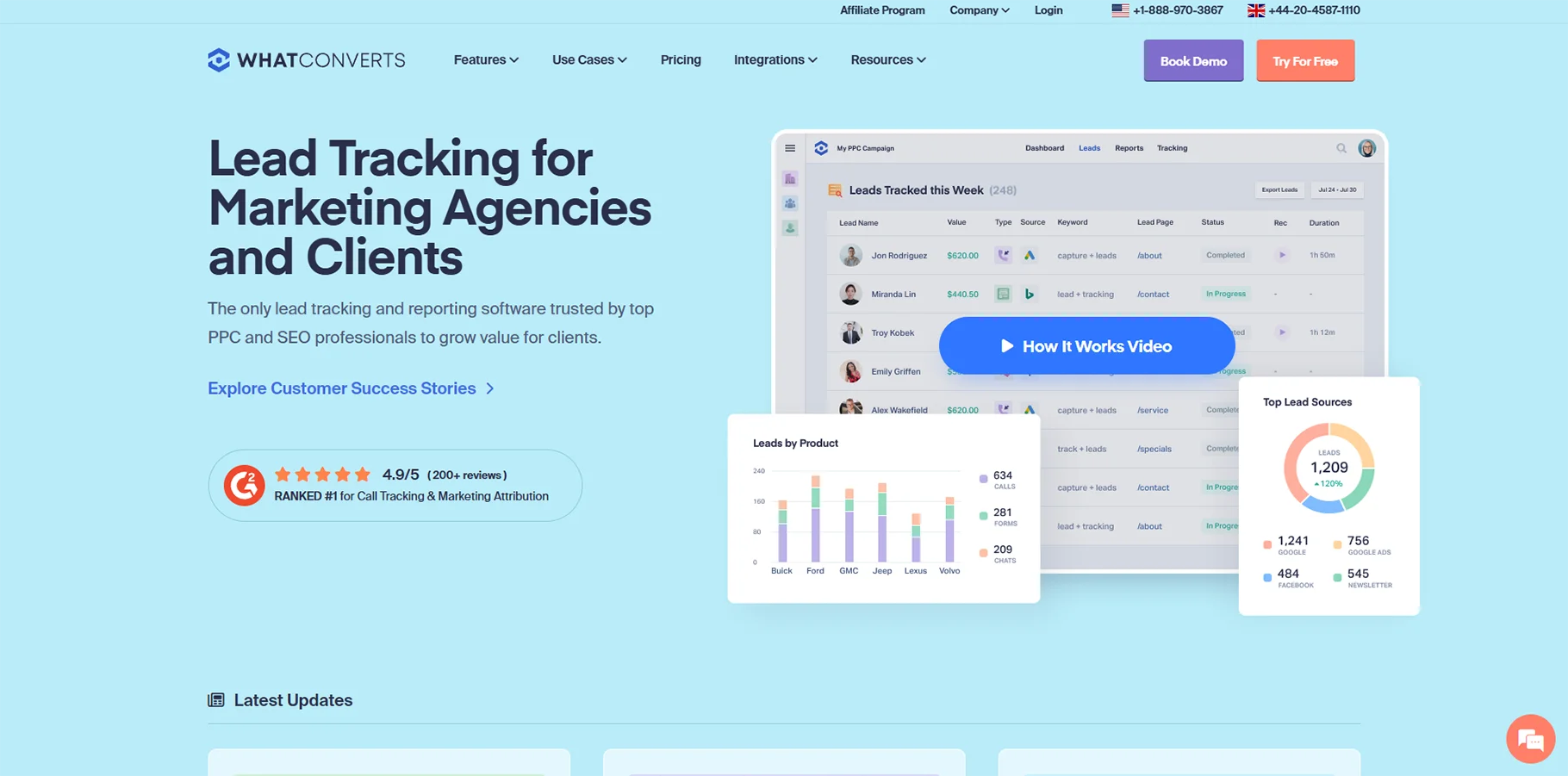
Key Features:
- Call tracking and call recording
- Visitor-level call attributions
- Form and chat tracking
- Analyzing the ROI for phone conversions
- Integration with Google Analytics
24. Hyros
Hyros provides advanced attribution tracking for businesses running intricate multi-channel marketing campaigns, like e-commerce and lead-generation.
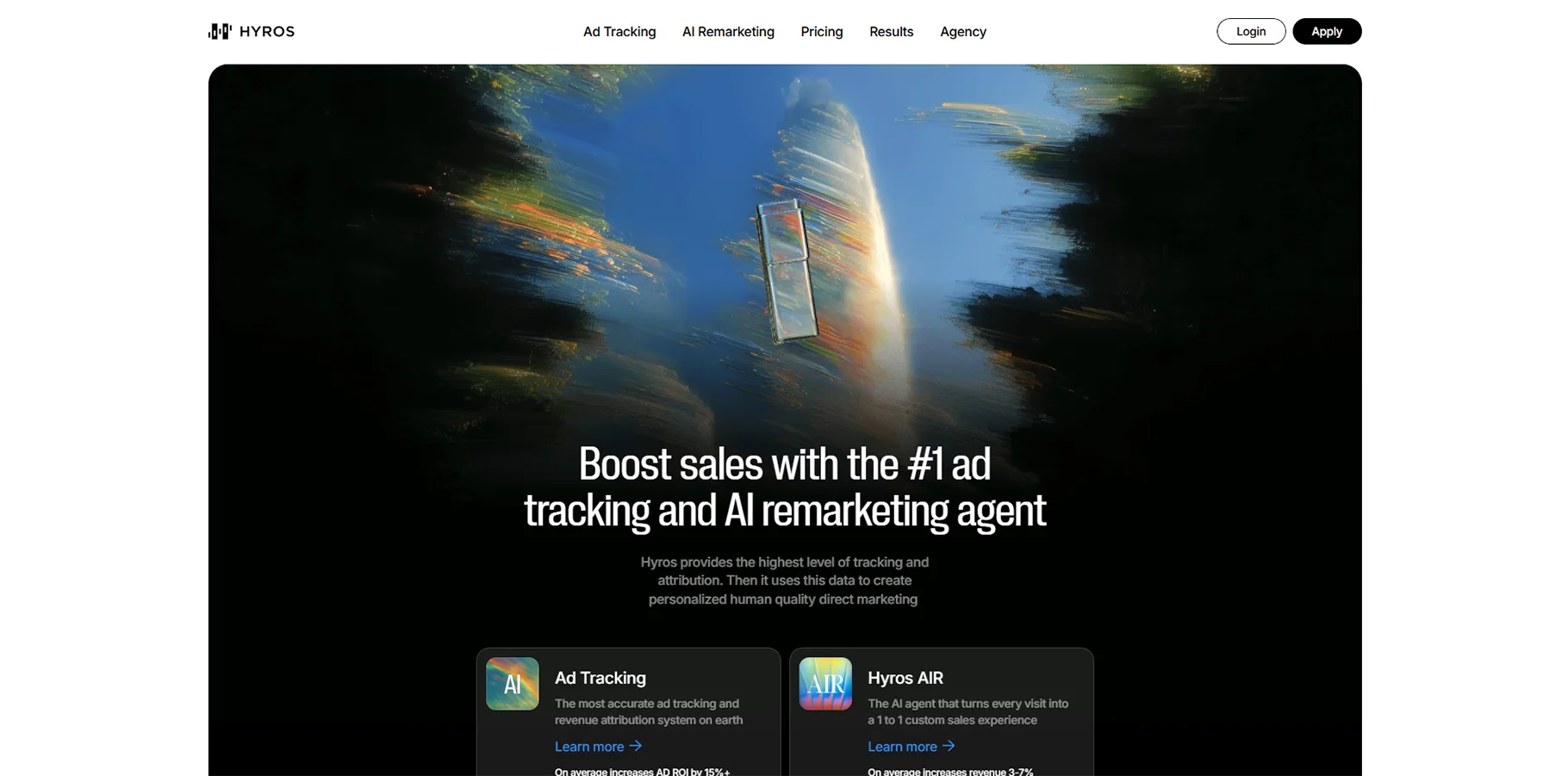
Key Features:
- Advanced attribution modeling
- Cross-device tracking
- AI-powered conversion tracking
- Integration with major advertisement platforms
- Lifetime value analysis
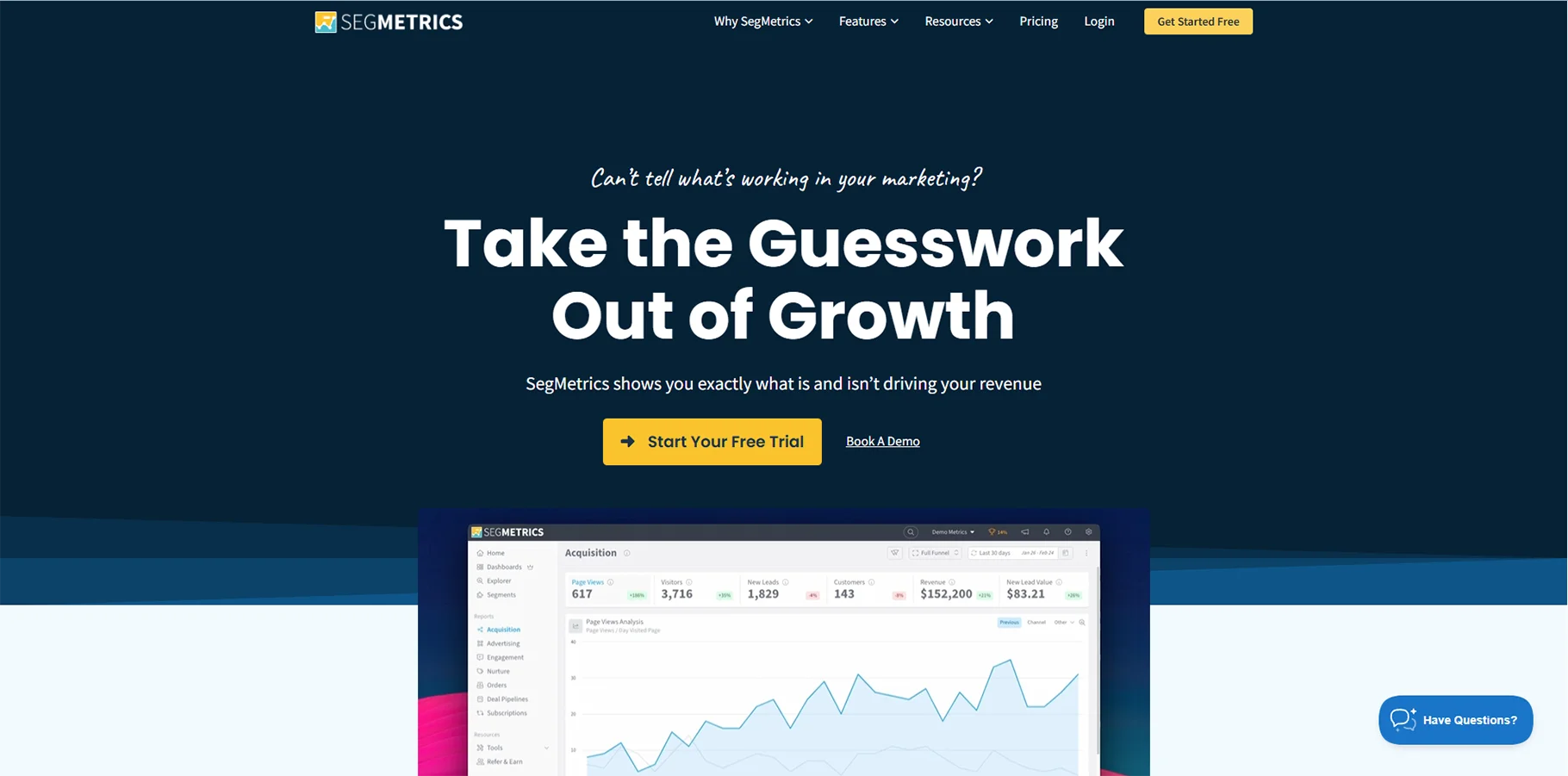
25. SegMetrics
SegMetrics positions itself as a customer lifetime value and subscription business analytics platform. They provide the analytics businesses need to track their customer's acquisition, retention, and revenue optimization.
Key Features:
- Customer lifetime value tracking
- Cohort and retention analytics.
- Attribution across customer journey
- Integration with email marketing platforms.
- Revenue optimization insights.
26. Google PageSpeed Insights
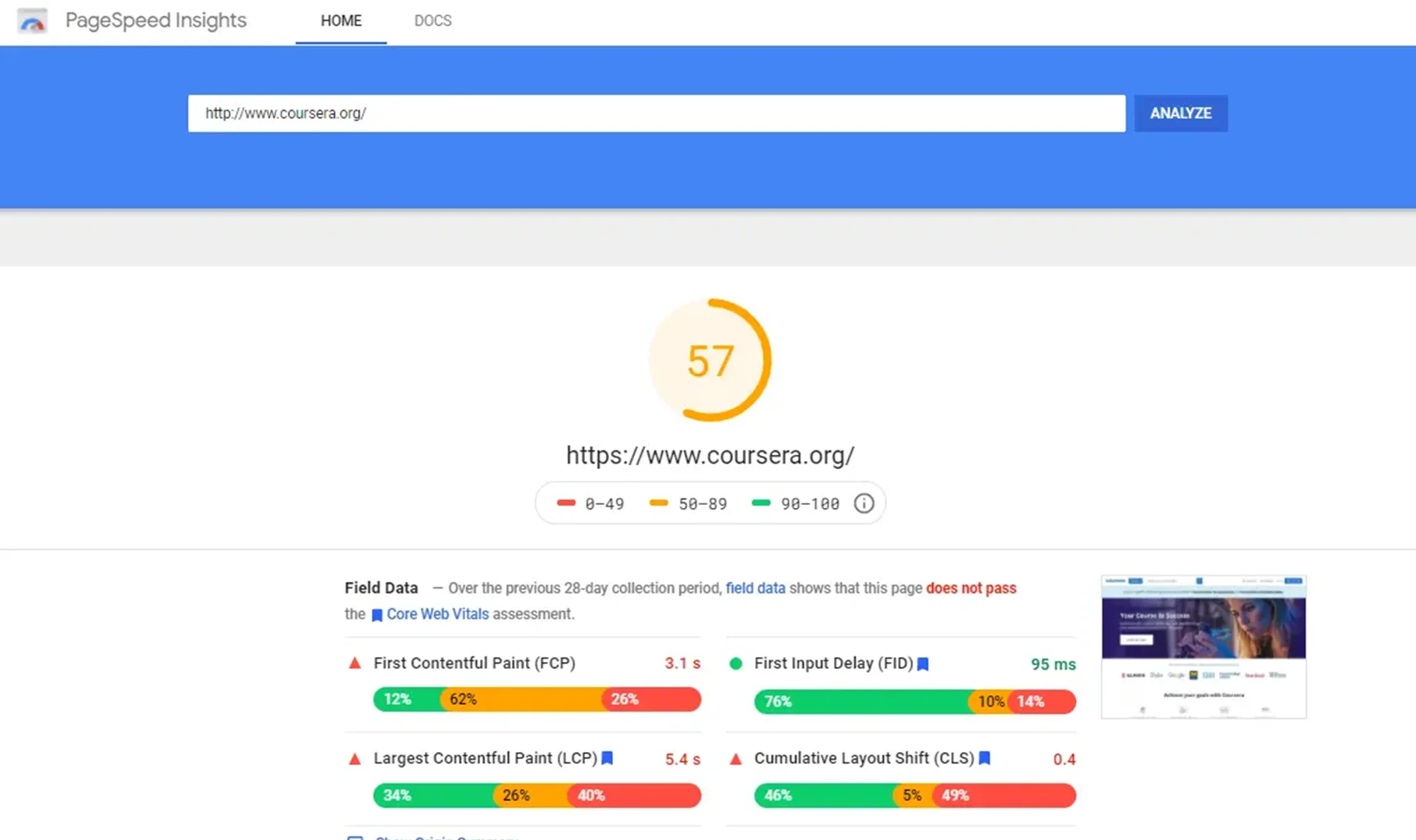
Google maintains a helpful application called PageSpeed Insights, that checks loading time for different pages on your website and recommends suggestions for better page performance on both mobile and desktop devices.
Key Features:
- Page speed analysis
- Metrics checking for core web vitals
- Performance optimizations
- Testing on desktop and mobile
- Comparing field data to lab data
27. Optimizely
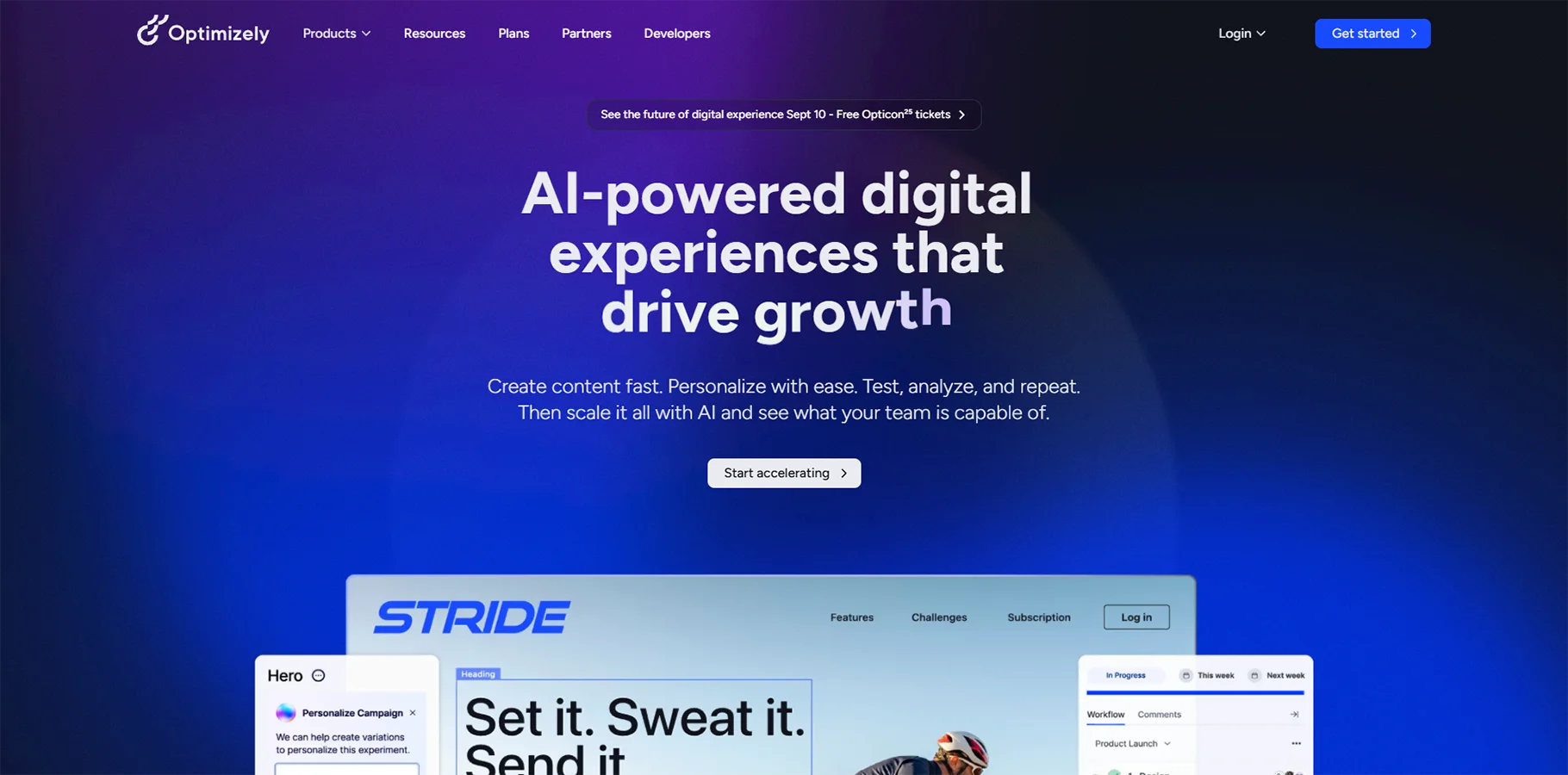
Optimizely is an all-in-one experimentation platform that provides a combination of A/B Testing incorporated with analytical review to assist in optimizing user experience and conversion.
Key Features:
- A/B testing and multivariate testing
- Feature flagging
- Personalization
- Statistical significance
- Various integration of analytics platforms
28. Crazy Egg
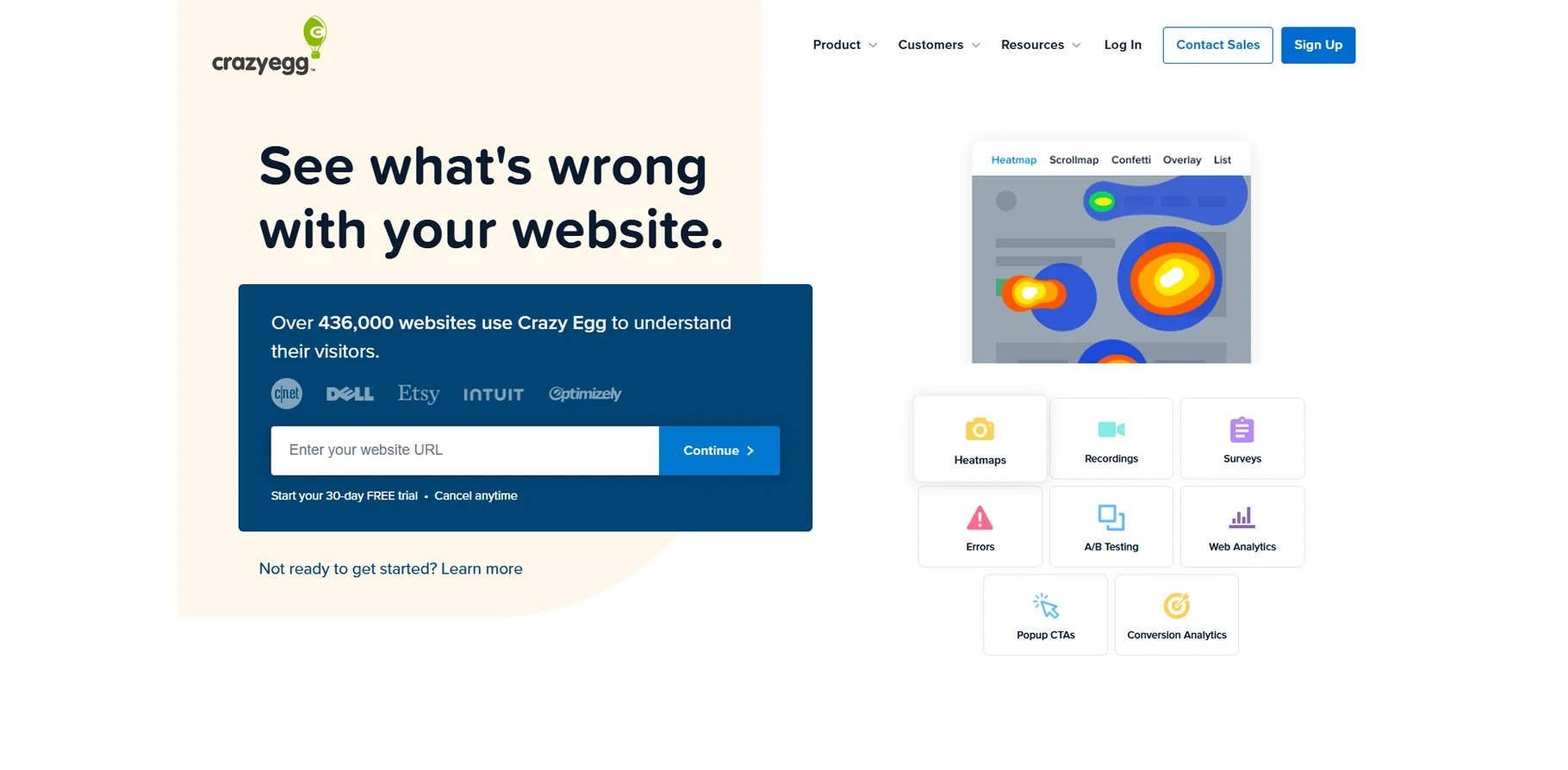
The Crazy Egg service provides visual analytics for websites using heatmaps, scroll maps and A/B test features to gain insight on user behavior and improve or test an element of the website.
Key Features:
- Click and scroll heatmaps
- A/B testing capabilities
- User session recordings
- Confetti reports for analyzing the traffic source
- Conversion optimization features
Conclusion
Choosing the right web analytics tool is essential to fully understand your audience, improve your website performance, and grow your business. Whether you choose a complete solution like Google Analytics, a privacy-friendly tool like Matomo, or any number of other tools specific to your needs is not the point of this guide. The point is purely to find the right analytics platform that meets your business needs and aligns with your technical requirements.
The analytics landscape continues to shift and change with new technologies and changes to privacy restrictions. As you research which of the available tools best supports your needs, you will want to consider this current needs but also future growth plans moving forward. Often, organisations will find benefit in using multiple tools to glean a complete picture of their digital performance.
If you want to use an AI tool finder, you can explore a variety of analytics solutions alongside other digital marketing tools and better inform your selection process, while narrowing down your choices based on your specific needs and budget.
FAQs
1. What is the difference between free and paid analysis software?
Free software usually has the most basic features and may limit the volume of data, advanced features, or customization. Paid software usually has a broader range of analysis information, better support, advanced features, and a higher volume of data.
2. What do I need to pay attention to surrounding data PRIVACY aspects in analysis software?
Data PRIVACY in analysis software can be very important, especially considering laws like GDPR and CCPA. There are software tools explicitly designed for data privacy compliance (for example, Matomo for data ownership) and many free options. These tools will be easier to use if you care about these aspects.
3. Can small businesses use enterprise tools for analytics?
Enterprise tools can provide more advanced features. You will often find more value in smaller, cost-effective analysis reflecting the immediate requirements and value of analysis, ideally without complexity.

