
Table Of Contents
OpenCraft AI | The Unified Workspace Revolutionizing AI Collaboration in 2026
Published on : Nov 08 2025

Today, almost every profession uses AI writers, students, designers, office teams, developers, and small founders. And many powerful models exist like GPT-5, Claude 3.5, Gemini Flash, and Grok-2.
Each model is good in different tasks, but one huge problem is common: people keep switching apps again and again.
One model is on one website, the second model is in another tab, and chats get scattered. We lose context, lose files, and don’t get continuous solutions.
OpenCraft AI solves this problem by bringing all top AI models into one single workplace.
In this article, we will review how this workspace works, how it saves time, what advantages it gives, where improvements are needed, and how pricing looks.
Our review is based on real usage, model comparisons, and more than 50 public user opinions from Reddit and top software review platforms.
Quick Summary
Imagine you’re working in a team where different AI tools come every day.
Just for writing, and another for coding, and another for automation, and so on.
Everyone is switching their tabs all the time, losing files, sharing screenshots, and wasting hours.
One of the new trending AI tools, OpenCraft AI which is designed for all purposes. In other words, we can say that in one place we can get different solutions according to our specific needs.
What is OpenCraft AI? Background and Core Concept
Opencraft AI is one of the unified platforms that is designed to solve big problems, where users and coders can solve any type of problem on one platform.
Basically company was launched in 2024 with a specific mission that connect all the models and workflows into one clean system.
OpenCraft AI quickly scaled and earned credibility among major enterprises, including Citi, PhonePe, and Volvo.
In 2025, the platform became even more robust, adding sophisticated multimodal support, so now it can process text, images, PDFs, spreadsheets, pitch decks, and more, all within the same workspace.
Key Features: A Deep Dive
Among the main peculiarities and the competitor table, which easily allow using OpenCraft. We would like to talk about each of them, what you have benefited and a real-world test.
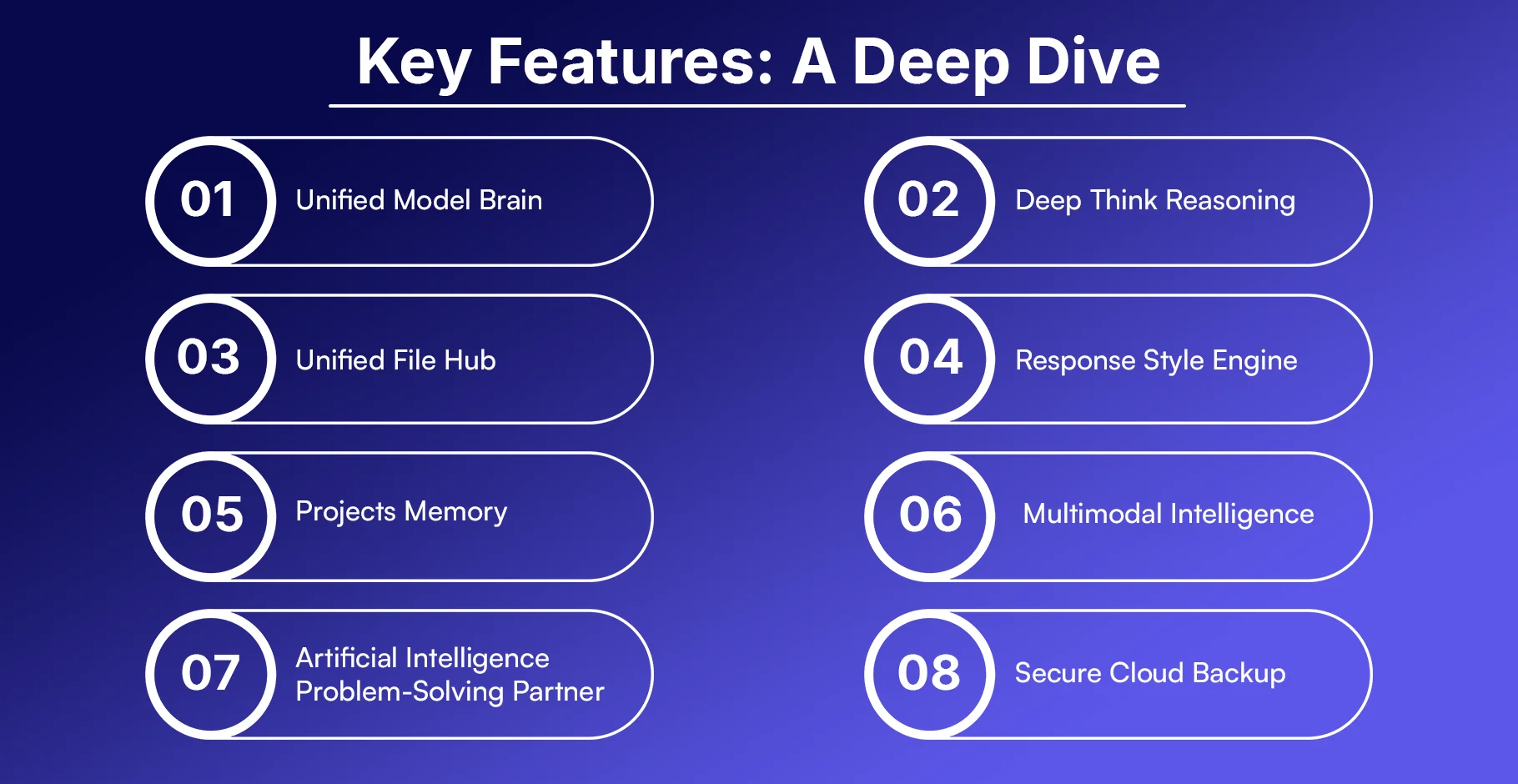
1. Unified Model Brain
Use the following chat box to switch between GPT, Claude, Gemini, Grok, and Llama without resetting or opening a new chat.
Standout Benefit:
Quick workflows as one of the models, and another can be combined to use their strengths.
Pros:
- no context loss
- instant model switching
The outcomes are better since you compare responses within the same thread.
Real-World Test:
We composed a product pitch based on GPT versus Claude to enhance logic, versus Gemini to introduce market data. The 3 models were in the same chat without re-uploading the PDF.
2. Deep Think Reasoning
Around and long thinking step by step, with documentation and definite presumptions.
Standout Benefit:
Business report reasoning at the professional level.
Pros:
- Suitable for finance teams
- exquisite to the strategy writing.
- Generates formulated conclusions.
Real-World Test:
It provided step-by-step rationales (market size > legal risk > pricing signal > bottom-line recommendation).
3. Unified File Hub Description
Store unlimited files (up to 5GB/file), PDF / Excel / PPT/images permanently and across all projects.
Standout Benefit:
- No repeated uploading. Ever.
Pros:
- Huge file support
- The files get included in the knowledge base.
- Those same files may be read by all models.
Real-World Test:
We have posted 2 pitch decks and 4 Excel spreadsheets (sales + CAC + churn). The following day, we went on with our work, and the files were present and ready to use immediately.
4. Response Style Engine
Adjust the voice of the AI - consultant, founder, professor, GenZ, and so on.
Standout Benefit:
- Top-quality brand voice across all output.
Pros: Saves time on editing tone
- Maintains the writing style within the team.
- Supports various content formats.
Real-World Test:
We penned a startup pitch in founder voice, then to VC analyst voice, then to get angel-friendly vs. investor-hard versions immediately.
5. Projects Memory
AI keeps in mind various running activities, such as hopping between tabs, in reality.
Standout Benefit:
Zero friction. Repeating instructions Zero.
Pros:
- great for agency work
- great for busy founders
- good at everyday multitasking.
Real-World Test:
We stopped a newsletter task that took 2 hrs to create a landing page, returned → AI was still aware of the tone, keywords, and target audience.
6. Multimodal Intelligence
Proficient in reading and interpreting data, graphs, and charts, with a strong ability to create clear and engaging pitch handouts. Skilled at presenting insights visually to support strategic decisions and communication.
Standout Benefit:
Reduce hallucination since it extracts responses from real files.
Pros:
- Perfect for investor decks
- Excellent at sales data analysis.
- Perfect for visual insights
Real-World Test:
Posted a 50-page investor deck.
Question: What number of traction slides appears weak? The precise slide + reason was found by AI within less than 10 seconds.
7. Artificial Intelligence Problem-Solving Partner
Manipulates numbers, code, formulas, forecasting, and logic-based reasoning.
Standout Benefit:
Much better in research teams and operations.
Pros:
- can write code & explain
- can do financial math
- can estimate future growth
Real-World Test:
We provided 3 months' revenue information → AI indicated experiments with prices in addition to projected impact on earnings.
8. Secure Cloud Backup
Safe and encrypted cloud storage.
Standout Benefit:
Business-capable and appropriate for classified documents.
Pros:
- NDA safe
- global access
- secure team workspace
Real-World Test:
MRR and investor docs were kept safe.
Thereafter, several team members were able to access them in various locations and still have control.
Feature Depth Comparison Table
This table helps you quickly see how OpenCraft AI compares with other AI tools in real working features, not just chat quality.
| Feature Capability | OpenCraft AI | ChatGPT | Claude | Perplexity | Notion AI | Strapi CMS |
| Switch between models (GPT, Claude, Gemini, Grok, Llama) in SAME chat | ✅ | ❌ | ❌ | ❌ | ❌ | ❌ |
| Memory across multiple projects | ✅ | Partial | Partial | ❌ | ✅ | ✅ (via DB) |
| Huge file uploads up to 5GB/file (PDF, Excel, PPT, images) | ✅ | ❌ | ❌ | ❌ | Partial | ✅ (configurable) |
| Can apply specific response voice styles (consultant, founder, professor, etc.) | ✅ | ✅ | ✅ | ✅ | ✅ | ❌ |
| AI Vision works across slides, tables & screenshots | ✅ | ✅ | Partial | ✅ | ❌ | ❌ |
| Built mainly for team collaboration & workflow execution | ✅ | Partial | Partial | ❌ | Partial | ✅ (with roles & permissions) |
| Can run Deep Think style multi-step reasoning | ✅ | ✅ | ✅ | Partial | ❌ | ❌ |
| Enterprise secure cloud backup & encryption | ✅ | Partial | Partial | ❌ | Partial | ✅ (self-hosted / encrypted DB) |
Pros and Cons: Balanced Assessment
Here we shall look at OpenCraft AI on both fronts, what it does insanely well, and its shortcomings.
The reason we have created this balanced review is to make you see the true worth of the platform in 2025; therefore, to make the decision whether it suits your workflow, budget, and long-term objectives.
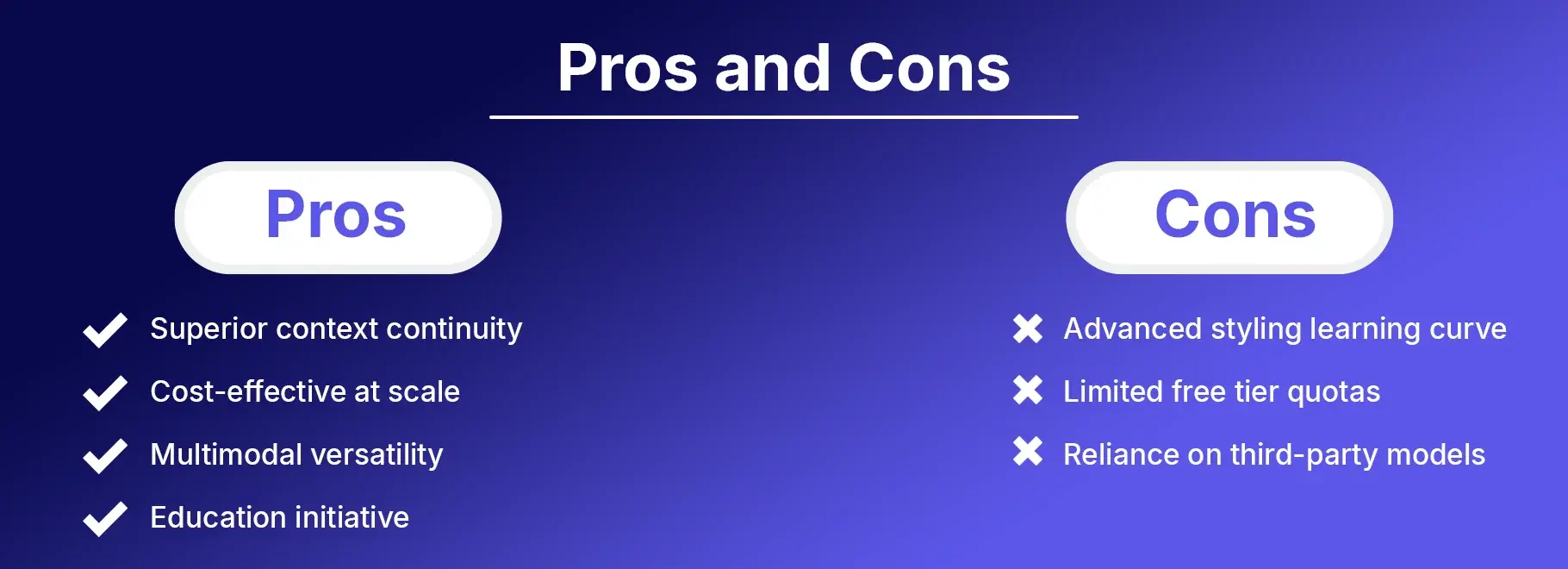
Pros
- Superior context continuity.
On Reddit, people discuss the ability to spend hours conducting a coding session without losing the context or having to restart the chat. It is a privilege that even some of the larger AI tools cannot achieve with ease.
- Cost-effective at scale
At first sight, OpenCraft AI resembles an additional subscription cost, and the time saved every week is enormous.
It typically recovers the subscription fee in a matter of days, since it reduces time-wasting, which is associated with re-uploading files, repeating instructions, and the switch of tools.
- Multimodal versatility
OpenCraft AI is highly efficient in workloads that are file-heavy. It takes less time, effort, and money to work with 10 PDFs, 3 Excel sheets, a PPT pitch deck, images, screenshots, and notes - OpenCraft will handle them collectively much better than single-model tools such as ChatGPT only.
- Education initiative
Discounted access can be offered to students, research scholars, professors, and universities. This will open the door to AI for young talent and make the process fair, more inclusive, and more equal.
Cons
- Advanced styling learning curve.
In case you are interested in mastering advanced “tone styling (founder voice, VC voice, McKinsey style, etc), it might take 12 hours to master it.
Mitigation: In OpenCraft, there are presets of styles that can be used to get started fast.
- Limited free tier quotas
In case of heavy work (such as daily use in the corporation), you will reach the free use limits soon.
Mitigation: The paid plans cost less than most competitors, with the depth of features, and thus, an upgrade is worth making.
- Reliance on third-party models.
Since OpenCraft also links to OpenAI, Anthropic, Google, etc, it can sometimes be slow to respond temporarily when those companies are down.
Mitigation: You can immediately switch models within OpenCraft when there is that interim outage.
Pricing and Plans: Is It Worth the Investment?
When people buy any AI tool in 2025, they always ask one main question: Is it worth the money?
So here is a clear, simple breakdown of plans, prices, and who each plan is best for.
Plan | Price | Key Limits | Best For |
| Free Forever | $0 | Basic quotas, no card needed | Casual users, testing |
| Essentials | $20 per seat /month
| Unlimited files, full models, priority support | Pros/teams; ROI in week 1 |
| Proffessional | $30 per seat /month | Unlimited messages and uploads | Students/faculty |
| Team | $30 per seat /month |
Value Analysis
The Free plan is very generous. You can try real features without adding a card. This is perfect for new users who want to test things slowly and understand how the tool works.
The Professional plan is only $30 per seat /month.
This is cheaper than some famous competitors like Notion AI, which costs $20+ per month.
Even though the price is less, this platform actually gives more depth in AI thinking and unlimited file handling.
The Education Equity plan gives the same Pro features for just around $5–$10.
This is specially made for students and teachers, but availability is limited.
Who Should Upgrade?
If you handle more than 5 files per week (PDFs, Docs, PPTs, research notes, etc.) or you need multi-model output frequently, then the Pro plan is the better value.
Alternatives and Comparisons
In the market, many artificial intelligence tools exist nowadays. So people always desire to compare and know the difference.
This part explicitly demonstrates the comparative advantage of OpenCraft with other trendy AI products.
Top Competitors in 2025
ChatGPT Plus ($20/month)
ChatGPT Plus is robust in one-model responses and can be used generally.
However, it lacks the unified model switching within the same workspace.
The point is that it requires additional steps to switch context in the case of power users.
Claude Projects ($20/month)
Claude has a reputation for great reasoning and extended context.
However, power users are complaining about the limits on file uploads.
Therefore, it is very nice to think, but not very convenient to work with heavy files.
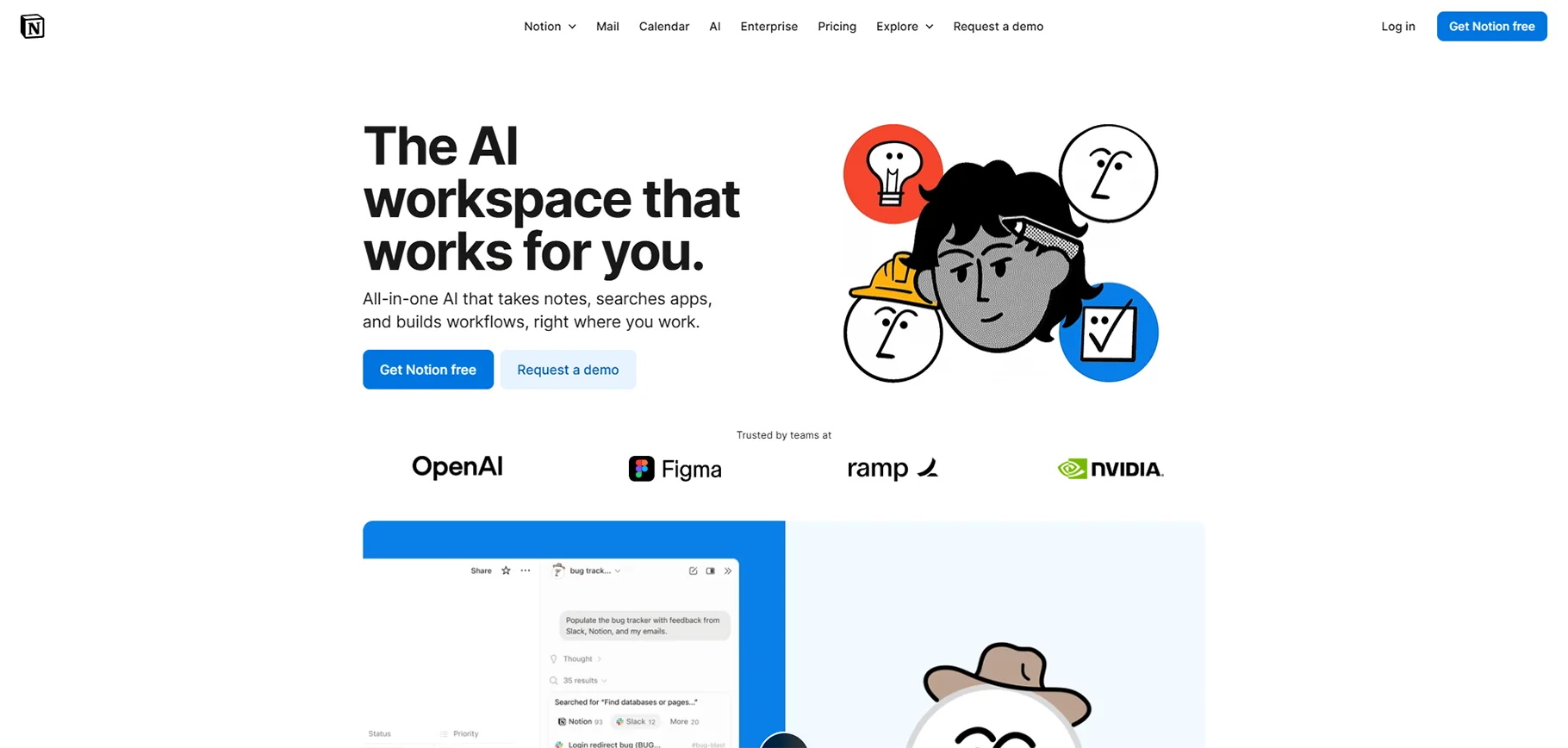
Notion AI ($10–$20/month)
The Notion AI works well with in-document writing. However, it is not robust in the integration of multi-LLM. It implies that Notion AI is not the same as multiple models when it comes to comparing the answers with each other.
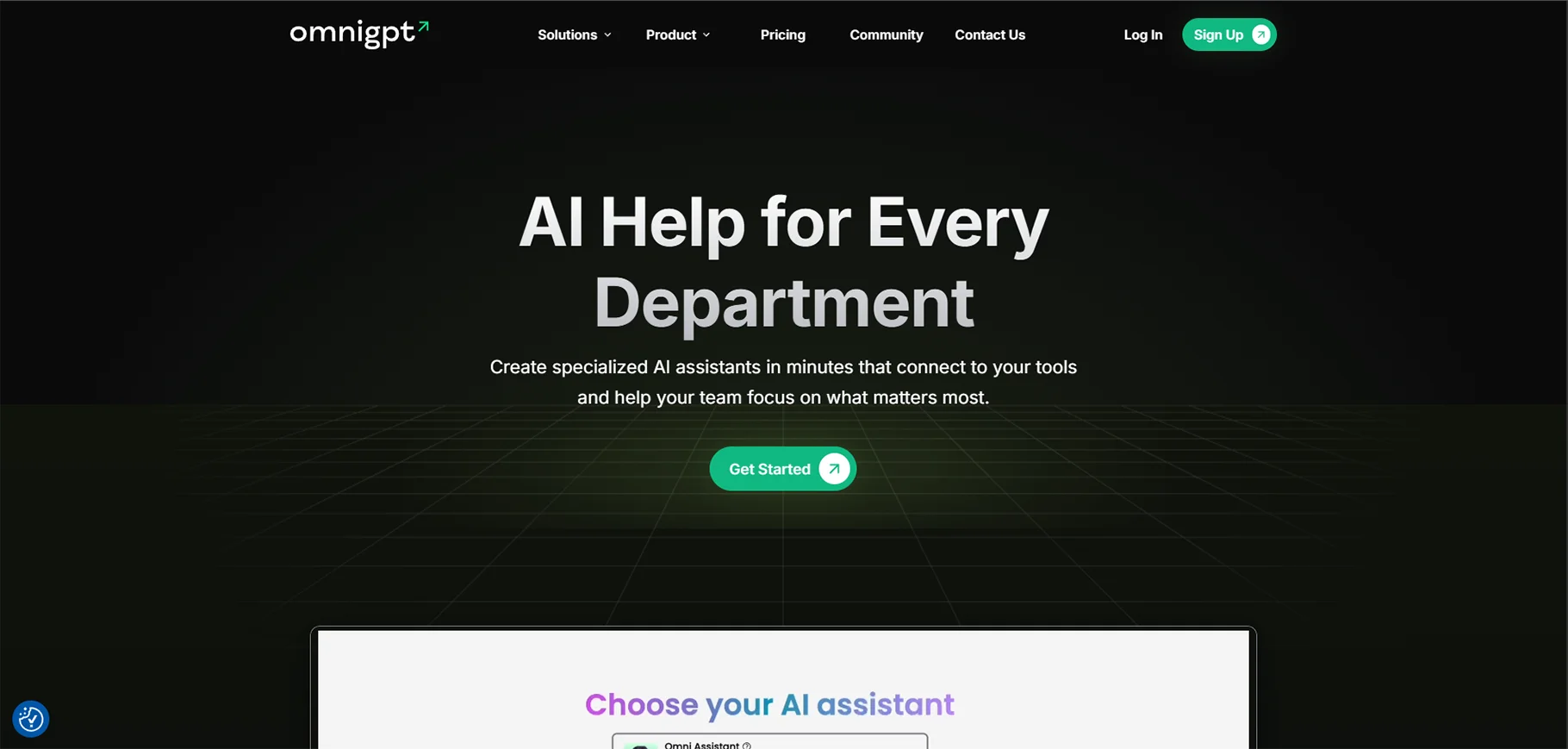
OmniGPT (variable pricing)
The metrics of engagement resemble OpenCraft on open dashboards, although the bounce rate is more significant, approximately 32.57.
When it has a higher bounce rate, it is rather likely that it will be opened by users, tried, and left because the workflow is not comfortable enough.
When to Choose OpenCraft
OpenCraft is the optimal option in cases where your work is file-intensive and context-sensitive.
Sample: R&D reports, PowerPoint market analysis, PDFs, product roadmap brief, competitor analysis, investor pitch materials, and others.
It allows you to have one space where you will be able to upload files, read files, summarize files, and compare several AI models on the same screen. This brings confidence and minimizes errors.
In pricing as well, OpenCraft prevails in the sense that the Professional plan costs 14/month, which is lower than Claude and ChatGPT.
Migration Tips
The transition to OpenCraft from other tools is not hard. The File Hub enables you to import your old files. It only takes a drag and drop of the files and getting back to work.
Conclusion
OpenCraft AI is a strong choice for the hybrid AI future of 2025 because it removes 5 open tabs and gives you one powerful workspace for writing, research, coding, and R&D files.
It is great for mid-career professionals, technical teams, and teachers who need fast and accurate answers every day.
You can start with the Free Forever plan and upgrade later when your usage grows. Sign up on opencraftai.com (no card needed) and try it on your own files to see the workflow speed for yourself.
FAQs
1. What is OpenCraft AI?
OpenCraft AI is a single workspace where you can write, research, summarize, analyze files, and plan without switching between apps.
2. Who should use OpenCraft AI?
Students, marketers, project managers, coders, and teams can use it. Any person who works with content, tasks, or files daily can benefit.
3. Why is OpenCraft AI different from ChatGPT or other AI tools?
Because OpenCraft is not just “chat and reply”.It allows multi-tool usage in one place. You don’t need 4-5 tabs open. Everything is inside one clean workspace.
4. Does OpenCraft AI save time in real work?
You can read PDFs, summarize, rewrite, and make action plans — in the same place.
5. Can OpenCraft AI help teams in 2025?
Yes. Teams can collaborate, review files, make plans, and correct content with AI support.
It reduces confusion and improves clarity in shared work.
6. Is OpenCraft AI useful for students?
Students can write essays, simplify topics, collect research points, and create notes faster with accuracy.
7. Can OpenCraft AI handle multiple languages?
Yes, it has strong multilingual support.
This is very useful for global work, international clients, and translation tasks.
8. Is OpenCraft AI good for business teams?
Yes. Startups, agencies, and product teams can use it for brainstorming, strategy, pitch decks, product documents, and analysis.
9. Does OpenCraft AI improve content quality?
Yes. It can rewrite, correct tone, improve clarity, and convert raw information into professional content that is ready to publish.
10. Why do people call OpenCraft AI a “unified workspace”?
Because instead of using multiple different tools. OpenCraft brings everything (writing + research + file analysis + teamwork) together in one single AI platform.

