
Table Of Contents
10 Best Prompt Engineering Tools for 2026–27
Published on : Dec 06 2025

There's no need to depend only on tech experts everyone needs input processing. The right tools can still save you hours every week, no matter whether you are an online business owner, a content creator, or even an AI developer.
The year 2026-27 is full of potential in terms of emerging prompt engineering tools, and we are going to present you with 10 such tools that are really easy to use.
Moreover, these comprise all types of tools from big prompt libraries to visual production platforms. Moreover, with these tools, you will be able to interact with AI smartly no programming is needed.
What is prompt engineering?
Consider prompt engineering as mastering the language of AI. It is the creative process of formulating clear commands that result in AI systems like ChatGPT, Midjourney, and Claude delivering precisely what you want.
With the help of effective prompts, instead of receiving standard responses, the following will be possible:
- Product descriptions done professionally in no time
- Visuals for your social media that will grab attention
- Unique business strategies that are precisely what you need
- Functioning code
- Human-like content, not robot-like
The most exciting thing? No programming skills are required. The right tools will enable anyone to become a prompt engineering expert.
Top prompting tools to use now?
In 2026, the prompt engineering landscape became very diverse. Not only were there platforms for beginners, but also advanced development environments, so everyone was able to find a tool suited for them.
Among the tools we are going to discuss, there are prompt libraries which contain thousands of pre-made templates, AI image generators having user-friendly interfaces, and marketplaces for trading prompts that can be purchased and sol,d as well as community platforms where the best findings are being shared
How do advanced prompt engineering tools make a difference?
The appropriate prompt instrument can overhaul your entire workflow. Rather than utilizing thirty minutes to mess around with the different variations just to get the desired outcome, you can simply apply the tested templates that function correctly right away. The benefits of these tools to you are:
Massive time savings:
What previously consumed hours now only takes a few minutes. It is reported by the usersthat they are saving 15-25 hours a week just because they are using good prompt tools.
Consistent results:
Hit-or-miss outputs are a thing of the past now. Professional prompts render the same reliable quality every time.
Faster learning: Observe how professionals organize their prompts and utilize those techniques in your work.
Workflow organization:
Put all your best prompts in one spot and be able to use them anytime you need.
Non-tech tips for getting started in prompt engineering?
No worries if you don’t know much about technology. Let us guide you through the process:
Starting with templates:
why create a new one? Just take advantage of the already existing prompts and tailor them according to your story.
Being precise:
Rather than saying, "Discuss dogs," be more specific like "Provide a 200-word approachable blog post about golden retrievers targeted at inexperienced dog owners."
Setting the scene:
Explain to the machine the character it should be an art. E.g., "Speak as an experienced marketing manager" yields more useful outcomes compared to no context.
Try it and modify:
In case the initial output is not the desired one, then take your prompt and adjust it. Either add more information or switch the mood.
Participate in forums:
You will never be alone in your learning process. Just look at others. The web is full of such tools that have active user communities, and tips and tricks are shared among them regularly.
Here are 10 Prompt engineering tools easy to use
1. God of Prompt
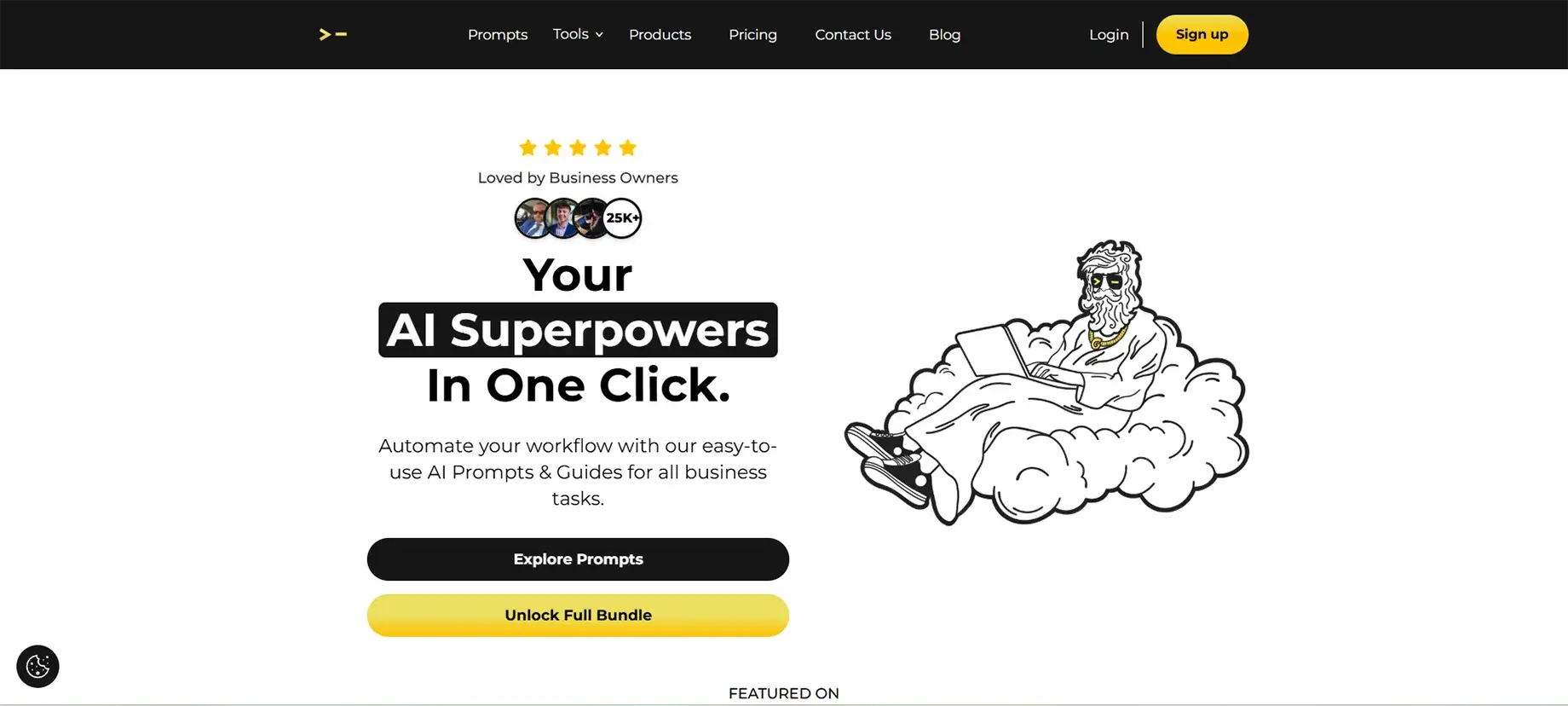
God of Prompt is literally like having a large library of more than 30,000 AI prompts which are immediately usable. This platform, which was developed by Alex, a digital marketer who became an AI expert, is a great help for users of all levels, from beginners to experts, to get better results with the AI tools like ChatGPT, Claude, Midjourney, and others.
Main Features
- Huge prompt library: Done professionally and organized by categories over 30,000 prompts (marketing, business, SEO, productivity, and more)
- AI prompt generator: Just say what you need in simple English, and it will generate a personalized prompt for you
Full guides:
Step-by-step instructions for ChatGPT, Claude, Gemini, and Midjourney
Regular updates:
- Always new prompts to add, with lifetime accessibility for one-time purchasers
- Cross-platform support:
- Compatible with all leading AI tools
- Categorized organization:
- Prompts are grouped according to the purpose, so finding what you need will be quick
Pros
- Easy for beginners with step-by-step explanations
- A great time saver users say they save over 20 hours a week
- The option of a one-time purchase is available
- Super for marketing and business owners
- Community and support are active
Cons
- The large number of prompts can make it hard for absolute beginners.
- Some of the advanced prompts could be based on AI tool knowledge and therefore require a certain level of understanding.
- A monthly subscription is necessary to get the updates (however, there is a one-time purchase option available).
2. Powerusers AI
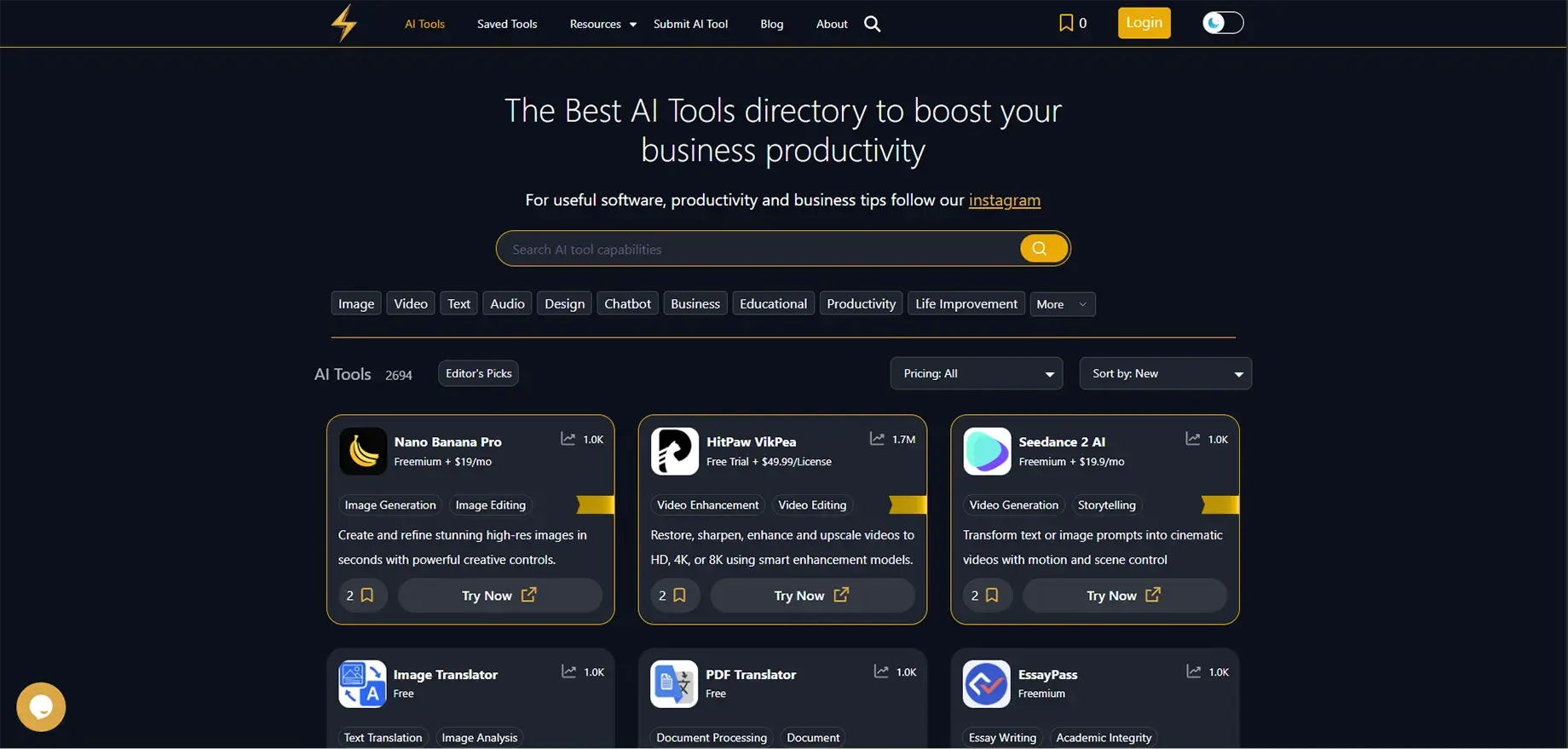
Powerusers AI is a curated directory of AI tools and prompts, helping users discover and compare the best AI solutions. It's perfect for people who want to explore different prompt generation tools without spending hours researching.
Key Features
- Tool discovery platform: Browse hundreds of AI prompt tools in one place
- Comparison features: Side-by-side comparisons of similar tools
- Category organization: Tools sorted by function (prompt generation, optimization, image creation)
- User reviews: Real feedback from other users
- Free resources: Access to basic prompts and tools without payment
- Regular updates: New tools added as they launch
Pros
- Great starting point for beginners exploring options
- Saves research time with organized categories
- No login required for browsing
- Includes both free and paid options
- Helps you find specialized tools for specific needs
Cons
- Not a prompt tool itself—just a directory
- Some listings may not be up-to-date
- Limited depth of information on each tool
- Need to visit individual tool sites to actually use them
3. Anysolve AI
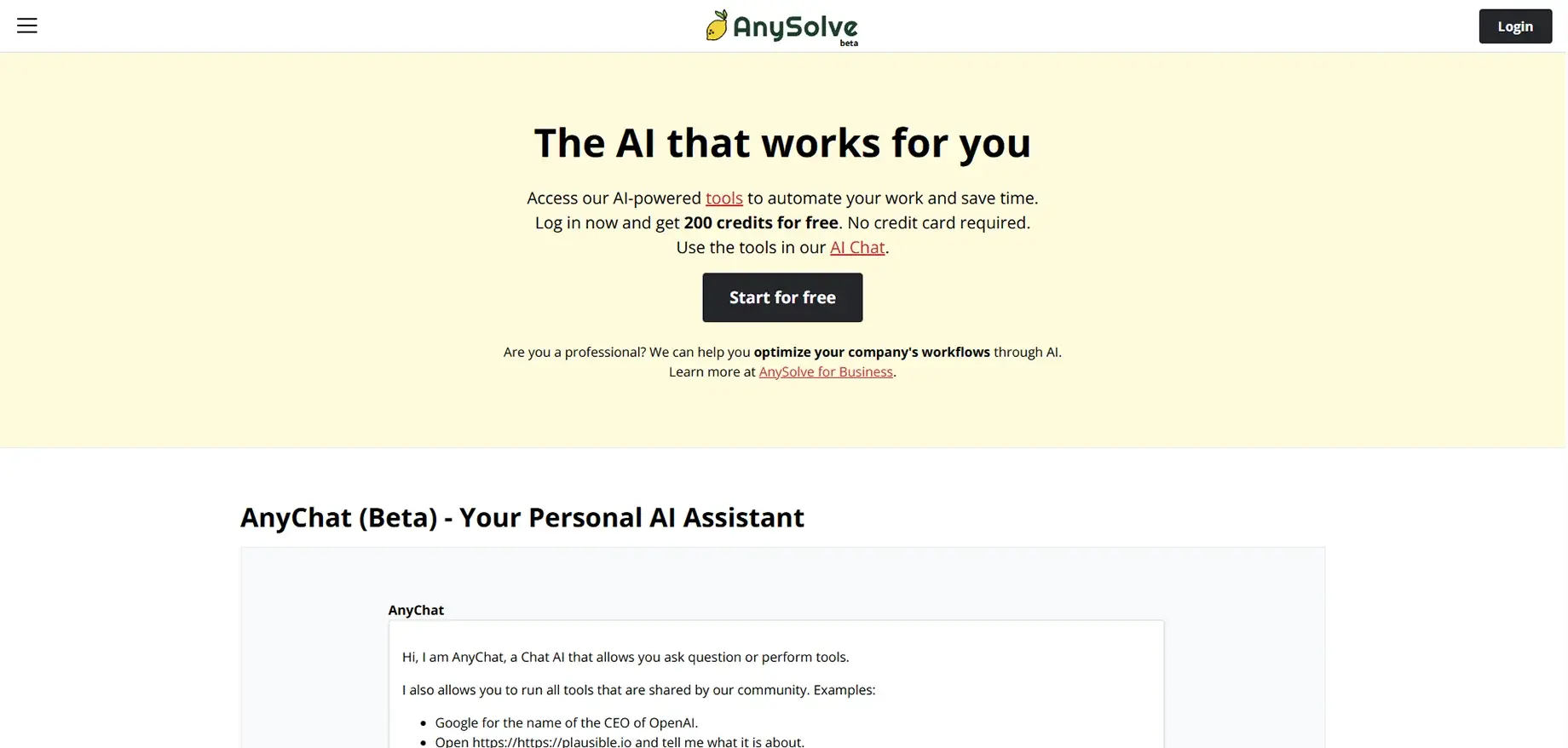
Anysolve is one more AI community platform that allows you to either use the existing AI tools or, if you prefer, to create your own without any coding. You can consider it as a playground where people are sharing the automated tasks that are carried out by the AI.
Key Features
- Ready-to-use AI tools: Hundreds of pre-built tasks for different purposes
- No-code tool builder: Create your own AI tools with a visual interface
- Multiple AI integration: Works with ChatGPT, Stable Diffusion, and other AI models
- Community-driven: Share your tools or use others' creations
- REST API: Integrate tools into your own applications
- Flexible pricing: 200 free credits to start, then pay as you go
Pros
- Unique approach—create and share automated workflows
- No coding required
- Great for repetitive tasks
- Active community
- Free tier available
Cons
- Steeper learning curve than simple prompt libraries
- Interface can be confusing at first
- The credit system requires understanding
- Some tools created by users may not work perfectly
4. PromptBase
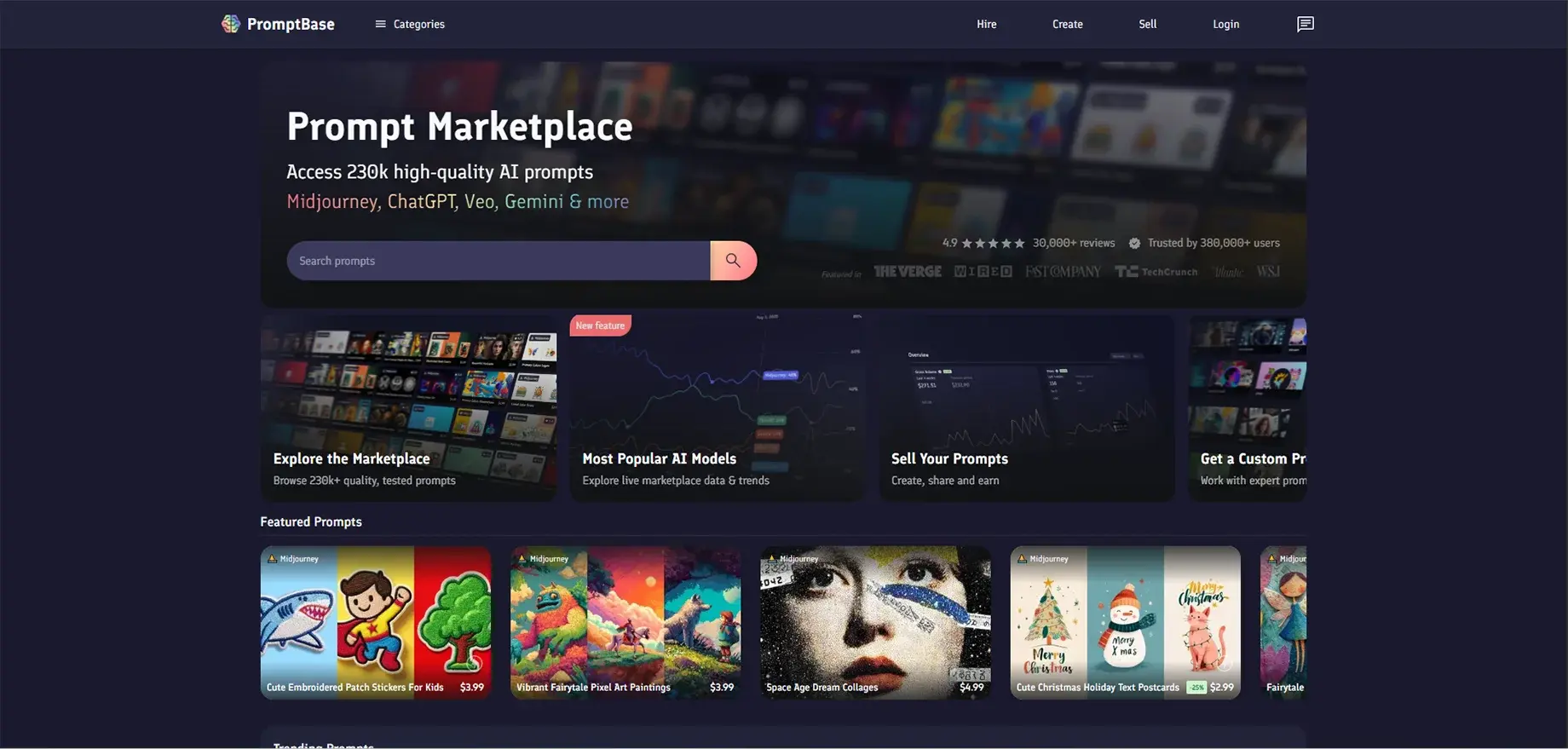
PromptBase is the first and the largest world market for using and trading AI prompts. In case you require quality prompts in a hurry or intend to make money from your prompt engineering skills, this is the right place to be.
Key Features
- Prompt marketplace: Over 130,000 tested prompts available for purchase
- Multiple AI models: ChatGPT, Midjourney, DALL-E, Stable Diffusion, plus more
- Seller platform: Selling your prompts gets you an 80% revenue share
- AI App Builder: Build and put AI apps into use
- Hire creators: Get expert help to create custom prompts
- Quality tested: Prompts undergo evaluation before being listed
- Affordable pricing: The majority of prompts are $1.99-$9.99 only
Pros
- High-quality prompts that have gone through a testing process
- Wonderful chance for sellers to earn money without doing anything
- Large selection in every category
- Prompt creators provide direct support
- Also, there are some prompts that you can get for free
Cons
- You need to acquire the best prompts (although they can be inexpensive).
- The standard of the goods differs from one seller to another
- The sellers have to pay a commission of 20% to the platform
- There is some misunderstanding regarding the licensing and the rights of usage
5. Replicate
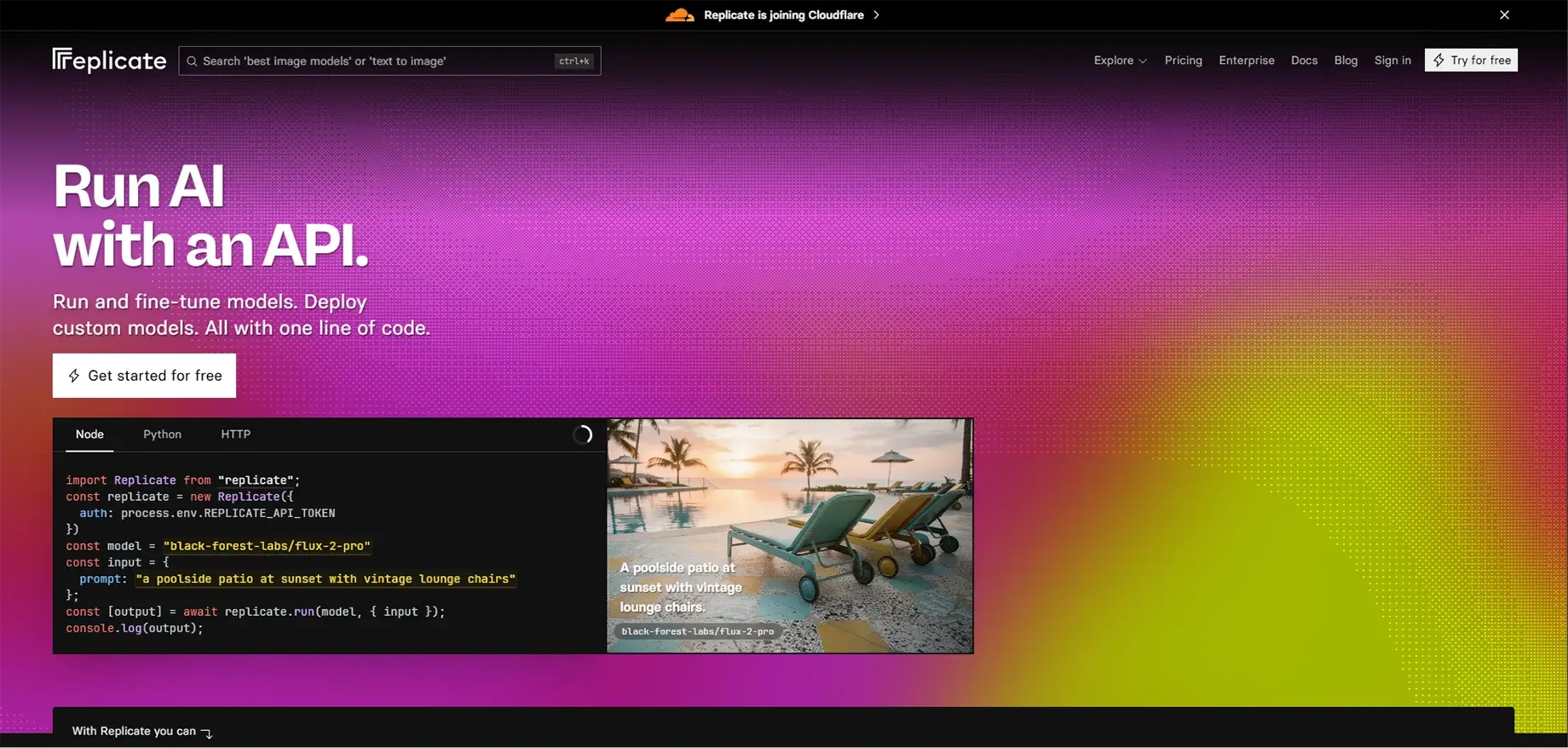
Replicate simplifies running AI models with just a few lines of code. Developers and creators who want to enhance their projects with AI without dealing with intricate infrastructure will find it very useful.
Key Features
- Cloud API for AI models: Basic API communication lets you run loads of open-source models.
- Pay-as-you-go pricing: You will just be charged for what you have consumed, no subscriptions required.
- Popular models included: Models like Stable Diffusion, FLUX, Llama, GPT, and many more are all included.
- Automatic scaling: It automatically manages the traffic spikes.
- Multiple programming languages: It is compatible with Python, JavaScript, and other languages.
- Custom model deployment: You can upload and execute your specific models.
- Streaming support: Outputs in real-time for chatting applications.
Pros
- The documentation is of top quality and the product is developer-friendly.
- The developer can completely forget about infrastructure management.
- The pricing model is very economical.
- The performance is very fast.
- The product is great for quickly turning ideas into prototypes.
Cons
- Presumes fundamental programming skills
- It could become pricey if the service is frequently used
- Initially, there might be some latency due to cold starts
- Less user-friendly for novices compared to graphical tools
6. PromptStacks
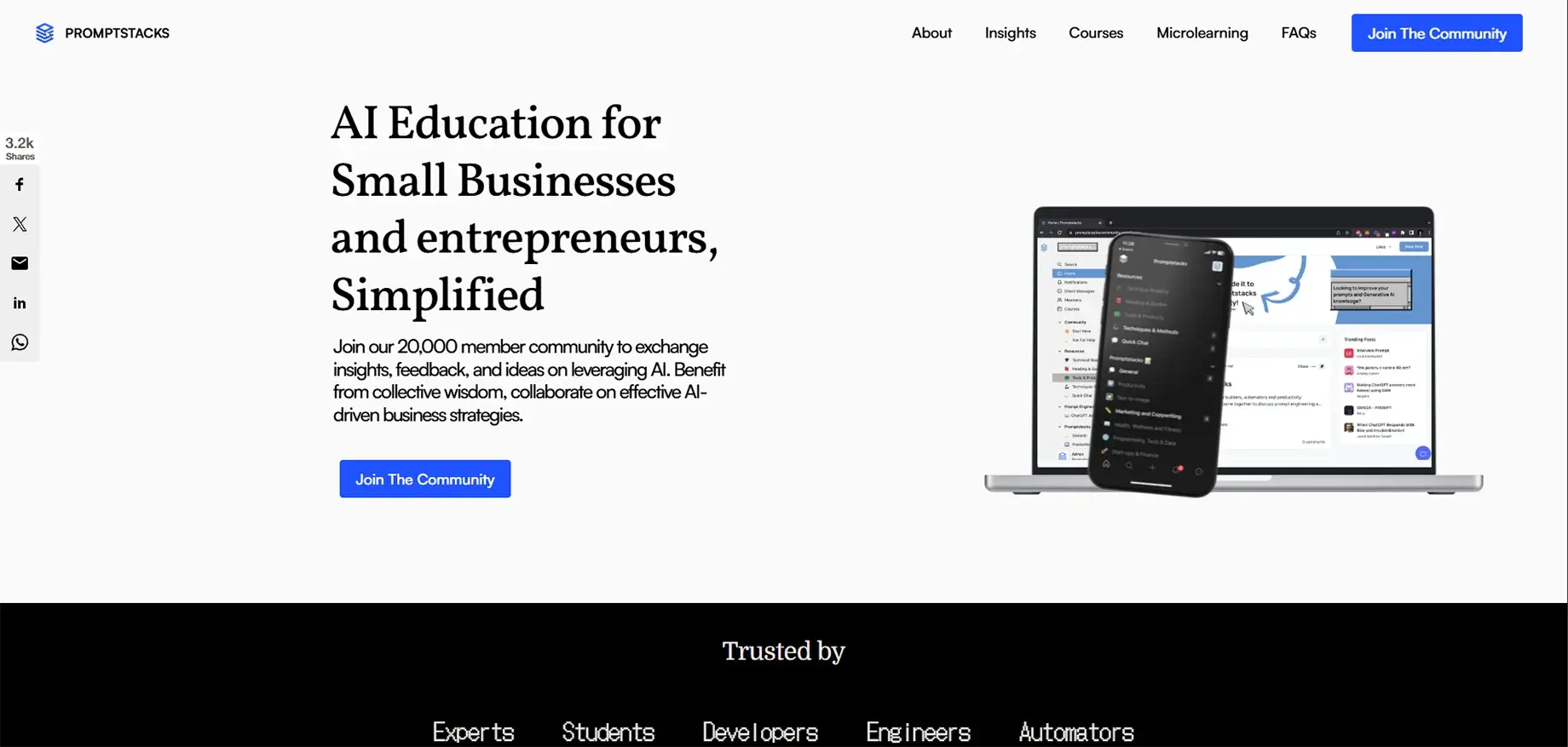
PromptStacks is a no-cost assembly of over 19,000 members where individuals are learning about AI collectively. It is not merely a device but rather a site wherein tried and tested prompts can be found, methods can be exchanged, and the most recent AI news can be followed.
Key Features
- Free prompt library: Curated collection of tested ChatGPT prompts
- Active Discord community: Connect with other prompt engineers
- Categorized prompts: Organized by use case (tech, marketing, startups, productivity)
- Community sharing: Members contribute their best prompts
- Regular updates: New prompts added by the community
- Learning resources: Tips, tricks, and techniques shared freely
Pros
- Totally free
- Frequent comments of support
- Great for starters needing orientation
- Fresh content from active subscribers
- Can ask and have an answer.
Cons
- The prompt library is smaller when compared to the paid platforms
- The quality control is not constant because it is community-contributed
- It is not as organized as the commercial platforms
- No advanced features like version control are available
7. Imagifly
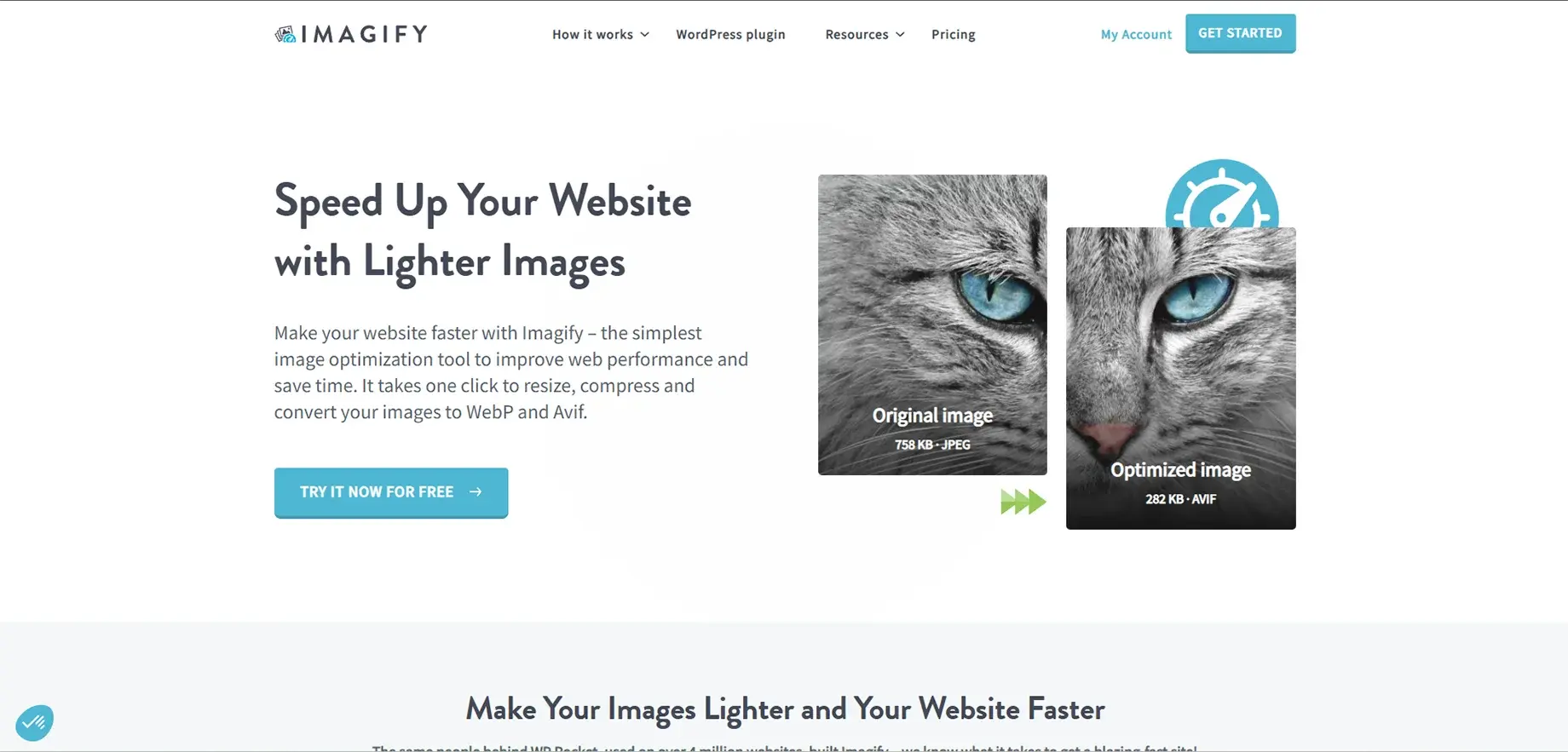
Imagifly, by categorizing keywords and prompt components, brings down the complexity of AI image production and offers a user-friendly system of his/her choice. It has become a favorite among artists, designers, and anyone who produces images with Midjourney, DALL-E, or similar devices.
Key Features
- Keyword library: Systematic collection of styles, themes, and modifiers
- Prompt builder: A user-friendly interface for prompt creation through drag-and-drop
- Saved prompts: A Storage place for your favorite combinations, like a library
- Category organization: Keyword sorting enabling quick and easy finding
- Design software styles: Incorporates descriptors for Photoshop, Blender, and Cinema4D effects
- Template system: Prompt templates that can be reused
Pros
- Crushes confusion and builds ease inside a complex prompt
- Great article for the imaginative typ
- Saved time with tidy sets of keywords
- Mid-level perfection is where I place this one
- Learn effective prompt structures by example
Cons
- Primarily centered around image creation
- Constricted only to visual AI instruments
- Not encompassing real AI generation
- Possibly not encompassing every potential keyword
8. ClipDrop
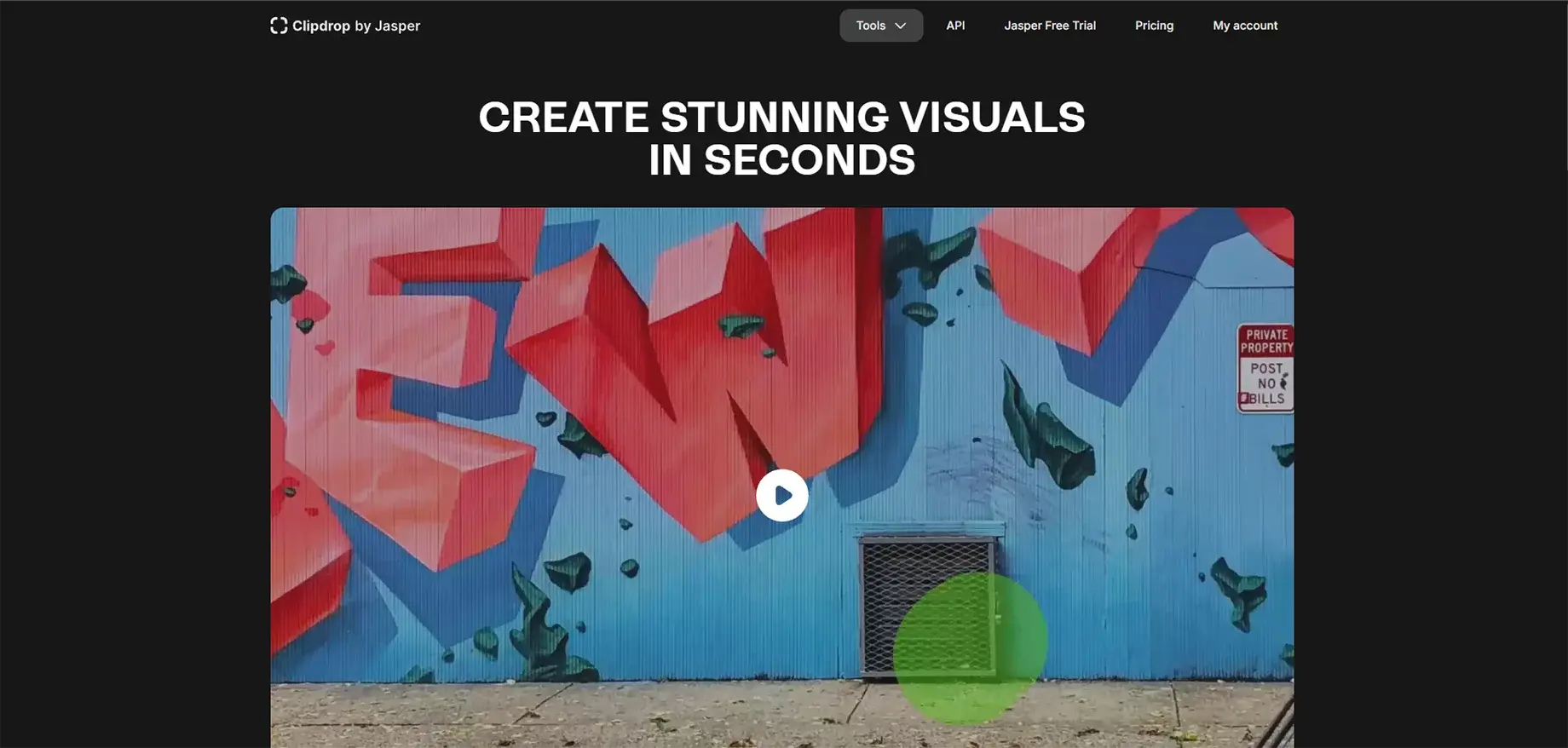
ClipDrop is an impressive AI image editing suite that does not stop at applying basic filters. The technology is supported by Stability AI, and it brings along such professional-grade tools as background removal, object clean-up, image upscaling, and even text-to-image generation, to cite a few.
Key Features
- Background remover: Backgrounds are removed, and subjects stand standout with unbelievable precision.
- Cleanup tool: Obsolete things, individuals, or words are taken out in an automatic process.
- Image upscaler: The resolution is increased to 2x or 4x.
- Relight: Images are AI-assisted lighting adjusted.
- Text to image: Use Stable Diffusion to create images from texts.
- Uncrop: Images are extended past their limits.
- API access: Connect to your own software.
- Cross-platform: Applications are available for web, mobile, and desktop
Pros
- Full capacity
- Math apps that come bundled in one platform
- High-speed processing
- Funding to run some analysis
- Product portfolio and product photo-focused, the post can contain a given one.
Cons
- Some advanced features are only available to paid users.
- The free tier has a limitation in terms of image resolution.
- It is not mainly a prompt tool (focus is on editing).
- Customer support may take time to respond.
9. Prompt Hunt
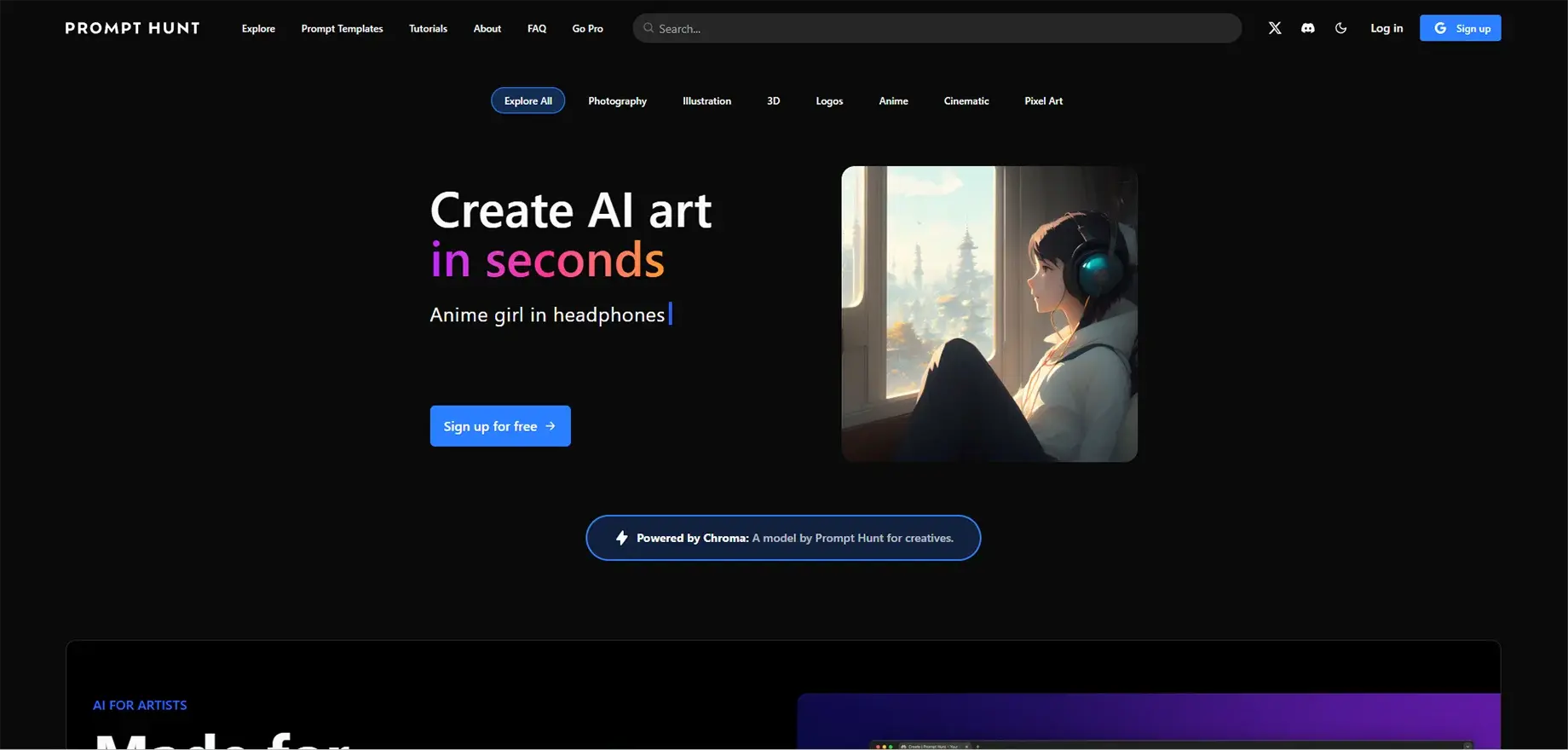
Prompt Hunt is a super-friendly tool to make AI art creation using pre-made templates and styles. It is mainly aimed at artists who want to get amazing visuals without having to deal with complex technology, and in addition to that, it comes with its own AI model called Chroma for great image production.
Key Features
- Drag-and-drop creation: Visually select styles and themes
- Chroma AI model: Superior image generation with great control.
- Template library: Store and distribute prompt templates.
- Privacy mode: Make your work private until you are ready to share it.
- Multiple AI models: Support for Stable Diffusion, DALL-E, and Midjourney.
- Community feed: Discover the creations of others.
- Prompt templates: Consistent assets, ready-to-use designs.
Pros
- Suitable for beginners
- Nicely designed software
- Good for Community building
- Templates increase productivity
- Options are expensive
Cons
- Its constraints are, for the most part, about resolutions limited to 512x512.
- Restricted to image models.
- Some AI models have constraints.
10. eCommerce Prompts
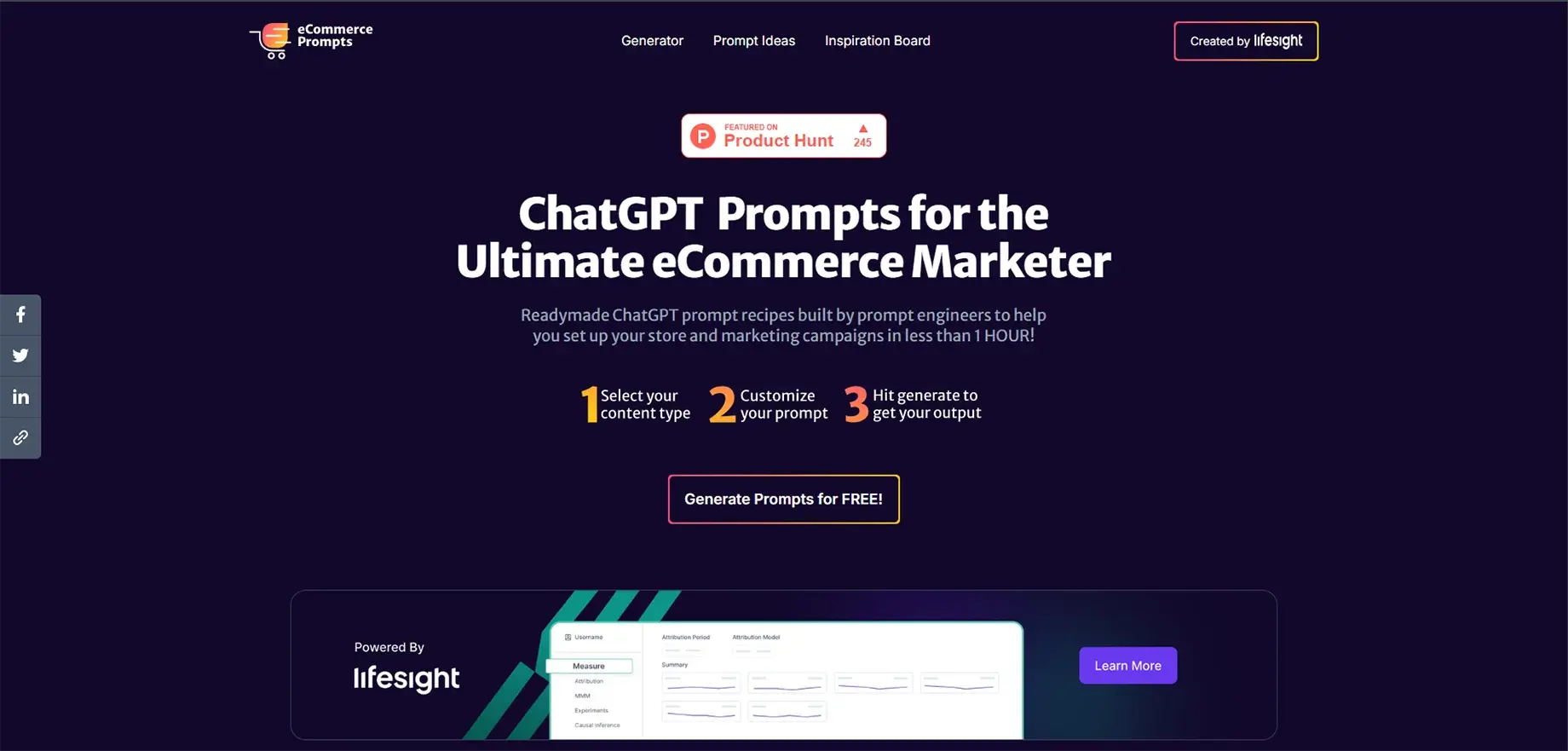
eCommerce Prompts is a dedicated instrument for online shop proprietors. It contains over 2 million pre-prompts and a custom prompt maker, all designed for e-commerce, and allows you to produce a wide range of items from product descriptions to marketing strategies.
Key Features
- Over two million prompts: Huge collection directed to e-commerce requirements
- Prompt maker: Generate personalized prompts for particular applications
- Sector-oriented: Classified by e-commerce sector and industry
- Main page titles: Produce headlines that attract attention
- Electronic marketing: Generate emails that are focused on conversion and are part of the whole campaign
- Product copywriting: Seductive words that increase sales
- Marketing strategies: Complete prompts for every campaign
- Branding strategies: Various marketing models are provided
Pros
- Extremely specialized for e-commerce
- User-friendly interface
- Excellent for retailers who have no marketing background
- Encompasses the complete sales funnel
- No cost to use
Cons
- Limited to e-commerce use cases
- Static one-page website design
- Less useful for other industries
- No community features
Conclusion
Not only have prompt engineering tools made it possible for everybody to use AI, regardless of their skills, but they have also helped to make the technology easier to comprehend. One way or another, there is a tool for every beginner, creator, developer, and business owner that will support the accomplishment of their goals and assist them in working more efficiently.
The fastest and easiest way to grow is to start with one tool, learn its features, and improve your skills by practice.
FAQs
1. Do I need coding skills?
No, most tools don’t require coding. Platforms like God of Prompt, PromptStacks, and Imagifly are built for non-technical users. Even Replicate provides simple examples for beginners.
2. Are these tools free?
Some are free, like PromptStacks, while others use freemium plans. God of Prompt offers both one-time and subscription pricing, and PromptBase charges per prompt. Almost all provide free trials.
3. Best tool for beginners?
God of Prompt and PromptStacks are ideal starting points. They offer structured libraries and strong communities. For image creators, Prompt Hunt is the easiest option.
4. Do they work with any AI model?
Most prompt libraries support multiple models like ChatGPT, Claude, and Gemini. Image tools such as Imagifly and Prompt Hunt are designed for visual models like Midjourney and DALL-E.
5. How much time can they save?
Many users save hours each week. God of Prompt users often save up to 20 hours by using ready-made templates instead of writing prompts from scratch.
6. Can I make money with prompt engineering?
Yes, PromptBase lets you sell prompts and earn 80% per sale. Many creators make passive income by selling prompt packs or offering custom prompts.
7. Difference between the prompt library and the generator?
A prompt library gives you ready-made prompts to use or edit. A prompt generator creates customized prompts based on your inputs for unique tasks.
8. Do they support other languages?
Most tools mainly focus on English, but many AI models support multiple languages. Some platforms offer partial multilingual support, and you can always translate prompts manually.
9. How to know if a prompt will work?
Marketplaces like PromptBase show reviews, ratings, and sample outputs. Libraries also include descriptions. Testing on a small scale is the safest approach.

