
Table Of Contents
Top 13 AI Project Management Tools in 2026
Published on : Jul 31 2025

In 2026 AI has completely revolutionized project management. Teams are now equipped with smart instruments that not only facilitate the flow of work but also enhance the output and, consequently, the speed of project delivery.
Gartner predicts that by 2030, AI will apply machine learning and NLP to take over 80% of the workload in traditional project management which, however, is already a small step into that future.
This change is not merely a replacement of one method with another; it is a total change of direction in the way teams think, communicate, and well, basically, do the work.
In order to prepare the reader to such an extent, I have personally gone through the best AI project management platforms looking out for features such as task automation, risk prediction, resource optimization, and alignment of teams for focus on strategy rather than admin work.
Where AI fits into Project Management?
AI has the potential to act as a force multiplier in project management, which enhances the capabilities of people rather than replacing them. Project managers will increasingly spend their time focused on coaching and managing stakeholders instead of administrative tasks and manual operations with a virtual project assistant. AI adds automation to low-value, high time-consuming bits of project management and can provide intelligent insights to support project managers in making informed decisions.
AI's capability permeates across many sides of project management, from automated task scheduling, predictive risk, optimizing resources, and live tracking. In modern AI systems, the power to cut through large amounts of project data and distill it down to usable patterns and predict bottlenecks, and allocate resources has a significant impact on project managers.
The Impact of AI on Project Management
AI has the potential to impact project management in several ways. Predictive analytics are foundational to project forecasting, with project managers able to provide realistic timelines, anticipate bottlenecks, and produce budget estimates. The ability to anticipate problems provides proactive payroll management rather than reactive.
AI-powered tools also have the potential to change other key facets of project management. Intelligent automation can take care of routine tasks (like time tracking, status updates, and basic reporting) while natural language processing allows teams to engage more fluently with project management systems through conversational interfaces, to make project-based data and outputs more widely accessible to all team members.
Machine learning algorithms can clarify and refine project predictions by using historical data/data patterns from previous and current projects, providing better and better estimates for timelines, budgets, and risk assessments, which can help project managers make more informed, confident decisions.
Benefits of Using AI in Project Management
AI integration into project management workflows will provide many concrete and specific benefits that have a direct effect on project success rates and enhance the overall productivity of the project team. There are plenty of additional benefits of AI in project management, too! Below you find a summary of the main benefits of AI in project management:
Enhanced efficiency and time savings on administration are time and energy you do not have to spend managing the project team.
Enhanced Efficiency & Productivity: The automation of monotonous tasks such as status updates, progress updates and basic reporting. This releases time that teams can spend on strategic initiatives. From doing this teams automatically save time completing administration tasks and can spend time on creative problem solving and other value-added activities, rather than spending too much time on administration.
Improve Predictive Analytics & Risk Management: Many AI systems can scour and deeply analyze historical project data looking for potential risks. The AI confidence monitoring allows you to take mitigative actions long before a risk become critical. It releases time spent on administration (and wasted time), to help mitigating project delays and cost overruns.
Enhanced intelligent resource allocation: AI resources will; intelligently help project managers optimize team productivity; optimized time spent to relieve stress on individual team members; deliver a timely completion which meets promised success outcomes, program delights stakeholder requirements - on-time, within the budget, with delighted users and satisfied stakeholders; and optimises continuous project learnings. AI algorithms will learn about the engagements of each of the team members (skill level, availability and desirable drive to commitment), using that information to generate a recommendation for allocating tasks.
Real-time Insights and Decision Support: Using AI-empowered dashboards offer real-time insights into projects and spot critical path activities, resource limitations, and feasibility metrics which supports data-driven decisions throughout a project lifecycle.
Improved Communication and Collaboration: AI assistants with the ability to produce meeting minutes, actions, and progress reports can keep all the team, and stakeholders aware of project goals, tasks, and outcomes.
Best AI Tools for Project Management
1. Asana - Best for AI Task Management
Asana has become the leader in AI-powered task management software with intelligent automation and task management that automates entire project workflows. Their capabilities revolve around task prioritization, deadline management, and workload management.
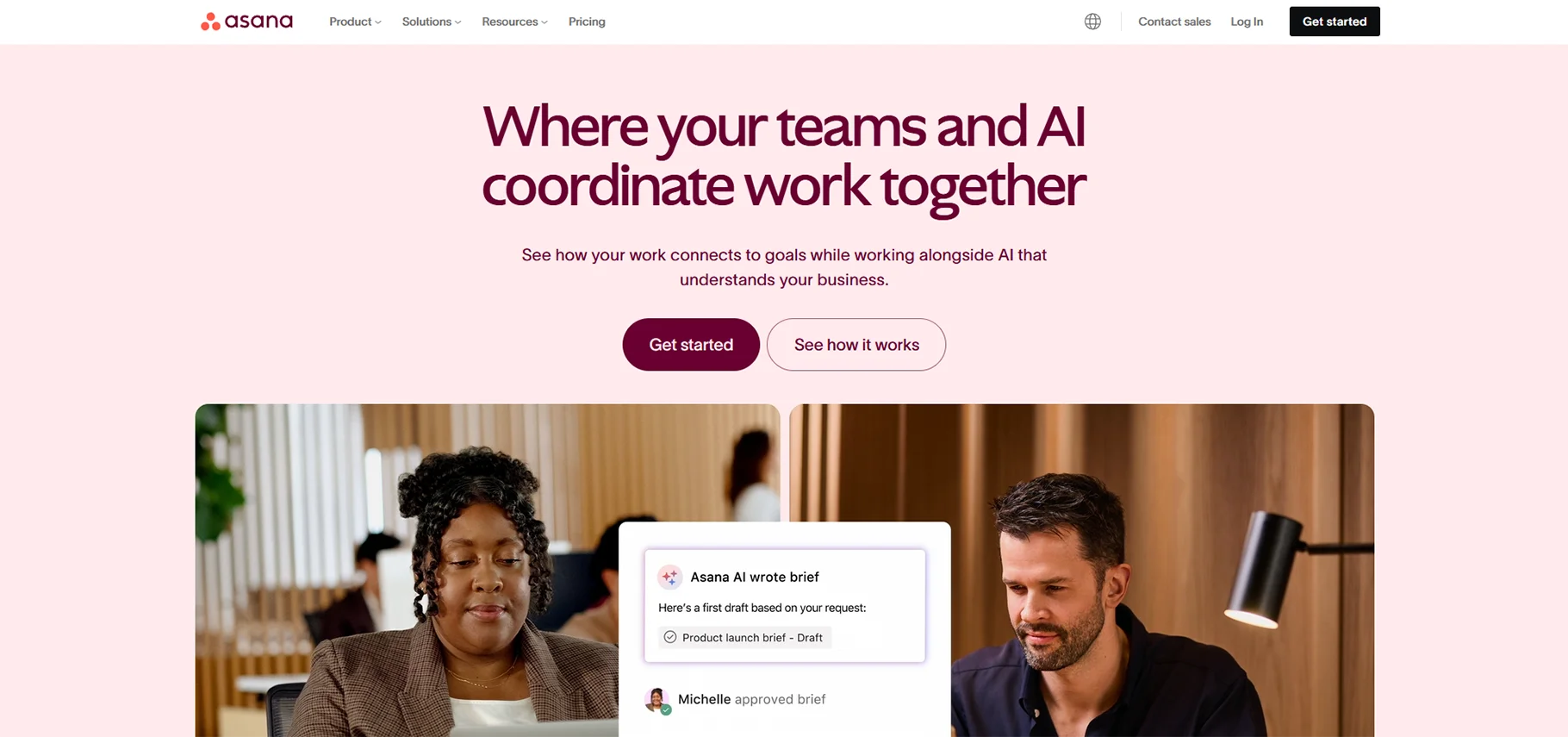
How Asana Supported My Project Management: Asana's AI assistant has been able to assist me with prioritizing tasks based on project deadlines, team capacity, and task dependencies. I found the machine learning features around task assignments and timeline changes especially useful for managing multifaceted projects with multiple stakeholders.
Favourite AI Features
- Smart task suggestions that consider project context
- Automated project context and status updates
- AI-powered workload and capacity management
- Smart project timeline adjustments
- Natural language task creation and editing
Pricing: Free for teams with up to 15 members. Premium pricing starts at $10.99 per user/month.
Best For: Teams looking for end-to-end, fully effort, and AI-powered task management for collaborative teams with plenty of integration options.
2. ClickUp - Best for AI Knowledge Management
ClickUp biggest strength is its knowledge management capabilities powered by AI, which help teams structure, filter, and access project information. No other project management app does a better job of processing project data into useful project information and insights than ClickUp.
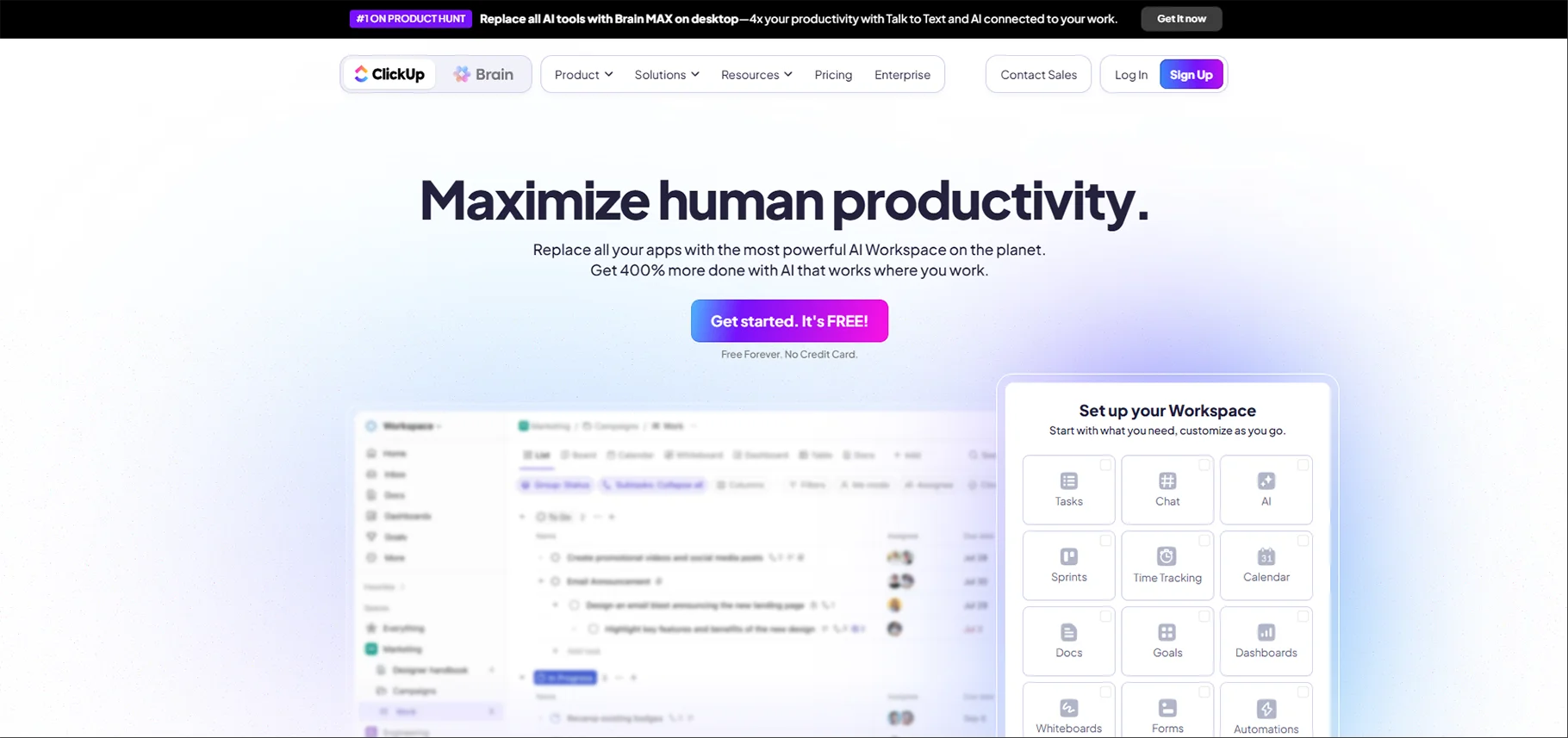
How ClickUp Supported My Project Management
ClickUp's AI assistant has changed how teams manage project documentation and collective knowledge sharing by structuring project information in a way that makes it easy to access, suggesting documents related to project tasks, and providing intelligent summaries of project activities.
Favourite AI features
- AI-based document and task searching
- Project summaries and reports automatically generated
- Smart templates based on selection
- An AI writing assistant that supports documenting projects
- Smart goals with visual analytics to track goal achievement
Pricing: Free plan; Unlimited plan starts at $7 per user per month
Ideal for: Teams managing significant project documentation and need intelligen,t informative organization and retrieval capabilities.
3. Monday.com - Best For Customizable Project Workflows
Monday.com is the best solution for AI-powered customizable workflows because it enables teams to develop intelligent projects with adaptable project workflows. Monday.com's AI use case relies solely on optimized workflows and predictive project management.
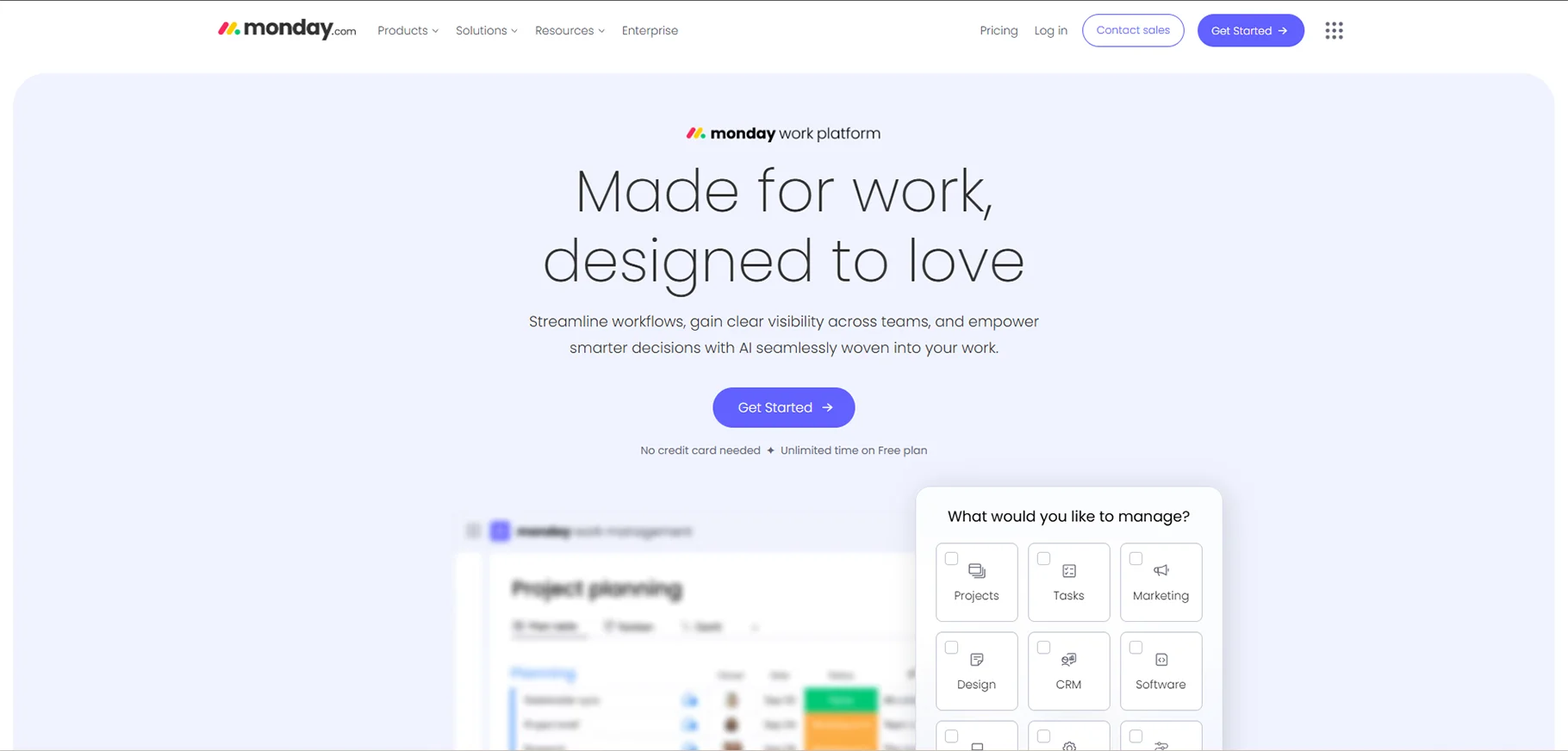
How monday.com supported my project management:
I was able to use monday.com's AI agent to assist me to develop custom workflows that match project needs. Also monday.com's predictive analytics helped me to see potential bottlenecks in workflows before they impacted project delivery.
Favourite AI features
- AI powered workflow builder and optimization
- Predictive project analytics and forecasting
- Automated status updates and alerts
- Intelligent resource planning and allocation
- Custom AI powered project dashboards
Pricing: Basic plan $8 per user per month; Standard plan $10 per user per month
Best For: Organizations looking for highly customizable project workflows using AI powered optimization and predictive workflow.
4. Trello - Perfect for Simple Project Visualization
As Trello updates its platform, the new AI features are designed to make project visualization easier while keeping the user experience as straightforward as can be. It provides suggestions for organizing boards in a more effective manner and provides recommendations for structuring projects.
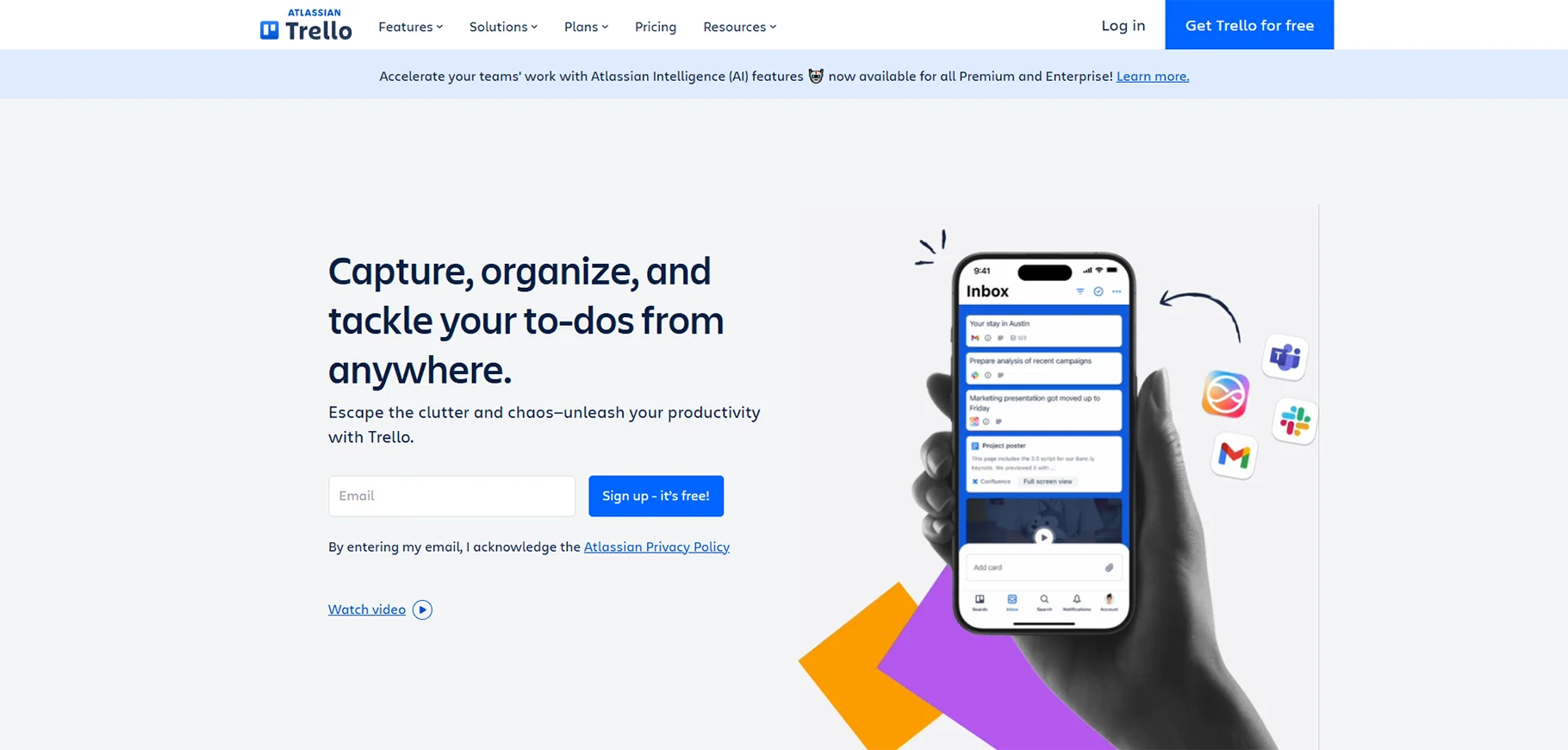
How Trello Changed My Project Management Experience
While Trello has AI tools, it is an existing Kanban style process that benefits from the AI features in several ways. It recommends moving cards when the user forgets a next step, it identifies bottlenecks in the workflows, and it provides intuitive project-based insights without being overly simplified.
Favourite AI Features
- Smart Board Organization and card suggestions
- AI supported project-based templates and set up
- Automated recommended due date and suggested priority
- Intelligent workflow and analytics
- Collaboration features improved with AI
Pricing: Free plan available; standard plan starts at $5 per user per month
Best For: Good for small teams and individuals when you want a simple visual project management tool that has some AI features but does not overwhelm the user with AI.
5. Basecamp - Best for AI Optimized Team Communication
Basecamp leverages AI to improve team communication and view you the project relationship that a team develops, ultimately solving the silo problem and helping your collaboration flow more smoothly.
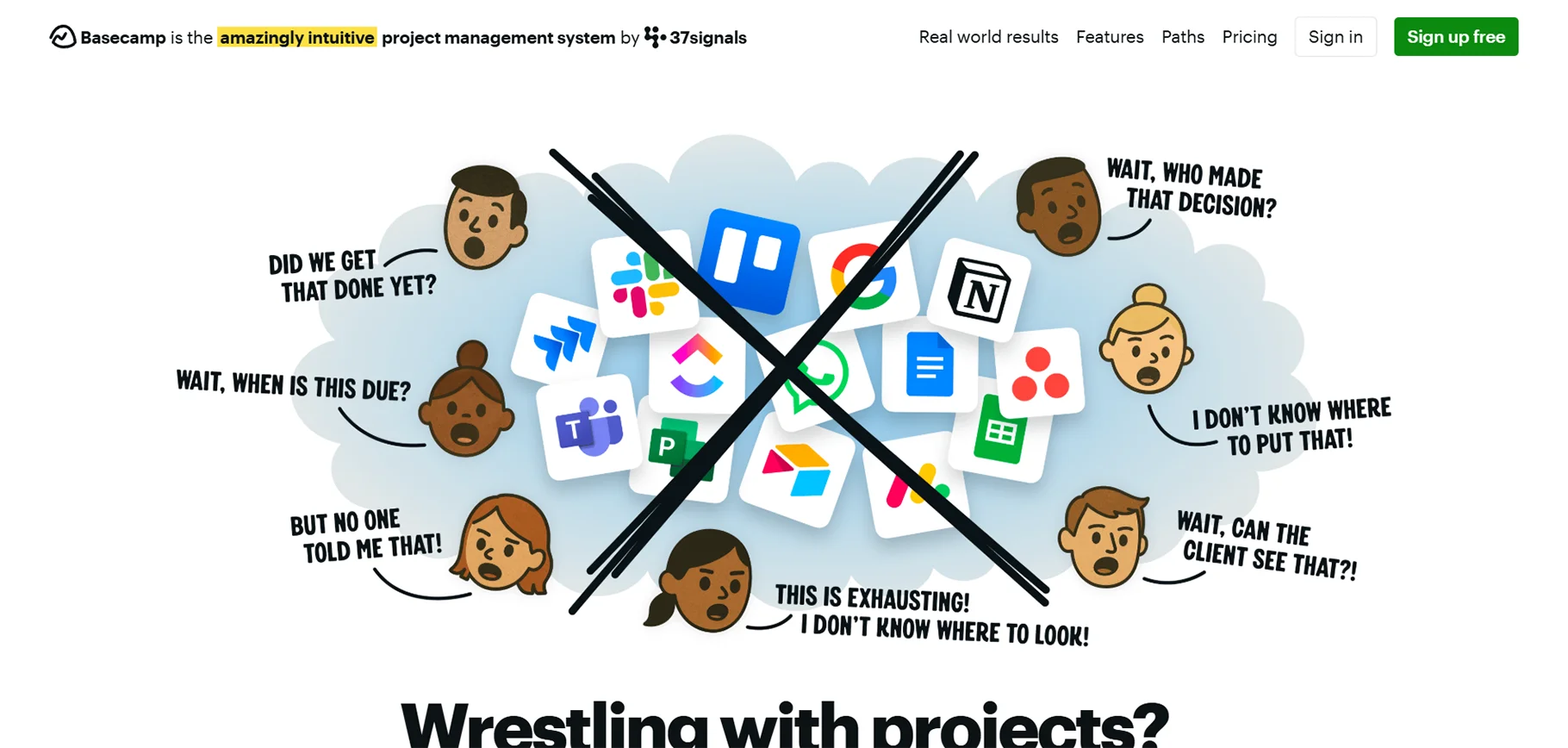
What I Learnt watching Basecamp's Support my Project Management:
Basecamp's AI features improve team communication, it gives a summary of discussion points, highlights important decisions and helps make sure useful information is not lost in project conversations.
Most liked AI features:
- AI powered message & discussion summaries
- Intelligent notification management
- Automated project check-ins and updates
- Smart file organisation and search
- AI tools for working with your clients.
Cost: $99 per month and unlimited users.
Best for: Teams who need to focus on communication and collaboration, and who want AI-enabled management of information.
Also read this article: Best AI tools for social media management in 2026
6. Motion - Top AI-based Task Scheduling
Motion is designed for the future of project management, built to use AI-first project management tools that automatically assign, schedule and optimize team calendars with sophisticated AI algorithms for maximum productivity.
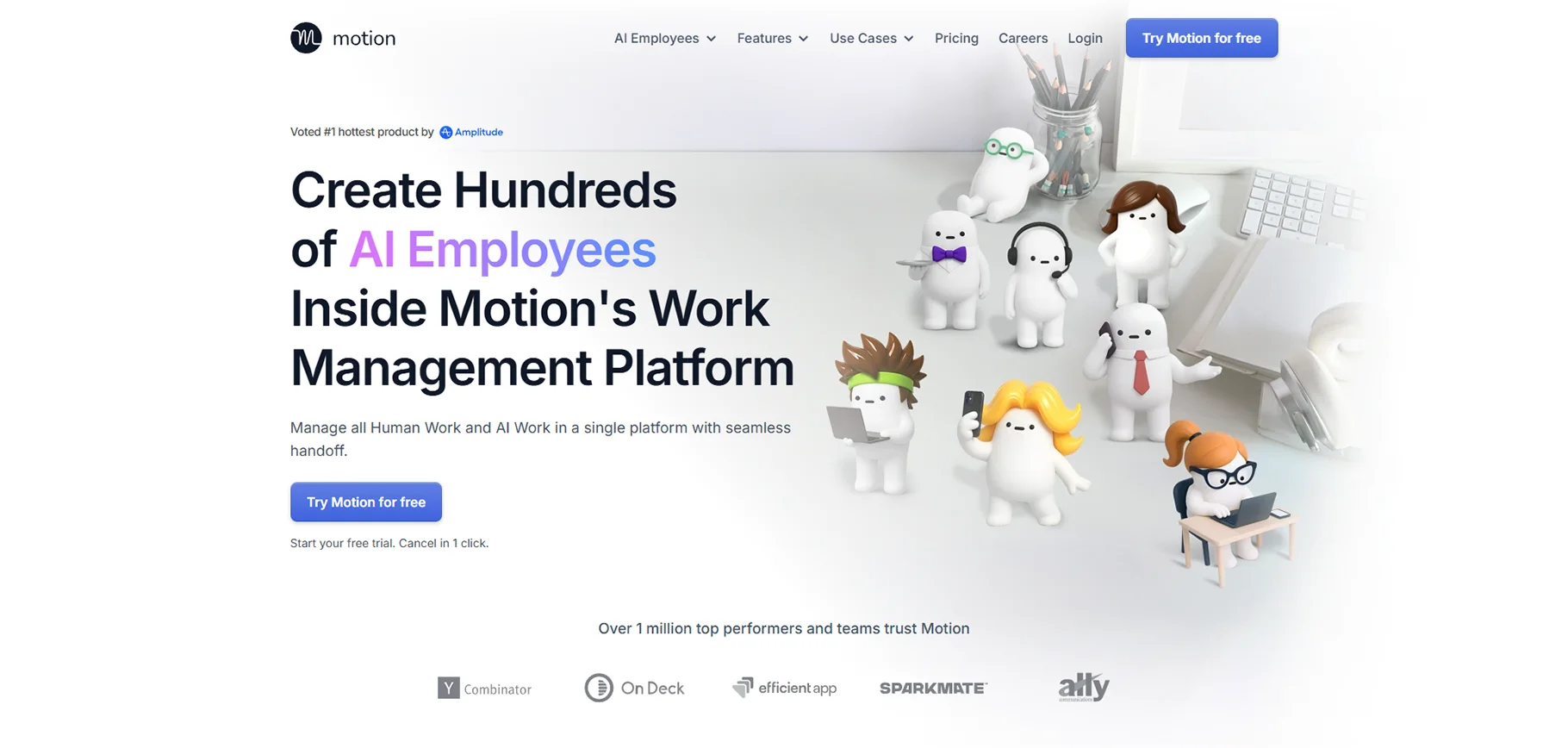
My Experience with Motion in Project Management
Motion's AI scheduling engine takes the complexity of planning a new task away from the manual work. It automatically sequenced all my tasks according to priority, deadlines, and team response time to create the best possible schedule for my days.
Favourite AI Features
- Fully automated task scheduling and calendar optimization
- AI task sorting according to importance
- Automatic reminders and due date management
- Dynamic calendar and schedule updates based on daily occurrences
- Predictive capacity planning
Pricing: Starting at $19 per user per month
Best for: Busy professionals and teams who want the AI to automate all scheduling and planning of tasks.
7. OneCal - Best for AI-Powered Meeting Scheduling
OneCal focuses on meeting and calendar management using AI-based coordination, integrated into project management workflows.
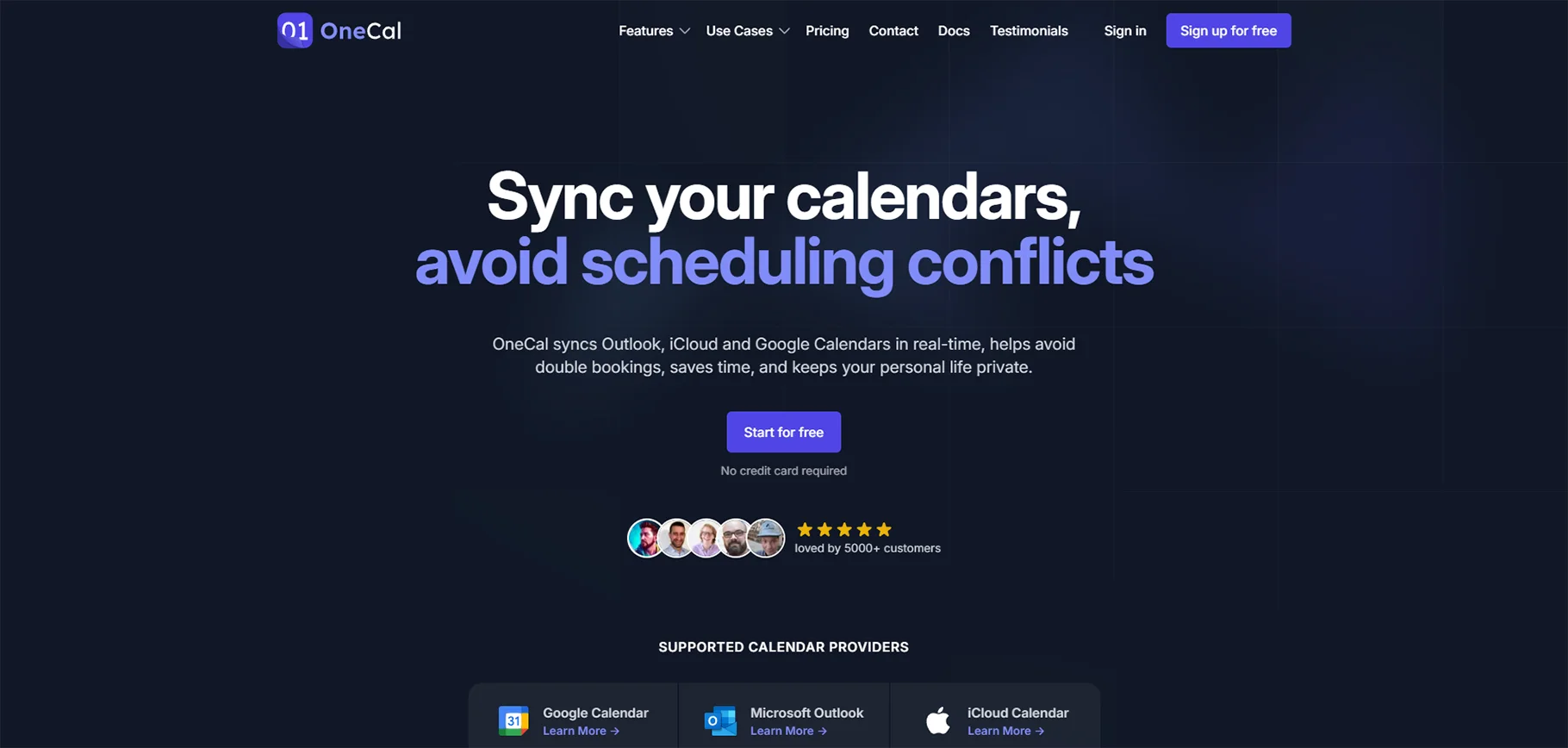
How OneCal Assisted Me With Project Management:
OneCal's AI is great at alleviating scheduling issues and optimising meeting times when working across time zones. I can be confident meetings are being scheduled with minimal coordination backwards and forwards, in different time zones.
Favourite AI Features:
- AI-powered optimised meeting scheduling
- Smart calendar integration that will locate and resolve conflicts
- Automated meeting calling preparations, discussing agenda items, navigating facilities, and automated follow-ups and next steps
- Intelligent management of time zones
- Meeting analytics powered by AI
Pricing: Free plan available; Premium features begin at $8 per month
Best For: Distributed teams needing an intelligent meeting coordination and calendar management tool to be integrated with project workflows.
8. Taskade - Best Free AI Project Management Tool for Individuals
Taskade has excellent AI capabilities in its free tier, making it ideal for individuals and teams with one to four members taking the first steps into AI project management.
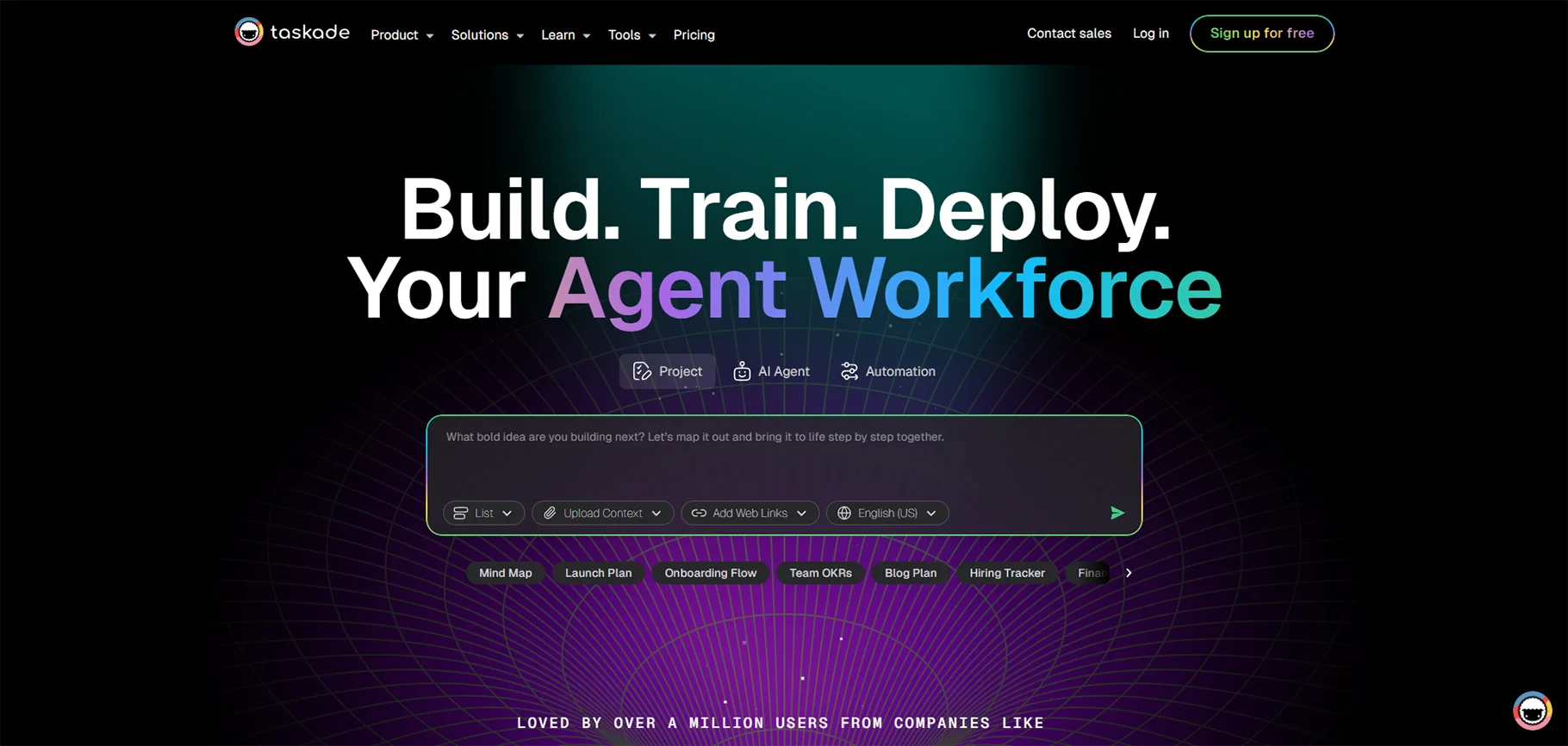
How Taskade Supported My Project Management:
Taskade uses AI to help structure projects, make task lists, and suggest intelligent ways to organize the project, all of which is included in their generous free plan.
Favourite AI features:
- AI-based project templates and structure generation
- Intelligent task breakdown and organization
- AI writing assistant for project documentation
- Smart collaborative editing, suggestions, and completion
- Automated project progress tracking
Pricing: Free plan with AI features; Pro plan starts at $8 per user/month
Best For: Individual users and small teams wanting complete AI project management features at no cost.
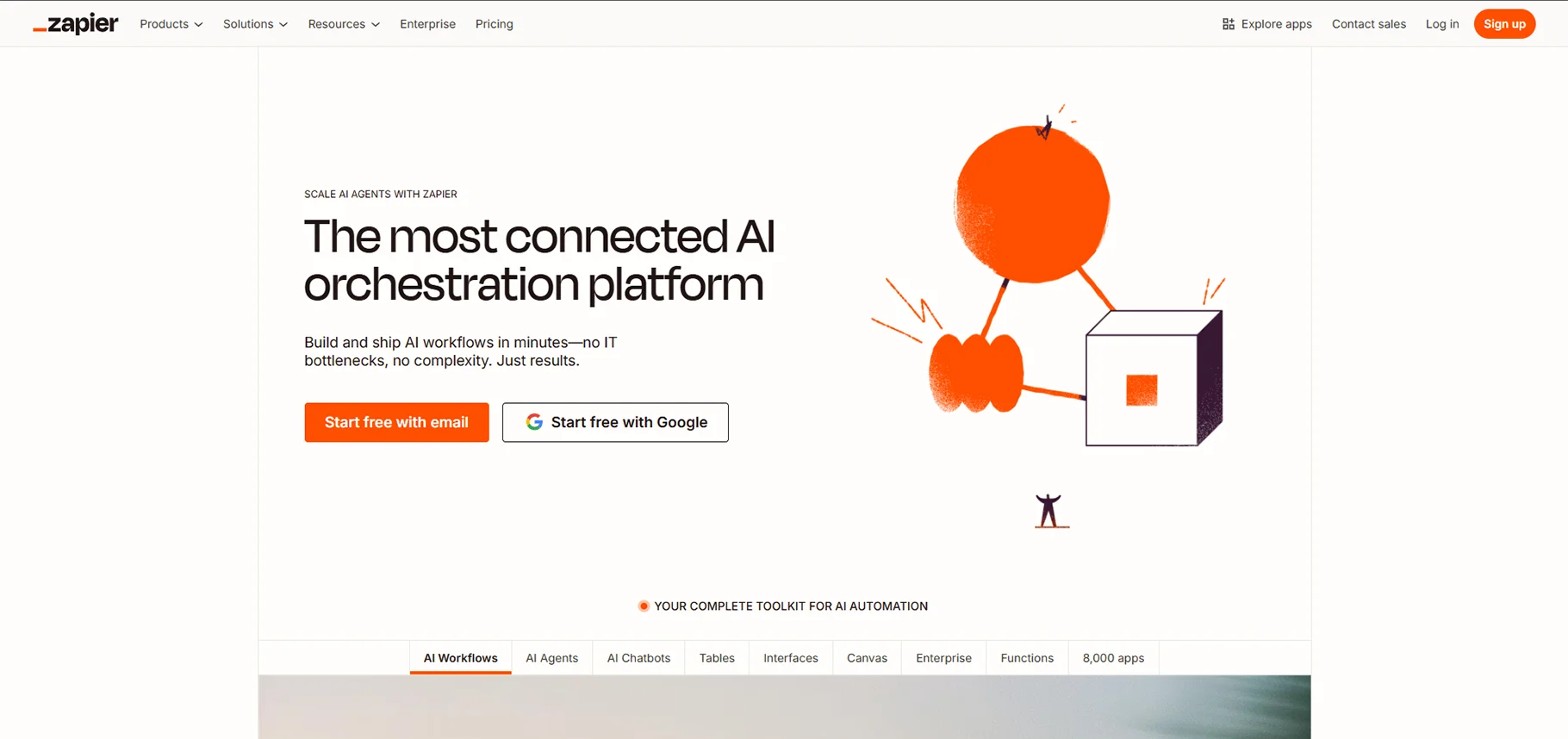
9. Zapier - Great for Automating Workflows
Zapier has AI-powered automation capabilities that connect project management tools with hundreds of other applications to create smart workflow automation that adapts to team preferences.
How Zapier Aided My Project Management:
Zapier AI creates complex automation workflows to connect project management platforms with other business tools. Automating workflows reduces manual data entry across several platforms and ensures all systems are in sync with only one source of information.
Favourite AI Features
- AI-assisted suggestions for workflow automation
- Smart app integration and data mapping
- Automatic optimization of triggered automation
- Smart error handling and moving workflow to the next step
- AI-driven workflow analytics and optimization
Pricing: Offers a free plan; Starter plan starts at $19.99 monthly
Best For: Teams using multiple tools that need smart automation to be better connected to and optimize their project management ecosystem.
10. Ayanza – Best for AI-based Team Management
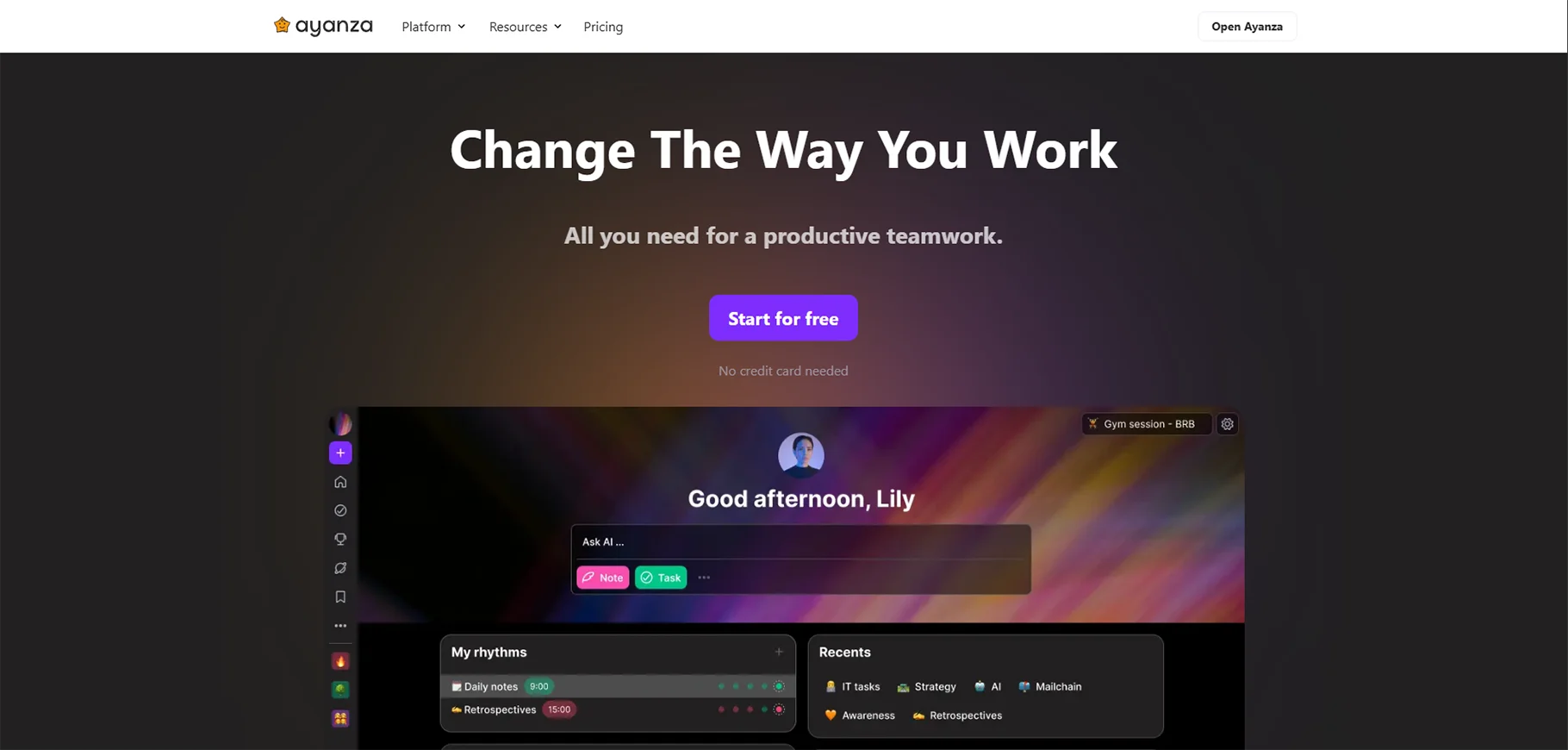
Ayanza focuses on AI-enabled team management, offering insights that improve an understanding of team performance, work distribution, and collaboration.
How Ayanza Supported my Project Management:
Ayanza's AI analyzes team behaviors and provides actionable insight to improve collaboration, identify burnout risks, and monitor team performance across projects.
Favourite AI Features
- AI-driven team performance analytics
- Smart workload balancing and distribution
- Automated team health monitoring
- Intelligent collaboration pattern monitoring
- AI-enhanced team communication analysis
Pricing: From $10 per user/month
Best for: Team leaders and managers who want to utilize AI-based insights in order to improve team performance and collaboration.
11. Height - Best in Class Autonomous Project Management
Height is the future of autonomous project management, leveraging AI for standard project management tasks while maintaining the least human involvement possible.
How Height Supported My Project Management:
Height’s AI takes autonomous action on task dependencies, updates project status, and adjusts timelines, based on real project changes and keeping me in a truly self-managing project environment.
Favourite AI-Fueled Features
- Truly fully autonomous task and project management
- AI-enabled project health monitoring
- Intelligent dependency management
- Fully automated status reporting and updating
- Predictive modeling of project outcomes based upon both achievable project opportunities and constraints
Pricing: Starting at $8 user / month
Best For: Teams looking for maximum automated project management with minimal direct involvement.
12. Wrike - Best for AI-Powered Risk Management
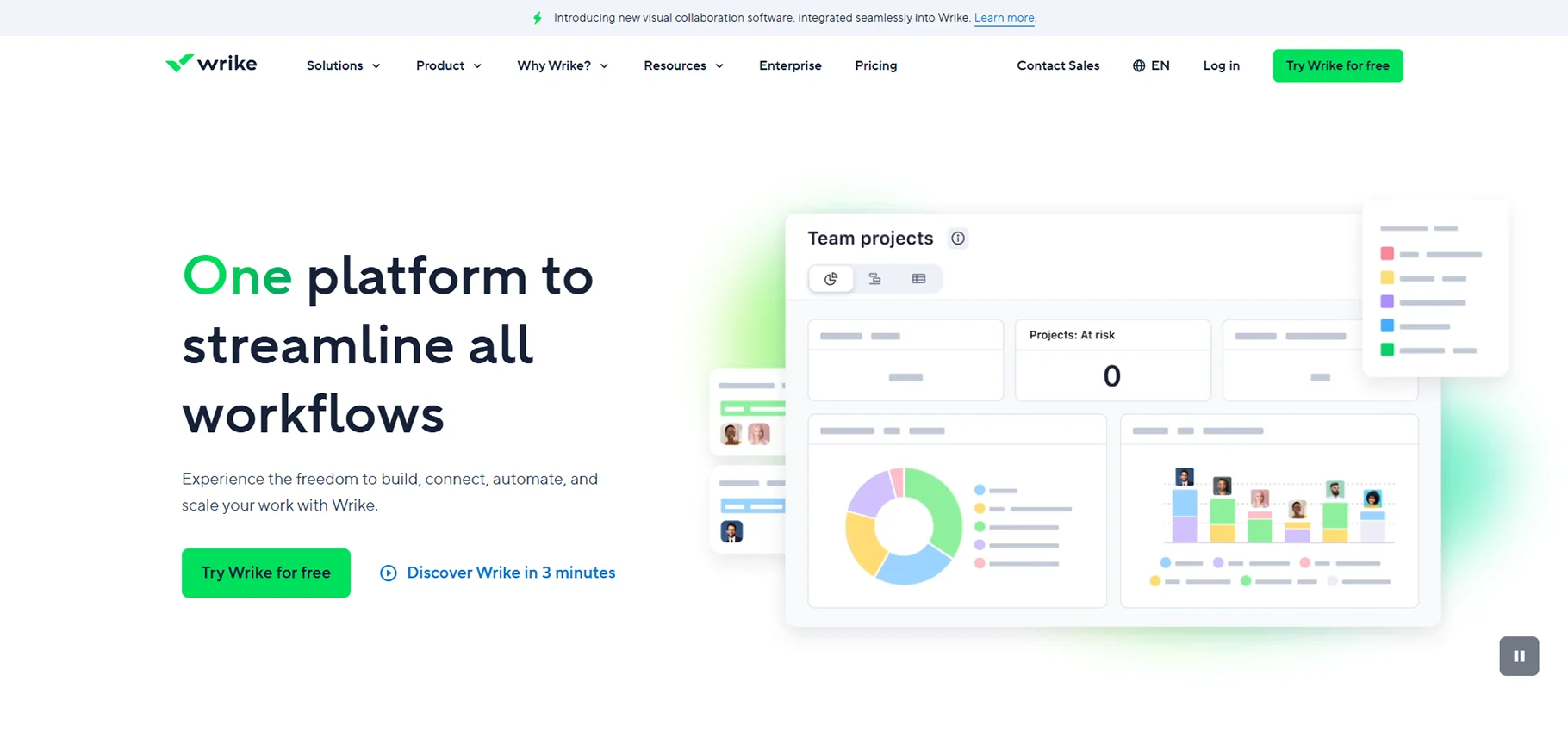
Wrike has some incredible AI-powered risk management features, boasting capabilities in advanced analytics and risk predictive capabilities to inform teams of risks within projects to help avoid working past rainy days (when it's too late to identify and mitigate project risk).
My Experience of How Wrike Supported My Project Management:
Wrike monitors project health and tackles issues proactively, suggesting mitigation strategies in real time that help reduce the potentially devastating impact that project risks can have on project failure rates.
Favourite AI Features
- Robust AI-powered risk prediction & analytics
- Smart project health monitoring and alerts
- Automated risk mitigation suggestions & triggers
- Predictive analytics to measure project outcomes with estimated risks
- AI-backed resource risk management
Pricing: Free plan available; Professional plan starting from $9.80 per user per month
Best For: Enterprise teams managing mega-projects with complex projects incorporating higher risk items needing advanced AI-powered risk management.
13. Forecast – Best AI Resource Management
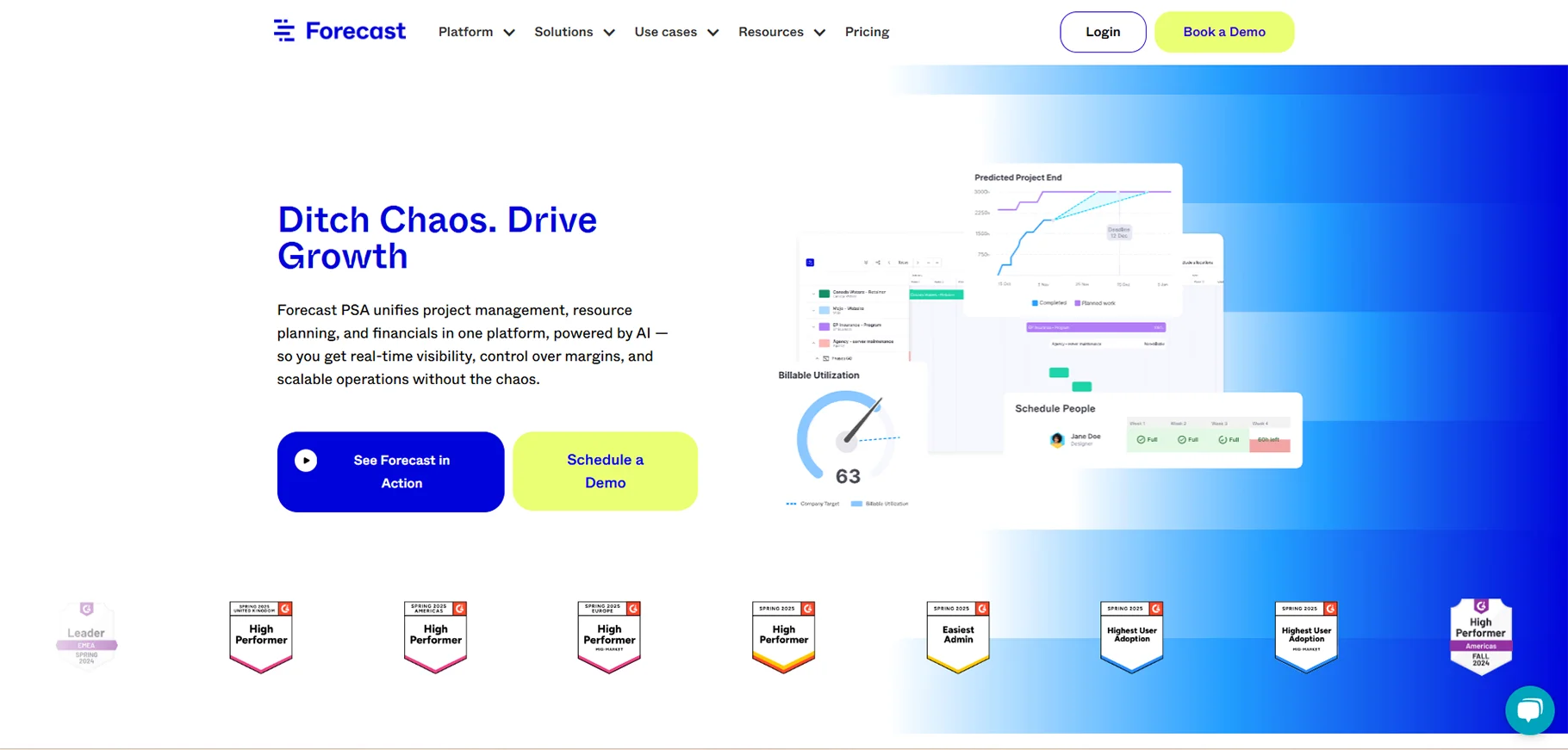
Forecast specializes in AI resource management with intelligent insights into resource allocation, capacity planning, and ideal team utilization - all to get the best project outcome.
How Forecast helped me in project management:
Forecast uses AI (and simple input) to manage resource allocation across multiple projects, predict resource conflicts, and recommend staffing decisions to provide the best results.
Favourite AI features
- Intelligent resource allocation and team optimization
- AI capacity planning and forecasting
- Ability to automatically recognize resource conflicts
- Smart matching of teams and skills to tasks
- Predictive dashboards and resource utilization
Pricing: Starting at $29 per user month
Best for: Organizations managing multiple projects with complex resource requirements looking for intelligent and advanced AI-based resource optimization.
Conclusion
AI is transforming project management by enhancing how teams plan, execute, and optimize their work. Though still emerging, AI-driven tools are rapidly evolving, with major improvements expected as investment in machine learning grows. In 2026 and beyond, AI tools can forecast timelines, budgets, and resources with greater accuracy using historical data.
From free solutions like Taskade to enterprise-level platforms like Forecast, there’s an AI project management tool for every team and budget. These tools offer features such as automation, predictive analytics, and smart collaboration to boost efficiency and reduce failure rates.
Choosing the right tool depends on your team’s needs-whether it's workflow automation, accurate forecasting, or intelligent resource planning. As AI continues to advance, expect even more powerful capabilities through natural language processing and autonomous project management features.
Teams that embrace these innovations will be well-positioned to succeed in fast-paced, competitive business environments.
FAQs
1: Are AI project management tools suited to small teams?
Yes, many AI project management tools are free or affordable for small teams. Taskade, Trello, and ClickUp are all project management tools with advanced AI features that will work for teams of any size.
2: Will AI replace project managers?
No, AI is built to augment and enhance project managers, not replace them. AI does all the mundane work and offers intelligent insights, freeing up project managers to focus on planning strategically, managing stakeholders, and solving problems creatively.
3: How can I pick the right AI project management tool for my team?
Look for your team size, budget, workflow needs, and the amount of AI automation you want to use. Start with free trials to experience each of the platforms and see how their AI features help with your project management.
4: How steep is the learning curve for AI project management tools?
The user interface of most modern AI project management tools makes the learning curve less steep. AI features have enough sophistication to work automatically in the background with little set up or training.

