
Table Of Contents
Top AI Tools For Generating Human Faces
Published on : Aug 20 2024

Artificial Intelligence, or AI, has made big leaps lately, especially in creating images. A super interesting use is making human faces. This tech uses deep learning and web-like networks to make very lifelike human faces from nothing. They can look so real, you would think they were actual photos. In this blog, we will check out some of the best AI tools for making human faces, how they work, and what they can do.
1. SwapFans
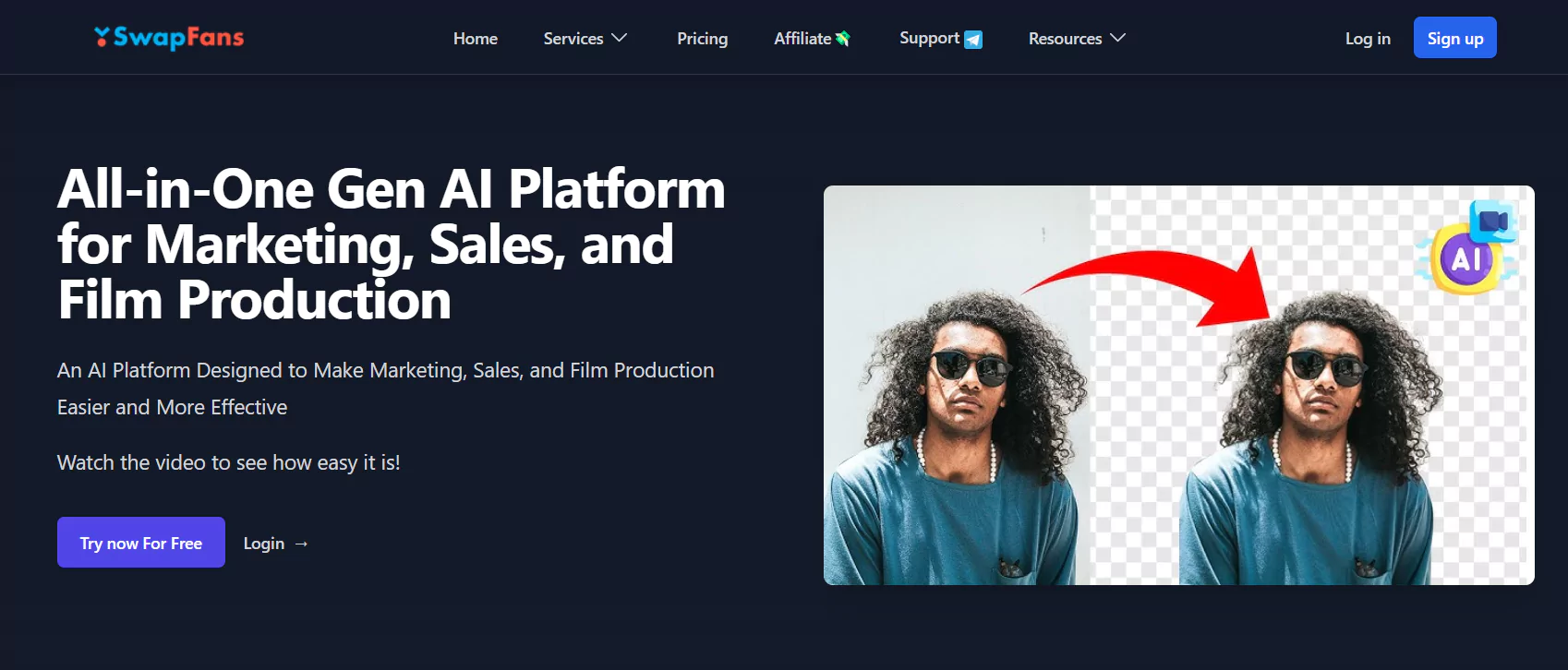
Swapfans AI lets users easily swap faces in videos and images, offering fast and high-quality results. It's popular for video editing, marketing, and creative projects.
Key Features:
- Face Swapping: Quickly swap faces in videos or images with AI for a smooth, realistic look.
- Background Changing: Instantly change or remove backgrounds to improve your visuals.
- Professional Results: AI delivers high-quality, seamless edits.
- Supports Multiple Formats: Works with different video and image formats for added flexibility.
Uses:
- Flexible Editing: The tool offers a range of options, including background removal and AI-generated images, to suit various creative needs.
- Quick Results: The tool processes fast, allowing users to complete their work efficiently without delays.
- Easy to Use: Swapfans AI has a simple interface, making it beginner-friendly and perfect for quick edits.
2. DeepFake
DeepFake is a free tool primarily for making deepfakes. Yet does more; it is an expert at creating strikingly real human faces using smart learning systems.
Key Features:
- Face Swapping: It allows you to replace faces in pictures and videos with superb accuracy.
- Flexible Customizability: You can tweak model settings to perfect the face generation. Multi-Face Support handles more than one face in a photo or video frame.
- Authentic Portrayal: It uses advanced learning networks to make believable faces.
Uses:
- Showbiz: It's a star in cinema and TV for creating special effects.
- Content Creation: A real helper for YouTubers and social media creators to make captivating content.
- Study: Used in scholarly research in computer vision and AI.
3. FaceApp
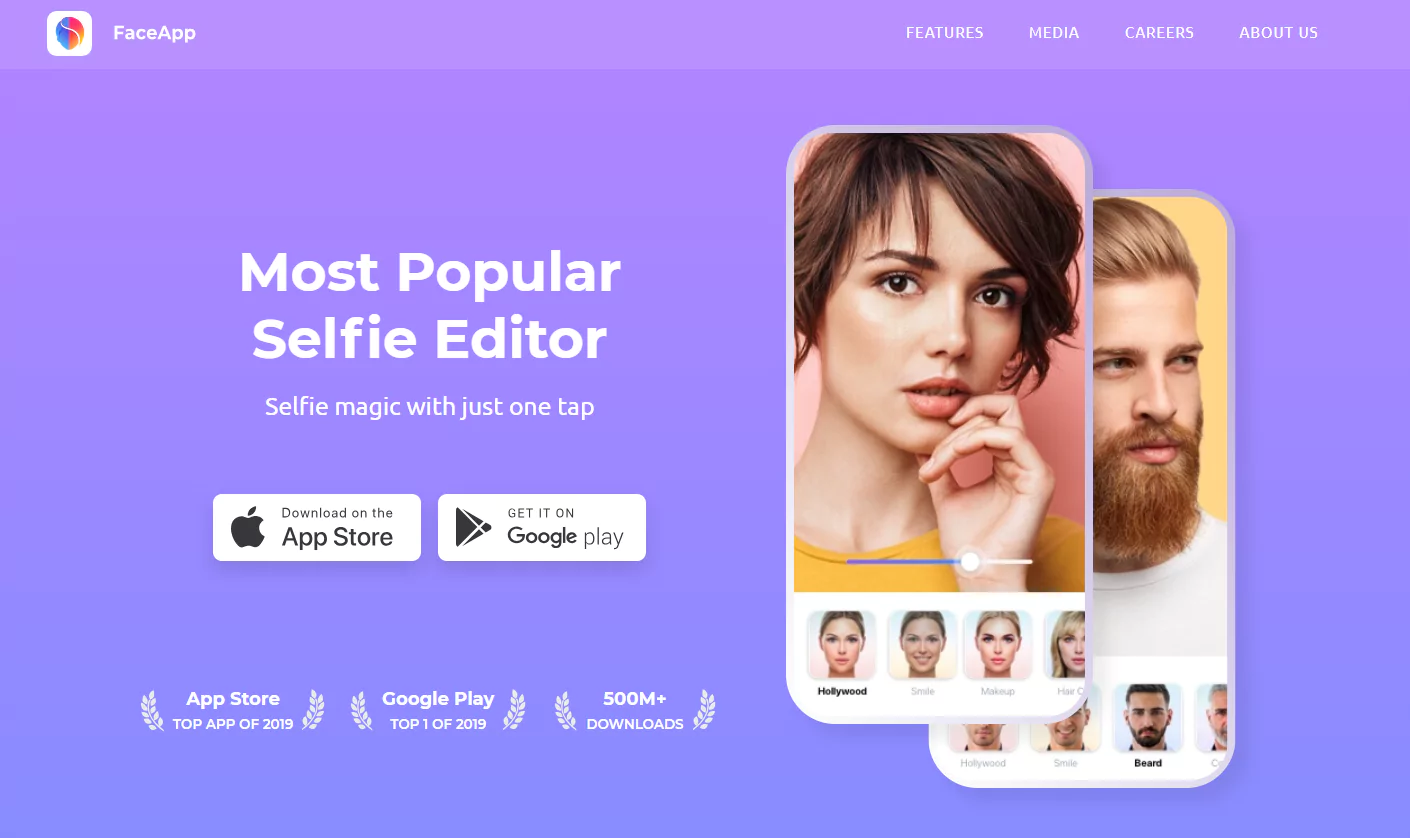
FaceApp is a mobile app that transforms faces in photos with fun filters and effects. It’s true worth lies in showcasing AI-driven face generation.
Key Features:
- Age and Gender Swap: You can make faces seem older, younger, or morph into the opposite gender.
- Smile and Expression Tinkering: It can add smiles and alter facial expressions.
- Background Swap: Swaps the backdrop while keeping your face intact.
- Makeup Feature: Uses realistic makeup addition to faces.
Applications:
- Social Media: It's a favorite for crafting engaging, shareable content.
- Photography: Photographers can elevate portraits with pro editing tools.
- Marketing: Brands find it handy to make ads pop with different faces.
4. FaceSwapperOnline
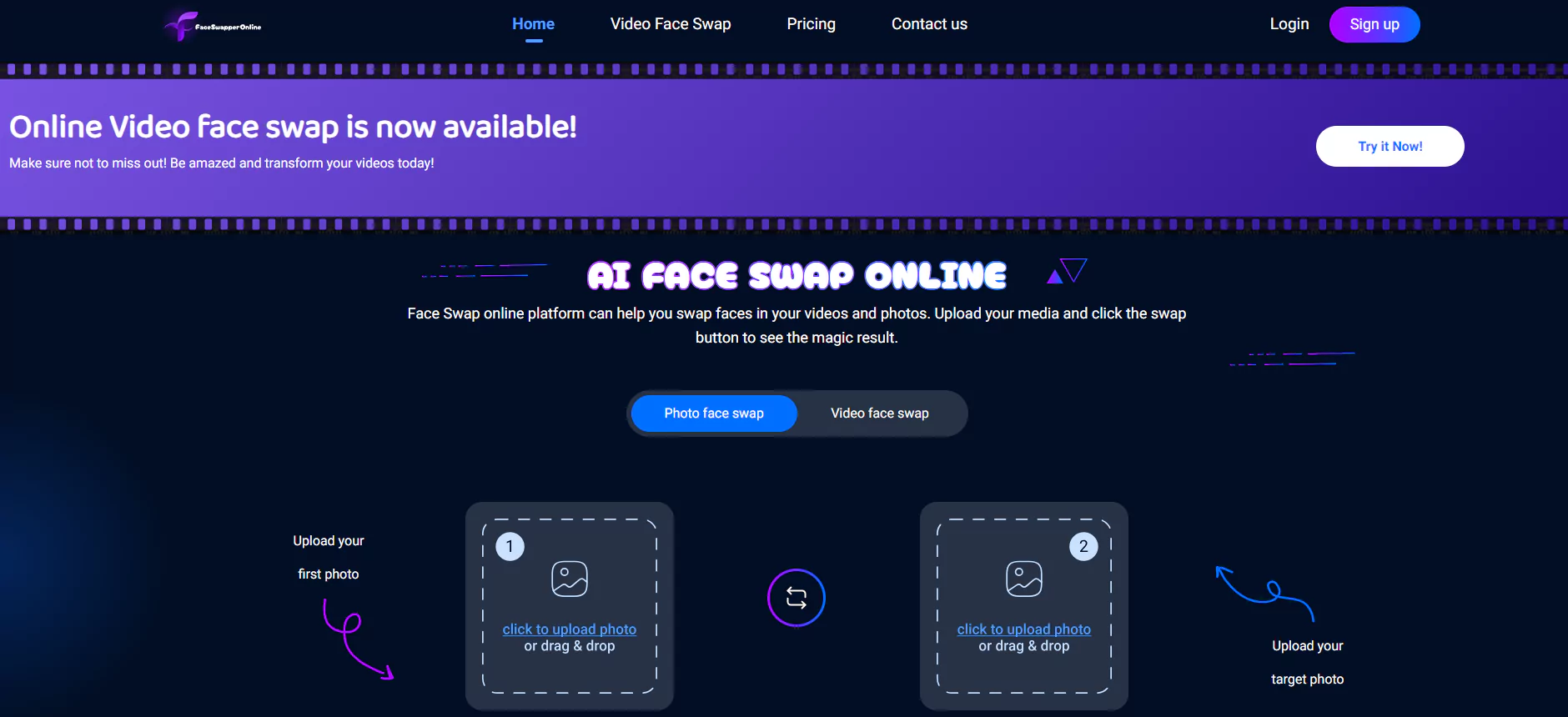
FaceSwapperOnline is a cool AI tool that is great at switching faces in pictures and films. It's like magic, making photo and video editing a breeze.
Key Functions:
- Spot-On Accuracy: The tool perfectly merges faces, preserving true skin colors and brightness.
- Fast Operation: It works on pictures and films in real-time, giving you quick results.
- Simple to Use: It's designed for anyone to use, with a clear, easy-to-understand layout.
- Custom Features: You can adjust facial details to get just the look you want.
Uses:
- Fun and Games: It makes fun, captivating stuff for online sharing and digital ads.
- Movies and TV: It's great for making special effects and changing actors' faces easily.
- Learning: It's helpful in education and training, offering realistic practice situations and role-play options.
5. Face Swap
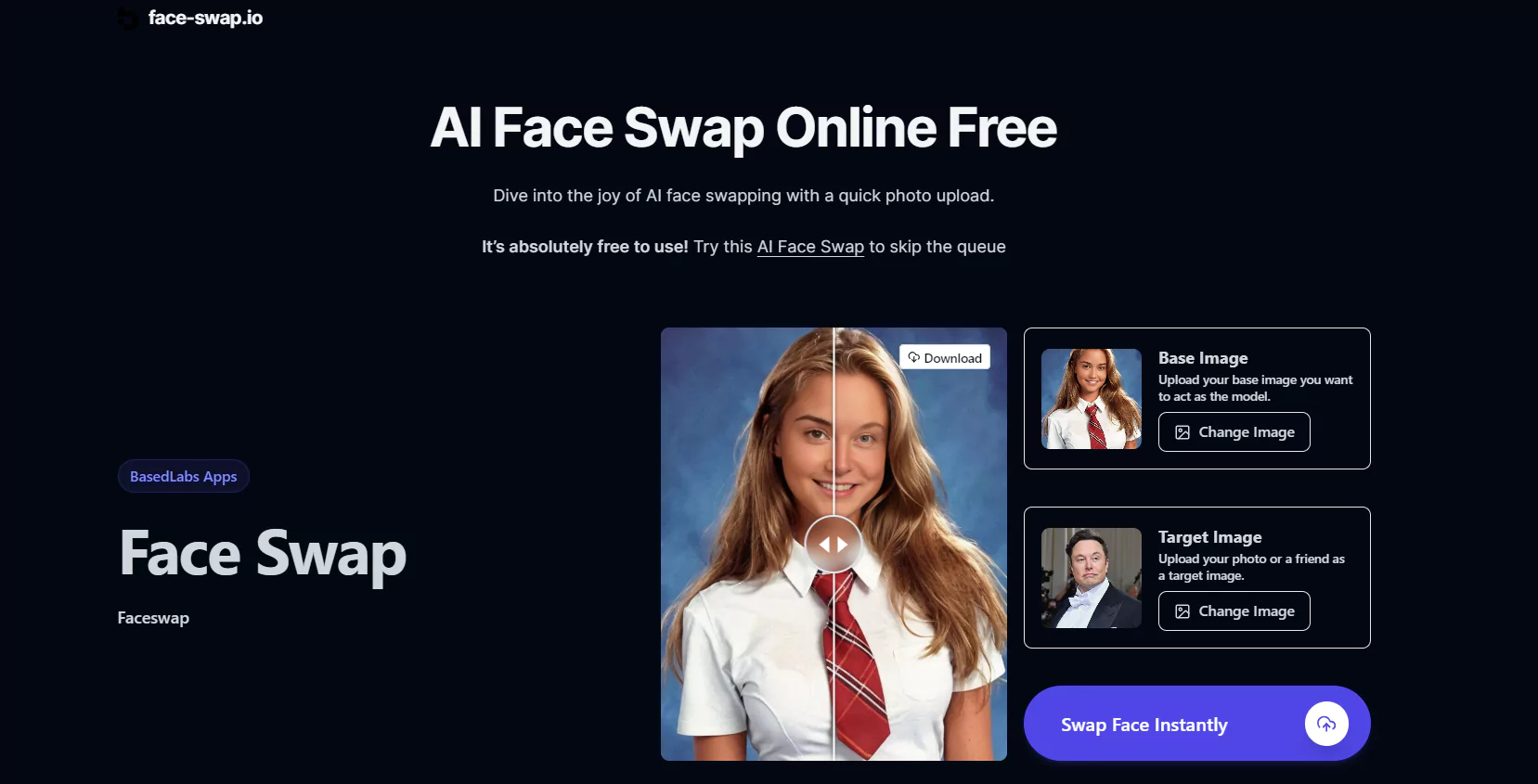
The Face Swap AI tool, built using advanced technology, changes the game by smoothly exchanging faces in pictures and films with precision. It has taken numerous industries by storm, making the face-changing procedure more realistic and easy to use.
Key Functions:
- Precision: It flawlessly exchanges faces with pinpoint accuracy.
- Live-time: Offers immediate face-switching capabilities in films.
- AI Upgrade: Uses sophisticated AI to guarantee natural expressions and movements.
- User-Focused: Comes with a straightforward interface for everyone.
Uses:
- Entertainment: Produces fun content for social platforms and entertainment fields.
- TV and Films: Boosts visual effects by convincingly switching actors' faces.
- Education: Helps in crafting educational material by showcasing a range of situations.
- Marketing: Creates personalized ads by interchanging various faces.
6. Artbreeder
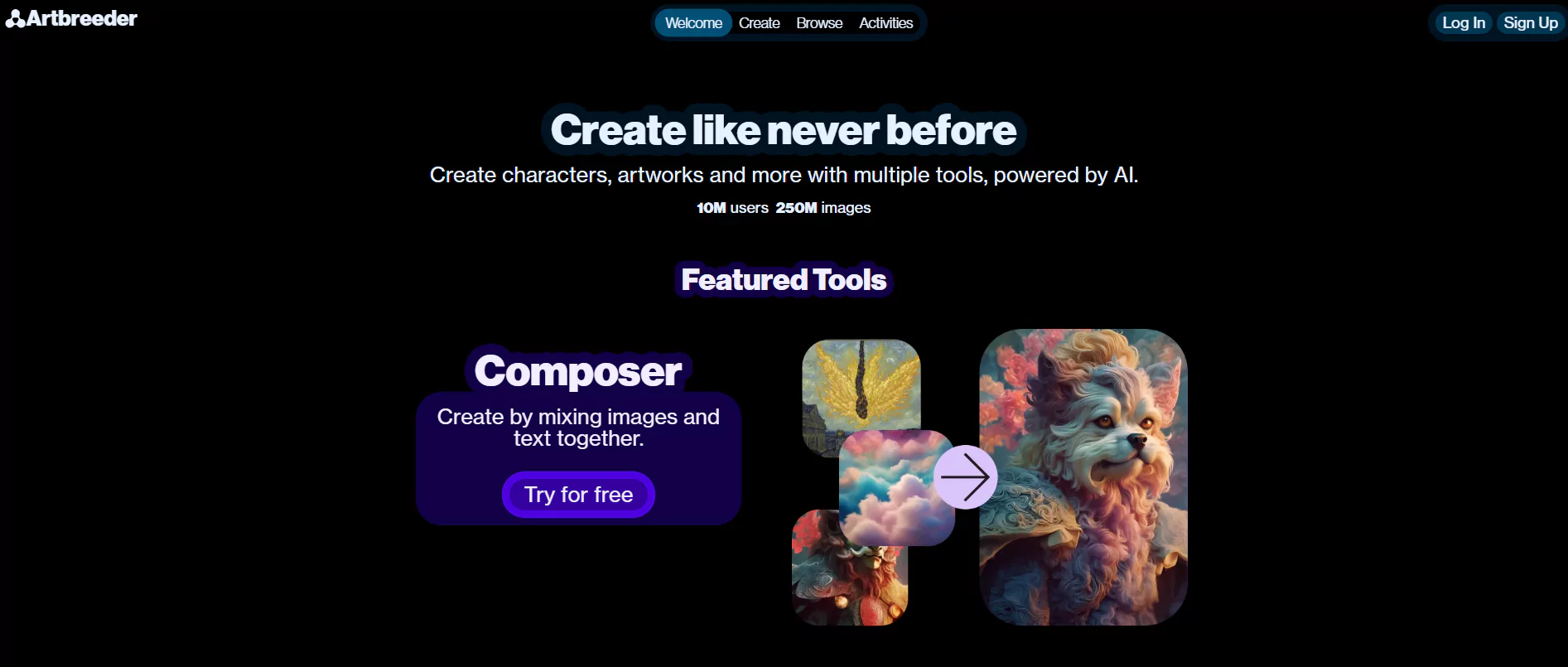
It is a special tool that lets people make and change pictures, like human faces, in a group effort. It uses generative adversarial networks (GANs) to mix and transform pictures.
Key Features:
- Cooperation: People can team up to change pictures, making a group effort for face-making.
- Simple to use: It has easy sliders and buttons, so it's easy to change how a face looks, its colors, and styles.
- Variety: It can make a huge range of human faces, from super real to artistic styles.
- Mixing: People can combine different pictures to make new faces.
Uses:
- Art: Artists use Artbreeder to make exclusive designs and art.
- Game Creation: Game makers use it to make a range of real-looking characters for their games.
- Personal: People can make avatars and profile pictures.
7. FaceGenerator
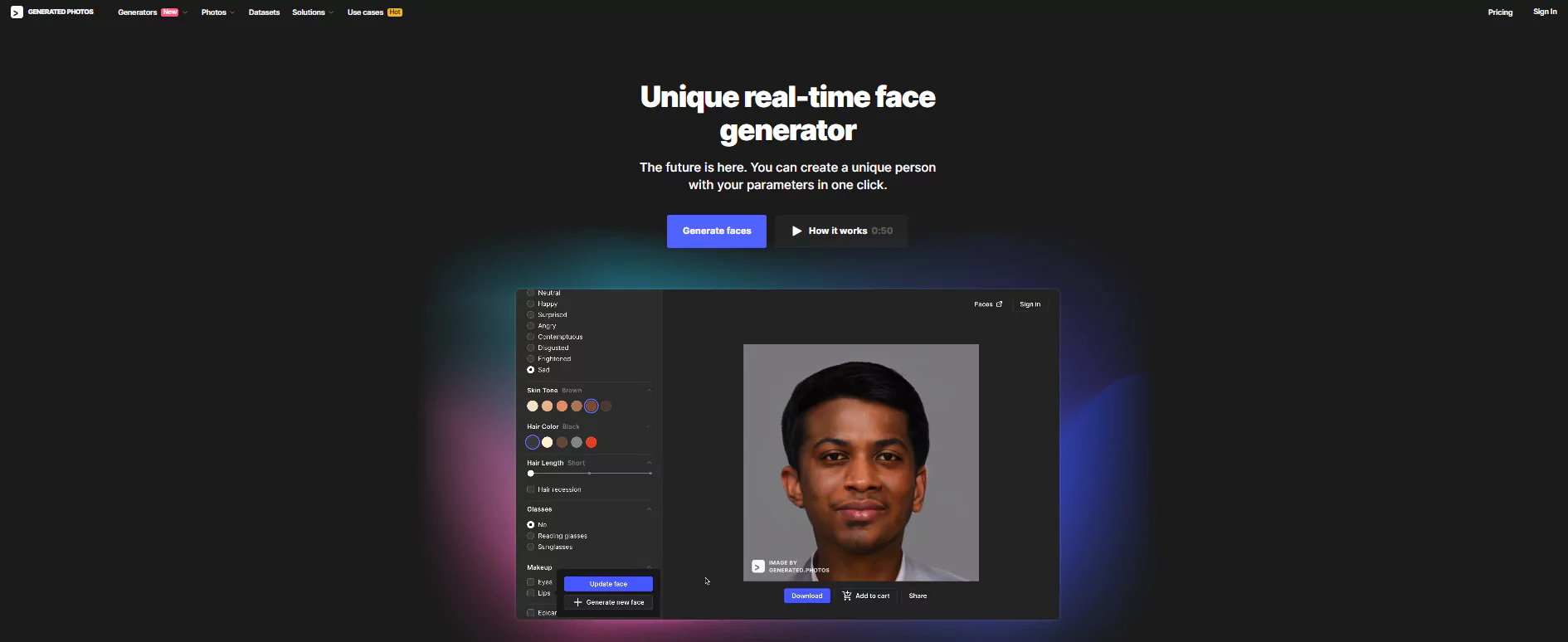
Generated Photos offered this tool. It focuses on making synthetic faces for digital use. Feeding your specific needs, it provides a bank of faces, all made by AI.
Key Features:
- Crafting Faces: Let users tailor-make faces based on age, sex, background, and more.
- Crystal Clear Images: Delivers high-quality images perfect for any form of media.
- API Connectivity: It gives developers a way to add face-making into their apps.
- Ethical Standards: Certifies that the created faces aren't privacy breaches, nor replicate real folks.
Uses:
- Web/App Design: Offer avatars or user profile pictures.
- Ad Promotion: Formulates varied faces for all-encompassing ad campaigns.
- Teaching: Handy in AI and machine learning training data sets.
8. RefaceAI
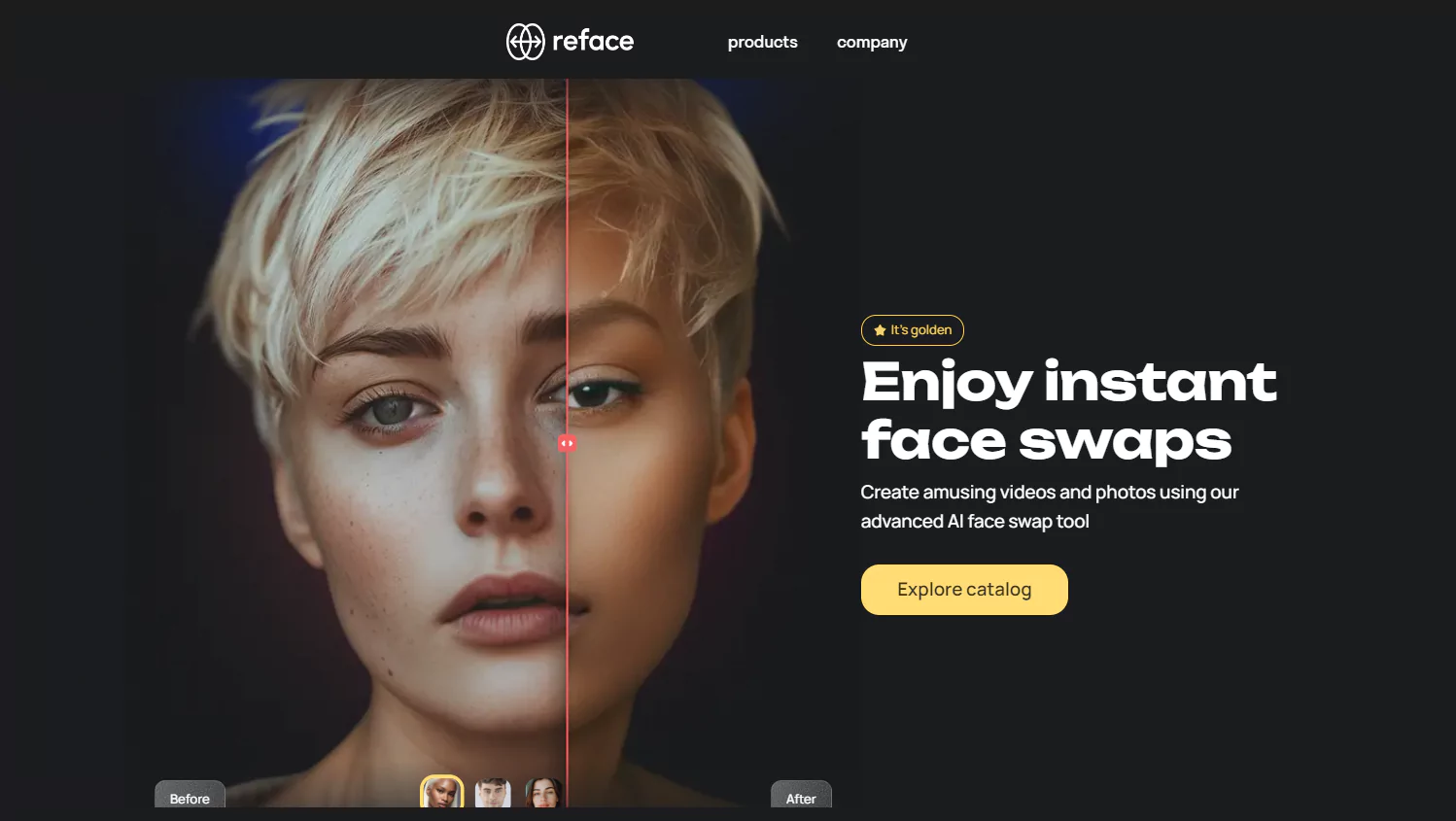
RefaceAI is a clever mobile app that can switch and animate faces in the blink of an eye. It relies on complex algorithms to pin and swap faces in pictures and videos.
Key Features:
- Instant Face Swapping: You can exchange faces in images and videos with fine precision.
- Face Animation: Gives static photos a touch of life, creating exceptionally realistic movements and expressions.
- Easy-To-Use Interface: Its straightforward design makes it appealing to everyone.
- Regular Enhancements: Keeps getting better with the introduction of new features.
Uses:
- Social Sphere: It's a hit for creating shareable content and memes.
- Entertainment: Perfect for crafting compelling video content.
- Marketing: Companies are making fun, engaging ads with it.
FAQs
Q. What does AI face generation mean?
AI face generation refers to the use of artificial intelligence, mainly deep learning and generative adversarial networks (GANs), to develop realistic human faces from nothing.
Q. Where are AI face generation tools used?
These tools find their use in various sectors such as entertainment, digital art, video games, social media, marketing, virtual reality, education, and forensics.
Q. Is using AI-produced faces ethical?
The ethical aspect depends on the situation. It's vital to ensure that these created faces do not violate privacy or mimic real people without their agreement. FaceGenerator is one tool that focuses on ethical AI norms.
Q. Do non-technical users use AI face generation tools?
Definitely, many tools including Artbreeder, FaceApp, and Reface AI provide easy-to-use interfaces, making them usable for people without technical know-how.
Q. Can we tell AI-created faces from real human faces?
Sophisticated AI tools like StyleGAN2 and DALL-E can generate faces that are often hard to differentiate from real human faces, particularly in high-resolution pictures.

