
Table Of Contents
Tripo3D Review | Transforming Ideas into Stunning 3D Models with AI
Published on : Apr 10 2025

Tripo is shaking up the world of 3D modeling with its cutting-edge AI technology that can turn text and image inputs into stunning 3D models in just seconds. This groundbreaking tool provides a quick and efficient solution for designers, developers, and creators from all walks of life. By transforming simple text descriptions or images into 3D models, Tripo makes the modeling process easier and more accessible for both seasoned professionals and enthusiastic hobbyists. Whether you're diving into game development, product design, or any other project that needs 3D models, Tripo has got you covered.
Getting Started with Tripo3D
An overview of how to use Tripo3D is provided here for new users. Start by visiting the official website of Tripo.AI. You can then choose your preferred input method by uploading an image or typing text. Then you can generate the model. The final step is to download the completed model.
Key Features of Tripo 3D
AI-powered 3D model generation, text-to-3D, multi-image to 3D, animation support, style customization, fast rendering, user-friendly interface, and export options.
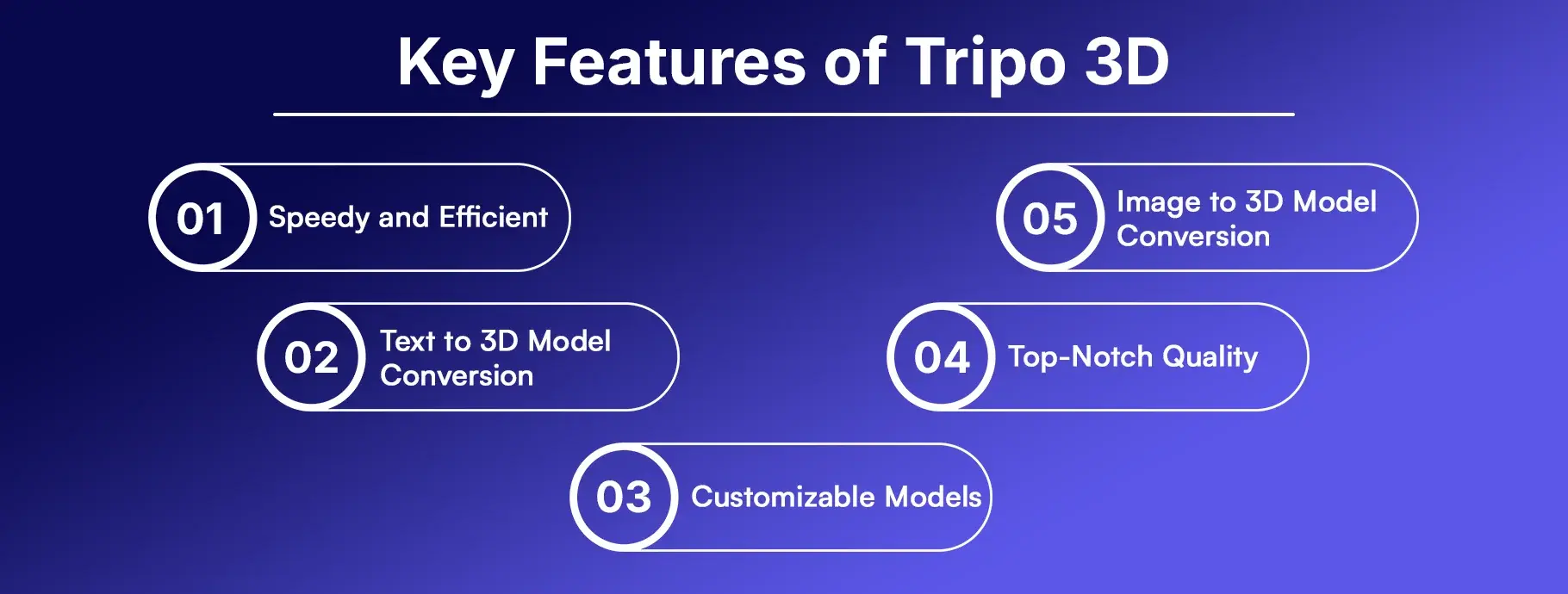
Speedy and Efficient - With Tripo's state-of-the-art AI technology, you can whip up 3D models in no time, drastically cutting down the time and effort compared to traditional 3D modeling techniques.
Text to 3D Model Conversion - Tripo empowers users to craft intricate 3D models just by entering descriptive text. This feature is a game-changer for those who might not have advanced 3D modeling skills but still need high-quality models in a flash.
Customizable Models - Users can tweak and personalize their models to fit their unique needs, offering a great deal of flexibility and customization.
Top-Notch Quality - The AI guarantees that the 3D models produced are of exceptional quality, featuring sharp textures and precise details, making them perfect for a variety of professional uses.
Image to 3D Model Conversion - Users can upload images to create matching 3D models. This feature is especially useful for generating accurate and lifelike models based on existing visuals.
Plan & Pricing
- Basic Plan - This service kicks off with a generous offer of 600 credits every month for free, which lets you convert about 24 images into 3D models. You’ll also enjoy some limited queue priority and the chance to create models that anyone can access.
- Professional Plan - If you’re looking for more, for just $15.90 a month, you can snag a plan that gives you 3,000 credits each month, translating to roughly 120 Image-to-3D conversions. Plus, you’ll get priority access, the ability to create private models, options for multi-view image-to-3D conversions, and high-definition textures.
- Advanced Plan - For those who need even more power, there’s a monthly subscription for $39.90 that offers 8,000 credits, allowing for around 320 Image-to-3D conversions. This plan also lets you run 15 tasks at the same time and gives you access to alpha features from Tripolab.
- Premium Plan - Finally, if you’re ready to go all in, there’s a plan for $111.90 a month that provides a whopping 25,000 credits, enabling up to 1,000 conversions from Image to 3D. It also supports 20 simultaneous tasks and includes all the features from the Advanced Plan.
API Availability and Integrations
Tripo provides an extensive API that facilitates the smooth incorporation of its AI-driven 3D modeling features into a range of applications and workflows. Below is a summary of the offerings of the Tripo API:
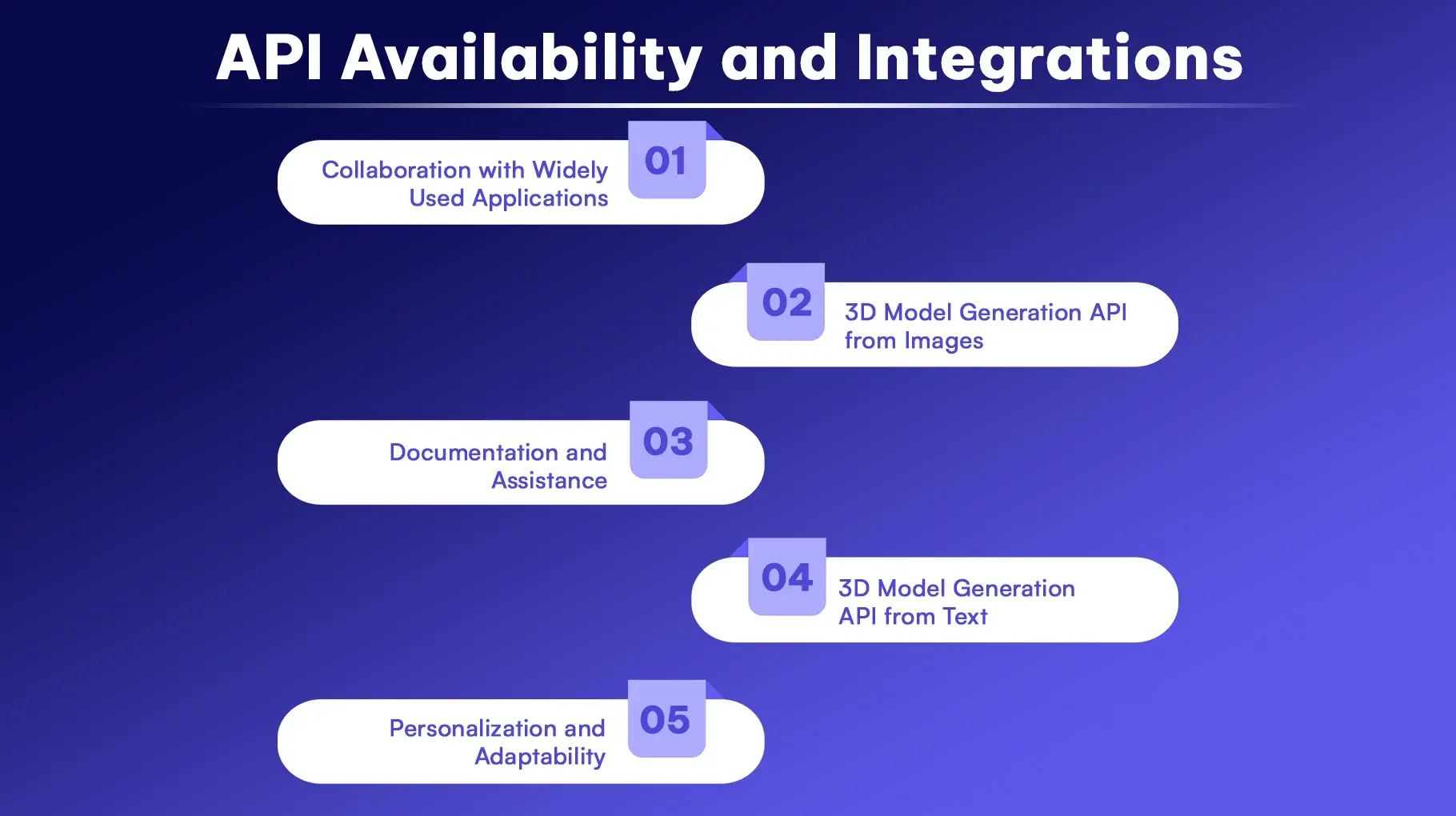
- Collaboration with Widely Used Applications - Tripo's API plays nicely with popular design and development tools like ComfyUI, making your workflow smoother and boosting your productivity.
- 3D Model Generation API from Images - You can create detailed 3D models straight from images. This API is just what you need for crafting lifelike models based on photographs or drawings.
- Documentation and Assistance - To help developers with the integration process, extensive API documentation is available. Tripo also offers support to tackle any technical questions or challenges you might face.
- 3D Model Generation API from Text - Transforming written descriptions into complex 3D models is a breeze with this API. It's perfect for applications that require the dynamic creation of 3D assets based on user inputs.
- Personalization and Adaptability - The API offers great flexibility in customizing the models it generates, allowing users to tweak and modify the outputs to fit their specific needs.
Applications and Use Cases
Tripo 3D provides advanced AI-driven functionalities that allow users to swiftly and effectively create and apply 3D models. Users can transform text descriptions, images, or sketches into 3D assets, making it user-friendly for both experts and novices. The platform ensures superior quality outputs featuring detailed geometry and PBR materials, making them appropriate for a wide range of applications. Furthermore, Tripo 3D enables the export of models to well-known platforms such as Blender, Unity, Unreal Engine, Godot, and Apple Vision Pro, ensuring smooth incorporation into current workflows.

Use Cases
Tripo provides a wide usage that cover various industries and display the platform's versatility by mentioning its use in gaming and animation, manufacturing and prototyping, education, and 3D printing.
- Education - Support students and educators in effortlessly visualizing intricate concepts and designs.
- VR and AR - Create engaging virtual reality and augmented reality experiences utilizing high-quality 3D models produced from textual descriptions or images.
- Game Development - Rapidly create 3D models that are ready for gaming to improve the visual attractiveness of your game and accelerate the development timeline.
- Product Development - Develop comprehensive 3D representations of products for purposes such as prototyping, marketing, and virtual presentations.
Conclusion
Tripo is setting a new standard in the 3D modeling world with its impressive AI technology that transforms text and images into stunning 3D models. Whether you're a seasoned expert or just a passionate hobbyist, Tripo has a powerful and user-friendly tool to help you bring your 3D designs to life.
FAQs
1. What is Tripo 3D?
Tripo 3D is an AI-driven platform that allows users to create 3D models based on text descriptions or images, thereby simplifying the 3D modeling workflow.
2. How does the Text-to-3D feature work?
Users provide descriptive text, which Tripo's AI processes to generate a matching 3D model. More detailed prompts lead to more precise outcomes.
3. Can I convert images into 3D models with Tripo?
Yes, Tripo enables users to upload images, which are subsequently transformed by the AI into intricate 3D models.
4. What are the pricing plans for Tripo 3D?
Tripo offers several plans to choose from, starting with a free Basic Plan that comes with a limited number of credits. If you need more, there are paid options available Professional, Advanced, and Premium each providing extra credits and a range of additional features.

