

Imglarger is a website that offers various tools to enhance and upscale images using artificial intelligence. It can help you improve the quality, resolution, and details of your photos without losing any information.
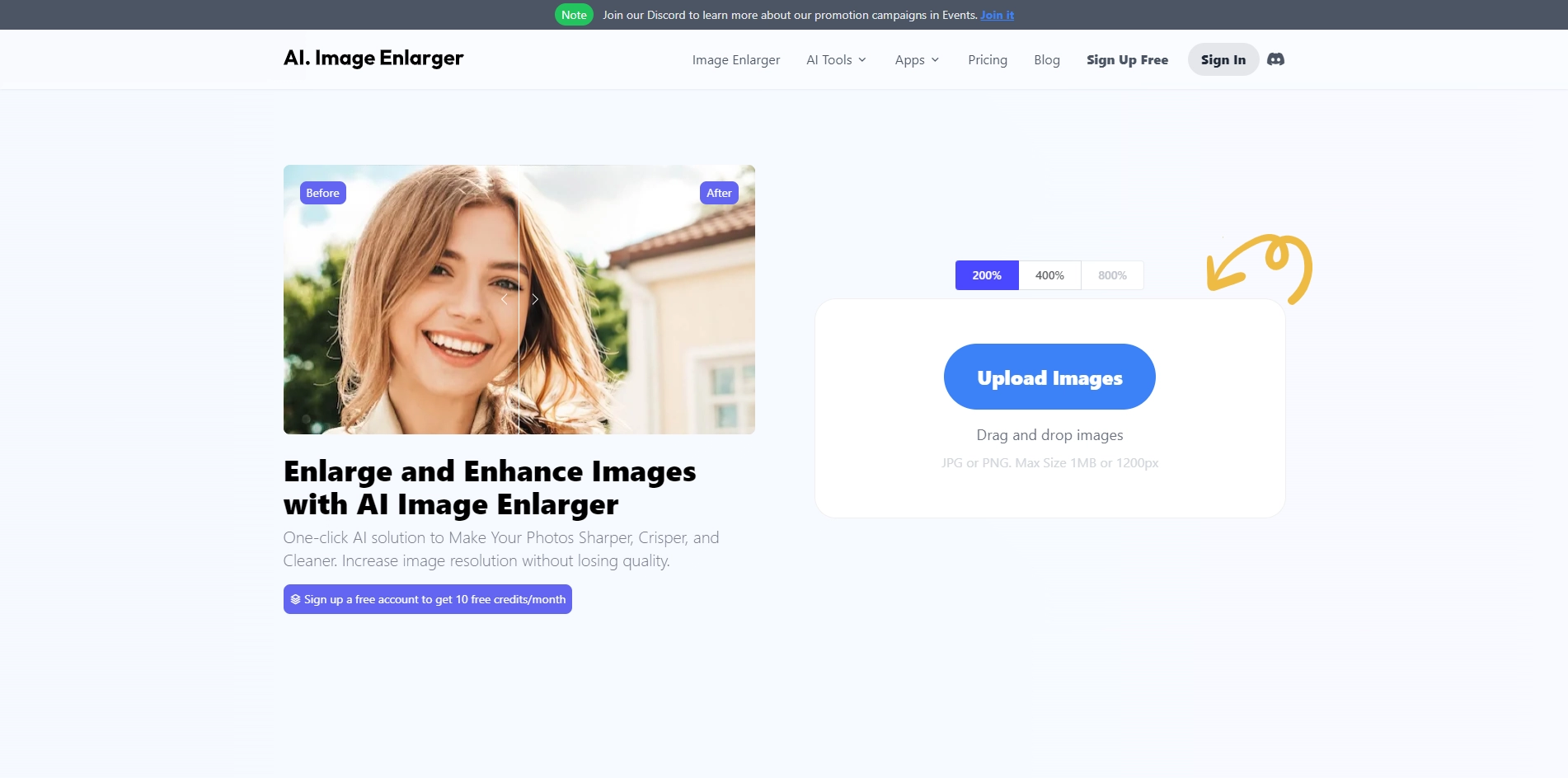
You can use Imglarger to enlarge images by 200%, 400%, or 800%, remove noise and blur, adjust colors and light balance, retouch faces, remove backgrounds, add color to black and white photos, and more. Imglarger is easy to use and fast. You just need to upload your image or enter a URL, choose the tool you want to use, and wait for the result. You can also download the image or get a link to share it with others. Imglarger is suitable for personal and business needs, such as photography, e-commerce, cartoon and anime lovers, etc. It is a powerful and versatile image enhancer that can make your photos look better in seconds.
Key Platforms
Core Service Areas:

High-Quality Upscaling
Detail Enhancement
User-Friendly Interface
Batch Processing
AI-Powered Technology
Multiple Format Support
Pros
- It offers a variety of AI tools to enhance and upscale images, such as enlarger, enhancer, sharpener, face retouch, background remover, etc.
- It supports enlarging images by 200%, 400% and 800% without losing quality.
- It has a special AI Anime Upscaler tool that can upscale anime and cartoon images to 16k resolution.
- It is fast, secure and easy to use. It does not require any registration or download.
- It is free for most of the tools, except for the background remover which charges a low fee per image.
Cons
- It has a file size limit of 5MB or 1200x1200 pixels for the input images.
- It does not support batch processing for most of the tools, except for the AI Upscaler and the background remover.
- It does not allow users to adjust the parameters or settings of the AI tools.
Frequently Asked Questions About AI. Image Enlarger
01
What is AI. Image Enlarger and how does it work?
AI. Image Enlarger, also known as Imglarger, is a web-based tool that uses artificial intelligence algorithms to enhance and upscale images. It analyzes the original image and intelligently adds detail while improving resolution, allowing you to get a clearer and sharper version of your photo.
02
Can I use AI. Image Enlarger for free?
Yes, AI. Image Enlarger offers a free version with limited features. You can upscale a certain number of images for free, but for additional features and higher quality outputs, a premium subscription may be available.
03
What image formats are supported by AI. Image Enlarger?
AI. Image Enlarger supports various image formats including JPEG, PNG, and BMP. You can upload images in these formats to enhance and upscale them.
04
Is the quality of the enlarged images maintained?
Yes, AI. Image Enlarger is designed to maintain the quality of the enlarged images. It uses advanced AI technology to add details and improve resolution without losing important information, resulting in high-quality outputs.
05
How do I get started with AI. Image Enlarger?
To get started, simply visit the Imglarger website, upload your image, select the desired enlargement settings, and click the enhance button. The tool will process your image and provide you with a downloadable version of the upscaled photo.
Promote AI. Image Enlarger
Get AI. Image Enlarger in front of thousands of buyers actively searching for AI tools. Feature your listing on the homepage and category pages, or add the verified badge to your site.
Copy Embed Code

Share on

Related AI Tools
Explore related AI tools for diverse applications and enhanced productivity

Unlock the best AI Tools for you!
Login or Approve this tool to continue exploring features and analytics.

