

If you are looking for a way to remove the background from your images, change the background to something more appealing, and create stunning product photos and social graphics for your online business, you might want to check out Blend.
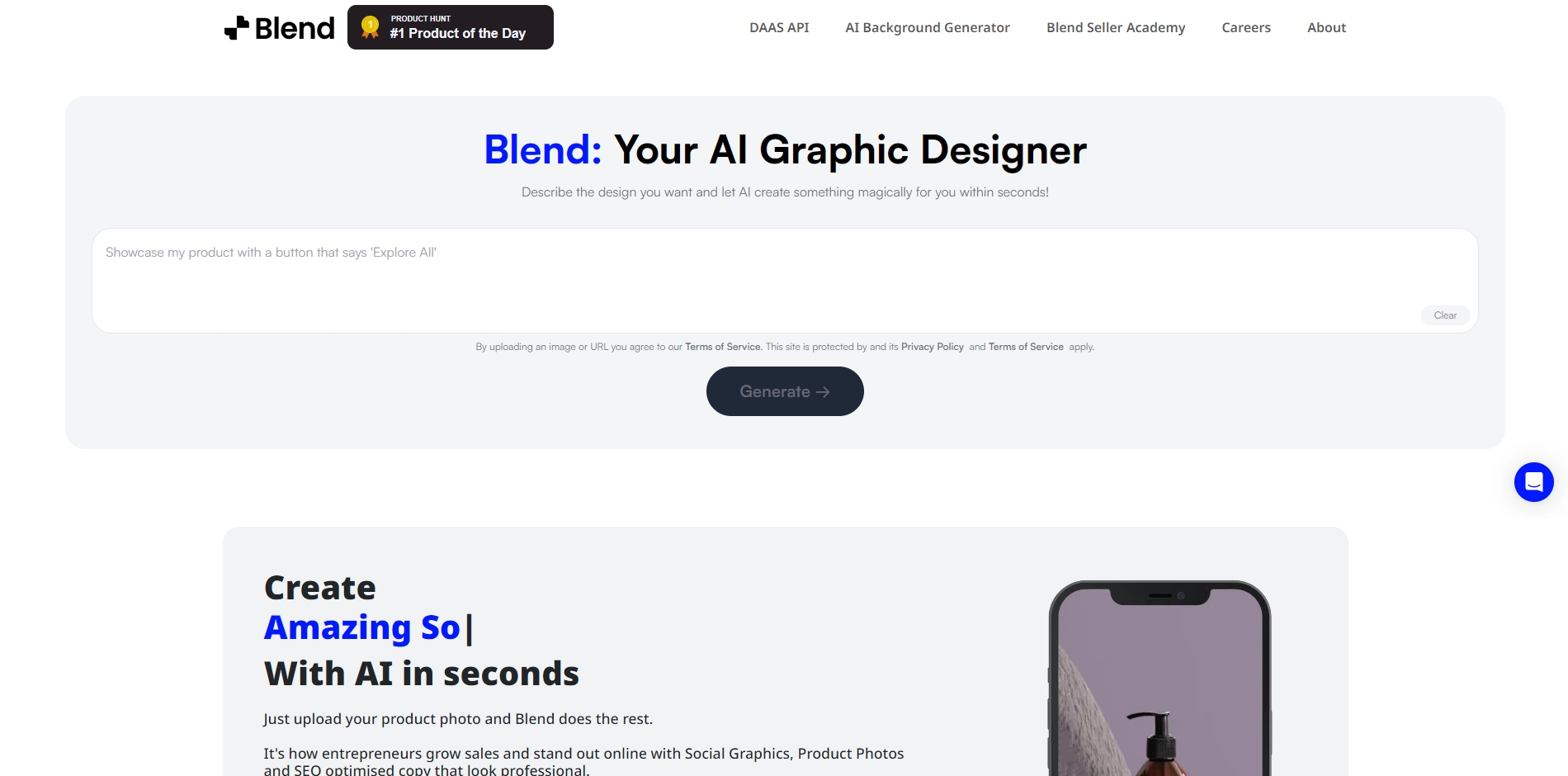
Blend is a website that uses AI-powered technology to help you do all these tasks automatically and easily. Here are some of the features and benefits of using Blend:
- You can upload your product photo and Blend will remove the background for free in seconds.
- You can choose from thousands of templates for inspiration and customize them with your own text, fonts, and backdrops.
- You can resize your designs for different platforms, such as Instagram, Etsy, Shopify, Poshmark, and more, with one click.
- You can download your designs in HD quality and use them for your eCommerce and social media marketing.
- You can also access Blend's seller academy and learn how to grow your business with tips and tricks.
Blend is a great tool for entrepreneurs who want to create professional-looking product photos and social graphics without spending too much time and money. You can try it out for free by visiting their website at https://www.blendnow.com/.
Key Platforms
Core Service Areas:

Background Removal
Custom Backgrounds
Product Photo Creation
Social Media Graphics
User-Friendly Interface
High-Quality Output
Pros
- It allows you to remove the background of your images for free and easily.
- It has thousands of templates for product photos and social posts that you can use or customize.
- It has a magic resize feature that helps you crop and resize your designs for different platforms.
- It has a variety of fonts and backdrops to choose from to make your images more attractive.
- It has an AI-powered technology that can generate SEO-optimized copy for your products.
Cons
- It may not work well with complex or low-quality images that have unclear edges or details.
- It may not have all the features or options that you need for your specific design or editing needs.
- It may not be compatible with some devices or browsers that do not support its technology.
Frequently Asked Questions About Blend
01
What types of images can I use with Blend for background removal?
Blend works with various image formats including JPEG, PNG, and BMP. You can upload product photos, portraits, and any images where you want to remove the background.
02
Is it easy to change the background of my images using Blend?
Yes, Blend provides a user-friendly interface that allows you to easily change the background of your images with just a few clicks.
03
Can I use Blend for creating social media graphics?
Absolutely! Blend is designed to help you create stunning visuals for social media, including graphics and product photos that stand out.
04
Do I need any graphic design experience to use Blend?
No prior graphic design experience is required. Blend is designed to be intuitive and accessible for users of all skill levels.
05
Is there a limit to the number of images I can edit with Blend?
Blend offers various plans, including free and premium options, each with different limits on the number of images you can edit. Please check our pricing page for specific details.
Promote Blend
Get Blend in front of thousands of buyers actively searching for AI tools. Feature your listing on the homepage and category pages, or add the verified badge to your site.
Copy Embed Code

Share on

Related AI Tools
Explore related AI tools for diverse applications and enhanced productivity

Unlock the best AI Tools for you!
Login or Approve this tool to continue exploring features and analytics.

