

If you are looking for a way to create engaging and interactive chatbots for your WordPress site, you might want to check out WPDocs Chat. WPDocs Chat is a plugin that allows you to turn any WordPress document into a chatbot conversation. You can use it to provide customer support, product information, tutorials, FAQs, and more.
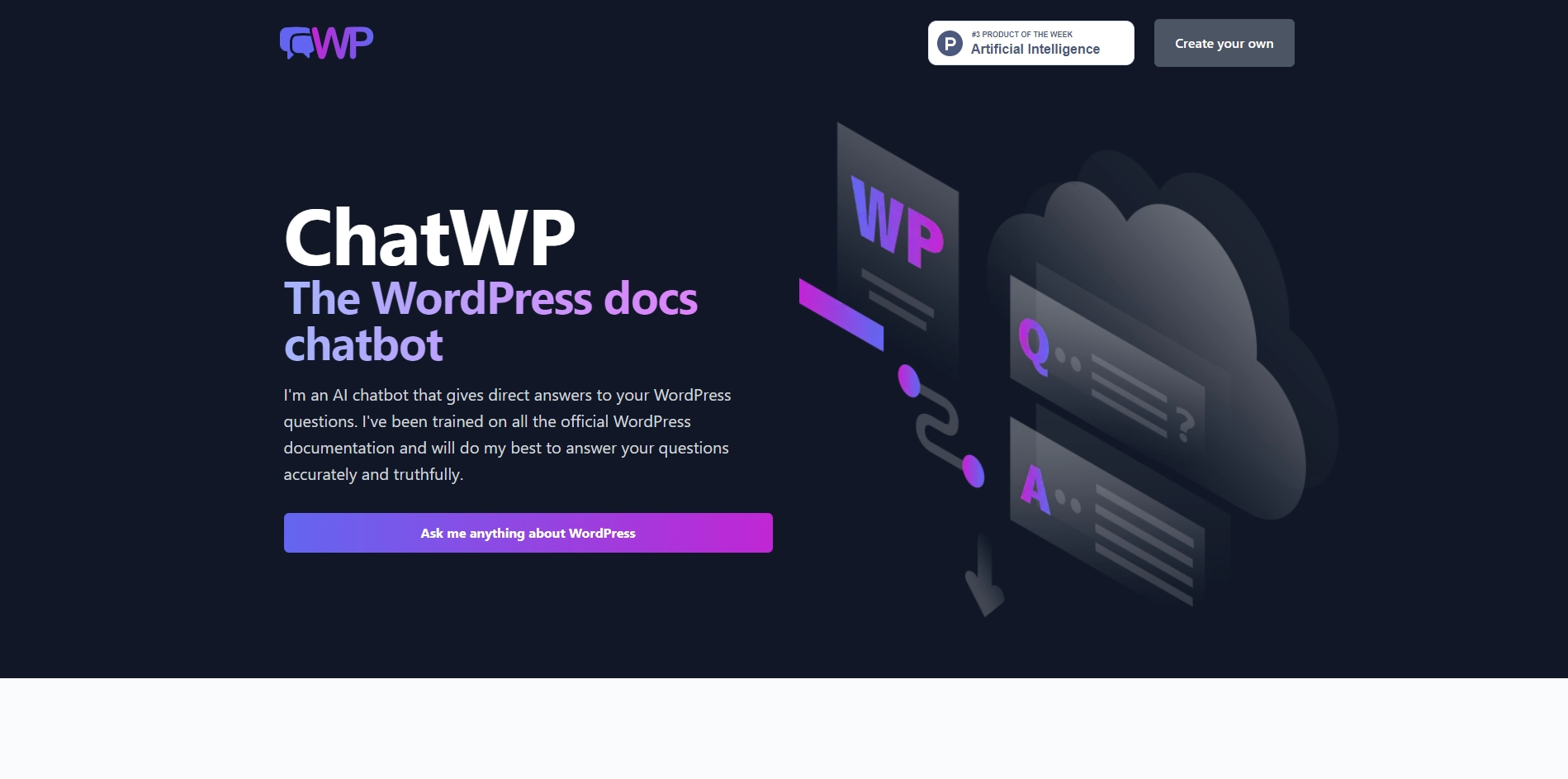
WPDocs Chat works by converting your WordPress documents into chatbot scripts. You can use markdown formatting to create different types of messages, such as text, images, videos, buttons, and links. You can also use variables, conditions, and logic to customize the chatbot behavior based on user input and context.
To use WPDocs Chat, you need to install the plugin on your WordPress site and activate it. Then, you can create a new document or edit an existing one. You can use the WPDocs Chat editor to write your chatbot script using markdown syntax. You can preview your chatbot in the editor and test it on different devices. When you are happy with your chatbot, you can publish it and embed it on any page or post using a shortcode.
WPDocs Chat is a powerful and easy-to-use tool that can help you create chatbots for various purposes. You can use it to enhance your WordPress site with interactive and conversational content that can engage your visitors and customers. WPDocs Chat is also compatible with other WordPress plugins and themes, so you can integrate it with your existing site design and functionality.
If you want to learn more about WPDocs Chat, you can visit their website at https://wpdocs.chat/ where you can find more information, examples, documentation, and support.
Key Platforms
Core Service Areas:

Interactive Chatbot Creation
Customer Support Automation
Tutorials and Guides
Dynamic FAQs
Seamless Integration
Real-Time Updates
Pros
- It gives direct and accurate answers to WordPress questions based on the official documentation.
- It can respond in different formats and languages, such as code examples, lists, Spanish, or poems.
- It is powered by ChatGPT, a state-of-the-art natural language processing model.
- It can help users learn more about WordPress and its features without searching multiple resources.
- It is free to use and has a simple and user-friendly interface.
Cons
- It can only answer questions about WordPress that it has learned from WordPress.org documentation. It cannot answer questions about specific plugins or themes.
- It might occasionally make things up, so users should always check its sources.
- It is still in beta and might have some bugs or errors.
Frequently Asked Questions About ChatWP
01
What is ChatWP and how does it work?
ChatWP is a WordPress plugin that transforms your WordPress documents into engaging chatbots. It allows you to create interactive conversations for customer support, product information, tutorials, FAQs, and more by converting written content into chat format.
02
Can I customize the chatbot's appearance?
Yes, ChatWP offers customization options to adjust the chatbot's appearance, including colors, fonts, and styles, so you can match it to your website's branding.
03
Is ChatWP suitable for all types of WordPress sites?
Absolutely! ChatWP is versatile and can be used on any WordPress site, whether it's an e-commerce platform, a blog, or a corporate website, to enhance user engagement through chatbot interactions.
04
How do I install and set up ChatWP?
To install ChatWP, simply download the plugin from the WordPress plugin repository, upload it to your WordPress site, activate it, and follow the setup instructions to create your chatbots from existing documents.
05
Does ChatWP support multiple languages?
Yes, ChatWP supports multiple languages, allowing you to create chatbots that can communicate with users in their preferred language, enhancing accessibility and user experience.
Promote ChatWP
Get ChatWP in front of thousands of buyers actively searching for AI tools. Feature your listing on the homepage and category pages, or add the verified badge to your site.
Copy Embed Code

Share on

Related AI Tools
Explore related AI tools for diverse applications and enhanced productivity

Unlock the best AI Tools for you!
Login or Approve this tool to continue exploring features and analytics.

