

Guidde is a tool that simplifies creating and sharing video documentation and instructional content, primarily by using AI to help explain complex processes quickly and effectively.
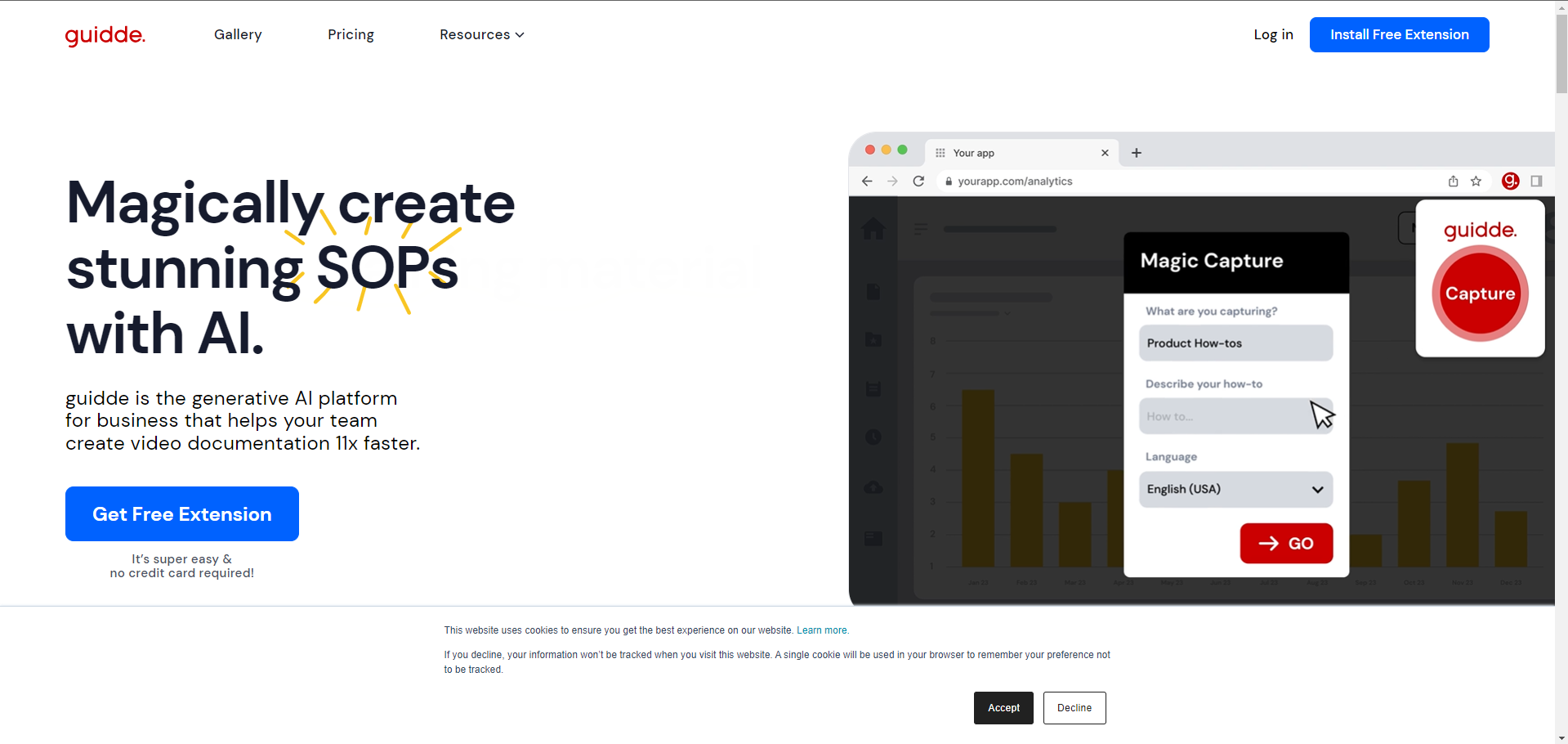
Guidde is a platform designed to enhance information dissemination and knowledge management across various applications. It allows users to create, edit, and distribute video guides effortlessly, integrating AI to automate much of the process. This includes capturing workflows, adding voiceovers, and generating step-by-step instructions without needing extensive video editing skills.
What Can You Do With Guidde?
With Guidde, you can capture any application process directly from your screen, create video playbooks, and ask questions via video to engage with experts. The platform enables the transformation of existing videos into structured guides and facilitates the sharing of knowledge across teams or with customers.
Key Features of Guidde
- AI-Powered Documentation: Automatically captures and documents software processes.
- Voiceover and Personalization: Offers a selection of over 100 voices in various languages for personalized narration.
- Smart Sharing: Allows users to easily share guides within their organization or publicly.
- Interactive Content: Enhances guides with interactive elements, making them more engaging.
Benefits of Using Guidde
Using Guidde can significantly reduce the time and effort required to produce high-quality instructional content. It helps in retaining organizational knowledge, ensuring that valuable information remains accessible even when team members leave. Additionally, it streamlines the training and onboarding process, making it easy for new hires to learn about software and processes through interactive video content.
Pricing and Plans for Guidde
Guidde offers a tiered pricing structure designed to accommodate a range of user needs, from individuals just starting out to large enterprises requiring advanced features:
- Free Plan: Ideal for beginners, this plan costs $0 per user/month. It includes up to 25 how-to videos, the ability to record a voiceover, share via public links, access to motion and transitions, and a library of stock music.
- Pro Plan: Targeted towards individuals and small teams, this plan costs $20 per user/month. It offers everything in the Free plan plus unlimited how-to videos, the ability to remove the Guidde watermark, access to the Brand Kit, export videos, and blur sensitive information.
- Business Plan: Designed for more extensive teamwork and branding needs, this plan costs $44 per user/month. It includes all the features of the Pro plan along with text to voice generation, video privacy controls, custom word pronunciation, video insights, and the ability to add interactive actions.
- Enterprise Plan: This plan is tailored for larger organizations and includes custom pricing. It builds on the Business plan by adding features like video recordings and uploads, access to studio voices, customer-facing portals, auto translation, and Single Sign-On (SSO) integrations with services like Okta, Microsoft, and 1Login.
Tips and Best Practices for Using Guidde
- Understand Your Audience: Tailor your content to the needs and expertise level of your target audience.
- Keep It Simple: Ensure the guides are easy to follow, avoiding overly technical language unless necessary.
- Regular Updates: Keep the content up to date and encourage collaboration and feedback to improve the guides continuously.
FAQs about Guidde
- How does Guidde integrate AI in video creation?
Guidde uses AI to automatically capture and describe steps in a workflow, making the video creation process seamless and efficient. - Can I use Guidde for different types of content?
Yes, Guidde is versatile and can be used for creating a wide range of instructional materials, from software tutorials to general how-to guides. - Is Guidde suitable for all team sizes?
Yes, Guidde offers scalable solutions that can be beneficial for both small teams and large enterprises.
Key Platforms
Core Service Areas:

AI-Powered Explanations
Quick Video Creation
Seamless Sharing
Customizable Templates
Interactive Elements
Analytics Dashboard
Frequently Asked Questions About Guidde
01
What types of content can I create with Guidde?
With Guidde, you can create video documentation, instructional content, tutorials, and walkthroughs that effectively explain complex processes.
02
How does Guidde use AI to enhance video creation?
Guidde utilizes AI to analyze your content and suggest optimal ways to present information, making it easier to create clear and engaging video documentation.
03
Is Guidde suitable for beginners with no video editing experience?
Yes, Guidde is designed for users of all skill levels, providing intuitive tools and templates to simplify the video creation process, even for beginners.
04
Can I share my videos created with Guidde easily?
Absolutely! Guidde allows you to share your videos via links, embed them on websites, or distribute them through various social media platforms.
05
What kind of support is available if I have questions about using Guidde?
Guidde offers comprehensive support, including tutorials, a knowledge base, and customer service to assist you with any questions or issues you may encounter.
Promote Guidde
Get Guidde in front of thousands of buyers actively searching for AI tools. Feature your listing on the homepage and category pages, or add the verified badge to your site.
Copy Embed Code

Share on

Related AI Tools
Explore related AI tools for diverse applications and enhanced productivity

Unlock the best AI Tools for you!
Login or Approve this tool to continue exploring features and analytics.

