

ImageColorizer is an online tool that allows you to do just that. In this blog post, we will explore the features and benefits of ImageColorizer and how it revolutionizes the way we perceive and interact with our cherished memories.
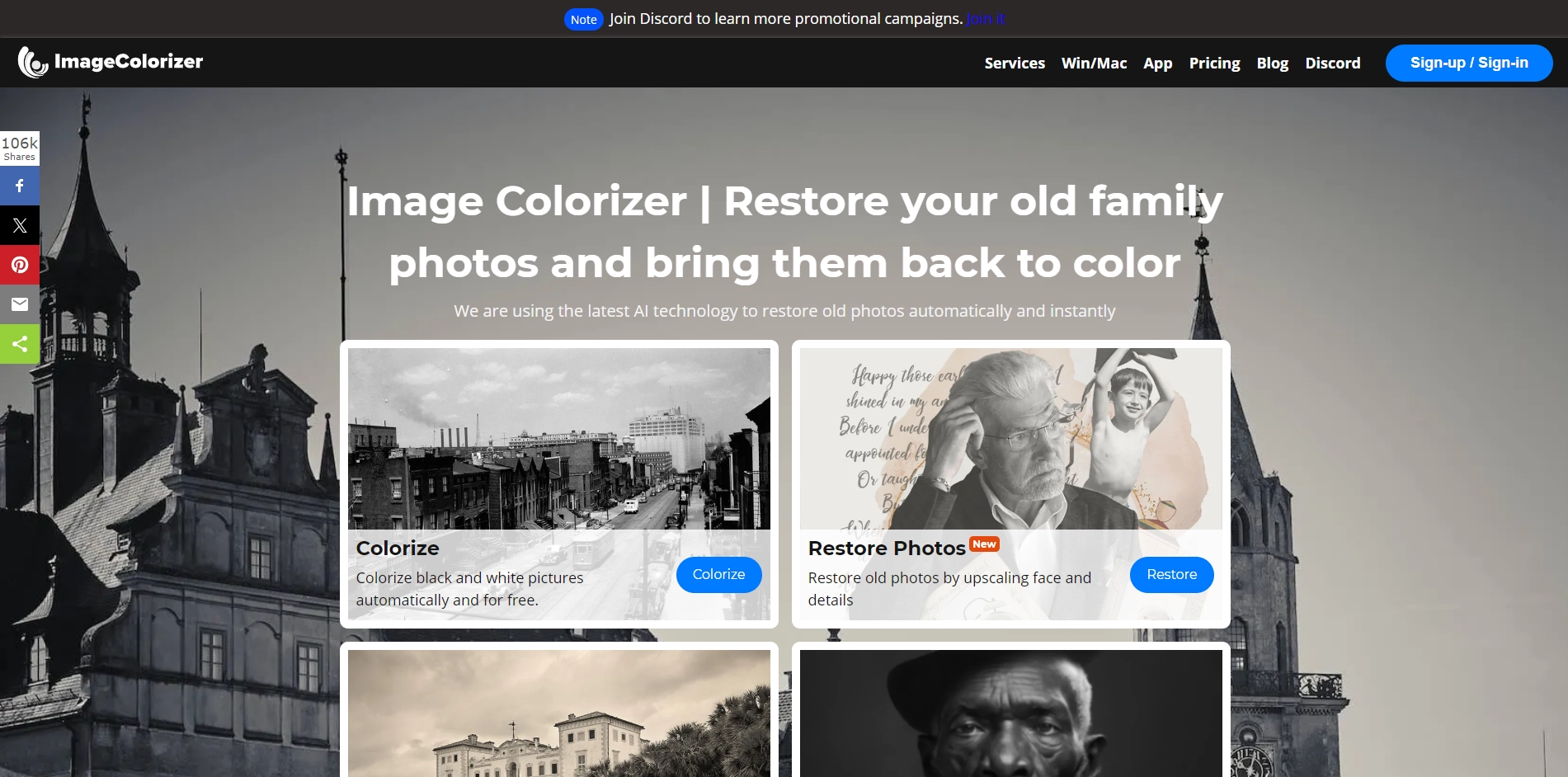
ImageColorizer takes these monochromatic memories and breathes new life into them. With just a few clicks, you can transform black and white photos into colorized versions, preserving the authenticity of the original image while adding a vibrant touch.
ImageColorizer features a user-friendly interface that makes the process of colorizing photos effortless, even for those with limited technical skills. The platform provides a simple and intuitive experience, guiding users through each step of the colorization process. You can easily upload your black and white photos and preview the colorized results before saving the final version.
ImageColorizer utilizes advanced algorithms and artificial intelligence to ensure high-quality and realistic colorization. The technology analyzes the image's content, textures, and patterns, and applies appropriate colors to various elements, such as skin tones, landscapes, and objects. The result is a colorized photo that closely resembles how the scene might have appeared in reality.
One of the remarkable aspects of ImageColorizer is its ability to preserve the authenticity and integrity of the original black and white photos. The platform aims to enhance rather than alter the essence of the image. The colorization process respects the original composition, maintaining the visual narrative and emotional impact of the photograph.
Key Platforms
Core Service Areas:

Automatic Colorization
User-Friendly Interface
Batch Processing
High-Quality Output
Customization Options
Cloud-Based Access
Pros
- Easy-to-Use Interface: ImageColorizer offers a user-friendly interface that makes the process of colorizing photos simple and accessible, even for individuals with limited technical knowledge.
- High-Quality Colorization: The platform utilizes advanced algorithms and artificial intelligence to ensure accurate and realistic colorization results. The technology analyzes image content and applies appropriate colors, resulting in high-quality colorized photos.
- Preservation of Original Composition: ImageColorizer aims to preserve the authenticity and integrity of the original black and white photos. The colorization process respects the original composition, maintaining the visual narrative and emotional impact of the image.
- Enhanced Nostalgia and Emotional Connection: Colorized photos evoke a sense of nostalgia and emotional connection, allowing individuals to experience personal and historical moments in a more immediate and relatable way.
- Easy Sharing and Preservation: Once colorized, photos can be easily saved and shared with others. This enables users to preserve and share their memories, ensuring that future generations can appreciate and engage with these colorful visual narratives.
Cons
- Dependence on Image Quality: The quality of the colorization results may vary depending on the resolution and quality of the original black and white photos. Lower quality or heavily damaged images may not yield the desired colorization outcomes.
- Limited Control Over Colorization: While ImageColorizer offers advanced algorithms for colorization, users have limited control over the specific color choices for different elements in the photo. The platform's automated process determines the colorization results.
- Potential Colorization Inaccuracies: In some cases, the colorization process may introduce inaccuracies or inconsistencies, particularly when dealing with complex images or intricate details. Users should be aware that the colorization results may not always perfectly match the original colors.
Frequently Asked Questions About Imagecolorizer
01
What is ImageColorizer?
ImageColorizer is an online tool that allows users to automatically colorize black and white images, transforming them into vivid, colorful representations of their cherished memories.
02
How does ImageColorizer work?
ImageColorizer uses advanced AI algorithms to analyze and understand the content of black and white images, applying colors based on patterns and context to produce realistic colorized versions.
03
Is ImageColorizer free to use?
ImageColorizer offers both free and premium options. Users can colorize a limited number of images for free, while additional features and higher-resolution outputs may require a subscription.
04
What file formats does ImageColorizer support?
ImageColorizer supports various file formats, including JPG, PNG, and BMP, allowing users to upload and colorize their images easily.
05
Can I edit the colorized images after processing?
Yes, after using ImageColorizer, you have the option to download your colorized images and further edit them using photo editing software if desired.
Promote Imagecolorizer
Get Imagecolorizer in front of thousands of buyers actively searching for AI tools. Feature your listing on the homepage and category pages, or add the verified badge to your site.
Copy Embed Code

Share on

Related AI Tools
Explore related AI tools for diverse applications and enhanced productivity

Unlock the best AI Tools for you!
Login or Approve this tool to continue exploring features and analytics.

