


Looka: A Platform for Logo Design and Brand Identity If you are an entrepreneur looking for a logo design and brand identity platform, you might want to check out Looka. Looka is an online tool that uses artificial intelligence to help you create a custom logo and build a brand you love. In this blog post, we will introduce you to Looka and its features, and show you how to use it to make a logo for your business.
What is Looka?
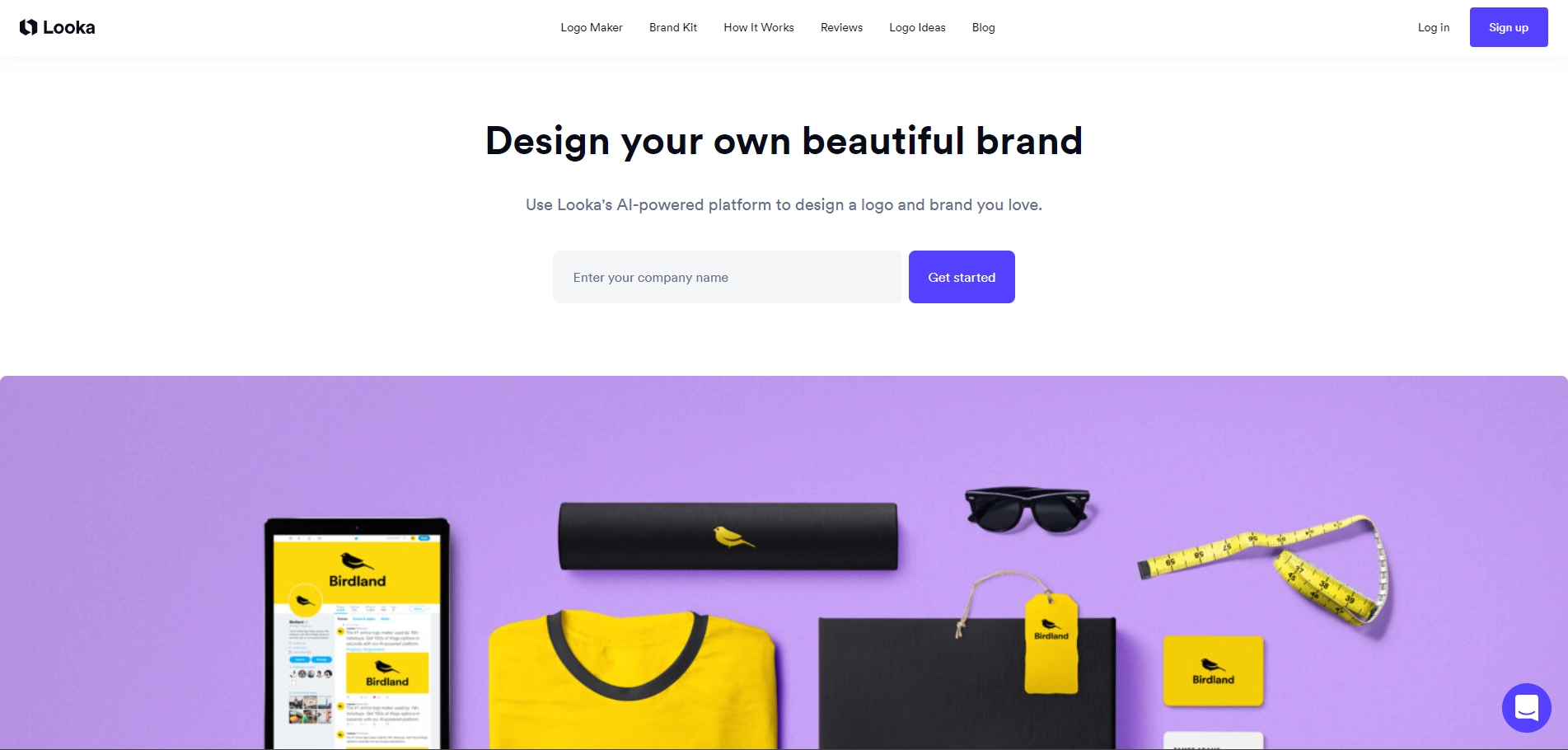
Looka is a logo design and brand identity platform that was founded in 2016 by Dawson Whitfield, a former graphic designer. Looka's mission is to empower entrepreneurs to create beautiful brands without breaking the bank or hiring a designer. Looka uses AI-powered technology to generate hundreds of logo options based on your preferences, such as your company name, industry, style, colors, and symbols. You can then customize your logo design using Looka's easy-to-use editor, and download high-resolution files for online and offline use. Looka also offers a brand kit feature that allows you to create branded marketing materials, such as business cards, social media templates, email signatures, flyers, invoices, and more. You can access all these features with a one-time payment or a monthly subscription.
How to use Looka?
Using Looka is simple and fun. Here are the steps to follow:
1. Enter your company name and industry on Looka's homepage. You can also add a slogan if you have one.
2. Choose the logo styles that you like from the options provided. You can select up to three styles, such as minimalist, modern, vintage, etc.
3. Pick the colors that you want for your logo. You can choose from predefined color palettes or create your own custom colors.
4. Select the symbols that you want to include in your logo. You can browse through thousands of icons by category or keyword.
5. Wait for Looka to generate your logo options. You can scroll through the logos and click on the ones that catch your eye.
6. Customize your logo design using Looka's editor. You can change the fonts, colors, sizes, layouts, and spacing of your logo elements.
7. Save your logo design when you are happy with it. You can then choose a package that suits your needs and budget.
What are the benefits of using Looka?
Looka has many benefits for entrepreneurs who want to create a logo and a brand identity for their business. Some of them are:
- Looka is affordable and flexible. You can choose from different pricing plans depending on your needs and goals. You can also make unlimited changes to your logo when you subscribe to Looka's brand kit.
- Looka is fast and easy. You can make a logo in minutes without any design skills or software. You can also get instant feedback from Looka's customer support team via live chat or email.
- Looka is creative and unique. You can get hundreds of custom logo designs that match your vision and industry. You can also create branded marketing materials that are consistent and professional.
Conclusion
Looka is a great platform for entrepreneurs who want to design a logo and build a brand identity for their business. It is affordable, fast, easy, creative, and unique. If you are interested in trying out Looka, you can visit their website at https://looka.com/ (index 1) and start making your logo today.
Key Platforms
Core Service Areas:

AI-Powered Design
Customizable Templates
Brand Kit Creation
User-Friendly Interface
High-Quality Exports
Comprehensive Brand Support
Pros
- Looka uses AI to generate custom logo designs based on your preferences and industry
- Looka provides a variety of logo files, color variations, business card designs, social media templates, and brand info for your logo
- Looka offers a free logo maker that lets you create and preview your logo before purchasing
- Looka has a friendly and helpful customer support team that can assist you with any issues or questions
- Looka gives you full ownership and royalty-free rights to your logo design
Cons
- Looka may not offer as many design options or customization features as other logo services or professional designers
- Looka requires a subscription to its Brand Kit to access unlimited changes, post-purchase support, and additional marketing materials
- Looka may not have the best discounts or deals compared to other logo services or platforms
Frequently Asked Questions About Looka
01
What is Looka and how does it work?
Looka is an AI-powered platform that helps users design custom logos and develop brand identity. By entering your business name and preferences, Looka generates logo options for you to customize and choose from.
02
Can I edit my logo after creating it?
Yes, Looka allows you to customize your logo even after it has been created. You can adjust colors, fonts, layouts, and other design elements to ensure it perfectly represents your brand.
03
Are there any costs associated with using Looka?
While Looka offers a free logo design option, downloading high-resolution files and accessing additional brand assets may require a one-time payment or subscription.
04
What file formats are included with my logo purchase?
When you purchase a logo from Looka, you typically receive it in multiple formats, including PNG, SVG, and EPS, which are suitable for both digital and print use.
05
Can Looka help me with more than just logo design?
Yes, Looka also offers tools for creating a complete brand identity, including business cards, social media kits, and brand guidelines, allowing you to establish a cohesive presence across various platforms.
Promote Looka
Get Looka in front of thousands of buyers actively searching for AI tools. Feature your listing on the homepage and category pages, or add the verified badge to your site.
Copy Embed Code

Share on

Related AI Tools
Explore related AI tools for diverse applications and enhanced productivity
Unlock the best AI Tools for you!
Login or Approve this tool to continue exploring features and analytics.

