

Top domain transfers using promo code TLD23TSJU, and 65% on Shared Hosting with promo code HOST23TSJU
If you are looking for a way to create a custom logo for your business or personal brand, you might want to check out Namecheap's free logo maker. Namecheap is a company that offers domain registration, hosting, and other online services. But they also have a suite of creative design tools called Visual, which includes a logo maker that lets you design your own logo in minutes.
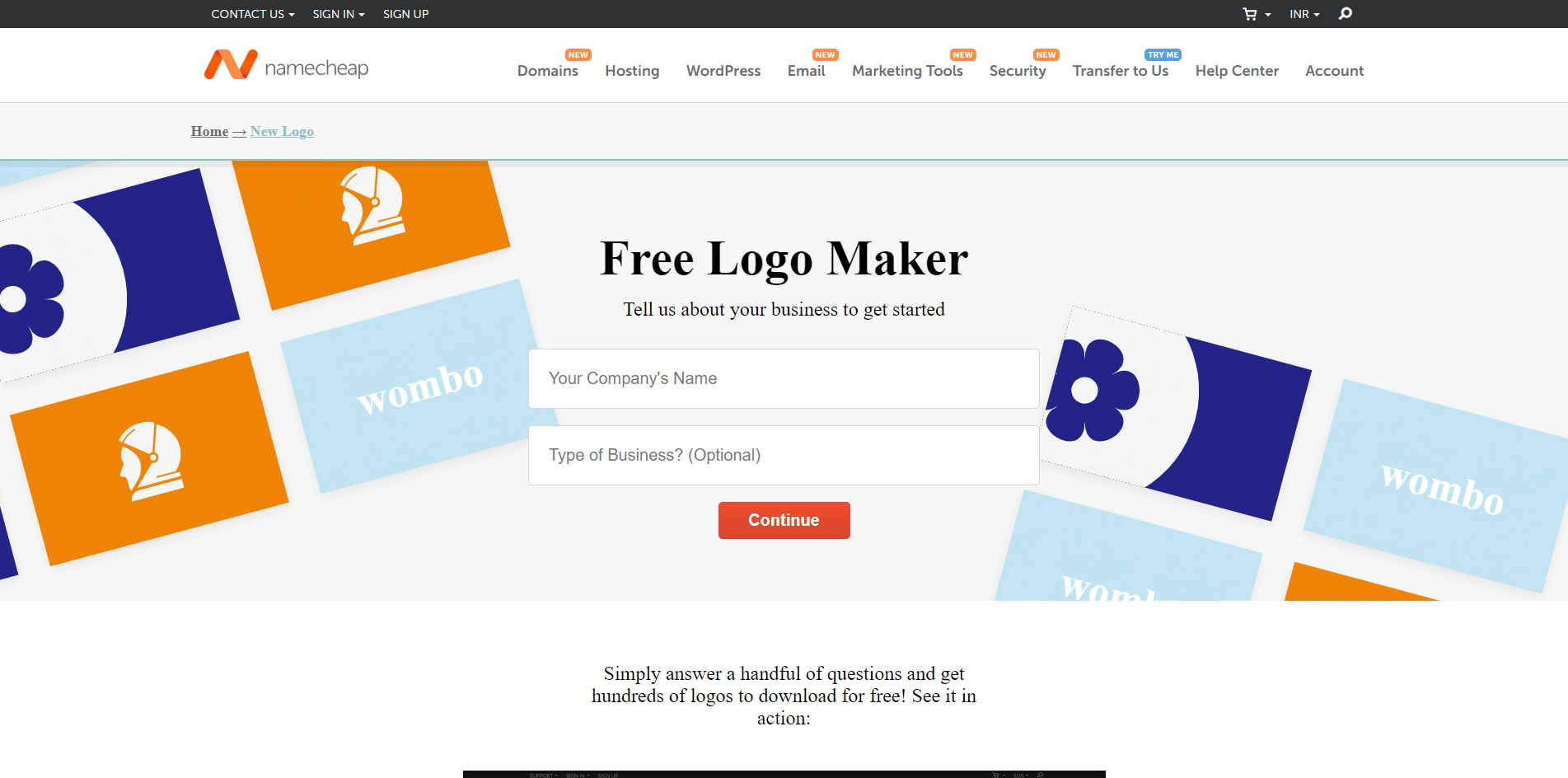
Namecheap's logo maker is easy to use and does not require any design skills. You just have to answer a few questions about your business, such as the name, industry, and style preferences. Then, the logo maker will use artificial intelligence to generate hundreds of logo ideas for you to choose from. You can also browse their library of professionally designed logo templates for inspiration.
Once you find a logo that you like, you can download it for free in high-quality PNG and SVG formats. You can use your logo on your website, business cards, social media, and more. You can also easily import your logo into Namecheap's other Visual tools, such as Site Maker and Card Maker, to create a consistent brand identity.
Namecheap's logo maker is a great option for anyone who wants to create a unique and professional logo without spending a lot of time or money. It's also a good way to explore different logo styles and see how they look on different platforms. You can try it out for yourself by visiting https://www.namecheap.com/logo-maker/app/new/.
Key Platforms
Core Service Areas:

User-Friendly Interface
Customizable Templates
High-Quality Graphics
Instant Download
No Design Experience Needed
Branding Support
Pros
- It is free and easy to use.
- It generates unique and high-quality logos with AI.
- It offers a variety of fonts, icons, and colors to choose from.
- It allows you to download your logo in PNG and SVG formats.
- It integrates with other Visual tools for website and business card design.
Cons
- It may not offer enough customization options for some users.
- It may not reflect your brand identity or vision accurately.
- It may not be compatible with some devices or operating systems.
Frequently Asked Questions About Namecheap Logo Maker
01
Is the Namecheap Logo Maker truly free to use?
Yes, the Namecheap Logo Maker is completely free to use, allowing you to create and download your custom logo without any hidden fees.
02
Do I need any design experience to use the Namecheap Logo Maker?
No design experience is required! The tool is user-friendly and designed for anyone to create a professional-looking logo easily.
03
Can I customize my logo after creating it?
Absolutely! The Namecheap Logo Maker allows you to edit and customize your logo as many times as you want until you achieve the perfect design.
04
What file formats are available for downloading my logo?
You can download your logo in various formats, including PNG and SVG, which are suitable for both web and print use.
05
Is there a limit on how many logos I can create with the Namecheap Logo Maker?
No, there is no limit! You can create and save as many logos as you like using the Namecheap Logo Maker.
Promote Namecheap Logo Maker
Get Namecheap Logo Maker in front of thousands of buyers actively searching for AI tools. Feature your listing on the homepage and category pages, or add the verified badge to your site.
Copy Embed Code

Share on

Related AI Tools
Explore related AI tools for diverse applications and enhanced productivity
Unlock the best AI Tools for you!
Login or Approve this tool to continue exploring features and analytics.

