

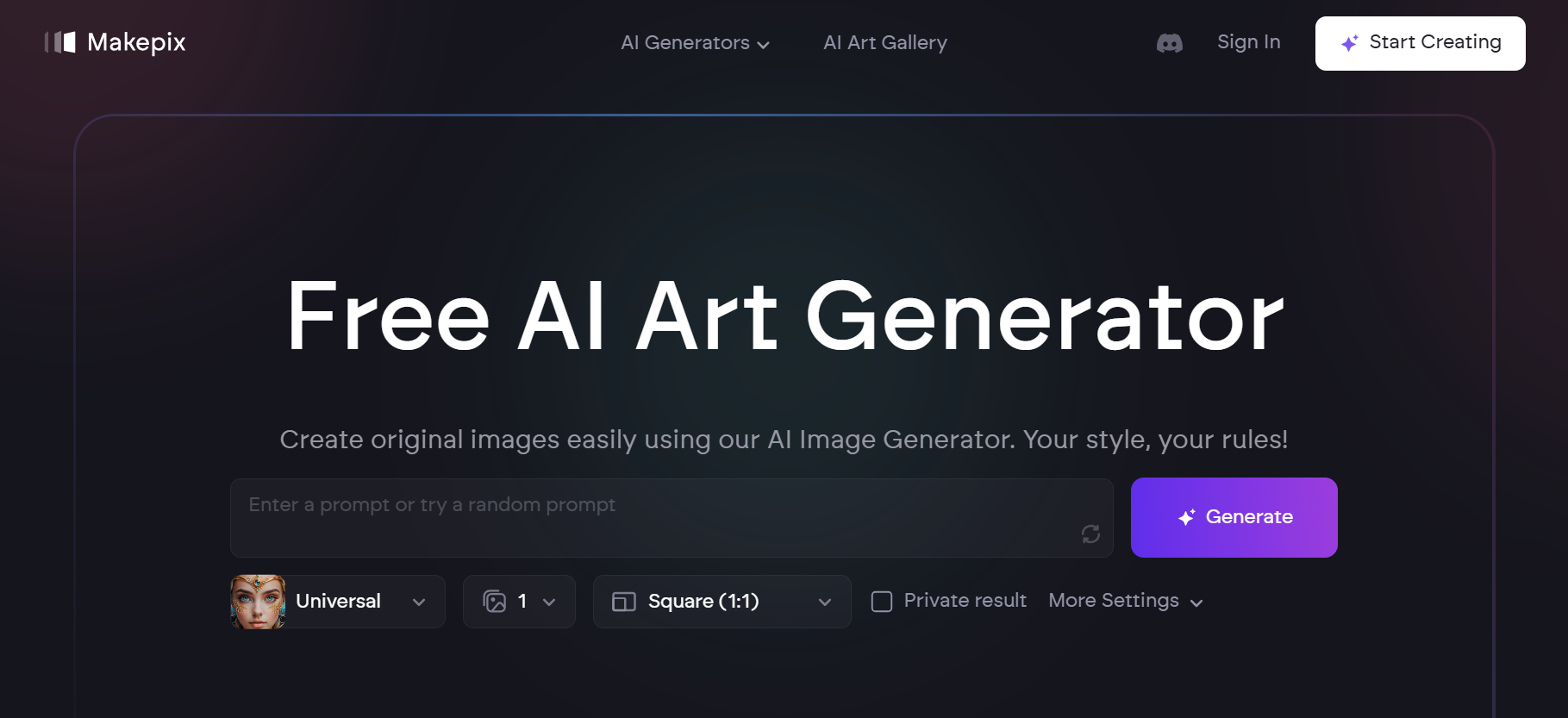
Makepix AI is an AI tool that transforms your ideas into unique images, allowing you to create art in various styles effortlessly.
What is Makepix AI?
Makepix AI is an AI Image Generator that helps you turn your thoughts into visual art. By describing what you imagine, the AI Art Generator crafts images that match your vision. It's designed to be user-friendly, making art creation accessible to everyone.
What Can You Do With Makepix AI?
With Makepix AI, you can create a wide range of images:
- Cartoon Characters: Transform text or photos into AI-generated cartoons.
- Anime Art: Generate unique anime-style images.
- Portraits and Faces: Create realistic or stylized portraits.
- Fantasy Art: Bring imaginative scenes to life.
- Backgrounds and Wallpapers: Design custom backgrounds for devices or projects.
Key Features of Makepix AI
- AI Cartoon Generator: Convert texts or photos into AI-generated cartoons.
- AI Anime Generator: Create unique anime art easily.
- AI Face Generator: Generate realistic faces with advanced AI.
- AI Background Generator: Create unique backgrounds effortlessly.
- AI Portrait Generator: Transform your ideas into visual reality with AI-generated portraits.
Benefits of Using Makepix AI
- Easy to Use: Designed for simplicity, making it accessible to all.
- Creative Freedom: Explore various art styles and bring your ideas to life.
- Time-Saving: Quickly generate images without the need for advanced skills.
- Versatile Applications: Use it for personal projects, blogs, advertisements, and more.
FAQs
- Can I use images created by Makepix AI for commercial purposes?
Yes, you can use the images for personal, academic, or business purposes, adhering to their Terms of Use. Free subscribers should credit Makepix for the images. - Is Makepix AI free?
New users receive 5 trial credits to explore premium features. Additional credits require a subscription. - Is Makepix AI safe?
Yes, it's secure. You can maintain anonymity and use private mode for your creations. - What art styles can I create with Makepix AI?
You can create cartoons, anime, portraits, fantasy art, and more. - Do I need artistic skills to use Makepix AI?
No, it's designed to be user-friendly, allowing anyone to create art by simply describing their ideas.
Key Platforms
Core Service Areas:

Idea to Image
Diverse Art Styles
User-Friendly Interface
Instant Visualization
Customizable Outputs
Share and Collaborate
Frequently Asked Questions About Makepix AI
01
What types of styles can I create images in using Makepix AI?
Makepix AI offers a variety of artistic styles, including but not limited to abstract, realism, impressionism, and digital art, allowing you to explore your creativity.
02
Do I need any prior art skills to use Makepix AI?
No, Makepix AI is designed for users of all skill levels. You can create stunning images without any prior art experience.
03
How does Makepix AI generate images from my ideas?
Makepix AI uses advanced machine learning algorithms to interpret your input and generate unique images based on your specified ideas and preferences.
04
Can I edit the images created by Makepix AI after they are generated?
Yes, you can download the images and use any image editing software to make further modifications if desired.
05
Is there a limit to the number of images I can create with Makepix AI?
Makepix AI offers various subscription plans, including free and paid options, each with different limits on the number of images you can create.
Promote Makepix AI
Get Makepix AI in front of thousands of buyers actively searching for AI tools. Feature your listing on the homepage and category pages, or add the verified badge to your site.
Copy Embed Code

Share on

Related AI Tools
Explore related AI tools for diverse applications and enhanced productivity

Unlock the best AI Tools for you!
Login or Approve this tool to continue exploring features and analytics.

