

Trade smarter with the Pocket Option AI Bot. The system scans live market activity around the clock, detects high-probability CALL and PUT setups, and instantly filters opportunities based on your minimum payout requirements. Execute trades manually or let the bot handle entries automatically with ultra-fast sub-10ms reactions.
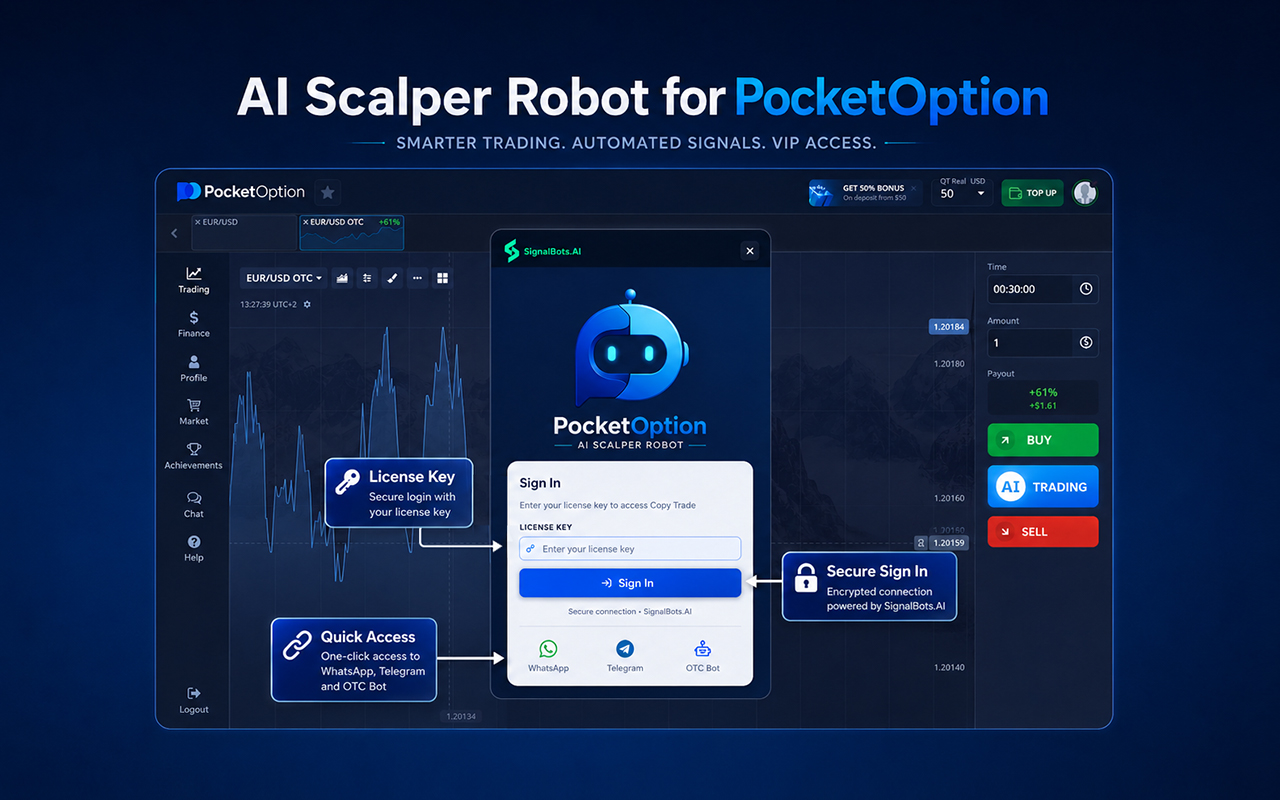
Pocket Option Bot, made by SignalBots, is an advanced AI-powered browser-based extension intended for traders of the Pocket Option platform. It automatically analyzes the market situation and delivers instant calls/puts according to the chosen strategy.
This browser extension offers manual and automated trading processes and lets you set various criteria: asset choice, payouts, volume, strategy and time frame from M1 to H4.
Pocket Option Bot covers a wide range of assets from forex pairs, indices, commodities to cryptocurrencies. Additionally, it allows you to use the bot both for demo and live trading accounts.
The trading platform offers several useful features like payout filters, protection against account mismatches, change in trading strategies, logging of calls/puts and browser-based trading. It is perfect for those looking for a more systematic approach to finding trading setups.
Remember that trading is always associated with high risks. This trading tool is not intended for profit generation and should be used carefully for testing trading strategies in demo mode first.
Key Platforms
Core Service Areas:

AI-Powered Signal Engine
Smart Payout Filtering
Manual & Auto
Demo and Live Account Support
Custom Assets and Timeframes
Browser-Based Trading Extension
Pros
- Provides AI-powered CALL and PUT trading signals.
- Continuously scans live market activity.
- Supports both manual and automated trading modes.
- Allows users to test strategies on a demo account.
- Lets users set minimum payout filters.
- Supports multiple markets, including forex, indices, commodities, and crypto.
- Supports multiple timeframes from M1 to H4.
- Works with browsers like Chrome, Firefox, Edge, Brave, and Opera.
- Allows users to customize trade size, assets, and strategies.
- Includes useful features like signal logs and account protection.
Cons
- Binary options trading is a high-risk category.
- The tool does not guarantee profits.
- Wrong signals can lead to financial loss.
- Auto trading may be risky for beginners.
- Mainly useful for Pocket Option platform users only.
- Depends on browser extension performance.
- Live market volatility can affect signal accuracy.
- Users still need basic trading knowledge before using it.
Frequently Asked Questions About Pocket Option Bot Chrome Extension
01
Does Pocket Option Bot work on a demo account?
Yes. The extension supports both demo and live accounts, allowing traders to test strategies and workflows before using real funds.
02
Which browsers are supported?
Pocket Option Bot works on Chrome, Firefox, Edge, Opera, Brave, Yandex, Samsung Internet, Tor Browser, and most Chromium-based desktop browsers.
03
Can I choose which assets and timeframes the bot monitors?
Yes. Users can customize asset selection, choose from multiple timeframes (M1–H4), adjust payout filters, and switch between different built-in trading strategies.
04
Does Pocket Option Bot guarantee profits?
No. Pocket Option Bot does not guarantee profits. Trading binary options and financial markets involves risk, and users can lose money.
05
Can users trade manually with this tool?
Yes. Users can keep auto-trade turned off and use the bot only for signal alerts, then manually decide whether to place a trade.
Promote Pocket Option Bot Chrome Extension
Get Pocket Option Bot Chrome Extension in front of thousands of buyers actively searching for AI tools. Feature your listing on the homepage and category pages, or add the verified badge to your site.
Copy Embed Code

Share on

Related AI Tools
Explore related AI tools for diverse applications and enhanced productivity
Unlock the best AI Tools for you!
Login or Approve this tool to continue exploring features and analytics.

