

Remaker AI provides a collection of AI-powered tools for image editing, avatar creation, background removal, and voice cloning. These tools streamline content creation, enabling users to produce high-quality images, avatars, and audio files quickly and easily.
What is Remaker AI?
Remaker AI is a platform featuring various tools to meet creative and professional editing needs. Its tools include background remover, AI headshot and portrait generators, voice cloning, and an art generator. Each tool uses AI to simplify complex editing and production processes, making it accessible to both beginners and advanced users.
What Can You Do With Remaker AI?
With Remaker AI, users can remove backgrounds from photos, create personalized avatars, generate professional headshots, and even produce lifelike voice clones. These tools are ideal for social media content, business presentations, creative projects, and more. The AI art generator allows users to create unique digital art using text prompts or images, while the voice cloning tool enables quick, accurate voice replication for audiobooks, media projects, and virtual assistants.
Key Features of Remaker AI
- Background Remover: Automatically detects and removes backgrounds from images with precision.
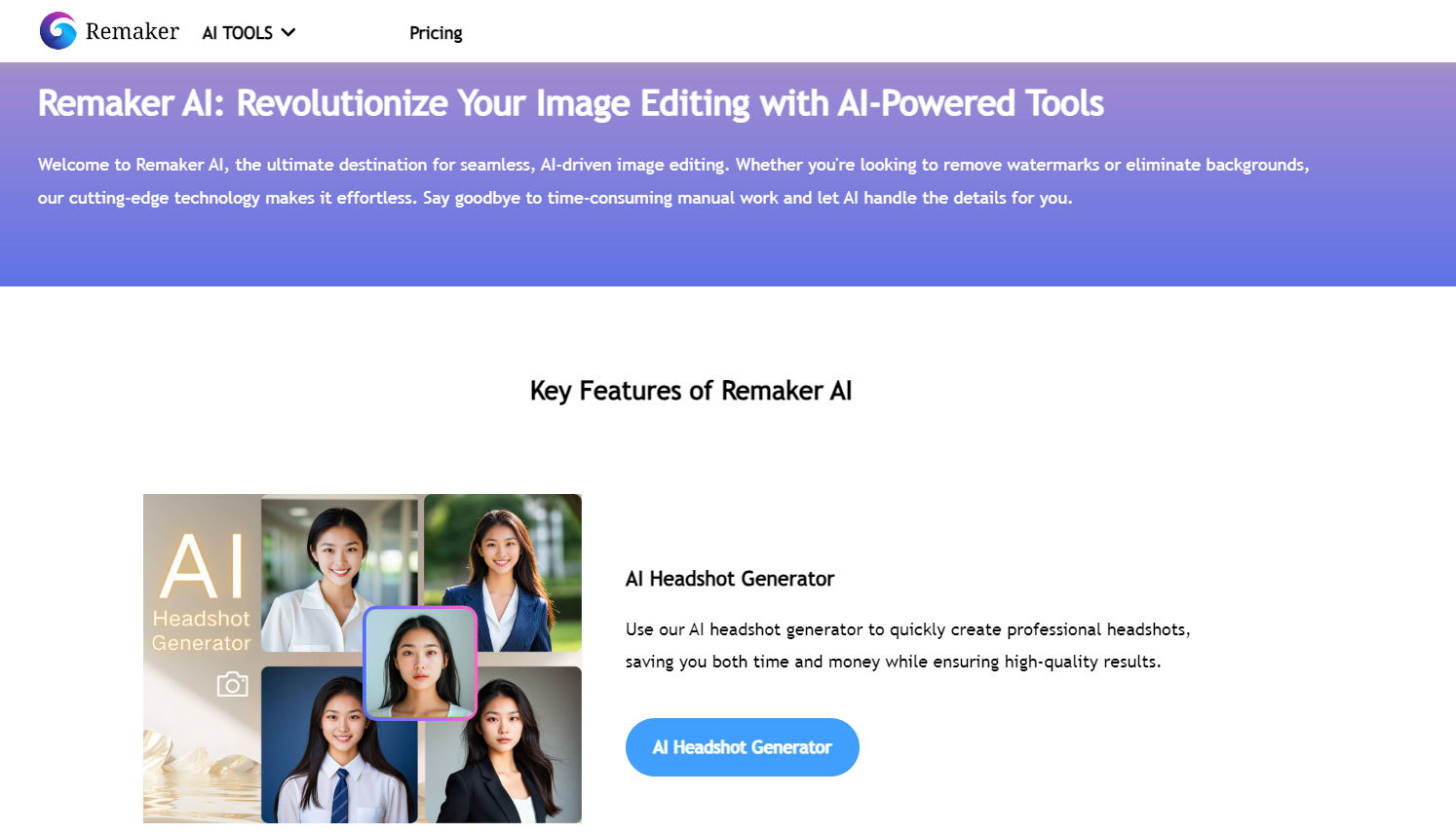
- AI Headshot Generator: Provides professional-quality headshots suitable for resumes, LinkedIn profiles, and business purposes.
- AI Portrait and Avatar Generators: Generate artistic or animated avatars and portraits with customizable features and styles.
- Voice Cloning: Produces high-quality, lifelike voice replicas for use in audiobooks, customer service, and media.
- AI Art Generator: Allows users to create stunning digital art by entering prompts or images.
Benefits of Using Remaker AI
Using Remaker AI’s collection of tools saves time and effort, especially for users without professional editing skills. The background remover and headshot generator are particularly useful for producing polished, professional images without hiring a designer. Voice cloning enables creators to produce engaging audio content cost-effectively, while the art generator democratizes art creation by making it accessible to everyone.
Remaker AI Pricing
Remaker AI offers a flexible credit-based system with various packages to cater to different needs:
- 150 Credits: Free (Special Halloween Offer)
- 150 Credits: $2.99
- 530 Credits: $9.99 (5% off)
- 1100 Credits: $19.99 (10% off)
- 3000 Credits: $49.99 (15% off)
- 20,000 Credits: $299 (25% off)
These credits allow users to access different tools and features across the platform, providing cost-effective options without requiring a recurring subscription.
FAQs
- What is Remaker AI used for?
Remaker AI is used for creating and editing digital images, producing voice clones, and generating art and avatars. - How does the background remover work?
The background remover uses AI to identify and erase backgrounds, creating clean, isolated images. - Can I use AI Voice Cloning for professional projects?
Yes, the voice cloning feature is designed for high-quality audio suitable for business, media, and personal projects. - What kind of art can the AI Art Generator create?
The AI Art Generator can produce art in various styles, from realistic to abstract, based on user prompts or uploaded images. - Is there a subscription plan for Remaker AI?
No, Remaker AI uses a credit-based system, allowing users to buy and use credits as needed without a subscription.
Key Platforms
Core Service Areas:

Image Editing
Avatar Creation
Background Removal
Voice Cloning
Content Streamlining
High-Quality Outputs
Frequently Asked Questions About Remaker AI
01
What types of image editing can I perform with Remaker AI?
Remaker AI offers a variety of image editing tools, including background removal, enhancement, and customization features to help you create high-quality images effortlessly.
02
Can I create custom avatars using Remaker AI?
Yes, Remaker AI allows you to create personalized avatars using its intuitive avatar creation tool, which provides a range of customization options.
03
How does the voice cloning feature work?
The voice cloning feature in Remaker AI uses advanced AI algorithms to analyze and replicate a user's voice, enabling you to generate audio files that sound remarkably similar.
04
Is there a limit to how many images or audio files I can create?
While there may be usage limits depending on the subscription plan you choose, Remaker AI is designed to support high-volume content creation for users with different needs.
05
Do I need any special skills to use Remaker AI?
No, Remaker AI is designed to be user-friendly, making it accessible for everyone, regardless of their technical skills or experience in image or audio editing.
Promote Remaker AI
Get Remaker AI in front of thousands of buyers actively searching for AI tools. Feature your listing on the homepage and category pages, or add the verified badge to your site.
Copy Embed Code

Share on

Related AI Tools
Explore related AI tools for diverse applications and enhanced productivity

Unlock the best AI Tools for you!
Login or Approve this tool to continue exploring features and analytics.

