

Sharly AI is a web-based tool that lets you upload any document and chat with it using natural language. You can ask Sharly AI to summarize, highlight, or analyze the document for you. You can also share your chat with your peers or export it as a PDF.
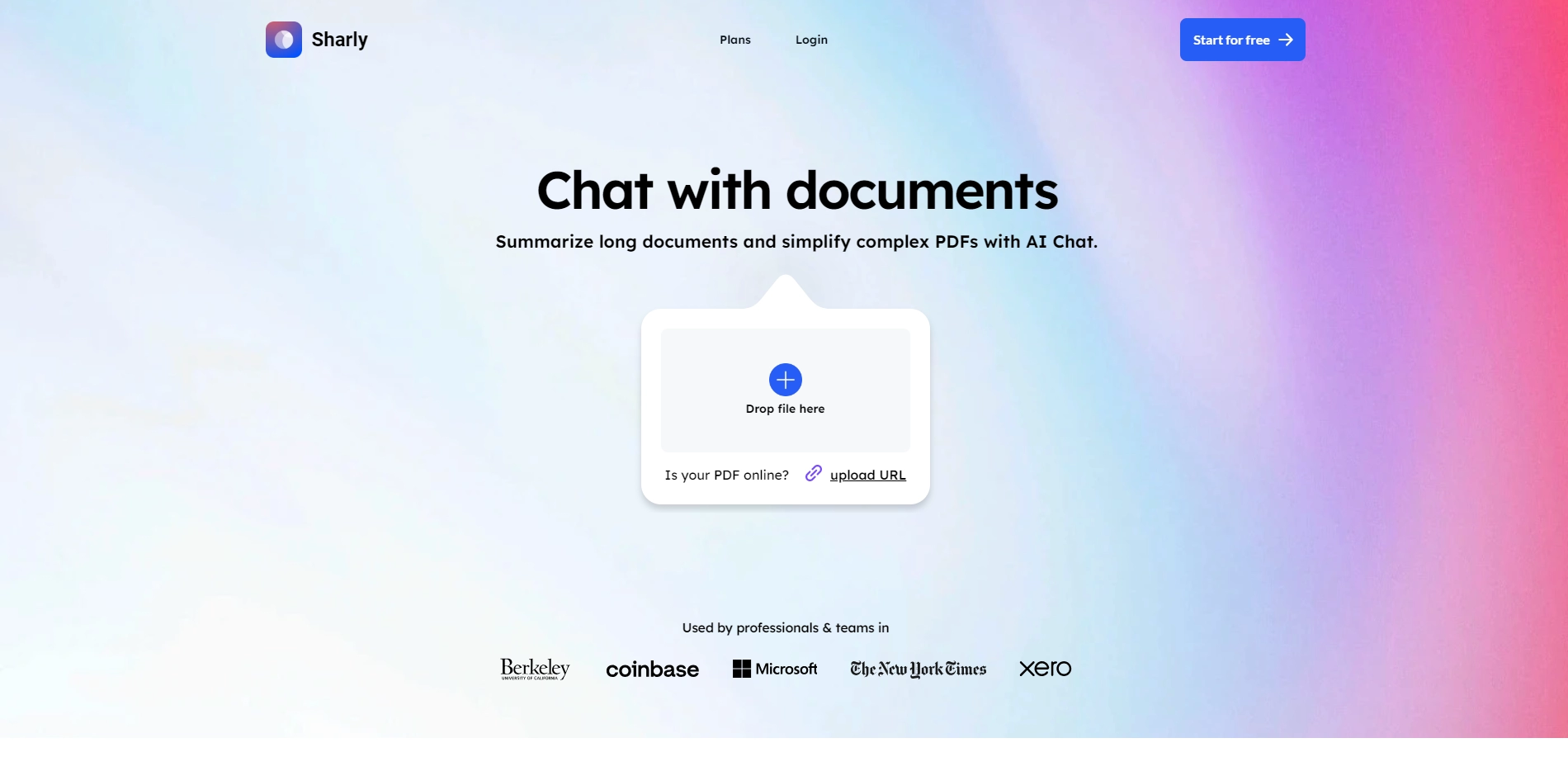
# Sharly AI: A Chatbot for Your Documents
Do you have a lot of documents to read and understand? Do you wish you could just ask questions and get answers from them? Do you want to save time and be more productive with your work?
If you answered yes to any of these questions, then you might want to check out Sharly AI, a chatbot for your documents.
Sharly AI is powered by the latest language models, such as GPT-3, that can generate coherent and accurate responses based on the document content. Sharly AI can handle various types of documents, such as PDFs, Word files, web pages, and more.
Sharly AI is designed to help you simplify complex information and turn it into friendly stories. You can use Sharly AI for various purposes, such as:
- Research: Find relevant information from academic papers, reports, or articles.
- Education: Learn new concepts or topics from textbooks, lectures, or courses.
- Business: Review contracts, proposals, or presentations.
- Personal: Organize your notes, receipts, or bills.
Sharly AI is easy to use and affordable. You can try it for free with up to 10 documents per month. You can also upgrade to a premium plan for more features and unlimited documents.
If you want to chat with your documents and get 10X faster with AI, visit https://www.sharly.ai/ and start your free trial today!
Key Platforms
Core Service Areas:

Document Upload
Natural Language Interaction
Summarization Tool
Highlighting Insights
Peer Sharing
PDF Export
Pros
- It can save time and effort by summarizing and simplifying long documents with AI.
- It can answer questions and provide insights from the uploaded documents.
- It can turn complex information into friendly stories with natural language.
Cons
- It may not be accurate or reliable for some types of documents or questions.
- It may not protect the privacy or security of the uploaded documents or chats.
- It may not be compatible with some formats or languages of the documents.
Frequently Asked Questions About Sharly AI
01
What types of documents can I upload to Sharly AI?
You can upload a variety of document formats to Sharly AI, including PDFs, Word documents, and text files.
02
Can Sharly AI summarize lengthy documents?
Yes, Sharly AI is designed to summarize lengthy documents, highlighting the key points and essential information.
03
Is it possible to share my chat with others?
Absolutely! You can easily share your chat with peers or export the conversation as a PDF for convenient sharing.
04
How does the chat functionality work?
You can interact with Sharly AI using natural language, asking questions or requesting analyses about the content of your uploaded document.
05
Is there a limit to the size of the document I can upload?
Yes, there is a maximum file size limit for uploads, which is typically specified on the platform. Please check the website for the most current details.
Promote Sharly AI
Get Sharly AI in front of thousands of buyers actively searching for AI tools. Feature your listing on the homepage and category pages, or add the verified badge to your site.
Copy Embed Code

Share on

Related AI Tools
Explore related AI tools for diverse applications and enhanced productivity

Unlock the best AI Tools for you!
Login or Approve this tool to continue exploring features and analytics.

