

FINDMYAITOOL15OFF
Spikes extract captivating shorts from videos. Automatically get a title, hashtags, auto-captions, AI styling and more.
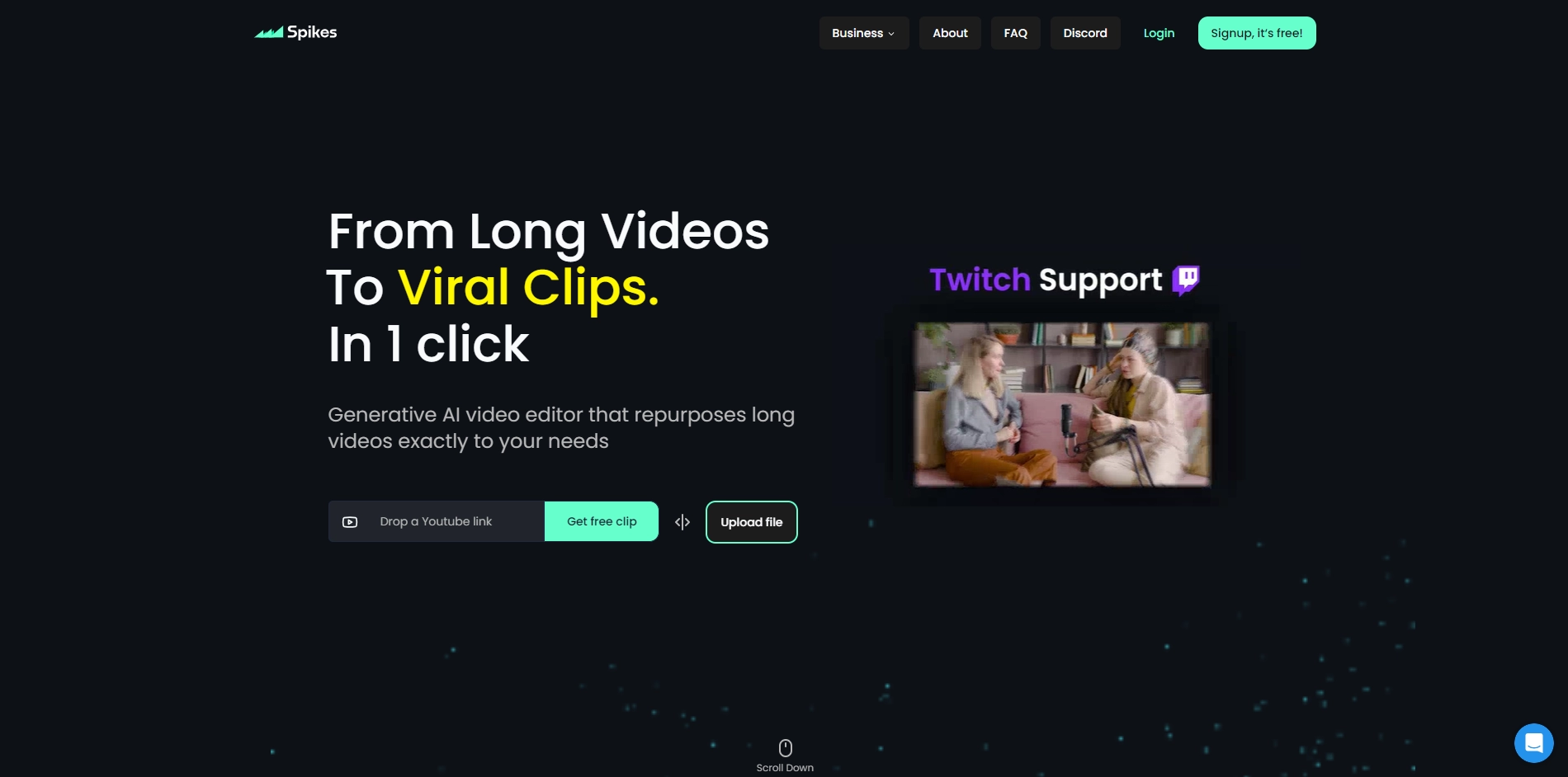
Spikes helps creators extract captivating shorts from any video. Automatically get a title, description, hashtag recommendations, auto-captions, AI styling and quickly edit. Grow and give your audience more of you for a fraction of the time and cost!
What truly sets Spikes Studio apart is its ability to streamline the editing process. Creators can swiftly edit their videos, enhancing their quality and visual appeal without investing extensive hours.
This efficiency not only amplifies productivity but also allows creators to produce more content, establishing a stronger and more consistent online presence.
The cost-effectiveness of Spikes Studio further empowers creators, enabling them to invest their resources strategically, expanding their creative endeavors without breaking the bank.
Key Platforms
Core Service Areas:

Automated Title Generation
Smart Hashtags
Auto-Captions
AI Styling Options
Video Short Extraction
User-Friendly Interface
Pros
- Fully customize all your Clips
- The fastest clipping AI on the market compared to similar tools. Converts 24-hour videos in under 10 minutes.
- Processes videos with more than 72 hours seamlessly.
- Able to process an unlimited number of videos at the same time, while you can edit other clips simultaneously in the background.
- Supporting 99+ languages: ensuring your content resonates globally. Speak to the world, in a language they understand
- Tailor your video clips to your desired duration, ensuring every moment fits perfectly with your audience's preference. Craft your narrative
- Caption with 99%+ accuracy flexible and automatic up to word-level precision
- Relevant hashtags and descriptions, enhancing discoverability
- Your broadcasts are automatically processed, ready for review at the end of your stream.
Cons
- There are no cons found.
Frequently Asked Questions About Spikes Studio
01
What types of videos can Spikes Studio process?
Spikes Studio can process a wide range of video formats, including promotional videos, vlogs, interviews, and tutorials, making it versatile for various content creators.
02
How does Spikes Studio generate titles and hashtags?
Spikes Studio uses advanced AI algorithms to analyze the video content and context, automatically generating engaging titles and relevant hashtags tailored to your audience.
03
Can I customize the auto-captions generated by Spikes Studio?
Yes, you can customize the auto-captions in Spikes Studio. While the tool generates captions automatically, you have the option to edit them for accuracy and style.
04
Is there a limit to the length of videos I can upload to Spikes Studio?
Spikes Studio supports videos of various lengths, but there may be specific limits depending on your subscription plan. Please check the plan details for more information.
05
What AI styling options does Spikes Studio offer?
Spikes Studio provides a variety of AI styling options, including visual effects, transitions, and themes, allowing you to enhance your video shorts to match your brand aesthetic.
Promote Spikes Studio
Get Spikes Studio in front of thousands of buyers actively searching for AI tools. Feature your listing on the homepage and category pages, or add the verified badge to your site.
Copy Embed Code

Share on

Related AI Tools
Explore related AI tools for diverse applications and enhanced productivity

Unlock the best AI Tools for you!
Login or Approve this tool to continue exploring features and analytics.

