

If you are looking for a smart and convenient way to manage your time and meetings, you might want to check out Magical.so, a new AI-powered tool that reinvents the calendar. Magical.so is not just a regular calendar app, but a complete time operating system that integrates with your browser, your communication platforms, and your productivity tools. Here are some of the features that make Magical.so stand out from other calendar solutions:
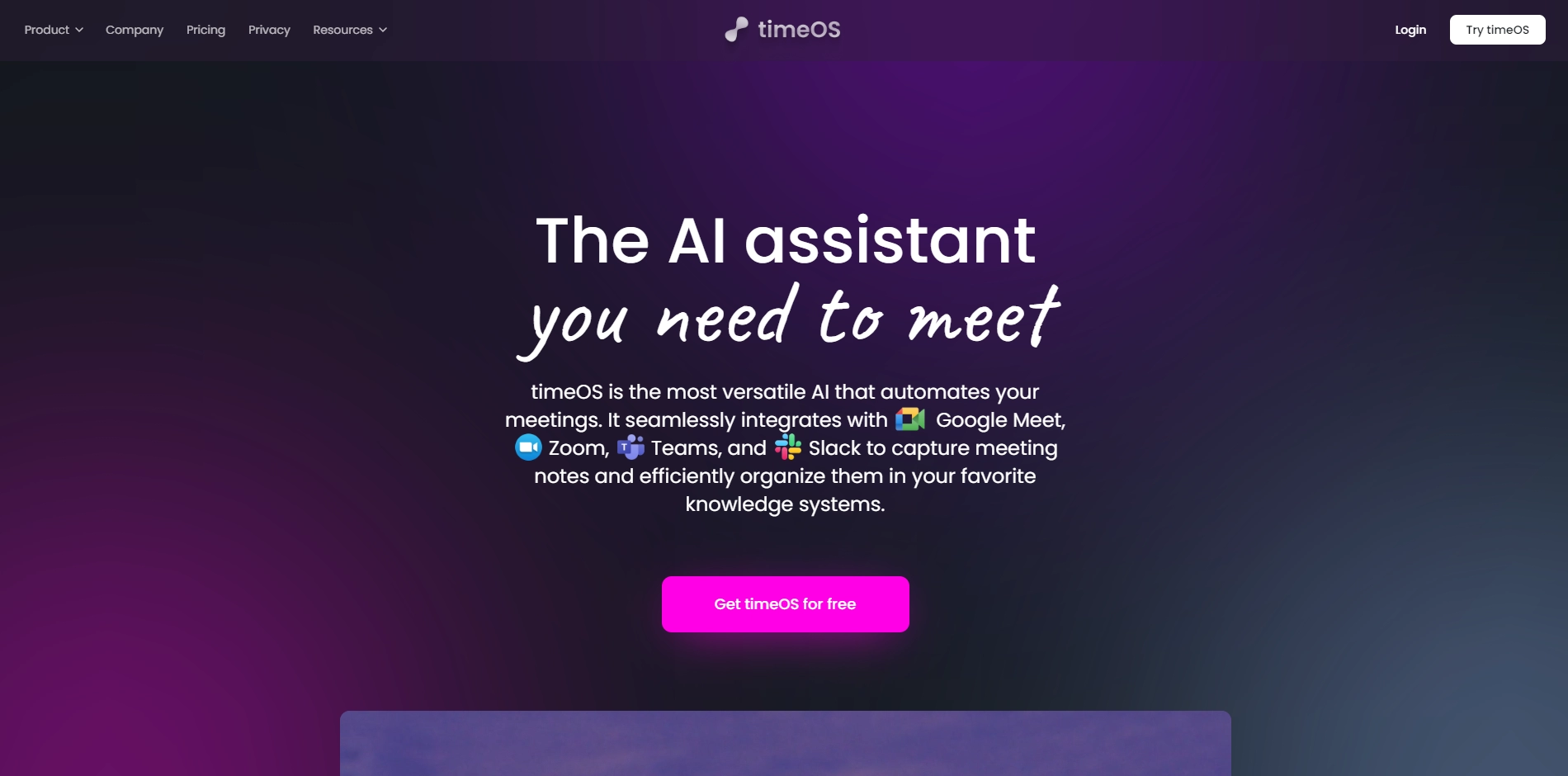
- AI Notetaker: Magical.so uses advanced natural language processing to automatically generate meeting notes, action items, and agendas for you. You don't have to worry about missing important details or wasting time on manual note-taking. You can also access AI commands to get more out of your meetings, such as asking for summaries, clarifications, or suggestions.
- Time Peek: Magical.so helps you stay on top of your schedule by showing you a preview of your upcoming meetings and tasks in any tab. You can also easily create and join meetings from anywhere, without switching tabs or apps.
- Scheduling Links and Time Polls: Magical.so simplifies the process of finding the best time to meet with anyone. You can create personalized scheduling links based on your preferences and availability, and share them with your invitees. You can also use time polls to let AI suggest times and let your invitees vote on their preferred options.
- Sync to Notion: Magical.so enhances your workflow by automatically syncing your meeting notes to Notion, one of the most popular productivity tools. You can easily organize and share your notes with others, and access them from any device.
Magical.so is free for individual users, and offers affordable plans for teams and businesses. You can get started by adding Magical.so to your Chrome browser, or using their web app if you prefer another browser. If you want to learn more about Magical.so, you can visit their website at https://magical.so/ or follow them on LinkedIn at https://www.linkedin.com/company/magicalso.
Key Platforms
Core Service Areas:

Smart Scheduling
Integrated Workflows
Intelligent Reminders
Customizable Views
AI-Powered Insights
Browser Integration
Pros
- It uses AI to take meeting notes, recommend action items, and act as a meeting assistant.
- It syncs with Notion, Google, and other tools to make meeting notes accessible and shareable.
- It has a timeOS that makes the calendar an all-encompassing workspace that can be accessed everywhere.
Cons
- It is only available for Chrome browser and web app, not for other browsers or devices.
- It is not free for unlimited AI features, and the pricing plans may be too expensive for some users.
Frequently Asked Questions About timeOS
01
What is timeOS and how does it differ from traditional calendar apps?
timeOS is an AI-powered time operating system that not only serves as a calendar but also integrates seamlessly with your browser, communication platforms, and productivity tools, providing a comprehensive solution for managing your time and meetings.
02
Can I integrate timeOS with other productivity tools I already use?
Yes, timeOS is designed to integrate with various productivity tools, enhancing your existing workflow and making time management more efficient.
03
Is timeOS suitable for both personal and professional use?
Absolutely! timeOS is versatile and can be used for managing both personal schedules and professional meetings, making it ideal for anyone looking to optimize their time.
04
How does the AI functionality enhance my scheduling experience?
The AI in timeOS learns from your scheduling habits and preferences, helping to suggest optimal meeting times, automate reminders, and prioritize your tasks more effectively.
05
Is there a mobile version of timeOS available?
Currently, timeOS is primarily web-based, but you can access it from any device with a browser, ensuring you can manage your schedule on the go.
Promote timeOS
Get timeOS in front of thousands of buyers actively searching for AI tools. Feature your listing on the homepage and category pages, or add the verified badge to your site.
Copy Embed Code

Share on

Related AI Tools
Explore related AI tools for diverse applications and enhanced productivity

Unlock the best AI Tools for you!
Login or Approve this tool to continue exploring features and analytics.

