
Topaz Photo AI is a software that uses artificial intelligence (AI) to improve the quality of your photos and videos. It can sharpen, remove noise, and increase the resolution of your images with advanced technology.
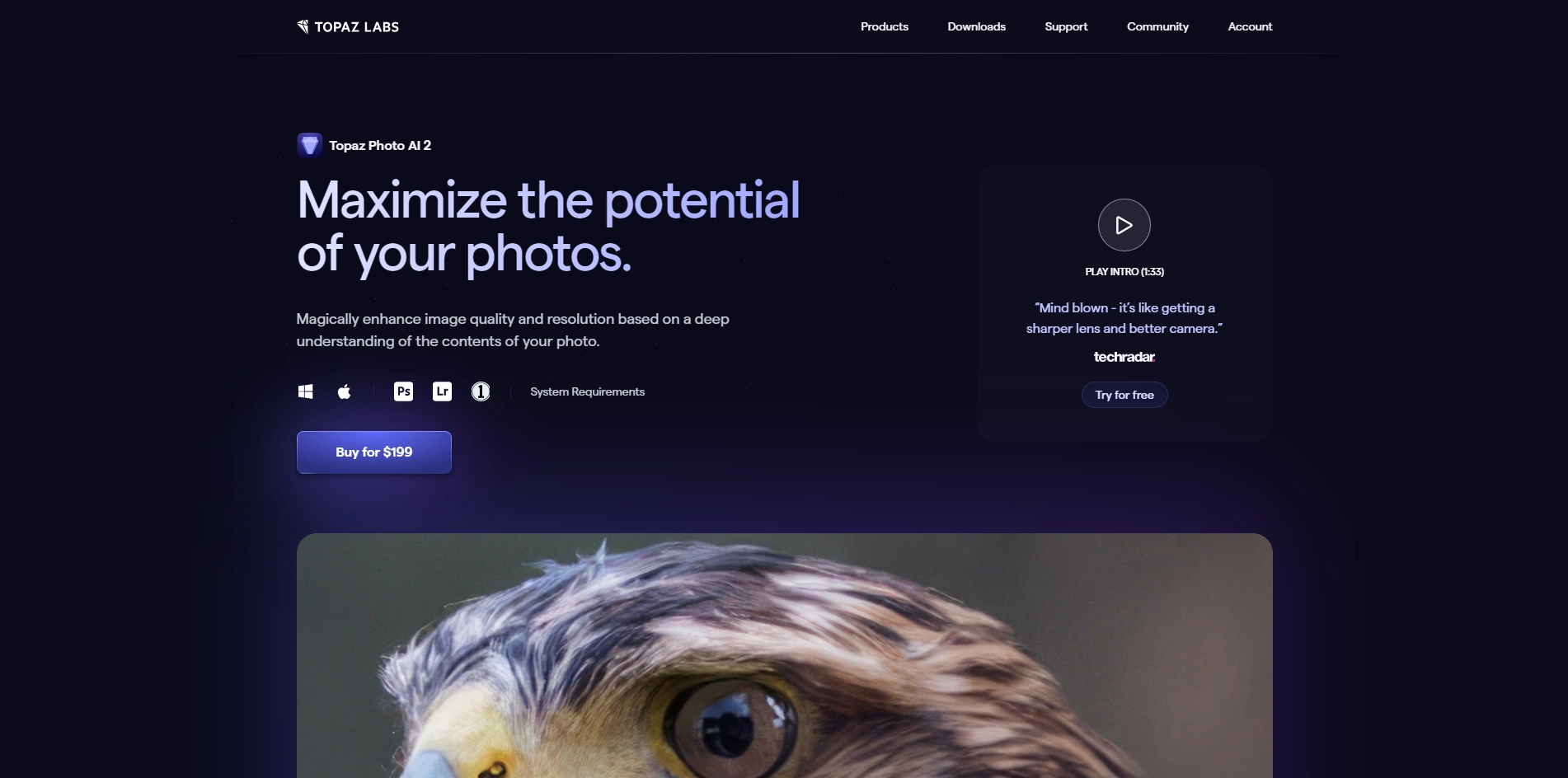
Topaz Photo AI can also enhance your video quality by upscaling, denoising, sharpening, and deinterlacing. Topaz Photo AI is designed to help you focus on your creativity rather than your tools. You can use it as a standalone program or as a plug-in for your existing image editor. Topaz Photo AI is based on deep learning, which means it learns from millions of data points to understand what "image quality" means. It can distinguish between real image detail and noise or blur, and produce natural results that are not possible with regular image processing filters. Topaz Photo AI is constantly updated with new and improved AI models for image quality. You can try it for free or buy it for $199 from the official website .
Key Platforms
Core Service Areas:

AI-Powered Sharpening
Noise Reduction
Upscaling Resolution
Smart Image Enhancement
Batch Processing
User-Friendly Interface
Pros
- It can sharpen, remove noise, and increase the resolution of your images with advanced technology .
- It can work as a standalone program or as a plug-in for your existing image editor.
- It can process images in batch mode and apply selective adjustments.
- It can handle different types of blur, such as camera shake, motion blur, and misfocus.
- It can convert interlaced videos to progressive while preserving image definition and reducing artifacts.
Cons
- It is expensive compared to some other image enhancement software ($199 for a lifetime license).
- It requires a powerful computer and a lot of disk space to run smoothly.
- It may not work well with some RAW formats or non-standard aspect ratios.
Frequently Asked Questions About Topaz Photo AI
01
What types of improvements can Topaz Photo AI make to my images?
Topaz Photo AI can sharpen images, remove noise, and increase resolution, enhancing the overall quality of your photos and videos.
02
Is Topaz Photo AI suitable for both beginners and professionals?
Yes, Topaz Photo AI is designed for users of all skill levels, offering easy-to-use features for beginners while providing advanced tools for professional photographers.
03
What file formats does Topaz Photo AI support?
Topaz Photo AI supports a wide range of file formats including JPEG, PNG, TIFF, and RAW files from various camera manufacturers.
04
Can I use Topaz Photo AI as a standalone application or as a plugin?
Topaz Photo AI can be used both as a standalone application and as a plugin for popular photo editing software such as Adobe Photoshop and Lightroom.
05
Does Topaz Photo AI require an internet connection to function?
No, Topaz Photo AI operates offline, allowing you to enhance your photos and videos without needing an internet connection.
Promote Topaz Photo AI
Get Topaz Photo AI in front of thousands of buyers actively searching for AI tools. Feature your listing on the homepage and category pages, or add the verified badge to your site.
Copy Embed Code

Share on

Related AI Tools
Explore related AI tools for diverse applications and enhanced productivity

Unlock the best AI Tools for you!
Login or Approve this tool to continue exploring features and analytics.

