

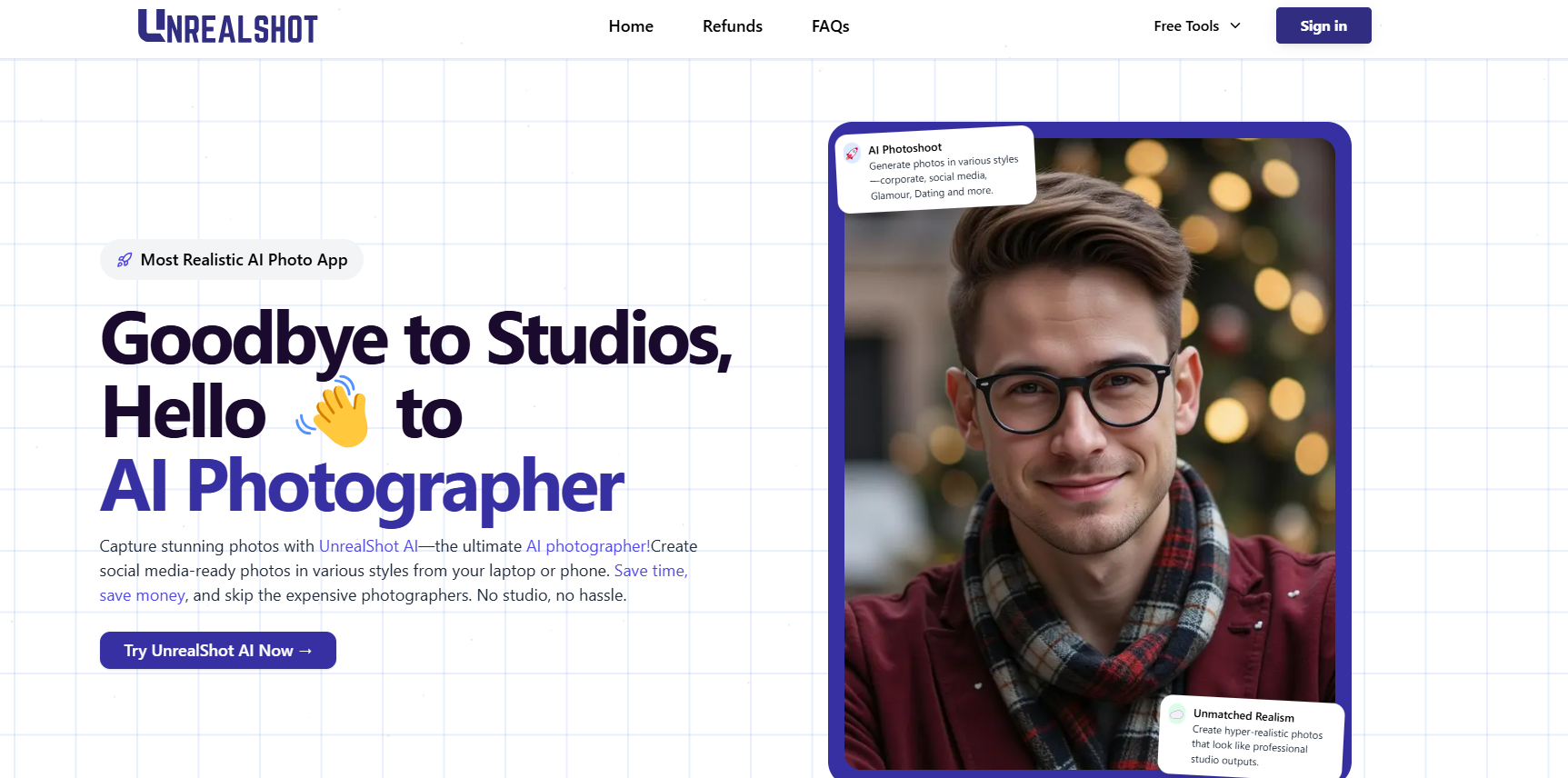
UnrealShot AI is an AI tool that transforms your selfies into professional-quality photos, eliminating the need for expensive photographers or studios.
What is UnrealShot AI?
UnrealShot AI is an advanced AI Photo Generator and AI Photo Maker designed to create stunning, realistic images from your selfies. By leveraging cutting-edge technology, this AI Photographer crafts high-quality photos suitable for various purposes, including social media profiles, corporate headshots, and personal branding. The process is straightforward: upload your selfies, and UnrealShot AI generates professional images tailored to your chosen style.
What Can You Do With UnrealShot AI?
With UnrealShot AI, you can:
- Create Professional Headshots: Generate polished images ideal for LinkedIn profiles, resumes, or business cards.
- Enhance Social Media Presence: Produce eye-catching photos that reflect your personality, perfect for platforms like Instagram or Facebook.
- Explore Various Styles: Choose from multiple themes such as corporate, glamour, or seasonal photoshoots to match your specific needs.
- Save Time and Money: Obtain high-quality images without scheduling photoshoots or hiring photographers.
Key Features of UnrealShot AI
- User-Friendly Process: Simply upload clear selfies, and the AI handles the rest, delivering professional photos in about an hour.
- Diverse Style Packs: Access over ten different photo styles, including corporate headshots, social media photos, glamour shots, and more.
- High-Quality Output: The AI ensures realistic and polished images that look like they were taken in a professional studio.
- Flexible Usage: Purchase credits as needed without any subscription commitments, giving you control over your photo creation.
Benefits of Using UnrealShot AI
- Cost-Effective: Avoid the expenses associated with traditional photography sessions.
- Time-Saving: Generate professional photos quickly without the need for scheduling or traveling to a studio.
- Convenient: Create high-quality images from the comfort of your home using just your smartphone or computer.
- Versatile: Suitable for various purposes, from professional profiles to personal social media updates.
UnrealShot AI Pricing
UnrealShot AI offers flexible pricing plans to suit various needs:
Starter Plan - $8
- 1 credit for 10 headshots
- 10 different styles and backgrounds
- 90-minute turnaround time
Basic Plan (Most Popular) - $20
- 3 credits for 30 headshots
- Priority support included
- 90-minute turnaround time
Premium Plan (For Teams) - $35
- 5 credits for 50 headshots
- 10 styles and backgrounds
- Priority support
Tips and Best Practices for Using UnrealShot AI
- Upload High-Quality Selfies: Ensure your selfies are clear, well-lit, and accurately represent your features for the best results.
- Choose Appropriate Styles: Select a photo style that aligns with your intended use, whether it's for professional purposes or personal enjoyment.
- Review and Select Carefully: After generation, review the photos and choose the ones that best meet your expectations and needs.
FAQs
- How does UnrealShot AI work?
You upload clear selfies, and the AI processes them to generate high-quality images in your chosen style within about an hour. - What styles are available in UnrealShot AI?
UnrealShot AI offers over ten styles, including corporate headshots, social media photos, glamour shots, and seasonal themes. - Is there a subscription fee for UnrealShot AI?
No, UnrealShot AI operates on a credit-based system, allowing you to purchase credits as needed without any subscription commitments. - Can I use UnrealShot AI for social media photos?
Yes, UnrealShot AI is perfect for creating eye-catching photos suitable for various social media platforms.
Key Platforms
Core Service Areas:

Professional Quality
User-Friendly Interface
Instant Results
Diverse Styles
Cost-Effective Solution
Seamless Sharing
Frequently Asked Questions About UnrealShot AI
01
What types of selfies can I transform using UnrealShot AI?
UnrealShot AI can transform any type of selfie, whether it's a casual shot, a portrait, or a group photo, into professional-quality images.
02
Do I need any special equipment to use UnrealShot AI?
No special equipment is needed. You only need a smartphone or camera to take your selfies, which can then be uploaded to UnrealShot AI for transformation.
03
Is there a limit to how many selfies I can upload?
Currently, there is no limit to the number of selfies you can upload for transformation. However, please check our terms of service for any usage policies.
04
How long does it take to transform a selfie into a professional photo?
The transformation process typically takes just a few minutes, allowing you to quickly receive your professional-quality photos.
05
Can I use the transformed photos for commercial purposes?
Yes, once your selfies are transformed into professional-quality photos using UnrealShot AI, you can use them for personal or commercial purposes, subject to our licensing agreement.
Promote UnrealShot AI
Get UnrealShot AI in front of thousands of buyers actively searching for AI tools. Feature your listing on the homepage and category pages, or add the verified badge to your site.
Copy Embed Code

Share on

Related AI Tools
Explore related AI tools for diverse applications and enhanced productivity

Unlock the best AI Tools for you!
Login or Approve this tool to continue exploring features and analytics.

