
Table Of Contents
How Students and Developers Use AI Tools to Build Apps Faster
Published on : Mar 07 2026

The world of app development has changed dramatically over the last few years. Artificial intelligence now allows developers to finish projects that previously required multiple experienced engineers to work on for six months within a few weeks or less. AI tools now serve as essential resources for students who start learning programming and for professionals who create advanced software systems.
According to a 2026 GitHub survey, over 90% of developers reported using AI coding tools at least some of the time, and most said these tools made them noticeably more productive. The new approach enables people to develop software more rapidly, but it also provides them with improved learning methods.
Understanding AI Tools for App Development
AI tools for app development are software applications that use machine learning models to understand, create, and enhance computer code. They are trained on massive datasets of existing code, developer documentation, and online discussions.
The tools create three main operational categories, which they use to deliver their functions. Code generation assistants like GitHub Copilot and ChatGPT help write and complete code automatically. Design tools like Figma AI and Wizard help create app layouts and user interfaces without needing deep design skills.
The testing and debugging tools enable fast error detection, while the deployment platforms include AI capabilities that simplify application deployment. The tools provide support for all phases of the application development process.
Why Students Are Using AI Tools to Learn and Build Apps
AI tools provide students with an exciting new opportunity to explore technology. To develop a complete application in the past, developers needed to spend multiple years learning various programming languages and system architecture, and identifying and correcting programming mistakes.
AI tools help students to achieve their goals because of two important advantages. Beginners stop coding because they become frustrated when they deal with unsolvable programming problems. With AI support, users spend less time on interruptions because their work resumes at a faster pace after they face challenges. The students maintain productive work patterns, which allow their applications to become operational while they remain determined to continue their tasks.
AI tools provide students with opportunities to develop their professional skills through actual work experience, which helps them gain confidence and adds valuable experience to their resumes before they complete their studies.
Popular AI Tools for Faster App Development
Several AI tools have become widely trusted among both students and professional developers.
Aspecta

Aspecta is an AI-driven platform that provides developers with improved data infrastructure and analytics capabilities. The platform supports digital identity management, builder reputation tracking, and community engagement through its customized pages and cross-platform profile system.
Pros
- Make knowledgeable AI assistants that understand your business.
- Easy to deploy in weeks.
- Supports integration with CRM/ERP systems
Cons
- Complexity in Managing Decentralized Identities
- Potential Privacy Concerns with Data Ownership
- Dependence on Community Consensus May Slow Decision-Making
- Learning Curve for New Users Unfamiliar with Blockchain
Pricing
Aspecta follows a freemium model, offering basic features for free with options for paid tiers for advanced functionalities
Best For
This question seems just as puzzling as the time when the Facebook application randomly required friendships to be confirmed, even when one would have been using it, say, for years.
Mirai
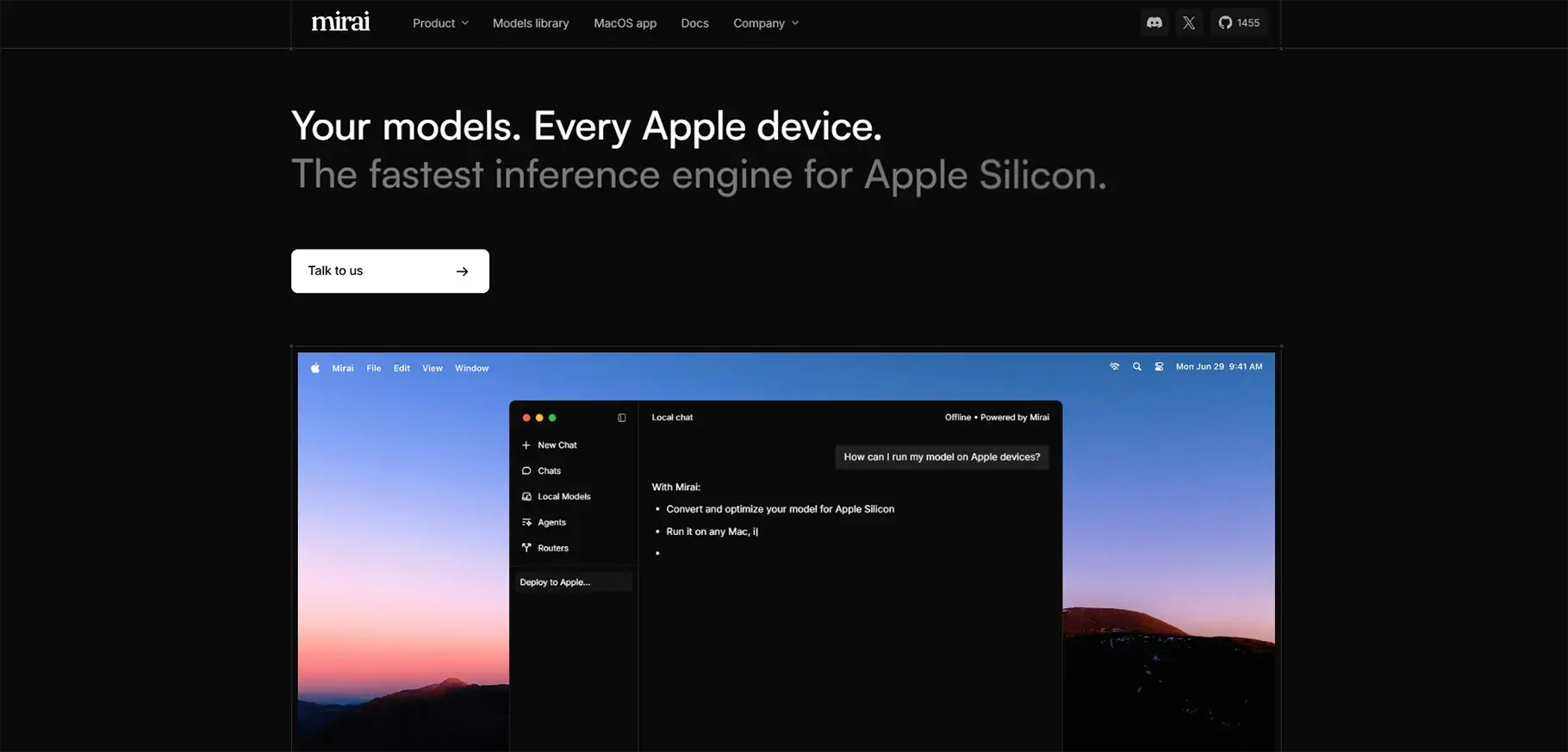
Mirai provides developers with an AI solution that enables them to integrate high-performance AI into their applications without experiencing delays while maintaining complete data security and avoiding any operational expenses. The system exists as a dedicated solution that operates exclusively on Apple hardware.
Pros
- Reduces support costs and workload.
- Works 24/7.
- Natural language and tone skills.
Cons
- Pricing is custom (contact sales).
- Focused on business use (not personal).
Pricing
Mirai provides multiple pricing options that meet the requirements of various customers. Mirai's adaptable pricing system enables your business, whether it is small or large, to pay for actual usage.
Best For
Businesses with customer support needs, especially with voice/AI assistants.
ClawCloud Run
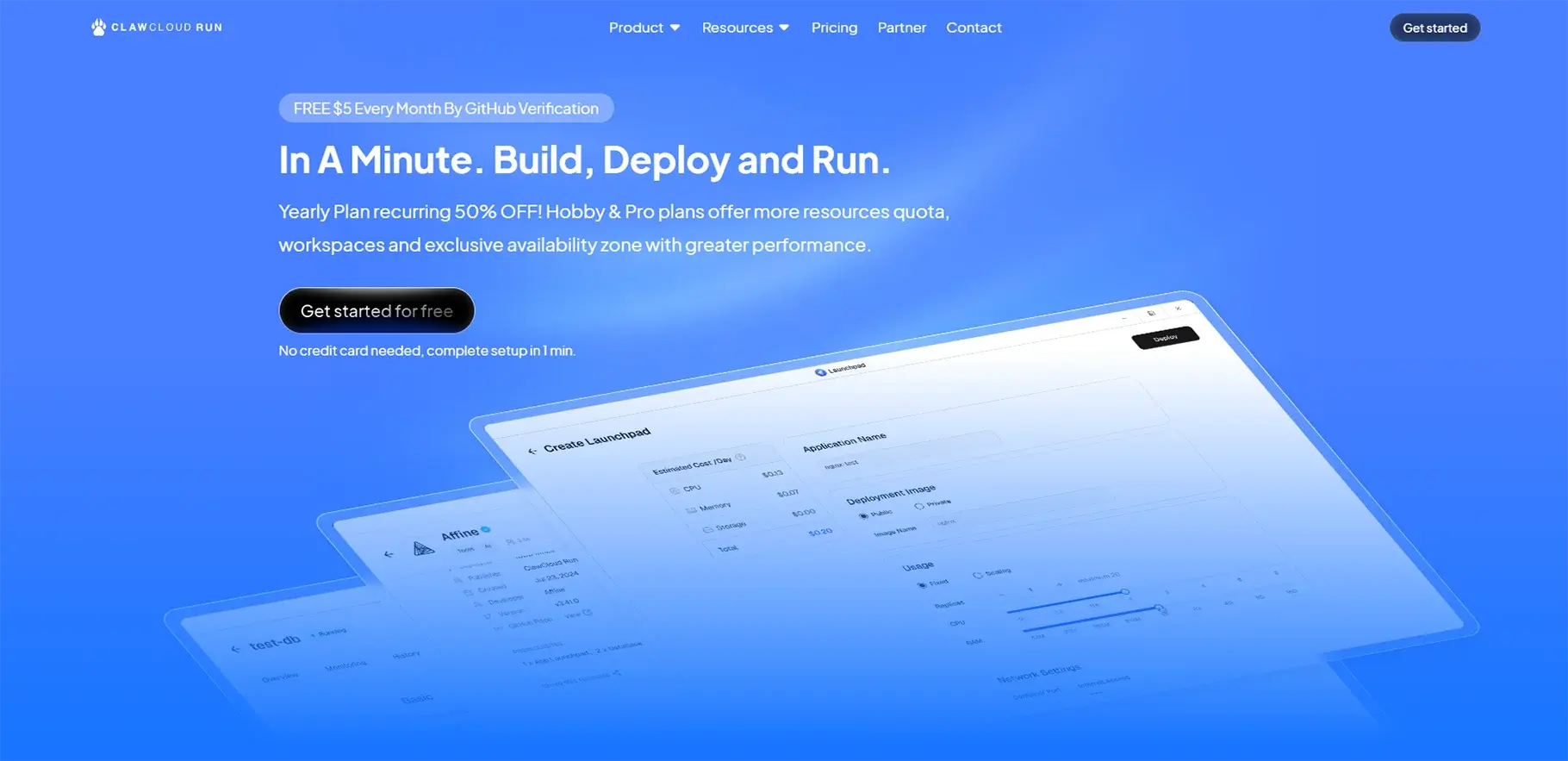
ClawCloud Run serves as an application development solution that enables developers to create, deploy, and control their applications across cloud environments. The platform provides advanced design templates together with integrated database functionality and artificial intelligence programming support, which makes it suitable for users of all skill levels.
Pros
- Easy app deployment with automation + GitHub integration.
- Free tier available to try basic apps.
- Auto-scaling and resource management.
Cons
- Requires some developer knowledge.
- Advanced features need paid plans.
Pricing
- Free plan with limited resources.
- Hobby Plan ~$2.5/mo yearly, Pro ~$10/mo yearly (estimates).
Best For
Companies looking to use customer support systems on AI/Voice assistant-are especially concerned.
MiniAiLive

MiniAiLive delivers biometric verification and authentication solutions as its primary service. The company develops technology that uses facial recognition together with 3D passive liveness detection to determine whether a person exists as a living being or appears only in photos and videos.
Pros
- Easy interface.
- Great for drafting ideas in meetings.
- Good general assistance.
Cons
- May struggle with long context conversations.
- Real-time collaboration can lag.
- Pricing details are not easy to find publicly.
Pricing
Not clearly listed online, likely subscription-based.
Best For
Teams and small businesses that need AI help for writing, meetings, research, or ideas.
GitHub Copilot
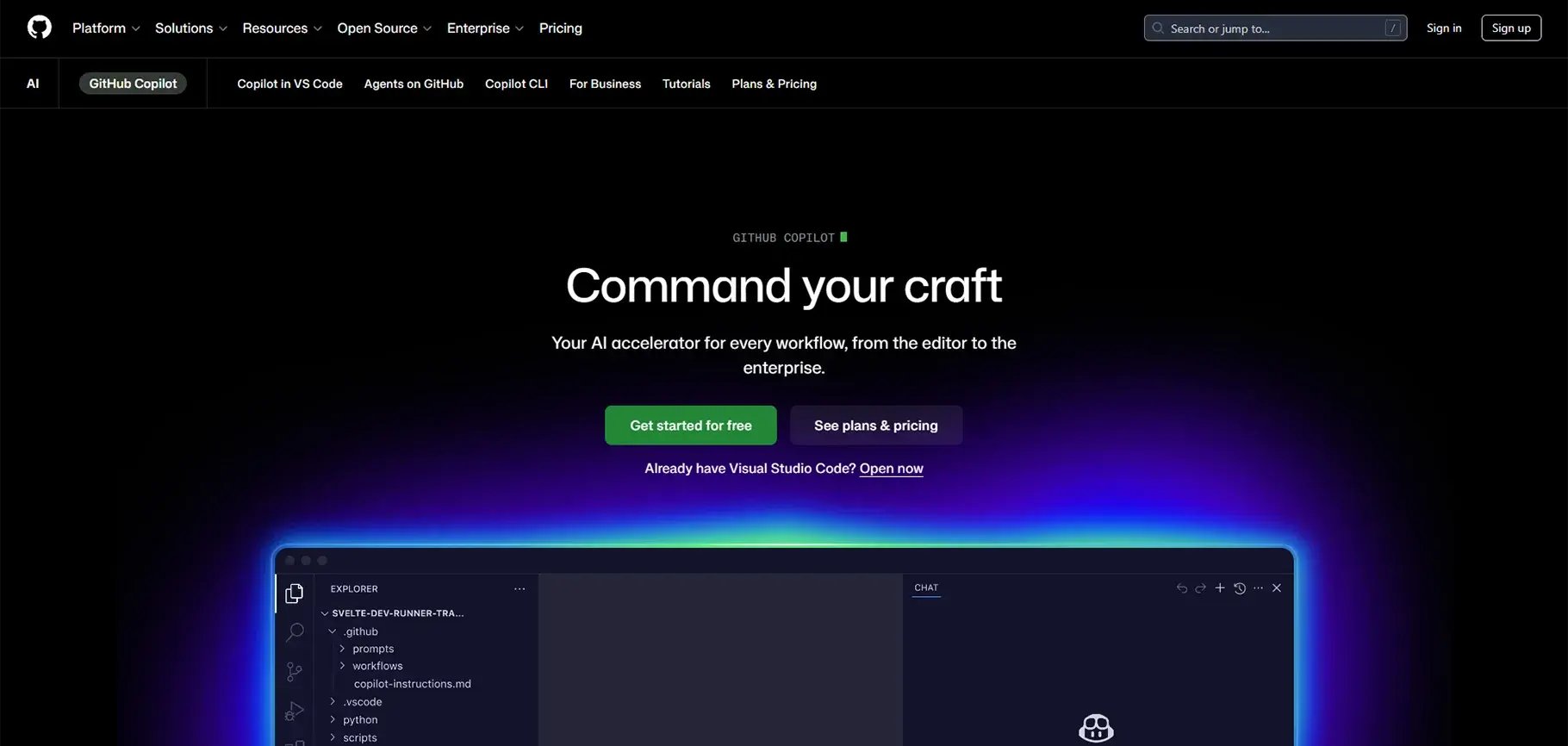
GitHub Copilot functions as an artificial intelligence coding assistant which enables programmers to produce code at an accelerated pace while achieving better results. The program provides code suggestions during your typing process and delivers answers to your inquiries directly within your coding environment while also creating complete functions based on your brief comments.
Pros
- Saves time on coding
- Helps learn new code patterns
- Works with many languages and editors
- Auto-completes comments to code
Cons
- Suggestions may be wrong
- Limited free usage
- Some people find it annoying
Pricing
Plan | Price | What You Get |
| Free | $0 | Limited code suggestions and chats |
| Pro | ~$10/month or $100/year | Unlimited code help + better AI models |
| Pro+ | ~$39/month or $390/year | More advanced models and more usage |
Best For
- It helps with learning and coding faster.
- Good productivity boost for solo projects.
Step-by-Step Guide: Using AI Tools to Build an App Faster
The development of successful applications begins with a well-defined concept which artificial intelligence assists at the initial stage. You can use an AI assistant to describe your app concept, which will help you identify essential features and target users while creating a basic project framework. AI tools enable you to study existing applications while discovering their successful elements and identifying your unique value proposition.
Designing with AI
The process of creating an application begins after you establish your complete plan through the development of its visual design. The AI design tool Uizard enables users to create visual wireframes through the combination of verbal app descriptions and uploaded rough sketches.
Writing Code with AI Support
The most noticeable effects of AI tools appear at this particular location. GitHub Copilot and similar tools monitor your typing activity to provide real-time code completion suggestions. You can use simple English to explain your desired function, and the AI will create the corresponding code for you.
Testing and Debugging
Testing requires extensive time commitments during app development work because this process represents the most valuable area for AI technology applications. The AI tools create test cases from your code while they find potential failure points and provide solutions to known error patterns. An AI assistant enables you to enter the error message from a bug and then provides a detailed explanation of the issue, together with its solution within a few seconds.
Deployment and Maintenance
Your computer requires multiple technical steps which include server setup and environment configuration together with update management to deliver your application to actual users. The process has become easier because AI-assisted platforms such as Replit and Railway and Vercel provide their users with better deployment solutions.
The system supports developers by providing a complete deployment guide, which includes performance optimization recommendations after their system goes liv,e together with a system that detects configuration problems before they turn into actual issues.
Benefits of Using AI in App Development
Reduced Development Time
The most immediate and obvious benefit of using AI tools is speed. The time needed to complete tasks which used to take several hours has been reduced to minutes for activities such as writing boilerplate code and setting up a project structure and searching for the correct syntax. Developers report that AI tools can reduce total development time from 30 percent to 55 percent depending on the project type.
Lower Cost
The process of developing software at a faster pace results in reduced expenses for the development project. The impact of this development stands as a critical element for both independent developers and small startup companies. A small team or individual developer can use AI tools to create complete projects because AI enables them to manage design work, code development, testing processes, and deployment activities without needing to hire multiple experts.
Increased Productivity
AI tools enable developers to concentrate on their creative work and strategic responsibilities because these tools automate repetitive tasks. The enhanced productivity leads to better work performance throughout the organization. Developers can handle additional projects while maintaining their work speed and delivering exceptional results.
Improved Code Quality
AI tools help to enhance code quality when developers use them with proper understanding. The system provides recommendations for better programming methods while it detects common security flaws, suggests improved variable names, and promotes better coding standards. The ability to get instant feedback about their work helps students establish good programming habits from the beginning of their learning process.
Challenges and Limitations of AI Development Tools
AI systems, which bring numerous advantages, still have certain limitations that users must understand. The most common problem occurs because AI systems generate code that fails to achieve correct results. AI systems create programs that appear accurate but actually contain hidden errors and use outdated programming techniques. Developers need to analyze and comprehend all accepted code because they cannot depend on AI-generated outputs.
There exist two major problems for users. The public AI tool requires users to understand how it handles their sensitive code and business logic which they paste into the system. Developers working on proprietary products need to be careful about what information they share with AI tools.
Future of AI in App Development
AI development for app frameworks will experience major advancements in the upcoming years. The development of completely autonomous coding agents has entered its initial phase, which enables AI systems to create applications from high-level descriptions while requesting human help only when necessary. Cognition Labs developed Devin and similar projects, which examine this research area.
AI tools will enhance their ability to analyze complete project contexts, which involve multiple file systems, so they will emerge as a solution for identifying potential problems before they happen. Voice-driven development, where you speak your requirement,s and the AI builds the app, is another direction being actively explored.
The most crucial expertise for students and developers lies in their capacity to maintain their inquisitiveness and their ability to adjust their skills.
Conclusion
The process of application development has undergone a complete transformation through AI tools, which continue to advance at an increasing rate. Students now experience easier access to learning resources, which provide them with more interactive and rewarding educational experiences. The professional development process now enables developers to spend their work time on creative tasks and problem-solving work because most repetitive tasks have been automated by the system.
The proper implementation of AI tools allows users to accelerate their app development process while creating superior applications that facilitate deeper learning and provide better job satisfaction. The future of app development is not human versus AI. It is human and AI, working together.
FAQs
1. What are AI tools for app development?
AI tools for app development are software applications that use machine learning to help write, test, and deploy code. They are trained on large datasets of existing code and documentation, allowing them to assist developers at every stage of the development process.
2. How do AI tools help students learn programming faster?
AI tools reduce the frustration of hitting roadblocks by providing instant solutions and explanations when students get stuck. This keeps learners motivated and productive, allowing them to build real working applications while developing their skills simultaneously.
3. Which AI tool is best for writing code automatically?
GitHub Copilot is one of the most widely used tools for automated code writing. It suggests code completions in real time, converts plain English descriptions into working functions, and supports multiple programming languages and editors.
4. Can beginners use AI tools to build apps without prior experience?
Yes, many AI tools are designed with beginners in mind. Platforms like Uizard help with visual design through simple descriptions, while tools like GitHub Copilot guide users through code writing, making app development accessible even with limited technical knowledge.
5. How much time can AI tools save during app development?
Developers report that AI tools can reduce total development time by 30 to 55 percent depending on the project. Tasks that previously took hours, such as writing boilerplate code or configuring project structures, can now be completed in minutes.
6. Are AI-generated code suggestions always accurate?
No, AI-generated code can sometimes contain errors, outdated methods, or hidden bugs that appear correct on the surface. Developers should always review and understand any AI-generated code before using it in production.
7. Is it safe to share my code with public AI tools?
It depends on the sensitivity of your project. Public AI tools may store or process the code you submit, which poses a risk for proprietary or confidential applications. Developers working on sensitive projects should review each tool's data privacy policy carefully before sharing business logic or private data.
8. How do AI tools assist with testing and debugging?
AI tools can automatically generate test cases, identify potential failure points, and explain error messages in plain language. This significantly reduces the time developers spend diagnosing bugs and makes the overall testing process more efficient.
9. What is the future of AI in app development?
The industry is moving toward fully autonomous coding agents that can build applications from high-level descriptions with minimal human input. Voice-driven development, where you speak your requirements, and AI builds the app, is also being actively explored as a future direction.
10. Do AI tools replace developers or support them?
AI tools are designed to support developers, not replace them. They automate repetitive tasks so developers can focus on creativity, problem-solving, and strategic decisions. The future of app development is a collaborative relationship between human expertise and AI capability.

