
Table Of Contents
Best AI App Builders in 2026 | Which is better in 2026
Published on : Oct 29 2025

If you’ve ever wanted to build an app but felt limited by coding skills, 2026 has changed everything for you. With AI app builders, you can now turn simple ideas into fully functional apps just by explaining what you want in plain English.
Whether you’re a developer testing ideas, an entrepreneur launching a product, or a team building internal tools, these platforms make app creation faster and easier than ever.
This article explains our best AI app creators available today, tested and reviewed to help you choose the right tool for your next project.
Categories of AI App Builders
AI app builders fall into two primary categories, each addressing distinct user needs in AI app development:
- AI Code Generators: These tools focus on generating code (e.g., React frontends, Node.js backends) from natural language prompts. They are ideal for developers building minimum viable products (MVPs), prototyping during hackathons, or automating repetitive coding tasks. These AI app makers prioritize speed and technical flexibility.
- Visual/No-Code/Low-Code AI Builders: These platforms combine drag-and-drop interfaces with AI-driven features to create apps without extensive coding. They are perfect for business users, startups, or enterprises building dashboards, internal tools, or customer-facing apps. These AI application builders emphasize ease of use and rapid deployment.
Selection Criteria
To identify the best AI app builder for 2026, we evaluate tools based on:
- Ease of Use: How intuitive is the platform for technical and non-technical users?
- Prompt Accuracy: Does the AI reliably interpret prompts to generate functional apps?
- Customization: Can users tweak designs, logic, or integrations to meet specific needs?
- Integration Capabilities: How well does the tool connect to external data sources, APIs, or services?
- Pricing Scalability: Are pricing models affordable and flexible for individuals, startups, or enterprises?
- Performance: Can the tool handle real-world app demands, from prototypes to production?
Top AI App Builders by Category
Below is a detailed breakdown of the best AI app builders in 2026, organized by category and ranked based on insights from DronaHQ and Zapier, with a focus on their role in AI app development.
AI Code Generators
These AI app creators are designed for developers who need fast, code-driven solutions for prototyping or production apps.
1.Lovable
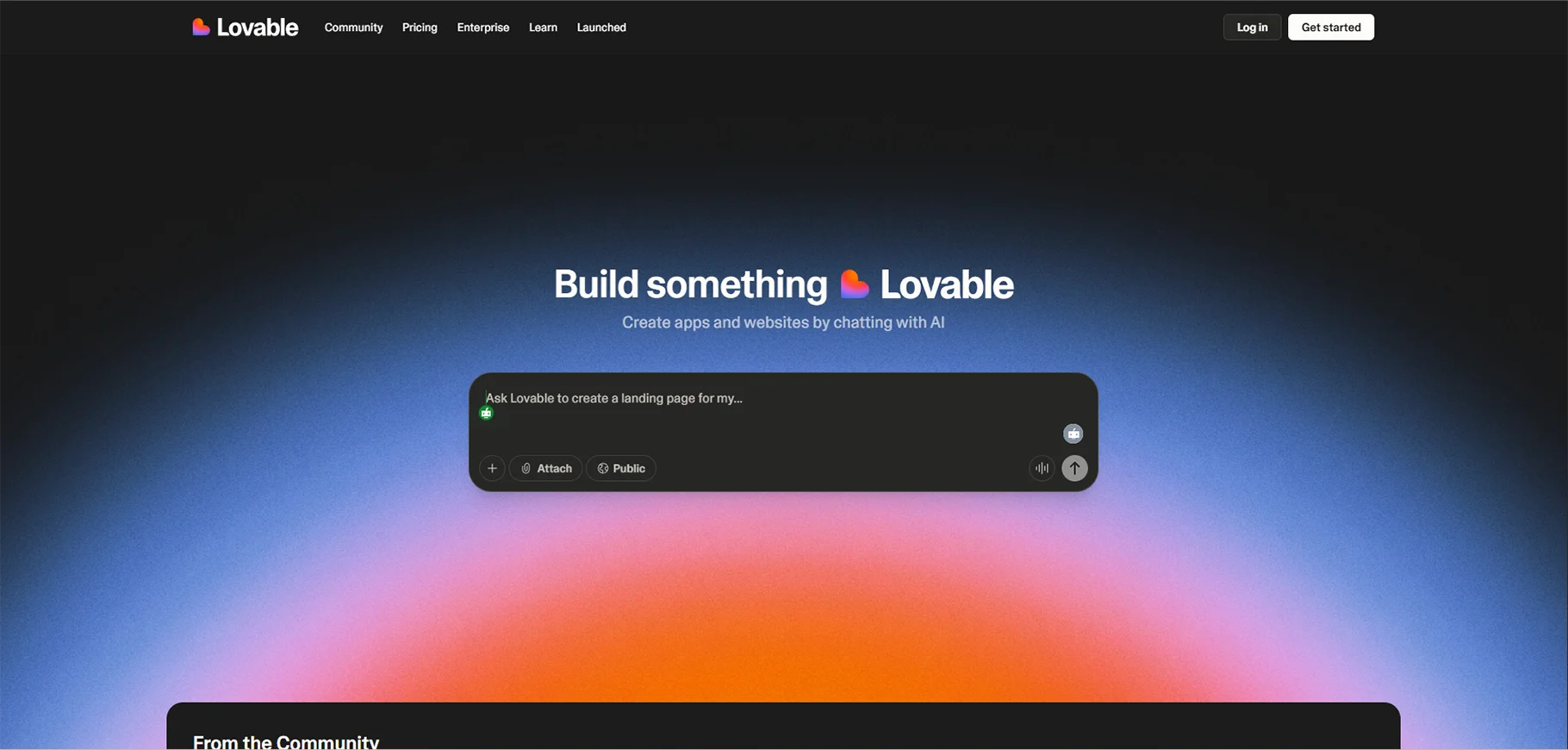
Lovable is a leading AI app builder that enables the creation of full-stack web applications with ease. It leverages React for building dynamic front-end interfaces and Supabase for handling backend operations, allowing for robust and scalable app development. Driven by conversational prompts, Lovable simplifies the app creation process, making it accessible for users without extensive technical expertise.
The platform seamlessly integrates with GitHub, providing streamlined code management and version control, making collaboration and deployment more efficient. Whether you’re building complex web applications or prototypes, Lovable offers a powerful solution that combines AI-driven development with modern web technologies.
Key Features:
- Generate apps from natural language prompts (e.g., “Build a task manager with user authentication”).
- Visual UI editor for post-generation tweaks.
- One-click GitHub commits for version control.
Pros:
- Accelerates MVP creation for startups and developers.
- Uses standard tech stacks, making it easy to hand off to engineering teams.
- Ideal for hackathons or rapid prototyping.
Cons:
- Credit-based system limits usage in free tiers.
- Struggles with complex logic or large-scale apps.
- Potential security concerns with generated code.
Pricing: Credit-based model; free tier with limited credits, paid plans vary.
Use Case: Best for developers seeking a fast AI app maker for web app prototypes.
2.Bolt
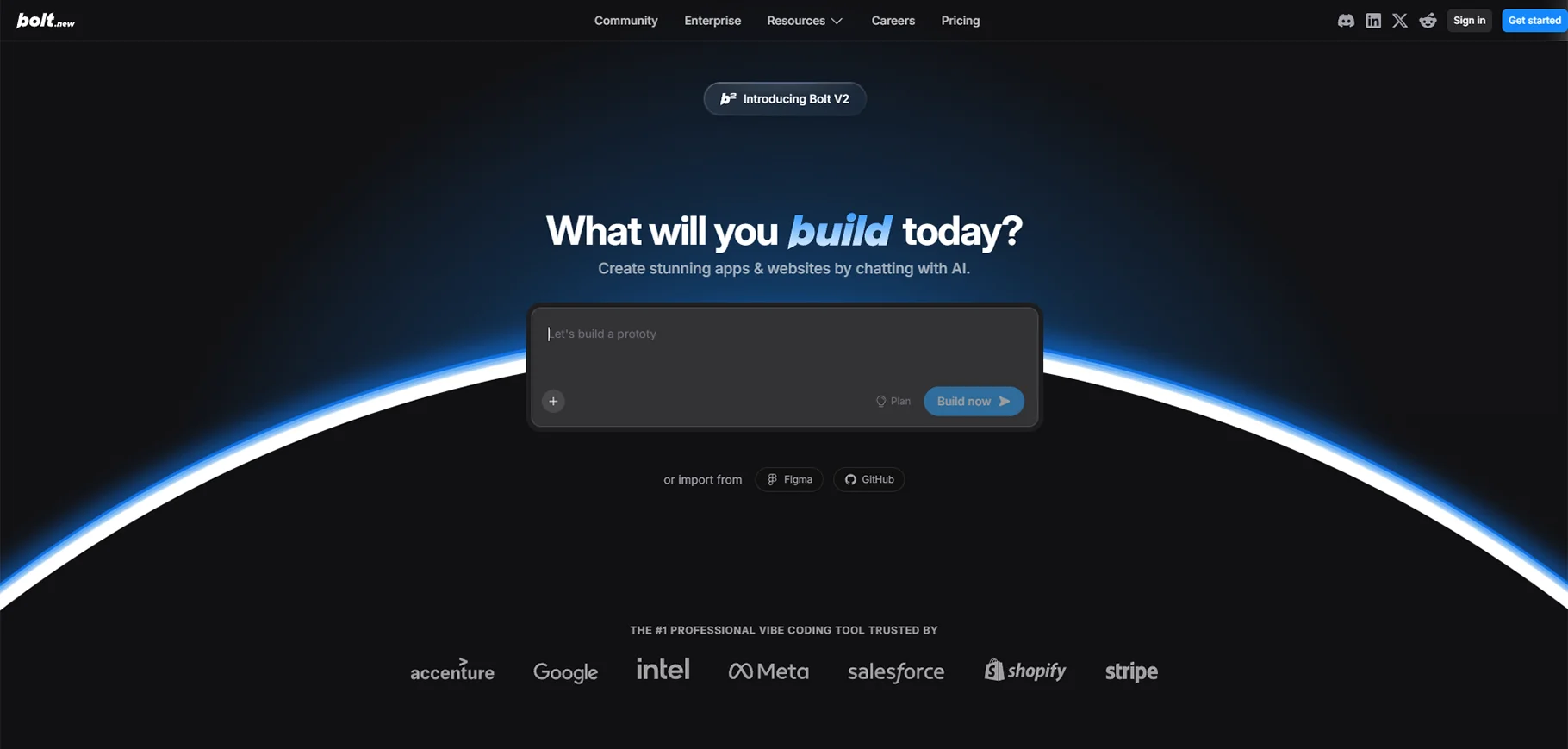
Bolt is a browser-based AI app creator that empowers users to build full-stack applications using simple, chat-based prompts. It supports popular frameworks like Next.js for front-end development and integrates seamlessly with back-end services, offering a streamlined approach to full-stack app creation. With Bolt, users can quickly develop and deploy applications, leveraging its powerful AI tools to automate much of the coding process.
The platform also supports direct deployments via Netlify, making it easy to launch apps to production with minimal effort. Whether you're a developer or a beginner, Bolt simplifies app creation while offering flexibility and scalability for modern web applications.
Key Features:
- Supports multiple frameworks and integrations (e.g., Stripe, Firebase).
- Real-time app generation and deployment previews.
- Beginner-friendly prompt interface.
Pros:
- Rapid prototyping for web and mobile apps.
- Accessible to developers with minimal coding experience.
Cons:
- Prone to errors in complex applications.
- Limited backend customization without manual intervention.
Pricing: Free during beta; paid plans expected post-beta.
Use Case: Ideal for beginners or small teams exploring AI app development for quick MVPs.
3.GitHub Copilot
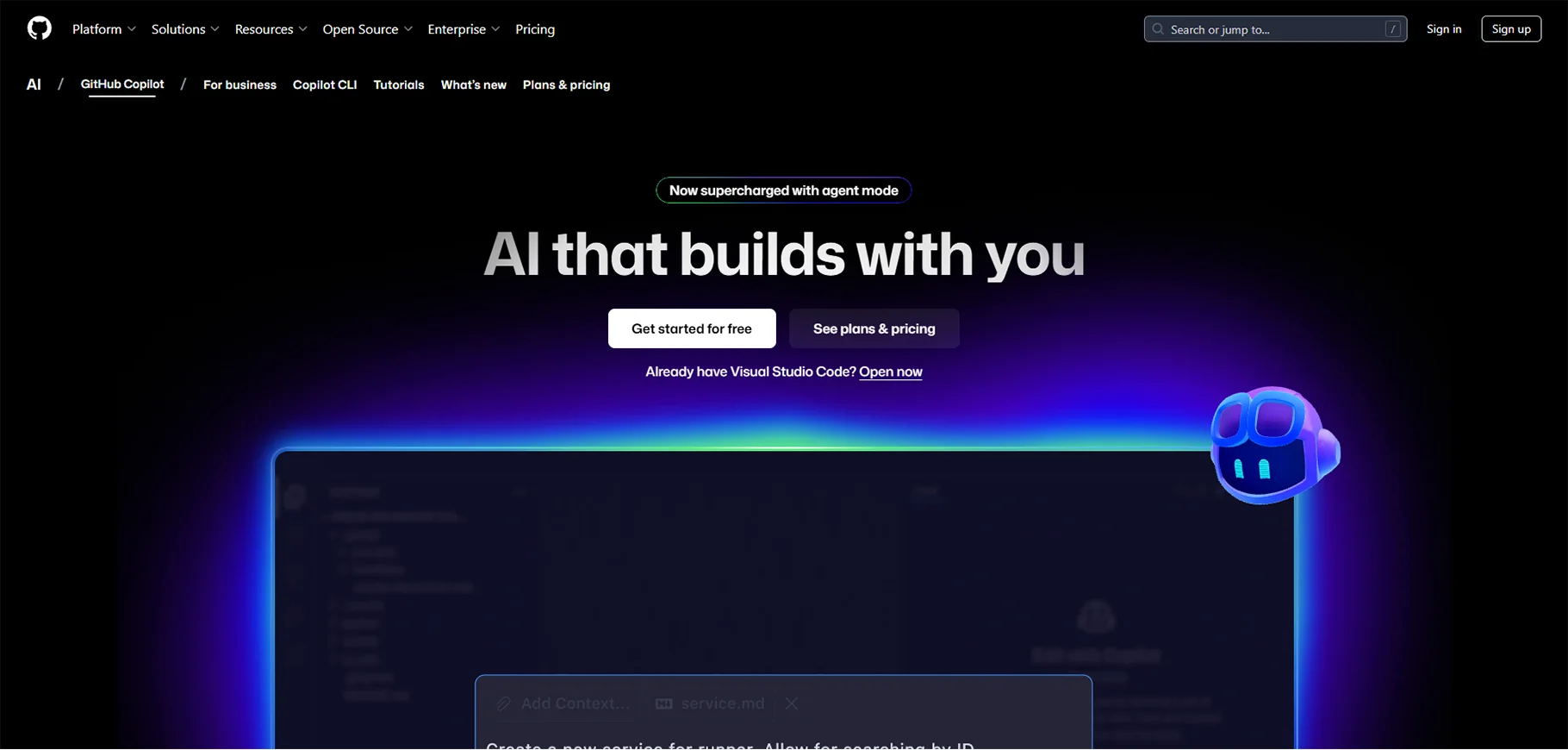
Copilot is an IDE-integrated assistant designed to be a core AI app builder for developers, offering significant enhancements to coding workflows. By providing AI-driven code completion, it helps developers write code more efficiently and accurately, reducing the time spent on manual coding. Copilot goes beyond just code suggestions, offering robust app-building capabilities that automate repetitive tasks and assist in constructing full applications from the ground up.
This powerful tool streamlines the development process, making it easier for developers to focus on more complex, creative aspects of their projects. Whether you're building simple scripts or complex applications, Copilot is an essential assistant for improving productivity and optimizing your coding experience.
Key Features:
- Autocomplete for code snippets across languages.
- Chat interface for refactoring or generating multi-file structures.
- Agent mode for creating routes, SQL queries, or UI components.
Pros:
- Seamless integration with IDEs like VS Code.
- Reduces boilerplate code, boosting productivity.
Cons:
- Not designed for building apps from scratch.
- Usage limits can restrict heavy users.
Pricing: $10/month for individual plans.
Use Case: Best for developers enhancing existing workflows with an AI apps builder.
4.Cursor IDE
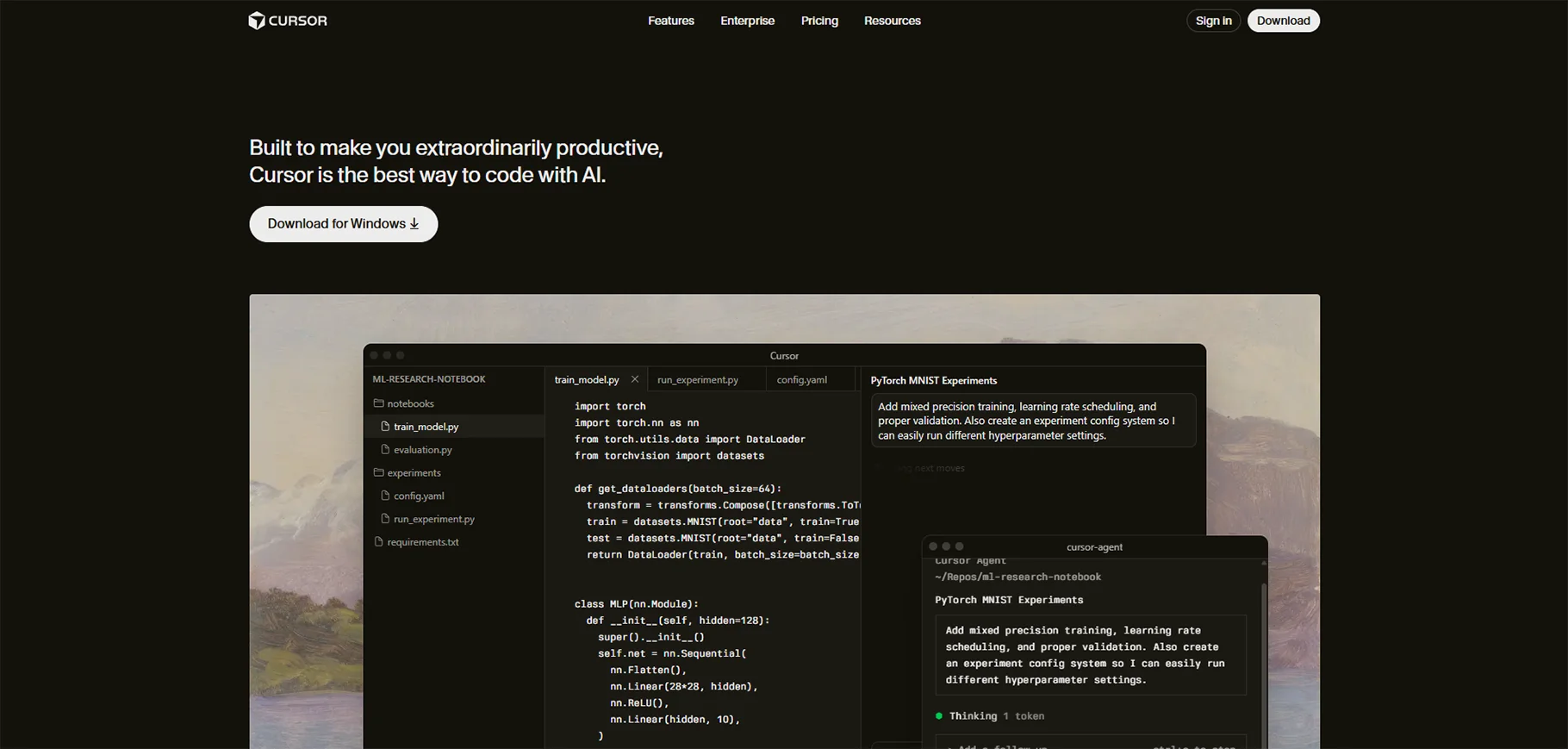
Cursor is an AI-driven IDE that uses Anthropic's Claude for impressive abilities in both code creation and code refactoring. As such, it is an excellent instrument for developers who want to perform project-wide changes in a fast and efficient way. Using AI, Cursor is able to partially automate the writing of code which results in higher accuracy and shorter development times.
Furthermore, the refactoring potential of the tool is what a developer needs to upgrade and optimize the existing codebase thus, making it possible to carry out the large-scale changes with little effort. So, whether you are starting a new project or continuing with an old one, Cursor is there to facilitate your work and speed up your development flow.
Key Features:
- Multi-file code generation and refactoring via prompts.
- Deep context understanding for complex projects.
Pros:
- Autonomous coding for large-scale apps.
- High accuracy in interpreting developer prompts.
Cons:
- Request caps limit usage in free tiers.
- Requires familiarity with IDE workflows.
Pricing: Approximately $20/month for premium features.
Use Case: Suited for experienced developers building complex apps with an AI application builder.
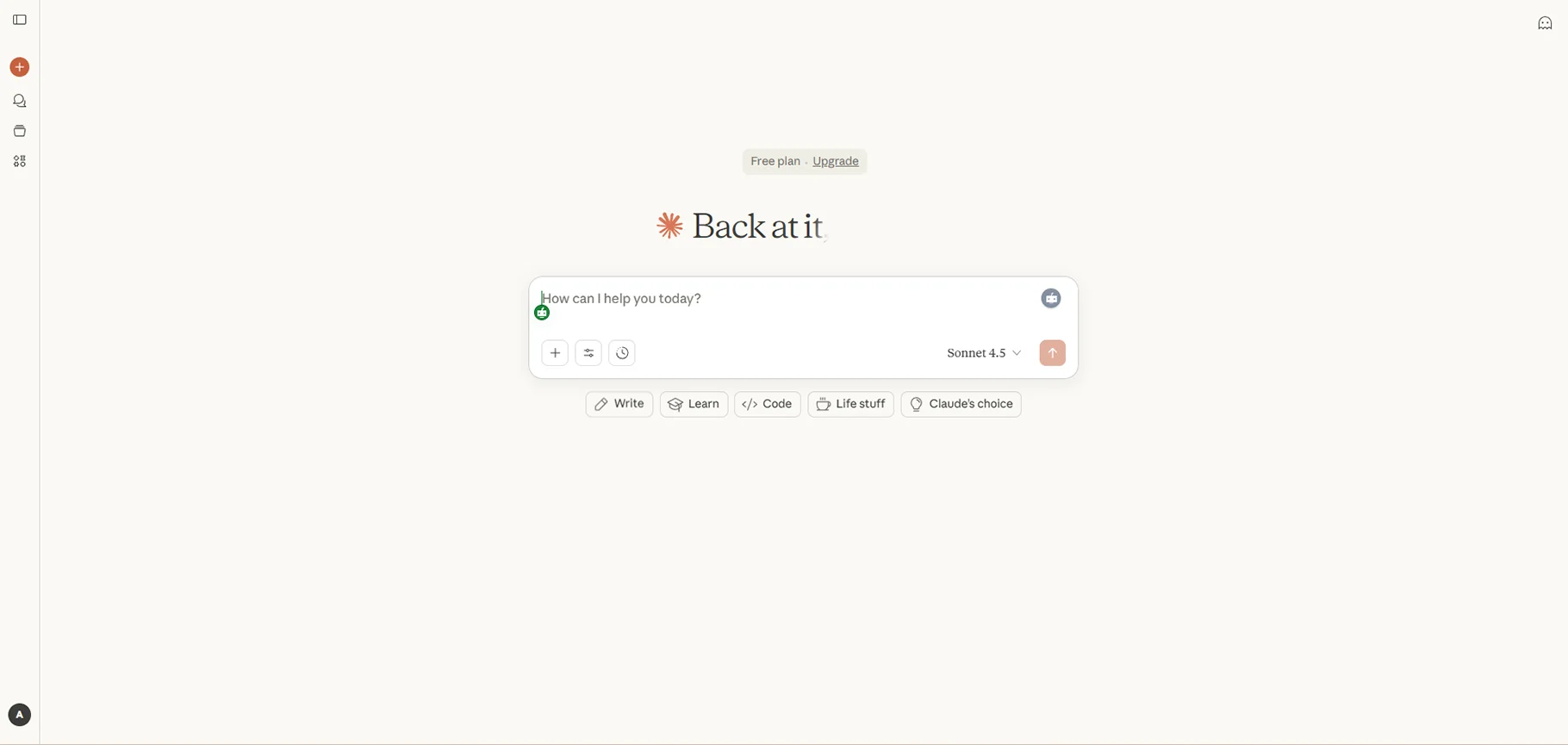
5.Claude 3.5 (Sonnet)
Anthropic's Claude 3.5 is a large language model with high intelligence, mainly oriented towards the augmentation of programming skills. As such, it is most often incorporated in tools like Cursor, where it energizes the whole working process by being the perfect helper in a myriad of tasks, from code generation to sophisticated code refactoring. Such a union renders Claude 3.5 the leading app creator in the AI world, a developer of the future who is able to both automate and optimize different facets of the development cycle.
In case you are coding new features, debugging, or making project-wide changes, Claude 3.5 coupled with a tool like Cursor is doing the heavy lifting of your workflows and the development is getting faster, thus, you as a developer are allowed to concentrate on the more challenging and creative side of your projects.
Key Features:
- Large context window for handling complex app requirements.
- Cooperative prompt style for iterative development.
Pros:
- Excels in benchmark tests for coding tasks.
- Flexible for integration into various platforms.
Cons:
- Dependent on host tools (e.g., Cursor, IDEs).
- Less user-friendly for non-developers.
Pricing: Varies by integration; typically subscription-based.
Use Case: Best for developers using Claude within other AI app builders.
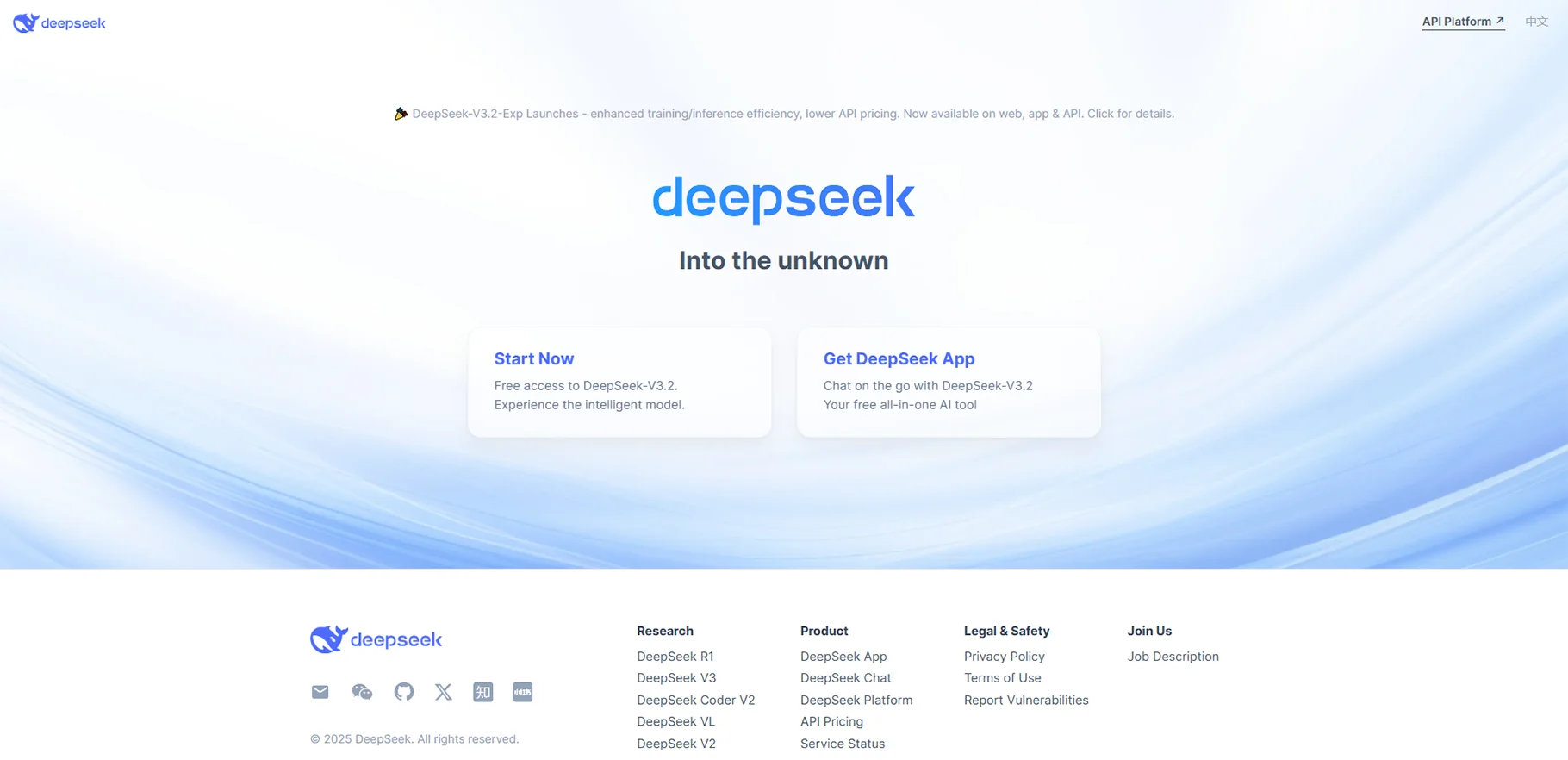
6.DeepSeek V3
DeepSeek V3 is an open-source, large mixture-of-experts (MoE) model that has been gaining traction as a powerful tool for creating AI applications, especially in mobile and web app development. By leveraging its innovative architecture, DeepSeek V3 offers high levels of efficiency and scalability, making it an increasingly popular choice among developers.
Its ability to process complex tasks and adapt to various development needs allows it to assist in building smarter, more responsive applications. As its capabilities continue to evolve, DeepSeek V3 is positioning itself as a key player in the AI-driven app development landscape, providing advanced solutions for both mobile and web platforms.
Key Features:
- Mobile chatbot interface for coding on the go.
- Outperforms Llama models in coding benchmarks.
Pros:
- Viral accessibility via mobile apps.
- Strong performance for app generation.
Cons:
- Emerging tool with less polished integrations.
- Limited documentation for advanced use.
Pricing: Free (app-based access).
Use Case: Ideal for developers experimenting with open-source AI app development tools.
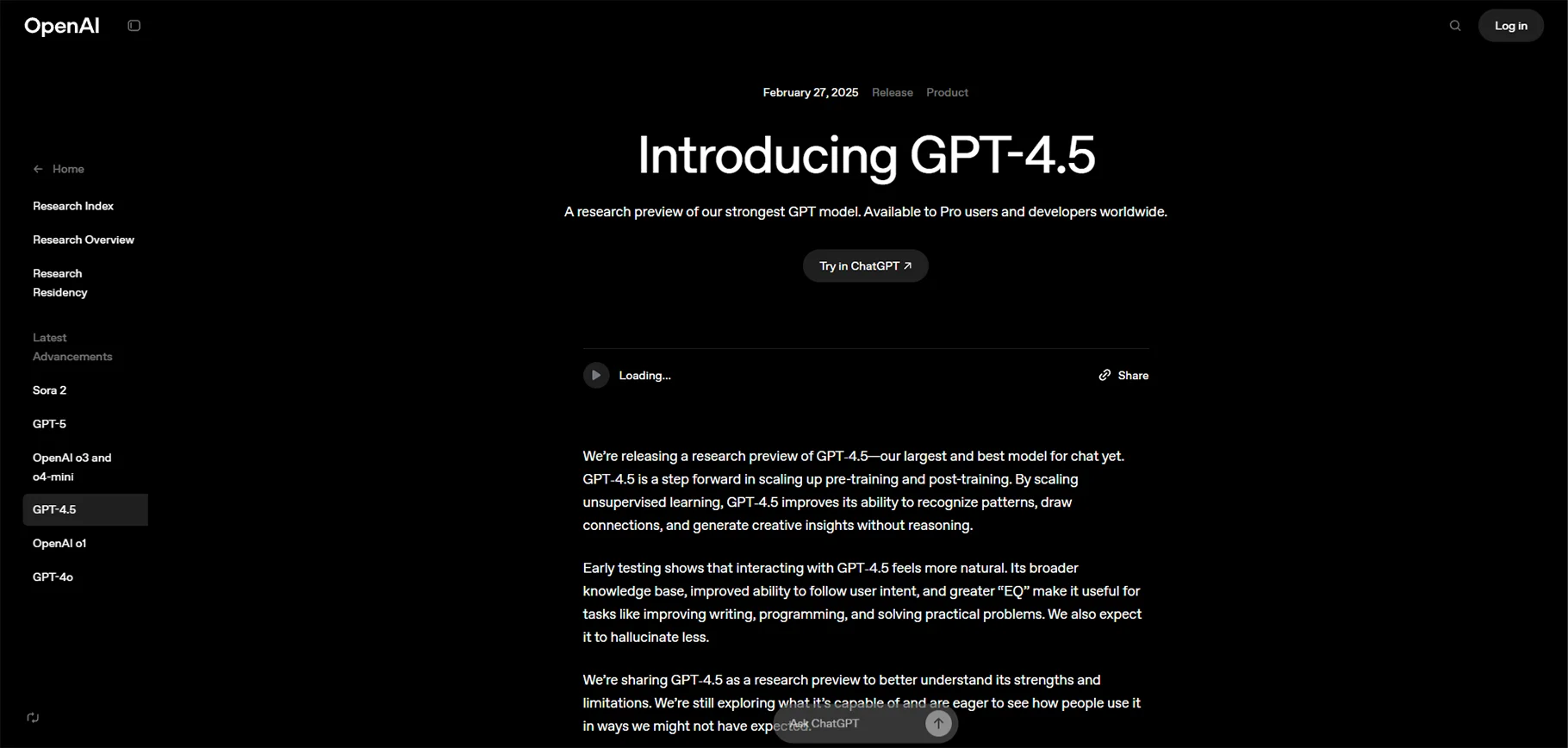
7.ChatGPT (GPT-4.5)
ChatGPT from OpenAI remains a versatile, multipurpose AI app developer, capable of assisting with a wide range of coding tasks. Through natural, conversational interaction, users can write new code, debug existing programs, and fix errors quickly and efficiently.
Its conversational interface makes complex coding processes more intuitive, allowing both beginners and experienced developers to streamline development workflows. Beyond coding, ChatGPT can provide guidance on app architecture, suggest improvements, and even help generate documentation, making it a comprehensive tool for AI-assisted application development.
Key Features:
- Plugins like Code Interpreter for advanced tasks.
- Multi-step problem-solving for app logic.
Pros:
- Trusted for quick fixes and general-purpose coding.
- Broad accessibility across platforms.
Cons:
- Less specialized than dedicated coding tools.
- May require multiple prompts for complex apps.
Pricing: Subscription-based (details vary by plan).
Use Case: Best for general-purpose AI app development and error debugging.
Visual/No-Code/Low-Code AI Builders
These AI application builders cater to non-technical users and enterprises, combining AI with visual interfaces for rapid app creation.
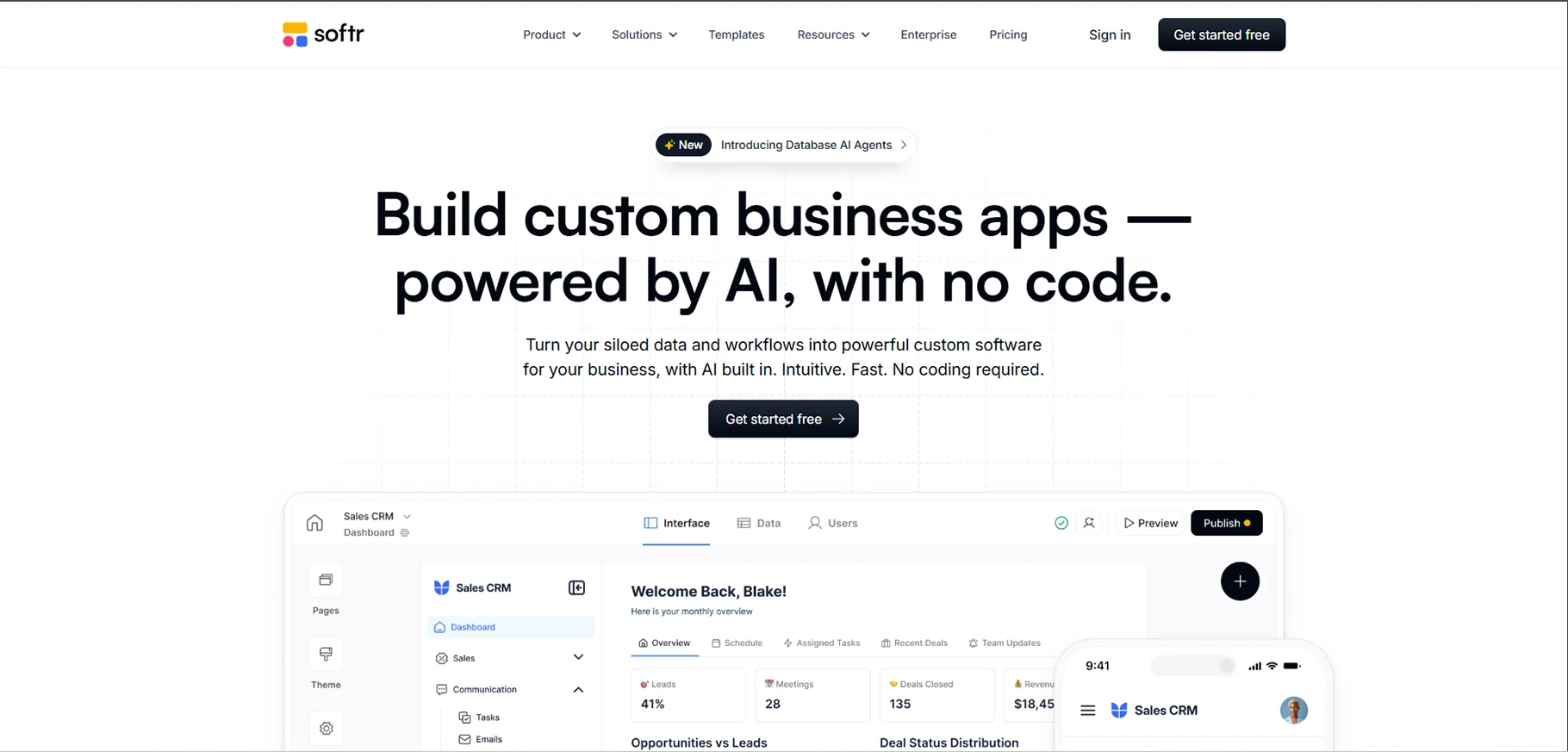
1.Softr
Softr is a leading no-code AI app builder that simplifies app development by allowing users to create powerful, user-friendly applications without any coding. It seamlessly integrates with data sources like Airtable, enabling the creation of custom apps that are tailored to your specific needs. With AI assistance, Softr helps streamline the development process, making it accessible to non-developers while still offering the flexibility and functionality needed for more advanced applications.
Key Features:
- AI-generated dashboards, forms, and user roles.
- Seamless integrations with Zapier and Airtable.
- Customizable templates for rapid deployment.
Pros:
- Intuitive interface for non-technical users.
- Fast app drafts for startups and small businesses.
Cons:
- Limited support for advanced logic or custom code.
- May require additional tools for complex workflows.
Pricing: Free tier; Basic plan at $59/month.
Use Case: Perfect for non-developers building data-driven apps with an AI app maker.
2. Microsoft Power Apps
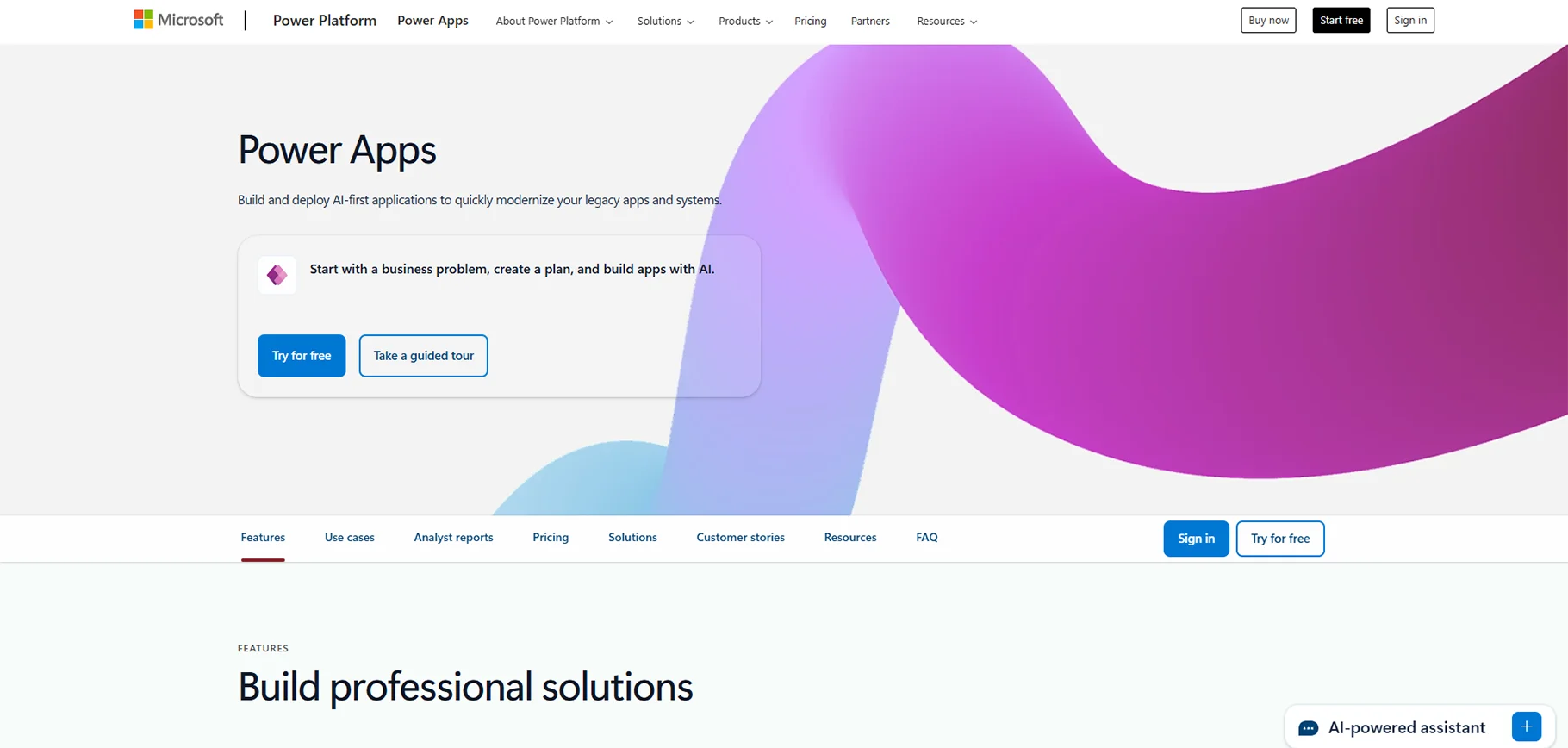
Microsoft Power Apps is an awesome no-code AI app creator, which was made even better by the addition of Copilot AI, a smart assistant aimed at quickly generating complex apps for enterprises. An elegant user interface and the logic similar to Excel enable any user to develop their own apps even without having any coding knowledge. The use of Copilot AI means that the complex tasks are handled by the intelligent assistant who can then be utilized in various ways to improve workflow and app functionality. This tool is perfect if a company wants to develop rescalable apps with great performance in a short amount of time since the simple user interface and powerful features can be combined in any way to create complex solutions.
Key Features:
- AI-driven schema generation from prompts.
- Real-time element editing via chat interface.
- Deep integration with Microsoft 365 ecosystem.
Pros:
- Highly flexible for business logic and workflows.
- Accurate AI suggestions for app components.
Cons:
- Steeper learning curve for setup.
- Higher cost for enterprise use.
Pricing: $20/user/month for Premium plans.
Use Case: Ideal for enterprises seeking a robust AI apps builder for internal tools.
3. Quickbase
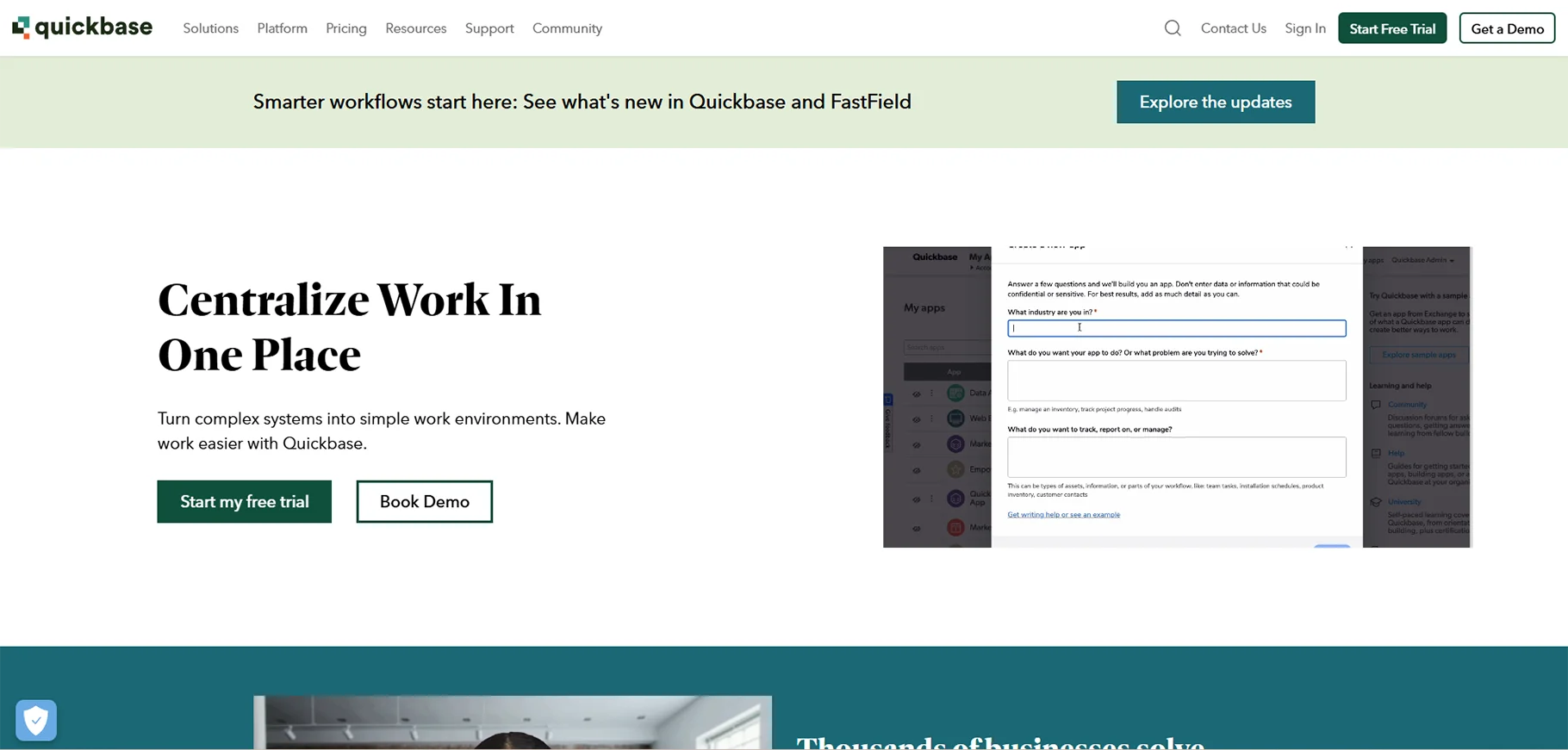
Quickbase is a company-level AI application creation tool aimed at simplifying the creation of custom apps. It is equipped with the AI Smart Builder, which facilitates the automation of operations and the verification of compliance, thus being an excellent device for enterprises that wish to raise their productivity and lessen the volume of manual work. Through its user-friendly platform, customers are able to develop personalized applications which are in line with their business requirements and at the same time, observe the regulatory standards.
Key Features:
- AI-generated tables, views, and forms.
- Compliance-ready workflows for regulated industries.
- Data optimization for performance.
Pros:
- Comprehensive platform for business operations.
- Scalable for large organizations.
Cons:
- Slower AI generation compared to competitors.
- Performance issues with large datasets.
Pricing: $35/user/month (minimum 20 users).
Use Case: Best for enterprises needing a secure AI app builder for process management.
4. Airtable Cobuilder
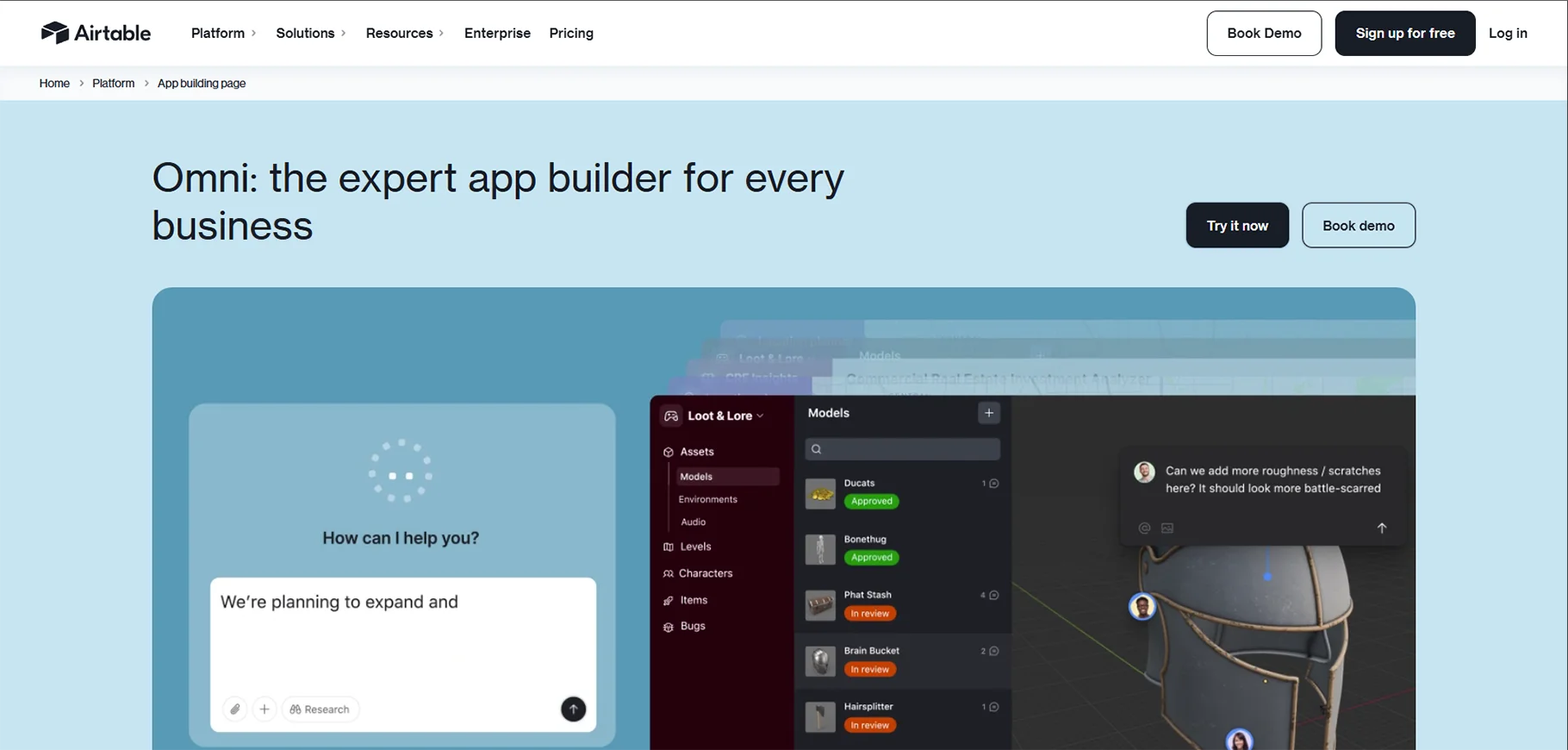
Cobuilder by Airtable is an AI-powered app maker which users can use to directly create data-driven applications out of Airtable bases. Using Cobuilder you are in a position to effortlessly come up with apps such as Kanban boards, galleries, and in fact much more, all specifically designed to your data. The platform is capable of converting your Airtable data to interactive, customizable apps which in turn makes it possible to streamline workflows and enhance collaboration. In a nutshell, whether it is for project management, content organization or any other use case, Cobuilder is equipped with the features that make it a simple yet powerful tool to create functional and visually appealing apps without the need for coding.
Key Features:
- AI-generated views (lists, Kanban, forms).
- Imports and automation for streamlined workflows.
- Seamless integration with existing Airtable data.
Pros:
- Fast app creation for Airtable users.
- Intuitive for data-centric applications.
Cons:
- Limited UI customization options.
- Dependent on Airtable ecosystem.
Pricing: Included in Airtable plans (free tier; Team plan at $20/user/month).
Use Case: Ideal for teams already using Airtable for AI app development.
5. Create
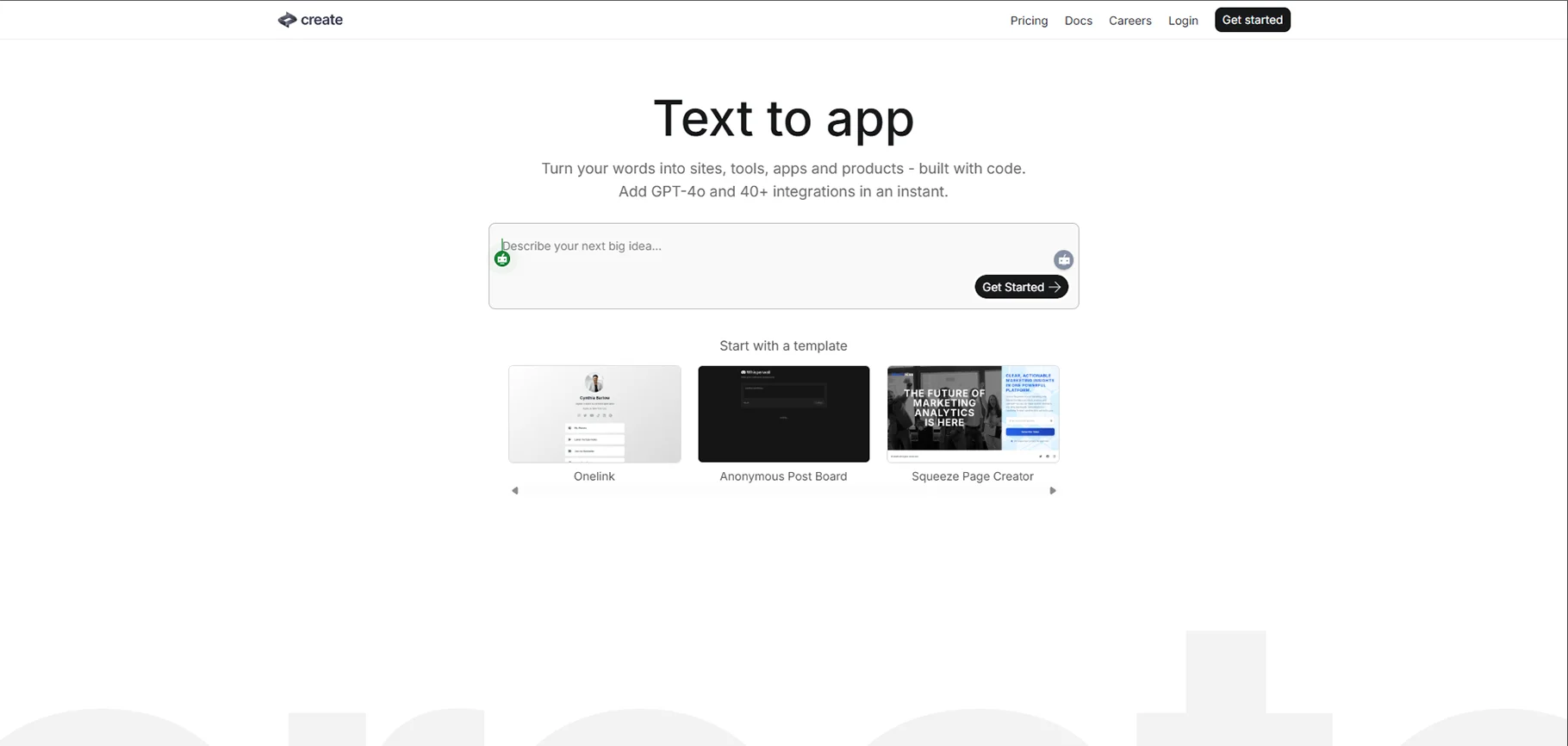
Create is a no-code AI app builder which means that the users are able to build fully functional apps by just one text prompt or screenshot. Creating stylish and trendy UIs, Create is the fastest way to turn your ideas into reality even if you don't have any technical skills. The AI-powered platform helps users simply by communicating with AI via prompts or pictures so an app is built automatically and thus it is a perfect tool for those who want an easy and quick way to build their apps in which good looks and functionality are combined. In a nutshell, Create is the perfect tool to have when you want to develop your own app either for fun or for a business without having to know how to code.
Key Features:
- Chat-based editing for real-time adjustments.
- Reusable components for consistent designs.
- Backend generation via prompts.
Pros:
- Extremely easy to use for beginners.
- Produces visually appealing apps quickly.
Cons:
- Backend implementation can be challenging.
- Limited support for complex integrations.
Pricing: Free tier; Pro plan at $19/month.
Use Case: Best for startups and freelancers needing a simple AI application builder.
6. Databutton
Databutton is an AI-powered app builder that features an intelligent AI agent capable of transparently planning and constructing custom applications. This platform not only simplifies the app development process but also offers users code-level control, allowing for deeper customization and precision. With Databutton, you can leverage AI to streamline app creation while still maintaining the flexibility to adjust the underlying code when needed. Ideal for developers and non-developers alike, it provides a balance of ease and control, enabling users to build powerful, tailored applications efficiently.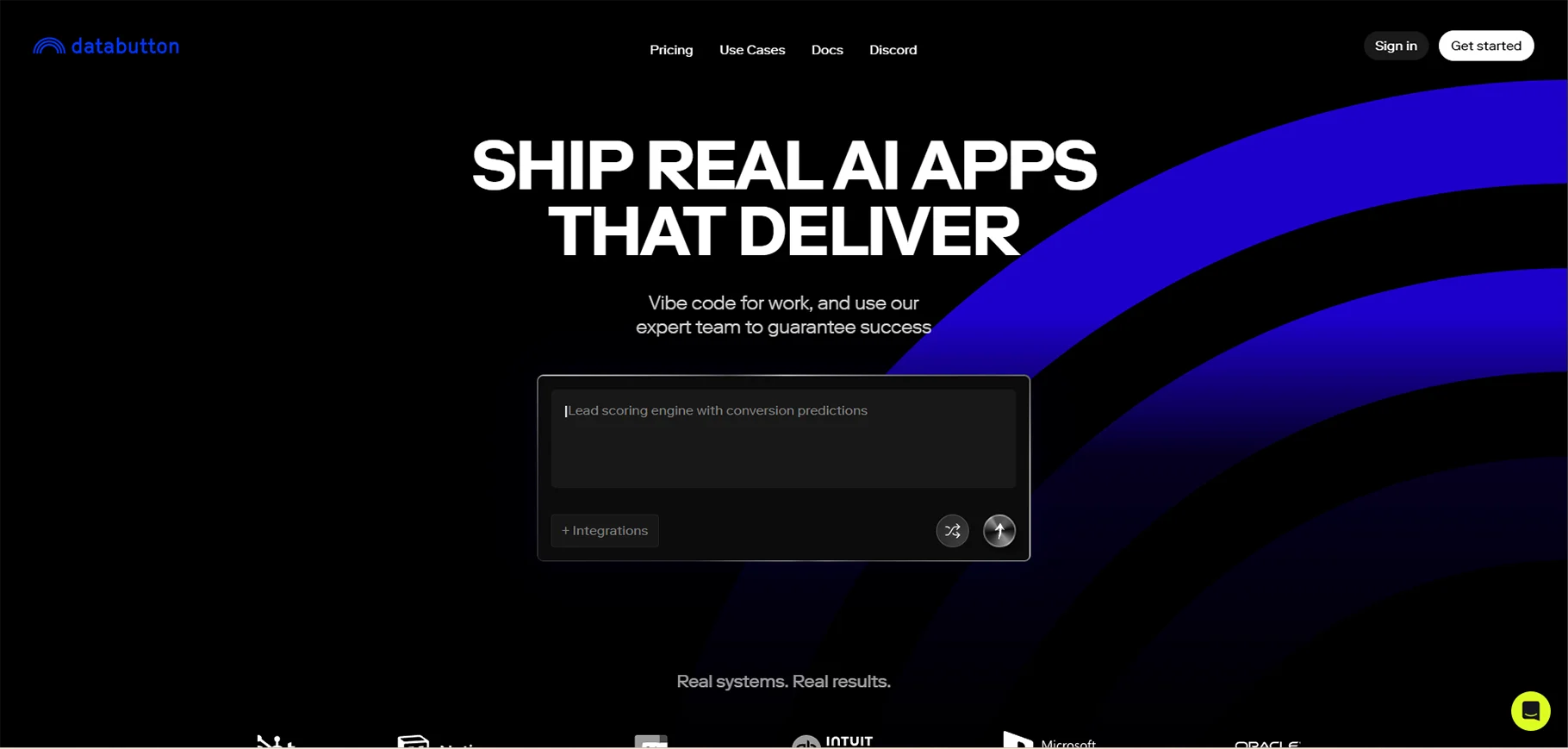
Key Features:
- Iterative app planning with transparent thought processes.
- Real-time updates via multi-threaded chats.
- Manual code tweaks for advanced users.
Pros:
- High control over app development process.
- Suitable for hybrid no-code/low-code workflows.
Cons:
- Requires some understanding of coding concepts.
- Slower for non-technical users.
Pricing: $20/month for Starter plan.
Use Case: Ideal for users bridging no-code and code-based AI app development.
7. DronaHQ AI
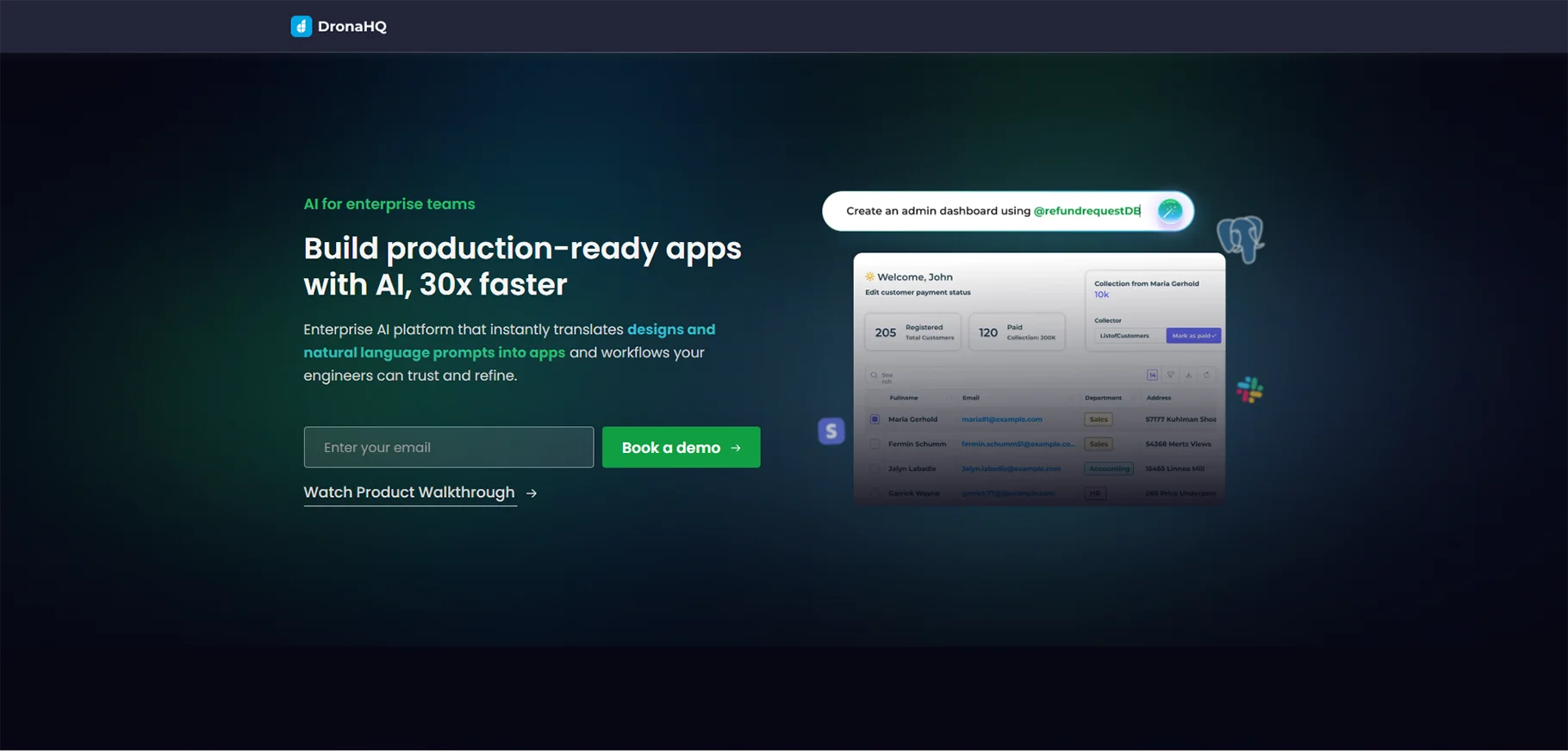
DronaHQ AI is a very simple coding app builder that uses artificial intelligence to help create powerful visualizations, such as dashboards, CRUD apps, and complex workflows for enterprises. DronaHQ AI by means of its AI-driven user interface and seamless data bindings accelerates the whole development process so that users can make customized solutions in a very short period of time and with minimum effort. This platform is open to business users as well as developers and thus both can create user-friendly apps that run data integration smoothly and contribute to operational workflows. In case you want to efficiently manage business processes or create visually attractive dashboards, DronaHQ AI is an easy, scalable way to carry out enterprise-level app development.
Key Features:
- Prompt-based UI and database schema generation.
- Vision AI for layout design from images.
- Extensive data source integrations (e.g., SQL, APIs).
Pros:
- Maintainable app structures for long-term use.
- Flexible editing for developers and business users.
Cons:
- Heavily prompt-dependent; may misinterpret vague inputs.
- Occasional layout inconsistencies.
Pricing: $30/month for 2000 credits.
Use Case: Best for businesses building internal tools with an AI application builder.
8. ToolJet AI
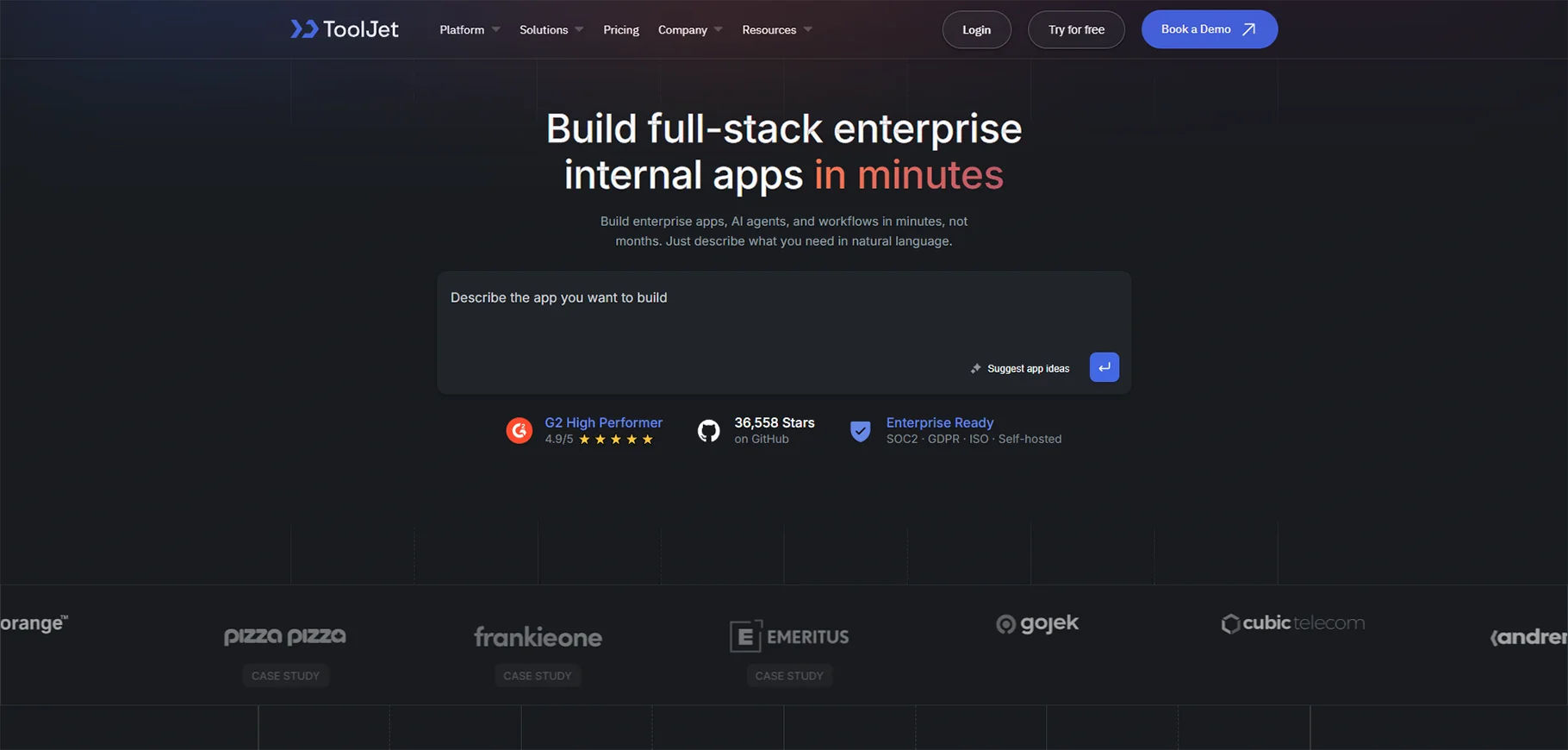
ToolJet AI is an open-source AI app maker that fuses the capabilities of AI with low-code app development. Equipped with a smart AI agent and an embedded debugger, it allows users to rapidly develop and verify custom applications with a few lines of code only. The platform offers a simple interface to the users, thereby enabling technically skilled as well as non-technically skilled users to write complex applications and still have the freedom and be able to exercise the control of their designing and functioning. In fact, with ToolJet AI, customers are able to simplify their design procedure, debug at the same time, and launch potent apps for different business requirements, all in an open-source community.
Key Features:
- AI-generated components and data bindings.
- Error interpretation and debugging support.
- Self-hosting for enterprise security.
Pros:
- Free and extensible for custom deployments.
- Strong enterprise-grade security features.
Cons:
- Requires precise prompts for optimal results.
- Basic UI compared to commercial alternatives.
Pricing: Free (open-source); paid plans for cloud hosting.
Use Case: Ideal for cost-conscious teams or enterprises needing a customizable AI app builder.
9. Superblocks (Clark)
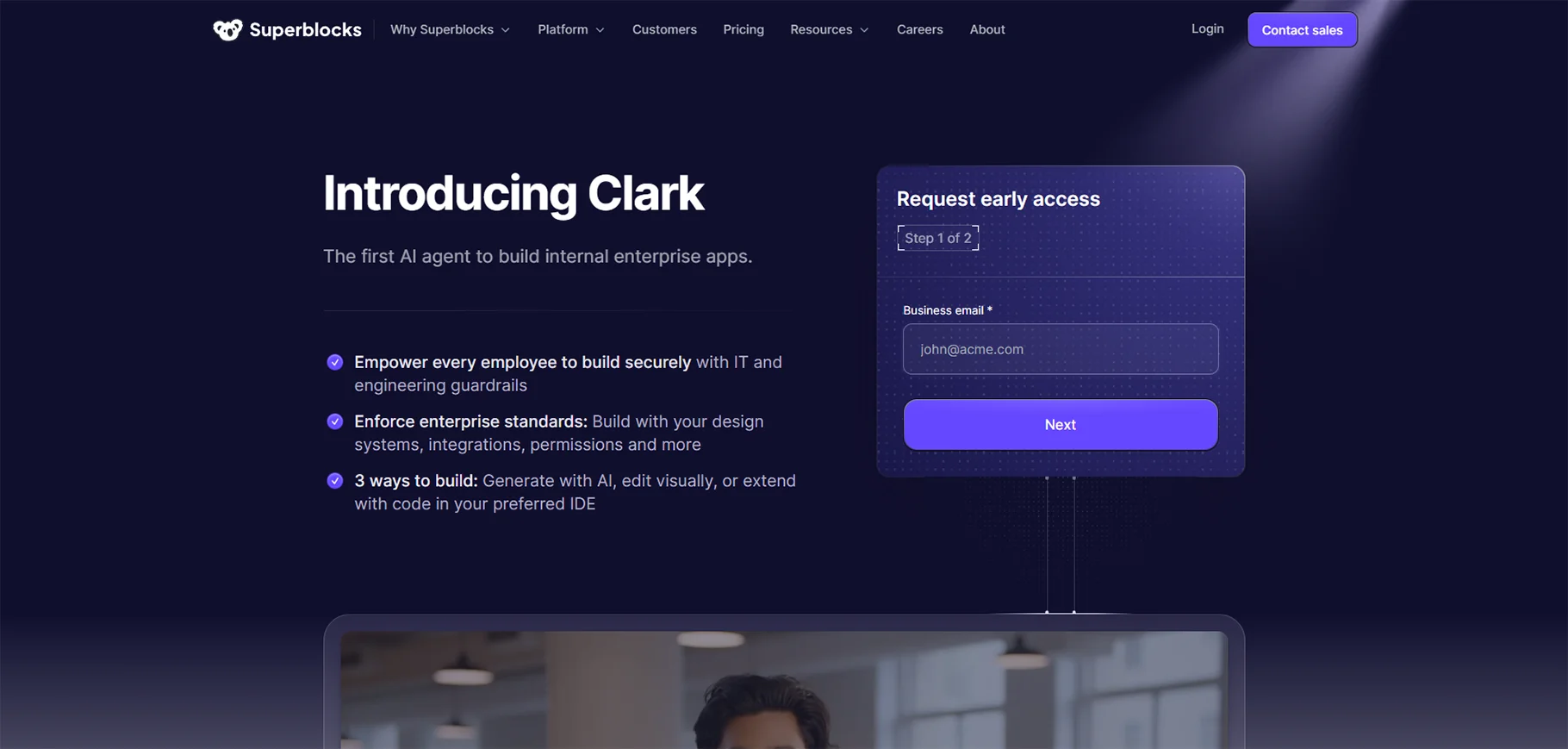
Superblocks is an AI app creator specifically designed for building enterprise-level internal applications. It leverages AI agents to automate complex tasks and optimize operational workflows, enabling businesses to streamline their internal processes. With Superblocks, organizations can quickly develop customized apps tailored to their unique needs, all while harnessing AI to enhance efficiency, improve automation, and ensure seamless integration within existing systems. Ideal for large enterprises, Superblocks offers a powerful solution for creating scalable, AI-driven internal applications that improve productivity and drive operational success.
Key Features:
- AI-driven automation for workflows and integrations.
- Low-code interface for enterprise-grade apps.
- Scalable for complex operational needs.
Pros:
- Tailored for enterprise use cases.
- Autonomous AI agents enhance productivity.
Cons:
- Less detailed feature documentation.
- Higher learning curve for non-enterprise users.
Pricing: Not specified; enterprise-focused.
Use Case: Best for large organizations seeking an AI apps builder for internal operations.
Comparisons and Recommendations
By Use Case
- Prototyping/MVPs: Lovable, Bolt, and Create excel as AI app makers for rapid app drafts, ideal for startups and hackathons due to their speed and simplicity.
- Developer Productivity: GitHub Copilot and Cursor IDE are top AI app builders for developers, offering seamless IDE integration and code automation.
- Internal Tools/Enterprise: Quickbase, DronaHQ AI, and Microsoft Power Apps lead as AI application builders for compliance-heavy, scalable enterprise solutions.
- Data-Centric Apps: Airtable Cobuilder and Softr are the best AI app builders for data-driven apps, leveraging existing data sources like Airtable for quick deployment.
Pricing Tiers
- Free/Beta: Bolt and ToolJet AI offer free access, ideal for testing or small-scale AI app development.
- Affordable ($10–$30/month): GitHub Copilot ($10), Create ($19), DronaHQ AI ($30), and Databutton ($20) balance cost and functionality.
- Enterprise ($20+/user): Microsoft Power Apps ($20/user) and Quickbase ($35/user) cater to large organizations with robust needs.
Pros/Cons Overlaps
- Pros: Most AI app builders offer rapid development, accessibility for non-coders, and integration with modern tech stacks or data sources.
- Cons: Common challenges include prompt accuracy (misinterpretation of vague inputs), limited support for complex logic, and usage caps in free tiers.
Hybrid Recommendations
For comprehensive AI app development, combine a code generator like GitHub Copilot (for backend logic) with a visual AI app maker like Softr or Create (for frontend design). This hybrid approach maximizes speed and customization.
Conclusion
In 2026, the best AI app builders empower users to create apps with unprecedented ease and efficiency, bridging the gap between no-code accessibility and code-level precision. Tools like Softr and Lovable lead for their speed and user-friendliness, while enterprise-focused platforms like Quickbase and Microsoft Power Apps excel in scalability and compliance. The AI apps builder market is evolving rapidly, with AI agents (e.g., Databutton, Superblocks) and open-source options (e.g., ToolJet AI) shaping the future of AI app development.
With the right AI app builder, anyone can turn ideas into functional applications in 2026, regardless of technical expertise.
FAQs
1. What is an AI app builder?
An AI app builder is a platform that uses artificial intelligence to help users create applications faster and easier, often without the need for extensive coding. These tools can generate code, design interfaces, or even deploy apps using natural language prompts or visual drag-and-drop editors.
2. Are AI app builders suitable for production-grade apps?
Yes-some AI app builders like Lovable, DronaHQ AI, and Quickbase can create production-grade applications. However, many are best suited for prototyping, internal tools, or MVPs, depending on scalability, performance, and customization needs.
3. Which AI app builder is best for beginners?
For beginners, Create, Bolt, and Softr are the most user-friendly. They offer intuitive interfaces and prompt-based generation, allowing users to create functional apps without prior coding experience.
4. Which AI app builder is best for enterprises?
Enterprises typically prefer platforms like Microsoft Power Apps, Quickbase, and Superblocks, which offer advanced workflow automation, security, and scalability for large organizations.
5. What’s the best AI app builder for developers?
Developers often choose GitHub Copilot, Cursor IDE, or Lovable. These tools integrate directly into coding environments, providing real-time code suggestions, refactoring, and full-stack app generation from prompts.
6. Can AI app builders integrate with databases and APIs?
Absolutely. Most modern AI app builders support integration with databases like Supabase, Airtable, and SQL, as well as APIs for services like Stripe, Firebase, or Zapier, enabling seamless connectivity between app components.
7. Are AI app builders secure?
Security depends on the platform. Enterprise solutions such as Quickbase, ToolJet AI (self-hosted), and Microsoft Power Apps offer robust security features. Free or open-source options may require additional configuration to ensure data protection.

