
Table Of Contents
The 13 Best No-Code App Builders in 2026
Published on : May 06 2025

In 2026, anyone can easily create mobile applications even without programming skills. The whole process of creating a software product is not that easy because no-code platforms allow you to do everything with a simple drag-and-drop interface and without having any computer knowledge at all.
These platforms can be really powerful and open the door to app development, even to people as entrepreneurs, small businesses, and anyone with a brilliant idea for a product that they want to realize.
This guide presents the most excellent 13 no-code app builders in 2026, considering features, usability, and the value offered overall. I have put the platforms through their paces as to suitability for the beginner, advanced logic capabilities, mobile specialization, and strong automation. No matter if you're launching an app for the first time or for the tenth time, there will be a perfect platform that will suit your skills, budget, and vision no coding needed.
Building an App Without Code: The Requirements
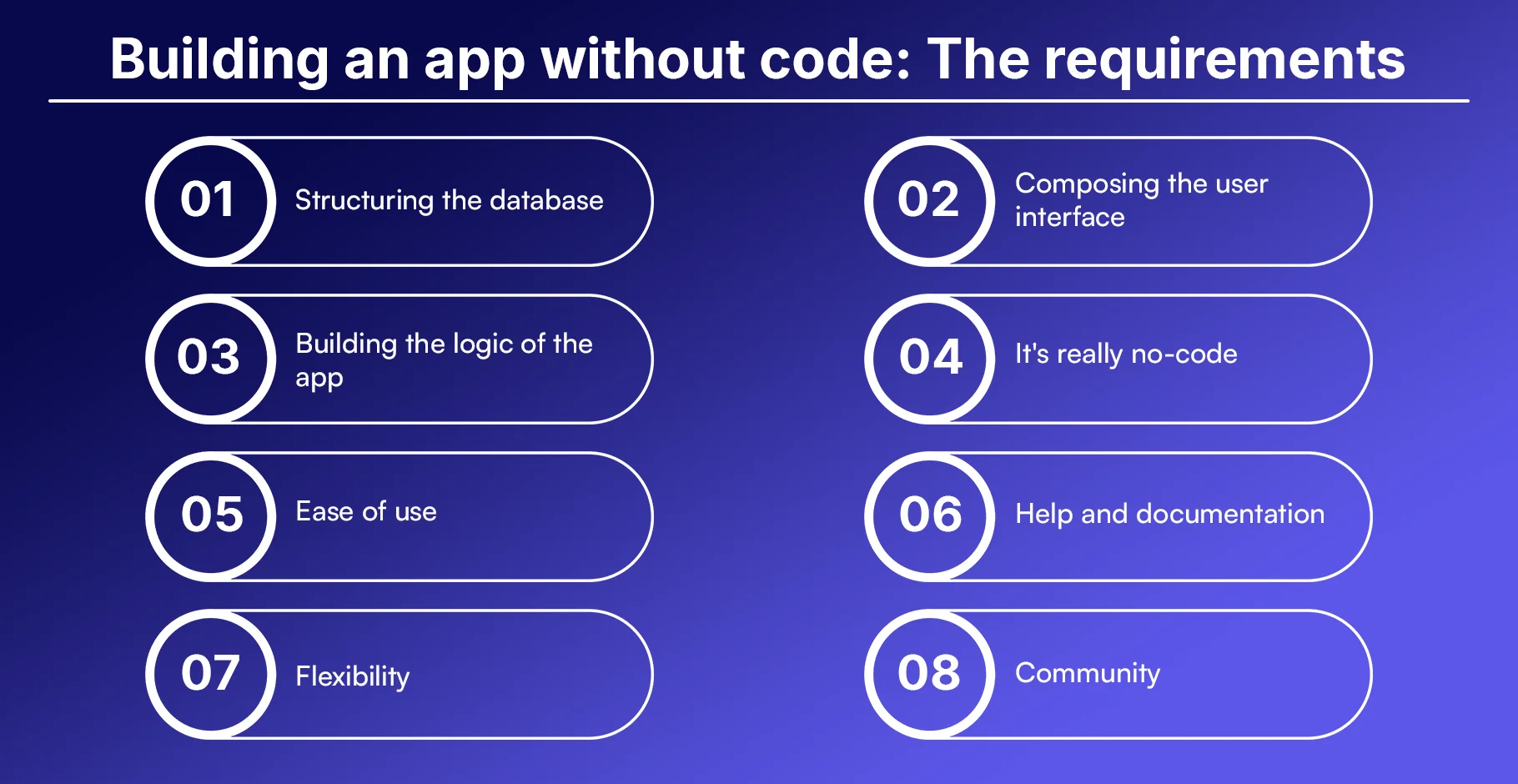
1. Structuring the database
Every app needs to store and manage data. A no-code platform should let you create and manage your app’s database easily.
2. Composing the user interface
You should be able to design your app's layout and screens using drag-and-drop elements.
3. Building the logic of the app
No-code tools should allow you to define what happens when users click buttons or submit forms.
4. It's really no-code
Some platforms say they are no-code, but still require technical knowledge. The best ones truly need no coding skills.
5. Ease of use
A good platform should be easy to learn, even for people with no design or tech background.
6. Help and documentation
Clear guides, video tutorials, and community forums help you solve problems quickly.
7. Flexibility
The platform should allow you to customize your app as much as possible without limits.
8. Community
A strong user community can help you find ideas, templates, and quick solutions.
Best No-Code App Builder for Complete Beginners
1. Softr
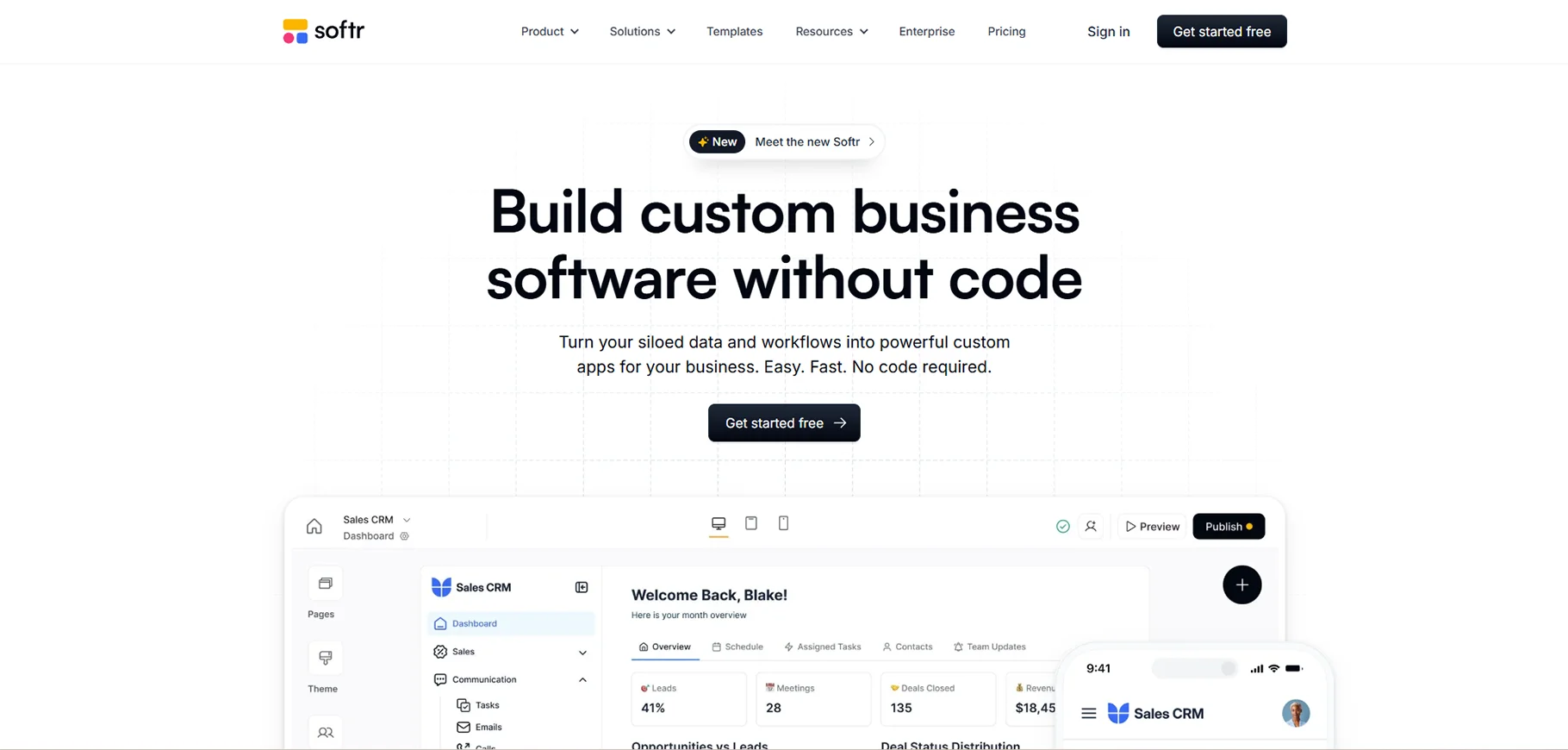
Softr is ideal for people who have no technical background but want to build apps and websites quickly. It allows users to build powerful tools using Airtable as the backend database. With pre-designed blocks, templates, and a simple editor, users can create client portals, internal tools, and landing pages without writing a single line of code. It supports custom domains, user authentication, and payments, making it a strong entry-level platform.
Softr Pros
- Very beginner-friendly
- Works well with Airtable
- Templates available
Softr Cons
- Limited design flexibility
- Less suitable for complex apps
Softr Price
Free plan available. Paid plans start at $24/month.
Best No-Code App Builder for Power and Ease of Use
2. Bubble
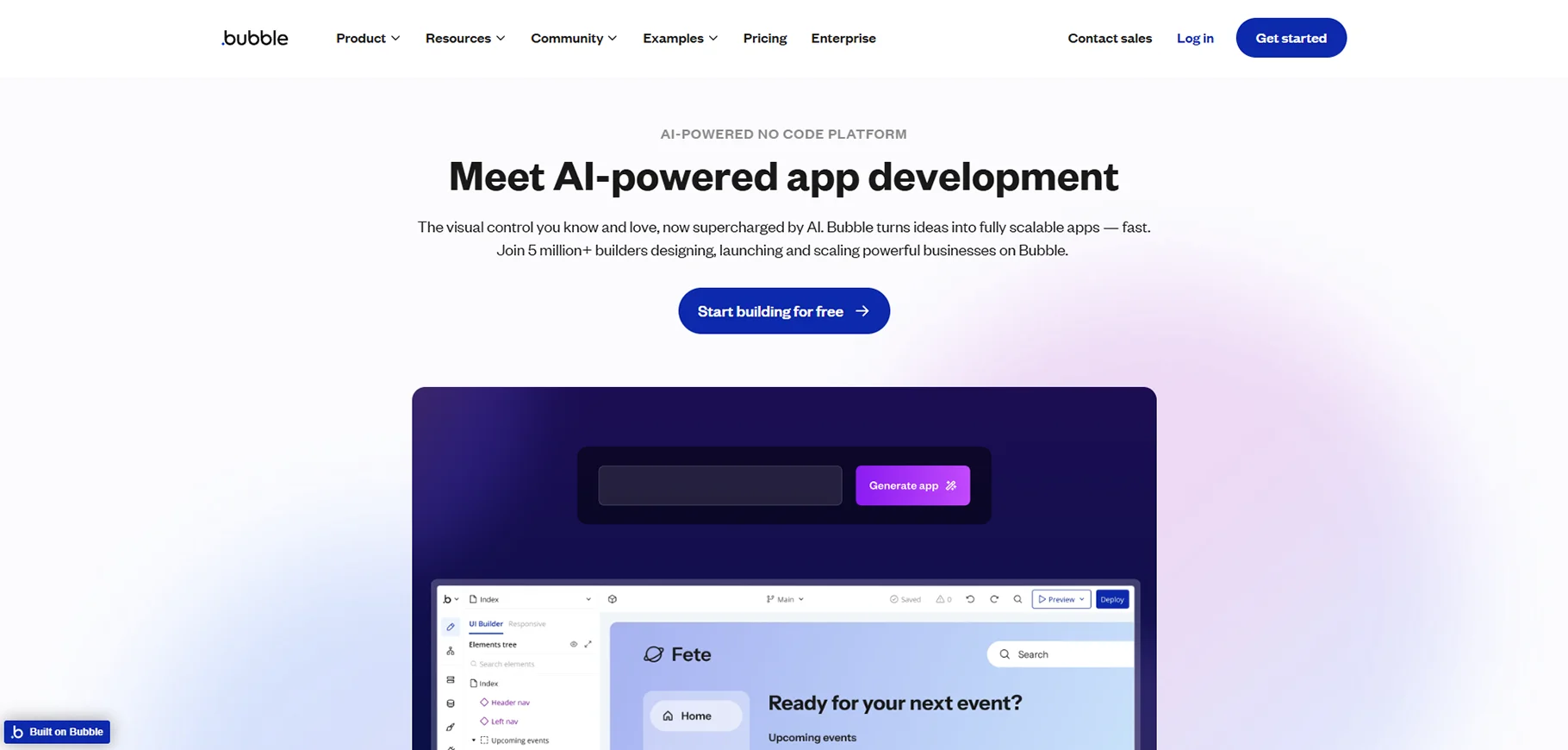
Bubble is one of the most powerful no-code platforms. It allows users to build interactive and complex web applications using visual workflows. You can define custom logic, interact with APIs, and fully control your design. It’s suitable for startups building SaaS products or marketplaces. Although it has a learning curve, once mastered, it offers near-unlimited potential without writing code.
Bubble Pros
- Advanced logic and workflows
- Lots of plugins
- Active community
Bubble Cons
- Takes time to learn
- Can be slow with large apps
Bubble Price
Free plan available. Paid plans start at $29/month.
The Best No-Code App Builder for Automation
3. Zapier Interfaces
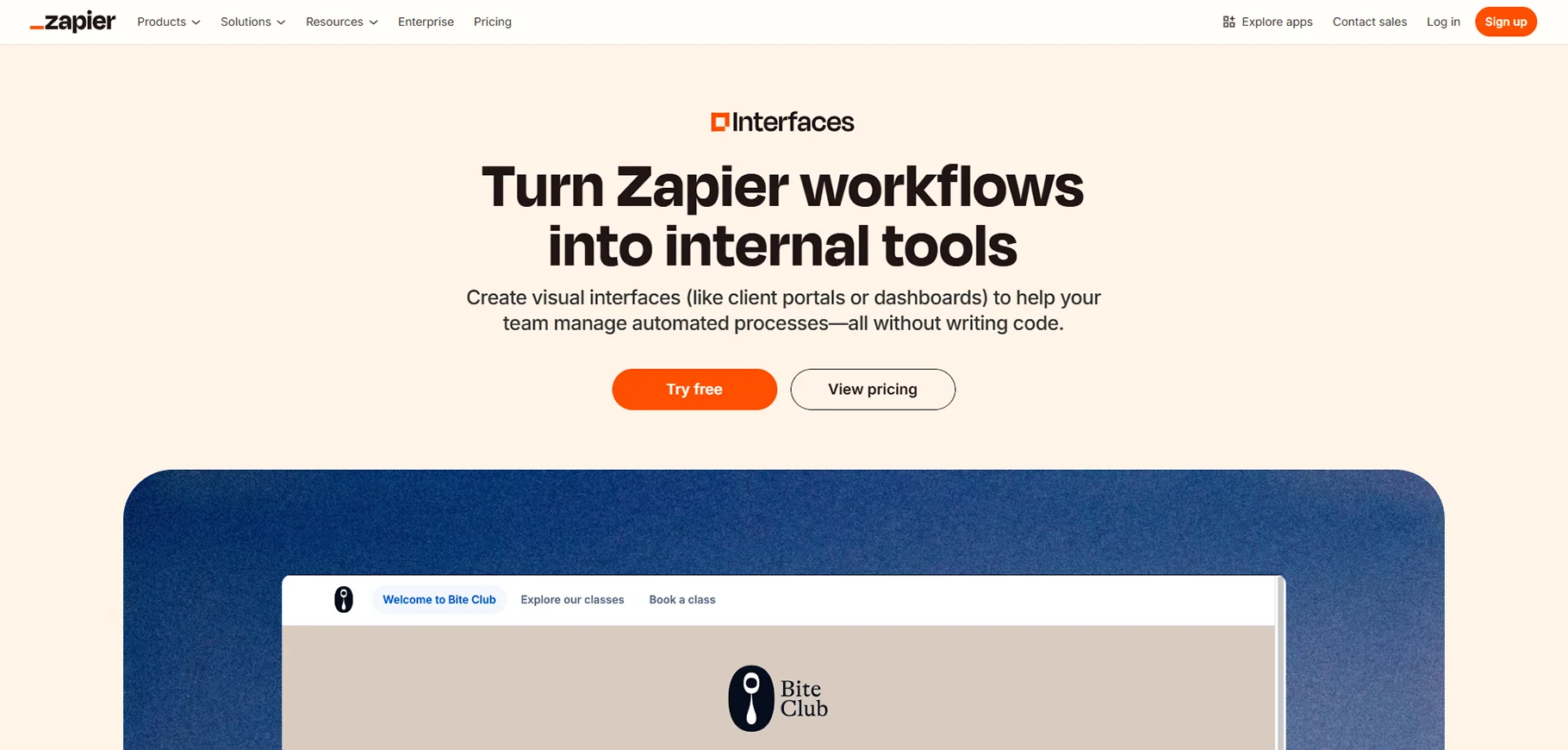
Zapier Interfaces combines its well-known automation platform with a visual app builder. This makes it easier to create simple web apps that connect to 6,000+ other tools. You can use pre-built layouts, build forms, display tables, and connect these with your existing workflows. It’s ideal for internal apps, reporting dashboards, or quick MVPs that focus on data handling and automation.
Zapier Interfaces Pros
- Seamless automation
- Works with 6,000+ apps
- Easy interface building
Zapier Interfaces Cons
- Basic design tools
- Limited customization
Zapier Interfaces Price
Free plan available. Paid plans start at $19.99/month.
Best No-Code Mobile App Builder
4. Glide
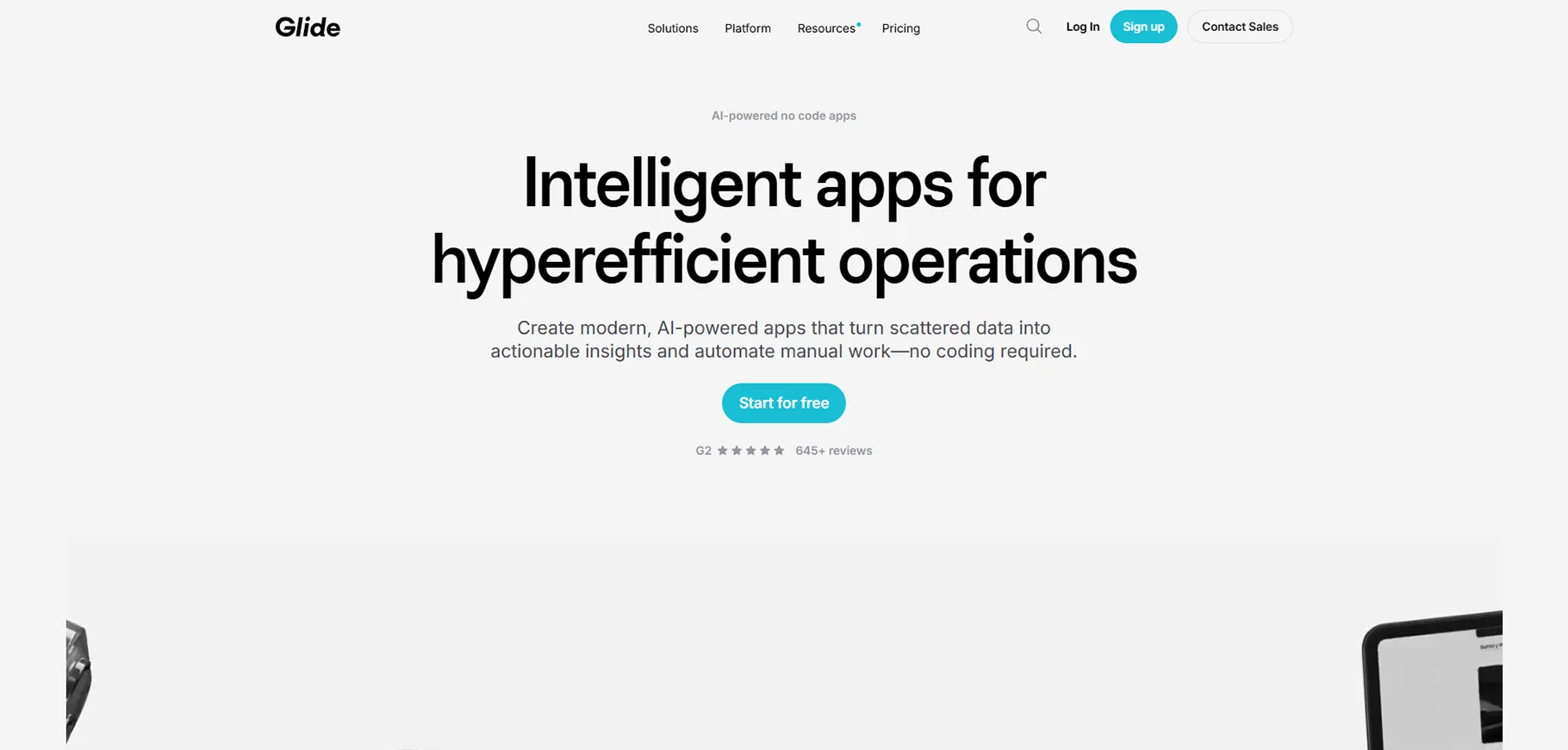
Glide is a simple and elegant tool that converts Google Sheets or Excel data into mobile apps instantly. It’s perfect for inventory management, employee directories, or customer databases. You can design attractive apps without any technical knowledge. The platform handles hosting, updates, and performance, making it a great choice for individuals and small teams.
Glide Pros
- Easy setup
- Beautiful default design
- Google Sheets integration
Glide Cons
- Limited for complex apps
- Requires paid plan for full branding
Glide Price
Free plan available. Paid plans start at $25/month.
Best No-Code App Builder for Flexibility
5. Bildr (Web)
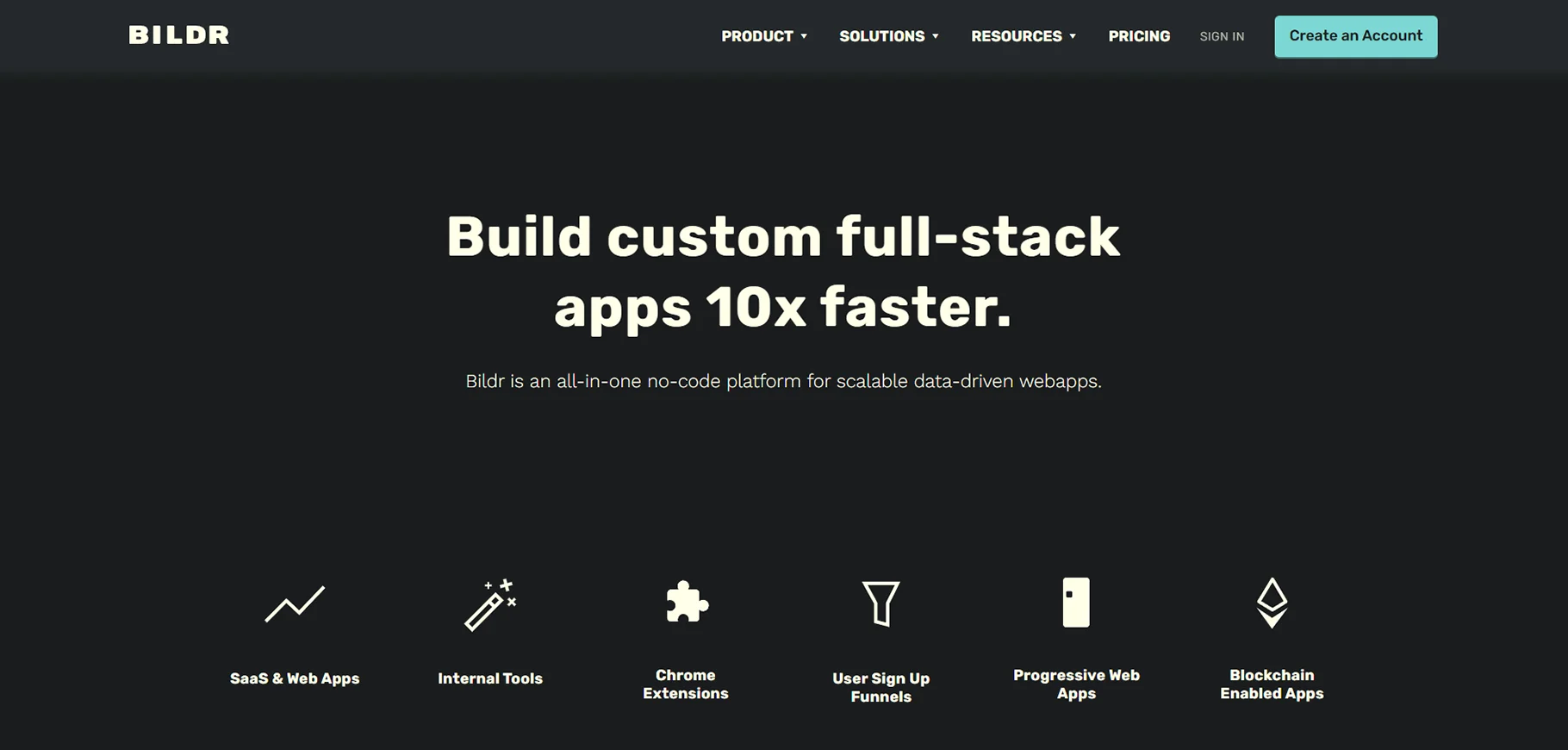
Bildr is a powerful no-code platform for building modern web apps. It offers deep design control, letting you build pixel-perfect UIs while also integrating with APIs, databases, and logic tools. You can export apps as PWAs and build production-ready tools. It’s suited for developers and startups looking for power and flexibility without the need for full-stack coding.
Bildr Pros
- Full design freedom
- API and custom logic support
- Progressive web app support
Bildr Cons
- Learning curve
- Not ideal for complete beginners
Bildr Price
Starts at $29/month.
No-Code/Low-Code Website & App Builders
6. Graphite.dev
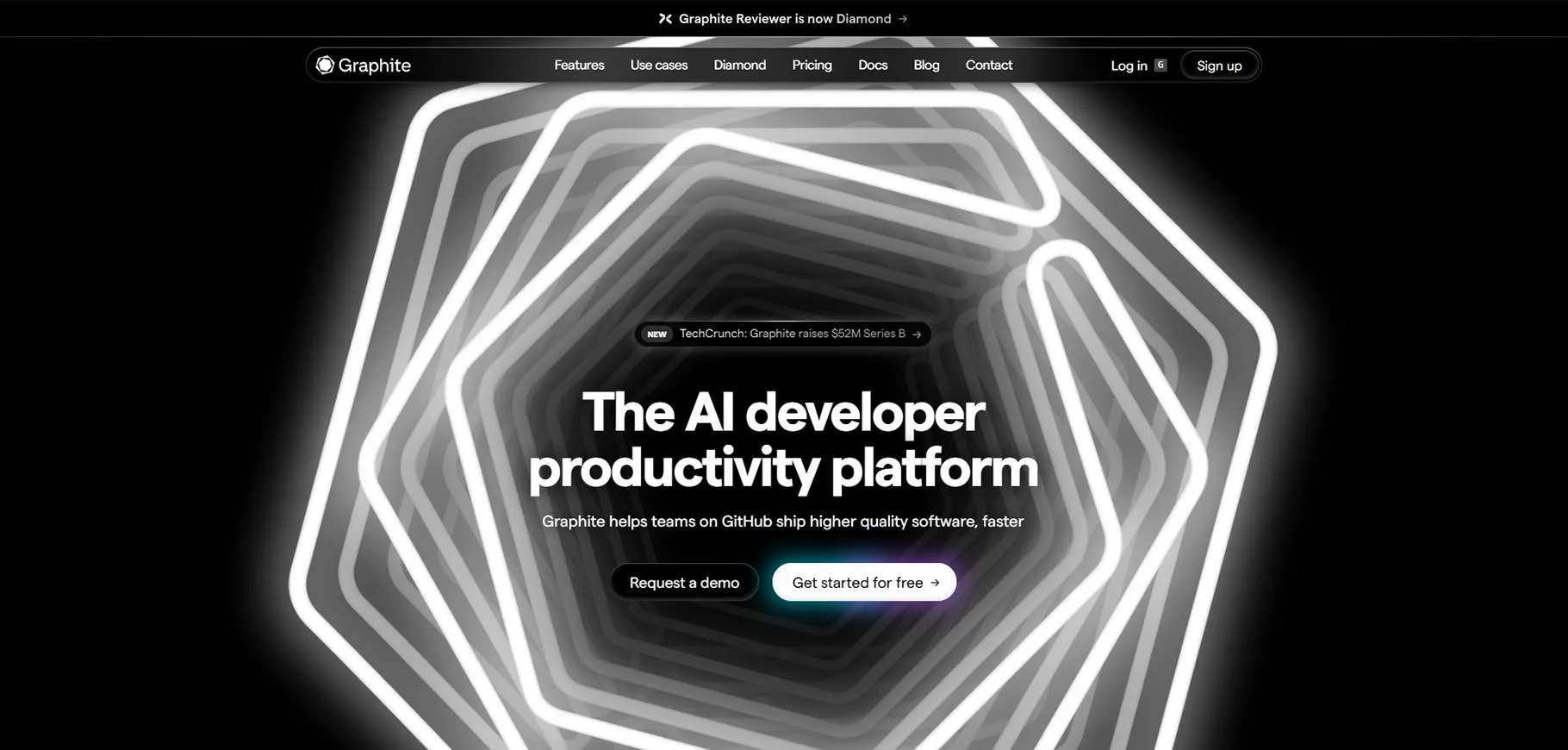
Graphite lets you build full-stack apps without needing backend knowledge. It’s designed for developers who want faster prototyping and deployment without losing control over their codebase. It supports authentication, data management, and modern design tools all in one place.
Graphite Pros
- Full-stack capability
- Strong database support
Graphite Cons
- Still in early stages
- Limited resources
Graphite Price
Free plan available. Paid starts at $39/month.
7. Zarla.com
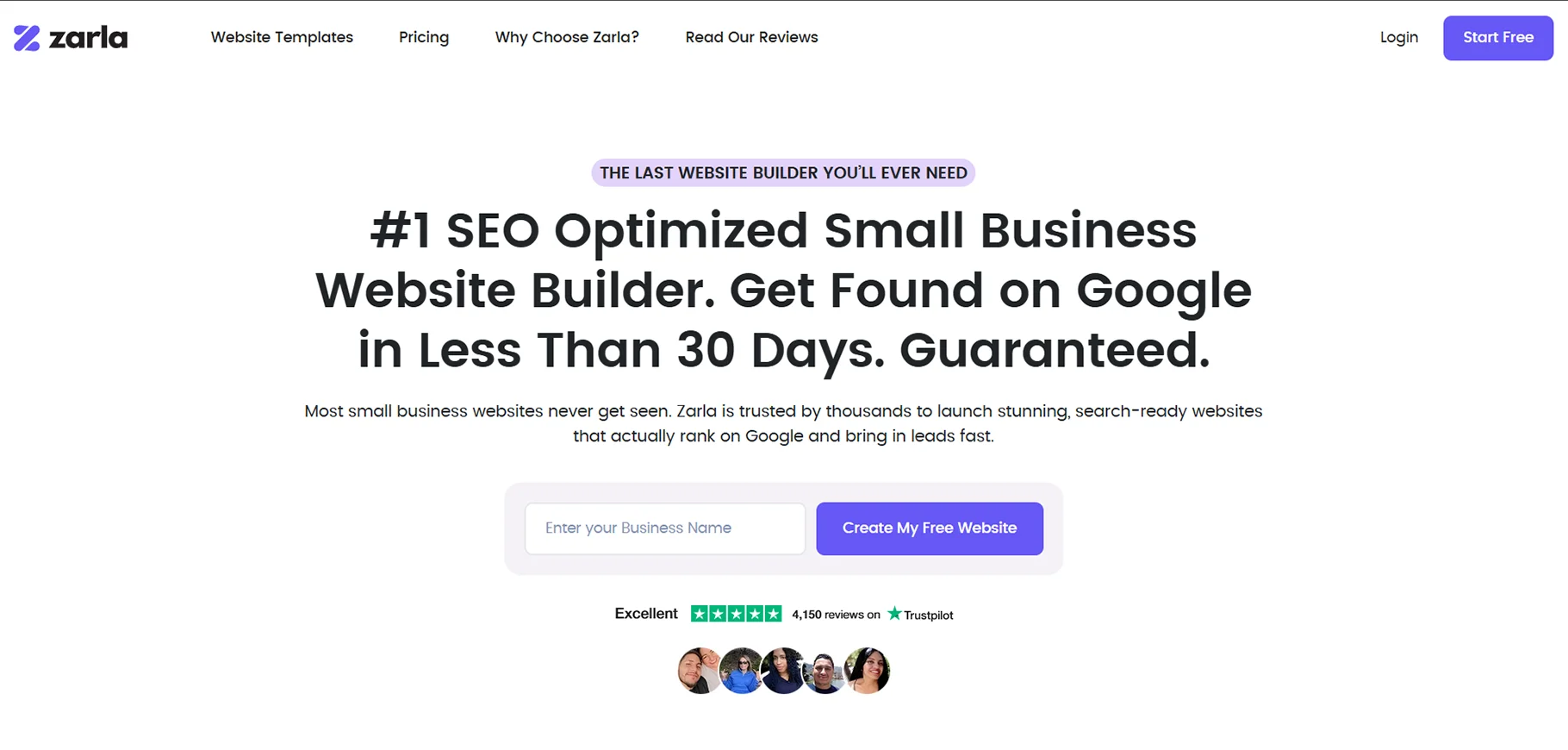
Zarla focuses on helping small businesses build websites quickly with the help of AI. It generates designs based on a few questions and handles branding, content, and layout automatically. It’s ideal for entrepreneurs who need to go live fast.
Zarla Pros
- Fast setup
- AI-powered design
Zarla Cons
- Limited app features
- Less control
Zarla Price
Free.
8. Framer.com
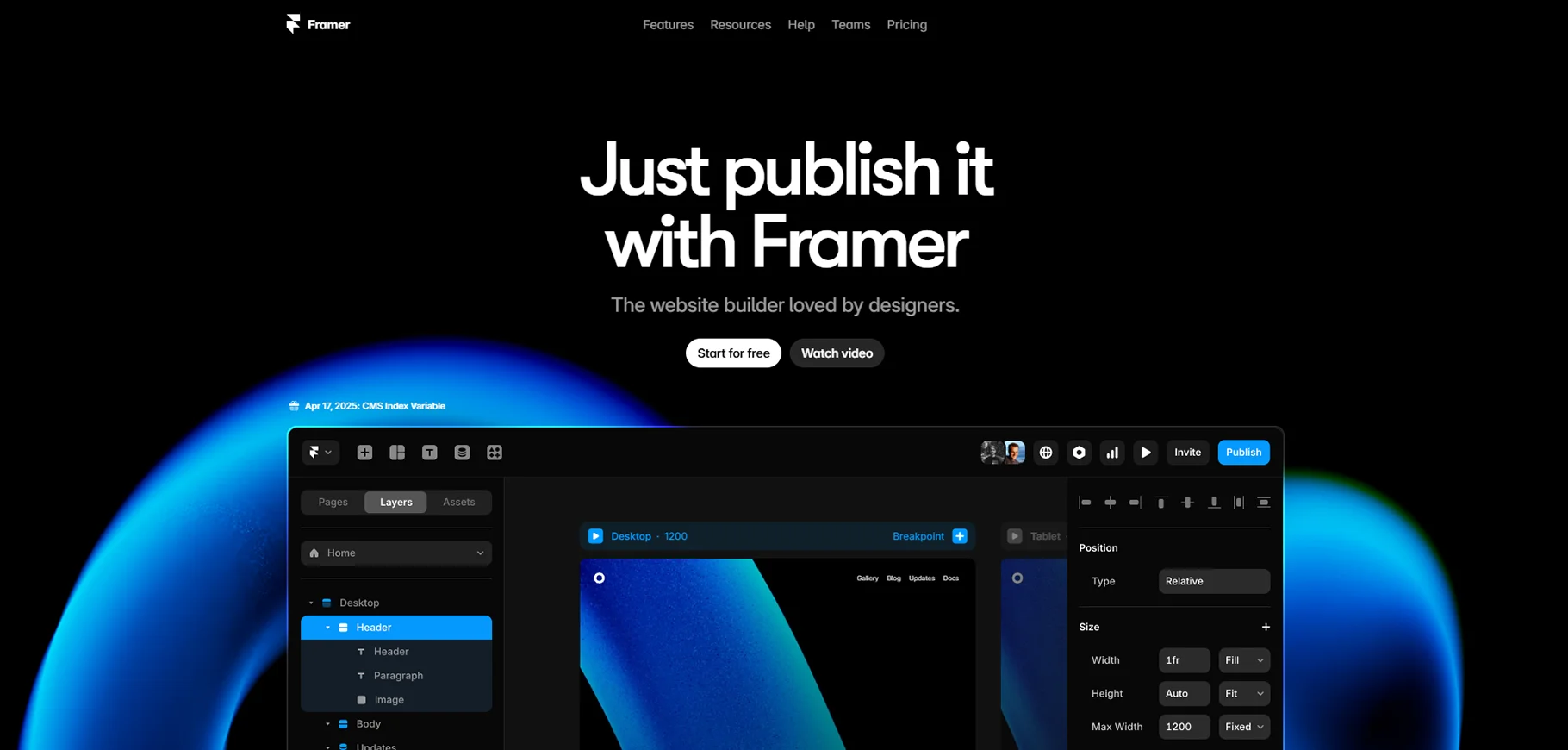
Framer is a design-first tool aimed at web designers who want to turn their mockups into real websites. It supports responsive design, interactions, and animations. Framer is best for landing pages, portfolios, or content-driven websites.
Framer Pros
- Smooth design tools
- Collaborative features
Framer Cons
- Not suited for full apps
- Web-only
Framer Price
Free plan available. Paid plans from $20/month.
9. 10Web.io
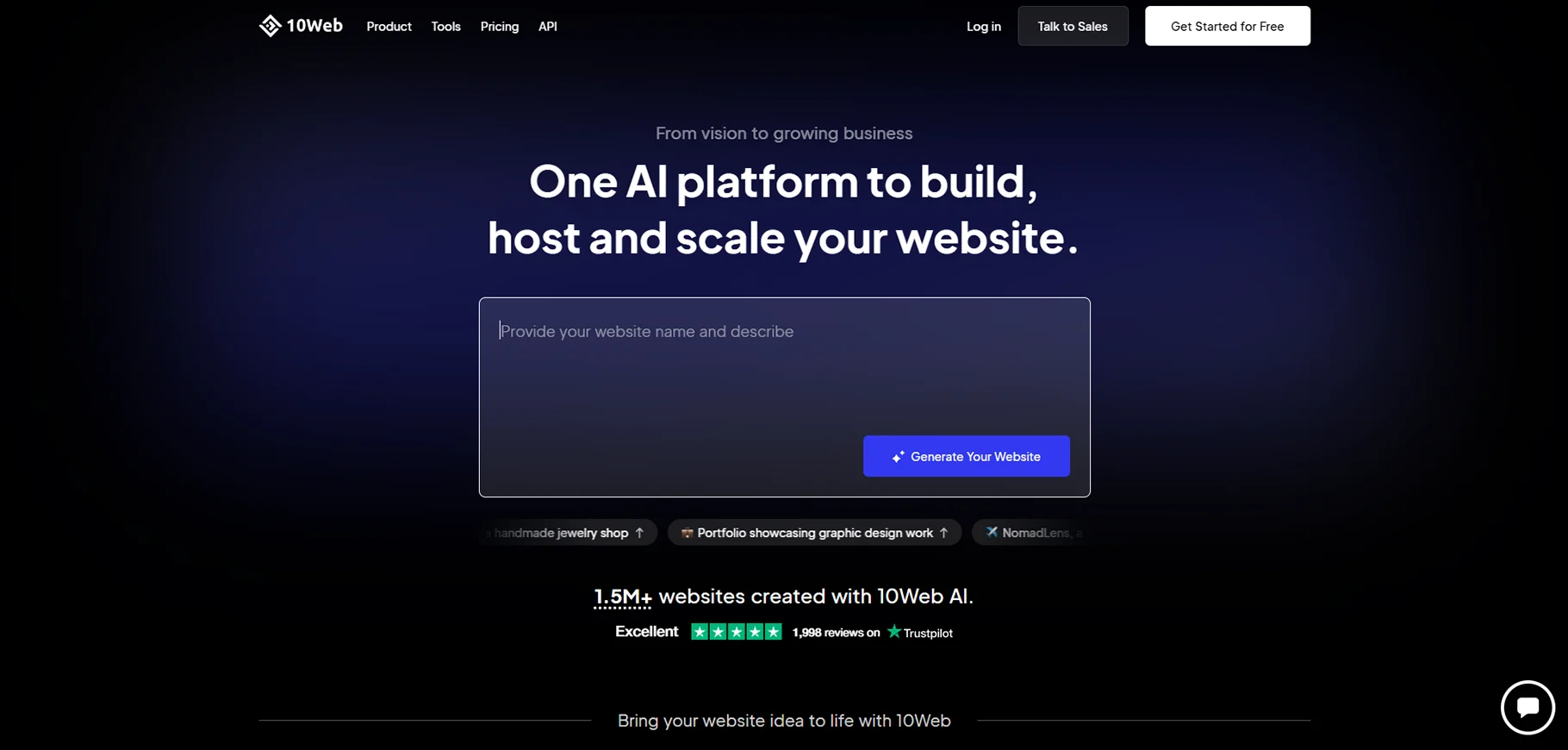
10Web simplifies WordPress website creation with AI tools and drag-and-drop features. It handles hosting, performance, SEO, and backups, making it a full platform for small business websites. Ideal for those who prefer WordPress but want ease of use.
10Web Pros
- WordPress integration
- AI content generator
10Web Cons
- Requires some WP knowledge
- Hosting tied to platform
10Web Price
- Starts at $10/month.
10. Durable.co
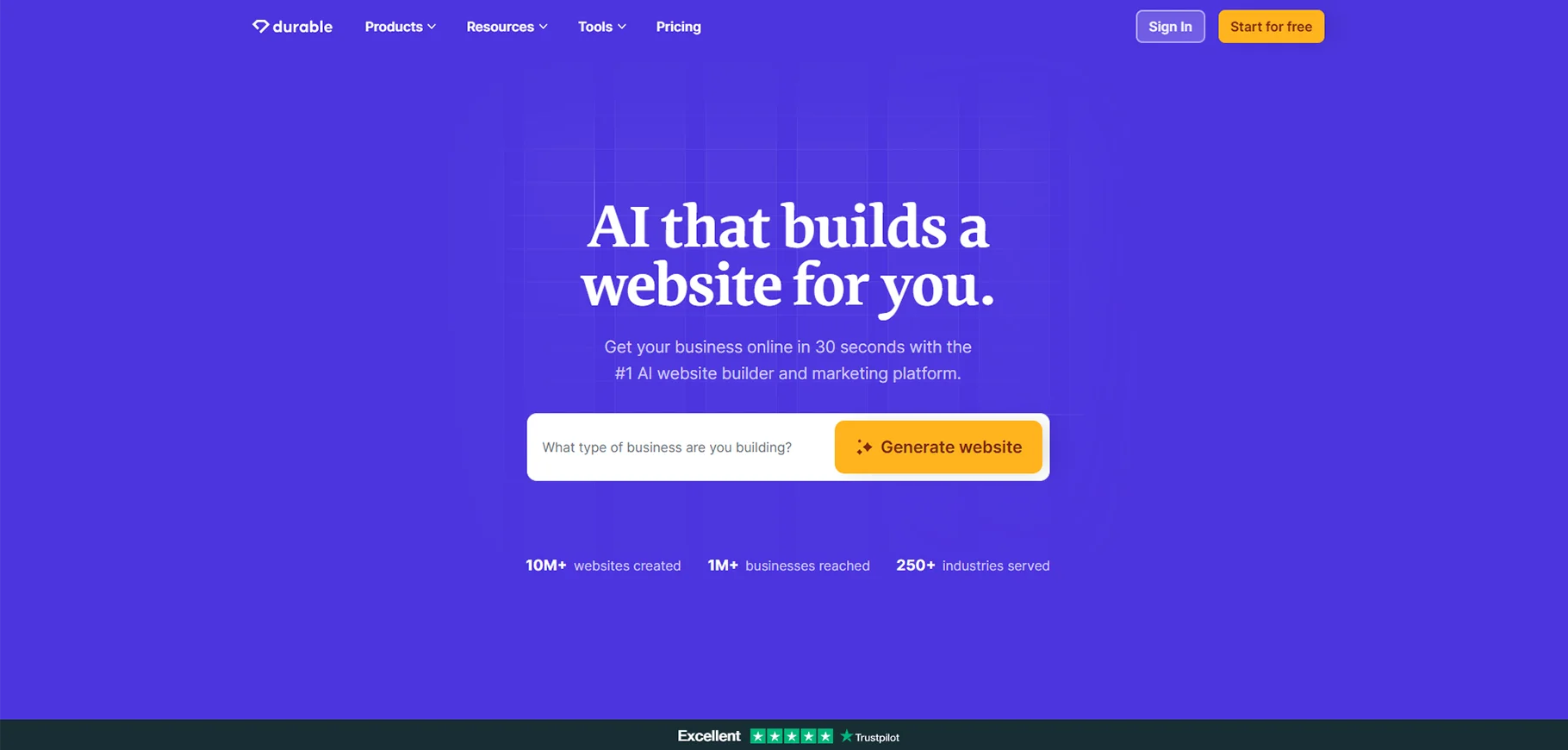
Durable offers AI-generated one-page business websites in 30 seconds. It’s great for freelancers, small business owners, or anyone looking to get online instantly. It also includes a simple CRM and invoicing tools.
Durable Pros
- Super fast setup
- AI-generated content
Durable Cons
- One-page only
- Basic customization
Durable Price
Starts at $12/month.
Best No-Code App Builder for Advanced Control Over Your Data
11. Backendless
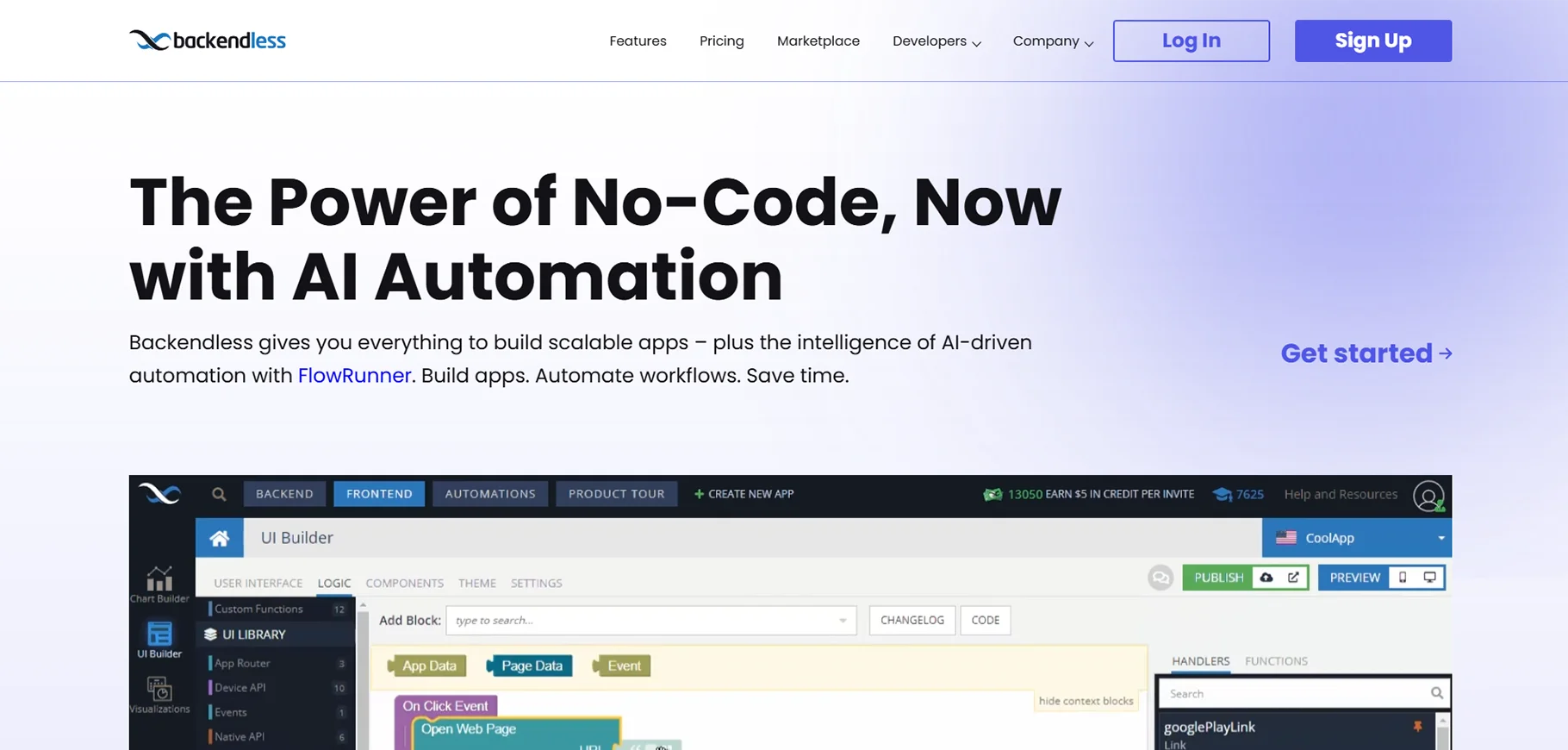
Backendless offers a comprehensive backend-as-a-service with visual tools for building APIs, managing databases, and handling user roles. It gives more power to users who want control over their backend while still avoiding code. Ideal for data-heavy apps, admin portals, and scalable backends.
Backendless Pros
- Strong backend tools
- Role-based access
Backendless Cons
- Complex UI
- Not for quick apps
Backendless Price
Free plan available. Paid plans start at $15/month.
Best No-Code App Builder for Multi-Platform Apps
12. FlutterFlow + Firebase
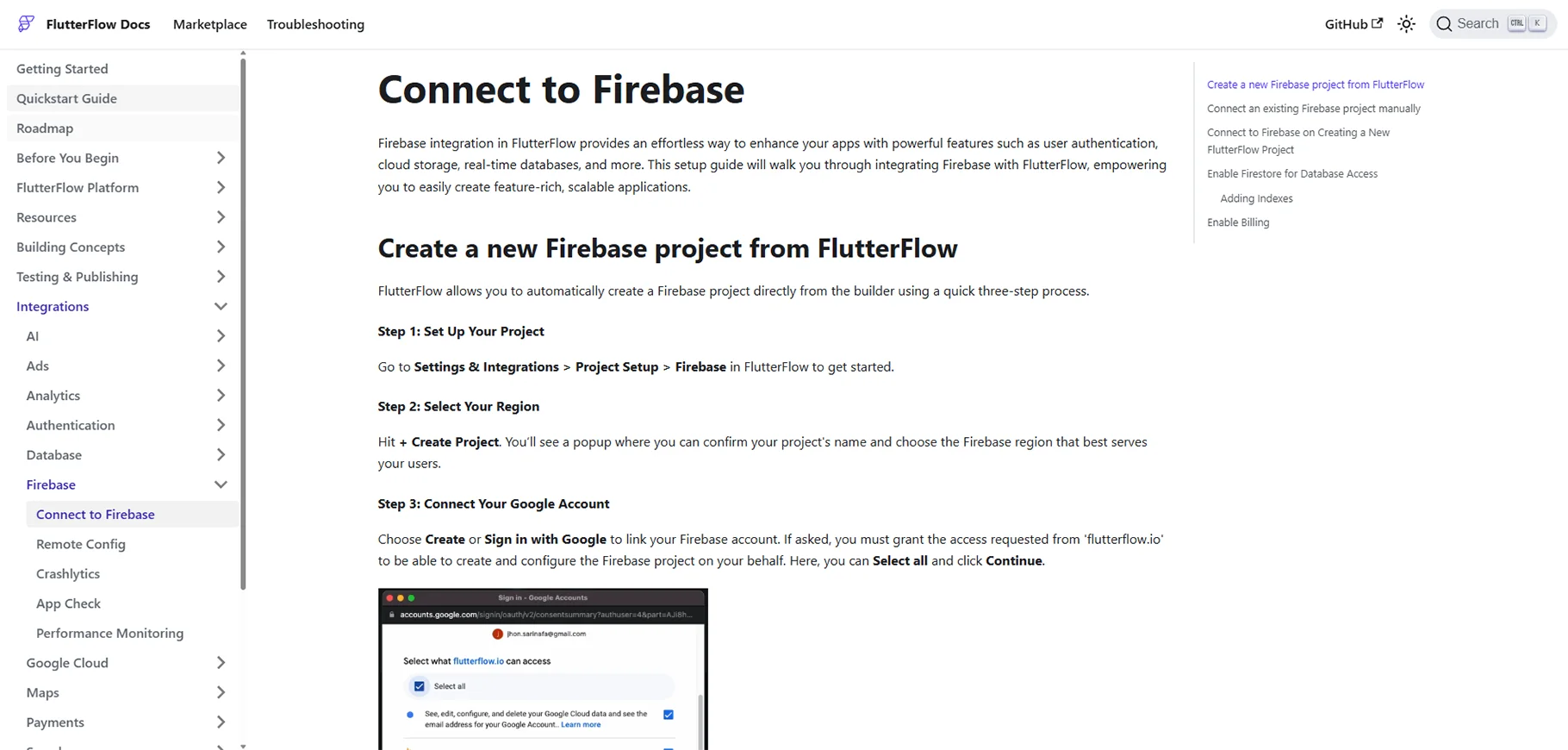
FlutterFlow is a powerful builder that allows you to create beautiful, native-feeling apps for Android, iOS, and web using Google’s Flutter framework. Paired with Firebase for backend services like authentication, storage, and real-time databases, it's perfect for scalable mobile app projects.
FlutterFlow and Firebase Pros
- Cross-platform
- Native-like performance
FlutterFlow and Firebase Cons
- Some coding helpful
- Setup can be long
FlutterFlow Price
Starts at $30/month.
Firebase Price
Free tier available, pay as you scale.
Best No-Code Builder for Modular, Scalable Apps
13. WeWeb + Xano
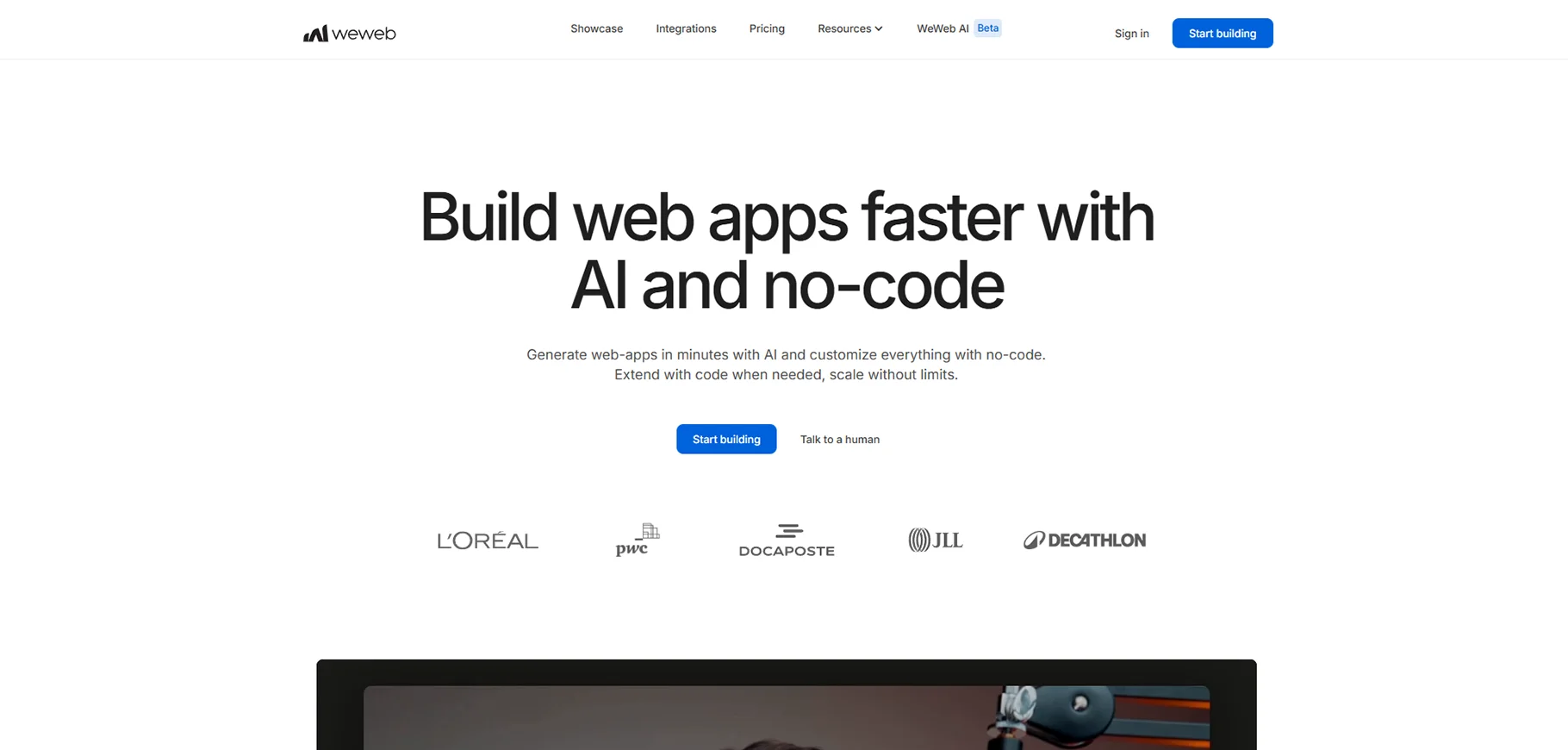
WeWeb is a powerful front-end builder, and when paired with Xano's robust backend, it gives you the ability to create truly scalable apps. WeWeb handles beautiful responsive designs, while Xano offers secure APIs, logic workflows, and database scaling without code.
WeWeb and Xano Pros
- Modular structure
- Backend scalability
WeWeb and Xano Cons
- Learning curve
- Separate billing
WeWeb Price
Starts at $39/month.
Xano Price
Free tier available. Paid plans start at $49/month.
Other Tools That Support Your No-Code App
Xano – For advanced backends
Algolia – Fast search integration
BuildShip – Build automation workflows visually
Build an App Without Coding
You don’t need to learn coding to build powerful apps in 2026. With the right no-code builder, you can turn your ideas into working products. Whether you want to launch a mobile app, a SaaS tool, or an internal platform, these tools make it possible without writing a single line of code.
Conclusion
No-code app builders are getting better, faster, and more flexible. The key is to choose the right one based on your needs. Beginners can start with Softr or Glide. Those building serious apps can go with Bubble, Backendless, or WeWeb+Xano. As the market grows, we’ll keep seeing new platforms that make building apps easier for everyone.
FAQs
1. Is no-code really 100% code-free?
Yes, most platforms let you build apps without any code. But adding code can sometimes give you more power.
2. Can I build a business app with no-code?
Absolutely. Many startups and companies use no-code tools to launch MVPs or even full products.
3. Which tool is best for mobile apps?
Glide and FlutterFlow are great for mobile apps.
4. Do I own the data and app I build?
Yes, in most platforms, your data and app are yours. Always check the platform’s terms to be sure.

