
Table Of Contents
The 8 Best AI Transcribers for Teams in 2026
Published on : Jan 23 2026

Nowadays, team meetings are the main reason for overloading employees in the corporate world. Our calendars are filled with sales calls, client presentations, internal meetings, and brainstorming sessions, yet the important points discussed are still covered by the noise.
Still, AI transcription software has come to the rescue by changing the way teams make use of the meeting content by capturing it, organizing it, and acting on it.
I tested more than 15 AI transcription tools along with real team workflows, and after that, I have come up with the top 8 platforms that can really serve the purpose in the year 2026 for collaborative teams.
These tools can do more than just convert voice into writing; they can already detect the tasks, get integrated with your present tech stack, and thus avoid such lengthy meetings, they are keeping the teams in sync.
What does an AI transcriber do?
An AI transcriber is software that employs artificial intelligence and machine learning to automatically transcribe spoken words into written form. However, in 2026, the advanced transcription tools do a lot more than just basic speech-to-text conversion.
The use of modern AI transcribers in team settings usually includes speaker identification to indicate who said what, real-time transcription when live meetings are going on, AI-generated summaries that reduce hour-long conversations to the essential points, automatic action item detection to manage tasks and follow-ups, and searchable transcripts so that you can locate particular discussion points in hundreds of meetings.
The 8 best AI transcribers for team
Tool | Best For | Starting Price | Key Strength |
| Fireflies.ai | Sales teams & CRM integration | Free (limited) | Extensive integrations |
| Circleback | Action-oriented teams | $25/month | Superior note structure |
| Notta | Multilingual teams | $14.99/month | 58+ language support |
| Noty.ai | Google Meet users | Free (10 meetings) | Real-time workspace collaboration |
| Otter.ai | Individual professionals | Free (limited) | Real-time transcription |
| Fathom | Budget-conscious teams | Free (5 summaries) | Fast meeting summaries |
| Sonix | Content creators | $10/hour | 99% transcription accuracy |
| Descript | Video content teams | $12/month | Text-based video editing |
Fireflies.ai
What does it do?
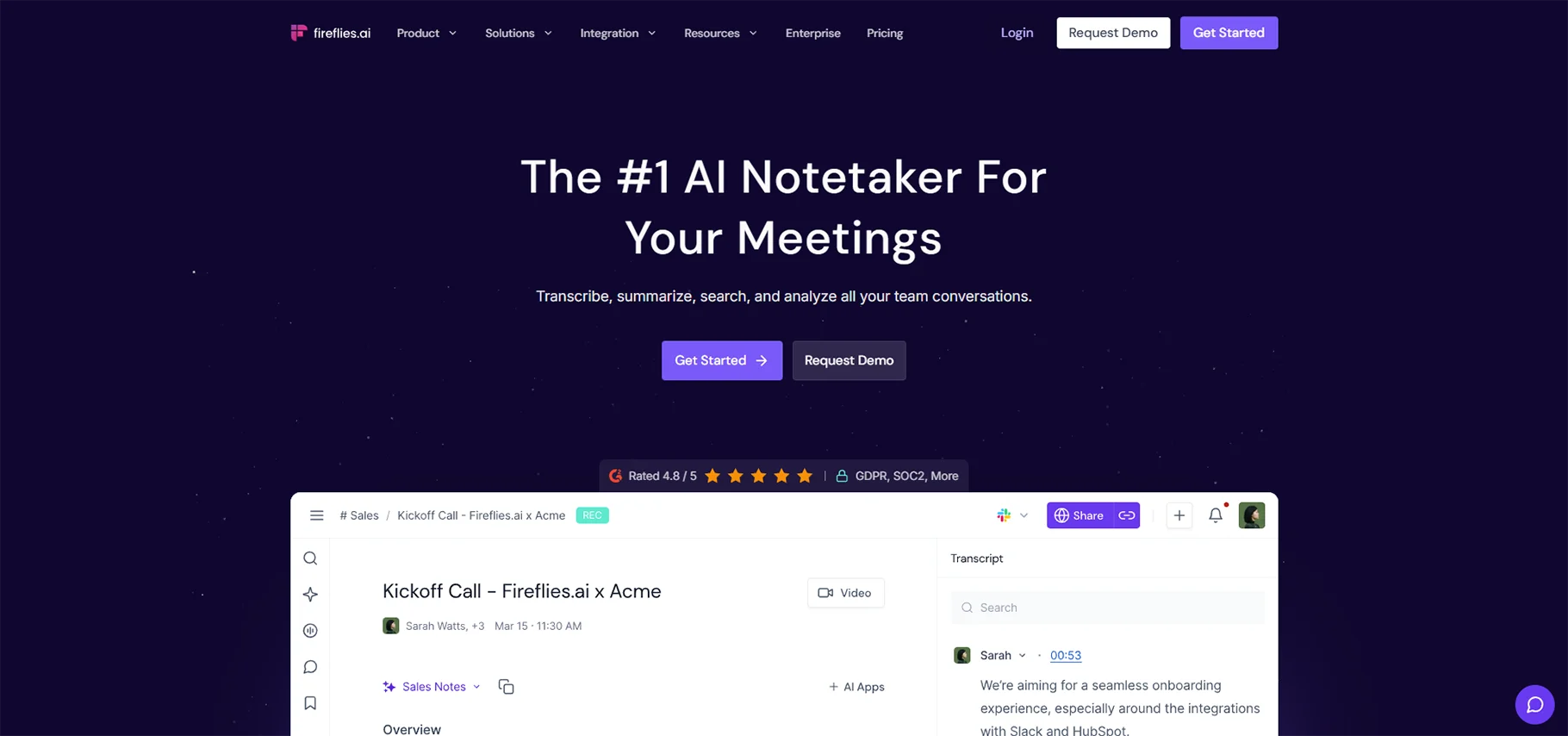
Fireflies.ai is an all-inclusive AI meeting assistant that turns up automatically to your video conferences on Zoom, Google Meet, Microsoft Teams, and other platforms. It listens to the conversations, produces transcripts with very good precision, and also makes AI-generated summaries that include action items and key points of discussion.
Fireflies also has conversation intelligence features for sales teams, providing talk-time analytics, sentiment analysis, and coaching insights to the managers that help them to improve the performance of their teams.
Who is it best for?
Fireflies.ai is perfect for sales departments that require extensive CRM integration and for customer-facing teams such as customer support and success that manage a lot of client calls.
Pros
Fireflies provides users with unlimited transcription services in all paid plans, offering support for more than 100 languages with non-English conversations transcribed accurately. AI summaries are adjustable and personalized according to the user's role, with ready-made templates for sales, recruitment, and meetings.
Cons
The no-cost option has very limited storage of only 800 minutes, and AI features use restrictions that quickly lead users to the paid tiers. There are users who say that accuracy in transcription goes down when there are strong accents or when people are talking over each other. The meeting bot that joins the call to record it might be a bit too much for the external participants.
Pricing
Fireflies has a free plan that includes basic transcription (storage of 800 minutes, limited AI summaries), a Pro plan of $10/user per month (annual) or $18/month (monthly) with unlimited transcription and AI summaries, a Business plan costing $19/user per month (annual) or $29/month (monthly) with video recording and team analytics, and custom Enterprise pricing designed for large organizations with specific security requirements.
Circleback
What does it do?
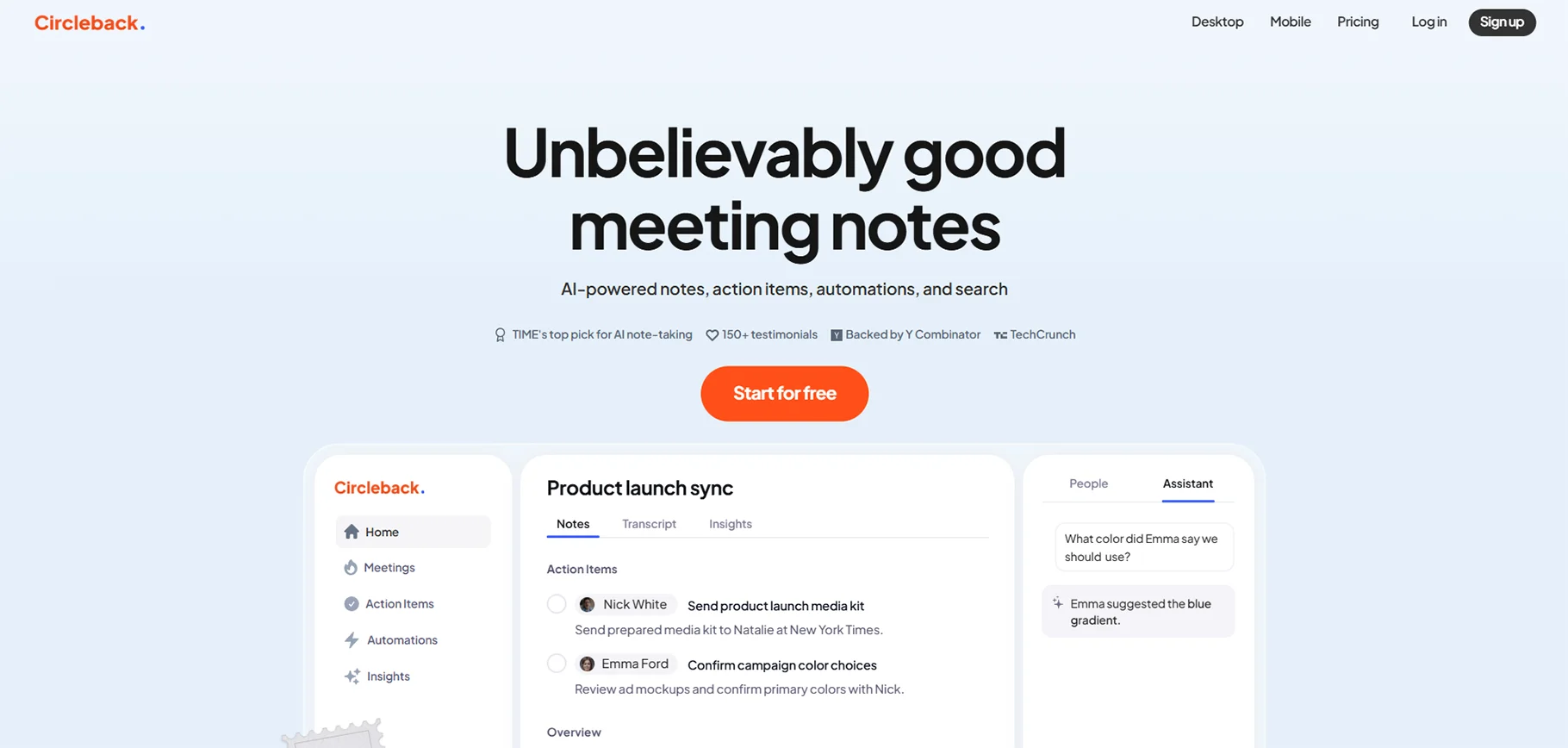
Circleback is an advanced AI meeting assistant, and it consistently delivers what users describe as "the best AI notes" in the market. It does not just transcribe like most other tools; Circleback creates structured, detailed notes that are organized by topics, with finally allocated action items that indeed look like they were done by an executive assistant.
Who is it best for?
Circleback is great for product teams and founders who want dependable tracking of action items, salespeople who prefer organized notes, and, at the same time, do not want to experience the discomfort of robot-like humans, top management needing excellent meeting documentation, and also for agencies and consultants who take notes of their client face-to-face conversations.
Pros
Circleback delivers an unmatched transcription precision of over 95% for more than 100 languages and is remarkable in processing the technical terms and the different pronunciations. Its organized notes are automatically classified according to the subject matter with clear action item assignments that work perfectly together with the tools for project management.
Cons
The premium price point, which is $25 per month for individuals, is higher than that of competitors, but there are many users who think that the quality is worth the cost. A free plan is not available; instead, there is a 7-day trial to test the service.
Pricing
Circleback has an Individual subscription plan priced at $25/month ($20.83/month billed yearly) that allows for unlimited meetings along with a Team plan at $30/user/month ($25/user/user year) which includes shared meeting access and team collaboration features, and finally custom Enterprise pricing for large organizations having advanced security, compliance, and support requirements.
Notta
What does it do?
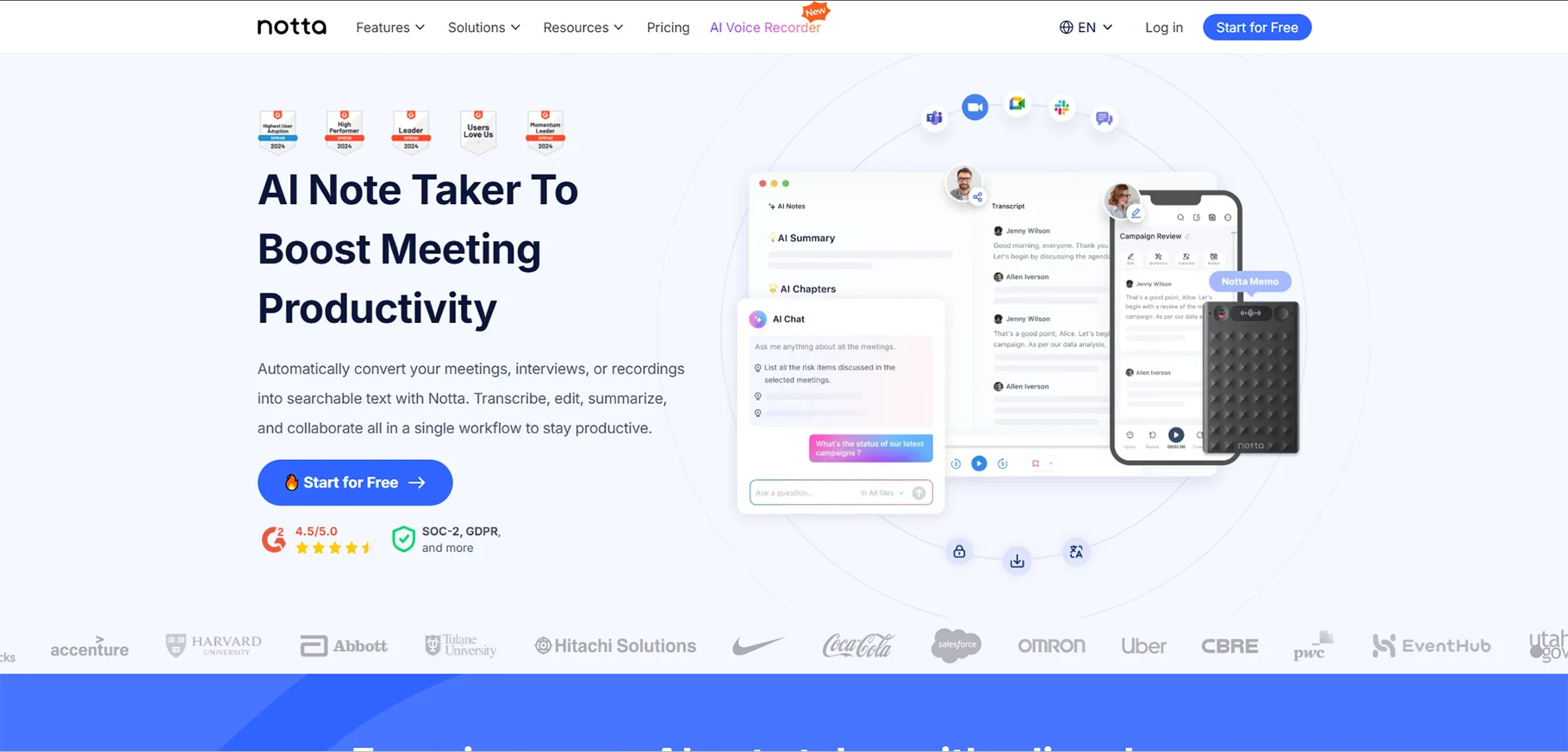
Notta is powerful transcription and translation capabilities make it a perfect solution for a global team or business that needs to hold meetings in different languages. The multilingual transcription capability of Notta is able to support the transcription of 58 languages correctly and translation into 42 languages.
Notta has a wide range of options to record talks, such as a Zoom AI meeting bot that automatically joins scheduled online meetings on Zoom, Google Meet, Microsoft Teams, and Webex, mobile and desktop apps for recording face-to-face meetings and interviews, and the option to upload already recorded audio and video files for transcription.
Notta additionally comes with collaboration features such as shared workspaces, permissions based on roles for restricting access to sensitive meeting materials, and integration with various productivity tools, including Slack, Notion, Salesforce, and Zapier for setting up automated workflows.
Who is it best for?
Notta is perfect for worldwide teams utilizing different languages, interviewers and interrogators, international students in an educational institution participating, and companies having frequent client meetings in several languages.
Pros
Notta provides extraordinary multilingual support with sixty-eight transcription languages and forty-two translation languages, which are considered to be the freshest choice for international teams.
The transcription quality can go to 98% even with clear audio, and it is capable of dealing with many recording methods, like live meeting bots, mobile recording, and file upload. Strong collaboration features are provided by the platform through workspaces and permission controls, and its export options are flexible to include SRT, PDF, DOCX, and TXT formats.
Notta charges its customers reasonably according to its features offered, and keeps SOC 2 Type and GDPR compliance as well for organizations that are concerned about security.
Cons
The free plan is very restrictive, permitting only a three-minute transcription for each file, which turns it into a trial rather than a really useful free tier. Even strong accents or noisy places may sometimes cause occasional transcription errors. The user interface can't really be compared to those of the best premium competitors; it is just functional.
Pricing
Notta provides a Free plan that comes with 120 transcription minutes (three minutes per file) and 50 uploads of files every month, a $14.99 Pro plan (billed annually) that includes 1,800 minutes and 100 uploads of files with translation capabilities, a Business plan at $27.99/month/user (billed annually) that includes unlimited minutes along with advanced collaboration features, and custom Enterprise pricing for large organizations that includes dedicated support and customized data retention.
Noty.ai
What does it do?
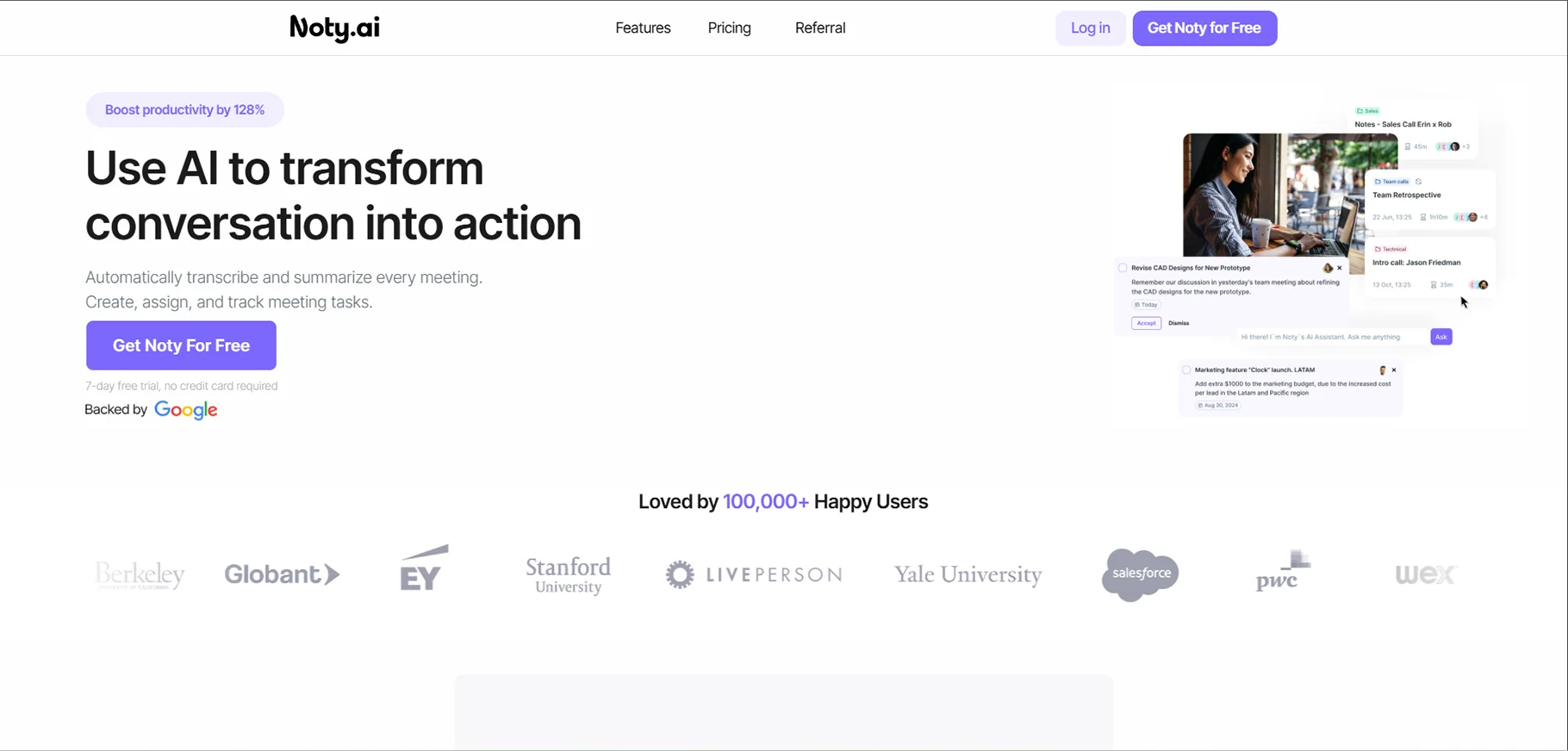
Noty.ai is an AI assistant in the workplace dedicated more toward transcription of Google Meet and Zoom meetings with real-time collaboration as the main reason for its existence.
Noty.ai's whole process is slow due to a lack of speed. You get the extension for Chrome, a link to the Google Workspace, and the tool is all set to take your Google Meet calls with real-time captions. The transcripts then integrate with Google Docs and therefore become part of the documentation while the AI features are generating the follow-ups, summaries, action items, and key decisions at the same time.
Who is it best for?
Noty.ai provides optimal functionality, particularly in the case of Google Meet users within Google Workspace teams, small to medium-sized remote teams that need rapid documentation of meetings, project-oriented teams that need collaborative note-taking over the phone, and organizations that value speed and simplicity rather than extensive and complex features.
Pros
Noty.ai provides live transcription, which makes it possible for teams to participate in meetings by means of collaborative highlighting and commenting features, thus making it easier for team input to be done during calls. Its perfect combination with Google Workspace allows transcripts to pass directly to Google Docs.
Cons
The inability to operate with other platforms makes the platform's main use only with Google Meet and Zoom, which is a disadvantage for the team. Especially in the case of accents or background noise, the transcription accuracy is not up to the level of premium tools. Limitations of free subscriptions to a maximum of ten meetings every month will soon drain active teams.
Pricing
Noty.ai has a Free plan that allows for 10 meetings a month, which include basic transcription and summaries, a paid plan for $19.99/month that offers more meetings and advanced features, and customized pricing for bigger companies with particular requirements under the Enterprise category.
Otter.ai
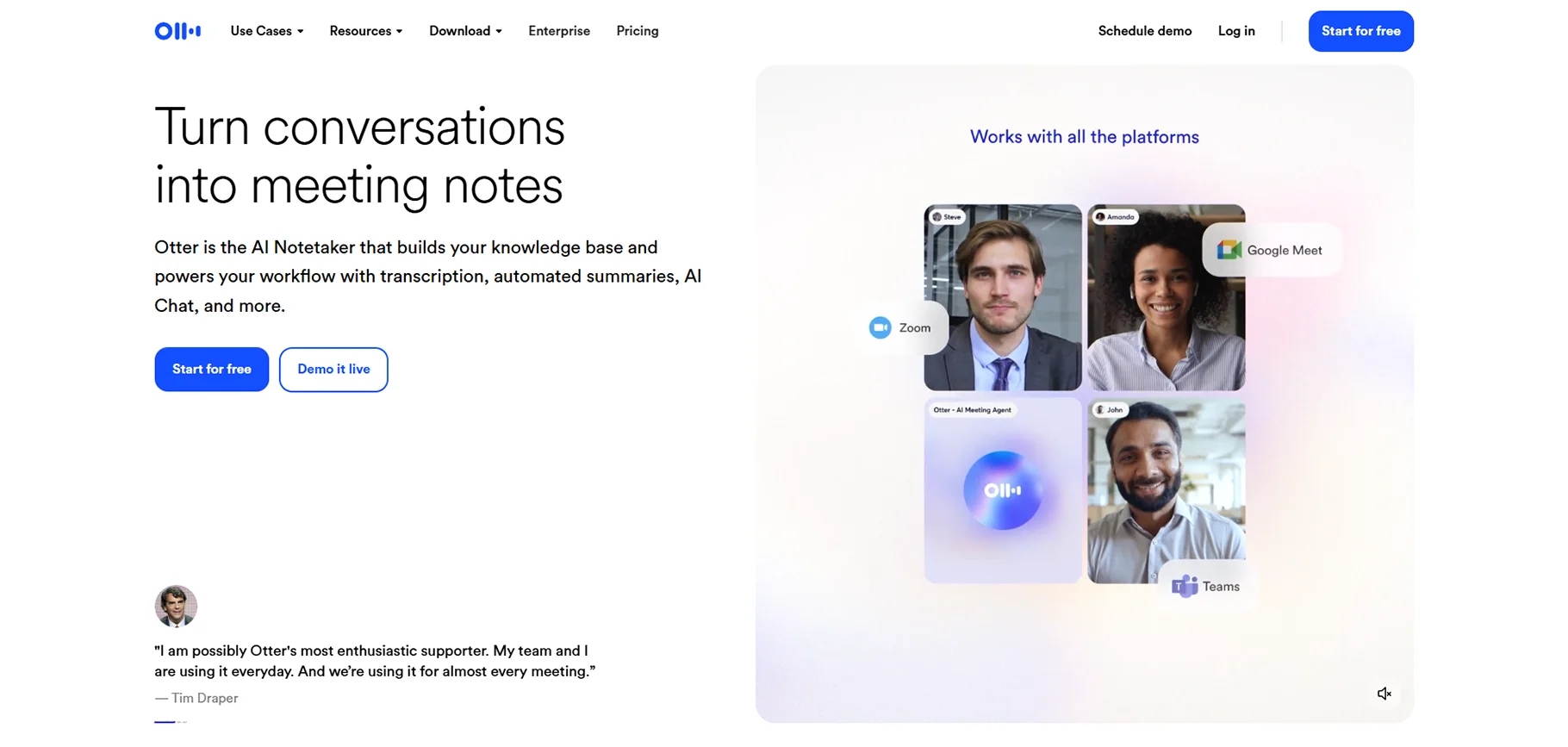
What does it do?
One of the most recognized brands in meeting transcription, Otter.ai provides real-time transcription that shows the text as people speak during live meetings.
A unique characteristic of Otter is its ability to collaborate live. Team members in a meeting can highlight significant moments, add comments and reactions in real-time, assign action items to coworkers, and even upload photographs for the part of the discussion that needs visual context.
The Otter mobile app supports recording of face-to-face discussions, thus making it a good option for interviews, lectures, and non-video meeting situations. Its search is very powerful; you can easily locate particular words, subjects, or speakers across all your meetings.
Who is it best for?
Otter.ai is highly suitable for solo professionals and freelance workers who only need basic transcription, students who need to record lectures and study sessions, journalists who do interviews, and small teams that need an uncomplicated, easy-to-use tool.
Pros
Otter.ai provides a very generous free plan that gives 600 minutes of transcription every month, which is a great choice for personal users and those with light usage. The real-time transcription feature makes it possible for you to see the text during meetings as it is being transcribed live.
Pricing
Otter.ai provides a Free plan called Basic with 600 minutes each month and 30 minutes per talk, a Pro plan at $8.33/user for a month (annual) with 6,000 minutes and extra features, a Business plan at $20/user a month (annual) with unlimited minutes and collaboration for teams, and custom Enterprise pricing for bigger organizations that require advanced security and support.
Fathom
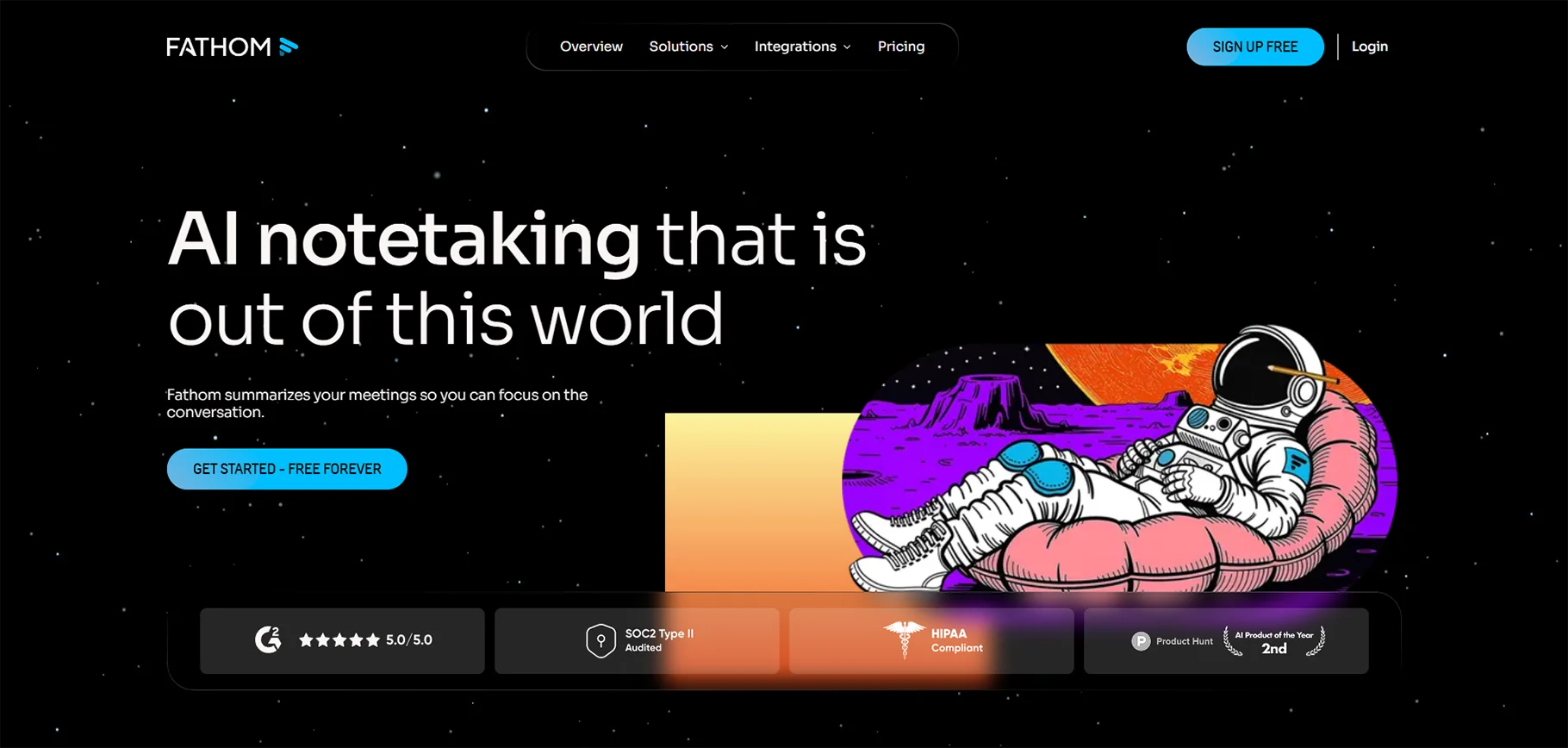
What does it do?
Fathom is a platform that gives a priority to speed; amazing meeting summaries with notes that are ready just seconds after your call ends, instead of the minutes that are required by most of the competitors. The integration of the platform with Zoom, Google Meet, and Microsoft Teams makes it possible to automatically record meetings, resulting in transcripts, AI summaries, and action items being created almost simultaneously.
Who is it best for?
Fathom is ideal for freelancers and consultants who have infrequent client calls, salespeople who require quick CRM updates, startups and small teams that are financially constrained, and professionals who need good transcription without subscriptions.
Pros
Fathom provides an incredibly rapid summary generation process, with notes arriving within seconds after the meetings are finished. The very generous free plan allows limitless recordings (however, only five AI summaries are available per month). The design is uncluttered and intuitive, putting ease of use before the extra features. Powerful customer relationship management (CRM) integration effortlessly transfers notes to HubSpot and Salesforce.
Cons
The limitation imposed by the free plan of just five AI summaries every month will very soon compel the active users to switch to the paid version. The mobile application is absent; Fathom functions solely through desktop applications.
Pricing
Fathom provides a no-cost plan that includes unlimited recordings along with five AI summaries for each month, a personal plan costing $15/month that is meant for individual use, a team plan where each user pays $19/month for being able to work together, and finally, a team pro plan where each user is charged $29/month for getting the most complicated CRM integrations along with priority support.
Sonix
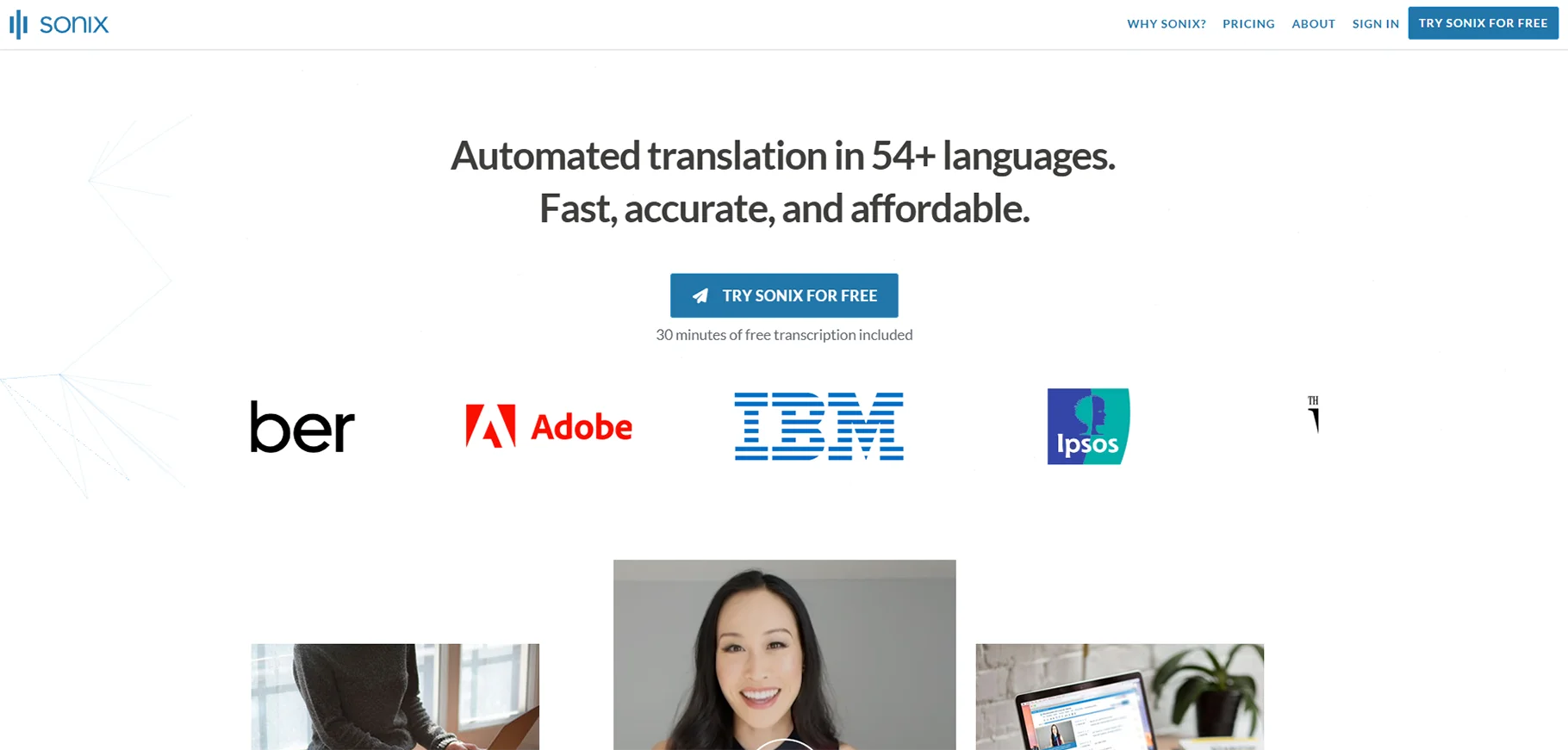
What does it do?
Sonix is a state-of-the-art transcription platform whose most important characteristic is its accuracy, since it retains the ability to deliver up to 99% accurate transcriptions even when it comes to very technical materials and people with different accents.
Who is it best for?
Sonix is the best for these people: the content creators and video editors who podcast and do YouTube, the legal experts asking for exact court and deposition transcripts, the researchers who transcribe academic interviews and focus groups, and the media companies that need subtitle and caption production.
Pros
Sonix sets the standard for transcription accuracy in the industry with an accuracy rate of up to 99%, thereby greatly minimizing the need for manual editing. It is not just the transcripts but also major AI tools like summarization, chapter creation, and thematic analysis that contribute value.
Cons
Sonix transcription costs about $5-10 per hour, and compared to other services, it is pricey. The flexibility could become expensive for large teams doing lots of transcriptions. The interface is hard at first if you compare it to the consumer-friendly software; it will take some time to get used to it. Real-time transcription in meetings is not the primary concern. Sonix is best with uploaded files.
Pricing
Sonix provides a costless 30-minute trial without the necessity of a credit card, a Pay As You Go option priced at $10 per transcription hour with no monthly obligation, a Standard plan for $22/month ($264/year) with 20 hours of transcription, a Premium plan for $38/month that offers extra features and larger volume, and tailor-made Enterprise pricing for firms with particular volume and compliance requirements.
Descript
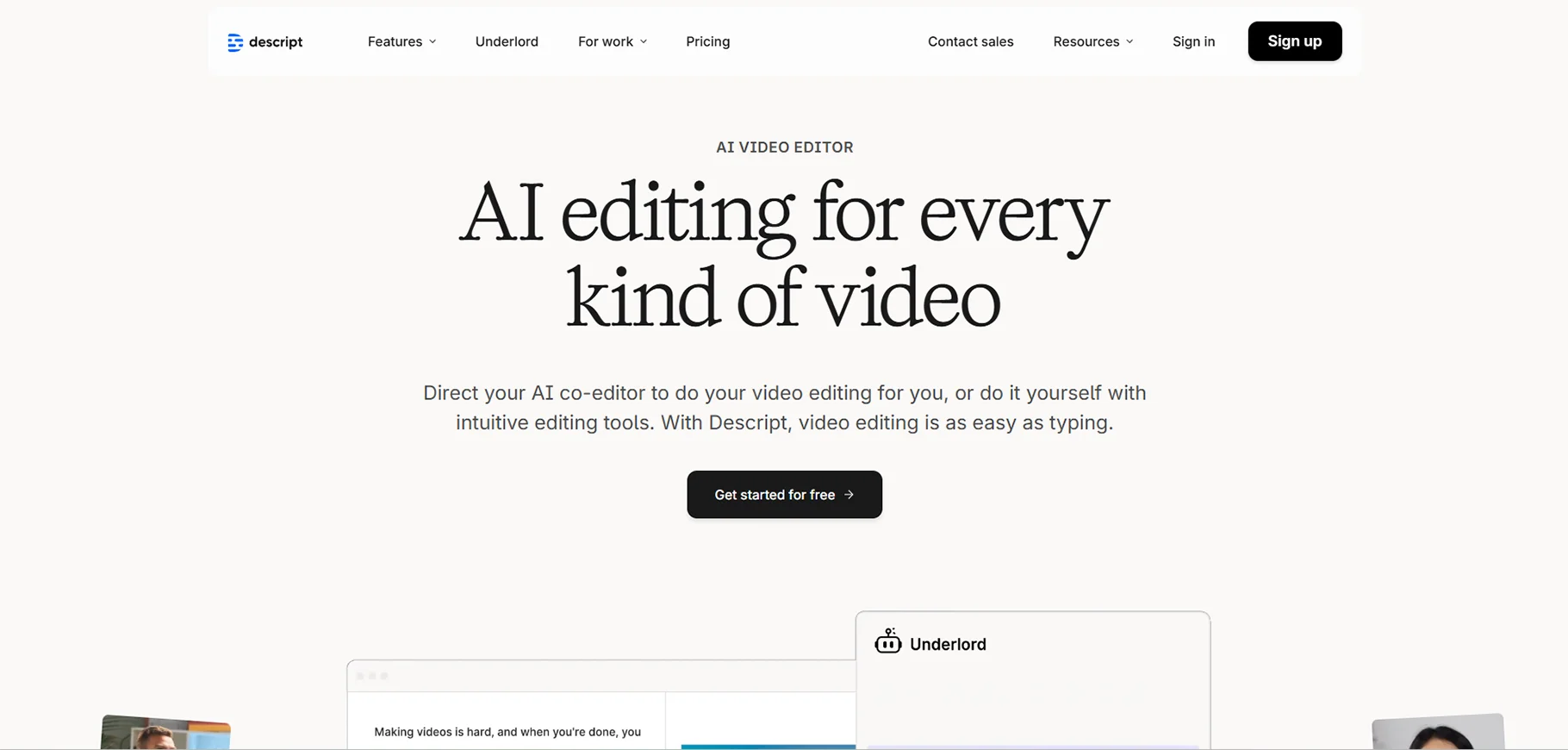
What does it do?
Descript stands out as a transcription tool in that it is mainly a platform for editing video and audio by text, which includes incredible transcription functions as a part of its features. The new way lets you work with audio and video content as if they were texts, and remove a sentence from the transcript, and thus that part is taken out of the recording.
Who is it best for?
Descript is an ideal solution for all of these podcasters and audio content creators who require editing features, video makers who produce social media content and YouTube videos, marketing departments that are turning webinars and presentations into clips, and content creation agencies that oversee various client projects.
Pros
The game-changing text-based editing of Descript transforms video and audio production workflows completely. The application integrates transcription with professional editing tools, thus providing a single platform. The AI features, such as Overdub and Studio Sound, offer remarkable functionalities that cannot be found anywhere else. The editing atmosphere based on collaboration allows the production of content by teams.
Cons
The learning curve is considerable, even in contrast to simple transcription applications, because of the broad feature set. The cost is more than for basic transcription services; however, it is offset by the ability to edit. The emphasis on content production makes it difficult to use for just-note-taking in meetings.
Pricing
Descript has a Free plan for limited transcription and editing with the export of one video or audio per month, a Creator plan for $12/month with the unlimited of (exports) and advanced features, a Pro plan for $24/month with the team collaboration and premium AI features, and custom pricing for Enterprise organizations with multiple users and advanced requirements.
How I tested the best AI transcribers
In order to find the absolute best transcription tools for teams and not just for individuals, I came up with a thorough testing procedure that assessed the real-life scenarios of team usage.
Team collaboration tools
In assessing the support for the team workflows provided by each platform, I considered several factors, easy sharing of transcripts and summaries with team members, permission controls for managing access to sensitive meeting content, collaboration features such as commenting and highlighting during or after meetings, organization of workspaces for separating projects and teams, and integration with team communication tools like Slack and Microsoft Teams.
Accuracy & formatting
Transcription accuracy is an absolute requirement for any professional application. The assessment involved a variety of audio types that were used for testing each tool.
These included pristine recordings from a conference room, telephonic conversations with distracting noise and interruptions, different accents of speakers (Indian, British, Australian, Southern U.S.), fast-talking and overlapping discussions, and technical jargon from the fields of software development, healthcare, and legal contexts.
Integrations
Transcription tools for teams should be integrated smoothly into the current processes. I tried integrations with CRM software (Salesforce, HubSpot) for sales teams registering customer conversations, project management tools (Asana, Linear, Notion, Monday.com) for tracking action items, communication apps (Slack, Microsoft Teams) for distributing meeting notes, calendar systems (Google Calendar, Outlook) for automatic meeting capture, and cloud storage (Google Drive, Dropbox) for archiving transcripts.
Security & compliance
Security is a must for business use. I have checked the compliance certifications, which include SOC 2 Type 2 for enterprise-level security standards, GDPR compliance for the European data protection regulations, HIPAA compliance for health care facilities, and encryption, along with data retention policies as good general data practice.
Conclusion
AI transcribers provide major support to teams in their work during 2026. The system enables users to convert spoken content from meetings and calls, and discussions into written text at a faster speed with greater efficiency.
The process helps teams save time while decreasing errors and keeping all members informed about project developments. The work of teams becomes more productive because they can stop spending hours on note-taking.
The selection of an appropriate AI transcriber should match your team's requirements, which include understanding how accurate and fast the system works and which advanced functions it provides.
FAQs
1. Why should you always transcribe files on your own?
Using AI transcription ensures every word is captured, nothing important is missed, and the meeting stays searchable. It also gives me an accurate record for legal or compliance needs. It owns transcripts and gives you better control over sensitive data and privacy.
2. How to properly transcribe an interview?
Proper interview transcription starts with a clear audio recording and proper consent from participants. Using Dependable AI transcription tools that improve accuracy, but reviewing and editing the transcript is essential.
3. How to transcribe Instagram Reels?
To convert the text in Instagram reels, first download the video and upload it to an AI transcription tool that supports video files. Now edit the transcript for accuracy, then reuse it for captions, blogs, or translation to improve reach and accessibility.
4. How to transcribe music?
Transcribe music for lyrics or musical notation that involves different approaches. For lyrics transcription, I want to play the music through transcription software designed for speech-to-text, but accuracy will vary significantly based on vocal clarity, background instrumentation, and audio quality. Manual review is almost always necessary.
5. Can I transcribe a voice memo on my iPhone?
Yes, you can share voice memo recordings to apps like Otter or Whisper Memos for transcription. Alternatively, iOS17+ offers live transcription directly in the Notes app when recording audio.
6. How to transcribe a Zoom meeting?
Transcribing Zoom meetings can be done natively within Zoom or through third-party AI tools. Zoom Pro and higher plans provide built-in transcription, which users can access by recording meetings through host-permission requirements and selecting "Record to Cloud" for automatic transcription.
7. Does ChatGPT transcribe audio?
As of early 2026, ChatGPT itself does not directly transcribe audio files. OpenAI provides the Whisper API as its dedicated speech-to-text transcription service, which operates independently of ChatGPT. Whisper functions as the fundamental technology that various transcription services utilize for their operations.
8. How to transcribe in Word?
Microsoft Word includes dictation capabilities for real-time transcription as you speak. Users can access Word dictation by opening a Word document and clicking the "Dictate" button on the Home ribbon, which requires a Microsoft 365 subscription, and then start speaking while Word transcribes their words in real time.
9. How to transcribe multilingual conference calls?
The process of transcribing multilingual conference calls requires special tools that need advanced multilingual capabilities to support various languages spoken by participants. The best approach involves using a platform like Notta (58 languages) or Fireflies (100+ languages) that can detect and transcribe multiple languages within a single recording.
10. Why is transcribing important?
The process of transcribing meetings together with conversations delivers essential advantages to contemporary work groups. The most important reasons include improving accessibility by making content available to deaf and hard-of-hearing participants and non-native speakers who read more easily than they listen.

