
Table Of Contents
8 Best AI Transcription Tools to Convert Speech to Text in 2026
Published on : Jan 17 2026

There has been a significant transformation in the method of capturing and processing spoken information. The test of manually transcribing audio is over, regardless of whether you are hosting a business meeting, producing podcast content, capturing interviews, or making video content.
AI transcription tools have developed from basic speech-to-text converters into highly developed platforms that not only write but also summarize, translate, and repurpose your content across several formats.
The global speech and voice recognition market is booming, with the expected value reaching $84.97 billion in the year 2032. This phenomenal growth will be supported by the rising trend of industries relying on automated transcription solutions.
The professional video and audio content creators, businesses, educators, and others are all benefiting from the AI-enabled tools as they have changed the working styles dramatically.
What Are AI Transcription Tools?
AI transcription tools are clever software applications that use the power of artificial intelligence, machine learning, and natural language processing to carry out the automatic conversion of spoken words from audio or video files into text.
What sets them apart from the conventional manual transcription process, which depends on human transcribers to hear and type each word, is that AI transcription tools are capable of handling hours of audio in merely minutes with significantly high precision.
These tools perform their task by first analyzing the audio into waveforms, then picking up the different speech patterns, hearing the individual words, grasping the overall context, and finally applying the grammatical rules for the final readable transcripts.
The leading AI transcription services today not only provide speech-to-text transformation but also include features such as:
- Detection of voices that differentiate several speakers
- Live transcription for events and discussions in real-time
- Punctuation and formatting done automatically
- Timestamps that are in sync with the audio
- Support for various languages for worldwide content
- Content summarization that pulls out main points
- Translation facilities for the audience worldwide
- Combining with famous platforms and processes
How Do AI Transcription Tools Work?
The progress of AI transcription technology has been huge, with deep learning neural networks and complicated algorithms being the main driving forces behind it. Below is an illustration of the way these tools convert speech into text:
Audio Processing
The audio from different sources, such as recorded files, live streams, video content, and direct microphone input, is captured by the system. Audio preprocessing follow, where the system takes care of processes such as removing background noise, normalizing the volume levels, and dividing the audio into segments that are manageable for analysis.
Speech Recognition
With the help of ASR (automatic speech recognition) technology, the AI goes through the audio signals and detects the phonemes (the smallest units of sound in speech), then it uses these sound patterns to find corresponding ones in huge language model databases, and finally, it gets the words and phrases right by knowing the context.
Language Understanding
Grammatical rules are applied, sentence structure is understood, context and meaning are identified, and homophones are distinguished according to usage in the interpretation of the recognized speech by natural language processing algorithms.
Text Generation
The system generates transcripts that are properly formatted and complete with proper punctuation, paragraph breaks, speaker labels, and timestamps. In addition, the advanced tools are capable of identifying action items, providing summaries, and extracting main insights from the discussion.
Continuous Learning
The modern AI transcription applications and tools are constantly being enhanced with the help of machine learning, which allows them to change their strategies according to the different accents and dialects, get familiar with the specific vocabulary of different industries, and even use customized vocabulary to be more accurate.
Benefits of Using AI Transcription Tools
AI transcription offers a significant reduction in transcription time of up to 95% when compared to conventional transcription methods.
Cost Savings
By getting remove of the need for a dedicated transcription staff, cutting back on outsourcing, and training staff less, organizations can reduce the costs of transcription substantially.
Improved Accuracy
Modern AI transcription tools attain an accuracy level ranging from 90% to 99% as per the quality of audio, learning constantly from rectifications, managing various accents and speech types, and even spotting the technical and sector-specific terms with their personalized vocabularies.
Enhanced Accessibility
Transcription turns audio and video content into text making it accessible to the deaf and hard-of-hearing, allows searching through the contents of the audio and video, opens up the possibility of using different languages for an international audience, and helps to abide by the rules and laws regarding accessibility.
Content Repurposing
Transcripts are a precious source of raw material for such things as turning podcasts into blog posts and articles, producing social media content from webinars, creating documentation from training sessions, and even developing SEO-friendly content from video materials.
Knowledge Management
Organizations create archives that can be searched by meetings and discussions, safeguard institutional knowledge, allow rapid consultation of former decisions, and make the incorporation of new staff members easier by providing them with historical content that is easily accessible.
Key Features to Look for in AI Transcription Tools
Make sure to think about these critiquing structural properties of the AI transcription system.
Accuracy and Language Support
The device has to provide great precision (95%+) in the case of clear sound, plus the ability to recognize different languages and dialects, take care of difficult words, and give alternatives for custom vocabulary to increase accuracy in the related areas, all as the basic features.
Real-Time Capabilities
During meetings and events, live transcription, instant audio playback sync, automatic real-time speaker ID, and low-latency processing for a smooth experience are some of the features.
Integration and Compatibility
The ultimate tools are those that are capable of integrating with video conferencing platforms, linking with productivity and collaboration applications, providing API access for personalized workflows, and supporting various audio/video formats.
Editing and Collaboration
The main functionalities of editing are an interactive transcript, collaborative annotations and comments, version control and change tracking, and multiple options for sharing and exporting in different formats that are easy to use.
Security and Compliance
When it comes to professional use, give preference to those tools that offer end-to-end encryption, compliance with GDPR and other privacy laws, role-based access to data, and secure storage in the cloud as well.
8 Best AI Transcription Tools in 2025
In this post, we will explore the top AI transcription tools and how these change the way we work with audio and video content.
1. Fireflies - AI Meeting Assistant and Transcriber
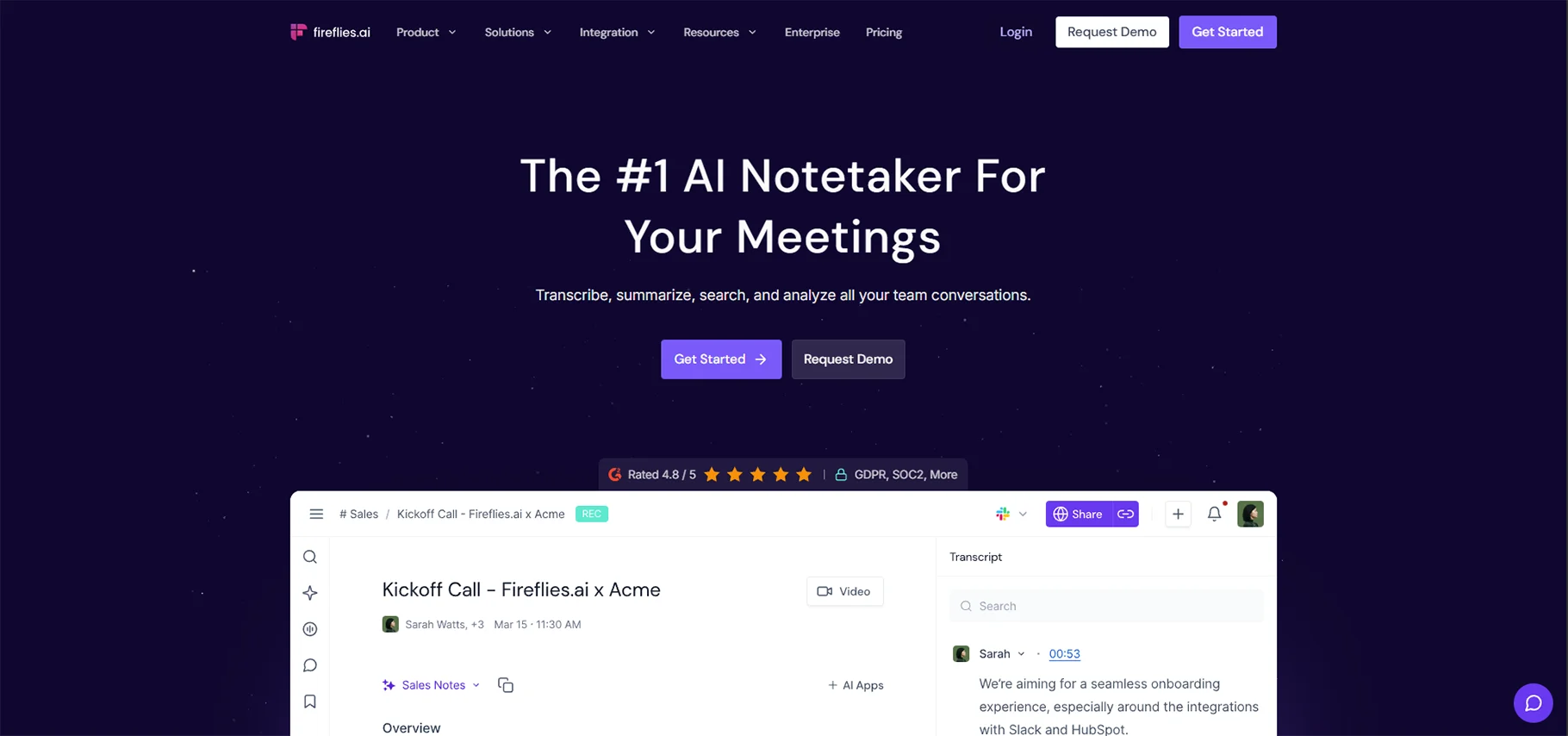
Fireflies is an AI meeting assistant that will join in on the video conferencing, automatically recording the meeting, and it will provide exact transcripts with speaker identification. It is customized to business meetings and teamwork, which is why it is the solution of choice at the remote and hybrid workstation.
Key Features:
- Automatic Meeting Join: Fireflies has the capability of automatically joining scheduled meetings on Zoom, Google Meet, Microsoft Teams, and others without the operator being required to do it manually.
- AI-Powered Search: Advanced search is a search option that enables you to filter through or search specific topics, keywords, or action items in all your meeting transcripts.
- Smart Summaries: Automatically creates meeting notes consisting of important points, decisions, and actions.
- Team Collaboration: Repost some of your best soundbites and comment on these, as well as highlight reels of significant moments in the meeting.
- CRM Integration: Intelligently integrates with Salesforce, HubSpot, and other CRM systems to automatically log meeting notes.
- Analytics Dashboard: Shows the information on the trends of meetings, talk time distribution, and conversation rates.
Best When: Sales teams that monitor customer conversations, remote teams that hold virtual meetings, project managers who coordinate across time zones, and executives who review critical discussions.
Pricing: Fireflies has a free plan, which includes a limited number of transcription minutes, whereas paid plans begin at approximately 10-18 per user per month based on features and the needs of the user.
2. Whisper Memos - Voice to Text Transcriber
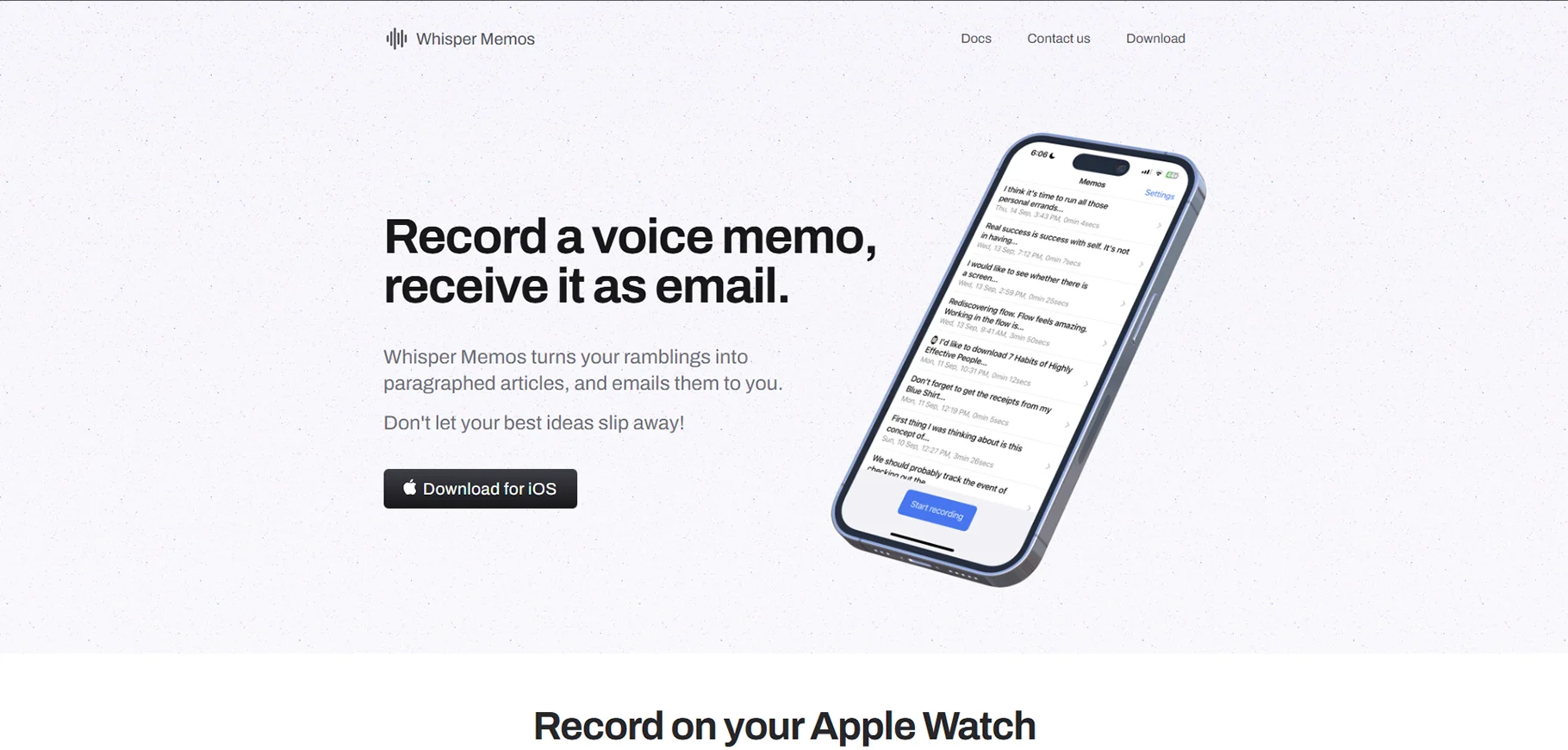
Whisper Memos is an application that converts voice recordings into structured text notes, with the Whisper technology of Open AI. It is ideal when one needs to take down thoughts, ideas, and reminders at any particular time, and it also qualifies well when one is in a hurry and would prefer talking without typing.
Key Features:
- Lightning-fast Voice Capture: Voice memos can be recorded immediately by the app or the web.
- Email Delivery: The email is automatically sent to you, and this means that the transcripts will be easily accessed and searchable.
- High Precision: This is supported by the Open AI Whisper model, which is one of the most precise engines used to produce transcriptions.
- Multi-Language Support: It will allow international users to be supported in dozens of languages.
- Privacy-Conscious: The files are handled in a secure way, and the deleted files are transcribed and then deleted.
- Single-minded Interface: Minimalist design is about fast capture with a low number of features.
Best On: Content creators generating ideas, journalists researching in the field, students taking lecture notes, and professionals taking meeting notes.
Pricing: Whisper Memos is usually a subscription-based company, with various levels of pricing depending on the number of transcription minutes per month, with the lowest level being a cheap entry-tier package.
3. VoicePen AI - Change Audio to Blog Content
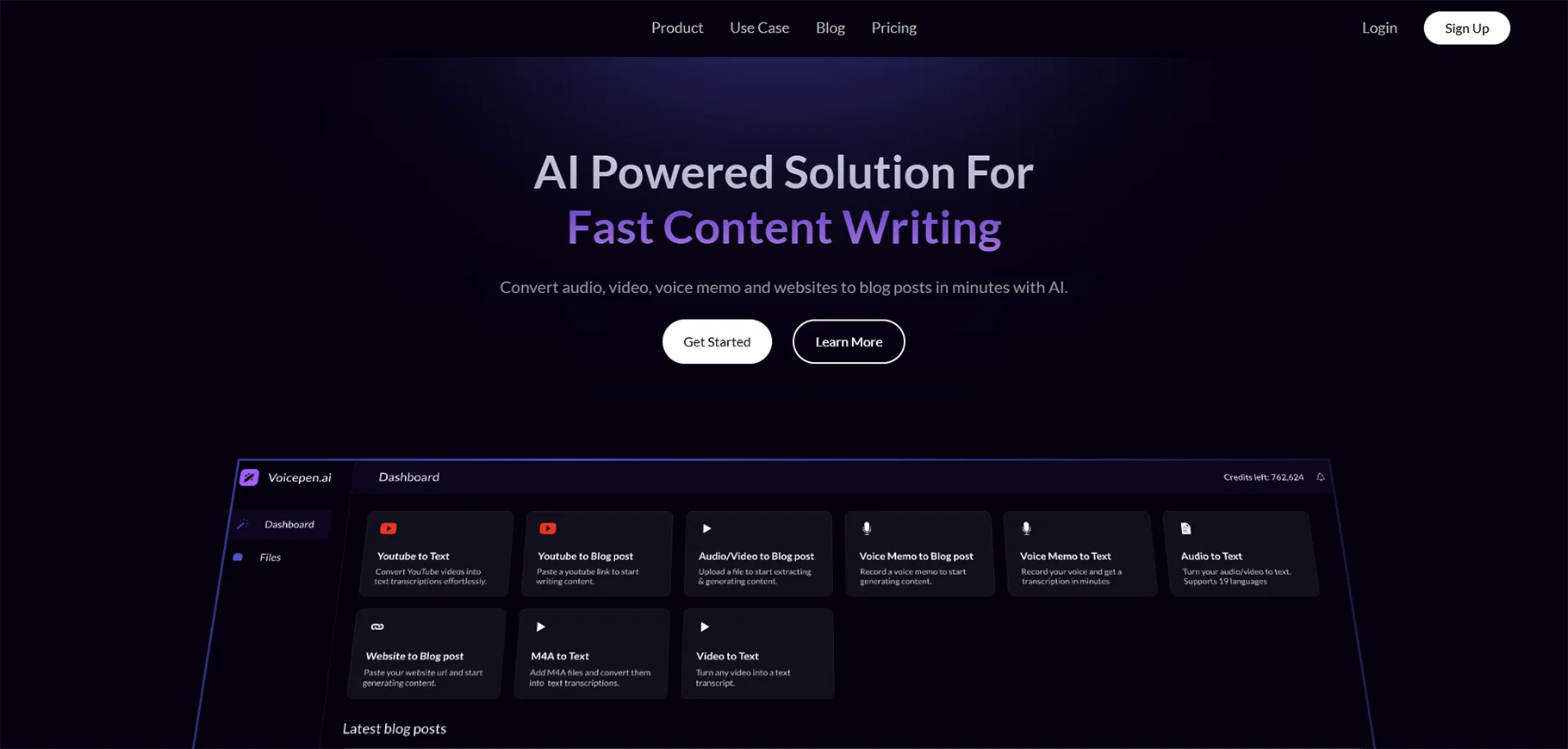
VoicePen AI focuses on voice recognition technology to convert audio data into a refined and cleaned blog post, article, and written text. Indeed, unlike simple transcription tools, VoicePen restructures and optimizes the written information to be read and optimized for the search engine, which is useful to content marketers and bloggers.
Key Features:
- Content Transformation: Turns audio files with conversations into well-structured blog posts that are properly formatted.
- SEO Optimization: Intelligently proposes titles, meta descriptions, and optimization of keywords.
- Multi-Output Formats: Create all your blog posts, social media, email newsletters, and summaries out of one audio file.
- Editing Tools: In-house editor enables the editing of the AI-generated content before publication.
- Batch Processing: Load a number of audio files to be converted at the same time.
- Platform Integration: Publish directly to WordPress, Medium, and other content management systems.
Best Use: Podcasters who have removed an episode to use in a blog, marketers who have turned a webinar into an article, coaches who have created written materials out of video courses, and businesspeople who have recorded their business knowledge.
Pricing: VoicePen AI provides different pricing options depending on the number of audio minutes to process and the amount of generated articles, as well as plans that can be utilized by individual creators and large content teams.
4. EasySub - Video subtitle Generator and Transcriber
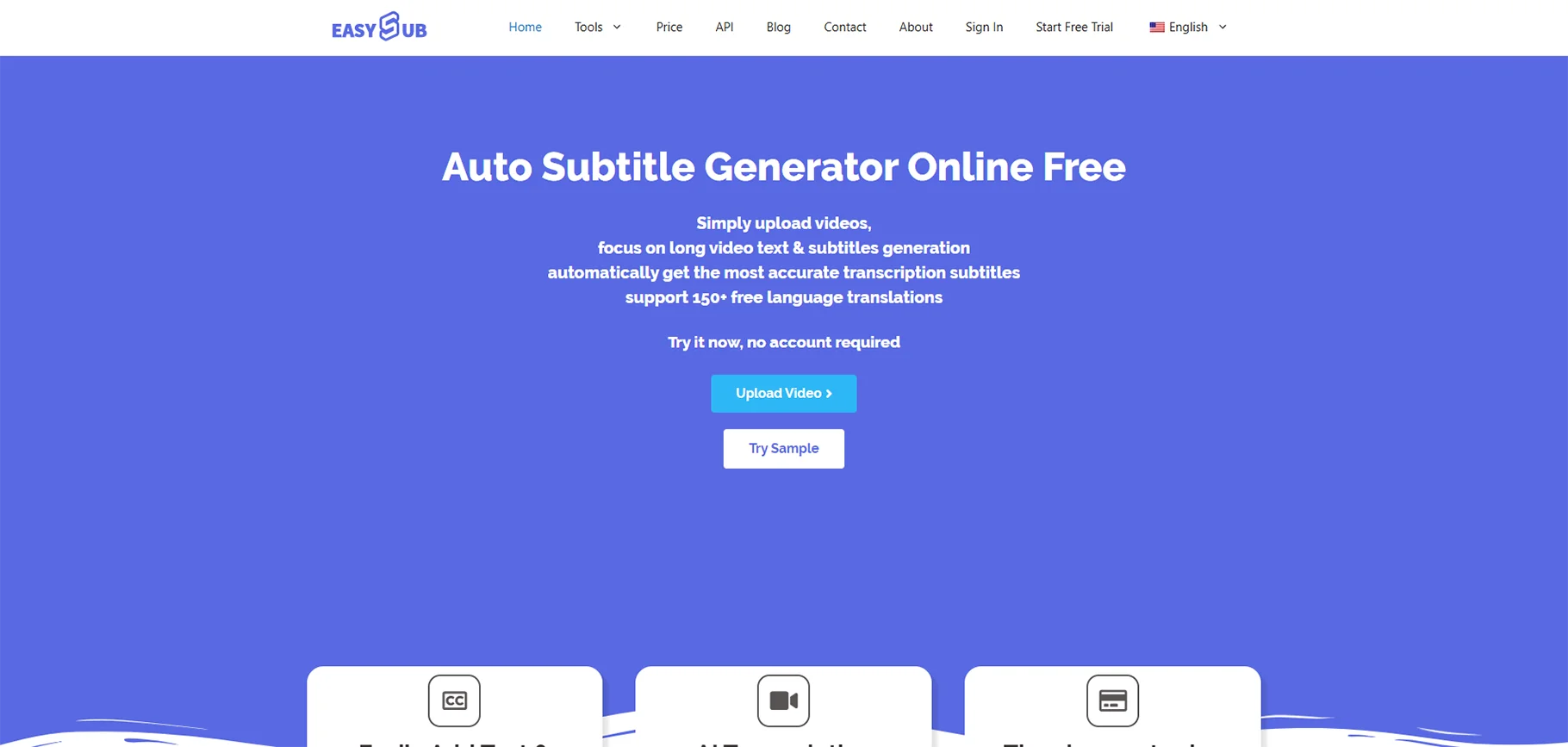
EasySub specializes in video, where it is the tool used to automatically create the correct subtitles and captions for videos in more than one language. It is aimed at video makers who require their materials to be available and entertaining on other platforms and to consumers.
Key Features:
- Automatic Generation of Subtitles: Generates time-synced subtitles of any video type.
- Multi-Language Support: Transcribes and translates subtitles to 100+ languages.
- Styling customization: Customize the appearance of subtitles, positioning, font, and animation effects.
- Batch Processing: batch process multiple videos at the same time to have an effective workflow.
- Video Editor Integration: Export subtitles in SRT, VTT, and ASS, and other video editing software formats.
- Online Video Support: Direct URL support to YouTube, Vimeo, and other video services.
Best: YouTube creators aiming to reach more viewers, producers of educational content making sure their content is accessible, marketing companies creating videos on social media, and global companies localizing their video content.
Pricing: EasySub is based on a credit-card-based form of pricing, in which users can use transcription minutes, and subscriptions are more affordable as they only have to pay a subscription fee depending on their usage frequency.
5. Deciphr AI - Podcast and Audio Summarizer
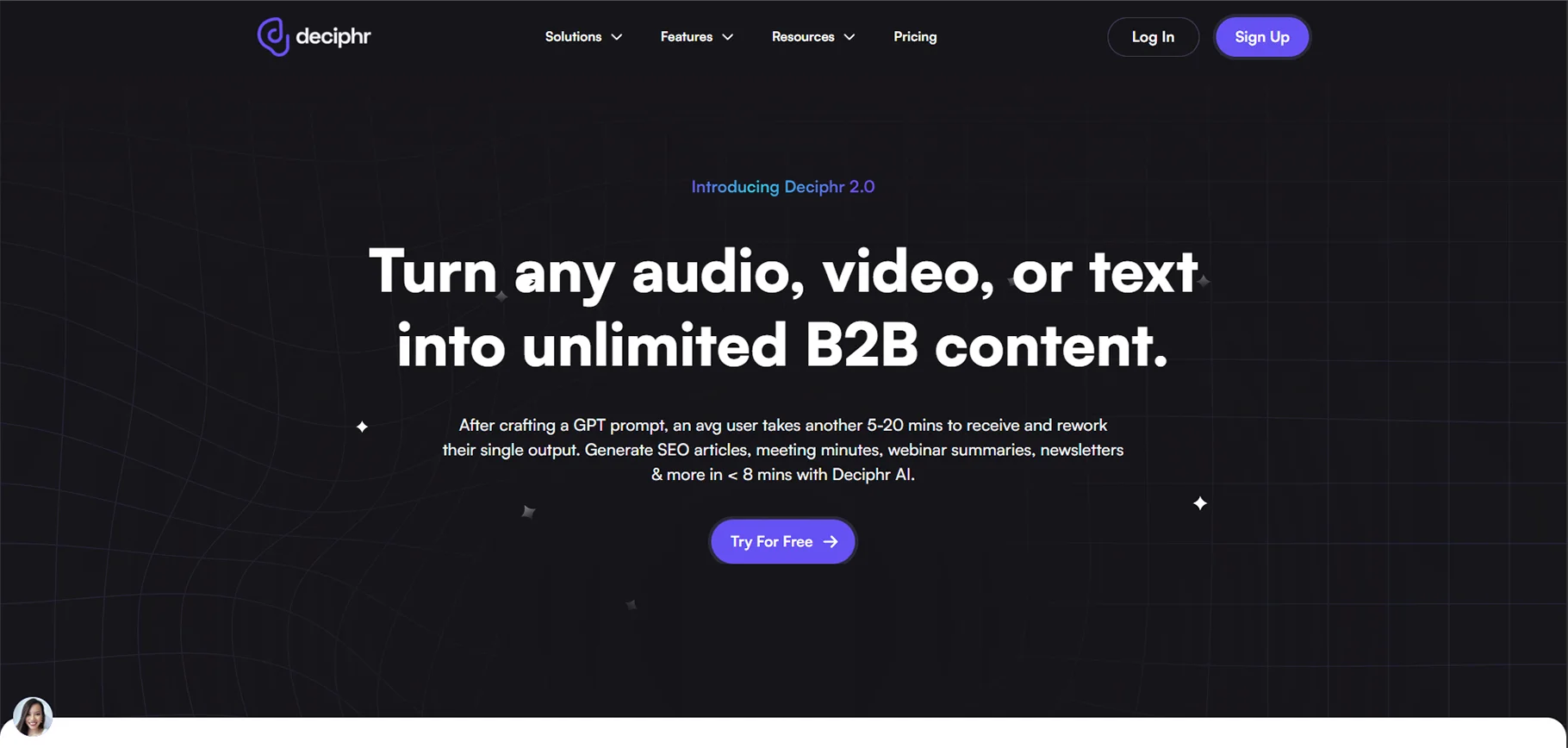
Deciphr AI is particularly targeted at podcasters and audio content creators and aims exclusively at providing not only transcription but also intelligent summarization and extraction of content. It knows how the podcast episodes are structured and creates several content elements out of one audio file.
Key Features:
- Smart Episode Summaries: This generates brief episode summaries, which are ideal as show notes.
- Timestamp Generation: Generates timestamps that are clickable on important moments of the episodes.
- Chapter Detection: Chapter detection is an automated feature that detects and labels various segments of your podcast.
- Quote Extraction: Removes shareable quotes and highlights in conversations.
- Audiogram Creation: It creates visual audiograms to promote via social media.
- SEO-Friendly Output: Creates improved show notes to improve the podcast discovery.
Best For: Podcast producers employing multiple shows, individual podcasters automating their production processes, audio content marketers reusing episodes, and media companies storing audio files.
Pricing: Deciphr AI usually provides subscriptions depending on the number of hours transcribed and episodes processed monthly, with opportunities of single podcasters and production companies.
6. Exemplary AI - Multidimensional Content Transcriber
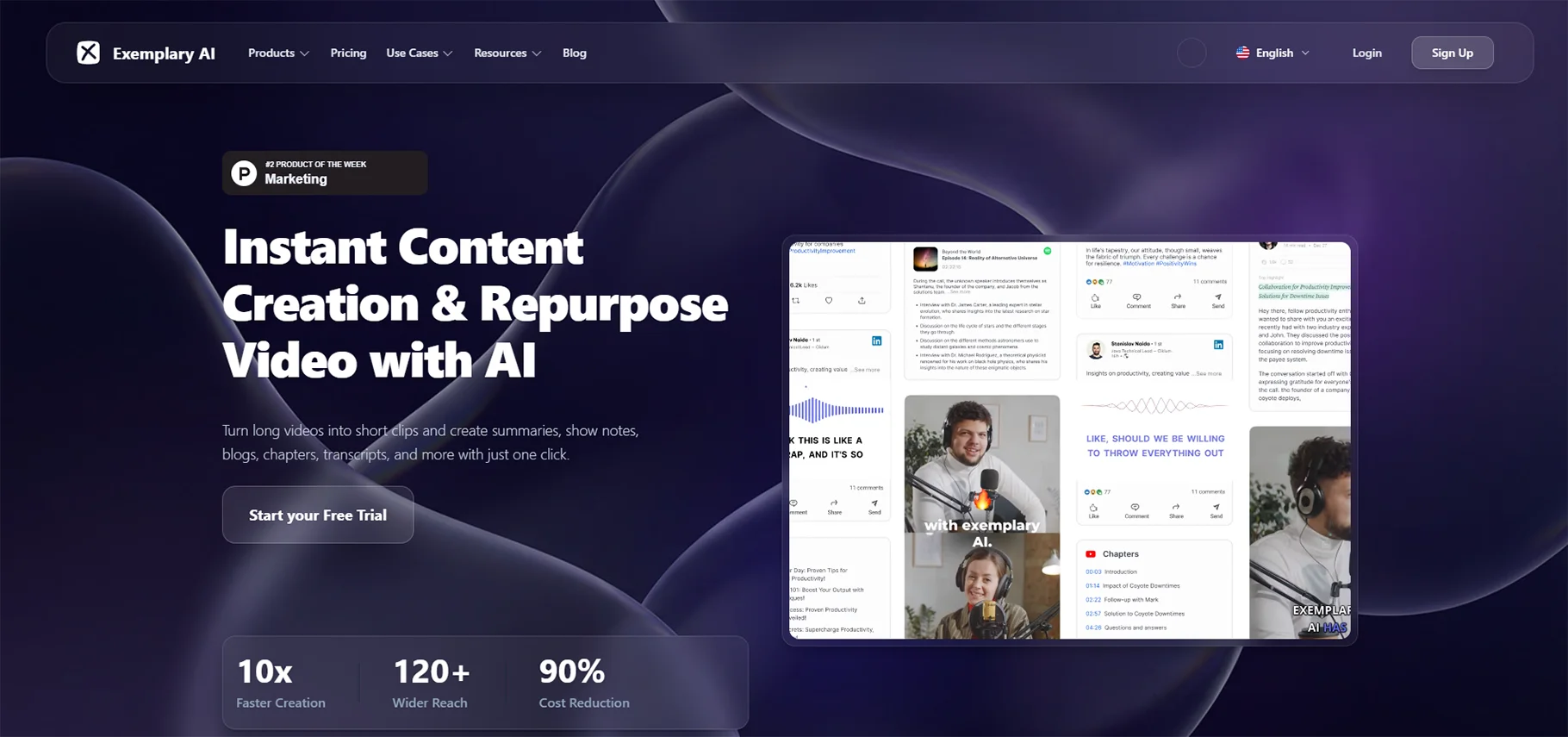
Exemplary AI will define one-stop content transformation platform, where written in both audio and video formats. But at the same time, it produces various types of content. It is best to provide content groups that must get the most complete content record.
Key Features:
- Multi-Format Output: Use a single source of audio to produce transcripts, summaries, blog posts, social clips, etc.
- Video Clipping: Recognizes and separates highlight segments of long-form content automatically.
- Translation Services: Translates transcripts into various languages for international audiences.
- Content Calendar Integration: helps to organize, plan, and schedule content across platforms
- Brand Voice Customization: helps to learn your brand’s tone and style for consistent content generation.
- Analytics Dashboard: Monitors content metrics and performance.
Best for: Content marketing departments that need to maximize their webinar ROI, social media managers who need to produce content daily, course developers who repurpose education, and agencies with many content requirements for clients.
Pricing: Exemplary AI has flexible pricing rates depending on the volume of monthly transcription, the number of users, and the advanced features needed, with enterprise pricing options for large organizations.
7. GhostCut - Video Localization Intelligent Tool.
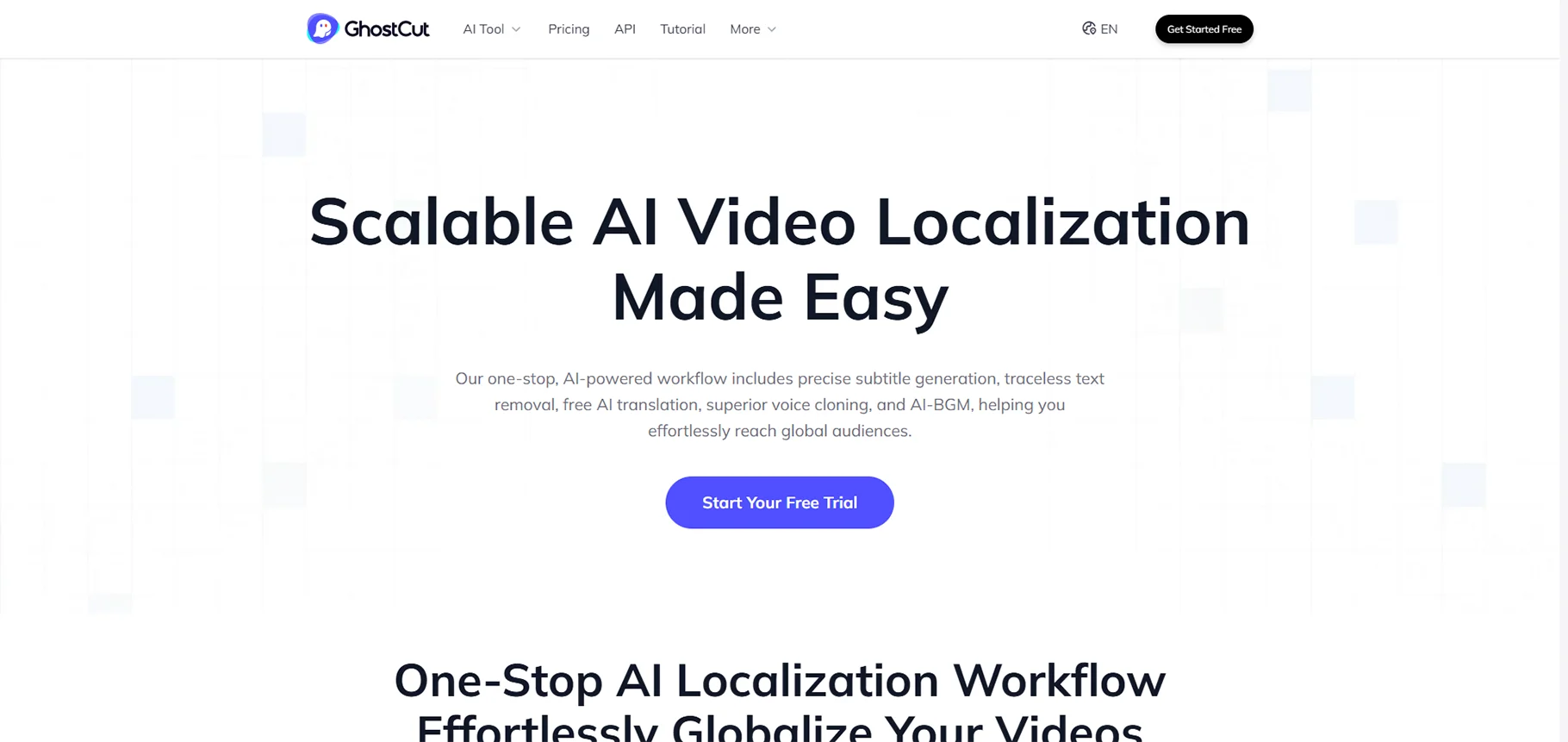
GhostCut concentrates on video localization and transcription to attract a global audience; hence, it is simple to transcribe, translate, and adapt video content to various languages and cultures. It is necessary for creators as well as businesses that are going global.
Key Features:
- Video Translation: Converts and translates video content to various languages at the same time.
- Subtitle Synchronization: Provides an ideal clock matching of all language versions.
- Cultural Adaptation: AI proposes cultural adaptation of idioms and location-specific text.
- Voice-Over Support: Supports voice-over workflows of dubbed video content.
- Bulk Video Processing: Processing of large video libraries.
- Quality Control: In-built checks to determine accuracy in translation and subtitle readability.
Best Use: International companies that produce multilingual training videos, companies that develop e-learning solutions when going international, entertainment companies that need to localize their content, and marketing agencies that use global campaigns.
Pricing: GhostCut pricing is usually based on the number of video minutes handled, the number of target languages, and the need for additional localization services.
8. Rask AI - Video Localization and Transcription AI
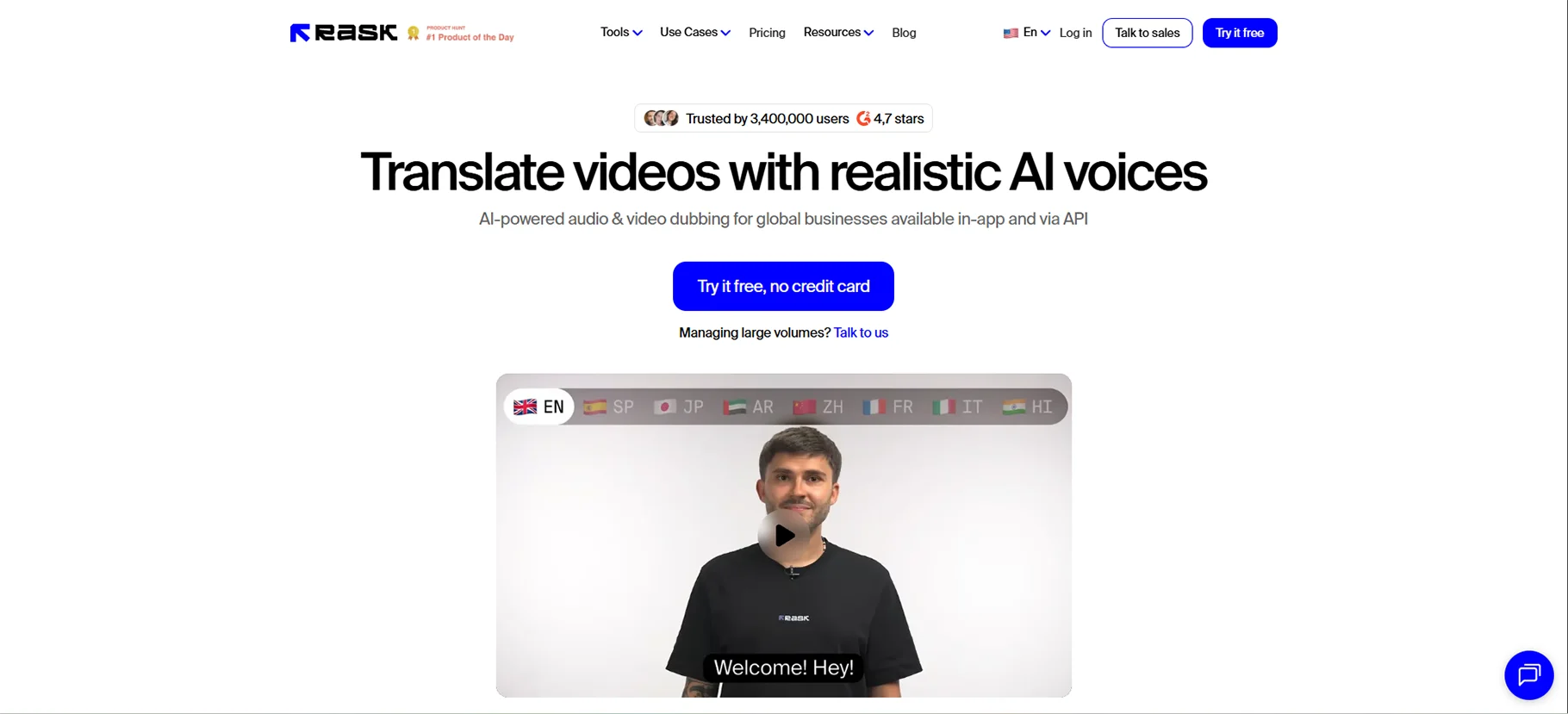
Rask AI is a video transcription platform that is highly accurate and localized. It is especially powerful where there is technical content, webinars, and educational videos,s where complex terminology must be accurately transcribed.
Key Features:
- Better Accuracy: Accuracy industry leaders on technical and specialized content.
- Custom Vocabulary: Add industry-related words to be recognized better.
- Diarization of Speaker: Higher speaker recognition despite speech overlap.
- Video Intelligence: Identifies the essential moments, topics, and themes in video.
- API Access: Add transcription solutions to current workflows and applications.
- Compliance Features: Conforms to the security and privacy of sensitive content.
Best: Technical organizations that transcribe product demos, educational institutions that record lectures, legal professionals who document proceedings, and healthcare professionals creating patient resources.
Pricing: Rask AI has subscription and enterprise licensing models, the cost of which is determined by the number of monthly transcription hours and the needs in the advanced features.
Use Cases for AI Transcription Tools
In the various capacities in which AI transcription tools are employed, those tools serve various needs in industries and professions.
Business and Enterprise
- Meeting Documentation: Decisions, action items, and discussions are to be recorded from team meetings
- Sales Call Analysis: Customer conversations are to be reviewed for improving sales skills and objection tracking
- Training and Onboarding: Searchable documentation from training sessions is to be created for the newly hired staff
- Customer Service: Support calls are to be transcribed for quality control and training of agents
Content Creation
- Podcast Production: Generate show notes, timestamps, and promotional content from episodes
- Video Content: Add captions, create transcripts, and repurpose video into written content
- Interviews and Research: Transcribe interviews for analysis, quotes, and article development
- Social Media: Extract short clips and quotes from long-form content for social posts
Education and Research
- Lecture Transcription: Give students notes that are easily accessible, and also produce study tools
- Research Interviews: Make a written record of qualitative research interviews for analysis
- Academic Publishing: write up conference talks and workshops
- Distance Learning: bring the online classes to life with precise transcriptions
Legal and Healthcare
- Legal Depositions: Produce certified transcripts of legal processes and client discussions
- Medical Documentation: Write down doctor-patient interactions and prepare notes ready for EMR
- Compliance Recording: Keep precise documentation for regulatory compliance
- Case Documentation: Create searchable repositories of legal case documents and witness statements
How to Choose the Right AI Transcription Tool
How to choose the perfect transcreation software for your unique needs and operating circumstances?
Assess Your Primary Use Case
First, identify if you require transcription of meetings, content generation, video subtitling, or specific applications such as medical or legal transcription. Every tool has its strengths and weaknesses depending on the area of application.
Consider Accuracy Requirements
If you're considering the use of AI in critical areas such as legal or medical applications, then you should give top priority to those tools that offer the highest accuracy rates and also have the option of human review. In the case of content creation and general use, the acceptance of slightly lower accuracy might still be an option.
Evaluate Integration Needs
Opt for instruments that connect with your current workflow, video calls, document sharing and management systems, customer relations management software, or tailor-made solutions via APIs.
Budget and Pricing Model
Check out the prices of different subscription plans, the cost per minute, and the discounts for large orders. Think about whether you require steady monthly usage or just sometimes big projects.
Language and Accent Support
In case of dealing with global content or different speakers, it is important to check if the tool can support the necessary languages and deal with different accents properly.
Security and Compliance
If you are dealing with business-critical or sensitive information, then it is important to check if the tool complies with the established industry standards such as HIPAA, GDPR, or SOC2 certification.
Best Practices for Using AI Transcription Tools
By applying these strategies, you can raise efficiency and precision.
Optimize Audio Quality
- It is a good practice to use quality microphones for recording purposes.
- It is advisable to cut down on background noise and echo.
- If you can, always record in quiet places.
- Volume levels should be kept uniform throughout the recording.
- You should try out the audio setup beforehand for major recordings.
Prepare Content for Transcription
- Prepare lists of speakers, including their names and positions
- Generate glossaries with industry-specific terms
- Inform speakers about the need for clear communication
- Organize meetings with structured agendas
- Make recordings in the best formats (WAV, FLAC are preferred to MP3)
Review and Edit Transcripts
- Always check the AI-generated transcripts for correctness.
- Make style guides for uniform editing.
- Efficiently utilize speaker labels and timestamps.
- Rectify recurrent mistakes to enhance AI training.
- Keep the edited copies for more effective outcomes in the future.
Leverage Advanced Features
- With keyword search, it is possible to find specific information.
- Long conversations can be made into highlight reels.
- Integration makes it possible to set up automated workflows.
- Summaries will be generated for quick review.
- Export will be in formats that suit your workflow.
Future Trends in AI Transcription Technology
The transcription landscape of AI is currently evolving at a breakneck pace:
Enhanced Multilingual Capabilities
The upcoming tools will effortlessly manage code-switching (the usage of more than one language), live translation during transcription, identification of regional accents, and be aware of cultural contexts.
Emotional Intelligence
The state-of-the-art AI will be able to recognize the emotional state and the mood of the speaker, detect sarcasm and subtlety, evaluate the degree of interaction, and give communication insights that go further than mere vocabulary.
Specialized Industry Models
Expect domain-specific transcription engines that are specifically trained on medical terminology, legal language, technical jargon, and industry-specific use cases to provide unprecedented accuracy.
Privacy-First Solutions
There is an increasing focus on the processing that takes place directly on the device, cryptography that doesn't reveal any information, AI models that protect privacy, and data management that is entirely under the user's control.
Integration with AI Assistants
The transcription process will run very smoothly with AI helpers who can perform all the above-mentioned tasks, namely transcribing, summarizing, analyzing, creating action items, responding to questions regarding the content, and generating insights.
Conclusion
AI transcription tools have significantly transformed the way we capture, process, and utilize spoken content. They provide solutions ranging from Fireflies' all-encompassing meeting assistant to Whisper Memos' rapid voice capture, and further to VoicePen AI's content alteration and Rask AI's exact technical transcription.
Your particular purpose, financial constraints, precision needs, and workflow connection requirements will determine the best transcription tool.
FAQs
1. What is the most accurate AI transcription tool?
Fireflies, Rev AI, and Rask AI are inclusive in the most precise, usually getting 95-99% accuracy with good sound. Accuracy varies with audio quality, accents, technical terms, and noise.
2. Are AI transcription tools free?
A number of software tools have free versions with restrictions. Fireflies has a restriction of limited monthly minutes, Whisper Memos has the lowest tier pricing, and oTranscribe is 100% free. Nevertheless, for frequent use, precision, and the availability of high-end functions, the subscription costs are generally $10 to $30 monthly, depending on the amount of use.
3. Can AI transcription tools handle multiple speakers?
Indeed, speaker diarization, which recognizes and marks the various speakers, is a feature of the current AI transcription tools. Fireflies, along with Rask AI, are some major players in the industry that can differentiate between speakers even during complicated talks. It becomes easier to tell who is speaking when there is hardly any overlap between the speaking and the voices of the individuals are very different.
4. Do AI transcription tools work with video content?
No doubt. The authoring and subtitling processes are made easier and faster with the use of EasySub and GhostCut since they are the main software for video transcription, and taking the audio and creating subtitles are done automatically. In addition, there are a number of transcription services that are able to accept video files directly and are capable of working with various formats, such as MP4, MOV, AVI, and more.
5. How secure are AI transcription tools?
Reputable AI transcription tools utilize security of the highest caliber that consists of end-to-end encryption, secure cloud storage, access controls, and compliance with regulations such as GDPR, HIPAA, and SOC2. Always go through the security documents of a tool before dealing with sensitive content.
6. Can AI transcription tools translate to other languages?
Numerous contemporary instruments provide transcription combined with translation as a feature. GhostCut, Rask AI, and Exemplary AI, for instance, are capable of transcribing in one language and translating into a wide range of other languages at the same time; thus, they are very well-suited for sending out content on a global scale and for use in international business.

