

Easyssub is a website that offers online subtitle editing services for videos. Subtitles are text that appear on the screen to show what the speakers are saying in a different language or to help people who are deaf or hard of hearing. Subtitles can also enhance the viewing experience by providing additional information or context.
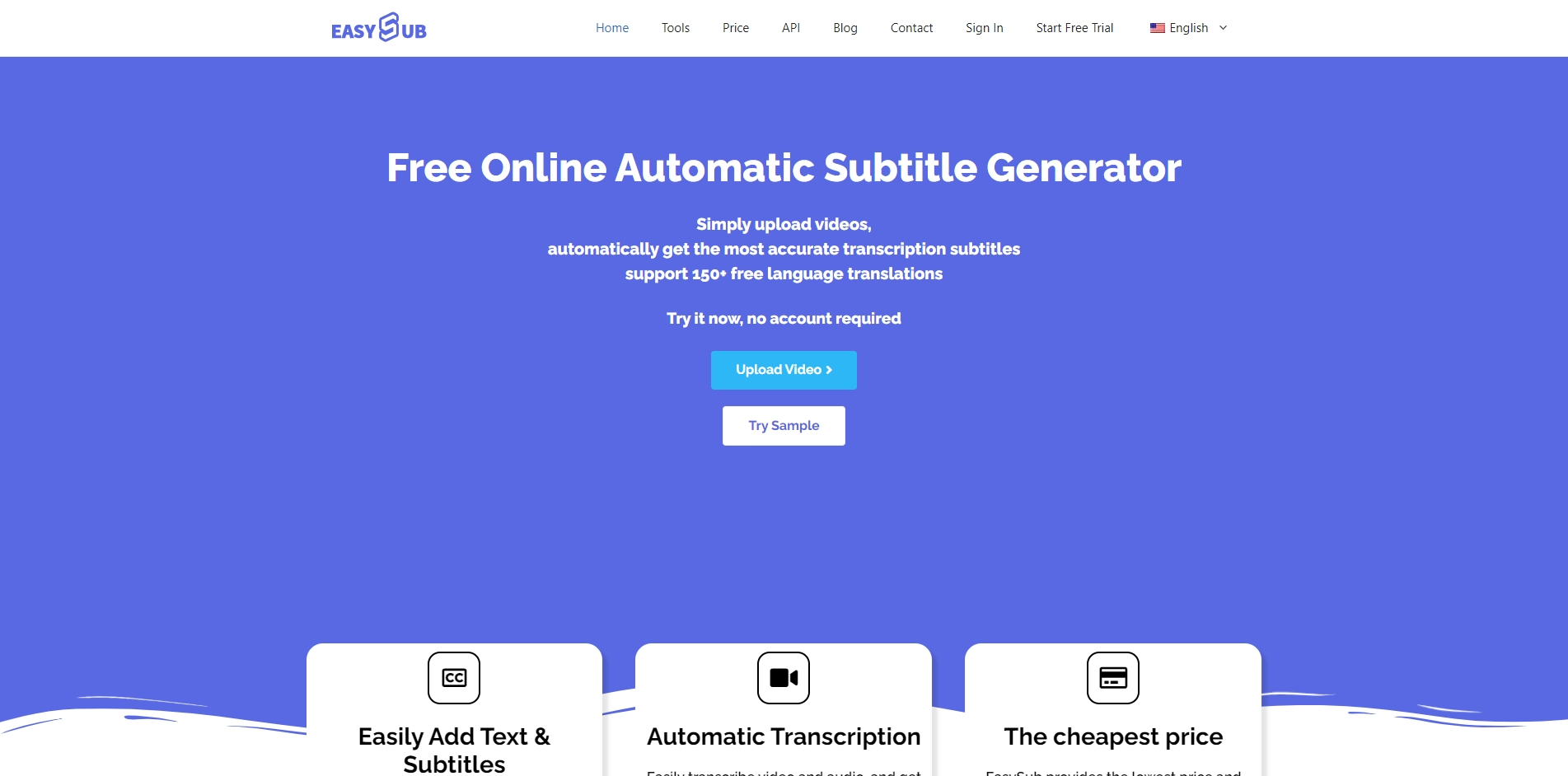
Easyssub allows users to upload their videos and choose from a variety of languages and styles for their subtitles. Users can also edit the subtitles manually or use the automatic translation feature to generate subtitles in different languages. Easyssub supports various formats and platforms, such as YouTube, Facebook, Instagram, and TikTok.
Easyssub is a useful tool for anyone who wants to create or edit subtitles for their videos. Whether you want to reach a wider audience, improve accessibility, or add some flair to your videos, Easyssub can help you achieve your goals. Easyssub is easy to use, fast, and affordable. You can try it for free for up to 10 minutes of video or subscribe to one of their plans for more features and benefits.
Key Platforms
Core Service Areas:

Multi-Language Support
User-Friendly Interface
Real-Time Editing
Export Options
Accessibility Features
Collaboration Tools
Pros
- It is a free online tool that can generate subtitles for videos in various languages and formats.
- It has a simple and user-friendly interface that allows users to upload videos, select languages, edit subtitles and download them easily.
- It supports multiple languages and can automatically detect the language of the video and the subtitles.
- It can also translate subtitles to different languages using Google Translate or Microsoft Translator.
- It has a preview feature that lets users see how the subtitles look on the video before downloading them.
Cons
- It may not be very accurate or reliable as it relies on automatic speech recognition and machine translation, which can have errors or inconsistencies.
- It may not be able to handle complex or specialized vocabulary, slang, idioms, accents or dialects well.
- It may not be able to capture the tone, emotion, context or nuance of the speech or the video content.
Frequently Asked Questions About EasySub
01
What types of videos can I use EasySub for?
EasySub can be used for various types of videos including educational content, films, YouTube videos, corporate presentations, and any other video content that requires subtitles.
02
How do I upload my video for subtitle editing?
You can easily upload your video by clicking on the 'Upload' button on our homepage, selecting your video file, and following the prompts to begin editing subtitles.
03
Can I edit subtitles after they are generated?
Yes, EasySub allows you to edit the automatically generated subtitles to ensure accuracy and to add any additional context or information you wish to include.
04
Is there a limit to the length of videos I can subtitle?
There is no strict limit to the length of videos you can subtitle with EasySub; however, longer videos may take more time to process and edit.
05
What languages does EasySub support for subtitle creation?
EasySub supports a wide range of languages for subtitle creation. You can select your desired language during the subtitle editing process.
Promote EasySub
Get EasySub in front of thousands of buyers actively searching for AI tools. Feature your listing on the homepage and category pages, or add the verified badge to your site.
Copy Embed Code

Share on

Related AI Tools
Explore related AI tools for diverse applications and enhanced productivity

Unlock the best AI Tools for you!
Login or Approve this tool to continue exploring features and analytics.

