
Table Of Contents
Top 10 AI Video Generator Tools in 2026: Free vs Paid Compared
Published on : Jul 03 2026

Making a video used to mean cameras, editing software, and hours of your time, the whole deal.
Now in 2026, it's kind of wild because all you really need is a text prompt. AI video generators have gone from a novelty to a legit production tool, used by YouTubers, marketers, and businesses that need content quickly, without the studio budget.
And the tricky part is the free tiers. They often include hidden watermarks, tight credit limits, and quality caps that aren't really spelled out, not until after you've already signed up. Meanwhile, paid plans can jump a lot in price for what feels like very different levels of quality.
That's exactly the kind of decision FindMyAITool was built to simplify. Instead of testing ten different signup pages yourself, you can browse, compare, and shortlist AI video tools in one place.
In this guide, we'll walk through the top 10 AI video generator tools of 2026, free and paid, so you can pick the right one for your project in minutes, not hours.
Quick Comparison: Best AI Video Generator Tools at a Glance
If you only read one section, maybe make it this one. Here's how the leading AI video creation tools kind of stack up on free access, watermarks, and pricing, at least in a quick overview.
| Tool | Free Tier? | Watermark on Free Plan | Paid From | Best For |
| FindMyAITool Directory | Free to browse & compare | N/A (comparison hub) | Free | Finding the right tool for your exact use case |
| Google Veo 3 | Limited, rate-based access | No | Varies by access point | Cinematic, near-photorealistic video |
| HeyGen | Yes, full editing studio | No | ~$24/month | AI avatars, business & marketing video |
| CapCut | Yes | No (desktop export) | ~$9.99/month | Beginners, social media editing |
| Runway (Gen-4) | 125 one-time credits | Depends on plan | ~$15/month | Camera motion, filmmaking, VFX |
| Pika | 80 monthly credits | Yes on free tier | ~$10/month | Playful, viral-style short clips |
| Luma Dream Machine | Yes, draft quality | Yes (Luma watermark) | ~$9.99/month | Fast idea-to-video testing |
| PixVerse | ~90 credits + daily bonus | Yes on free tier | Credit-based plans | Anime, 3D, stylized short videos |
| InVideo | Yes, stock-assembled | No | ~$25/month | Marketing explainers, social ads |
| Kling | Yes, credit-based | Varies | ~$8/month | Smooth, controllable motion |
Tip: Start at FindMyAITool to browse the full, regularly updated list of AI video tools before committing to a paid plan. Pricing and free-tier limits on these platforms change often.
What Is an AI Video Generator?
An AI video generator is a tool that turns a text prompt, image, or a short clip into a finished video using machine learning models, without cameras, actors, or editing software required.
You describe what you want the scene to be ("a cinematic aerial shot over a city at sunset"), and the AI generates the motion and lighting, sometimes even the audio to match what you asked for. Some tools specialize in fully generative video from scratch, and others kind of piece together stock footage, voiceovers, plus AI avatars into one polished clip.
Related terms you'll see used like they mean the same thing are text-to-video AI, AI-powered video creator, and online AI video generator. If you're comparing across different model families, it's also worth checking how these platforms stack up against one another in a broader AI models comparison.
Top 10 AI Video Generator Tools Reviewed
1. TryAIStudio: Your Starting Point for AI Video Tools
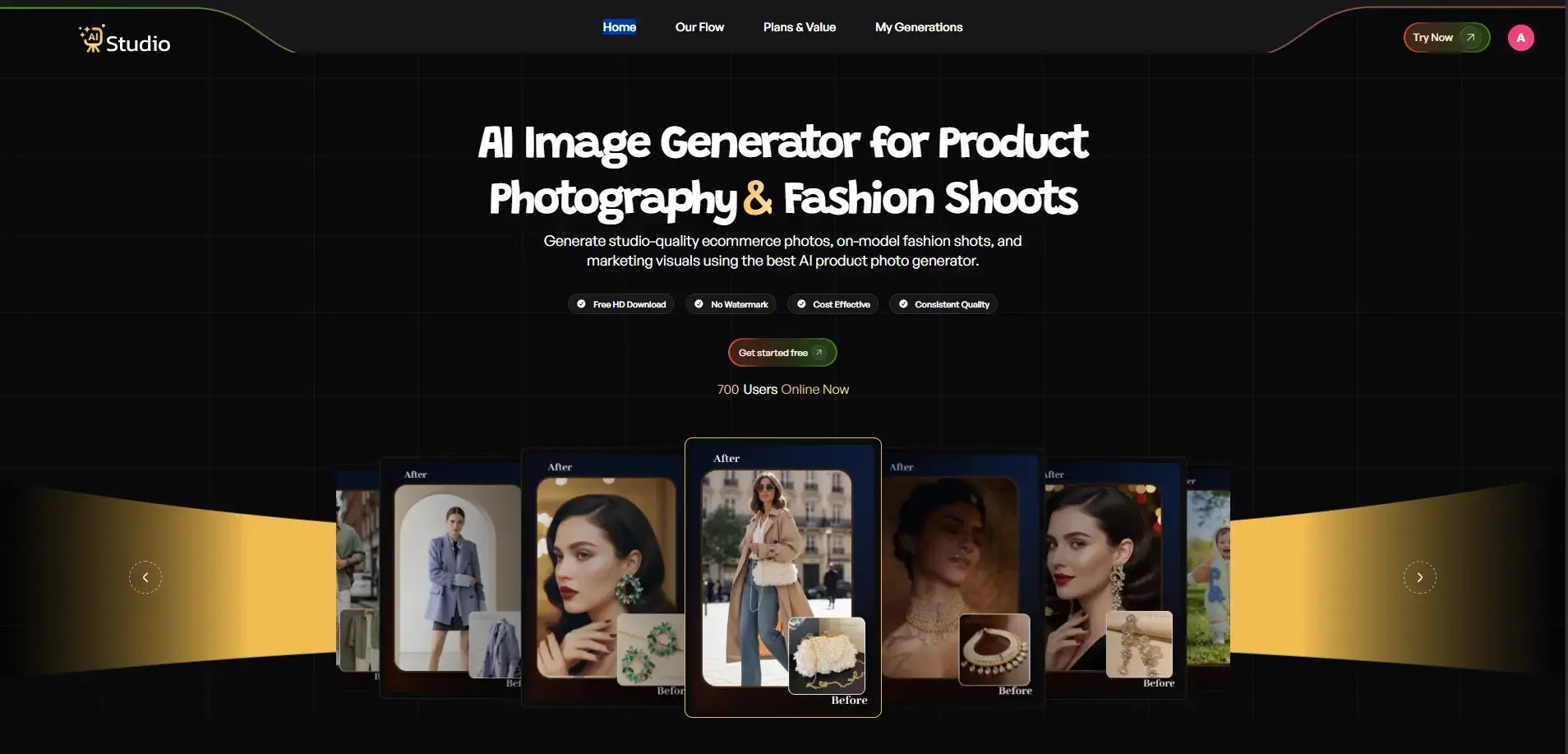
If you're unsure which AI video generator fits your needs, TryAIStudio is an excellent place to begin. Instead of being just another AI video tool, it acts as a curated directory that helps users discover AI tools faster and compare, and evaluate the best AI video creation platforms in one place. Whether you're looking for text-to-video, AI avatars, video editing, or marketing video tools, TryAIStudio makes finding the right solution much easier.
Best For: Comparing AI video tools before choosing the right platform.
Pros
- Compare multiple AI video tools in one place
- Saves time by organizing tools by category and use case
- Helpful for beginners and professionals alike
- Regularly updated with new AI video platforms
Cons
- Not a video generator itself
- Features depend on the third-party tools you choose
Pricing: Free to browse and compare tools.
2. Google Veo 3
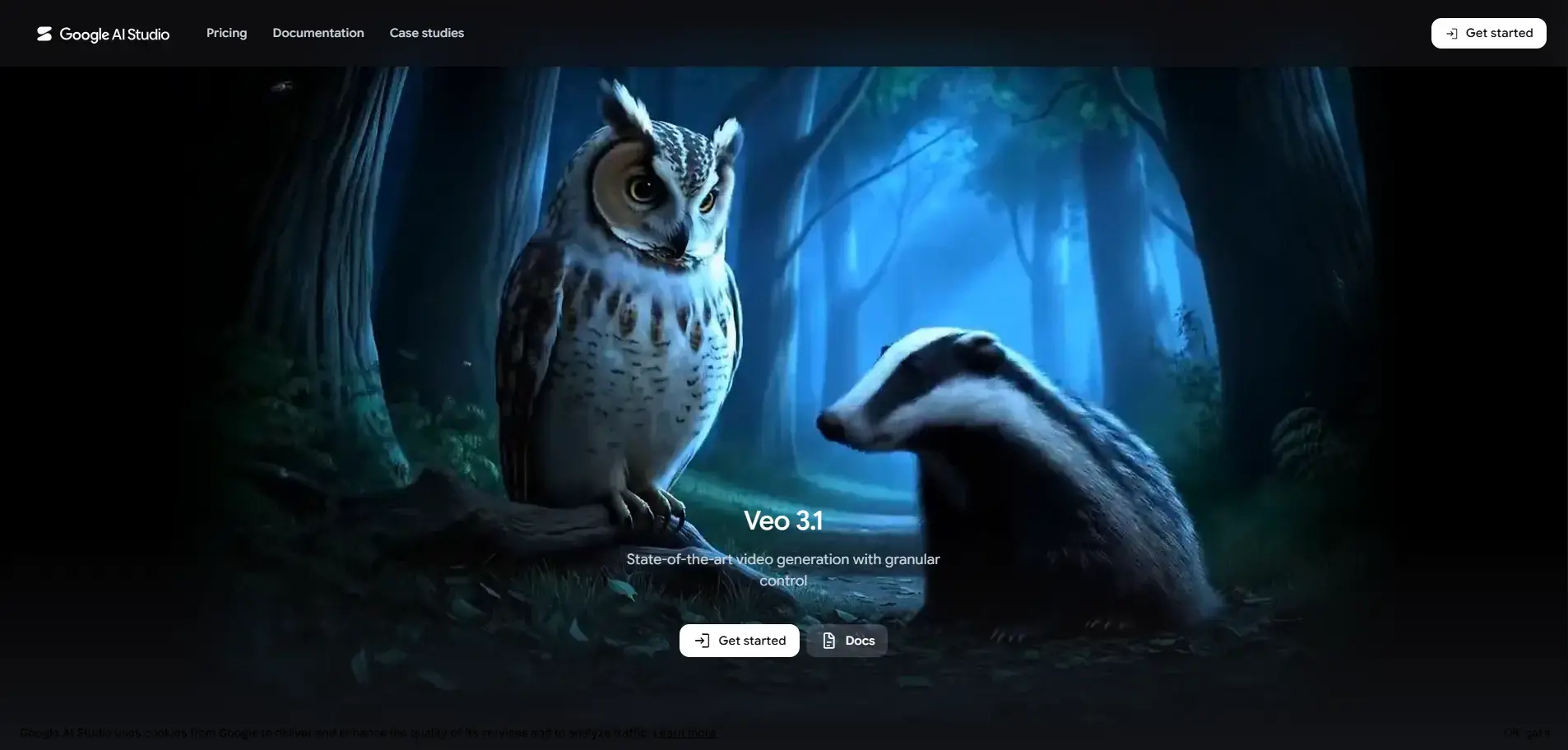
Google Veo 3 is one of the most advanced AI video generation models available today. It creates highly realistic videos from text prompts while supporting cinematic camera movements and synchronized audio generation. The platform is designed for creators who prioritize premium-quality visual storytelling.
Best For: High-quality cinematic AI video generation.
Pros
- Exceptional prompt accuracy
- Realistic visuals with cinematic camera control
- Native audio generation
- Excellent for storytelling and commercial projects
Cons
- Premium pricing
- Limited public availability in some regions
Pricing: Available through Google's AI subscription plans (premium pricing).
3. HeyGen
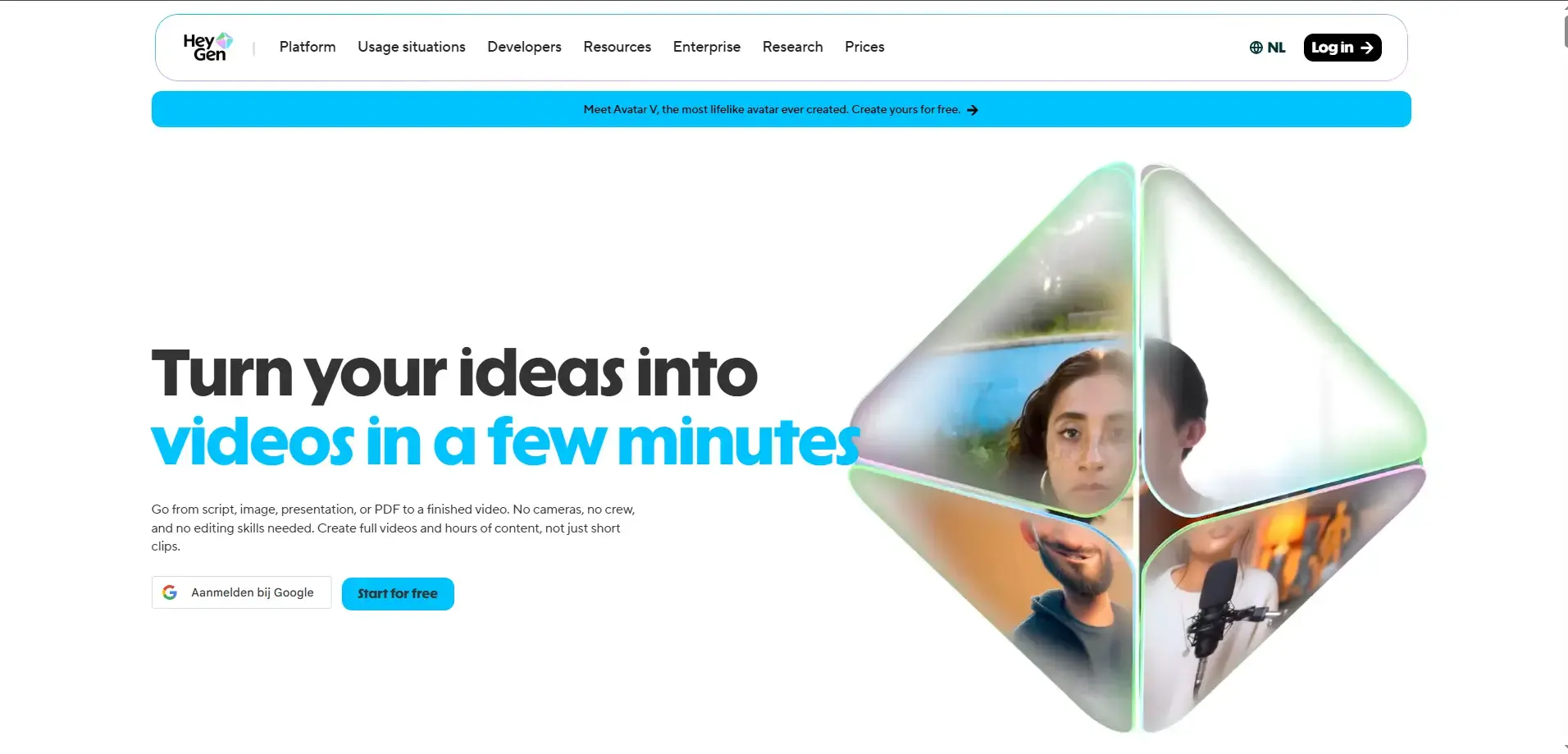
HeyGen specializes in AI avatars and multilingual video creation. Businesses use it to produce training videos, product demos, and marketing content without recording on camera, and it's a strong fit for teams building out AI tools for digital creators. Its intuitive editor makes creating professional videos accessible even for beginners.
Best For: AI avatar videos for business, sales, and training.
Pros
- Realistic AI avatars
- Supports 175+ languages
- Voice cloning capabilities
- Beginner-friendly interface
Cons
- Advanced features require a paid plan
- Free version has limitations
Pricing: Free plan available. Paid plans start at approximately $29/month.
4. CapCut
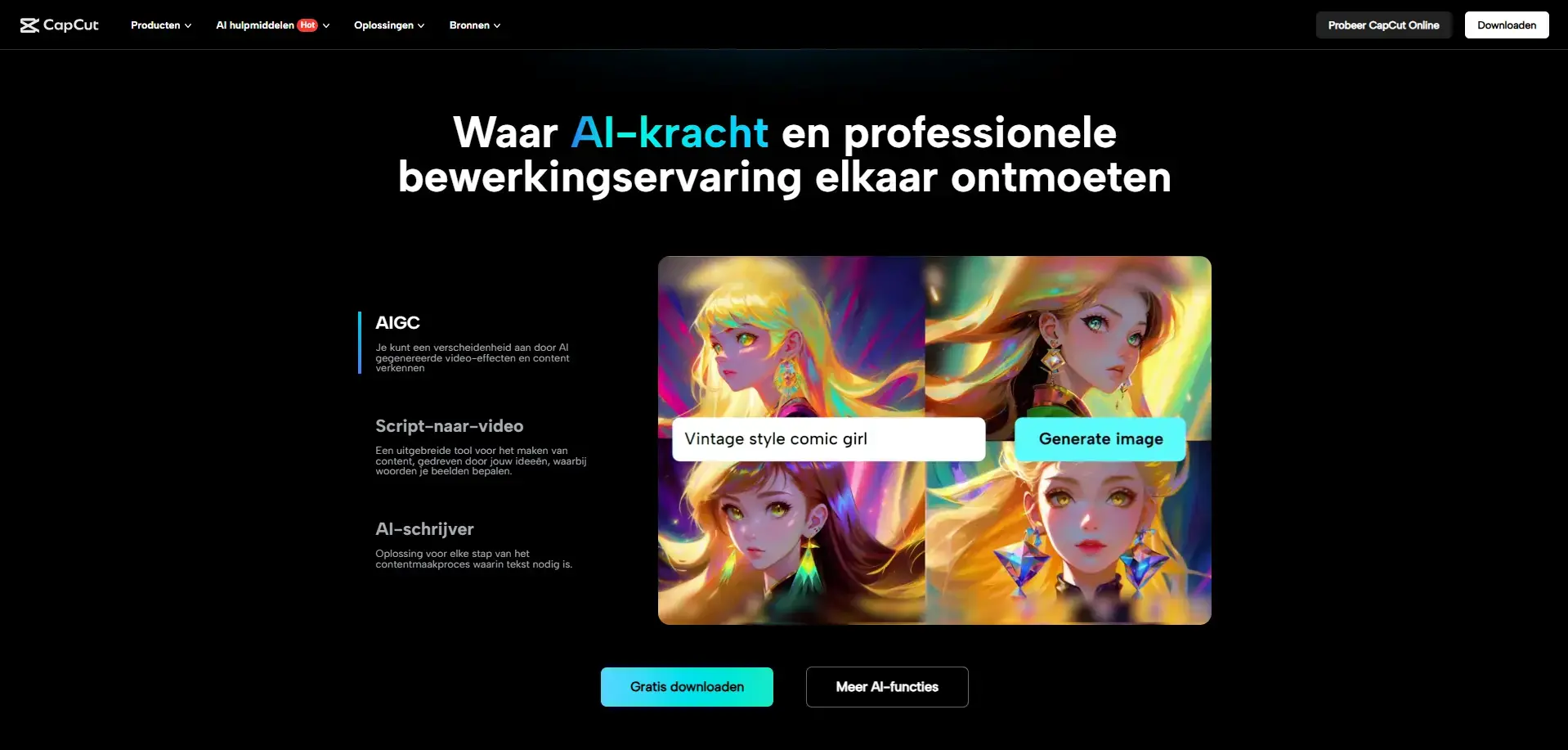
CapCut combines traditional video editing with AI-powered features, making it one of the easiest platforms for content creators. Its simple interface pairs well with other image editing and design tools for social media creators, and the free desktop version make it ideal for creating TikTok, Instagram, and YouTube Shorts.
Best For: Beginners and social media creators.
Pros
- Easy-to-use interface
- Watermark-free desktop exports
- AI editing tools included
- Great for short-form content
Cons
- Some AI features require Pro
- Limited advanced filmmaking controls
Pricing: Free plan available. CapCut Pro starts at approximately $9.99/month.
5. Runway (Gen-4)
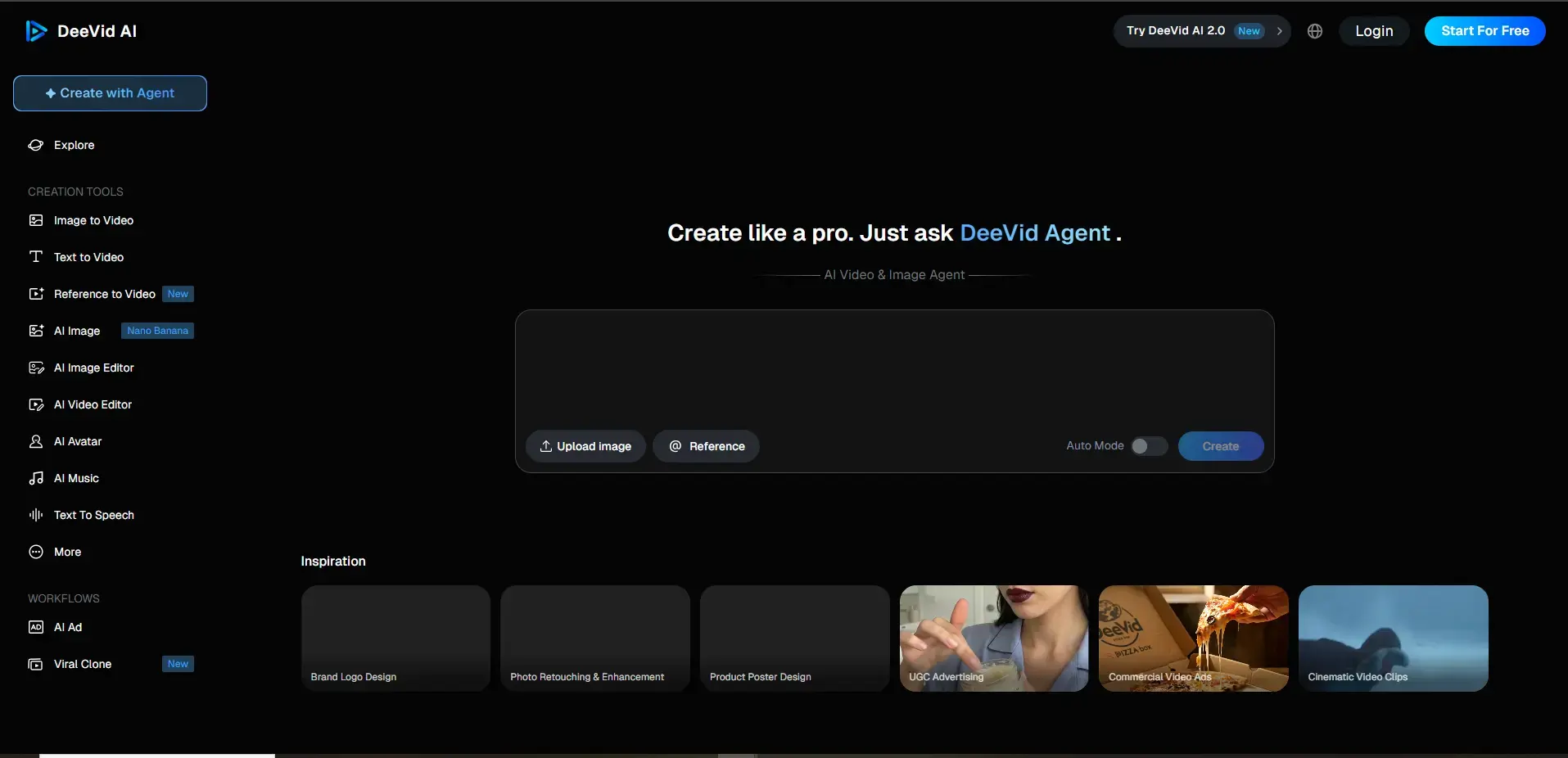
Runway is a professional AI video generation platform trusted by filmmakers and creative teams. It offers advanced camera controls, motion brushes, and scene expansion tools that provide greater creative flexibility than many competitors, which is why it consistently shows up near the top of any AI video tools comparison.
Best For: Professional filmmaking and creative workflows.
Pros
- Advanced camera movement controls
- High-quality AI video generation
- Powerful editing features
- Ideal for creative professionals
Cons
- Limited free credits
- Learning curve for beginners
Pricing: Free trial available. Paid plans start at approximately $15/month.
6. Pika
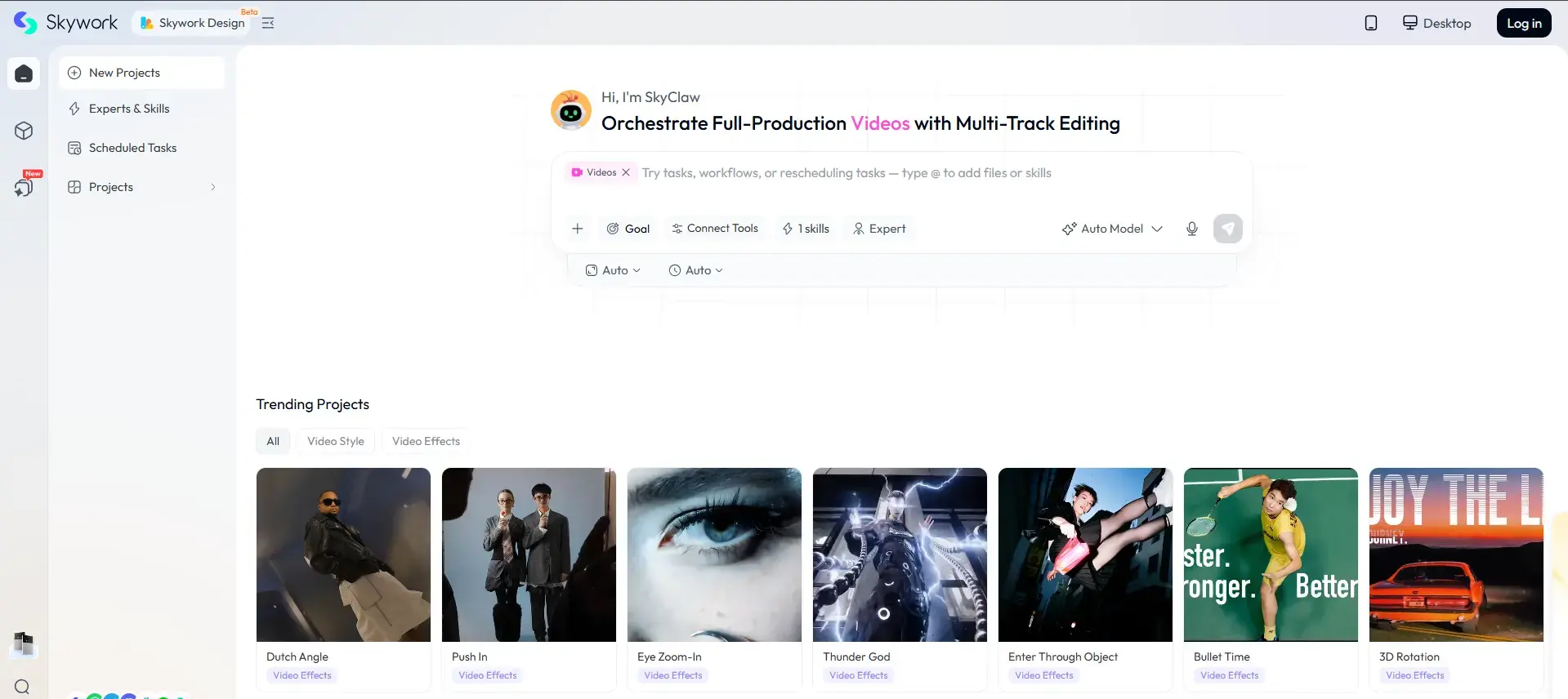
Pika focuses on creating fun, engaging, and viral-ready AI videos. It allows creators to generate animated clips quickly while offering multiple subscription options for higher-quality exports and commercial use, making it a favorite among people building out AI tools for social media content.
Best For: Short-form social media content.
Pros
- Easy prompt-based generation
- Monthly free credits
- Fast rendering
- Good for creative experimentation
Cons
- Watermarks on the free plan
- Limited commercial usage without paid plans
Pricing: Free plan available. Paid plans start at approximately $10/month.
7. Luma Dream Machine
Luma Dream Machine is known for its fast rendering speeds and impressive scene consistency. The platform also includes keyframe controls, making it easier to guide transitions between different scenes, similar in spirit to workflows covered in our guide on how to create AI videos with Leonardo AI.
Best For: Fast AI video prototyping.
Pros
- Quick video generation
- Keyframe support
- Good visual consistency
- Simple workflow
Cons
- Free plan limited to short clips
- Watermarked exports
Pricing: Free plan available. Paid plans start at approximately $9.99/month.
8. PixVerse
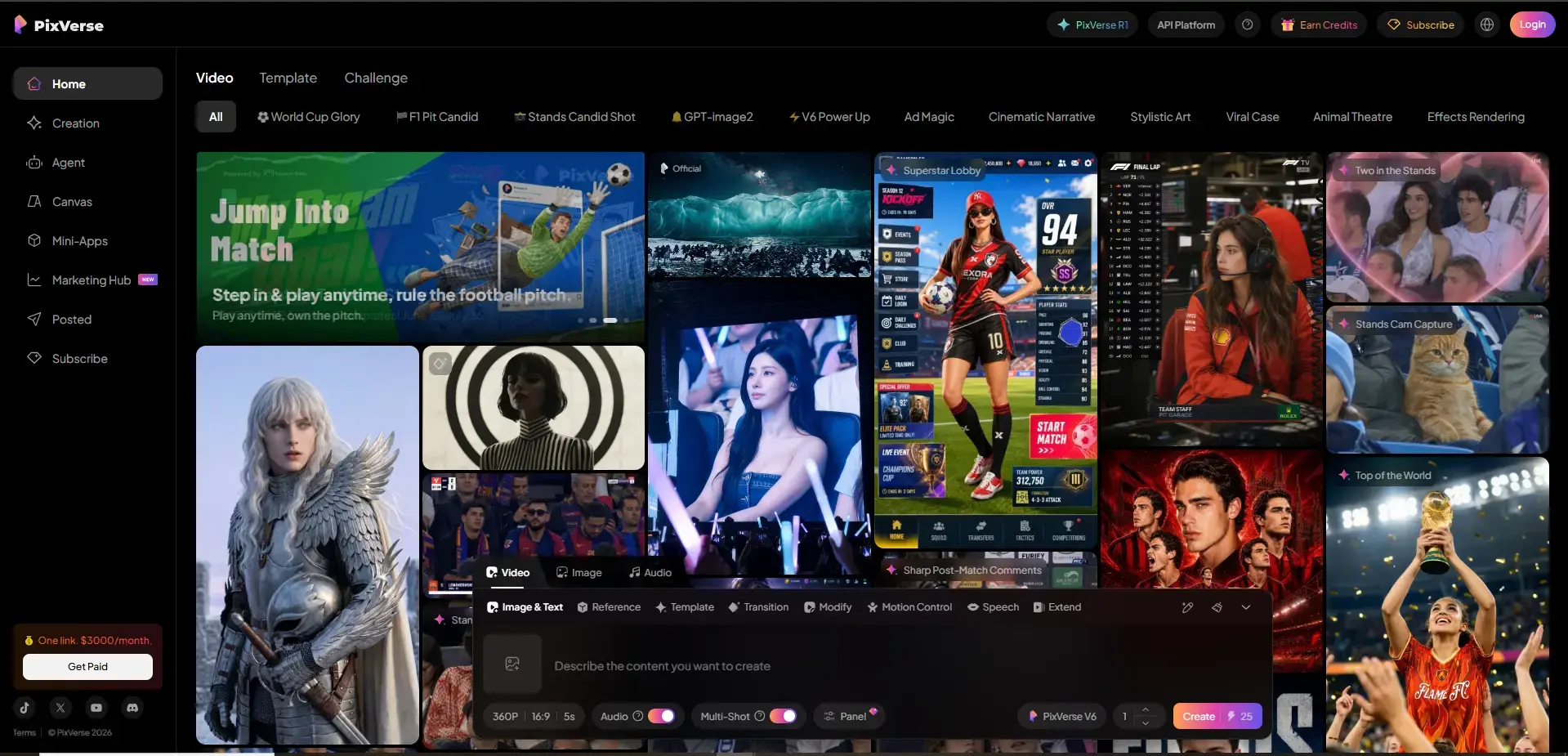
PixVerse offers multiple artistic styles, including anime, realistic, and 3D video generation, making it a solid pick if you're specifically after an AI anime generator. It provides generous signup credits and daily rewards, making it a good option for experimenting with different creative styles.
Best For: Anime and stylized AI videos.
Pros
- Multiple artistic styles
- Daily bonus credits
- Beginner-friendly interface
- Good prompt flexibility
Cons
- Watermarks on free exports
- High-resolution videos consume credits quickly
Pricing: Free plan available. Premium plans start at approximately $10/month.
9. InVideo
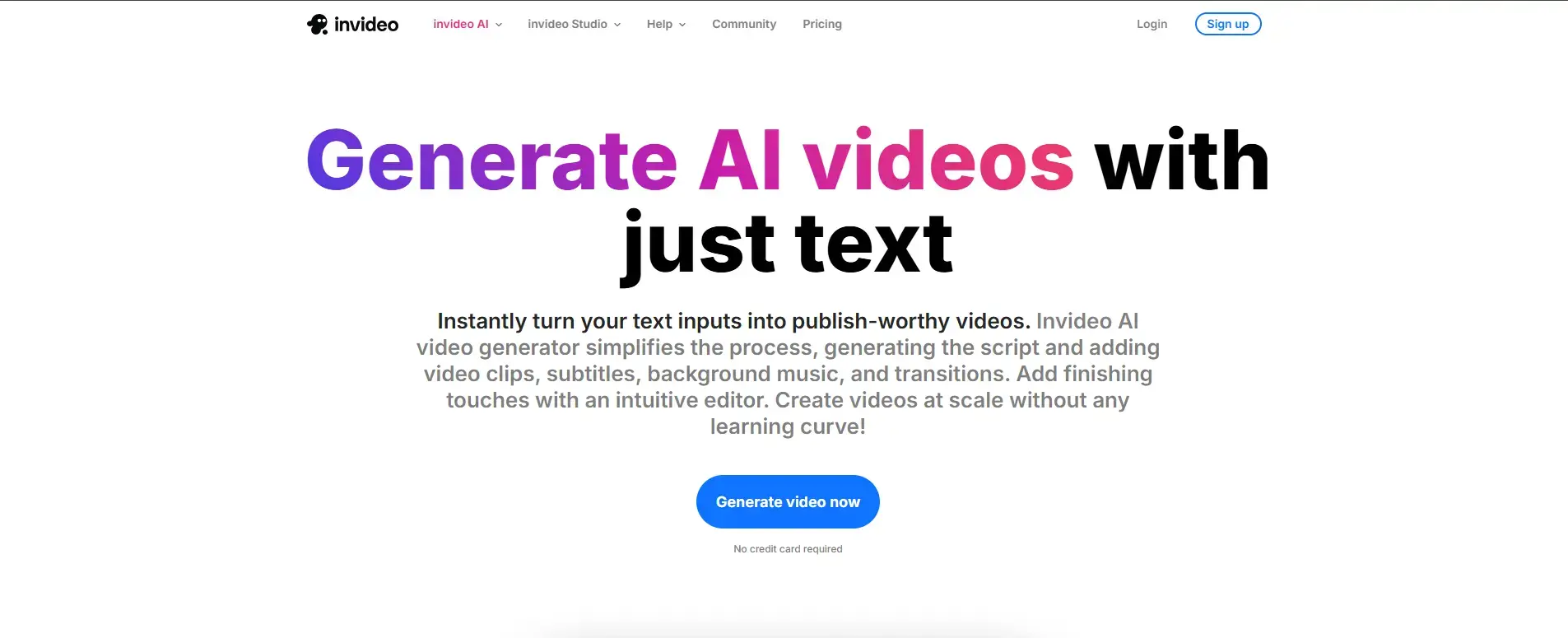
Unlike purely generative AI tools, InVideo combines AI with a massive stock media library to produce professional-looking marketing videos. Users simply provide a prompt, and the platform assembles scenes, voiceovers, and transitions automatically, which slots neatly into most AI marketing tools that automate campaigns.
Best For: Marketing videos, explainers, and promotional content.
Pros
- Massive stock media library
- AI voiceovers
- Fast video creation
- Excellent for businesses
Cons
- Less flexible than pure AI generators
- Premium exports require paid plans
Pricing: Free plan available. Paid plans start at approximately $28/month.
10. Kling
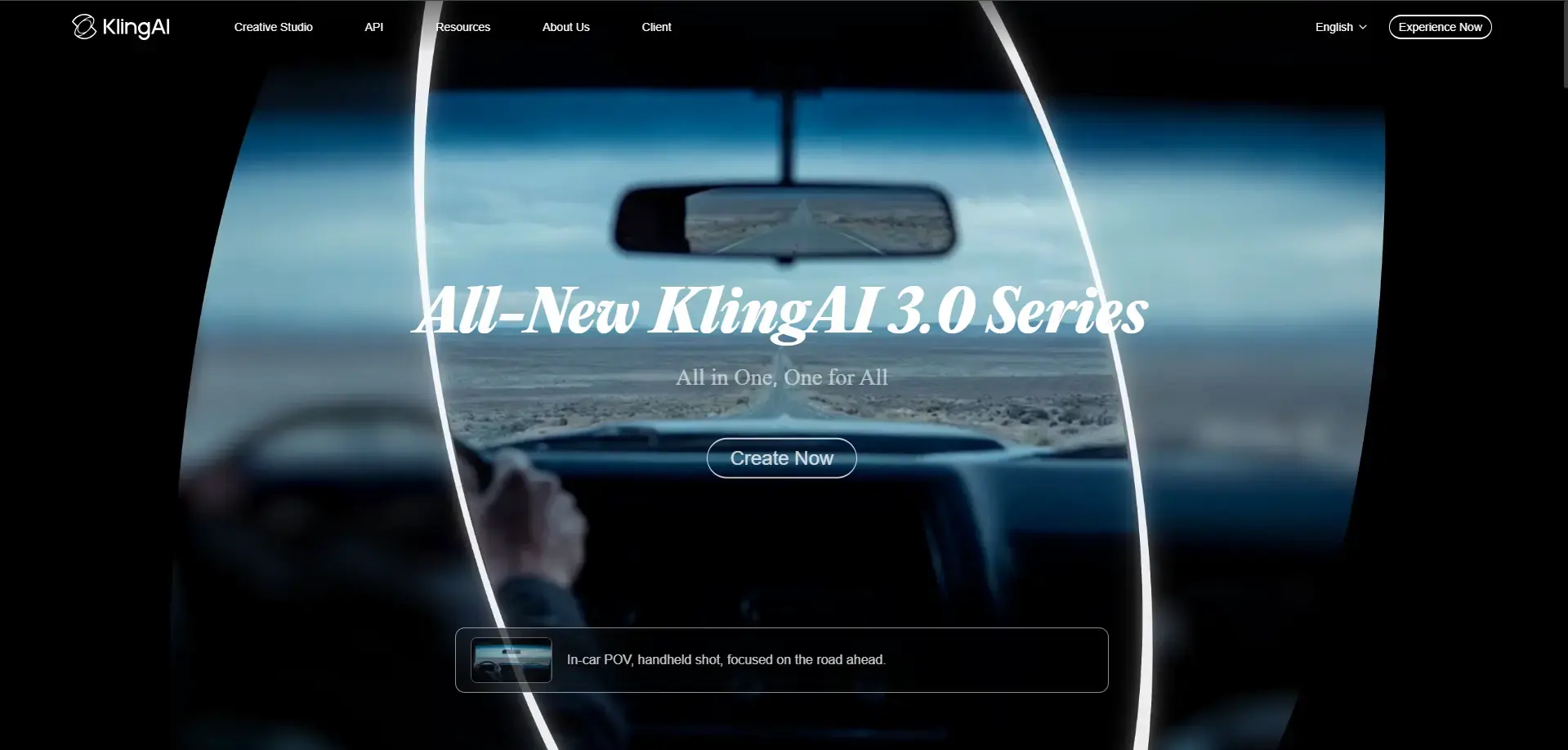
Kling has gained popularity for producing stable, realistic motion and high-quality AI-generated videos. It is particularly useful for users looking for consistent production-ready results rather than experimental visual effects, and it regularly earns a spot on lists of the best AI video tools.
Best For: Production-ready AI video generation.
Pros
- Smooth and realistic motion
- High-quality output
- Good prompt understanding
- Competitive pricing
Cons
- Credit-based usage
- Free plan has limited generations
Pricing: Free credits available. Paid plans start at approximately $10/month.
Free vs Paid AI Video Generators: Which Should You Choose?
When a Free Plan Is Enough
If you're testing ideas, learning how prompts actually translate into motion, or putting together low-stakes content for your personal social media, free tiers on tools like Luma, PixVerse, or Pika are pretty genuinely usable. Just make room for watermarks and credit limits, so it does not get weird later.
When to Upgrade to Paid
Once you need commercial usage rights, higher resolution, no watermark, or reliable output for client or business work, paid plans become worth it. HeyGen, InVideo, and Runway's paid tiers in particular are built around that professional use case, which is also relevant if you're one of the many freelancers relying on AI tools to deliver client work. This is also where checking a directory like FindMyAITool pays off, since it helps you avoid paying for features you won't actually use.
Best AI Video Generator by Use Case
Honestly, the best AI video generator really depends on what you're trying to make. CapCut and HeyGen seem pretty great for starters, because they have a sort of simple, easy-to-use interface you can figure out fast. If your goal is YouTube stuff, then InVideo and HeyGen are a solid pair; they come with strong editing tools, AI voiceovers, and they handle longer-form content better than you might expect.
For social media reels and quick posts, Pika and PixVerse are really nice options; they do those fast, eye-catching short clips. They also pair well with tools built for LinkedIn content creation and personal branding if you're repurposing clips across platforms.
And if you're a business team making marketing videos, you can lean on HeyGen and InVideo; they bring professional-quality AI avatars, brand-friendly templates, and more polished video production overall.
Conclusion
There's no single "best" AI video generator; the right choice depends on your budget, your use case, and how polished the final output needs to be. Cinematic quality, business-ready avatars, and quick social clips each point to a different tool.
Rather than guessing or signing up for five different free trials, start with FindMyAITool to find the best AI video tools side-by-side, filter by what you actually need, and find your best fit, free or paid, in one place.
FAQs
1. What is the best free AI video generator in 2026?
CapCut and Luma Dream Machine are two of the most usable free AI video generators in 2026. CapCut gives watermark-free desktop exports, while Luma is great for quick draft-quality clips before you commit to a paid plan.
2. Which AI video generator has no watermark on the free plan?
CapCut and InVideo both offer free plans without watermarks on their exports. Most other tools, like Pika, Luma, and PixVerse, add a watermark unless you upgrade to a paid subscription.
3. Is Google Veo 3 free to use?
Google Veo 3 offers limited, rate-based access rather than a fully free plan. It's mainly available through Google's AI subscription tiers, so full access usually comes with premium pricing.
4. What is the cheapest paid AI video generator tool?
Kling is one of the most budget-friendly options, with paid plans starting around $8 per month. CapCut and Luma Dream Machine follow closely, both starting under $10 per month.
5. Which AI video tool is best for business marketing videos?
HeyGen and InVideo are the top picks for business and marketing videos. They offer AI avatars, voiceovers, and brand-friendly templates that make polished, professional content much easier to produce.
6. Can I create AI videos without any editing skills?
Yes, most AI video generators are built for beginners. Tools like CapCut and HeyGen use simple prompt-based or drag-and-drop interfaces, so you don't need any prior video editing experience to get started.
7. What is the difference between Runway and Pika?
Runway is built for professional filmmaking with advanced camera controls and VFX tools. Pika focuses on fun, fast, viral-style short clips, making it better suited for casual social media content.
8. Which AI video generator is best for anime style videos?
PixVerse stands out for anime, 3D, and stylized video generation. It offers multiple artistic styles along with daily bonus credits, making it a solid choice for creators who want stylized rather than realistic output.
9. How do I choose between free and paid AI video tools?
Choose free plans for testing ideas or personal content, and paid plans when you need commercial rights, higher resolution, or no watermark. Business and client work almost always call for a paid tier.
10. Where can I compare AI video generator tools before signing up?
FindMyAITool lets you browse and compare AI video generator tools in one place. Instead of signing up for multiple free trials, you can check pricing, features, and watermarks side by side first.

