
Table Of Contents
How to Use an AI Anime Generator to Create Viral Characters
Published on : Feb 23 2026

If you want to create an animated image that helps to turn simple text prompts into an anime-style format. In this new era of AI Word, use the AI anime generator.
If you're just getting started with AI-generated art, it helps to first understand how the best AI image generators anime generators are a specialized branch of this fast-growing technology.
In this Guide, I’ll explore some of the best AI tools that help to understand more clearly and use more effectively.
What Is an AI Anime Generator?
The AI anime generator creates anime art through its artificial intelligence, which translates basic text into animated visuals. You type what you imagine, like "a silver-haired girl with glowing blue eyes in a dark fantasy world," and the AI draws it in seconds.
The process requires no artistic ability because users need neither professional software nor anything more than their creative mind and writing ability.
The AI anime generator creates anime art through its artificial intelligence, which translates basic text into animated visuals.
The process requires no artistic ability because users need neither professional software nor anything more than their creative mind and writing ability.
How AI Anime Generators Work
AI anime generators use advanced machine learning models trained on thousands (or millions) of anime-style images. The AI generates new images through its analysis of your text prompt and photo upload by predicting colors, shapes, and details in anime style.
Text-to-Image Technology Explained
AI anime generators use something called text-to-image technology. The AI operates as your artist while you lead the project through your capacity as director. You give instructions through words called prompts, and the AI creates the image based on those instructions.
The AI has been trained on millions of images from the internet. The system has developed visual recognition abilities for different objects, which include finding rain, sad eyes, and cherry blossoms, allowing it to create original content that matches your description.
Style Training and Anime Model Data
The AI tools produce different artistic styles because they have different training methods. Certain tools exist to create anime art because they have been taught to recognize all aspects of anime characters, which include their large eyes, colorful hair, theatrical light effects, and planning clothing designs.
These tools utilize anime model data, which consists of a comprehensive collection of anime images that taught the AI to recognize and replicate the anime art style. The training data quality directly determines how realistic and visually appealing the final results become. This kind of style-aware AI training is also transforming other creative industries — it's worth reading about AI's role in the gaming industry, where similar visual AI models are reshaping character design and world-building.
Prompt Engineering Basics
The text you enter into an AI system functions as a prompt, which you can use to interact with the AI system. Your ability to create high-quality characters depends on your ability to write effective prompts, which determine character development.
The difference is clear: the more specific and descriptive your prompt, the better your result. This skill is known as prompt engineering, and it improves with ongoing practice. To speed up your learning curve, exploring dedicated prompt engineering tools can give you structured frameworks and techniques that make a real difference in your outputs.
Best AI Anime Generator Tools in 2026
The AI anime-generator tools of 2026 enable all users, including fans and professional artists to produce impressive anime characters and scenes by using only basic text or their artistic sketches.
Anifun AI
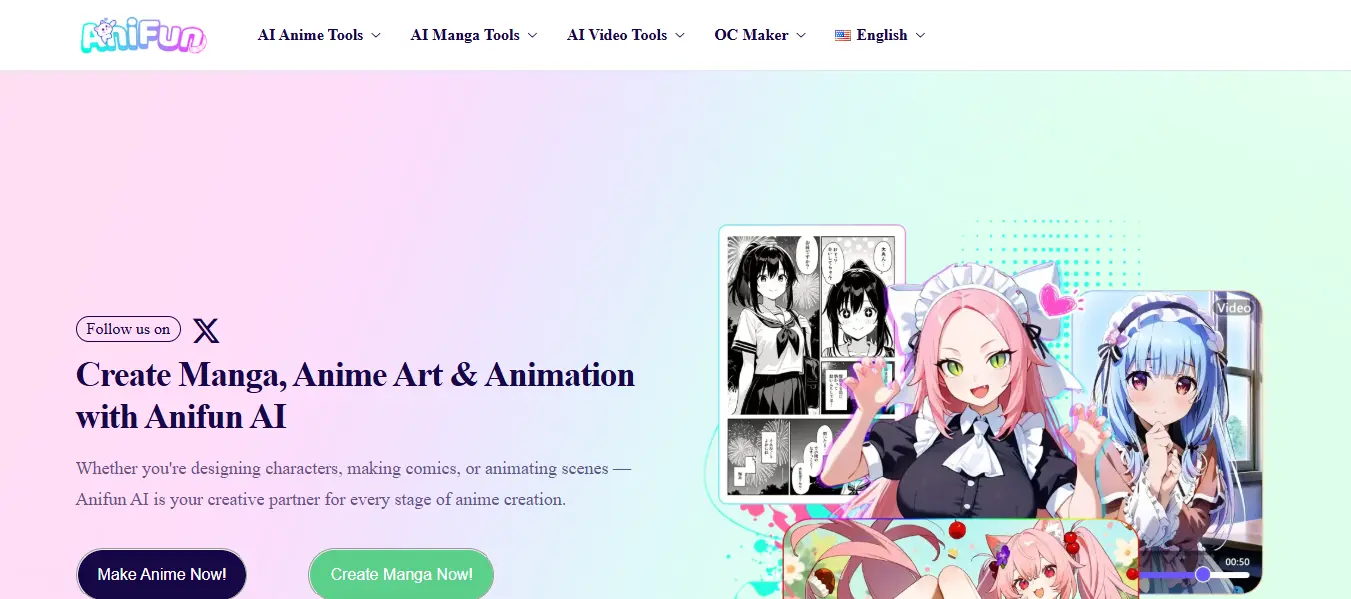
Anifun AI is the best Anime generator that is designed for creators who want to build anime characters, landing pages, stories,s and animated videos with new technical skills. Our platform helps you to turn simple text prompts or images into high-quality anime artwork in seconds.
Anifun AI focuses on making anime creation easy for beginners while providing professional creators with powerful customization tools.
Pros
- Completely free platform
- Beginner-friendly interface
- Create art, manga, and animation in one tool
- No drawing or design skills needed
- Fast content generation
Cons
- Limited advanced professional controls
- Results depend on prompt quality
- Requires an internet connection
Pricing
- Free to use
- No subscription required currently
Best For
- Anime beginners
- Manga storytellers
- Social media creators
- YouTubers creating anime stories
- Students learning digital art
Phot AI
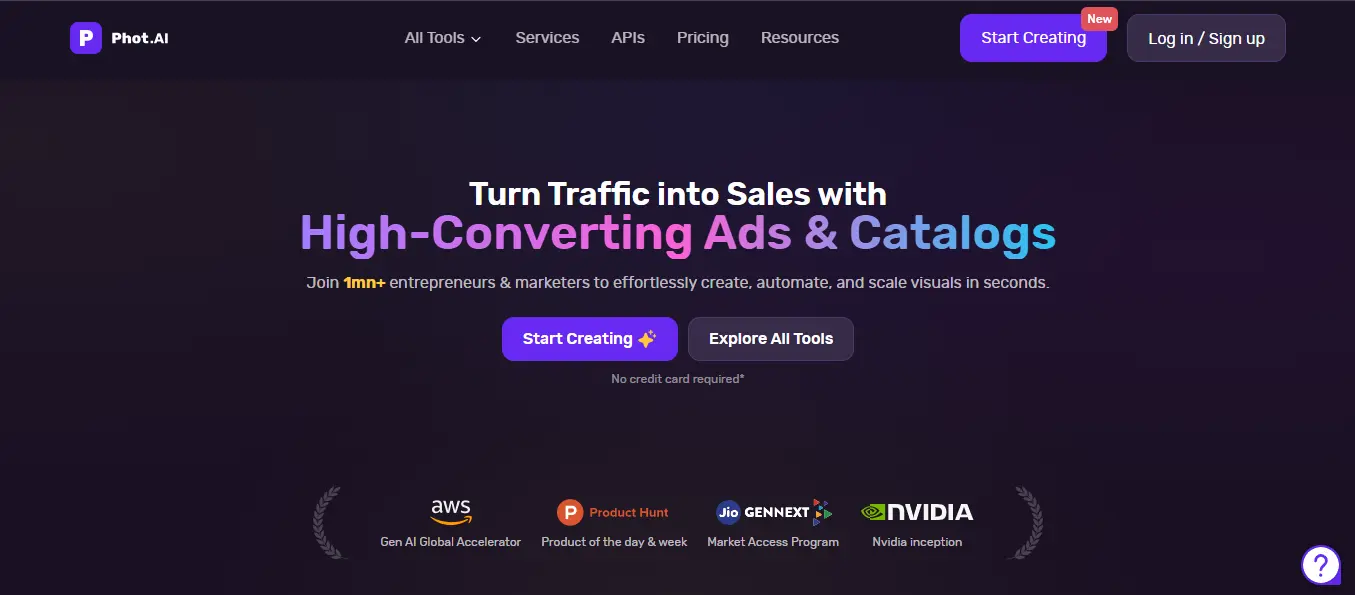
The AI anime generator Phot AI enables users to make anime-style character designs and anime images. The tool uses artificial intelligence to transform ideas or photos into anime illustrations with just a few clicks.
Phot AI is an image creation tool that enables users to create anime art from existing photos or design original characters. Users can upload a photo and convert it into anime art or generate new characters from scratch.
Pros
- Very easy to use
- Fast image creation
- Good quality anime outputs
- Multiple style customization options
Cons
- Mainly focused on images only
- Advanced features require payment
- Limited animation or storytelling tools
Best For
- Anime profile pictures
- Social media creators
- Graphic designers
- Beginners experimenting with AI art
- Photo-to-anime conversion
Anime AI Generator
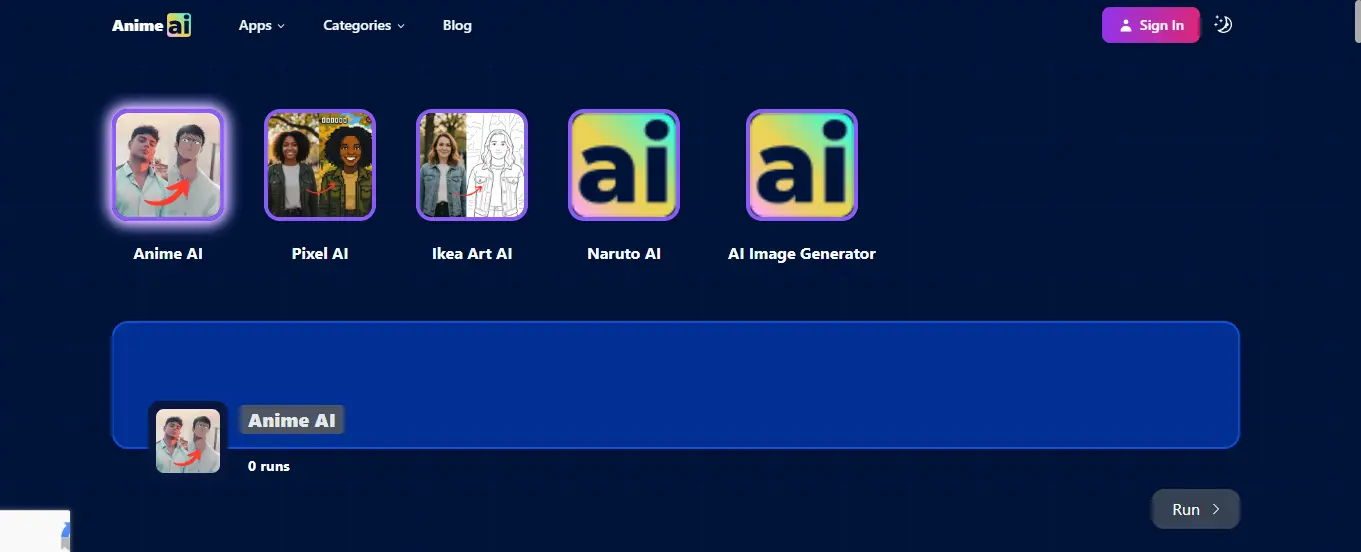
The FindMyAITool platform offers users an Anime AI Generator section which contains various AI tools that users can use to create anime content.
The category functions as a directory which displays various anime generators to users so they can assess different platforms based on their specific features, pricing, and performance capabilities.
Pros
- Easy to use: No drawing or design experience required, type a prompt, upload a photo, or choose styles and get artwork instantly.
- Fast results: Outputs often appear within seconds or minutes thanks to cloud-powered AI.
- Versatile styles: Many support multiple anime aesthetics (classic, chibi, realistic, fantasy, etc.).
Cons
- Quality varies: Free tiers often produce lower-resolution images or impose daily limits.
- Paid upgrades needed: To unlock high-res, commercial rights, or unlimited generations usually requires subscription plans.
- Limited advanced editing: Most focus on output generation, not fine-tuned professional editing.
Midjourney
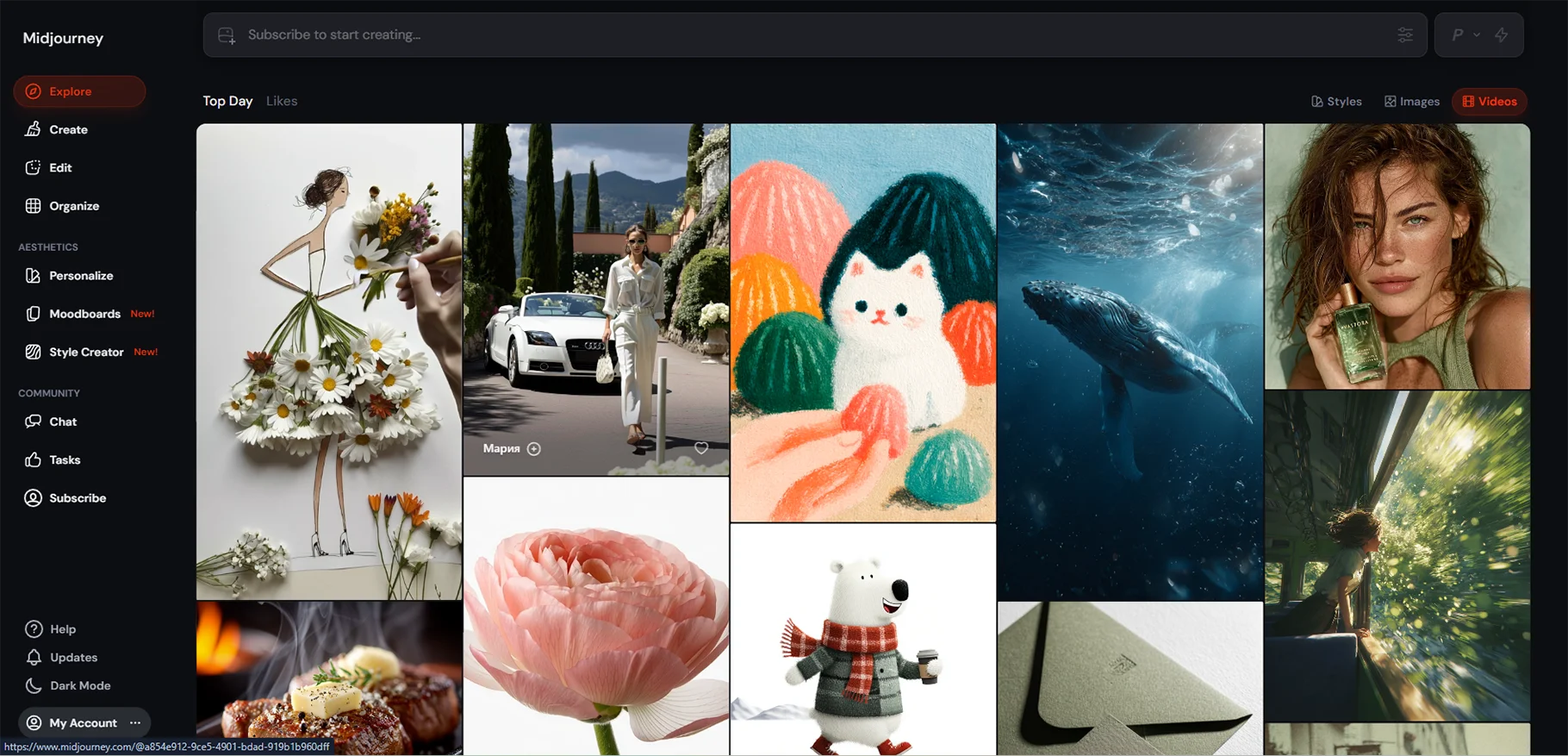
Midjourney stands as one of the most widely used AI image generation tools, which artists, designers, and content creators use throughout the world. The system transforms basic text prompts into detailed anime characters, fantasy landscapes, and cinematic visual art.
The users enter their requests through Discord while the AI system produces beautiful pictures within a few seconds.
Midjourney functions as the primary tool for creating viral anime images and AI artworks, which people share on social media because of its powerful ability to understand artistic styles and generate creative content.
Pros
- Extremely high-quality anime art
- Professional-level results
- Strong creative control
- Popular among designers
Cons
- No free plan
- Requires Discord usage
- Learning prompts take time
Pricing
- Paid subscription only
- Starts with monthly plans
Canva
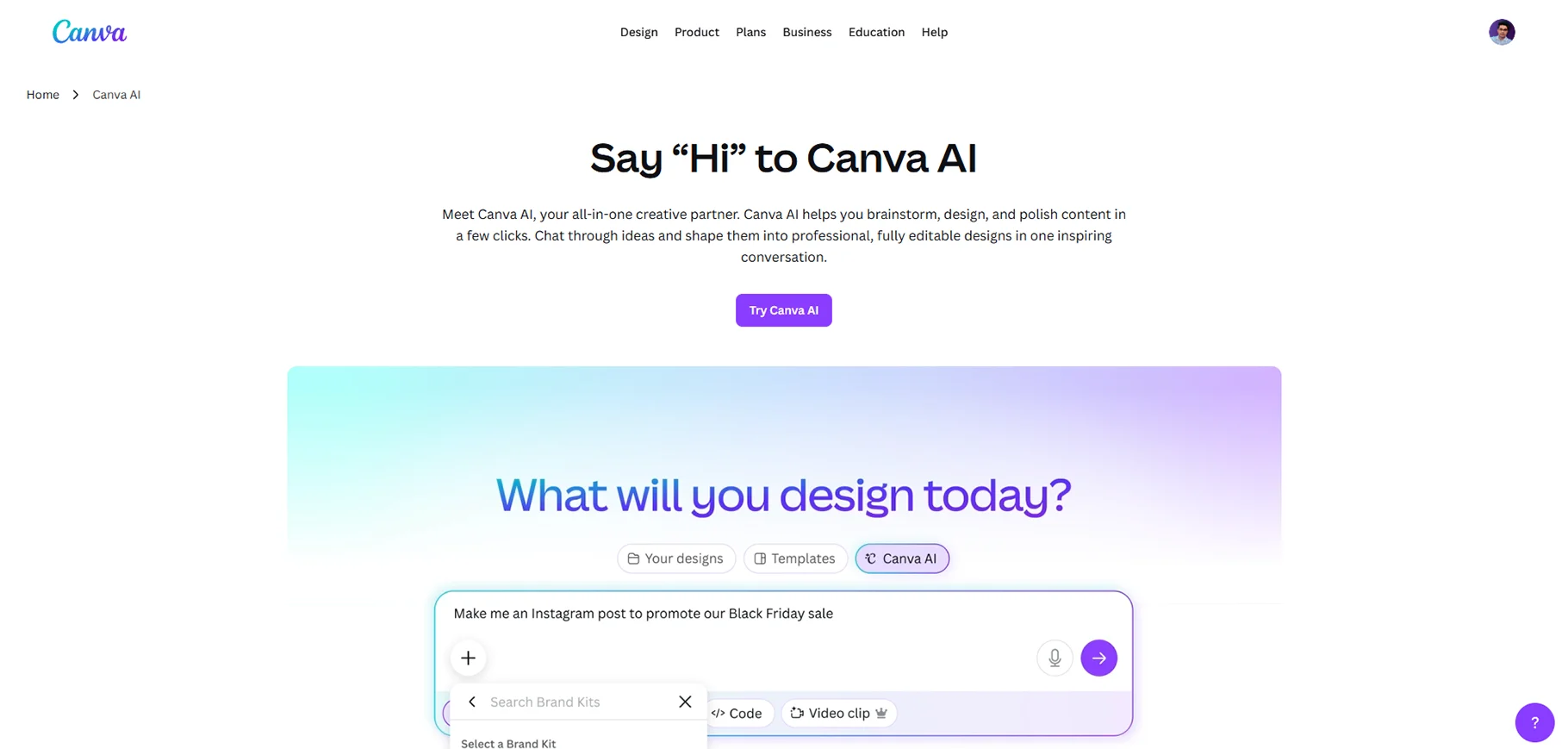
Canva has developed an AI anime generator through its Magic Media suite, which has become a popular cloud-based design platform used by designers. Users can generate anime art directly from text prompts or convert existing photos into anime-style illustrations using built-in tools like Magic Media, the third-party "Animefy" app, and various anime-inspired filters such as retro and cyberpunk.
Pros
- Free anime image generation is available with no subscription required
- All-in-one platform, generate, edit, animate, and publish in one place
- Beginner-friendly drag-and-drop interface with a short learning curve
- Large library of anime templates, graphics, and stock assets
- Supports both text-to-anime and photo-to-anime conversion
Cons
- Anime-specific features are limited compared to dedicated anime tools
- Free plan caps image generation at around 50 total images; paid plans get 500/month
- Advanced edits, transparent PNG exports, and premium assets require a paid plan
- Not ideal if anime is your only use case, the cost feels high for anime alone
- Free-tier outputs include watermarks on some content
Pricing
- Free: Basic tools, 5GB storage, limited AI generations
- Pro: $120/year (single user), 1TB storage, 500 AI image generations/month, full premium access
- Teams: $100/year per person (3-user minimum), collaboration and admin tools included
- Education and Nonprofit plans are available for free to eligible organizations
Best For
- Social media creators needing quick anime-style content
- Marketers and brand designers are adding anime flair to campaigns
- Beginners who want design + AI generation in a single tool
- Content creators who already use Canva for other design work
- Anyone needing to combine anime art with text, mockups, or animations in one platform
Step-by-Step: Creating Your First Viral Anime Character
Step 1: Choosing a Unique Concept
The following sequence requires you to complete a thinking process before you start using any tool. The main error that new users make occurs when they start using AI tools without understanding their proper application.
You need to answer these questions. What kind of character do I want: hero, villain, mystery figure? What makes them different from others? What emotion should people feel when they see this character: inspired, curious, or emotional?
For example, "a blind warrior girl who fights using sound and wears a tattered red cloak" is far more compelling than "a regular sword fighter." The first sparks curiosity. The second fades instantly. If you want to go even further and build a full narrative around your character, exploring AI story generators can help you develop backstories, plot arcs, and entire fictional worlds to bring your character to life.
Step 2: Writing High-Impact Prompts
Once you have your concept, translate it into a detailed prompt. A simple formula to follow is this:
Example: The artistic representation shows a blind teenage warrior girl who has white hair and wears a red tattered cloak while she holds her thin sword at a foggy ancient temple, which is illuminated through the roof. The artwork displays a detailed anime style that employs a cinematic composition.
Step 3: Selecting Anime Art Styles
Different anime art styles create very different moods. Here are a few popular ones you can mention in your prompt. The Shonen style presents a vibrant visual design that establishes a dynamic presence for all action-oriented characters. The Shoujo style delivers soft visual elements that create an atmosphere that suits both romantic and dramatic character portrayals.
Step 4: Generating and Refining Outputs
Your image creation process needs you to examine the produced results. The face representation needs evaluation for its accuracy assessment. The clothing design needs an assessment to determine its sufficient level of detail. The background should match your original expectations for its appearance.
Most AI tools permit users to create new images or improve existing ones through image regeneration. You can modify your prompt by adding new information about your request while removing parts that did not succeed and changing the artistic style.
Advanced Prompt Techniques for Viral Results
Character Personality Layering
A great character is not just about looks it is about who they are. You should include personality indicators in your prompts. The AI can use the words "determined eyes," "a quiet sadness," "a mischievous smirk," and "fierce and fearless gaze" to show how people express themselves through their facial expressions and body movements.
Adding Emotional Expressions
People become interested in things only when they experience emotional reactions to them. A character who cries in the rain produces a stronger emotional impact than a character who remains motionless. The usage of "tears streaming down cheeks," "laughing with eyes closed," "biting lip in fear," and "calm but broken smile" will create emotional depth in the story.
Background and Scene Detailing
The background narrates the entire story. A girl standing in front of a burning city tells a completely different story than the same girl standing in a blooming flower field. The scene requires specific details through three different descriptions,which include "ruined city at sunset," "underwater kingdom," and "snowy mountain peak at dawn."
Lighting, Camera Angle,e and Effects
The emotional impact of an image changes completely when its lighting and camera angle are modified. The terms "dramatic side lighting," "soft golden hour glow," "neon lights reflecting on wet pavement," "low angle shot," "close-up portrait," and "bokeh background effect" should be used as production terms. These details make your artwork look professional and cinematic.
How to Make Your AI Anime Character Go Viral
Creating a great anime character is only half the journey — getting it seen by the right audience is where strategy comes in. Whether you're posting on Instagram, TikTok, YouTube Shorts, or X (Twitter), each platform rewards different types of content. To maximize your reach and manage your presence across multiple channels efficiently, it's worth checking out the best AI social media tools that can help you schedule posts, analyze performance, and grow your audience faster.
Designing for Instagram and Reels
Instagram shows a preference for visually impressive material. Users need to develop their characters through vertical design, which requires them to use 4:5 or 9:16 aspect ratios for their posts and reels. Create a brief emotional caption that allows your character to express their thoughts. Users should maintain regular posting activities while using anime-related hashtags that include #AIAnime #AnimeArt #AICharacter and both #AnimeGirl and #AnimeBoy.
Posting on TikTok and Shorts
TikTok and YouTube Shorts reward storytelling. The character creation process needs to be shown through a short video, which will display your character from the moment you create it until your final result. The audience will return to see what happens next.
Creating Story Threads on X (Twitter)
X (formerly Twitter) serves as an ideal platform for creating character lore threads. Users should create multiple tweets that disclose their character's background information, special powers, and their fictional universe. Every tweet concludes with a clickable element that encourages viewers to proceed to the next part of the content.
Using AI Voice and Animation Tools
If you're not sure where to start with animation, browsing the best AI video generators available today can help you find the right tool based on your budget, skill level, and the type of animation you want to create.
Common Mistakes to Avoid
When using AI anime generators, avoid giving very short or unclear prompts, as this can lead to poor results. Also, don’t ignore image settings like resolution and style options, because they greatly affect the final output quality.
Overused Prompts
Your results will match the appearance of numerous other images when you use basic prompts that show only "cute anime girl with blue eyes". The more specific and creative your prompts, the more unique your character will be. People share characters that show unique traits, but they ignore characters that display common characteristics.
Copyright and Ethical Issues
You need to stop using AI art as a substitute for your own artistic work. You must display your artwork today because you have made your art accessible to the public. Do not use AI to produce your artwork because it damages your artistic identity. You must stop using your real name to create content after you reach 21 years old. Your service requires you to assist users through their entire account creation process.
Low-Resolution Outputs
You should create images using the most advanced resolution that the system provides. Online platforms display low-resolution images as blurry content, which fails to create viral appeal for blurry artistic works. You should apply upscaling tools such as Topaz Gigapixel AI when you need to increase the resolution of your final image.
Conclusion
The process of producing viral anime characters through artificial intelligence requires more than simple button pressing to achieve successful outcomes. The process requires artistic imagination and effective narrative development, artistic expression, and emotional connection with viewers to succeed.
You do not need to be an artist. You do not need expensive software. All you need is a good idea, a well-written prompt, and the willingness to keep improving with each attempt. And once you've mastered anime creation, the possibilities don't stop there exploring the full range of top AI tools for content creation can open up entirely new ways to build, share, and grow your creative work.
FAQs
1. What is an AI anime generator?
An AI anime generator is a tool that uses artificial intelligence to convert text prompts or photos into anime-style artwork. You simply type what you imagine, and the AI draws it within seconds without requiring any artistic skills.
2. Do I need drawing skills to use an AI anime generator?
No, you don't need any drawing or design experience to use these tools. All you need is a creative idea and the ability to write a descriptive text prompt.
3. How does text-to-image technology work in anime generators?
The AI is trained on millions of anime-style images and learns to recognize colors, shapes, and styles. When you enter a prompt, it predicts and generates visuals that match your description in anime format.
4. Which is the best free AI anime generator in 2026?
Anifun AI is considered one of the best free options, offering anime character creation, manga, and animation tools with no subscription required. Canva also offers free anime generation through its Magic Media suite with basic plan access.
5. What is prompt engineering, and why does it matter?
Prompt engineering is the skill of writing detailed, descriptive text instructions to guide the AI in generating better results. The more specific your prompt, the more unique and high-quality your anime character will be.
6. Can I convert my real photo into anime art?
Yes, tools like Photo AI and Canva support photo-to-anime conversion. You simply upload your image and the AI transforms it into an anime-style illustration.
7. What are the most popular AI anime generator tools in 2026?
Some of the top tools include Anifun AI, Midjourney, Photo AI, and Canva. Each offers different features, pricing, and levels of customization to suit beginners and professionals alike.
8. How can I make my AI anime character go viral on social media?
Use vertical formats like 9:16 for Instagram Reels and TikTok, pair your character with emotional captions, and use relevant hashtags like #AIAnime and #AnimeArt. Adding animation or an AI-generated voice through tools like Runway ML can significantly boost engagement.
9. What common mistakes should I avoid when using anime AI generators?
Avoid using vague or overly short prompts, as they produce generic and low-quality results. Also, always choose the highest resolution settings available to ensure your output looks sharp and professional.
10. Is AI-generated anime art free to use commercially?
It depends on the platform you use, as each tool has its own licensing and commercial use policies. Always review the tool's terms of service before using AI-generated art for business or monetized content.

