
Table Of Contents
20 Best AI website builders in 2026
Published on : Sep 02 2025

In 2026, creating a proficient website is no longer limited to those who have coding skills or design backgrounds. The use of AI website builders has made the process of creating beautiful and complete websites as easy as just pointing out your idea in normal language. It does not matter whether you are setting up a company, displaying your works, or operating an online store; the tools make web development simple and available to everyone.
I have gone through the best AI website builders and compiled this ultimate guide for you. It is a guide that turns your ideas into professional websites in a matter of minutes without any need for technical skills.
What are AI Web Development Tools?
AI web development tools cover a wide variety of software applications that incorporate artificial intelligence to reduce, improve, or automate many of the tasks required for making and developing a website.
No-Code AI Builders: are tools powered with natural language processing capabilities to understand what the user wants and they in return will provide the user with a complete website based on a set of prompts, a description of the business, or content that is uploaded to the site. They take care of everything for the user from layout and design to content creation.
AI Coding Assistants: help developers write productive code by using intelligent code completion, bug detection, and automated code refactoring. They directly connect into development environments to help plugins become productive.
Design-to-Code Tools: take designs and turn them into fully functional code using AI to interpret design files which allows designers and developers to translate code into designs and vice a versa.
Specialized AI Tools: are tools that are used for web development but may focus on an aspect of web development, such as testing, security analysis, or optimizing user experience.
Does Your Business Need AI Development Tools?
Whether to start using AI development tools will depend on several factors - namely your business needs, level of technical expertise, and future goals for growth. Typically to small businesses and startups, AI website builders are best suited because they offer professional results without a significant tech investment or hiring a costly developer.
E-commerce businesses can use AI tools to create product pages quickly, enhance the user experience through website experience, and include unique features like personalized recommendations. Content creators and bloggers find value in AI builders because they can focus on their content, while the AI generates the rest and keeps the care of the site up to date.
Even an established business with an existing website can use AI tools for fast prototyping, or for A/B testing designs or even to create a landing page for a campaign. The time saved, and the cost saved usually surpass the initial investment, especially with the speed of modern business cycles.
What to Think About When Evaluating AI Web Development Tools
When evaluating AI web development tools, several key factors should guide your decision-making process.
Ease of use: is paramount - the best AI builders should feel intuitive and require a minimal learning curve, even for non-technical users.
Customization capabilities: determine the extent of control you retain over the final product. While AI automation is valuable, you should still be able to make specific adjustments to match your brand and requirements.
Output quality: varies significantly between platforms. Look for tools that generate clean, optimized code and professional-looking designs that don't immediately appear AI-generated.
Integration capabilities: are crucial for business applications. Your chosen tool should work well with existing systems, payment processors, analytics platforms, and other essential business tools.
Scalability: considerations include both technical performance as your site grows and pricing structures that remain reasonable as your needs expand.
Support and documentation: quality can make or break your experience, especially when learning new tools or troubleshooting issues.
Best AI Tools Transforming Web Development
1. GitHub Copilot
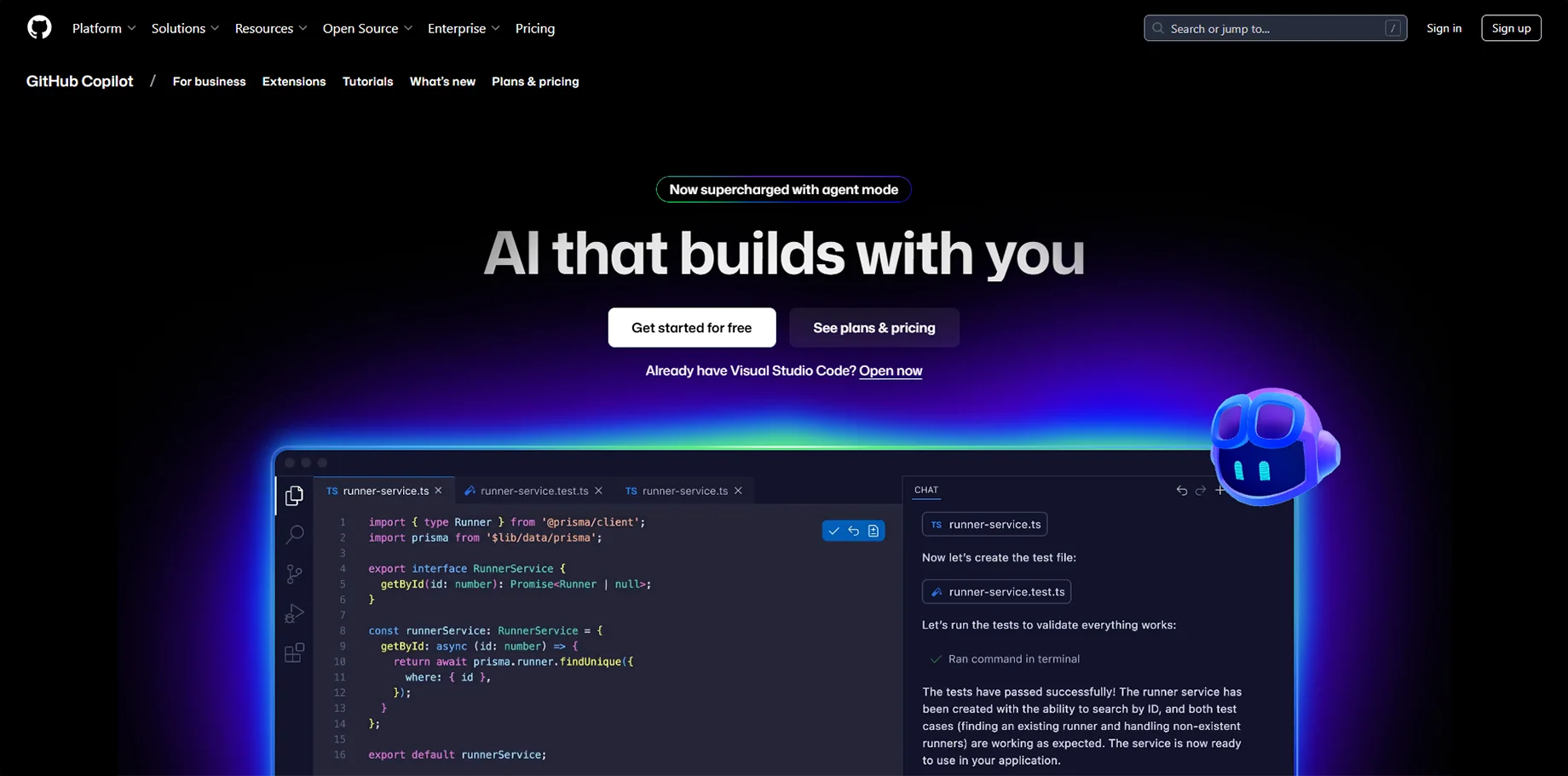
GitHub Copilot remains the gold standard for AI-powered coding assistance, offering intelligent code completion and generation across dozens of programming languages. It integrates seamlessly into popular development environments and learns from billions of lines of public code.
Key Features:
- Real-time code suggestions and completion
- Multi-language support including JavaScript, Python, and TypeScript
- Context-aware recommendations based on existing code
- Integration with VS Code, JetBrains IDEs, and other popular editors
Pricing: $10/month for individuals, $19/month for businesses
2. Lovable
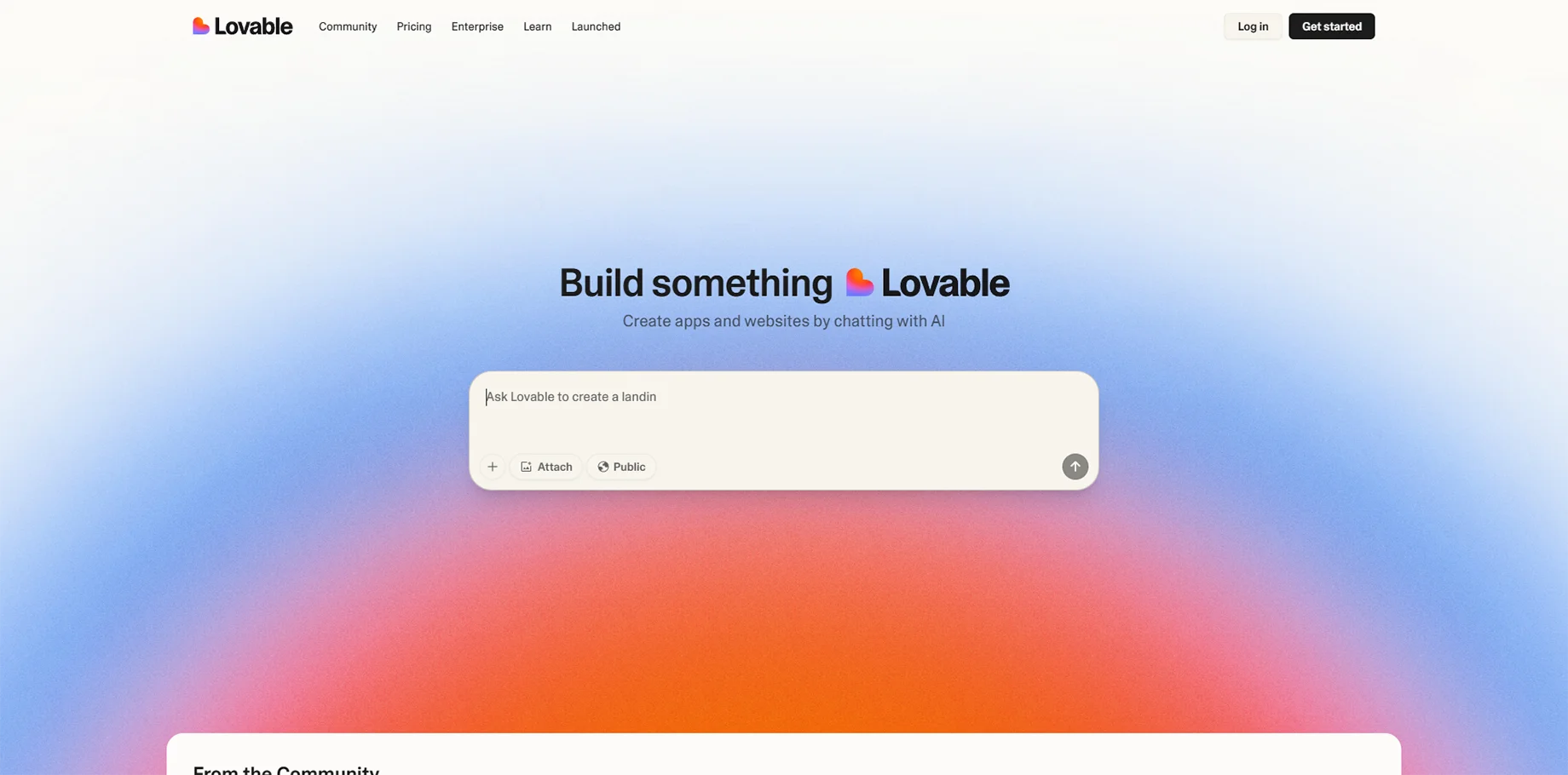
Lovable represents a new generation of AI development platforms that can build full-stack applications from natural language descriptions. It excels at creating complex web applications with databases, user authentication, and advanced functionality.
Key Features:
- Full-stack application generation from prompts
- Integrated database design and management
- User authentication and authorization systems
- Real-time collaboration features
Pricing: Starting at $20/month for individual developers
3. OpenAI Codex
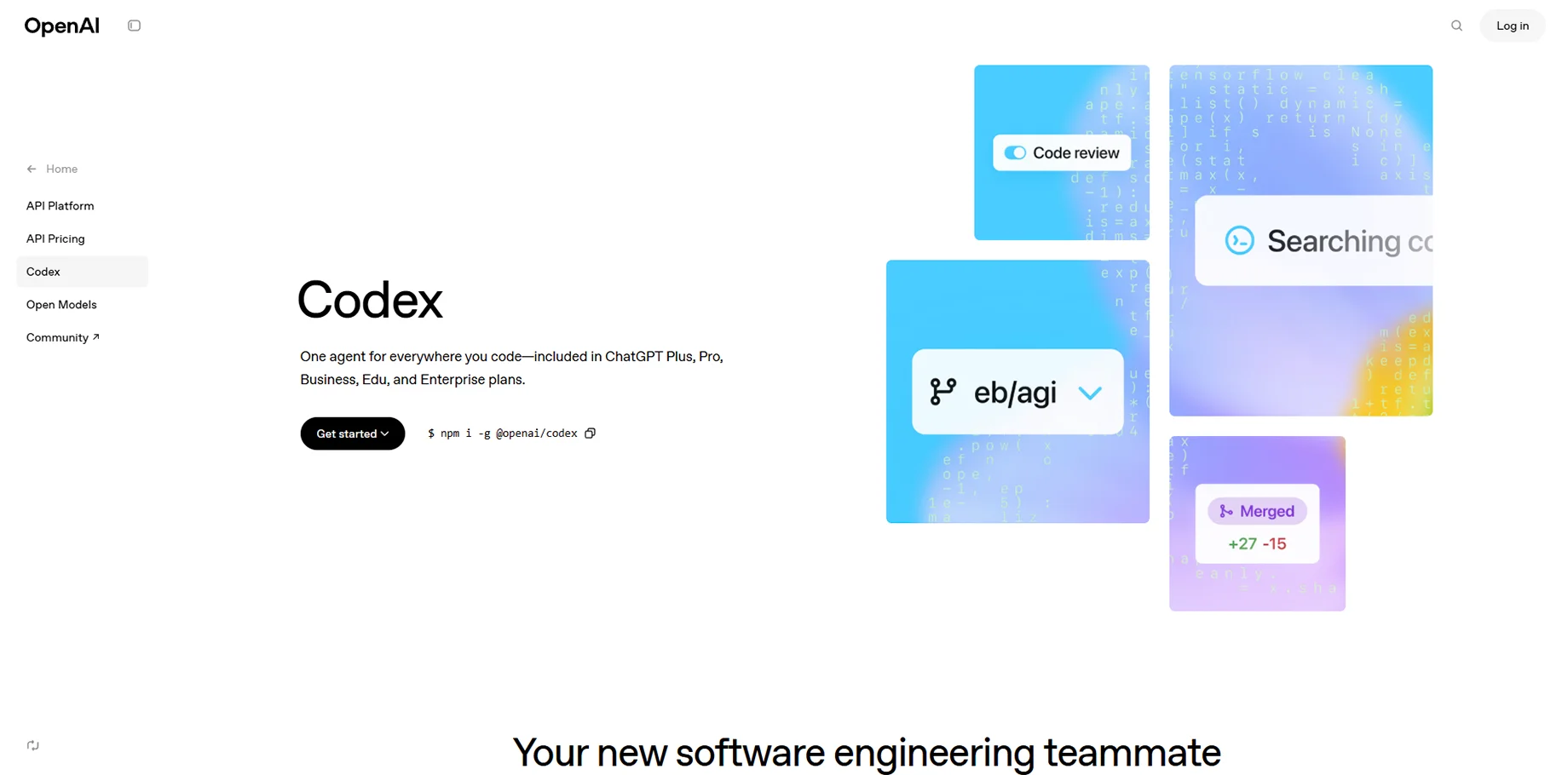
The underlying technology powering many AI coding tools, OpenAI Codex offers direct access to advanced code generation capabilities through API integration. It's particularly valuable for businesses building custom AI-powered development workflows.
Key Features:
- Advanced natural language to code translation
- Support for multiple programming paradigms
- API access for custom integrations
- High-quality code generation with contextual understanding
Pricing: Usage-based pricing through OpenAI API
4. Claude Code
Anthropic command-line coding assistant brings AI directly to your terminal, offering agentic coding capabilities that can handle complex development tasks autonomously. It's designed for developers who want AI assistance without leaving their preferred development environment.
Key Features:
- Terminal-based AI coding assistance
- Autonomous task completion
- Integration with existing development workflows
- Advanced reasoning capabilities for complex coding challenges
Pricing: Included with Claude Pro subscription at $20/month
5. Uizard
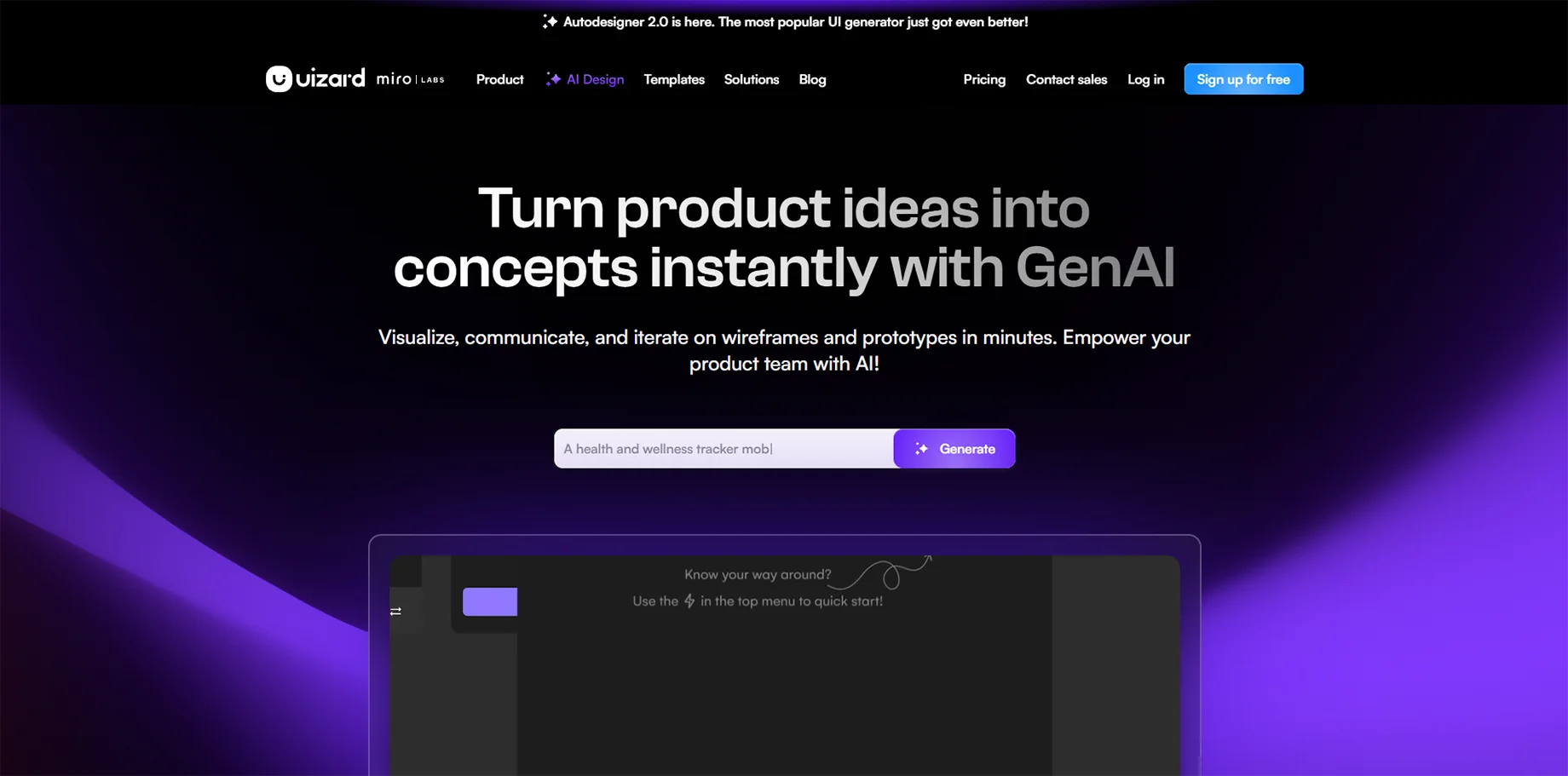
Uizard transforms hand-drawn sketches and wireframes into functional prototypes and code, making it invaluable for designers transitioning from concept to implementation. Its AI can interpret visual designs and convert them into working applications.
Key Features:
- Sketch-to-code conversion
- Design system integration
- Collaborative design environment
- Export to multiple frameworks
Pricing: Free tier available, pro plans start at $12/month
6. Appy Pie
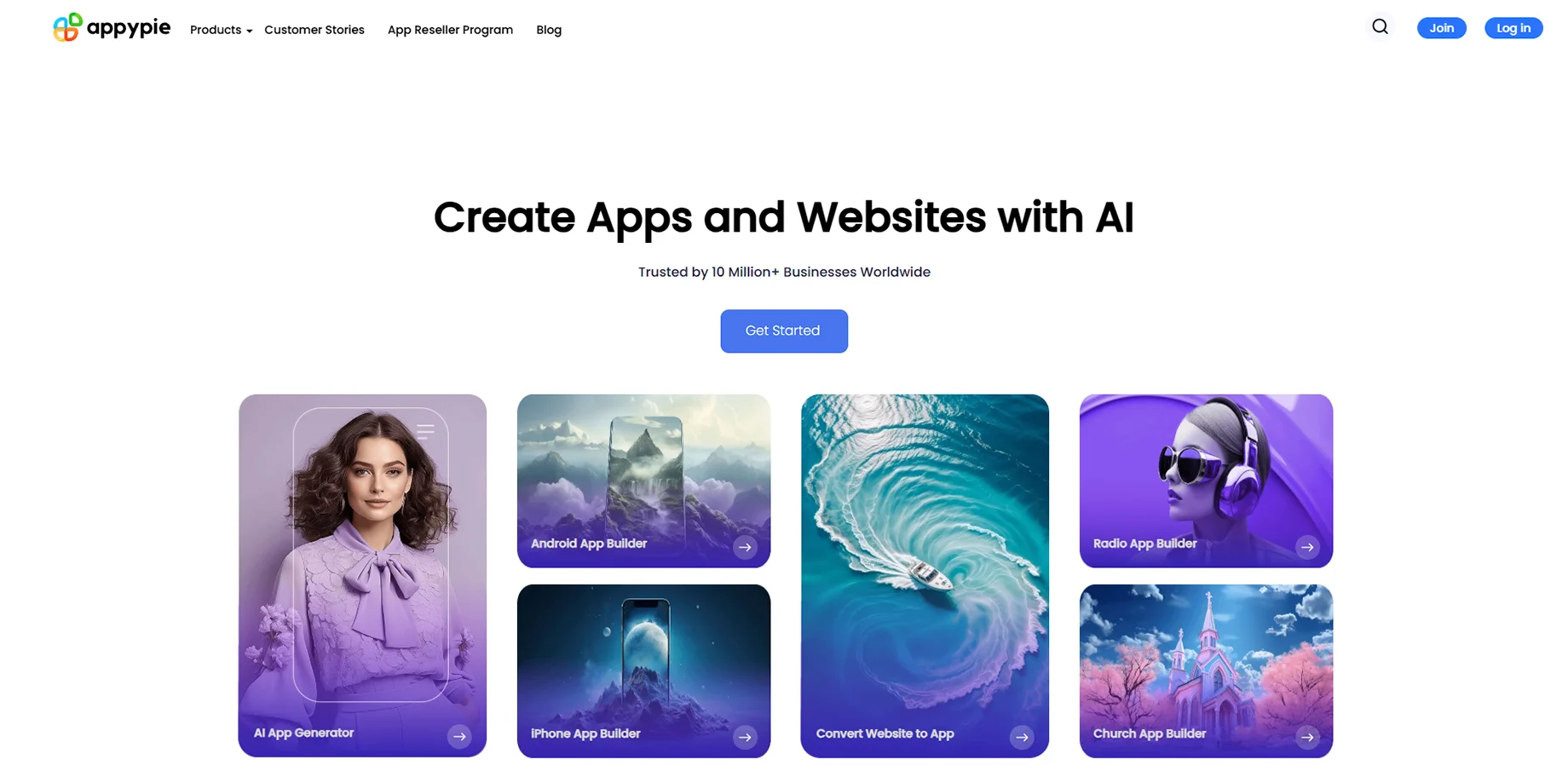
A comprehensive no-code platform that uses AI to help users create mobile apps, websites, and web applications without programming knowledge. It's particularly strong for small businesses needing quick digital solutions.
Key Features:
- Multi-platform app development
- Drag-and-drop interface with AI guidance
- Pre-built templates and components
- Integration with popular business tools
Pricing: Plans range from $18-$60/month
7. Wix ADI
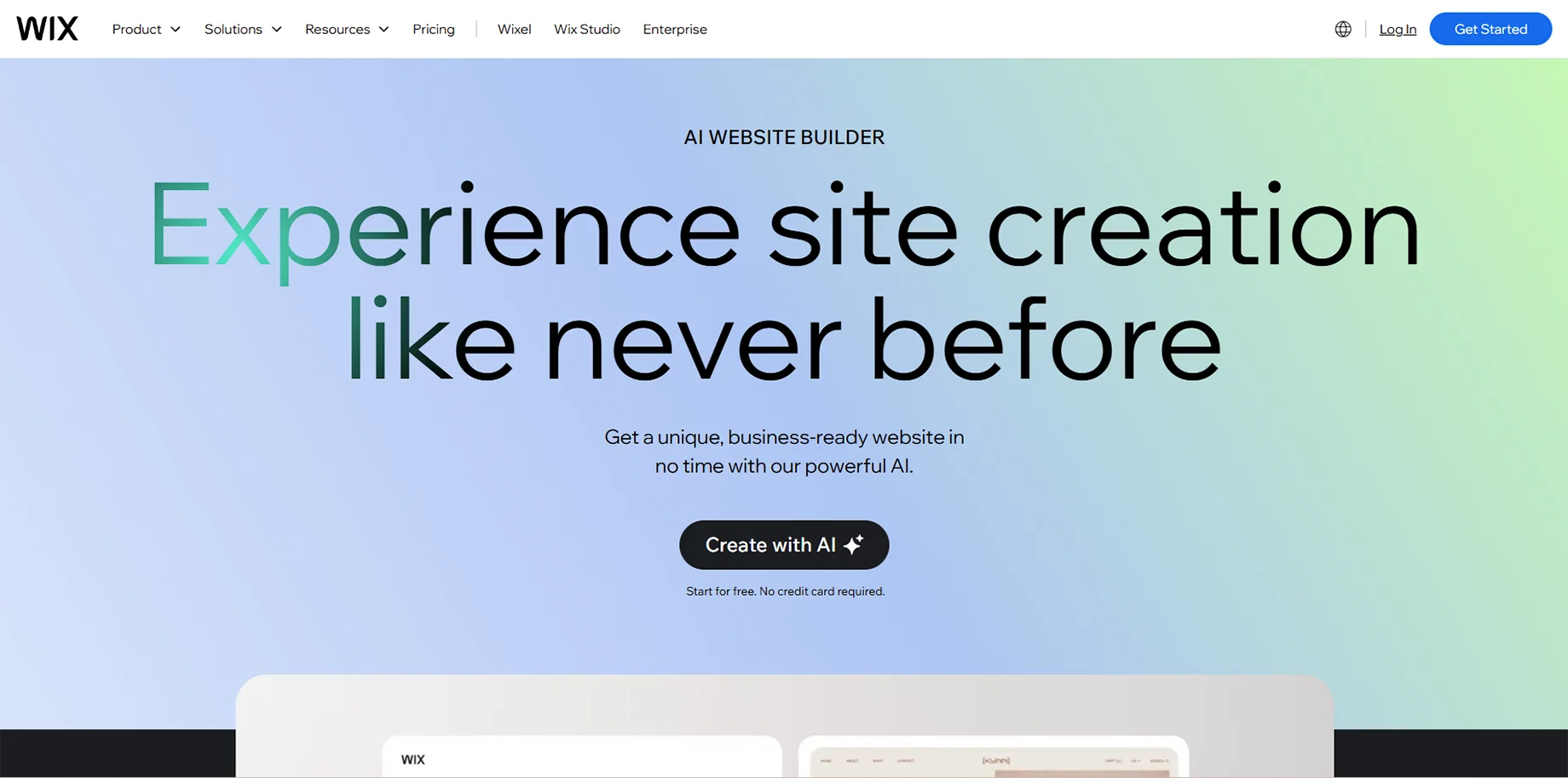
Wix Artificial Design Intelligence creates personalized websites by asking users questions about their business and preferences, then automatically generating a complete site. It combines Wix's robust platform with intelligent design automation.
Key Features:
- Automated design generation based on questionnaires
- Professional template library
- Built-in SEO optimization
- Comprehensive business tools integration
Pricing: Free tier available, premium plans from $14-$39/month
8. Snyk
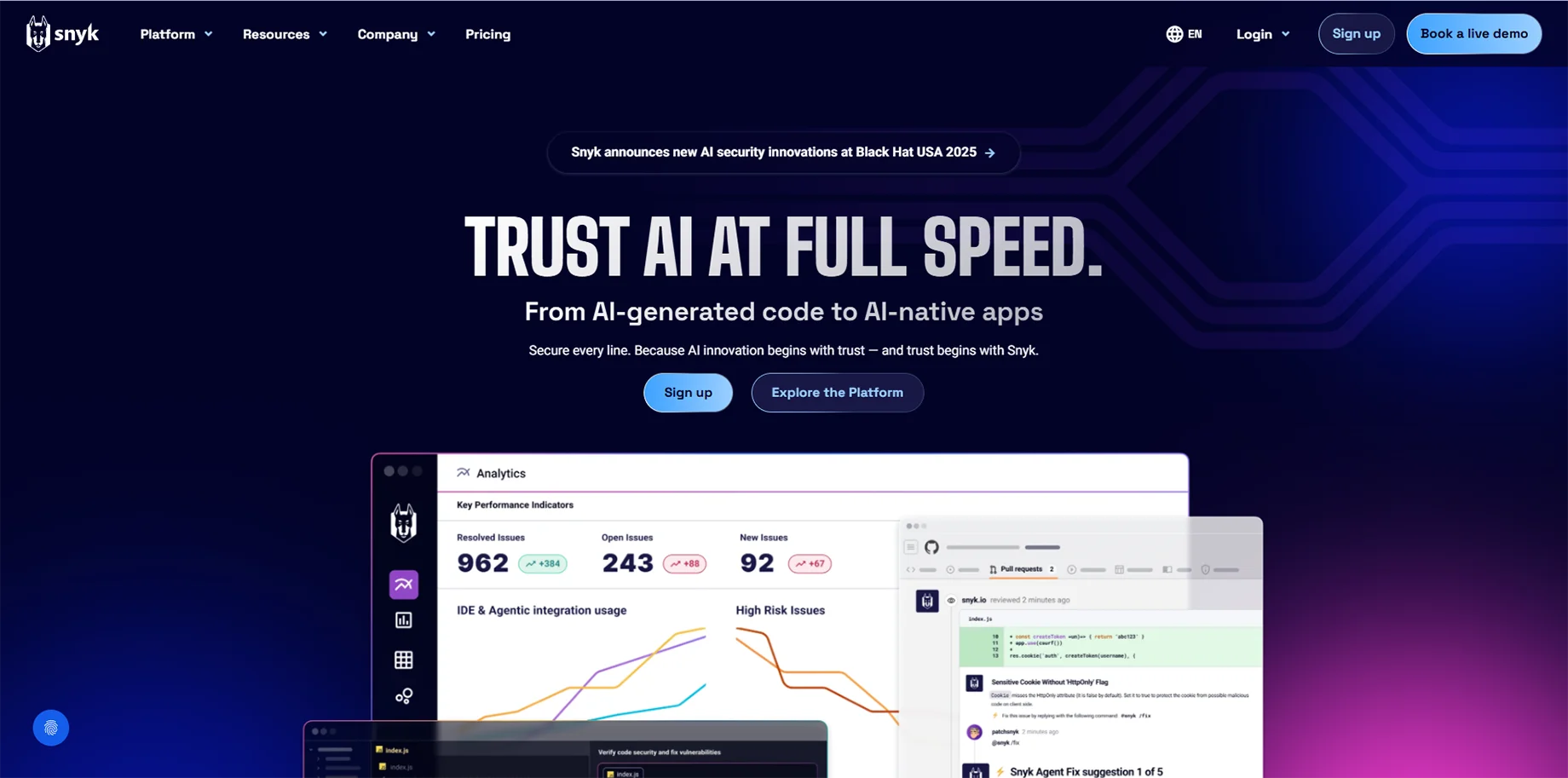
Snyk focuses on security-first AI development, automatically identifying and fixing vulnerabilities in code. It's essential for businesses prioritizing security in their web applications.
Key Features:
- Automated vulnerability scanning
- Real-time security monitoring
- Intelligent fix suggestions
- Integration with CI/CD pipelines
Pricing: Free tier for individual developers, team plans from $25/month
9. Applitools
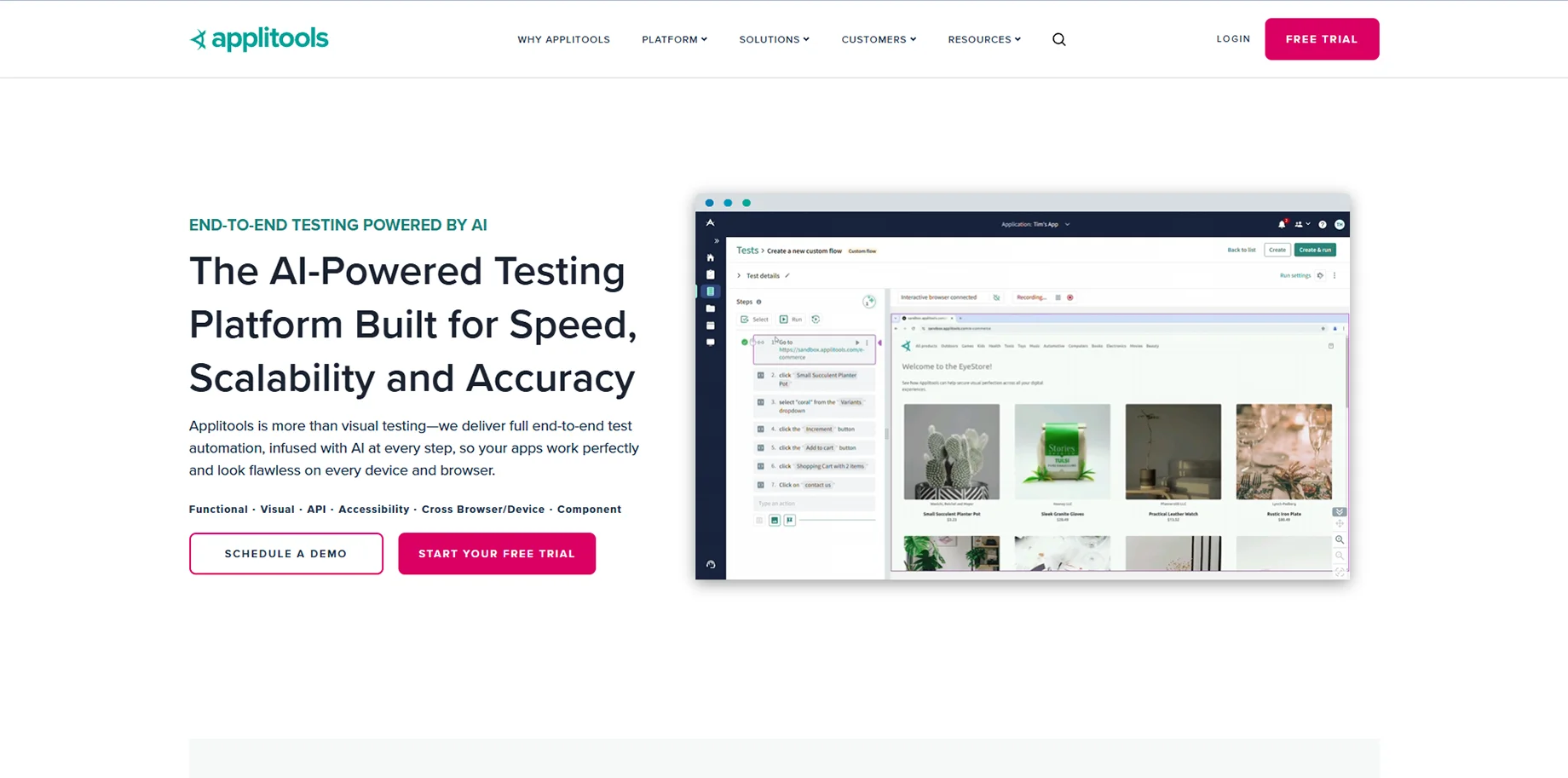
Applitools uses AI for visual testing and monitoring, ensuring websites look and function correctly across different browsers, devices, and screen sizes. It's particularly valuable for maintaining quality in complex applications.
Key Features:
- AI-powered visual testing
- Cross-browser compatibility checks
- Automated regression testing
- Root cause analysis for visual bugs
Pricing: Contact for enterprise pricing
10. Relume
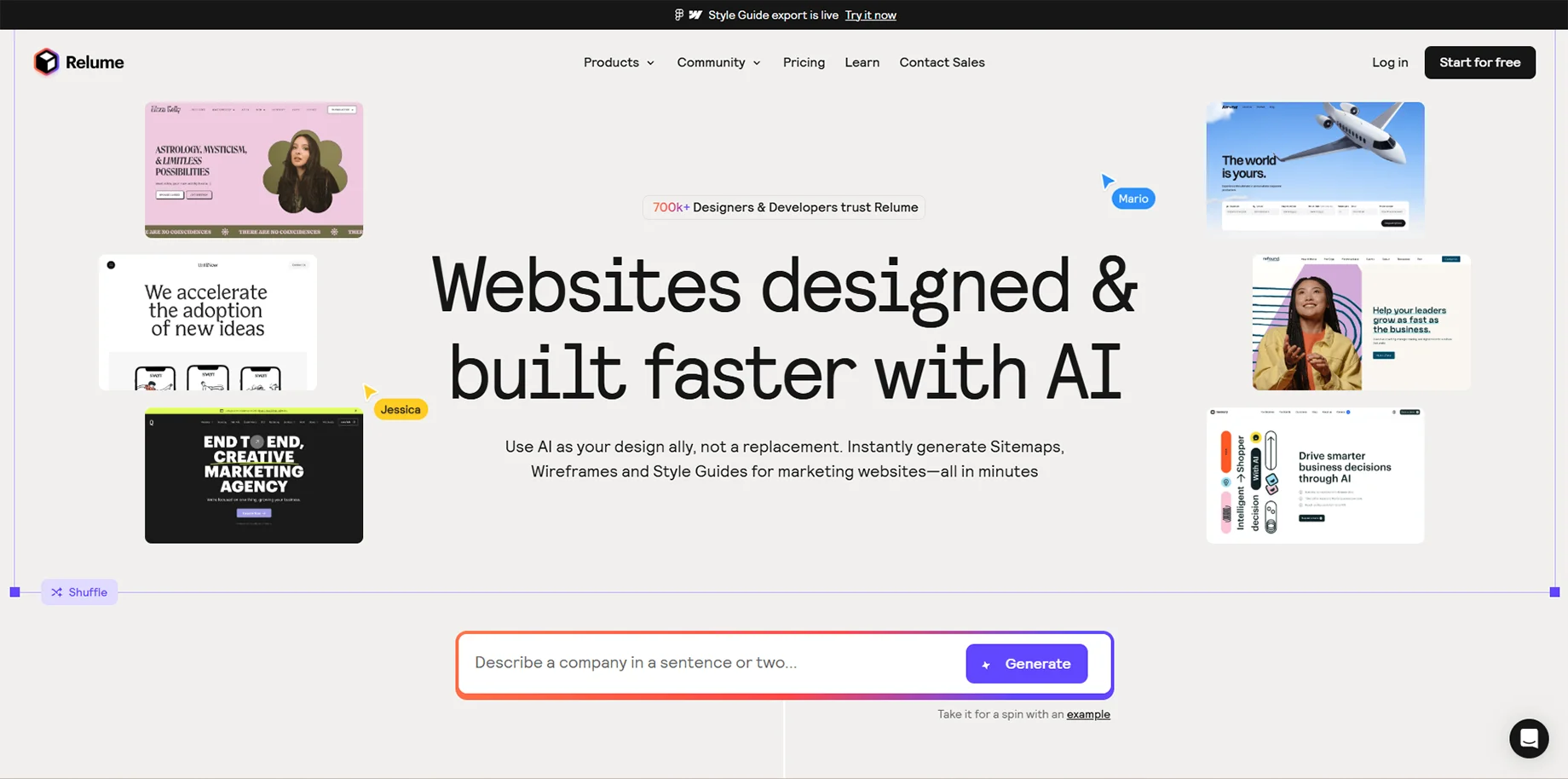
Relume streamlines the website creation process by generating sitemaps and wireframes from simple prompts, then converting them into production-ready Webflow or Figma designs.
Key Features:
- AI-generated sitemaps and wireframes
- Direct export to Webflow and Figma
- Content generation and optimization
- Design system integration
Pricing: Plans start at $32/month
11. Wix
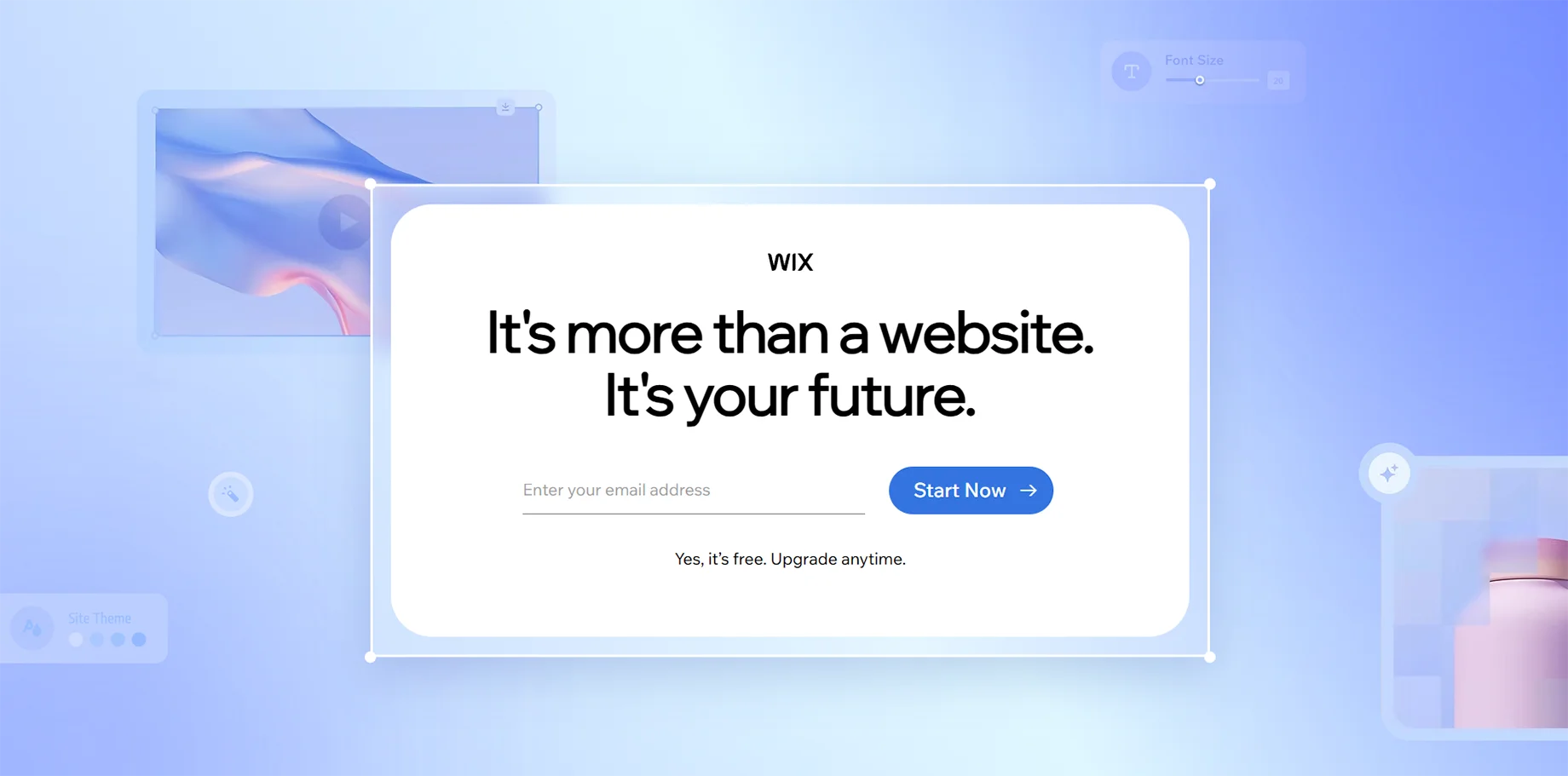
Beyond Wix ADI, the broader Wix platform incorporates AI throughout its ecosystem, offering intelligent design suggestions, content optimization, and automated SEO recommendations.
Key Features:
- Comprehensive website building platform
- AI-powered design suggestions
- Advanced e-commerce capabilities
- Marketing and analytics tools
Pricing: Free tier available, premium plans from $14-$39/month
12. Framer
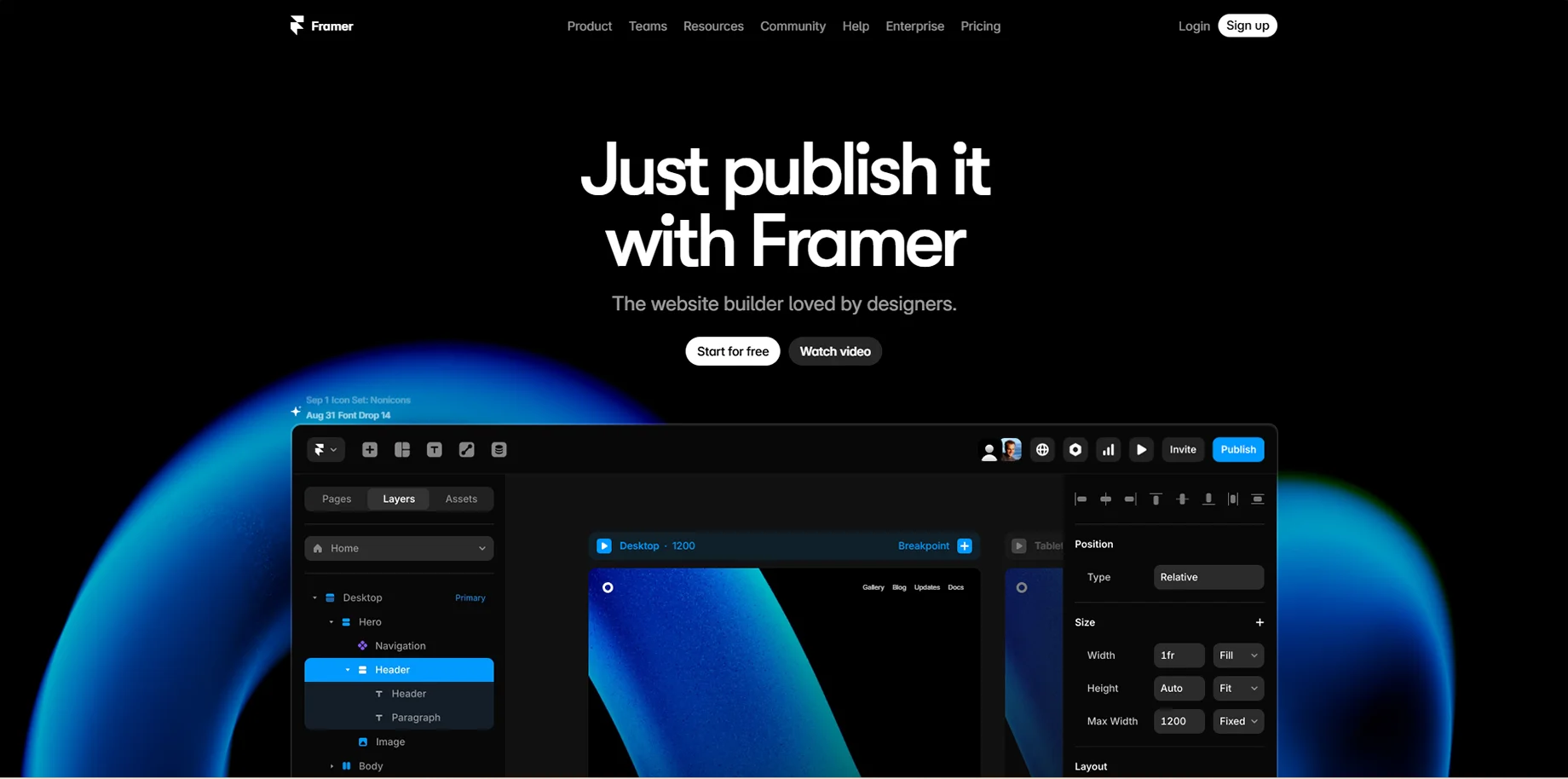
Framer integrates AI for multiple aspects of web development, including automatic translation services and the ability to build custom AI plugins connecting with models like OpenAI and Anthropic.
Key Features:
- Advanced design and prototyping tools
- AI-powered translation services
- Custom AI plugin development
- Responsive design automation
Pricing: Free tier available, pro plans from $20/month
13. Cursor
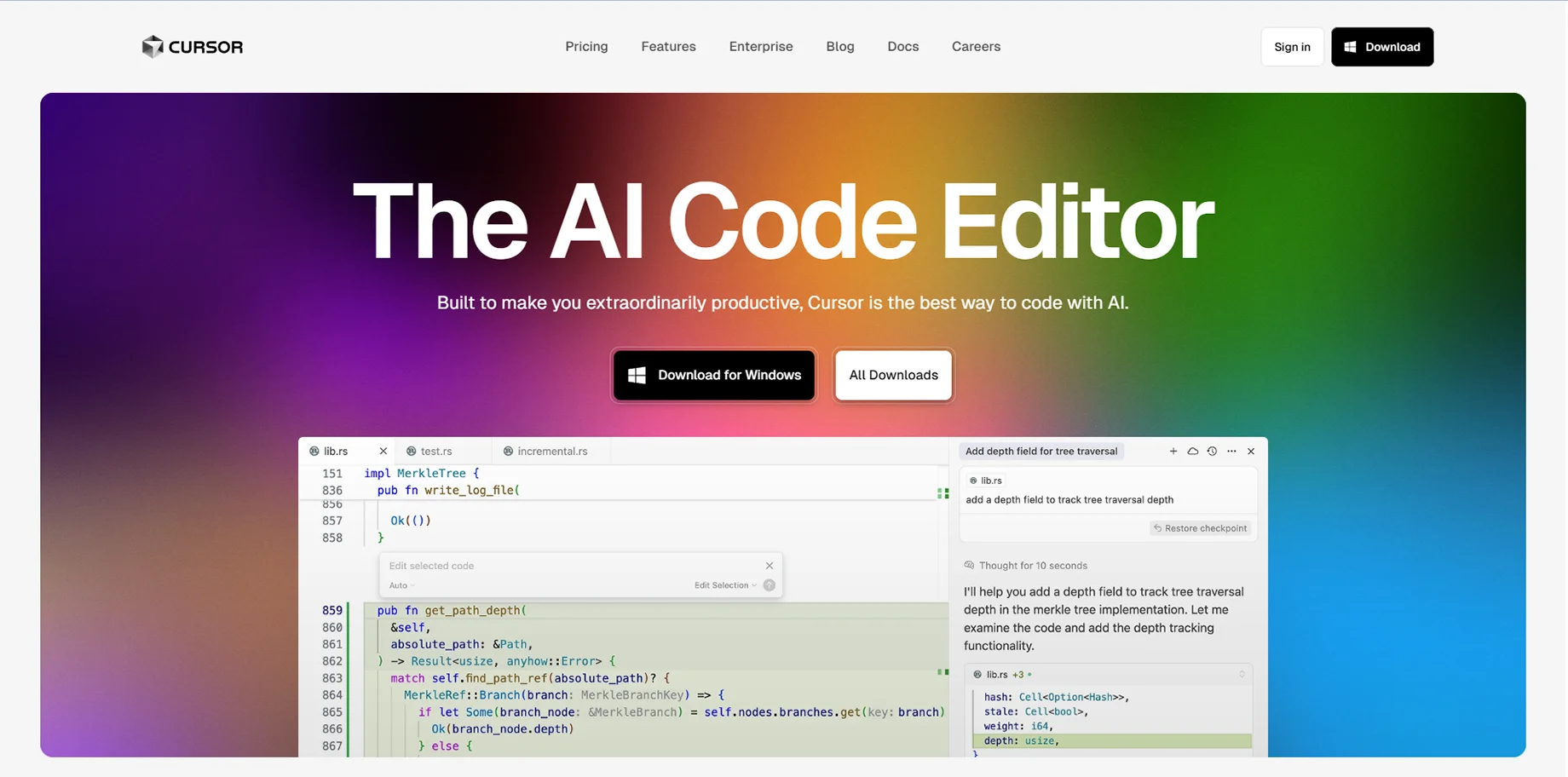
Cursor is an AI language model-powered code editor that is able to generate code intelligently and works alongside design-to-code tools.
Key Features:
- AI-native code editing environment
- Intelligent code completion and generation
- Edit multiple files
- Works with design tools
Pricing: Free tier available, pro-tier features starting at $20/month
14. Bolt
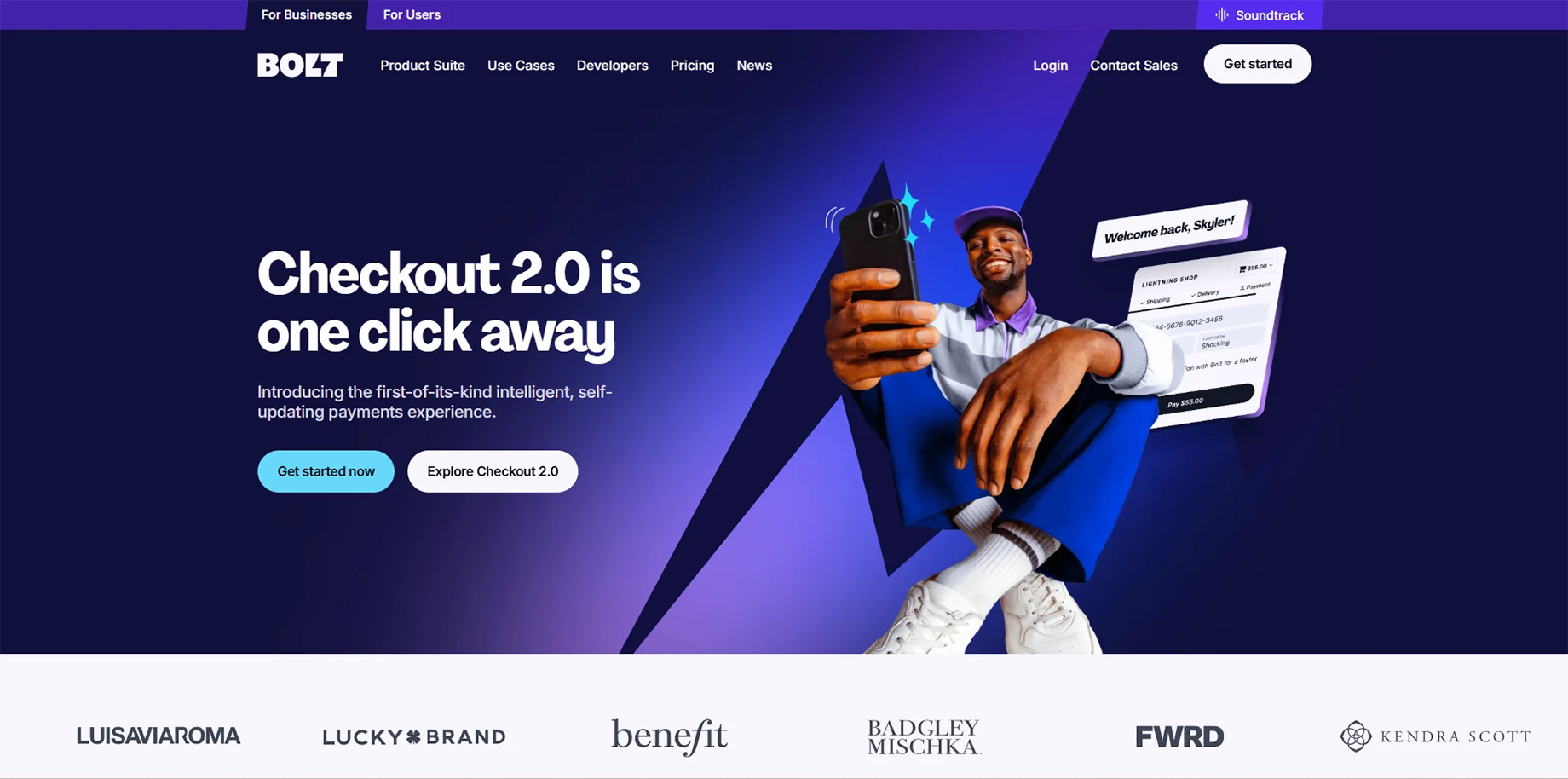
Bolt.new allows users to build and scale high-performing websites and apps using natural language prompts, featuring a browser-based IDE for code modification.
Key Features:
- Text-to-application generation
- Browser-based development environment
- Support for popular frameworks
- Real-time preview and editing
Pricing: Usage-based pricing model
15. Dora AI
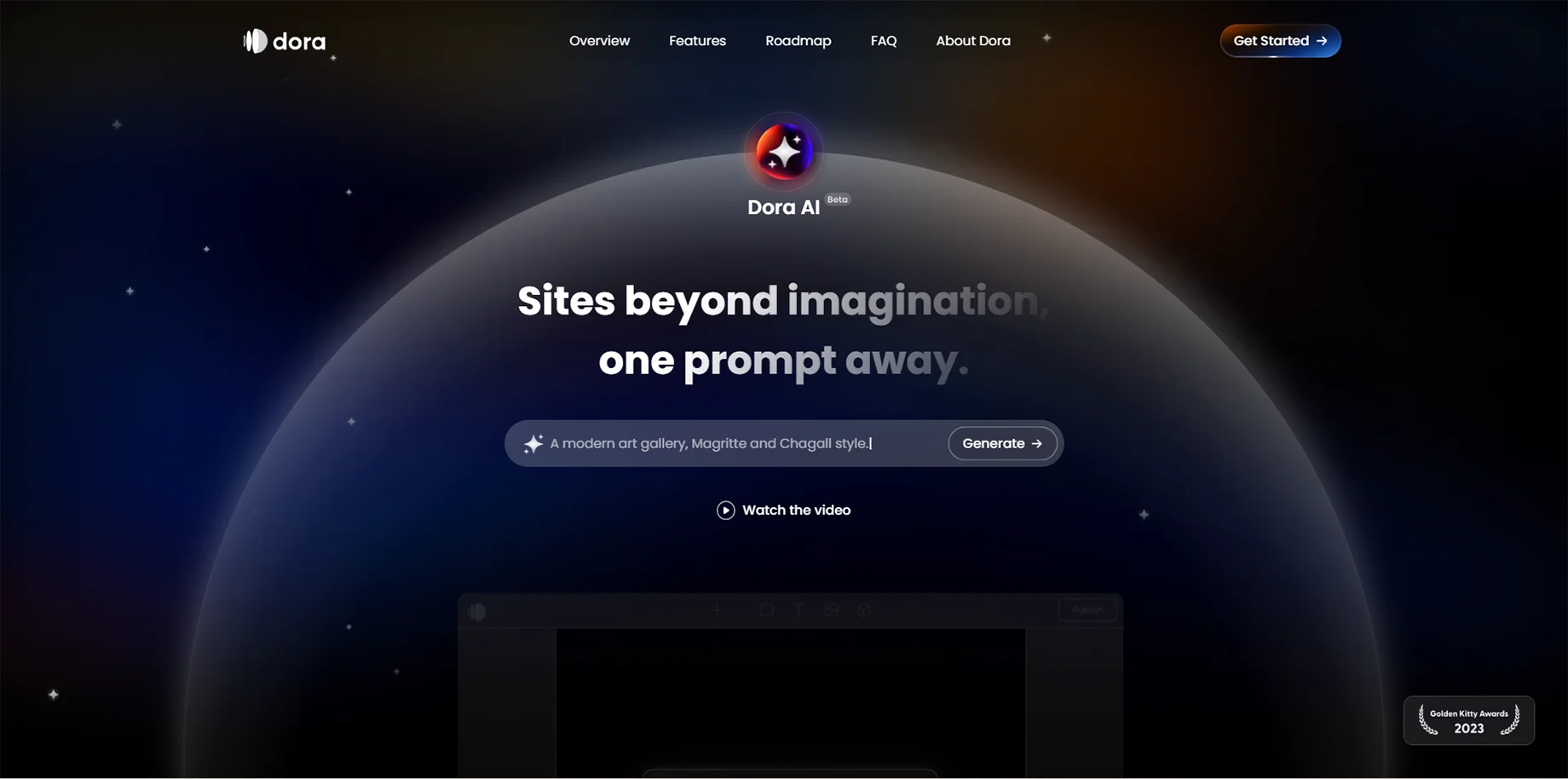
Dora AI specializes in creating interactive, animated websites with advanced visual effects and user interactions, making it ideal for creative agencies and portfolio sites.
Key Features:
- Advanced animation and interaction design
- No-code 3D website creation
- Responsive design automation
- Creative template library
Pricing: Free tier available, pro plans from $14/month
16. Qodo
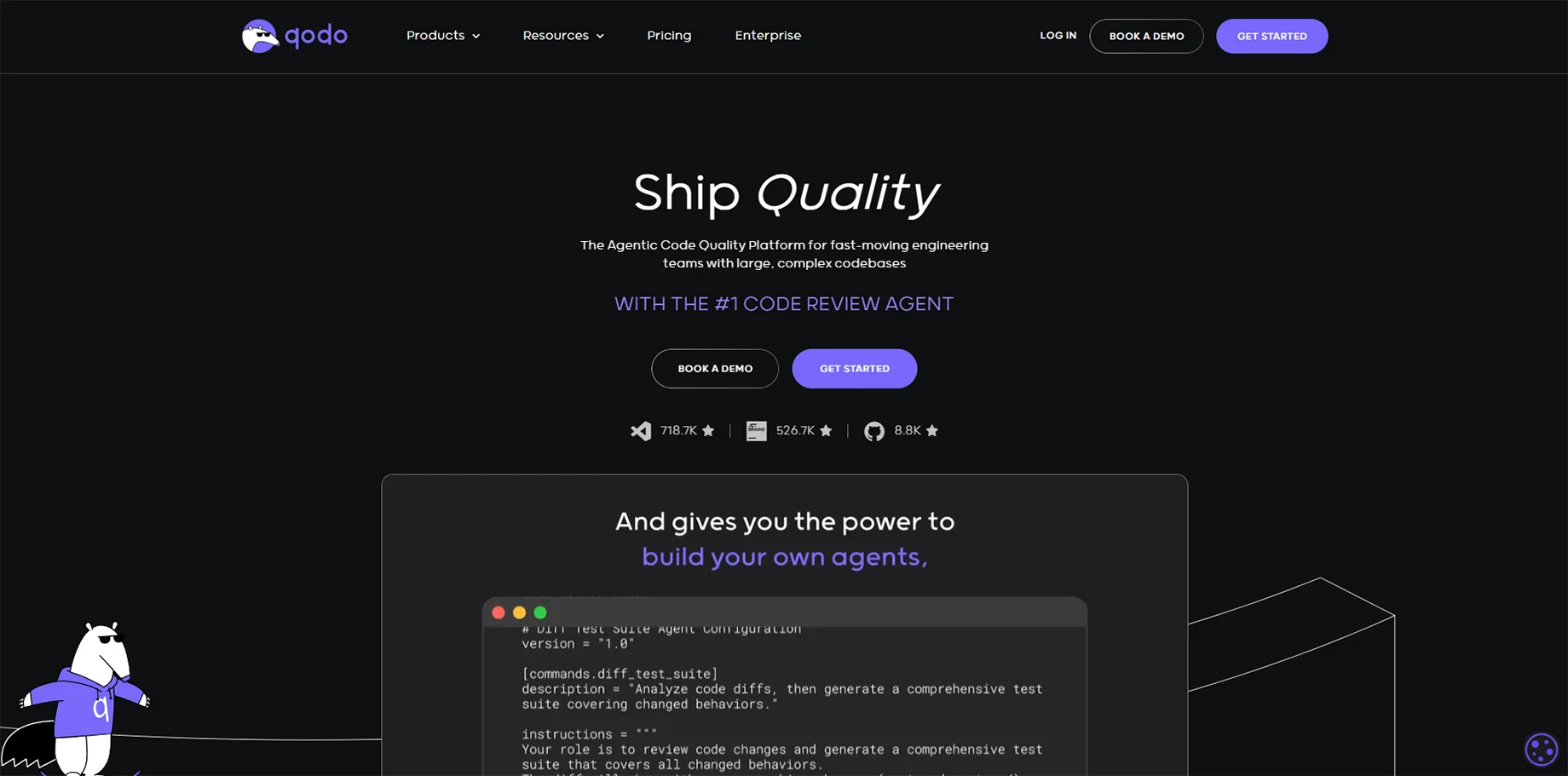
Qodo focuses on AI-powered testing and quality assurance, helping developers create more reliable web applications through intelligent test generation and code analysis.
Key Features:
- Automated test case generation
- Code quality analysis
- Bug prediction and prevention
- Integration with development workflows
Pricing: Contact for pricing details
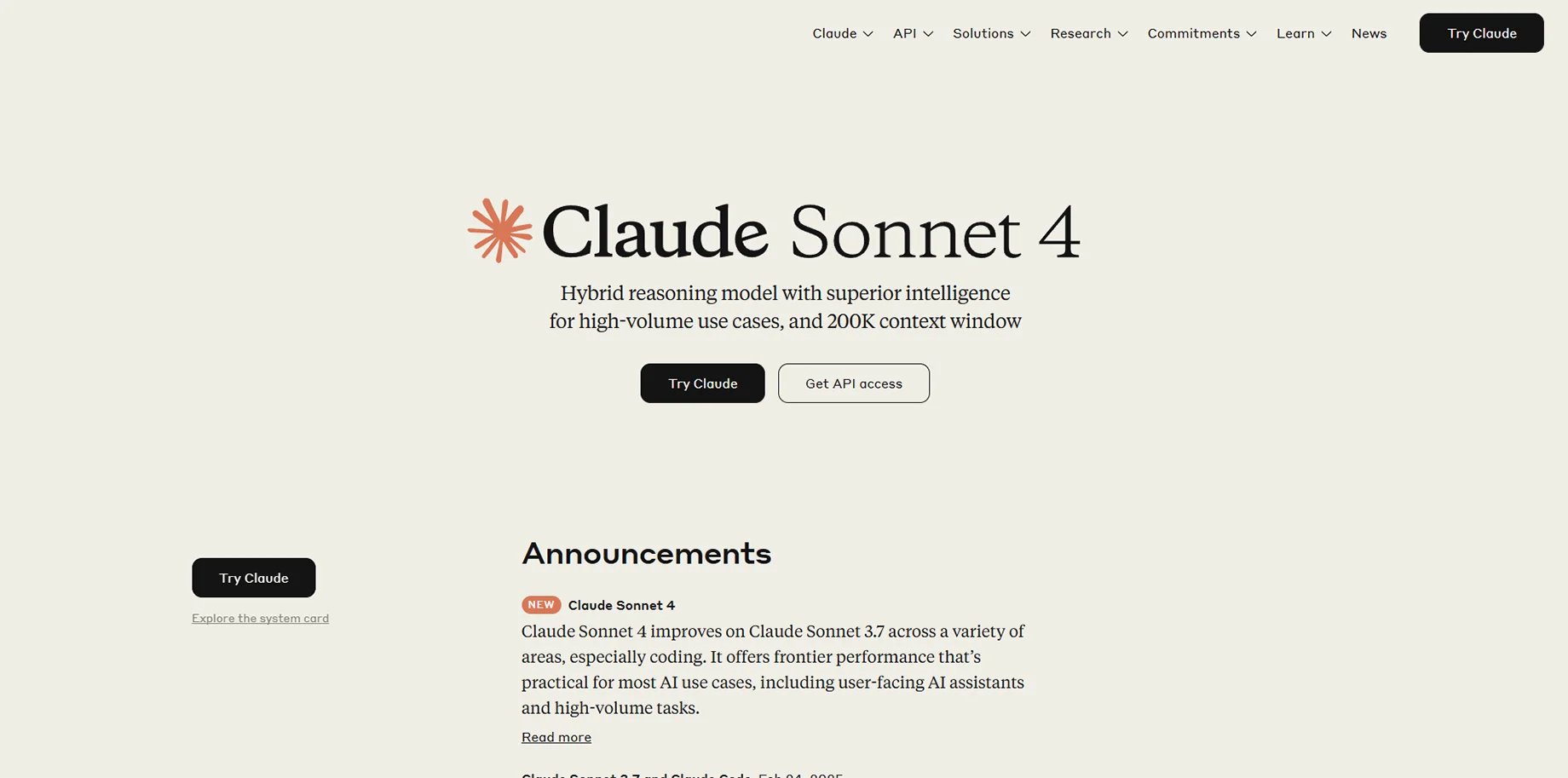
17. Claude Sonnet 4
The latest iteration of Anthropic AI assistant offers advanced capabilities for web development, including code generation, debugging assistance, and architectural guidance.
Key Features:
- Advanced reasoning for complex coding problems
- Multi-language code generation
- Debugging and optimization suggestions
- Integration with development tools
Pricing: $20/month for Claude Pro
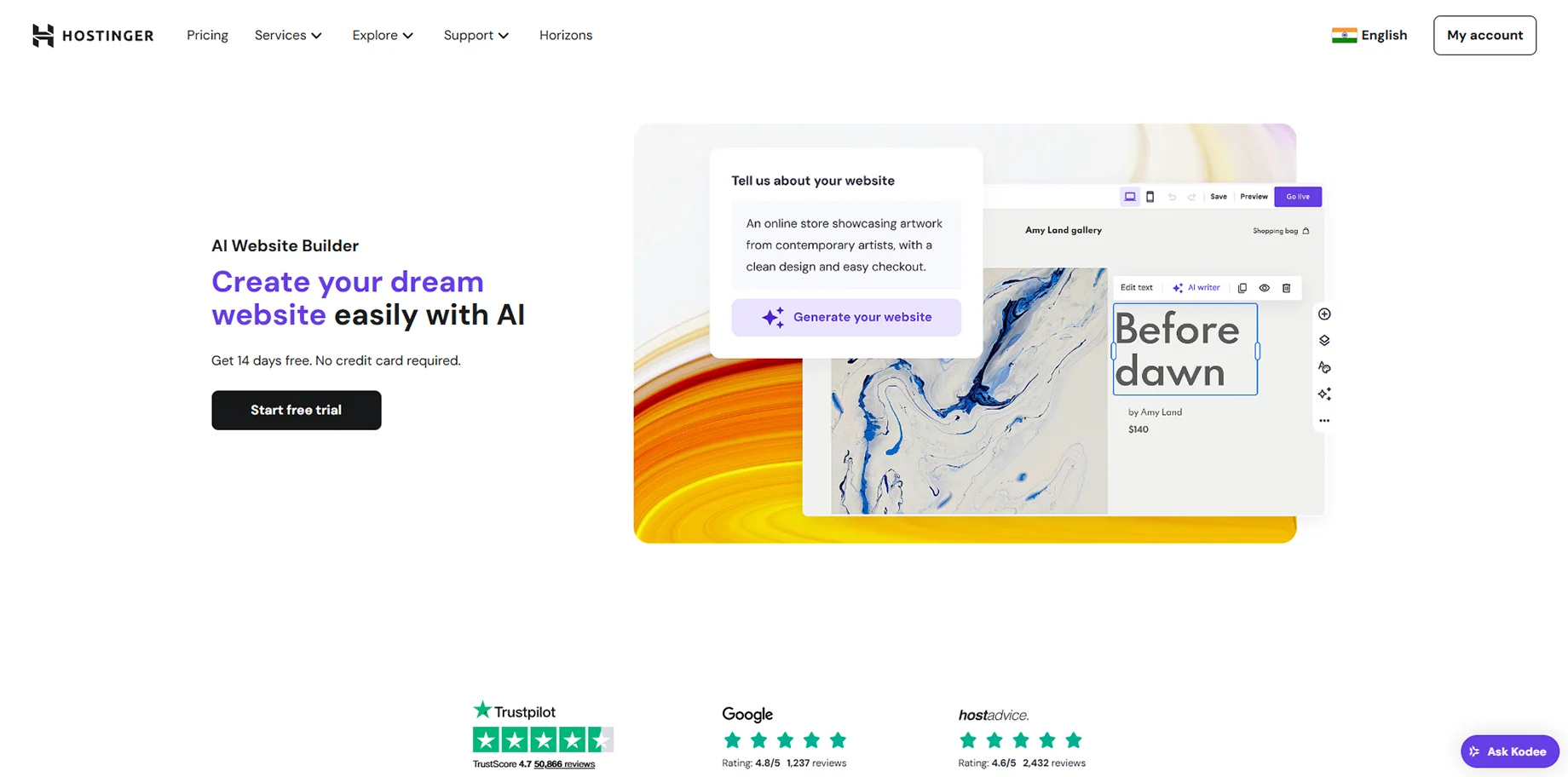
18. Hostinger AI Website Builder
Hostinger AI builder combines affordable hosting with intelligent website creation, making it an excellent choice for budget-conscious users who don't want to compromise on quality.
Key Features:
- Integrated hosting and domain services
- AI-generated content and designs
- SEO optimization tools
- Mobile-responsive templates
Pricing: Plans start at $2.99/month
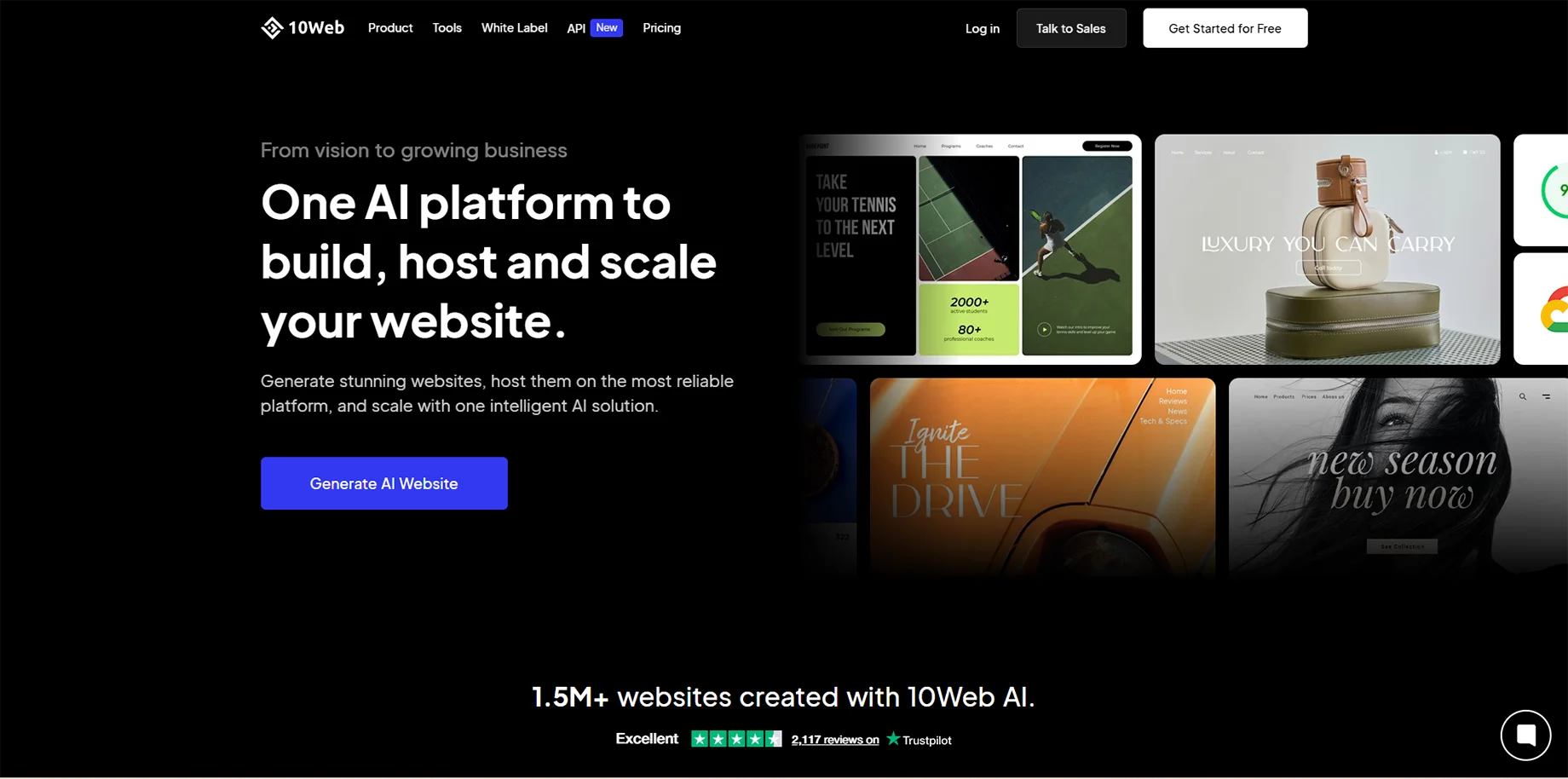
19. 10Web
10Web offers AI-powered WordPress website creation and management, combining the flexibility of WordPress with the simplicity of AI automation.
Key Features:
- AI WordPress website generation
- Automated optimization and speed enhancement
- Built-in security features
- Comprehensive analytics dashboard
Pricing: Plans from $20-$60/month
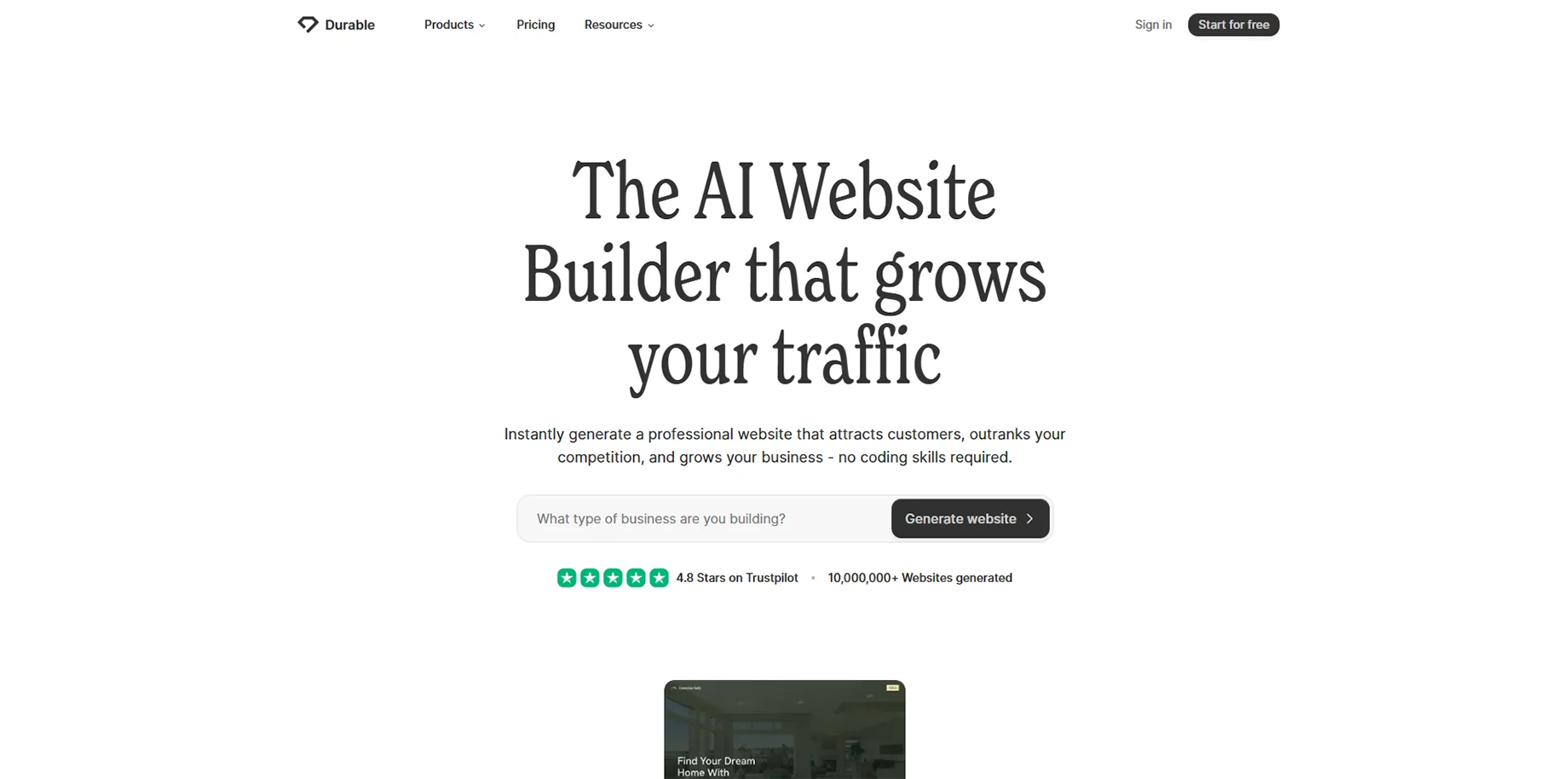
20. Durable
Durable focuses on creating business websites quickly through AI, emphasizing simplicity and effectiveness for small business owners who need professional online presence fast.
Key Features:
- 30-second website generation
- Business-focused templates and tools
- Integrated CRM and invoicing
- AI content generation
Pricing: Plans start at $12/month
Use Cases
Small Business Owners: should consider tools like Wix ADI, Durable, or Hostinger AI Builder for their combination of simplicity, affordability, and professional results. These platforms excel at creating business websites quickly without technical expertise.
Developers and Agencies: benefit most from tools like GitHub Copilot, Cursor, or Claude Code, which enhance productivity while maintaining full control over the development process. These tools accelerate coding without limiting customization options.
Startups and Entrepreneurs: often find success with platforms like Bolt, Lovable, or 10Web that can rapidly create functional prototypes and MVPs for testing business concepts.
Creative Professionals: gravitate toward Framer, Dora AI, or Uizard for their advanced design capabilities and ability to create visually stunning, interactive experiences.
Conclusion
The AI website builder landscape in 2026 offers unprecedented opportunities for businesses and individuals to create professional web presences without traditional barriers. Testing has shown that platforms like Wix produce some of the best results in terms of design quality, while newer tools like Bolt and Lovable are pushing the boundaries of what's possible with AI-generated applications.
The key to success lies in matching the right tool to your specific needs, technical comfort level, and business objectives. Whether you're a complete beginner looking for a simple business website or an experienced developer seeking AI assistance for complex projects, there's an AI tool that can significantly enhance your web development process.
As AI technology continues to advance, we can expect even more sophisticated tools that blur the line between human creativity and artificial intelligence, making professional web development accessible to everyone while still providing the depth and customization that experienced developers require.
FAQs
1. Can AI website builders create truly professional websites?
Yes, modern AI website builders can create professional-quality websites that are indistinguishable from those built by human developers, especially for standard business and e-commerce applications.
2. Do I need coding knowledge to use AI website builders?
Most AI website builders are designed for non-technical users, though some tools like GitHub Copilot and Cursor are specifically designed to enhance existing coding workflows.
3. Are AI-built websites SEO-friendly?
Many AI website builders include built-in SEO optimization, generating clean code, proper meta tags, and mobile-responsive designs that perform well in search engines.
4. ow much do AI website builders typically cost?
Pricing varies widely, from free tiers on platforms like Wix to professional tools costing $20-60/month. Most platforms offer multiple pricing tiers to cater to various needs and budgets.
5. Can I customize websites built with AI tools?
Yes, most AI website builders offer varying degrees of customization, from simple template modifications to full code access for advanced users.

