

Audyo is a text-to-audio AI tool that makes it easy to create engaging audio content. With Audyo, you can turn any text into an audio file, complete with human-quality narration. This can be a great way to create podcasts, audiobooks, or other types of audio content.
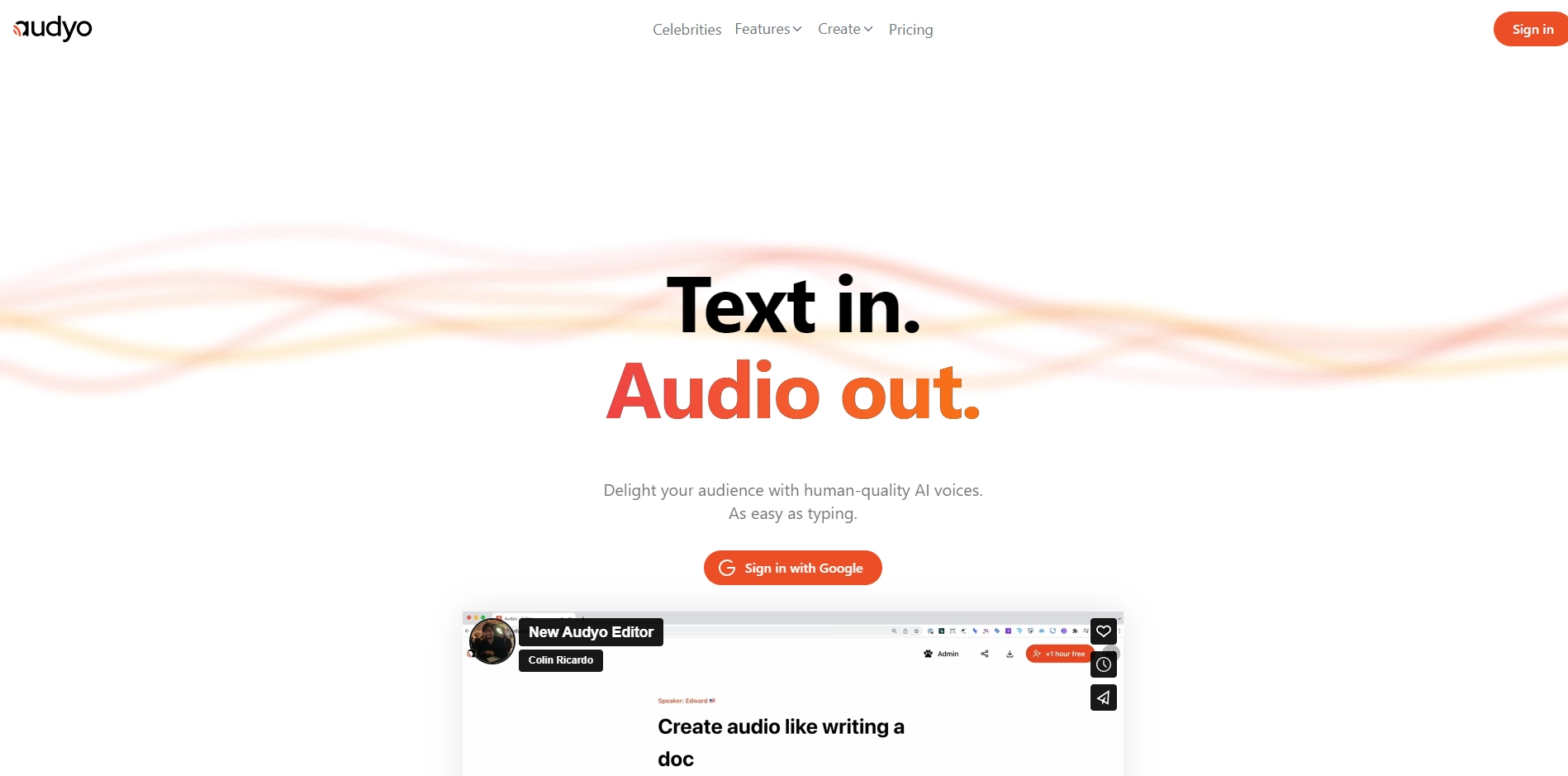
Audyo is a cloud-based AI tool that uses machine learning to create human-quality narration from text. Audyo is easy to use and can be accessed from any device with an internet connection.
When you upload a text file to Audyo, the tool analyzes the text and creates a human-quality narration. The narration is generated using a variety of factors, including the tone of the text, the length of the text, and the genre of the text.
To use Audyo, simply upload a text file to the website. Audyo will then automatically generate a human-quality narration. You can then download the audio file and use it in any way you like.
Audyo offers a free plan that allows you to create up to 30 minutes of audio per month. There are also paid plans that offer more features and more audio minutes.
Audyo is a great tool for anyone who wants to create engaging audio content. With Audyo, you can turn any text into an audio file, complete with human-quality narration. This can be a great way to create podcasts, audiobooks, or other types of audio content.
- Use Audyo to create engaging audio content for your website or blog.
- Use Audyo to create audio versions of your ebooks or articles.
- Use Audyo to create podcasts or audiobooks.
- Use Audyo to create audio presentations or training materials.
Key Platforms
Core Service Areas:

Human-like Narration
Text-to-Audio Conversion
Multiple Voice Options
Speed Control
User-Friendly Interface
High-Quality Output
Pros
- Easy to use: Audyo is easy to use and can be accessed from any device with an internet connection.
- Creates human-quality narration: Audyo uses machine learning to create human-quality narration from text.
- Versatile: Audyo can be used to create a variety of audio content, including podcasts, audiobooks, and presentations.
- Affordable: Audyo offers a free plan and a variety of paid plans that offer different features and audio minutes.
- Support: Audyo offers 24/7 support in case you have any questions or problems.
Cons
- Limited features: The free plan of Audyo is limited in features.
- Not always accurate: Audyo is not always accurate, and the narration may not always sound the way you want it to.
- Can be addictive: Audyo can be addictive, and you may find yourself spending more time using it than you intended.
Frequently Asked Questions About Audyo
01
What types of content can I create with Audyo?
With Audyo, you can create a variety of audio content including podcasts, audiobooks, and voiceovers for videos or presentations by turning any text into high-quality audio.
02
Is the audio generated by Audyo human-like?
Yes, Audyo uses advanced AI technology to produce audio that mimics human narration, ensuring a natural and engaging listening experience.
03
Can I customize the voice and tone of the audio?
Yes, Audyo offers various voice options and customization features, allowing you to select the voice and tone that best fits your content.
04
How do I get started with Audyo?
To get started with Audyo, simply visit the website, create an account, and follow the prompts to upload your text and generate audio content.
05
Is there a limit to the amount of text I can convert to audio?
Audyo may have limits based on your subscription plan, but generally, you can convert a substantial amount of text into audio, ensuring flexibility for your projects.
Promote Audyo
Get Audyo in front of thousands of buyers actively searching for AI tools. Feature your listing on the homepage and category pages, or add the verified badge to your site.
Copy Embed Code

Share on

Related AI Tools
Explore related AI tools for diverse applications and enhanced productivity
Unlock the best AI Tools for you!
Login or Approve this tool to continue exploring features and analytics.

