

ChatShape is a tool that lets you create chatbots from any website content, private or public. You can use ChatShape to generate chatbots that can answer questions about your website, your private wikis, or any other web page. ChatShape uses chatGPT, a powerful AI model that can learn from text and generate natural language responses.
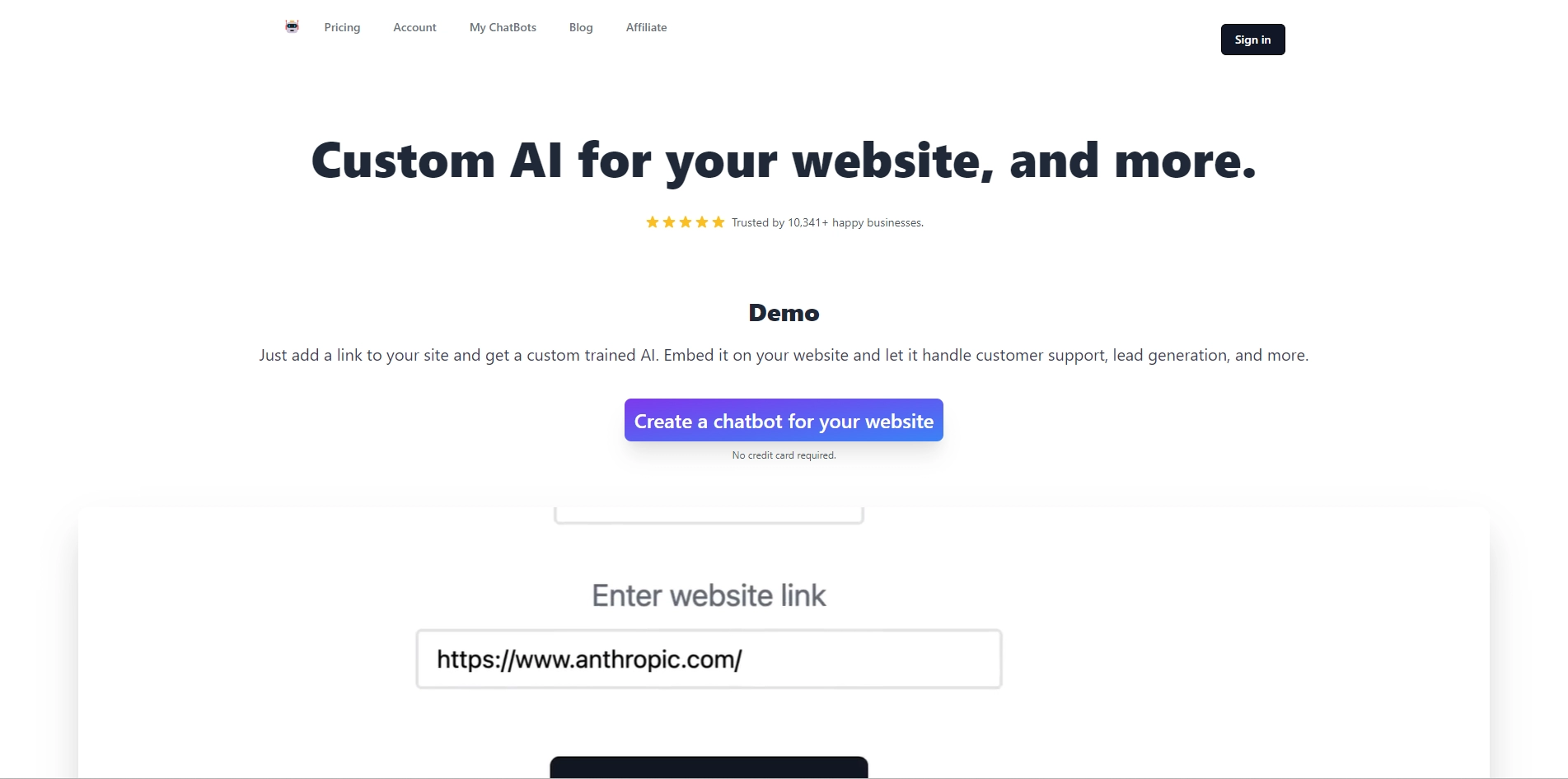
To create a chatbot with ChatShape, you just need to install the extension and login on chatshape.com. Then, you can visit any website and click on the ChatShape icon to add the web page as a source for your chatbot. You can add multiple sources to train your chatbot on different topics. Once you are done, you can click on "Generate bot from sources" and get a shareable link to your chatbot. You can also embed the chatbot on your own website using a script tag.
ChatShape is trusted by many customers who use it to save time and provide better customer service. ChatShape can also help you learn more about any topic by chatting with a chatbot trained on relevant web pages. ChatShape is easy to use, secure, and fast. You can create your own chatbot in seconds with ChatShape.
Key Platforms
Core Service Areas:

Website Content Integration
Private Wiki Support
Natural Language Processing
Customizable Bot Behavior
Multi-Platform Deployment
Real-Time Learning
Pros
- You can create chatbots in seconds from any website content, public or private .
- You can embed the chatbot on your own website to answer customer queries and save time .
- You can update and customize the chatbot's prompt and start message.
- You can share the chatbot link with anyone you want.
- You can add some custom data to your chatbot by adding info to your prompt.
Cons
- You need to install the extension and login on chatshape.com to use it.
- It does not work with Google Docs .
- It has a limit on the number of web sources you can use depending on your plan.
Frequently Asked Questions About ChatShape
01
What is ChatShape?
ChatShape is a tool that allows you to create chatbots that can answer questions based on the content of any website, whether it's public or private.
02
How does ChatShape use AI?
ChatShape utilizes chatGPT, a powerful AI model, to learn from text and generate natural language responses, enabling the chatbots to provide accurate answers.
03
Can I create a chatbot for my private wiki?
Yes, ChatShape can create chatbots that answer questions based on the content from your private wikis, as well as other web pages.
04
Is there a limit to the websites I can use with ChatShape?
No, there is no limit to the websites you can use with ChatShape, as it can generate chatbots from both public and private content.
05
How easy is it to set up a chatbot with ChatShape?
Setting up a chatbot with ChatShape is straightforward and user-friendly, allowing you to create functional chatbots quickly by simply inputting the desired website content.
Promote ChatShape
Get ChatShape in front of thousands of buyers actively searching for AI tools. Feature your listing on the homepage and category pages, or add the verified badge to your site.
Copy Embed Code

Share on

Related AI Tools
Explore related AI tools for diverse applications and enhanced productivity

Unlock the best AI Tools for you!
Login or Approve this tool to continue exploring features and analytics.

