

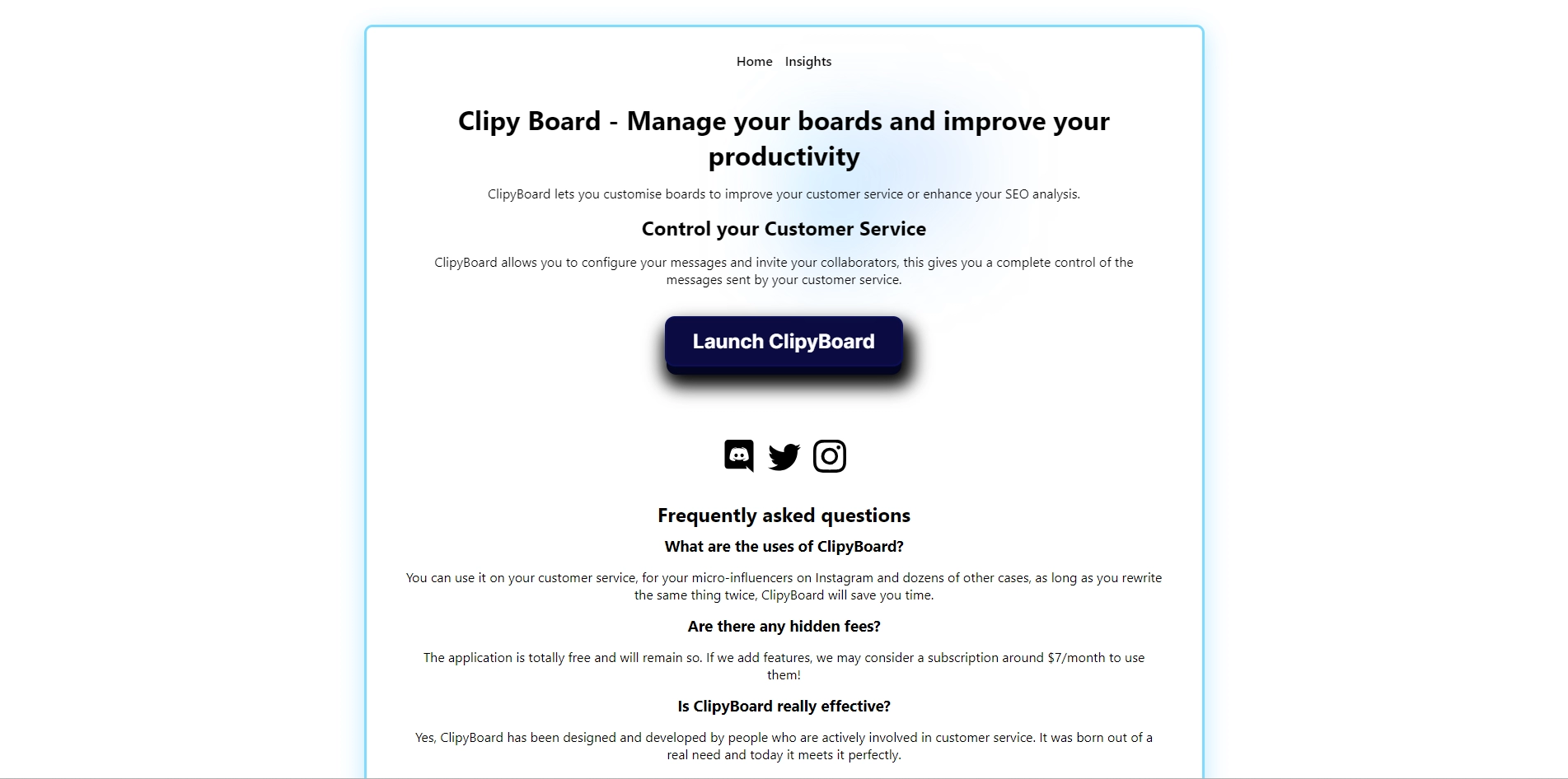
If you are looking for a way to speed up your customer service and save time on writing repetitive messages, you might want to check out ClipyBoard. ClipyBoard is a tool that lets you create and customize buttons with pre-written messages that you can use in various situations. You can also invite your team members and share your buttons with them, so you can have a consistent and professional communication with your customers.
Key Platforms
Core Service Areas:

Custom Message Buttons
Team Collaboration
Time-Saving Efficiency
User-Friendly Interface
Professional Communication
Multi-Situation Support
Pros
- It saves time by avoiding repetition of messages.
- It allows customization and configuration of messages.
- It enables collaboration and sharing of messages with teams.
- It supports multiple languages and buttons.
- It is free to use and has no hidden fees.
Cons
- It may not cover all the scenarios and questions of customers.
- It may not be compatible with some platforms or devices.
- It may require internet connection to work properly.
Frequently Asked Questions About ClipyBoard
01
What is ClipyBoard and how does it work?
ClipyBoard is a tool designed to enhance customer service efficiency by allowing users to create and customize buttons with pre-written messages for various situations. Once set up, you can easily access and send these messages, streamlining your communication with customers.
02
Can I collaborate with my team on ClipyBoard?
Yes, ClipyBoard allows you to invite team members and share your customized buttons with them. This feature ensures that your team maintains consistent and professional communication with customers.
03
Is it possible to customize the messages on ClipyBoard?
Absolutely! ClipyBoard enables you to create and customize your buttons with pre-written messages tailored to your specific needs, allowing for personalized and relevant communication.
04
What types of situations can ClipyBoard be used for?
ClipyBoard is versatile and can be used in various customer service situations, such as answering frequently asked questions, providing product information, or responding to common inquiries quickly and efficiently.
05
Do I need any technical skills to use ClipyBoard?
No, ClipyBoard is designed to be user-friendly and does not require technical skills. You can easily set up and manage your buttons without any prior experience.
Promote ClipyBoard
Get ClipyBoard in front of thousands of buyers actively searching for AI tools. Feature your listing on the homepage and category pages, or add the verified badge to your site.
Copy Embed Code

Share on

Related AI Tools
Explore related AI tools for diverse applications and enhanced productivity

Unlock the best AI Tools for you!
Login or Approve this tool to continue exploring features and analytics.

