

Frame interpolation is a technique that creates intermediate frames between existing ones to make videos smoother and more realistic. It can be used for applications such as slow-motion, video enhancement, and video compression.
One of the challenges of frame interpolation is to handle complex motions and occlusions in the scene. Traditional methods often produce artifacts such as blurring, ghosting, or flickering. To overcome these limitations, Google Research has developed a novel approach based on deep learning and optical flow.
The approach consists of two steps: first, an optical flow network estimates the motion vectors between two input frames; second, a pixel synthesis network generates the intermediate frame by warping and blending the input frames according to the motion vectors. The optical flow network is trained with a self-supervised loss that does not require ground-truth motion labels. The pixel synthesis network is trained with a perceptual loss that encourages realistic and sharp results.
The approach can handle large motions and complex occlusions better than previous methods. It can also produce high-quality results for challenging scenarios such as water splashes, fire, smoke, and hair. The approach is fast and efficient, running at 30 frames per second on a single GPU.
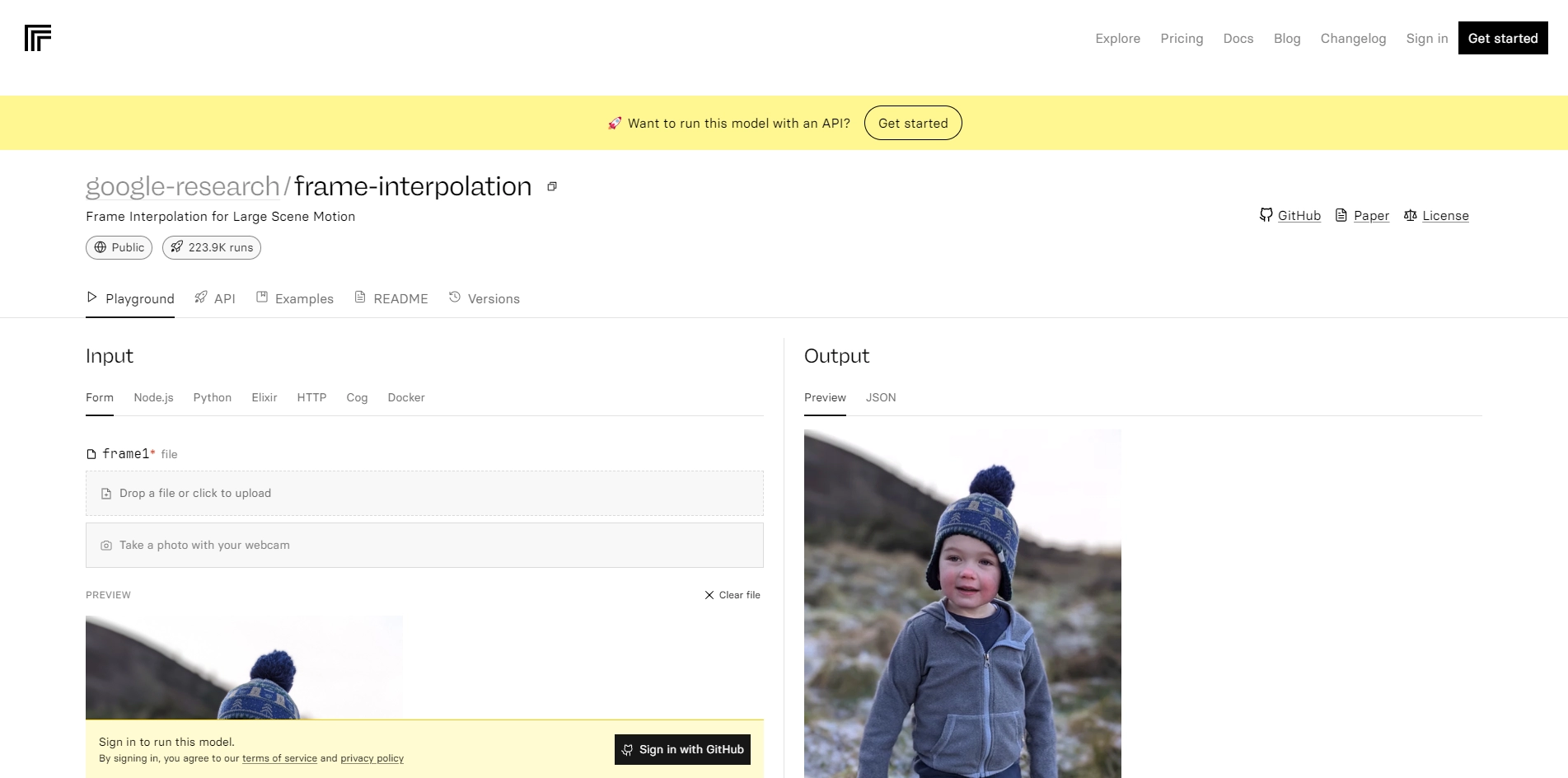
Google Research has made the code and models available on Replicate.com, a platform that allows anyone to run and reproduce machine learning experiments. You can find the project page here: https://replicate.com/google-research/frame-interpolation. You can also watch a video demonstration here: https://www.youtube.com/watch?v=7oQn9yXxOaU.
If you are interested in learning more about frame interpolation and how Google Research is advancing the state-of-the-art in video processing, you can read their paper here: https://arxiv.org/abs/2009.05113. You can also follow their blog and Twitter for more updates and news.
Key Platforms
Core Service Areas:

Smooth Video Playback
Slow-Motion Support
Video Enhancement
Compression Optimization
Realistic Motion
Wide Application Range
Pros
- It can produce high quality frame interpolation results without relying on additional pre-trained networks, such as optical flow or depth.
- It can handle large scene motion and complex occlusions better than other methods.
- It can interpolate between two or more images with different resolutions and aspect ratios.
- It can run on any device with a web browser and an internet connection.
Cons
- It may take some time to process the images and generate the output, depending on the network speed and the server load.
- It may not preserve the original colors and details of the input images due to compression and resizing.
- It may introduce artifacts or distortions in some cases, such as fast motion, low contrast, or noisy images.
Frequently Asked Questions About FILM
01
What is frame interpolation and how does FILM work?
Frame interpolation is a technique that generates intermediate frames between existing ones to enhance the smoothness and realism of videos. FILM uses advanced algorithms to analyze the existing frames and create new frames, resulting in a more fluid video experience.
02
What are the potential applications of using FILM?
FILM can be used for various applications including creating slow-motion effects, enhancing video quality, and improving video compression without losing significant detail.
03
What types of videos can I use with FILM?
FILM can be applied to a wide range of video formats and styles, making it suitable for everything from home videos to professional film projects.
04
Is there a limit to how many frames FILM can interpolate?
There are no strict limits on the number of frames FILM can interpolate, but performance may vary based on the length and complexity of the video being processed.
05
Do I need any special software or hardware to use FILM?
FILM is accessible via the Replicate platform, so you don't need special software or hardware. However, a stable internet connection and a compatible device are required for optimal performance.
Promote FILM
Get FILM in front of thousands of buyers actively searching for AI tools. Feature your listing on the homepage and category pages, or add the verified badge to your site.
Copy Embed Code

Share on

Related AI Tools
Explore related AI tools for diverse applications and enhanced productivity
Unlock the best AI Tools for you!
Login or Approve this tool to continue exploring features and analytics.

