

If you are looking for a reliable and affordable service to transcribe your audio or video files into text, you might want to check out Audiolabs.
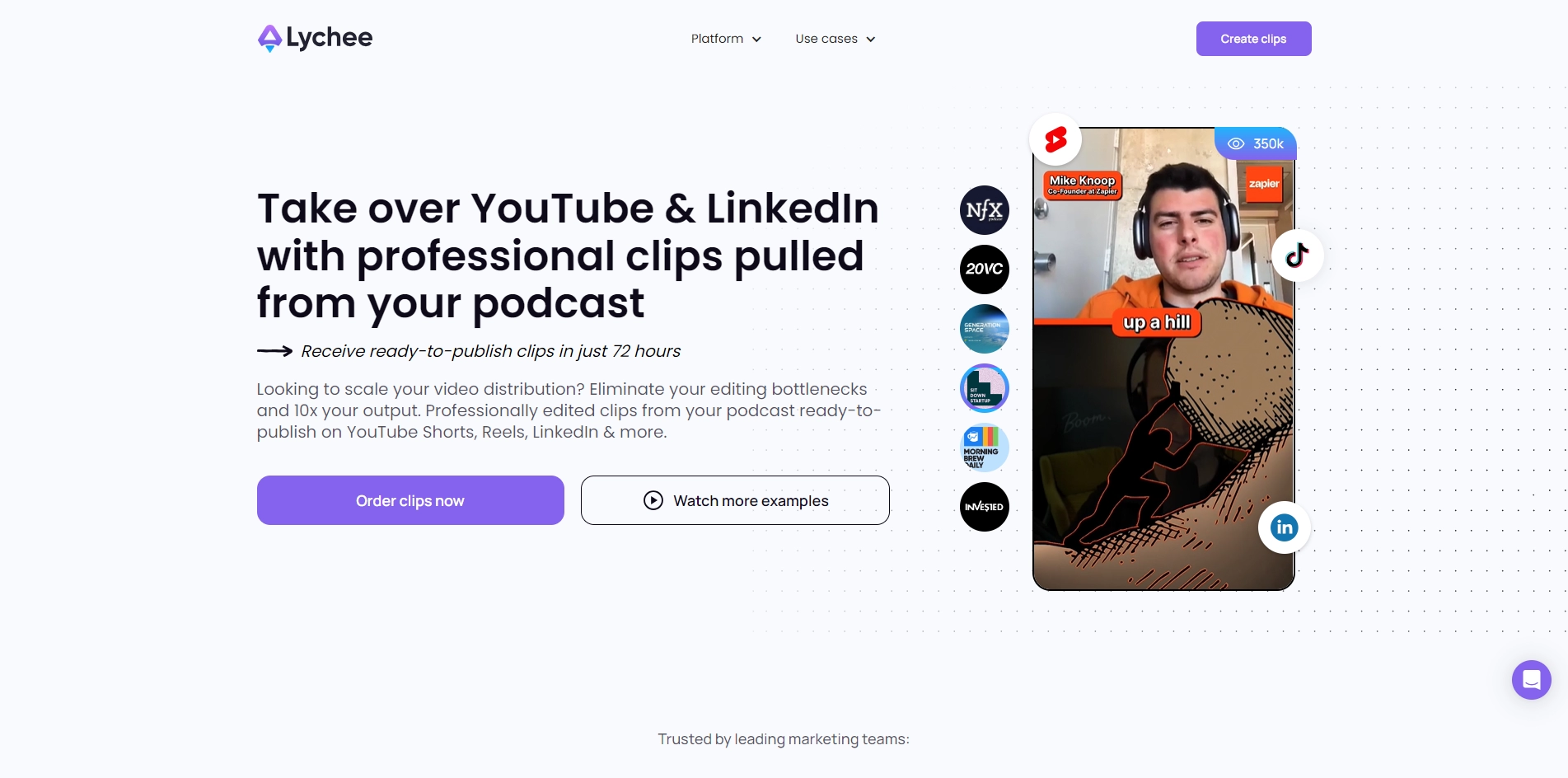
Audiolabs is a platform that uses advanced artificial intelligence and natural language processing to deliver high-quality transcripts in minutes. You can upload any type of audio or video file, choose from over 50 languages and dialects, and customize your transcript with timestamps, speaker labels, punctuation, and more. You can also edit and share your transcripts online, or download them in various formats. Audiolabs is ideal for podcasters, journalists, researchers, students, and anyone who needs to convert speech to text quickly and accurately. You can try it for free for up to 10 minutes of audio or video, and then pay as you go with no subscription or hidden fees. To learn more about Audiolabs and how it can help you with your transcription needs, visit https://www.audiolabs.io/ today.
Key Platforms
Core Service Areas:

Accurate Transcriptions
Multi-Format Support
Quick Turnaround
User-Friendly Interface
Affordable Pricing
Secure Data Handling
Pros
- It can create stunning short-form video clips from your podcast, video or Spaces using AI and human curation.
- It can help you reach millions of users on video platforms like TikTok, YouTube and Instagram.
- It can detect high engaging moments and tailor personalized assets for each scene using OpenAI's GPT-3 and Midjourney.
Cons
- It is still in beta stage and may not produce 100% quality results.
- It may not be affordable for some podcasters or audio producers who have a low budget.
Frequently Asked Questions About Audiolabs
01
What types of audio or video files can I transcribe using Audiolabs?
Audiolabs supports a wide range of audio and video file formats including MP3, WAV, MP4, and more, allowing you to transcribe virtually any media file you have.
02
How accurate is the transcription provided by Audiolabs?
Audiolabs uses advanced AI technology to ensure high accuracy in transcriptions. However, the accuracy may vary depending on the quality of the audio and the clarity of the speakers.
03
Is there a limit to the length of the audio or video files I can upload?
While there is no strict limit on the length of files you can upload, extremely long files may take more time to process. It’s recommended to check our guidelines for optimal file lengths.
04
Can I edit the transcriptions after they are generated?
Yes, Audiolabs provides an easy-to-use text editor that allows you to review and edit your transcriptions for any necessary corrections or adjustments.
05
What is the pricing structure for using Audiolabs?
Audiolabs offers a variety of pricing plans based on usage, including pay-as-you-go options and subscription packages, making it affordable for both occasional and regular users.
Promote Audiolabs
Get Audiolabs in front of thousands of buyers actively searching for AI tools. Feature your listing on the homepage and category pages, or add the verified badge to your site.
Copy Embed Code

Share on

Related AI Tools
Explore related AI tools for diverse applications and enhanced productivity
Unlock the best AI Tools for you!
Login or Approve this tool to continue exploring features and analytics.

