


MapsGPT is a web-based tool that allows you to create custom maps with pins and text generated by artificial intelligence. You can use MapsGPT to find places near an area, plan a trip, explore history, discover vibes, or create your own freeform prompts. MapsGPT uses OpenAI technology to produce relevant and engaging content for your maps based on your input. You can also edit and share your maps with others.
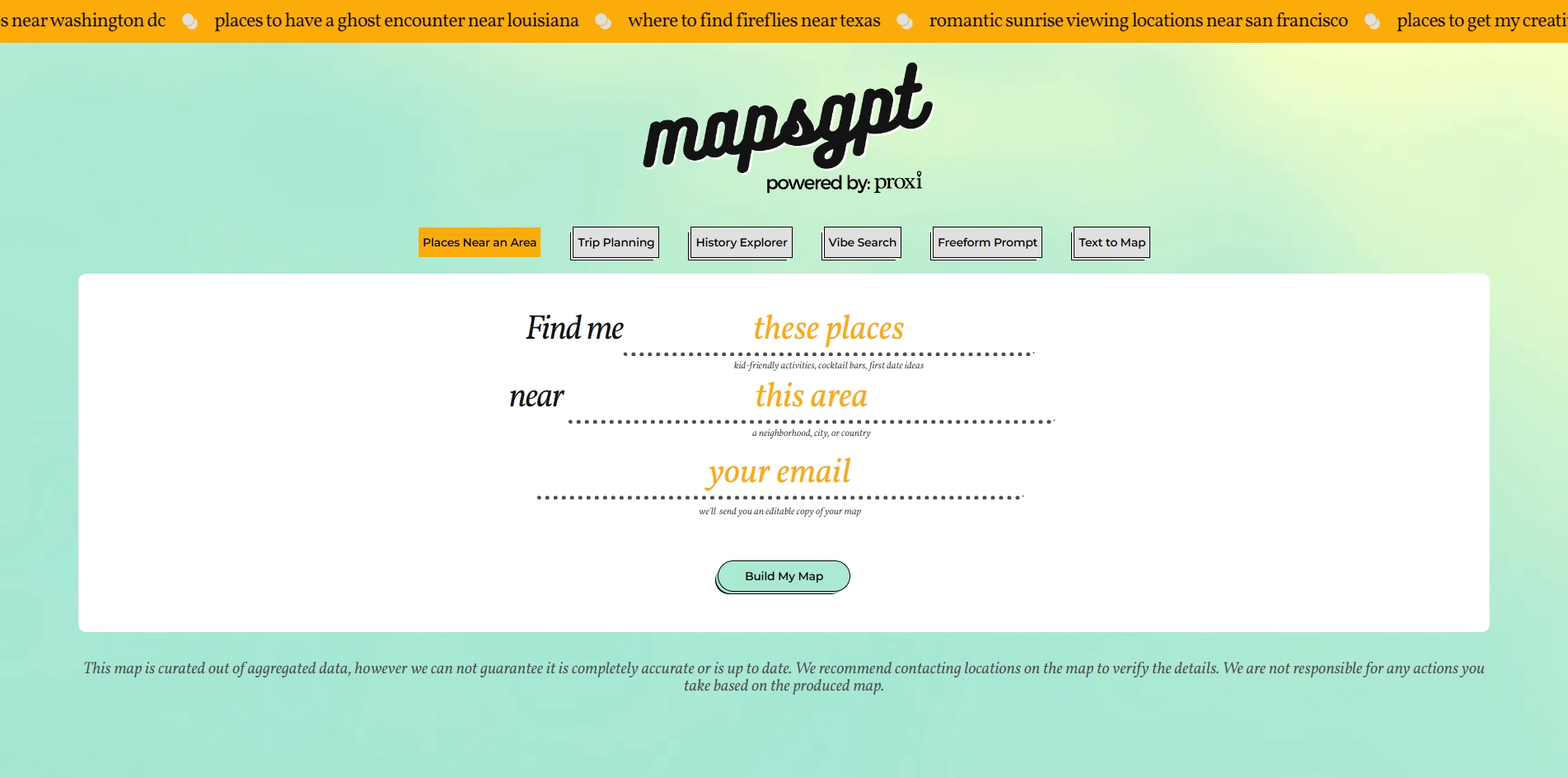
MapsGPT is a web-based tool that allows you to create custom maps with pins and text generated by artificial intelligence. You can use MapsGPT to find places near an area, plan a trip, explore the history, discover vibes, or create your own freeform prompts. MapsGPT uses OpenAI technology to produce relevant and engaging content for your maps based on your input. You can also edit and share your maps with others.
MapsGPT is a first-of-its-kind application that combines the power of Proxi Maps and OpenAI to make map creation fun and easy. Whether you need a map for personal or professional use, MapsGPT can help you create one in seconds. You can try it for free at https://www.mapsgpt.com/.
Key Platforms
Core Service Areas:

Custom Map Creation
AI-Powered Discovery
Trip Planning Assistance
Interactive Editing Tools
Seamless Sharing Options
Freeform Prompt Generation
Pros
- It allows you to create custom maps with pins in seconds using natural language queries.
- It leverages OpenAI technology to generate content for your maps based on your preferences and interests.
- It lets you edit and share your maps with others easily and securely.
Cons
- It may not guarantee the accuracy or currency of the data it uses to curate the maps.
- It may require you to contact the locations on the map to verify the details before visiting them.
- It may not support all languages or regions for generating map content.
Frequently Asked Questions About Maps GPT
01
What is MapsGPT and how does it work?
MapsGPT is a web-based tool that allows you to create custom maps using AI-generated pins and text. By inputting specific queries or topics, the tool utilizes OpenAI technology to generate relevant content, helping you explore locations, plan trips, or create unique maps.
02
Can I edit the maps created with MapsGPT?
Yes, you can edit the maps you create with MapsGPT. You have the flexibility to modify pins, text, and other elements to tailor the map to your specific needs before sharing it with others.
03
What types of queries can I input into MapsGPT?
You can input a wide range of queries including finding places near a specific area, planning a trip itinerary, exploring historical sites, discovering local vibes, or creating freeform prompts to generate unique map content.
04
Is there a sharing feature for the maps I create?
Yes, MapsGPT includes a sharing feature that allows you to share your custom maps with others easily. You can distribute your maps through links or other sharing options provided by the platform.
05
Is MapsGPT free to use?
MapsGPT offers a free version for users to create and customize maps. Additional features may be available through premium options, depending on the specific functionalities you need.
Promote Maps GPT
Get Maps GPT in front of thousands of buyers actively searching for AI tools. Feature your listing on the homepage and category pages, or add the verified badge to your site.
Copy Embed Code

Share on

Related AI Tools
Explore related AI tools for diverse applications and enhanced productivity
Unlock the best AI Tools for you!
Login or Approve this tool to continue exploring features and analytics.

