

Remini AI is a special tool that makes photos look better using smart computer tricks. It's perfect for anyone who wants to fix old or blurry pictures, like someone who loves sharing on Instagram or a person trying to save family memories.
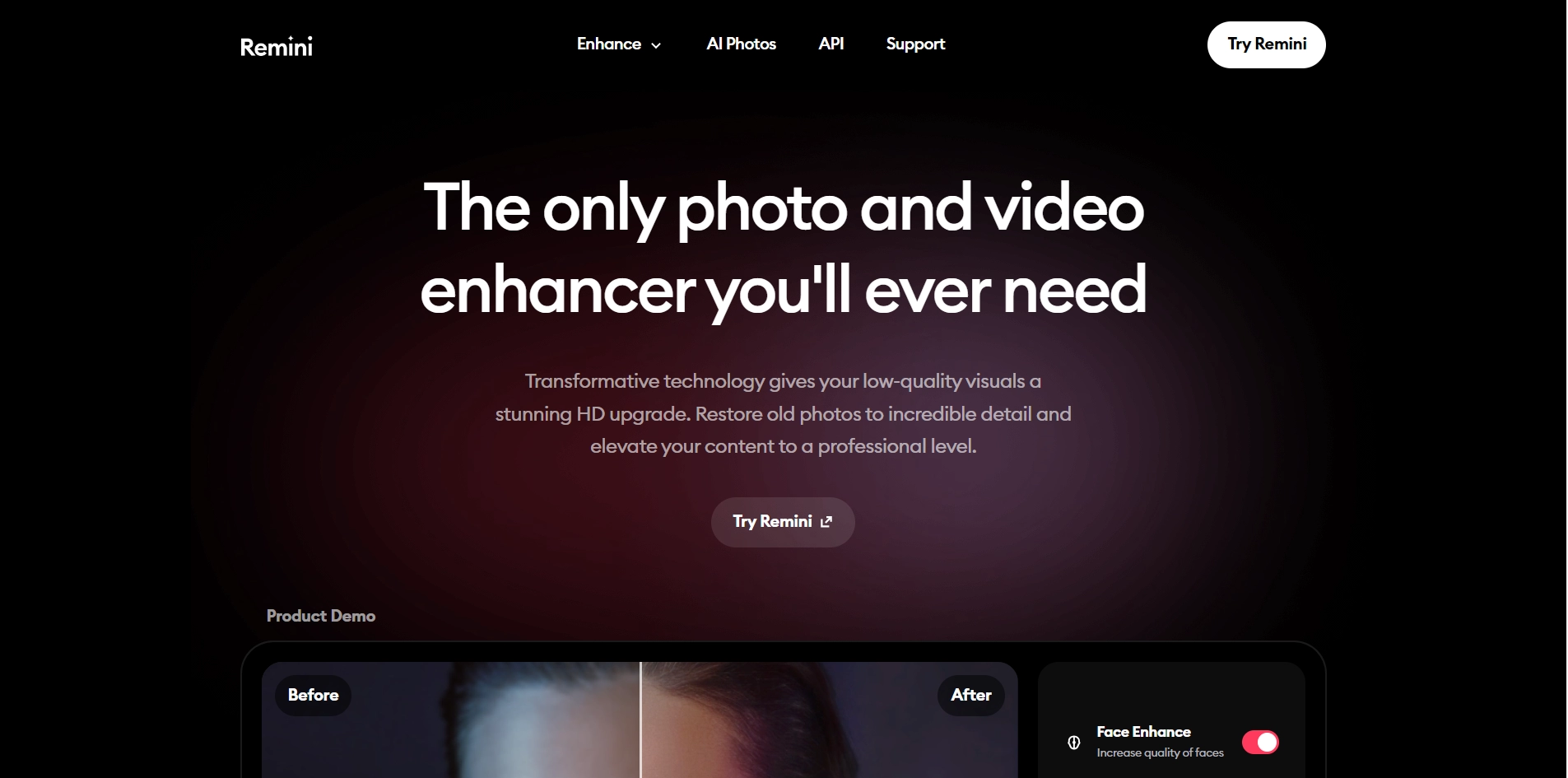
Key Features of Remini AI
- Face Enhance: Increases the quality of facial features in photos.
- Color Adjustment: Improves colors and tones for a more natural look.
- Detail Enhancement: Sharpens the details of images for clearer visuals.
- Photo Restoration: Revives old and damaged photos with stunning clarity.
- Video Enhancement: Upgrades video quality with AI-powered technology.
How Does Remini AI Work?
- It looks at your photos and figures out how to make them better.
- It can fix fuzzy parts, make things look sharper, and adjust light and colors.
- It shows you how the photo will look right away, so you can see if you like it.
- It's easy to use, even if you're not good with computers or editing.
Remini AI Pricing
- API Integration: Starts at $39 for 100 credits.
- In-App Subscriptions: Options include weekly and monthly subscriptions, with prices ranging from $4.99 to $9.99 depending on the plan chosen.
Is Remini AI Free?
Yes, there is a free version of Remini AI available, which includes ads. Users have the option to subscribe to premium features for an ad-free experience and access to more advanced tools.
Remini AI stands out as a versatile and accessible tool for photo and video enhancement, catering to a wide range of users with its simple yet powerful features. Its AI-driven technology ensures that even those with no professional editing skills can achieve high-quality results with ease. Whether for personal use or professional purposes, Remini AI provides a solution to enhance visual content effortlessly.
Key Platforms
Core Service Areas:

Photo Enhancement
Restoration Magic
User-Friendly Interface
Instant Sharing
AI-Powered Filters
Batch Processing
Frequently Asked Questions About Remini
01
What types of photos can Remini enhance?
Remini can enhance various types of photos, including old, blurry, or low-resolution images. It's perfect for restoring family memories or improving pictures for social media.
02
Is there a limit to how many photos I can enhance with Remini?
Remini offers a limited number of free enhancements, after which you may need to subscribe or purchase credits for additional enhancements.
03
How does Remini improve photo quality?
Remini uses advanced AI algorithms and machine learning techniques to analyze and enhance images, improving clarity, detail, and overall quality.
04
Can I use Remini on my mobile device?
Yes, Remini is available as a mobile app for both iOS and Android devices, making it easy to enhance photos on the go.
05
Is my data safe when using Remini?
Remini takes user privacy seriously and implements measures to protect your data. However, it's always advisable to review the privacy policy for detailed information.
Promote Remini
Get Remini in front of thousands of buyers actively searching for AI tools. Feature your listing on the homepage and category pages, or add the verified badge to your site.
Copy Embed Code

Share on

Related AI Tools
Explore related AI tools for diverse applications and enhanced productivity

Unlock the best AI Tools for you!
Login or Approve this tool to continue exploring features and analytics.

