

Have you ever wished you could ask any question and get a simple and easy answer in seconds? If so, you might be interested in Teach Anything, a smart online Q&A tool based on OpenAI GPT-3 API.
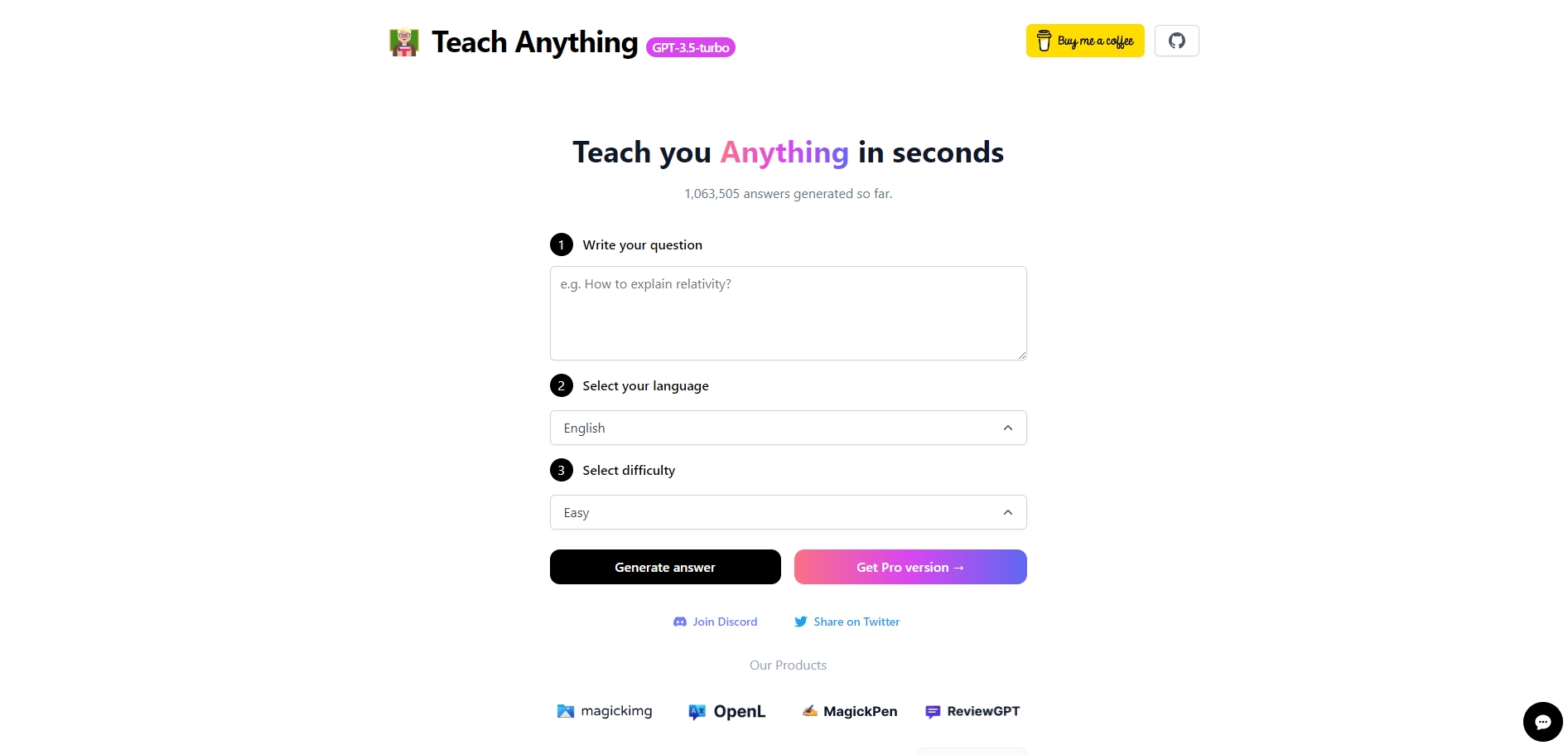
Teach Anything: A Smart Online Q&A Tool Based on OpenAI GPT-3 API
Teach Anything is an open source project developed by @lvwzhen, a web developer and AI enthusiast. It allows you to type any question in one of the supported languages (English, Simplified Chinese, Traditional Chinese, Japanese, Italian, German, Spanish, French, Dutch , Korean, Khmer, Hindi) and select the difficulty level (easy, medium, hard). Then, it uses the OpenAI GPT-3 API (specifically, text-davinci-003) and Vercel Edge functions with streaming to generate a concise and clear answer for you.
The project is inspired by TwitterBio and Danny Richman, and powered by OpenAI, Next.js, Vercel and Tailwind CSS. It uses a custom prompt based on the form and user input to send to the GPT-3 API via a Vercel Edge function, then streams the response back to the application. You can also share your questions and answers on Twitter or get the Pro version for more features.
Teach Anything is a fun and useful tool for anyone who wants to learn something new or test their knowledge. It can also be a great way to explore the capabilities of OpenAI GPT-3 API and see how it can generate natural language answers for various topics. You can try it out yourself at https://www.teach-anything.com/ or check out the GitHub repository at https://github.com/lvwzhen/teach-anything.
Key Platforms
Core Service Areas:

Instant Answers
User-Friendly Interface
Broad Knowledge Base
Conversational AI
24/7 Availability
Continuous Learning
Pros
- It can answer any question in seconds using OpenAI GPT-3 API, a powerful natural language processing system.
- It supports multiple languages, such as English, Chinese, Japanese, French, Spanish and more.
- It is an open source project that anyone can contribute to or fork on GitHub.
- It uses Vercel Edge functions with streaming, which makes it fast and scalable.
- It has a simple and user-friendly interface that allows users to select their language and difficulty level.
Cons
- It may not always provide accurate or reliable answers, as it relies on a neural network that can make mistakes or generate nonsensical text.
- It may not cover all topics or domains of knowledge, as it depends on the data and parameters that OpenAI provides.
- It may not respect the privacy or security of the users, as it sends their questions and answers to a third-party service that may store or use them for other purposes.
Frequently Asked Questions About Teach Anything
01
What is Teach Anything?
Teach Anything is an online Q&A tool that allows users to ask any question and receive simple and easy answers in seconds, utilizing the OpenAI GPT-3 API.
02
How do I use Teach Anything?
To use Teach Anything, simply visit the website, enter your question in the provided input field, and click 'ask'. The tool will generate a response based on your query.
03
Is there a limit to the number of questions I can ask?
There may be usage limits depending on the plan you choose, but generally, users can ask multiple questions within the constraints of their subscription or free usage tier.
04
What types of questions can I ask?
You can ask a wide range of questions, including academic inquiries, general knowledge, or practical advice. The tool is designed to provide informative answers on various topics.
05
Is Teach Anything free to use?
Teach Anything offers both free and paid plans. The free version provides a limited number of queries, while the paid subscription offers more extensive access and features.
Promote Teach Anything
Get Teach Anything in front of thousands of buyers actively searching for AI tools. Feature your listing on the homepage and category pages, or add the verified badge to your site.
Copy Embed Code

Share on

Related AI Tools
Explore related AI tools for diverse applications and enhanced productivity
Unlock the best AI Tools for you!
Login or Approve this tool to continue exploring features and analytics.

