
Table Of Contents
What Is Google AI Studio Antigravity Coding Agent?
Published on : Mar 27 2026

The software programs which you use during your work schedule include WhatsApp and Netflix and your bank's mobile application and online shopping websites. The development of these applications required skilled developers to write thousands to millions of lines of code which took them months or years to complete.
The command "Create a multiplayer game which allows users to connect with each other in real time" serves as a command that enables an AI agent to build the complete application. Google AI Studio's Antigravity Coding Agent has transformed the concept into a physical existence.
Google delivered its important announcement to the public in November 2025. Antigravity became part of Google AI Studio 2.0 after its official launch which introduced an AI-based "agent-first" development system that enables users to create software through a new development approach.
This guide provides information for developers and startup founders and anyone who wants to create applications but lacks coding knowledge. If you are already exploring AI tools for app development, understanding how Antigravity fits into that landscape will help you make better decisions about what to build and how to build it.
What is Google AI Studio?
The web-based platform Google AI Studio which Google developed as a complimentary service serves developers and AI enthusiasts who want to use it. Users of the platform can test Google's Gemini models through their interactive system which allows them to create simple AI prototypes by entering different prompts and modifying system parameters.
The platform started out as a "playground" which let users experiment with its features. The sandbox environment enabled users to interact with AI systems while they tested various system commands to see how Gemini would respond. The tool provided useful functions to users yet its complete potential remained restricted.
The Antigravity Coding Agent functions as the primary component which drives the entire transformation process.
Why Everyone is Talking About Antigravity Coding Agent
The name Antigravity appears on developer forums and tech YouTube channels and startup communities and social media platforms.
The system enables non-technical users to perform tasks which normally require full-stack development skills by using this particular tool. The system creates a complete web application which includes frontend UI backend logic and database through its automated process that builds from plain English descriptions.
Google testing showed that users built hundreds of thousands of apps through Antigravity which operated for only a few months. The number indicates that actual users have started to use the product instead of testing it for their first time.
The public preview for personal Gmail accounts provides users with access to the complete software package which currently operates as free software.
What Is the Antigravity Coding Agent?
The Antigravity system functions as a programming assistant which maintains its work capacity while it preserves full project knowledge and executes different assignments simultaneously. The required solution for your building project needs assessment because the system handles your basic language description of the project.
You will need to describe your requirements for a to-do application by saying "I want a to-do app where users can log in create tasks mark them complete and sync everything in real time."
Antigravity will choose between three frameworks (React, Next.js, and Angular) to determine which framework to use while it establishes the backend system through Firebase and creates all necessary code and performs browser testing and displays testing results.
The building process starts when you take the role of designer while Antigravity assumes the position of builder.
Key Idea Behind "Antigravity"
The software development process experiences a gravitational force which causes all elements to descend toward Earth. The complete process demands particular time requirements together with expert abilities and continuous work.
Developers can exceed their present abilities through Antigravity technology. Non-developers can operate at an elevated level which allows them to concentrate on building their projects without needing to understand the basic construction processes.
Google describes this as working at a "higher, task-oriented level" letting AI handle the implementation details while you stay focused on the vision and functionality.
How It's Different from Regular AI Coding Tools
Most people know about AI coding tools which use GitHub Copilot and ChatGPT and Cursor to offer coding assistance during software development. You continue to write the program code. You need to execute your commands while you handle your files and solve your errors. If you want to compare AI models and understand how each one approaches coding differently, the differences become even more striking when Antigravity enters the picture.
Antigravity operates as a true autonomous agent. That means it:
- Creates its own task plan before writing a single line of code
- Runs terminal commands independently
- Opens a browser to check the output
- Detects errors and fixes them automatically
- Iterates through the entire workflow without waiting for you to intervene at each step
The essential difference between these two things proves their fundamental distinction. Copilot functions like a smart pen because you need to write your content. Antigravity works like a ghostwriter which produces your complete work from the topic and direction you provide.
How Antigravity Coding Agent Works
Natural Language to Full-Stack Apps
Everything begins with a prompt. You explain your requirements through simple English when you say "Create a real-time drawing board system that enables multiple users to draw simultaneously while observing each other's ongoing work."
From that single description, Antigravity:
- Creates a plan breaks down the project into components and decides on the tech stack
- Generates code writes the frontend UI, backend logic, and database schema
- Installs libraries automatically pulls in what's needed (Framer Motion for animations, Shadcn for UI components, etc.)
- Tests in the browser opens the app and verifies that everything works as expected
Role of AI Agents and Automation
The fundamental belief that drives Antigravity develops its design through an agent-first development approach. The AI system functions as a separate system because it conducts operations without needing human assistance to respond to user questions.
Google users receive their strongest tool through Manager View which allows them to deploy multiple AI agents that will handle different application components during their operations. One agent handles the UI, another sets up the database, a third manages API integrations all at the same time.
A senior developer assigns tasks to their development team but in this case the complete team functions through artificial intelligence which works continuously without interruptions and provides confirmed outcomes.
Behind-the-Scenes Workflow (Input → Build → Deploy)
Your Prompt
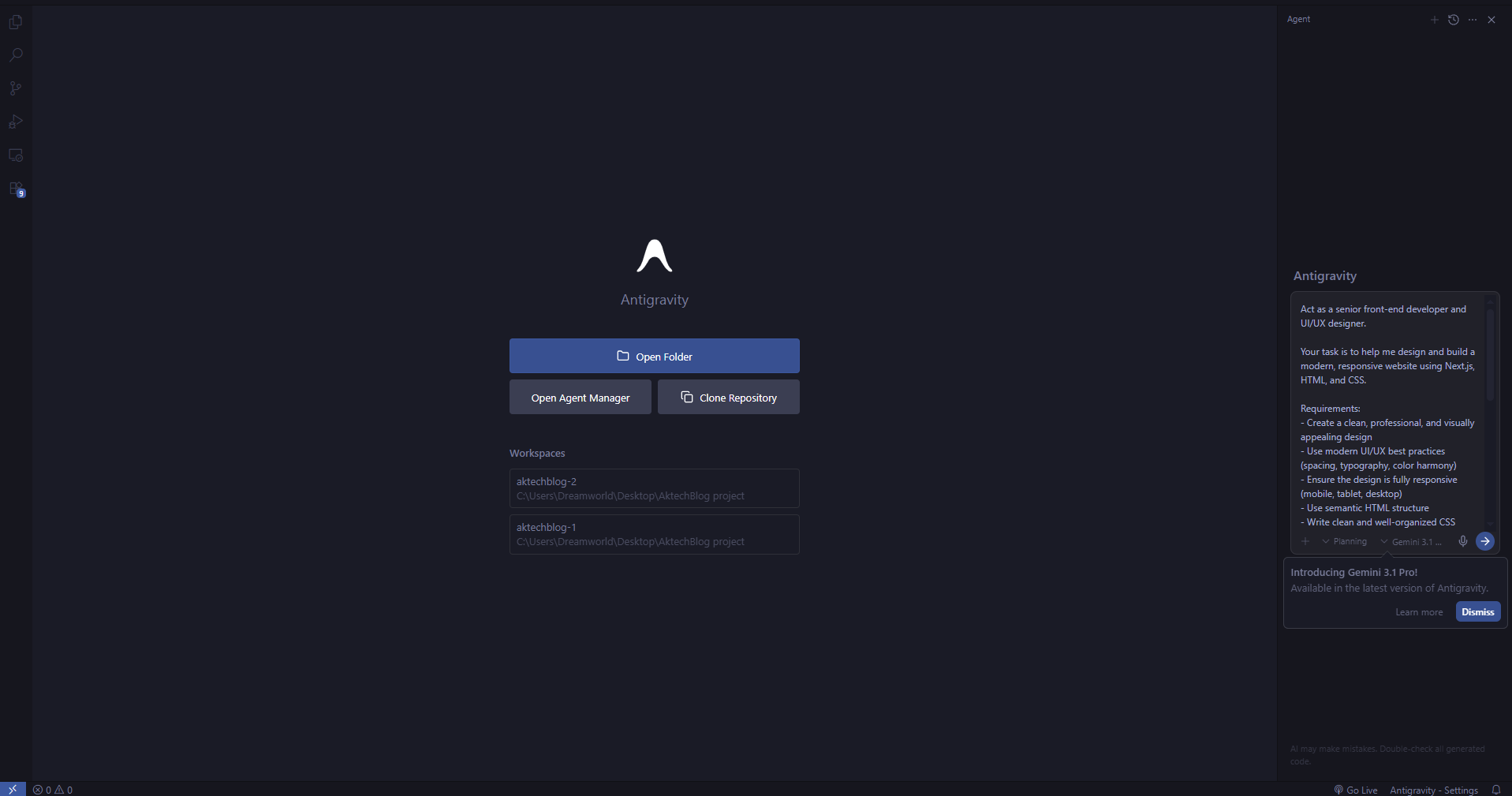
Agent Creates a Plan (Task List + Architecture)
↓
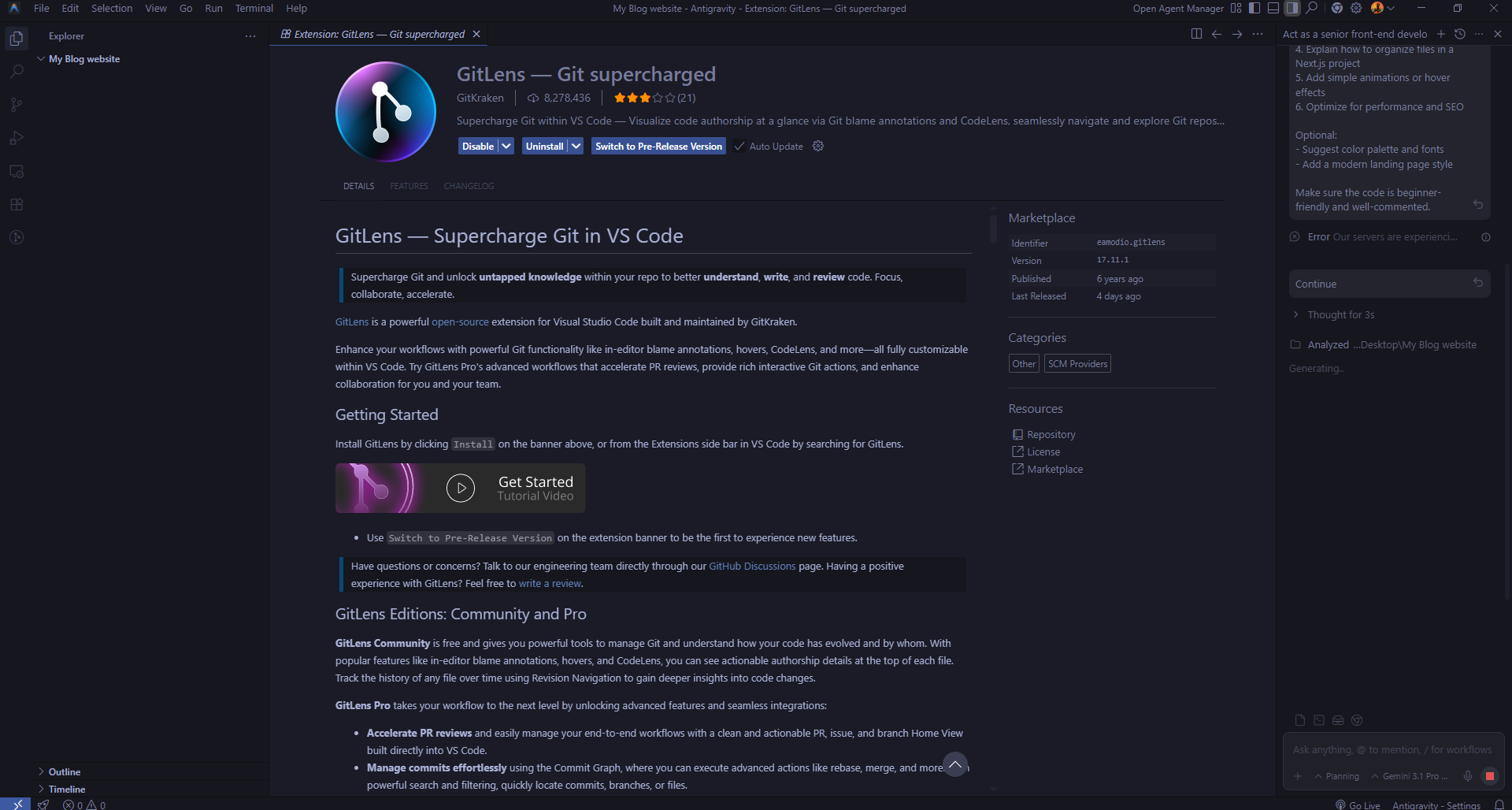
Code Generation (Frontend + Backend + Database Schema)
↓
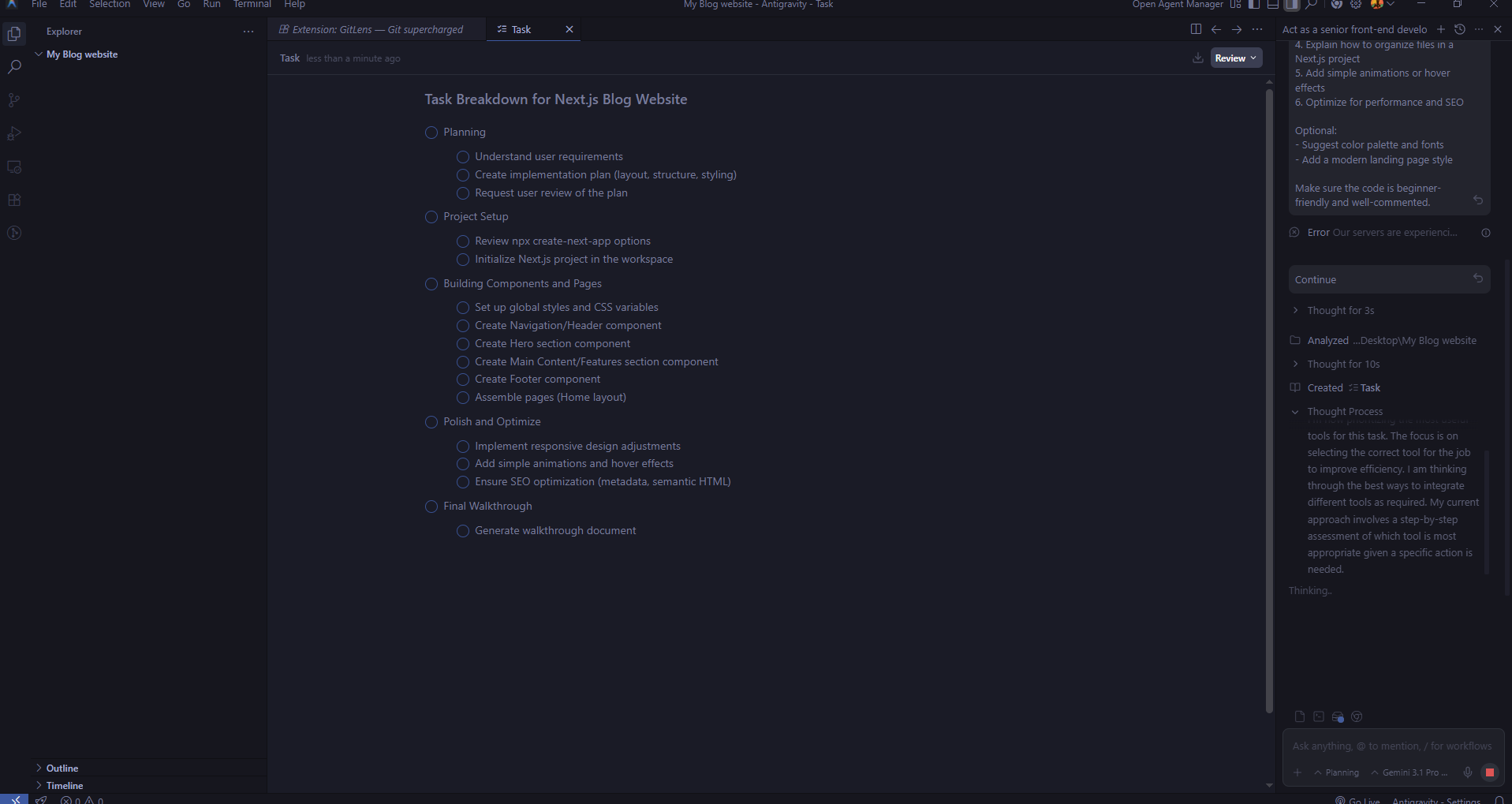
Terminal Commands Execute (npm install, build, etc.)
↓
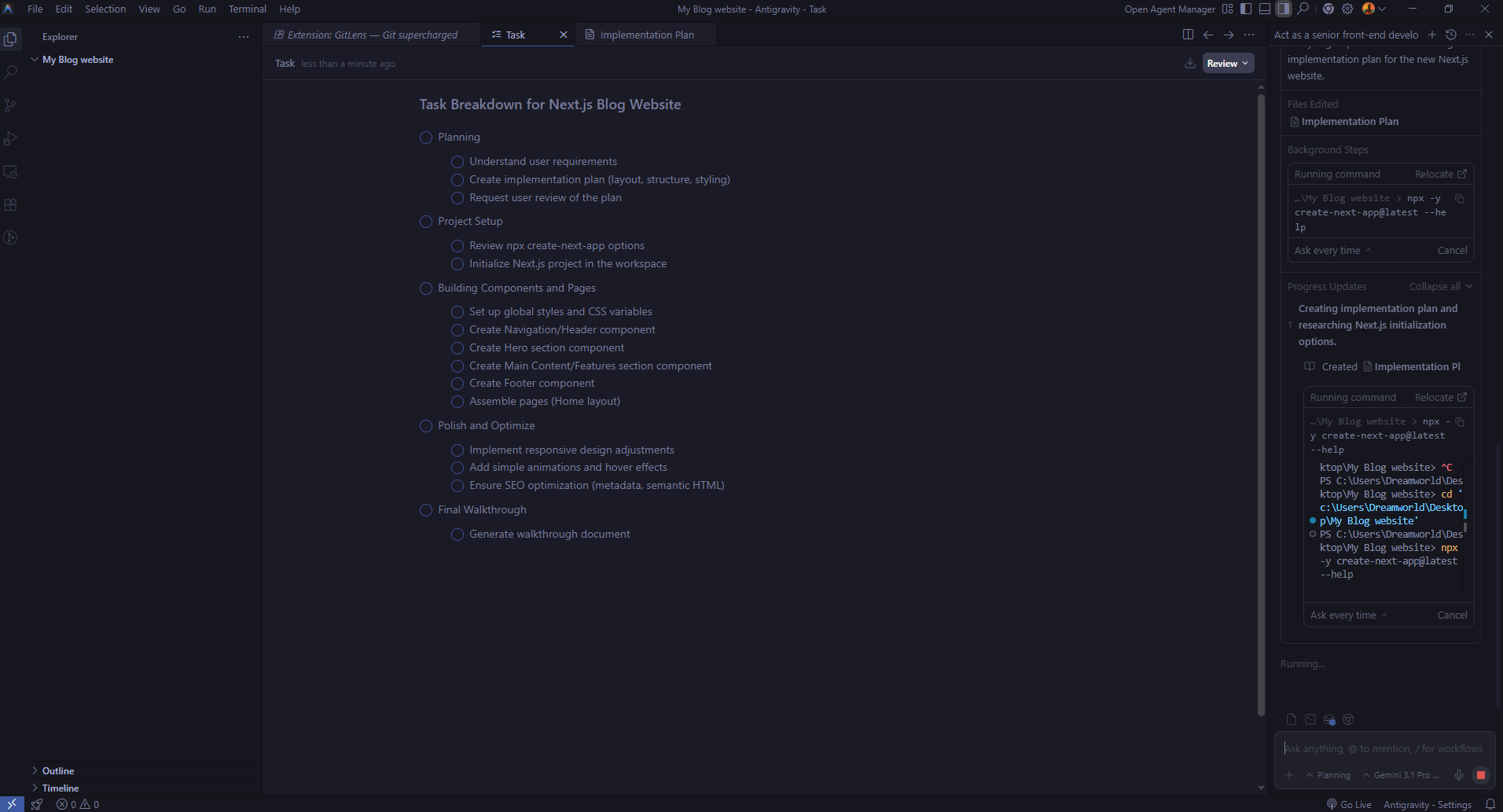
Automated Browser Testing
↓
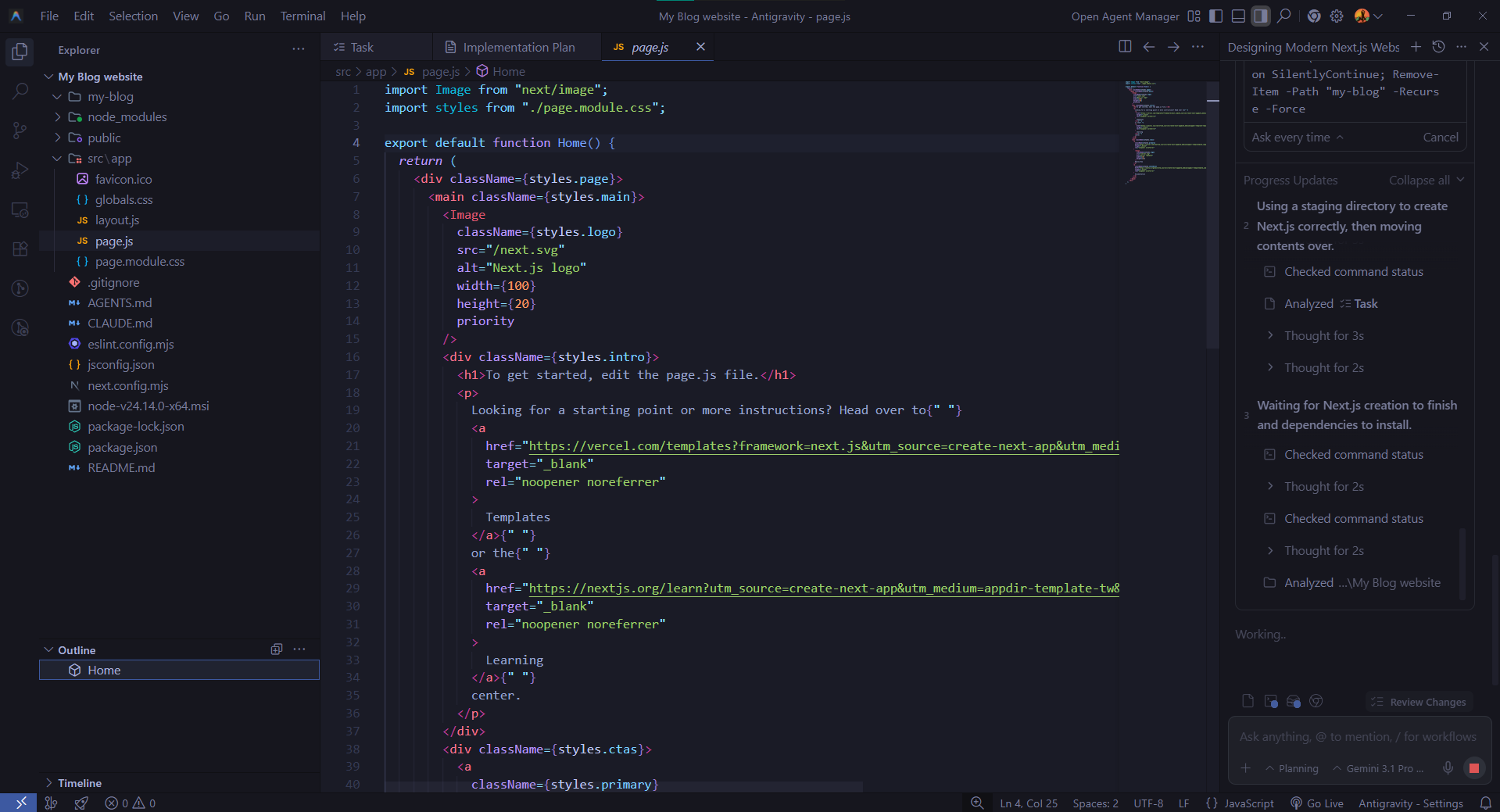
Artifacts Generated (Screenshots, Walkthroughs, Code Diffs)
↓
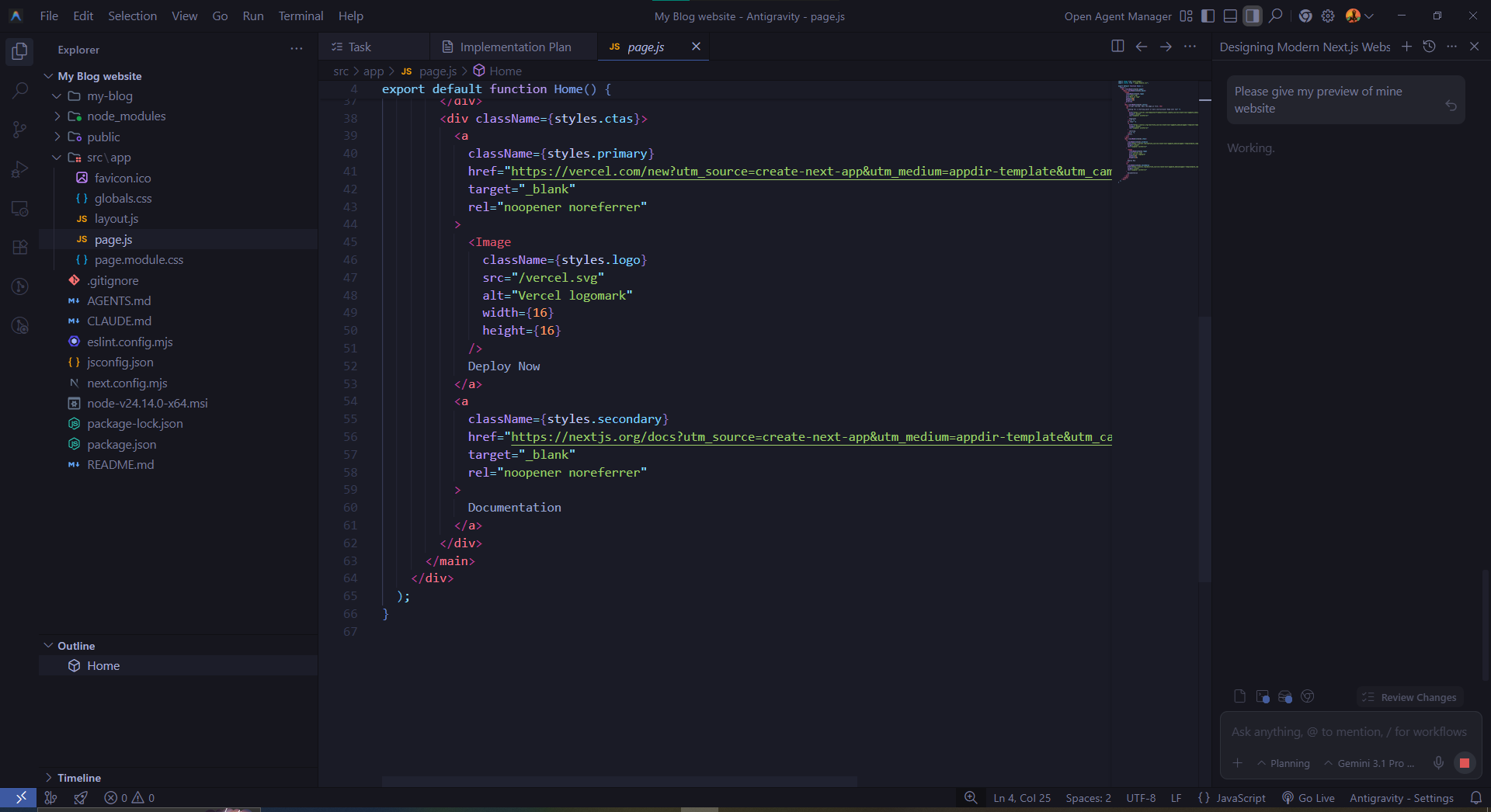
You Review → You Approve
↓
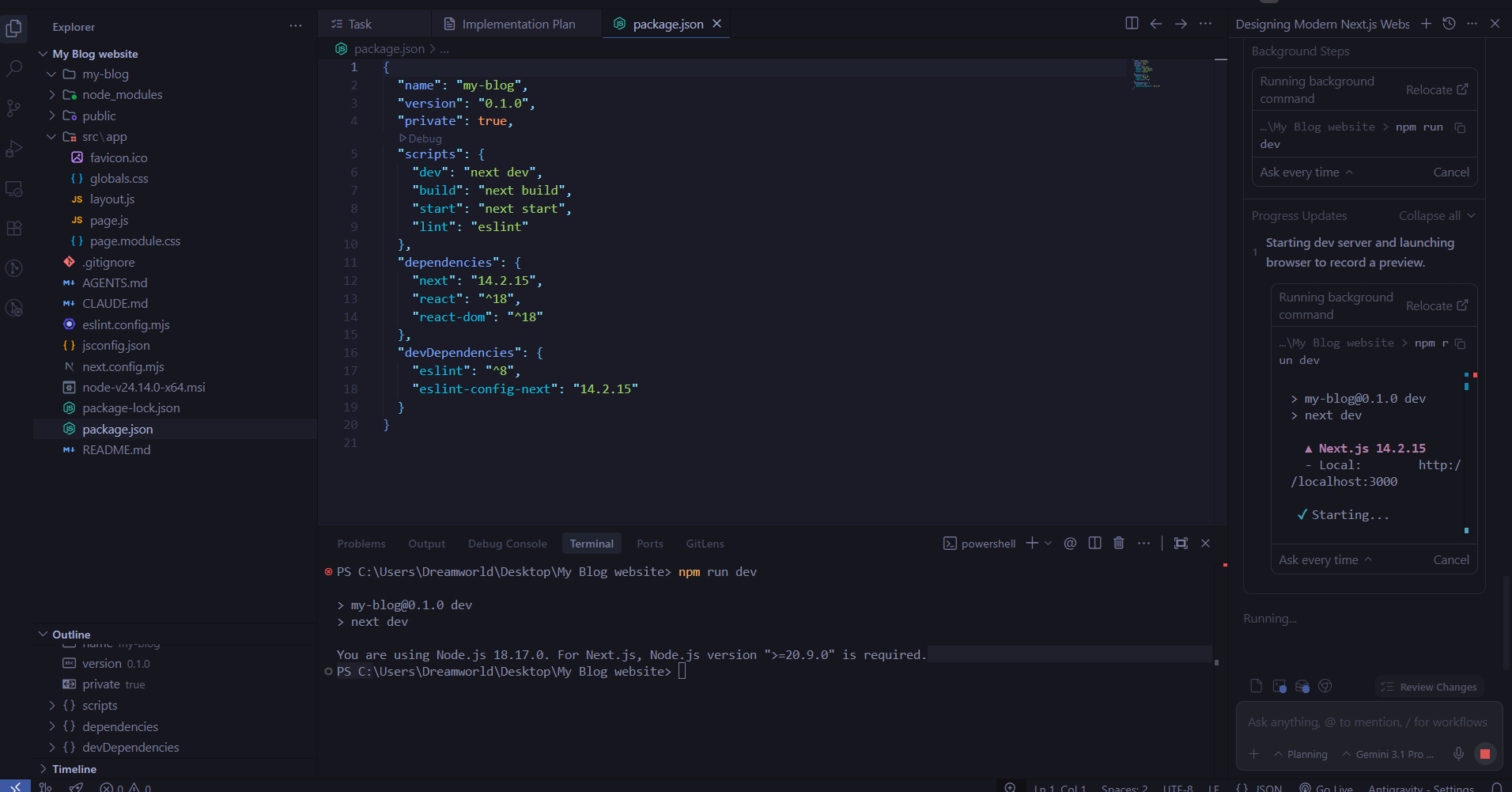
App is Ready
↓

At every stage, the agent generates Artifacts verifiable proof of what was done. These include task checklists, browser screenshots, and code diffs so you can always see exactly what changed and why.
Key Features of Antigravity Coding Agent
Full-Stack App Generation
Antigravity doesn't just build pretty frontends, it handles the entire stack. That means a React or Next.js UI on the front end, Firebase on the backend, and a fully structured database schema, all generated and connected automatically from a single prompt.
UI + Backend + Database Creation
Firebase integration is one of Antigravity's strongest capabilities. Whenever the agent detects that your app needs persistent storage or a login system, it automatically recommends and sets up:
- Cloud Firestore for real-time database storage
- Firebase Authentication for secure, Google-powered sign-in
You simply approve the suggestion, and the entire configuration is handled for you.
Real-Time Editing and Iteration
The first version of your product allows you to make changes because it does not restrict your development process. The system accepts natural language instructions which contain commands like "Change the button color to indigo" and "Add a forgot password link on the login screen" and "Make the layout fully responsive for mobile."
The agent processes these requests, updates the codebase, and delivers new screenshots confirming the changes.
Integration with APIs and Services
Antigravity can connect your app to real-world external services and APIs:
- Payment processors (Stripe, etc.)
- Google Maps
- External REST APIs
- Custom databases and third-party services
API keys are stored securely in a dedicated Secrets Manager, accessible from the Settings tab in Google AI Studio.
Collaboration Capabilities
One of the more impressive features is support for real-time multiplayer applications. Antigravity can build apps where multiple users interact simultaneously collaborative tools, live games, shared workspaces, and more with the underlying real-time sync handled automatically through Firebase.
What Makes It Different from Other AI Coding Tools?
Comparison with Tools like ChatGPT and GitHub Copilot
| Feature | ChatGPT | GitHub Copilot | Antigravity |
|---|---|---|---|
| Code generation | Snippets only | Line suggestions | Complete apps |
| Backend setup | Manual | Manual | Automated |
| Database integration | Not included | Not included | Firebase built-in |
| Autonomous execution | No | No | Yes |
| Browser-based testing | No | No | Automated |
| Multi-agent workflows | No | No | Yes |
| Real-time app support | No | No | Yes |
"Vibe Coding" vs Traditional Coding
Google has officially referred to the Antigravity experience as "full-stack vibe coding" a term that perfectly captures the shift in how you interact with the development process.
Traditional coding requires you to know the syntax, understand the architecture, manage dependencies, and debug everything manually. Vibe coding flips this model you communicate the feel and function of what you want, and the AI handles the technical implementation.
It's the difference between knowing how to drive a car versus knowing how to build one. You don't need to understand the engine to get where you're going.
Speed, Automation, and Ease of Use
The speed advantage is significant. Tasks that would take a development team a full week setting up authentication, designing a database schema, building a responsive UI, connecting everything can now happen in hours. For founders and solo builders, this is a genuinely transformative shift.
Use Cases of Antigravity Coding Agent
For Developers
For experienced developers, Antigravity acts as a productivity multiplier. All the repetitive, boilerplate work setting up CRUD operations, configuring authentication, writing basic API routes gets automated. This frees developers to focus on the complex, interesting problems that actually require human expertise and creative thinking. If you want to explore what else is available beyond Antigravity, check out this curated list of the best AI tools for developers that can complement your existing workflow.
For Startups and Founders
One of the biggest challenges for early-stage startups is validating an idea quickly without burning through limited resources. Antigravity makes it possible to build a functional MVP (Minimum Viable Product) in hours without hiring a developer, without waiting weeks, and without spending thousands of dollars upfront.
For non-technical founders especially, this is a genuine game-changer. Your idea no longer has to wait for a technical co-founder.
For Non-Technical Users
No coding experience? Not a problem. Antigravity understands plain English descriptions. If you can clearly explain what you want to build, the agent can build it. Simple task managers, personal dashboards, booking tools, inventory trackers all of it is now accessible to people who have never written a single line of code.
Rapid Prototyping and MVP Building
Whether you're pitching to investors, competing in a hackathon, or testing a product hypothesis Antigravity enables fast, functional prototyping. You can have a working, clickable demo ready in hours that actually demonstrates your concept, not just a slide deck.
Step-by-Step: How to Use Antigravity Coding Agent
Getting Started with Google AI Studio
- Go to aistudio.google.com
- Sign in with your personal Gmail account (currently free in public preview)
- Navigate to the "Build" or "Apps" section that's where the Antigravity agent lives
Creating Your First App
Write a clear, descriptive prompt for example: "Create a task manager app where I can add tasks, mark them as complete, and delete them. Use a clean, modern design with a dark theme." If you are new to writing effective prompts, exploring dedicated prompt engineering tools can help you get significantly better results from Antigravity and other AI systems.
The agent will share its plan a structured task list and architecture overview before writing any code. Review and approve the plan, then let the agent begin building. Watch in real time as code gets generated, dependencies get installed, and the app starts taking shape.
Customizing Features and Design
Once the first version is ready, request changes in plain English "Make the header sticky as the user scrolls", "Add a search bar above the task list", "Use a sans-serif font throughout."
The agent automatically installs any additional libraries needed (like Framer Motion for smooth animations) and reflects the changes immediately.
Testing and Deploying
- The agent automatically opens and tests the app in a browser environment
- You receive Artifacts screenshots, walkthroughs, and code diffs as confirmation of each change
- Review the output carefully. If something looks off, describe the issue in natural language and the agent will address it
- A one-click export to an IDE feature for full deployment is currently on Google's roadmap and coming soon
Benefits of Using Antigravity Coding Agent
Faster Development
What used to take days or weeks now takes hours. Boilerplate setup, database configuration, authentication flows, responsive design all of it is automated. Development timelines compress dramatically, which is especially valuable when speed matters. For teams and solo builders looking to maximize output, pairing Antigravity with the right AI productivity tools can push efficiency even further.
Reduced Coding Effort
Developers no longer need to manually write every line. Repetitive patterns are handled by the agent, freeing up mental energy for architecture decisions, complex logic, and the kinds of problems that genuinely require human thinking.
Cost Efficiency
Hiring a full-stack developer is expensive. Antigravity allows early-stage teams and solo founders to build functional software without the upfront cost of a development hire at least through the critical early validation phase where every dollar counts.
Accessibility for Beginners
Perhaps the most significant benefit: you don't need to know how to code to build a working application. This democratizes software development in a real, meaningful way. Ideas are no longer gated behind technical skill sets.
Limitations and Challenges
Current Limitations
- Antigravity is still in public preview which means bugs, instability, and rough edges are part of the experience
- It's not yet ready for complex enterprise applications large-scale systems with intricate business logic still require experienced developers
- Rate limits apply, especially on the free tier, which may slow down heavy or continuous usage
Accuracy and Control Issues
AI-generated code is not always perfect. You may encounter:
- Logic errors that only surface when you examine the code carefully
- Edge cases that the agent didn't account for or anticipate
- Security vulnerabilities if the generated code is deployed without proper review
Trusting AI-generated code blindly especially for anything production-facing carries real risk. Always review what gets built before you ship it.
When Manual Coding is Still Better
- Complex algorithmic problems where precision and performance optimization are critical
- Legacy system integrations that require deep knowledge of existing infrastructure
- High-performance applications where every millisecond of latency matters
- Security-sensitive systems banking, healthcare, identity management where the cost of a mistake is unacceptably high
Is Antigravity Coding Agent Good for Beginners?
Learning Curve
The learning curve for getting started with Antigravity is remarkably low. If you can use Google AI Studio and write a clear, specific description of what you want, you can start building immediately. There's no local environment to set up, no terminal to configure, no package manager to learn.
Skills You Still Need
That said, going in completely blind does carry risk. A basic understanding of the following will help you get far more value from the tool and avoid nasty surprises:
- Web fundamentals what HTML, CSS, and JavaScript do (you don't need to write them, just understand what they are)
- Database basics the concept of how data gets stored and retrieved
- Code reading the ability to look at generated code and roughly assess whether it makes sense
You don't need to be a developer. But being able to evaluate the output will protect you from shipping something broken.
Future of AI App Builders
Rise of Autonomous Coding Agents
Antigravity is part of a much larger paradigm shift in how software gets built the rise of agentic AI development. The idea is that AI models aren't just passive tools you interact with; they're active agents that can plan, execute, verify, and iterate on complex tasks with minimal human supervision.
Google has already signaled that deeper Google Workspace integration is on the horizon meaning you'll soon be able to connect your Drive documents and Sheets data directly into the applications you build through Antigravity.
Conclusion
The Antigravity Coding Agent in Google AI Studio delivers a major advancement for application development because it enables users to create real products from basic instructions. The system enables founders and creators and developers to develop and test their ideas with greater efficiency than ever before. The system requires code review because its strengths need expert evaluation and its limitations must be understood. Human judgment remains essential for operating complex systems that involve sensitive information. The software development field will experience faster progress through improved access to development resources according to Antigravity.
FAQs
1. What is the Antigravity Coding Agent?
Antigravity Coding Agent is an AI-powered tool inside Google AI Studio that can build full-stack applications from simple natural language prompts. It automates coding, testing, and deployment tasks with minimal human input.
2. How is Antigravity different from other AI coding tools?
Unlike tools that only assist with code suggestions, Antigravity works autonomously. It plans, writes, tests, and improves the entire application without requiring step-by-step user guidance.
3. Do I need coding knowledge to use Antigravity?
No, you don’t need coding skills to get started. However, having basic knowledge of web development and databases can help you better understand and refine the generated output.
4. What kind of apps can Antigravity build?
It can build a wide range of applications, including task managers, dashboards, multiplayer apps, and MVPs. It supports full-stack development with frontend, backend, and database integration.
5. Is Antigravity Coding Agent free to use?
Currently, it is available in public preview and free for users with a personal Gmail account. However, usage limits may apply depending on activity levels.
6. How does Antigravity create applications?
You provide a prompt describing your app idea. The agent then creates a plan, generates code, installs dependencies, tests the app, and provides results with screenshots and updates.
7. Can Antigravity integrate with external APIs?
Yes, it supports integration with APIs like payment gateways, maps, and third-party services. It also securely stores API keys using a built-in secrets manager.
8. Is the generated code reliable and production-ready?
Not always. While it works well for prototypes and MVPs, the code may have bugs or security issues. It’s important to review and test everything before deploying to production.
9. What are the main benefits of using Antigravity?
It significantly reduces development time, lowers costs, and makes app creation accessible to non-developers. It also helps developers automate repetitive tasks and focus on complex logic.
10. What are the limitations of Antigravity Coding Agent?
It is still in early stages, so bugs and inaccuracies can occur. It may not be suitable for complex enterprise applications or systems requiring high security and performance.

