
Table Of Contents
Best 5 AI Agents for Developers Who Want to Ship Faster (2026)
Published on : Aug 27 2026

In 2026, picking an AI agent for dev work is less about a small add-on and more about a tool that can actually get things done. Most of the better options can plan steps, change many files, run tests, and then open a pull request without you micromanaging every move. If you're still exploring what's out there before committing to one, it helps to browse a broader list of AI tools for developers first.
The practical difference is simple. A basic autocomplete can help you type faster. A real agent changes how much work you can finish in a week, because it can handle tasks that span the codebase.
Below is a look at five agents that keep showing up in top lists this year: Claude Code, Cursor, GitHub Copilot, OpenAI Codex, and Devin.
They do not all target the same workflow. Some are built for the terminal. Some fit inside a full IDE. Others stay as a plugin inside tools you already use. A few can run on their own while you work on other things.
Key Takeaways
There is no single "best" AI coding agent in 2026. The right pick depends on whether you want speed inside an editor, deep control over large codebases, or hands-off autonomy.
Claude Code and Cursor currently lead most developer rankings for complex, multi-file work, while GitHub Copilot remains the most widely deployed tool because of its GitHub integration.
OpenAI Codex is the fastest entry point for teams already living inside ChatGPT, and Devin is built for delegating entire tickets rather than assisting with individual edits.
What Is an AI Coding Agent?
An AI coding agent is a kind of software that can outline what to do, edit several files, then run things like tests or builds. It continues working after each result without requiring you to monitor every step.
An AI coding assistant is a different tool. It usually fills in code for you, or it answers questions in a chat box. You still handle the edits and the main work yourself.
That difference changes what people expect. With autocomplete tools, such as the suggestions provided by GitHub Copilot, you mainly save time by reducing the amount of code you need to type. For a deeper look at how these categories differ in practice, see this breakdown of AI code generators for developers.
How These Agents Were Evaluated
This list does not rank the tools based on benchmark numbers alone. Instead, it considers three factors. First, it evaluates how each agent performs on real tasks that span multiple files. Second, it considers whether the tool fits into an existing workflow without requiring the entire team to switch editors. Third, it asks if the cost still makes sense for everyday use.
Vendor benchmark data can help, but it is often based on the vendor's own reports unless a source says otherwise. So the scores are best seen as a first hint, not a final answer.
The 5 Best AI Agents for Developers in 2026
Agent | Best For | Interface | Entry Price |
Claude Code | Deep multi-file refactors and long agentic sessions | Terminal, IDE, browser | Bundled with Claude Pro, $20/month |
Cursor | A full AI-native IDE with fast autocomplete and background agents | Desktop editor (VS Code-based) | Free tier; Pro $20/month |
GitHub Copilot | Teams already standardized on GitHub | VS Code, JetBrains, GitHub.com | Free tier; Pro $10/month |
OpenAI Codex | Developers already using ChatGPT daily | CLI, VS Code extension, web, iOS | Free tier; Plus $20/month |
Devin | Delegating entire tickets with minimal supervision | Cloud sandbox (Slack, GitHub, Jira) | Core plan from $20/month |
1. Claude Code: Best for Complex, Multi-File Work
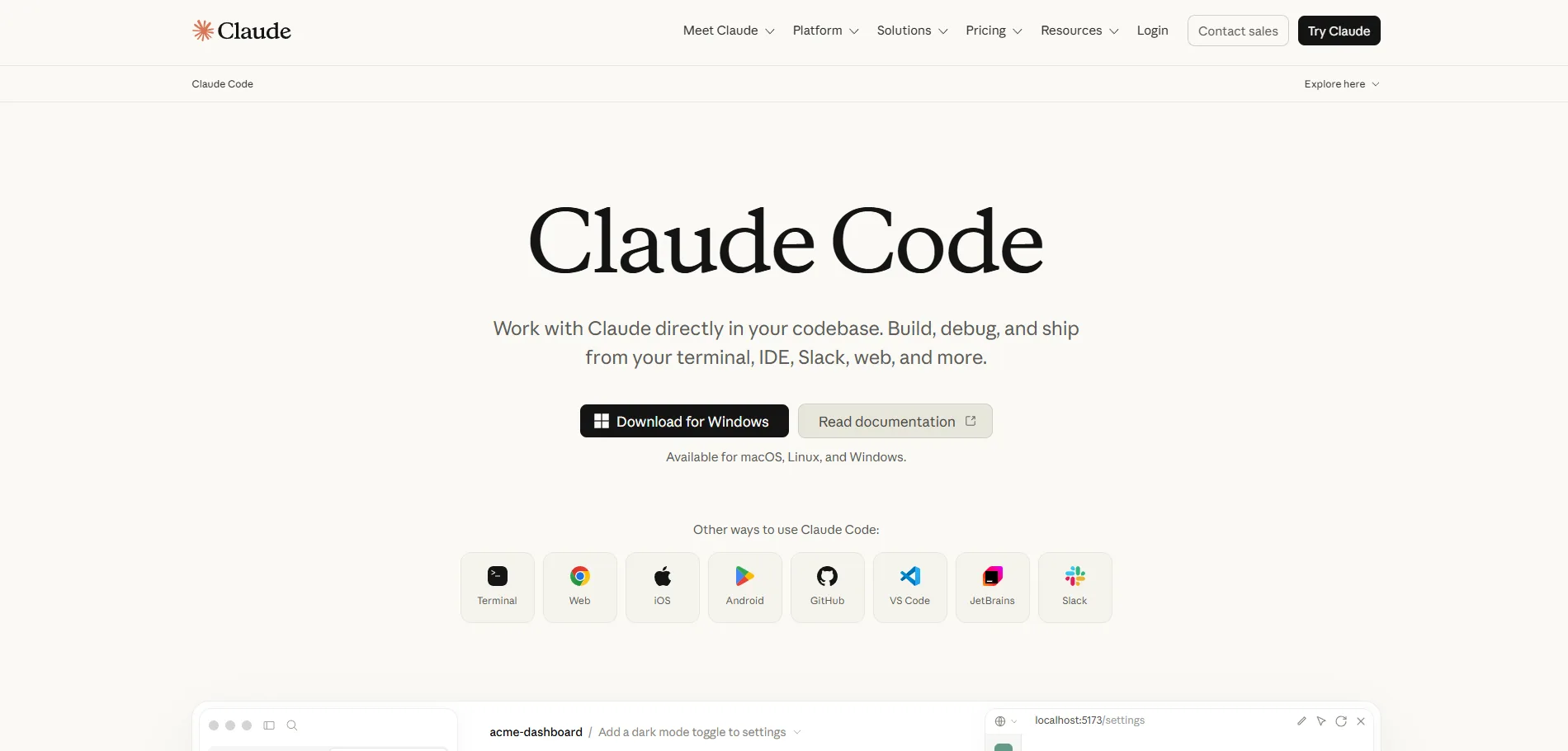
Claude Code is Anthropic's coding helper that runs in the terminal. You describe what you want in simple terms. It then checks the files that matter, changes the code, runs your tests, and shows results back in the same workspace you already use. You can use it directly from your terminal, editor, or browser rather than switching to a separate application. If you're weighing it against other terminal-first options, this comparison of Claude Code vs OpenCode is worth reading.
Claude Code is not sold on its own. It comes with a Claude plan. Pro is $20 per month, or about $17 per month if you pay yearly. Max 5x is $100 per month, and Max 20x is $200 per month. All of these share the same usage pool with Claude's chat apps.
For teams, there is also an API option. You can sign in with an API key and pay per token. This setup lifts the session limits, but your cost can vary. Anthropic's API pricing currently goes from $1 input and $5 output per million tokens on the Haiku budget model up to $5 input and $25 output on Opus. Sonnet falls between these two price points.
Strengths: Long context window, strong performance on hard refactors and debugging, works consistently across languages rather than favoring one stack.
Trade-offs: No terminal-only free tier as of mid-2026, and heavy agentic sessions can burn through a plan's rolling usage window faster than expected, especially when running multiple agents in parallel.
2. Cursor: Best AI-Native IDE
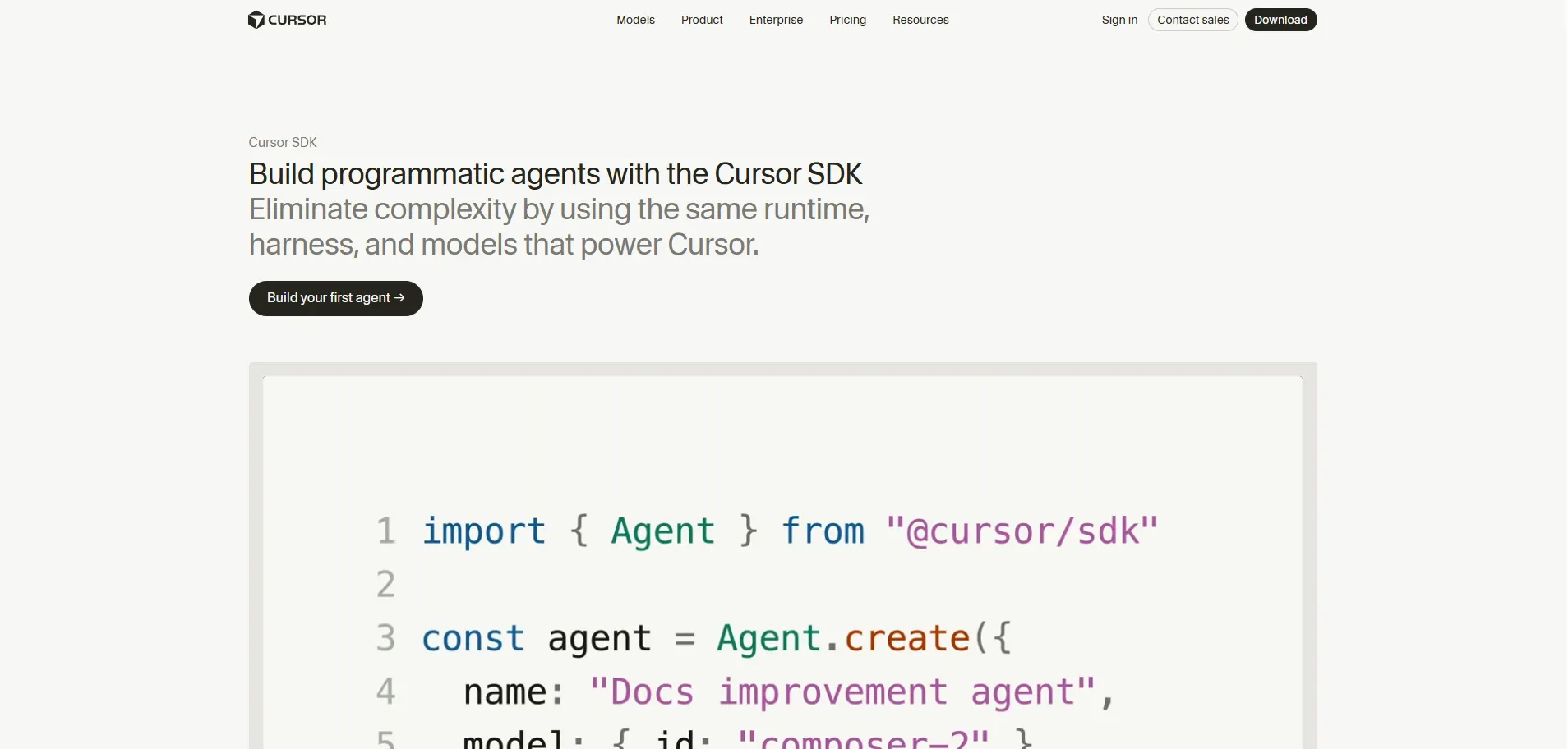
Cursor is a full code editor forked from VS Code, so the interface, extensions, and keybindings feel familiar, but AI is built into the core experience rather than added as a side panel. It offers fast inline "Tab" completions, a chat-based Agent mode for multi-file changes, and Cloud Agents that can run tasks asynchronously in the background while you keep working elsewhere.
Cursor moved to credit-based billing in mid-2025. The free Hobby tier includes limited agent usage and a one-week Pro trial. Pro costs $20/month and includes a $20 monthly credit pool for manual model selection, with unlimited use of Cursor's automatic "Auto" mode. Pro+ ($60/month) and Ultra ($200/month) scale that credit pool up for heavier users, and Teams runs $40 per seat per month with centralized billing and SSO.
Strengths: Polished, familiar editor experience; access to multiple frontier models (Claude, GPT, Gemini) from one interface; strong background-agent support for longer-running tasks. If you're curious how these underlying models stack up against each other, this AI models comparison covers the differences.
Trade-offs: Manually selecting a specific model burns credits faster than Auto mode, and the true monthly cost depends heavily on which models you pick, not just the plan tier.
3. GitHub Copilot: Best for Teams Already on GitHub
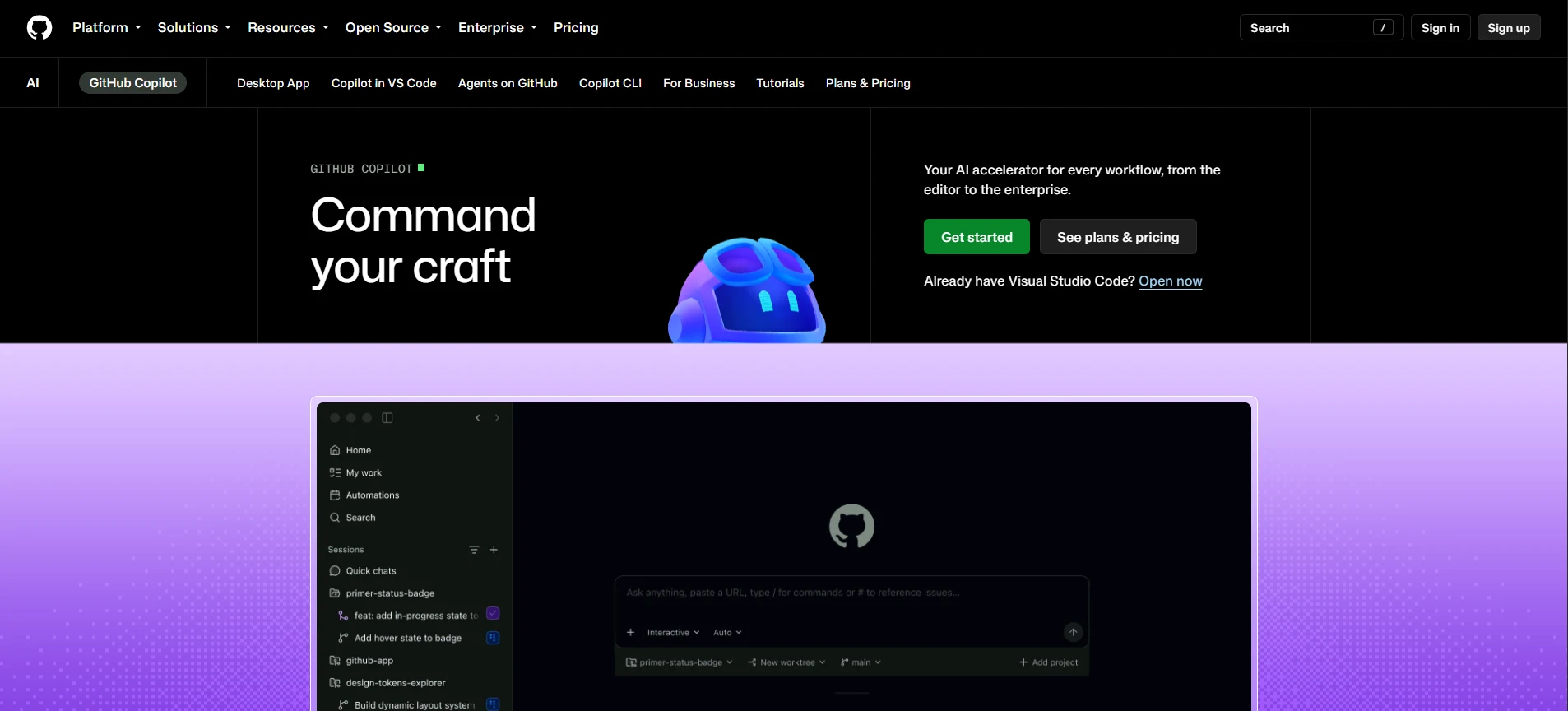
GitHub Copilot is still the top choice for many developers. One reason is that it is already built into common GitHub workflows.
Today it does more than simple code suggestions. It offers inline completions, plus an in-editor chat. It also includes an agent mode that can plan work and apply changes across files. There is also code review, where it can take its own proposed fixes and submit them as a pull request. To see how this compares with other review-focused tools, check out these AI tools for code review and optimization.
Chat, agent mode, the CLI, and code review all use a monthly credit limit. Pro costs $10 per month and includes $15 in credits. Pro+ costs $39 per month and includes $70. Max costs $100 per month and includes $200.
Business and Enterprise pricing is per seat at $19 and $39. Those plans also use pooled credits for the whole organization.
Strengths: Deep GitHub integration, unlimited free code completions, broad IDE support including JetBrains since March 2026, straightforward enterprise procurement for teams already on GitHub.
Trade-offs: Agent mode is credit-hungry. Because agentic tasks can consume far more tokens than a single chat message, heavy agent users on lower tiers can exhaust their credits well before the billing cycle ends, and there's no default spending cap unless you set one manually.
4. OpenAI Codex: Best for Teams Already Living in ChatGPT
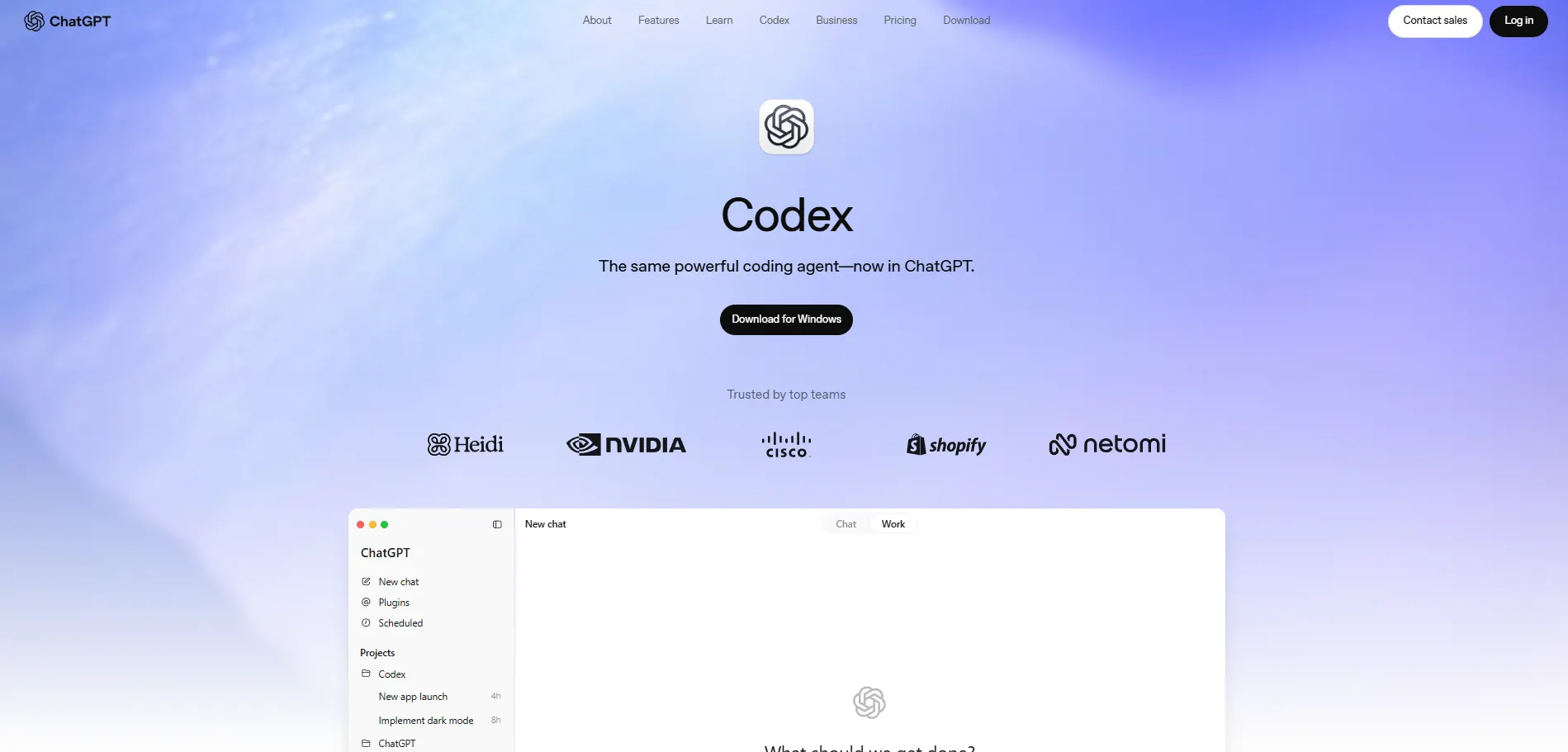
OpenAI Codex, which should not be confused with the earlier 2021 Codex model that helped power early Copilot, is a cloud service for coding. It uses the GPT-5 family. The agent works through tasks over multiple steps, and it does this in locked-down sandboxes.
Codex is included with ChatGPT plans, not sold as a separate item. There is a Free tier that is limited. Plus costs $20 per month. Plus includes cloud task help, GitHub code review, and Slack integration. Then there is Pro 5x at $100 per month for teams that bump into Plus limits often. Pro 20x is $200 per month.
OpenAI also changed how people pay for usage. In April 2026, the company shifted from per-message billing to token-based credit. OpenAI's own estimate says typical active user spend is about $100 to $200 per developer each month. If you're deciding between the major chat-based providers overall, this ChatGPT vs Claude vs Gemini breakdown is a useful reference.
5. Devin: Best for Delegating Entire Tickets
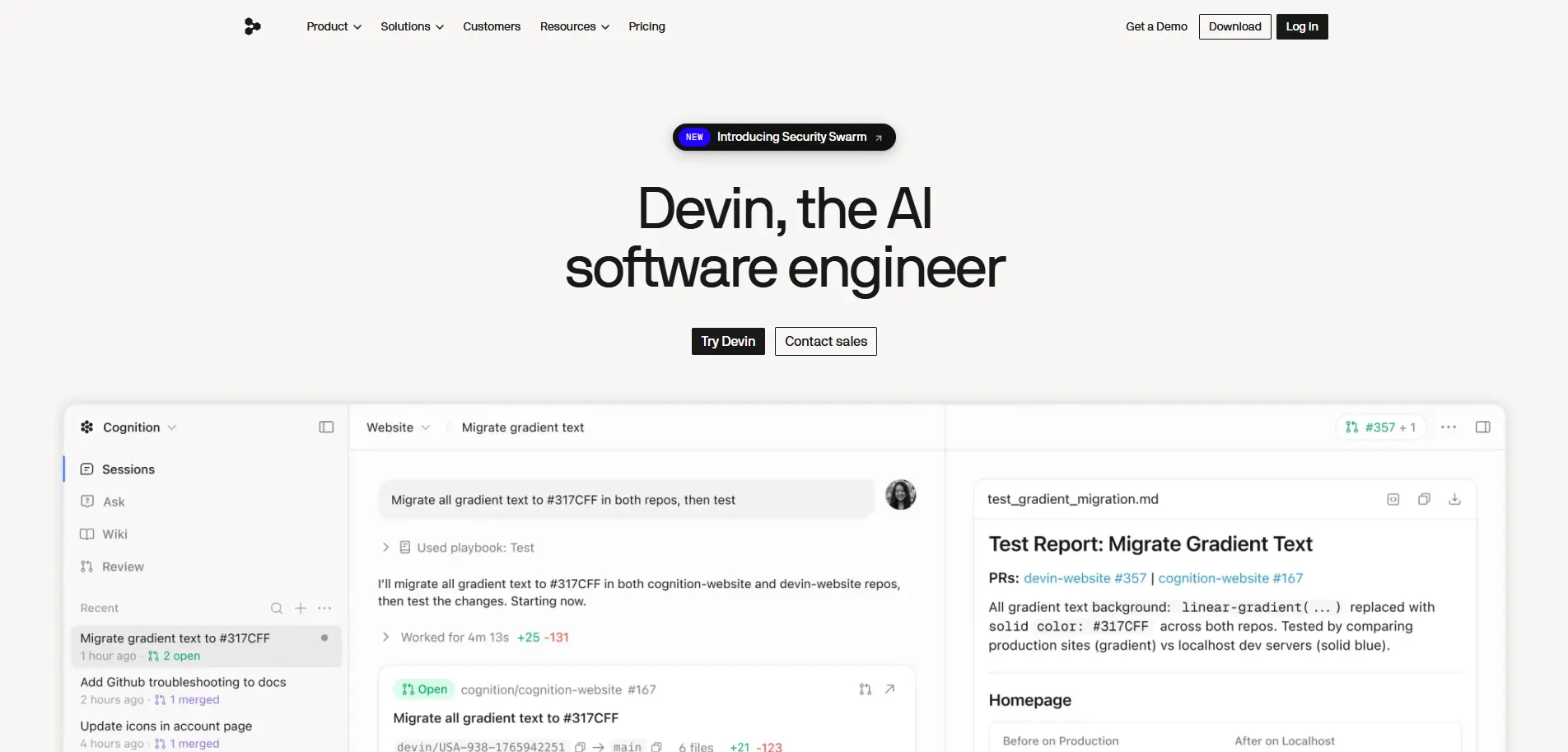
Devin, made by Cognition, works in a way the other tools do not. It does not stay inside your editor. You give it a job from Slack, a GitHub issue, a Jira item, or its own web page. Then it handles the rest. It breaks down the task, writes the code, executes tests, fixes problems, and then creates a pull request. You can look it over when it is done, without watching every small step.
For large customers, the pricing is set by quote. It also covers SSO and SOC 2 related terms. The billing style has shifted over time too. Cognition has moved between metering by Agent Compute Units and fixed quota plans as it adjusts the model. Because of that, it is smart to check the current terms before you lock in a team budget.
Strengths: True end-to-end task ownership, useful for well-defined work like dependency upgrades, migrations, and routine bug fixes that would otherwise eat a developer's afternoon.
Trade-offs: Runs at agent speed, meaning tasks take minutes to hours rather than instant responses, and it performs best on clearly scoped tickets rather than ambiguous, judgment-heavy features. On Cognition's own July 2026 benchmark disclosures, its underlying model trailed both GPT-5.5 and Claude Opus 4.8 on the FrontierCode 1.1.
How Businesses Use These Agents in Practice
Engineering groups never stick to a single solution for all use cases. What's common in 2026 is delegating a better and pricier tool to make a plan and a smaller one to perform the subsequent instructions simultaneously, without sending all requests to one provider.
Engineering groups developing custom solutions inside a company also go by this split principle: a tool such as Cursor or Copilot for regular feature development and something like Devin for all those pesky backlog tasks that nobody wants to do, like upgrading dependencies after a year-long wait or migrating across many services. Some teams are also formalizing this shift more broadly, moving from a business-to-agent model where agents own entire workflows rather than single tasks.
What can be done at first when trying out different agents? Use the same real-life ticket instead of toy problems for benchmarking two or three solutions to choose a single one.
Benefits of AI Coding Agents
When applied effectively, such tools save time previously spent on mechanical activities: boilerplate code, repetitive refactorings, test stubs, and initial attempts at debugging. This does not imply that developers become unnecessary.
According to analysts at Gartner, by 2028, approximately 90% of enterprise software engineers will rely on artificial intelligence coding assistants compared to less than 14% in early 2024, meaning that such technologies become regular infrastructure rather than an additional layer to be added on top of the work of developers.
The overall AI coding tools market demonstrates the same tendencies, expanding from an estimated $4.9 billion in 2024 to $7.65 billion in 2025.
It is reasonable to assume that the realistic advantage of such technologies is leverage rather than replacement since a good developer with an agent can accomplish a lot faster while catching more problems before code reviews. This shift mirrors a wider pattern of AI agents replacing manual workflows across many types of technical work, not just coding.
Limitations, Risks, and Trade-offs
These tools still require human review. Each agent can write code that works, but it may not follow how your team does things. It can also miss a rare edge case. And it can add a security flaw that is not obvious until the system is under real load.
Money is a concern too. In 2026, some vendors moved away from fixed plans. They now charge with usage credits. Agent work also tends to burn far more tokens than a normal single chat reply.
Other trade-offs worth weighing before you commit budget:
Autonomy vs. control. More autonomous tools like Devin move faster but require clearer, better-scoped task descriptions to avoid wasted runs.
Context limits. Even with larger context windows becoming standard, very large monorepos can still exceed what an agent can meaningfully reason about in one session.
Vendor lock-in on workflow, not just cost. Switching from an IDE-centered tool like Cursor to a terminal-first tool like Claude Code changes daily habits, not just a subscription.
Security and IP review. Agents that can run terminal commands or push code need the same access controls and audit logging you'd apply to a junior engineer with production credentials. Teams building their own internal tooling around this often look at dedicated AI tools for backend development and API creation to keep that access properly scoped.
AI Coding Agent vs. AI Coding Assistant: Which Do You Need?
Where speed in autocomplete and reduced context switching within the editor you are already using is the biggest pain point, an assistant-first approach such as GitHub Copilot on its lowest tier package can satisfy most of those requirements while spending the least amount of money.
When you hand off multiple files or a chain of tasks and the tool needs to plan its actions and validate its decisions, then an agent-first approach will be more appropriate, such as Claude Code, Agent mode in Cursor, or Codex. For a wider set of options in this category, this list of AI agent platforms for business is a good starting point.
When handing off whole tickets and viewing the PR at the end is your goal, Devin's autonomous model will suit you best.
Conclusion
In 2026, the top AI agents for developers are not really trying to take the job of engineers. They are aiming to cut down the time spent on day to day work. That can mean help right in the editor. It can also mean work done from the terminal. Sometimes it is done in a sandbox where a task runs from start to finish.
Claude Code and Cursor stand out when you want complex changes. GitHub Copilot feels strongest when you want tight GitHub support and broad coverage. OpenAI Codex also fits well if you already use ChatGPT a lot. Devin is also worth testing, especially when you have a list of tickets that are clear and boring to process.
Try the same real task on two or three choices before you spend money each month. Which one fits best depends on your codebase and how your team works. A ranking like this one can help, but it is not the final answer.
What is the best AI agent for developers in 2026?
There is no single best option. Claude Code and Cursor lead for complex, multi-file work, GitHub Copilot wins for GitHub-based teams, Codex fits ChatGPT users, and Devin suits full ticket handoffs.
What is the difference between an AI coding agent and an AI coding assistant?
An agent can plan, edit multiple files, and run tests on its own. An assistant, like basic autocomplete, just suggests code while you still do the main editing and decision-making yourself.
Is Claude Code free to use?
No, Claude Code has no standalone free tier as of mid-2026. It comes bundled with a Claude Pro plan starting at $20 per month, or you can pay per token through the API.
How much does Cursor cost per month?
Cursor offers a free Hobby tier with limited agent use. Pro costs $20 per month with a $20 credit pool, while Pro+ and Ultra go up to $60 and $200 for heavier usage.
Is GitHub Copilot good for beginners?
Yes, GitHub Copilot works well for beginners because it has a free tier for unlimited code completions and integrates directly into VS Code, JetBrains, and GitHub.com without much setup.
What is OpenAI Codex used for?
OpenAI Codex handles multi-step coding tasks inside secure sandboxes. It runs through the GPT-5 family and is included in ChatGPT plans, making it a natural fit for teams already using ChatGPT daily.
7. How is Devin different from other AI coding agents?
Devin works outside your editor entirely. You assign it a task from Slack, GitHub, or Jira, and it writes code, runs tests, fixes issues, and opens a pull request on its own.
8. Do AI coding agents replace developers?
No, AI coding agents do not replace developers. They save time on boilerplate, refactoring, and debugging, but humans still need to review code for team standards, edge cases, and security risks.
9. Which AI agent is cheapest for solo developers?
GitHub Copilot Pro starts at $10 per month, making it the cheapest entry point. Cursor and Codex also offer free tiers, so solo developers can test features before committing to a paid plan.
10. Can I use more than one AI coding agent at the same time?
Yes, many teams do this already. A common setup uses Cursor or Copilot for daily feature work and Devin for backlog tasks like dependency upgrades or service migrations.

